AI Fat Filter
See a rounder, cuddlier version of yourself in seconds with SharkFoto's AI fat filter. Upload a selfie and the AI gently adds soft cheeks, a fuller face, and a chubby body while keeping your features clearly recognizable, so the result is a fun, feel-good what-if rather than a caricature. It's a lighthearted, body-positive effect, and you can flip the other way with the built-in skinny filter or blow things up cartoon-style with the animated Happy Chunk and Balloon Belly clips. Sign up free to get 10 credits, pick a look, and download your result — a high-resolution image, or a short MP4 clip for the animated styles — with no watermark, ready to share.
 PopularAI Fat Filter
What is an AI fat filter?
An AI fat filter is a photo effect that reshapes the person in your picture to look chubbier — rounder cheeks, a fuller face, and a plumper body — while keeping their face recognizable. You upload a photo, the AI reimagines your body shape, and you download the playful result — a high-resolution image for the core fat and skinny filters, or a short MP4 clip for the animated Happy Chunk and Balloon Belly styles.
All AI Fat Filter Effects
Four playful body-morph effects — go chubbier, slimmer, a wobbly Happy Chunk clip, or a cartoon Balloon Belly. Pick one to start.

Before & after
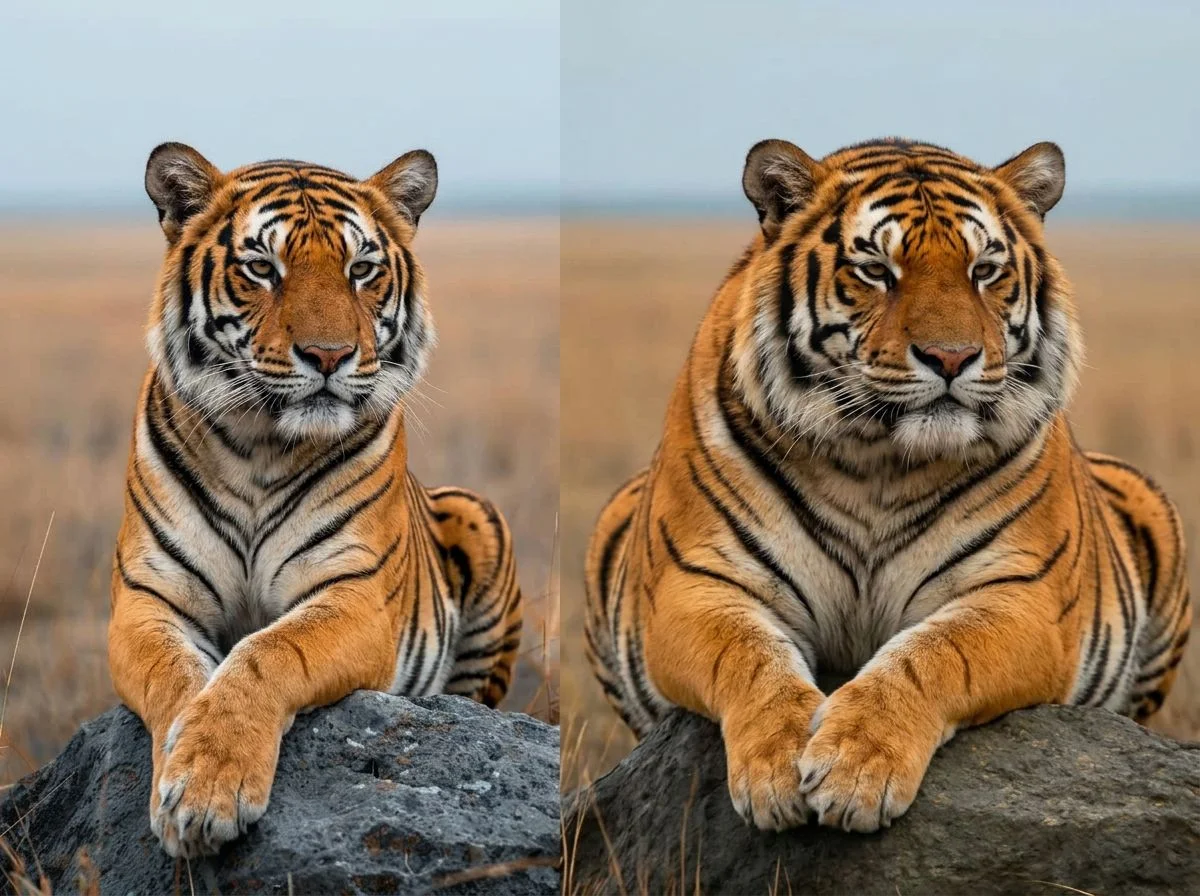
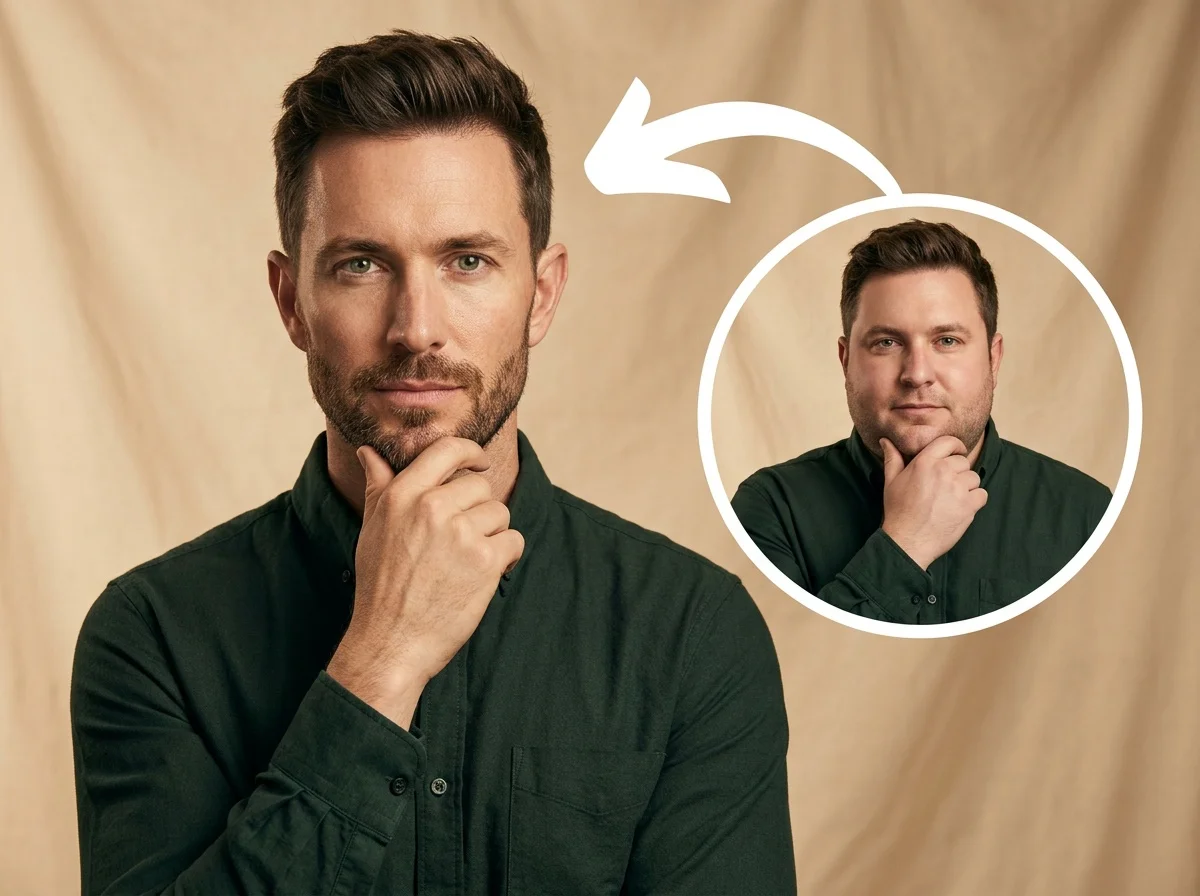

A regular selfie, plumped up for a laugh.
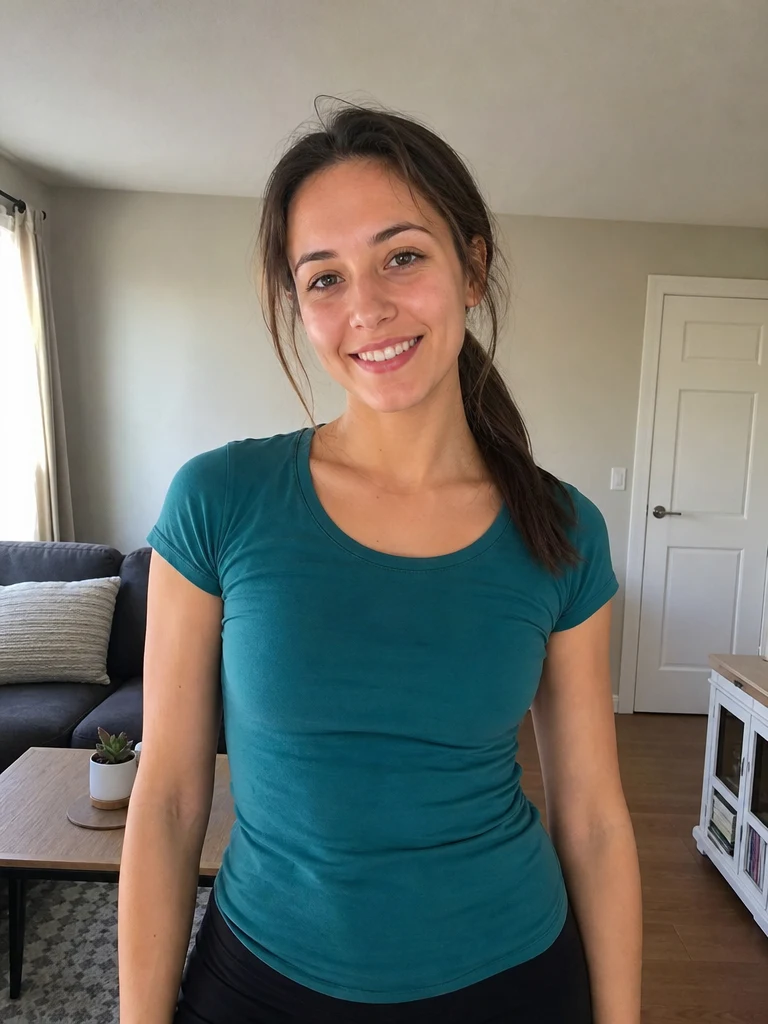 Before
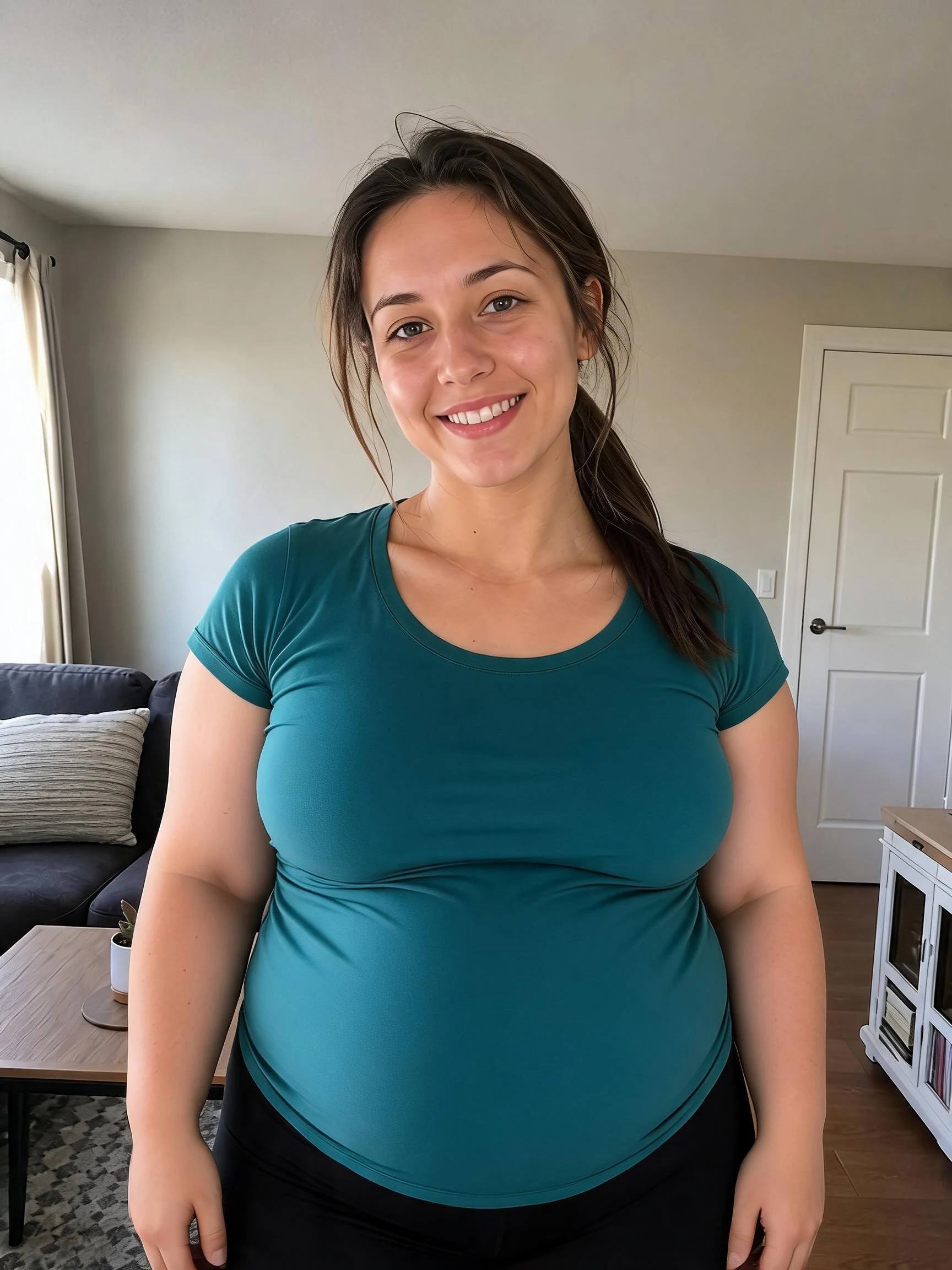 After
After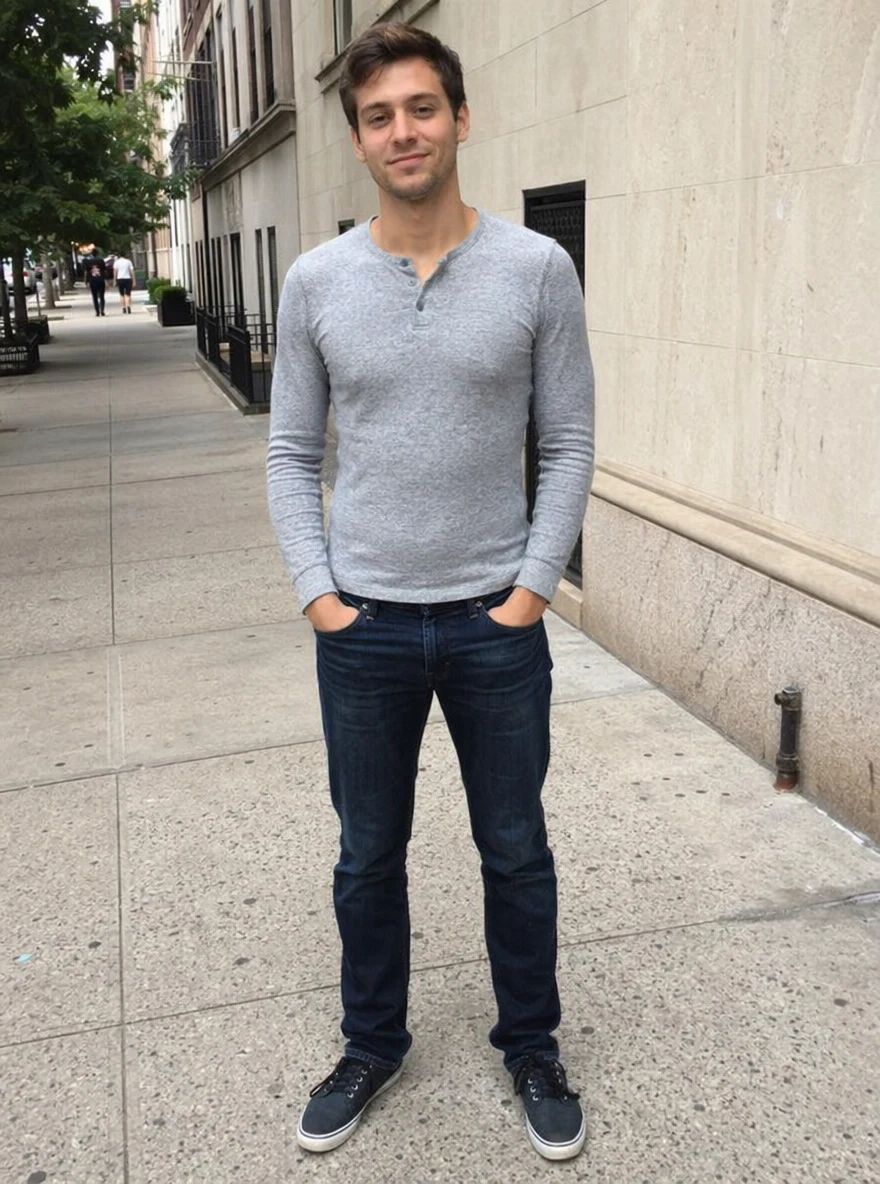 Before
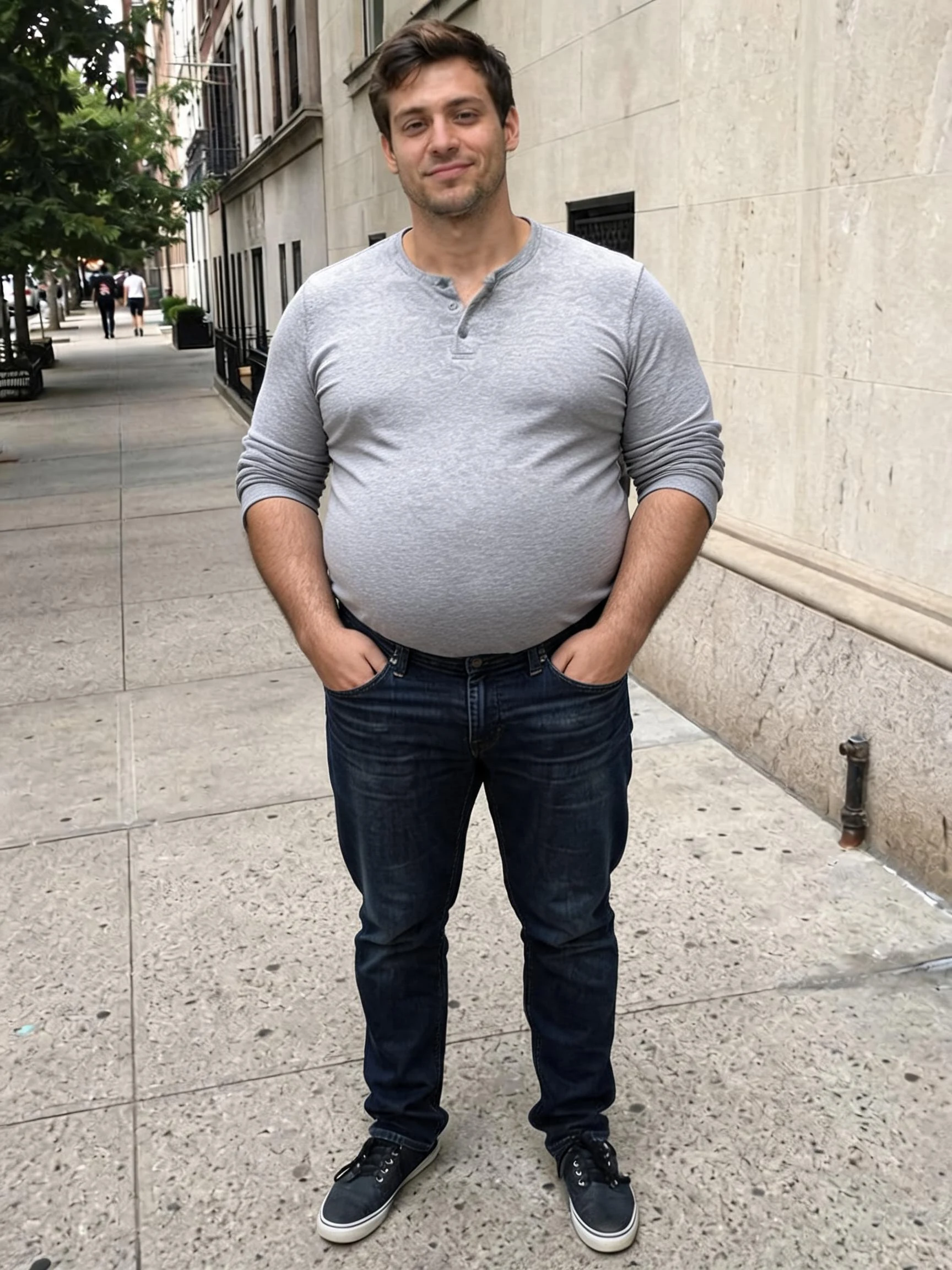 After
After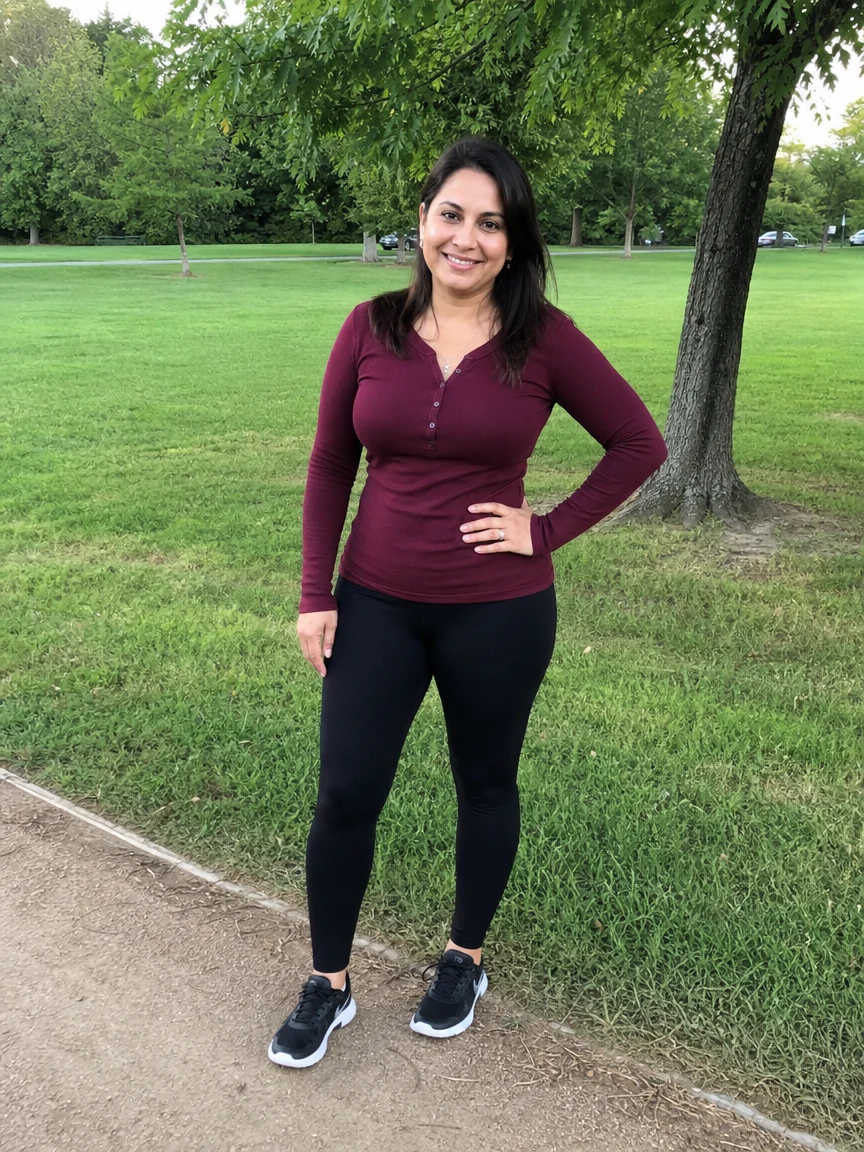 Before
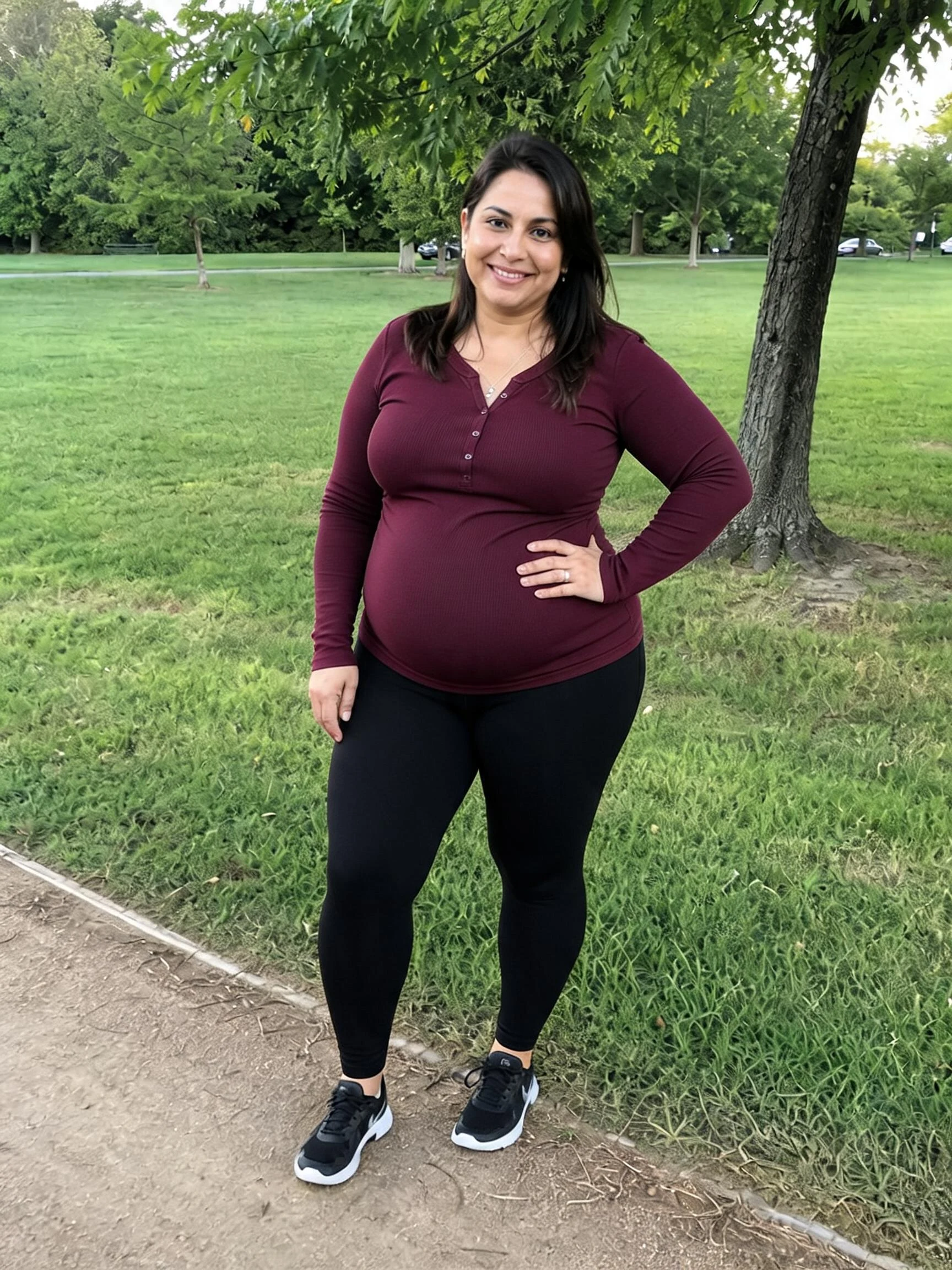 After
AfterWoman Teal
How to use the AI fat filter
Three steps, right in your browser.
Upload your photo
Drag in or select a clear photo of the person you want to transform. A well-lit half-body or full-body shot where the face and body are visible gives the AI the most to reshape. Your photo is used only to make your result.
Pick a look
Sign in for your 10 free credits, then choose a direction — the chubby fat filter, the slimming skinny filter, or the over-the-top Balloon Belly. The AI reshapes your body while keeping your face clearly you.
Download and share
Preview your result, then download it at full resolution with no watermark. Send it to friends for a laugh, post a before-and-after, or drop it in the group chat.
What you can make
Popular ways people use the fat filter.
Playful before-and-afters
Turn your own selfie chubbier and drop the before-and-after in the group chat — or swap with friends who are already in on the joke — for a good-natured laugh.
Chubby vs. skinny what-if
Flip yourself both ways and compare — a fuller look with the fat filter, a leaner one with the skinny filter — just to see the two extremes side by side.
Balloon-belly gag videos
Puff someone up cartoon-style with Balloon Belly for an over-the-top clip that's pure silly fun, perfect for a reaction post.
Funny profile pictures
Make a rounder, cuddlier avatar for a playful profile picture, a meme account, or a joke reveal that still looks like you.
Party & group fun
Run everyone's photos through the fat filter at a party or hangout and see who reacts loudest — a quick crowd-pleaser on any phone.
Just for a laugh
No reason needed — sometimes seeing a soft, chunky, happy version of yourself is enough to brighten a dull afternoon.
Styles to choose from
Go chubbier, slimmer, or full cartoon — pick the direction you want.
Chubby look
The classic fat filter: softer cheeks, a fuller face, and a plumper body that still looks like you.
Slimmer look
The opposite direction — a gentle slimming filter that trims your face and body for a leaner what-if.
Happy Chunk
A jiggly animated take that puffs you up into a short, feel-good clip.
Balloon belly
An over-the-top cartoon inflation that puffs you up like a balloon for a big laugh, animated into a short clip.
Why use SharkFoto's fat filter
Keeps your likeness
The AI adds fullness to your face and body but preserves your features, hair, and outfit, so the plumper version still clearly reads as you rather than a random stranger.
Works both ways
One capability, two directions: puff up with the fat filter or trim down with the built-in skinny filter, plus a cartoon Balloon Belly option when you want to go completely over the top.
Playful and body-positive
This is a fun, feel-good novelty effect for a laugh among friends — not a judgment. Use it kindly, on photos you have the right to use, and keep it lighthearted.
10 free credits, no watermark
Sign up free and get 10 credits to start transforming photos. Your download comes at full resolution with no watermark, so it's clean enough to post or share anywhere.
Tips for the best results
Use a half-body or full-body photo — the AI has more of your body to reshape, so the fuller look comes through instead of just the face.
Face the camera in good light — a clear, front-facing, evenly lit shot keeps your features recognizable after the transform.
Use a plain background — busy backgrounds can warp as the AI reshapes your body outline.
Wear simple, fitted clothing — loose or baggy outfits hide your body shape and make the change harder to see.
Start from a higher-resolution photo — low-res images limit how clean and detailed the final result looks.
Frequently asked questions
Is the AI fat filter really free?
What kind of photo works best?
Do I get an image or a video?
How long does it take?
Is this making fun of people's weight?
Is my photo safe and private?
Can I use my result commercially?
What if the result looks off?
Related AI effects
More fun ways to transform your photos.