AI Polaroid Generator
Turn any photo into a nostalgic Polaroid snapshot in seconds. SharkFoto's AI Polaroid generator wraps your picture in an authentic instant-film frame — complete with the soft flash glow, faded colors, and space for handwritten captions that made the format iconic. Whether you want a single vintage print, a stacked Polaroid set, or a cozy duo selfie, it recreates the look without hunting for a real instant camera. Sign up free to get 10 credits, pick a Polaroid style, and download your snapshot — with no watermark — ready to post or print.
 PopularAI Polaroid Maker
What is an AI Polaroid generator?
An AI Polaroid generator turns a normal photo into an instant-film-style snapshot — a square image inside the classic white Polaroid border, with the flash glow, faded film tones, and room for a handwritten caption. You upload a photo, pick a Polaroid style, and download a high-resolution image that looks like it came straight out of an instant camera.
All AI Polaroid Effects

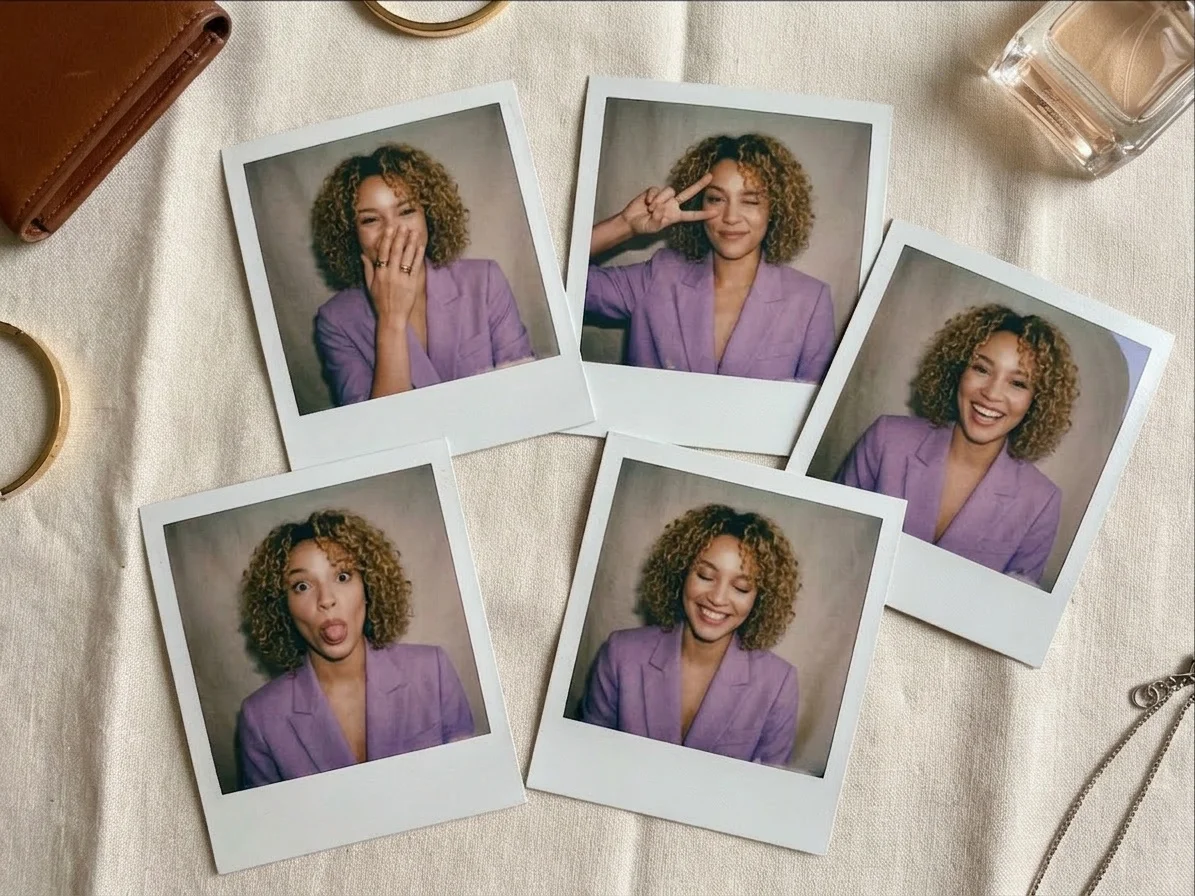
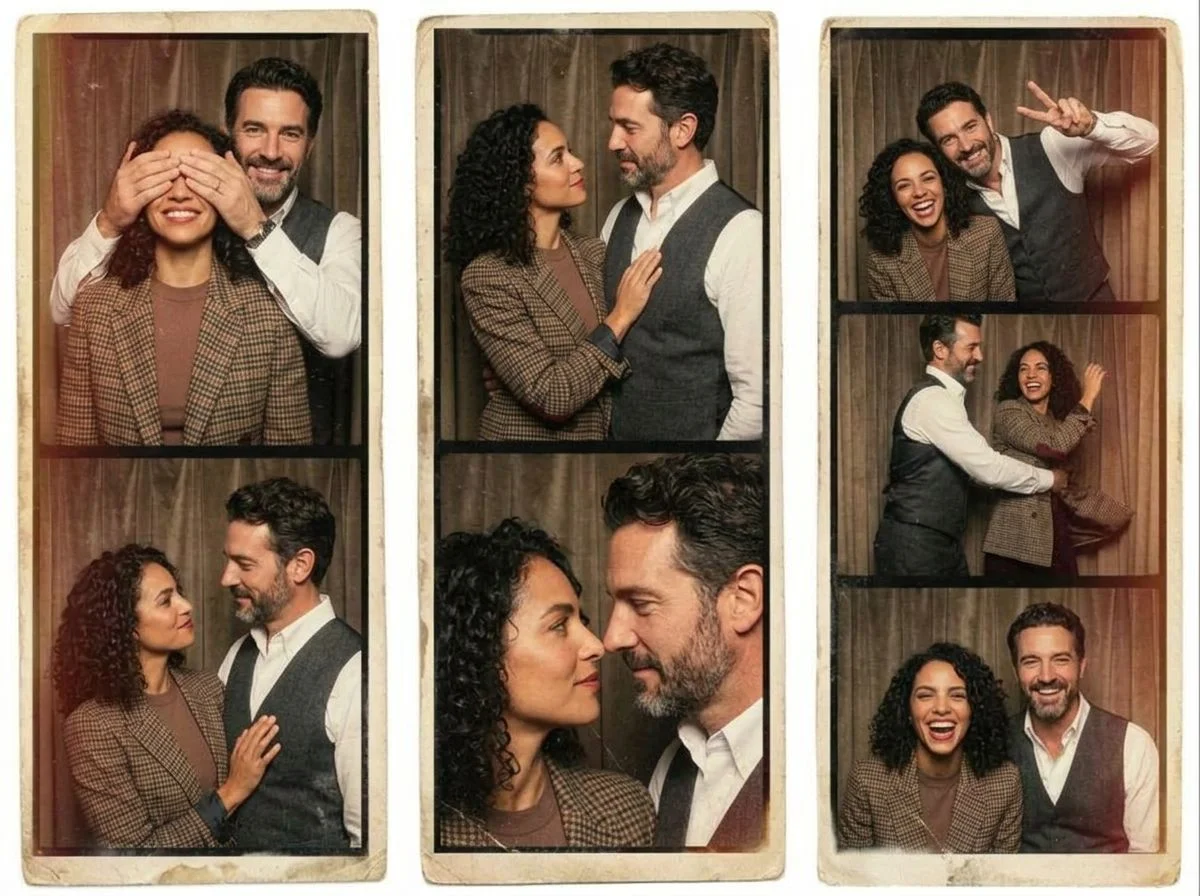
Eight AI Polaroid effects — a single retro print, a stacked film set, a flash-lit duo selfie, and festive firework snaps. Pick one to start generating.
Before & after
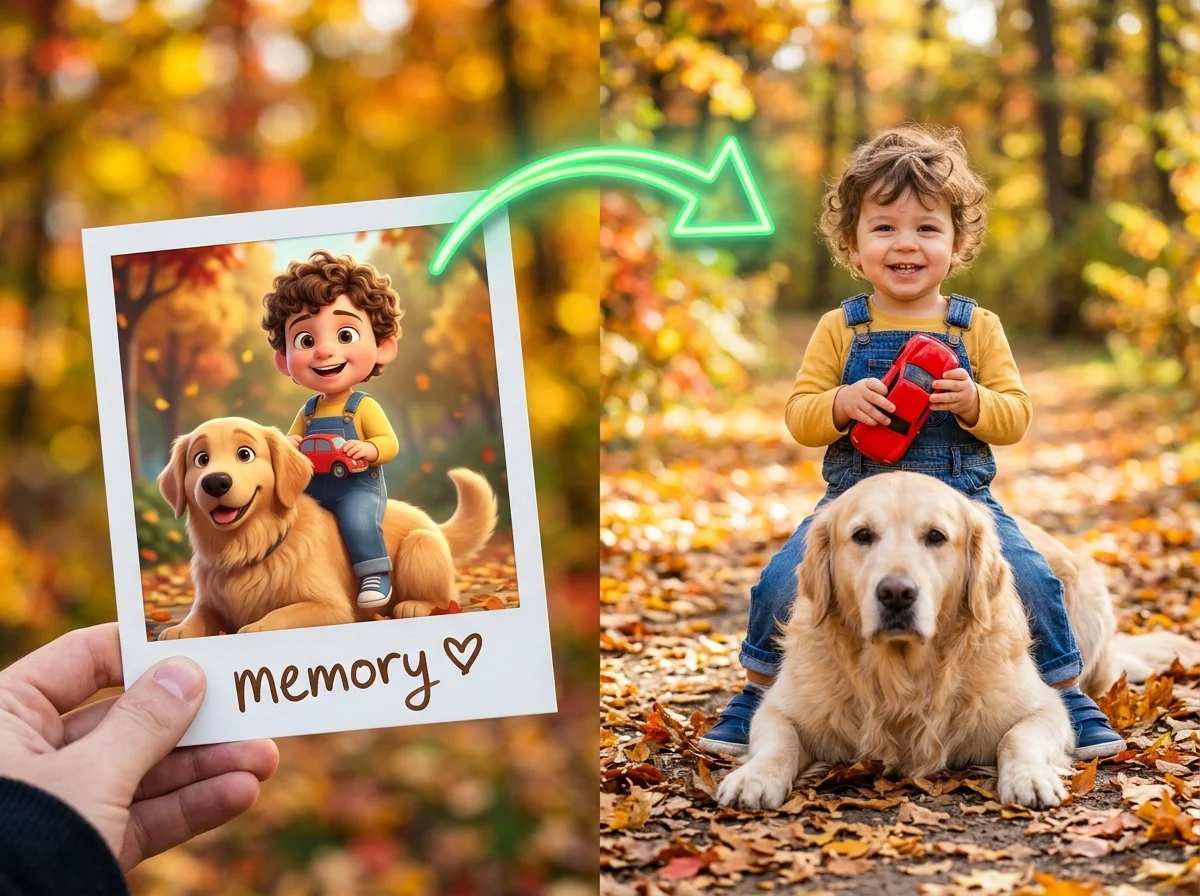
An everyday photo as a retro-style polaroid.
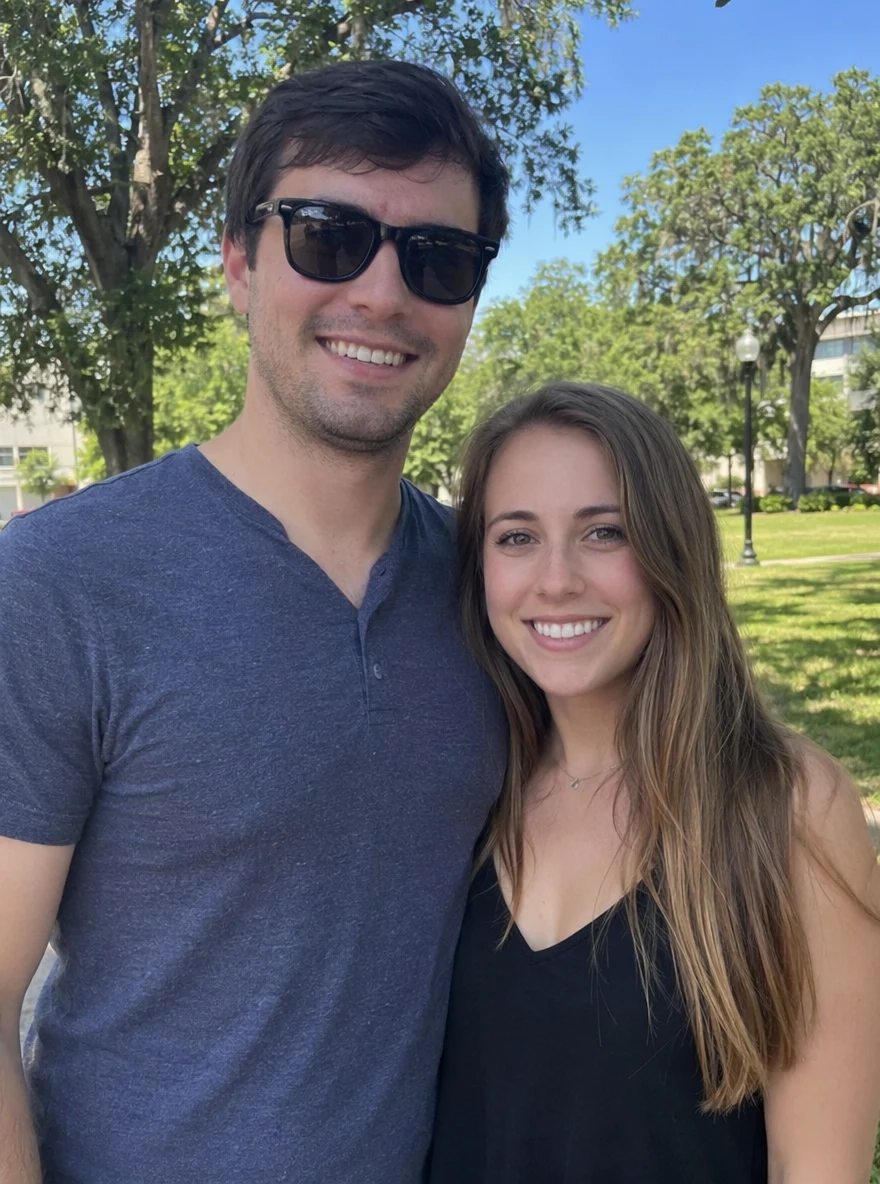 Before
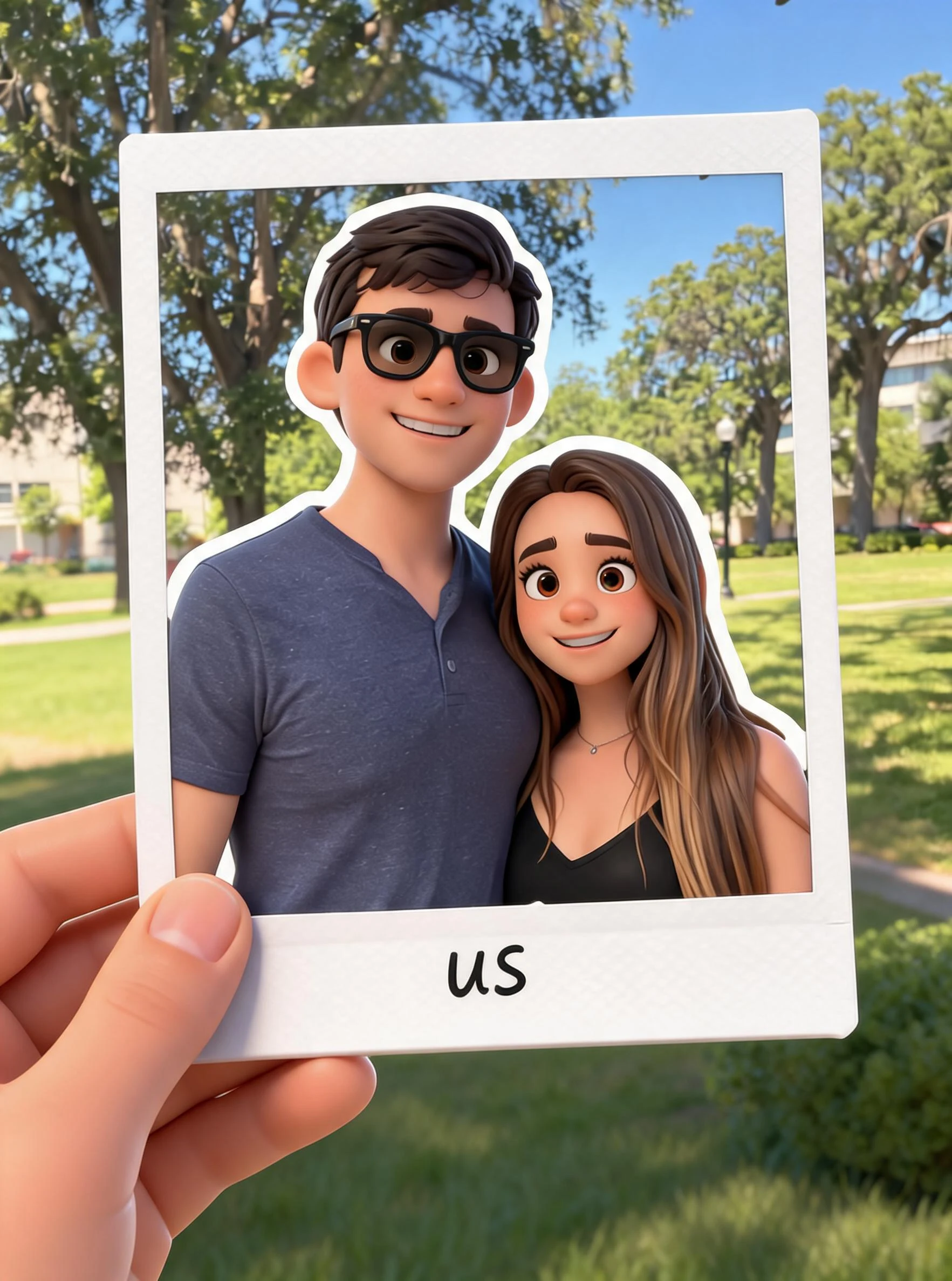 After
After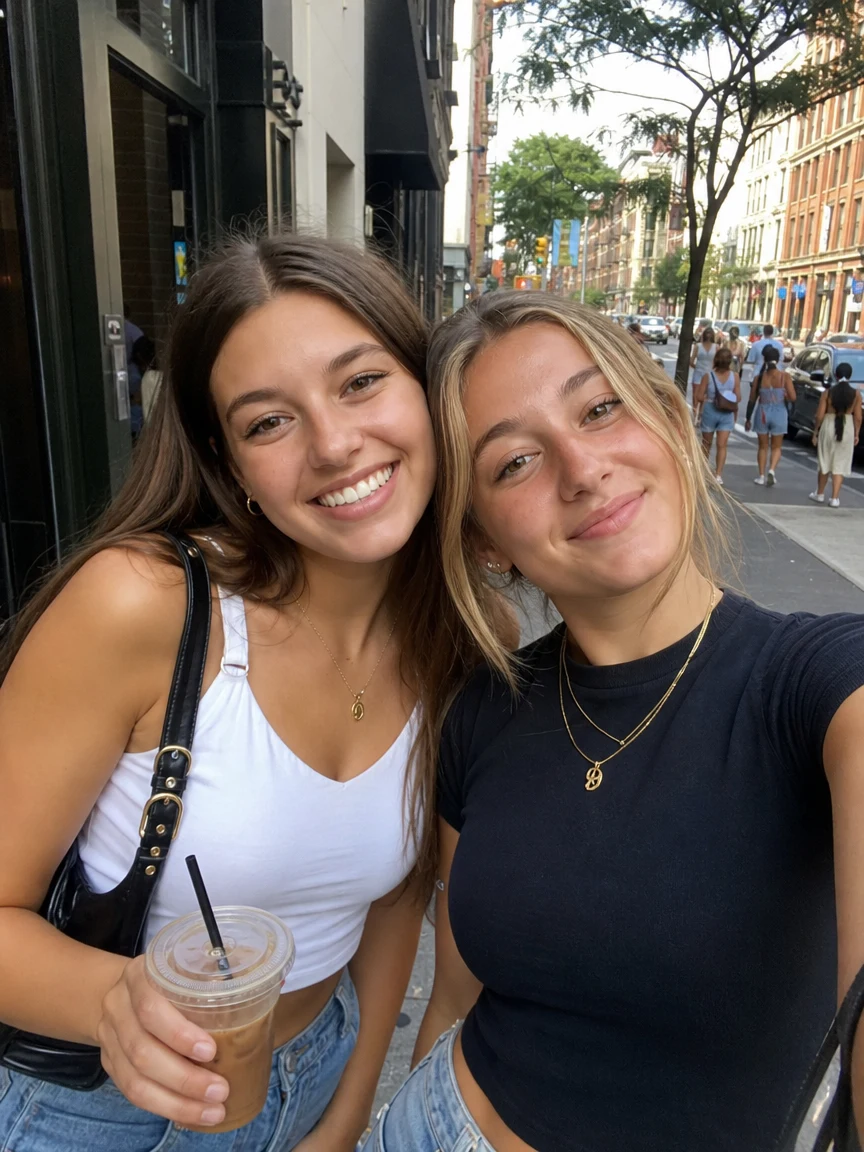 Before
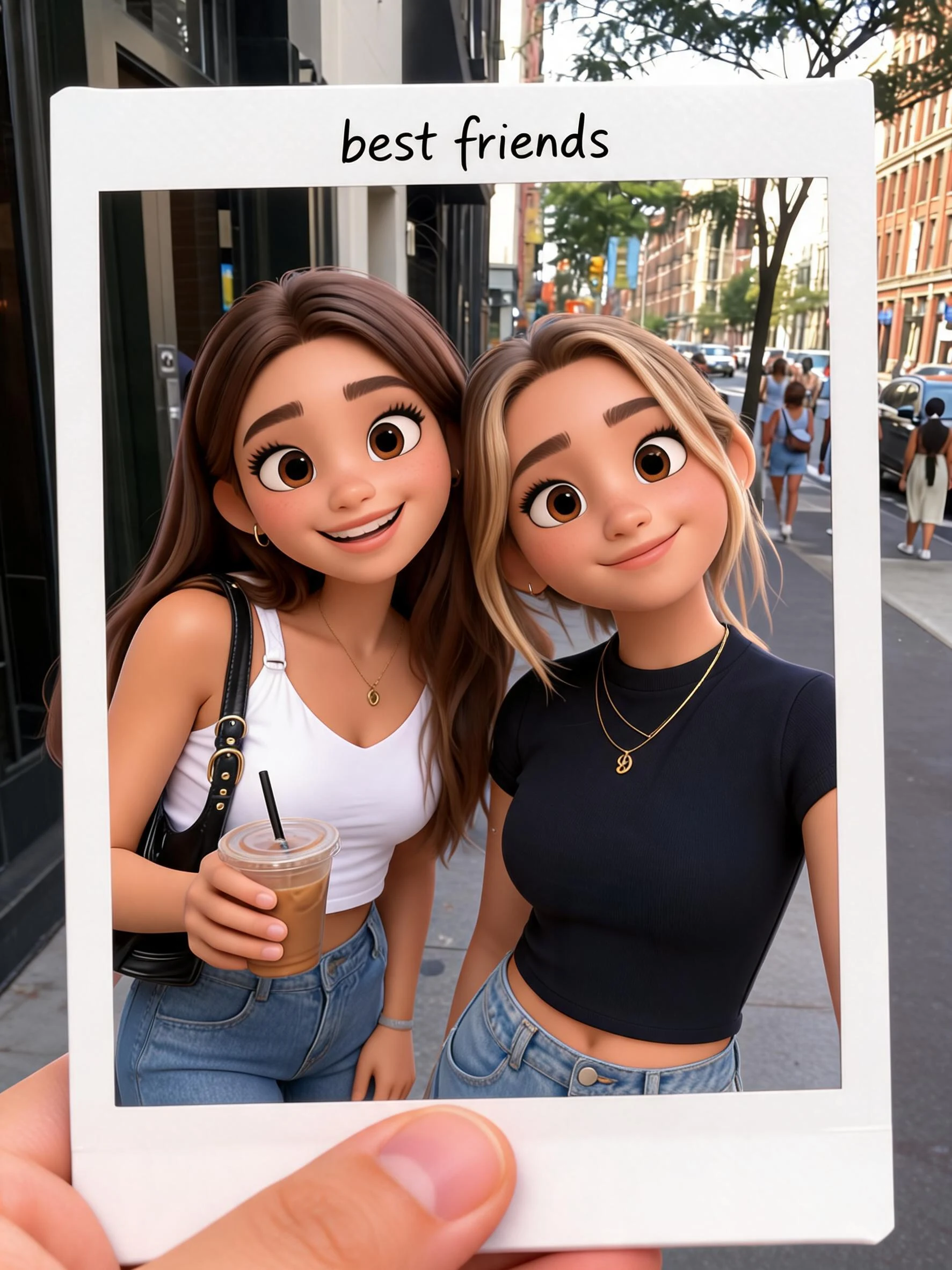 After
After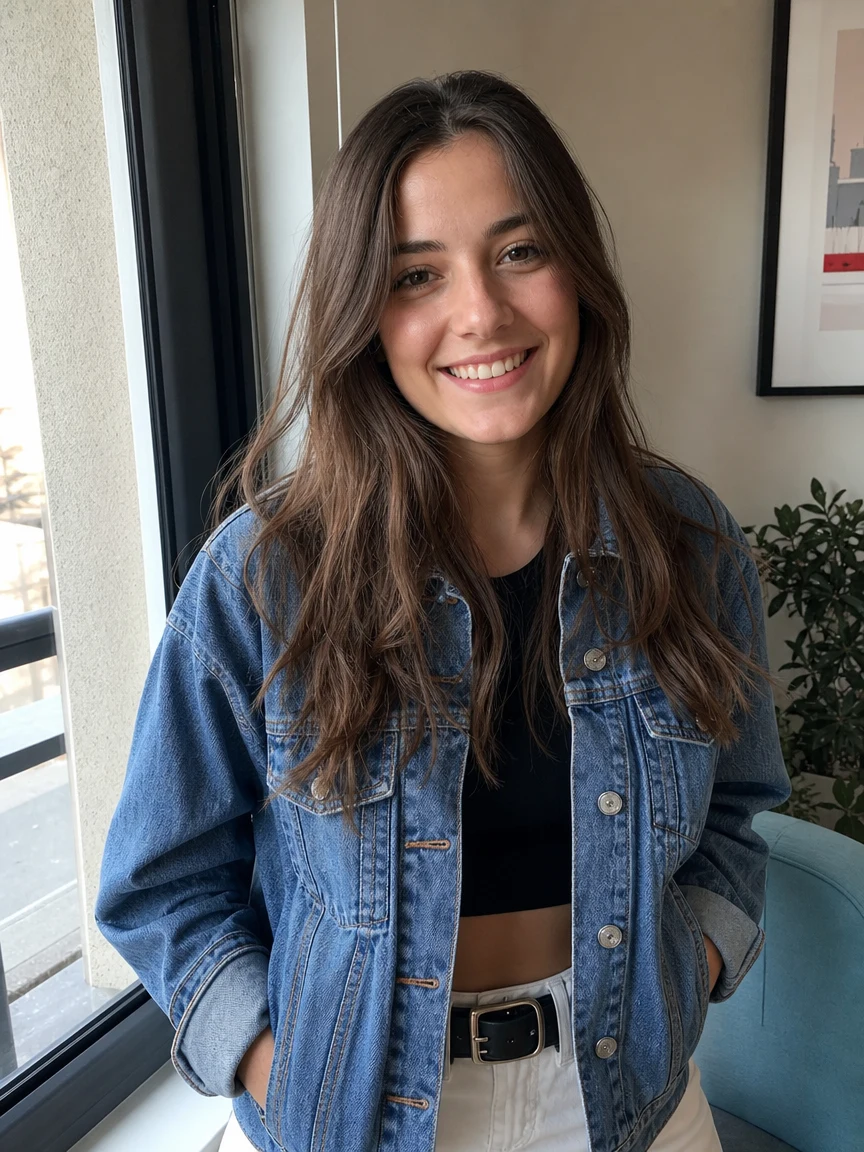 Before
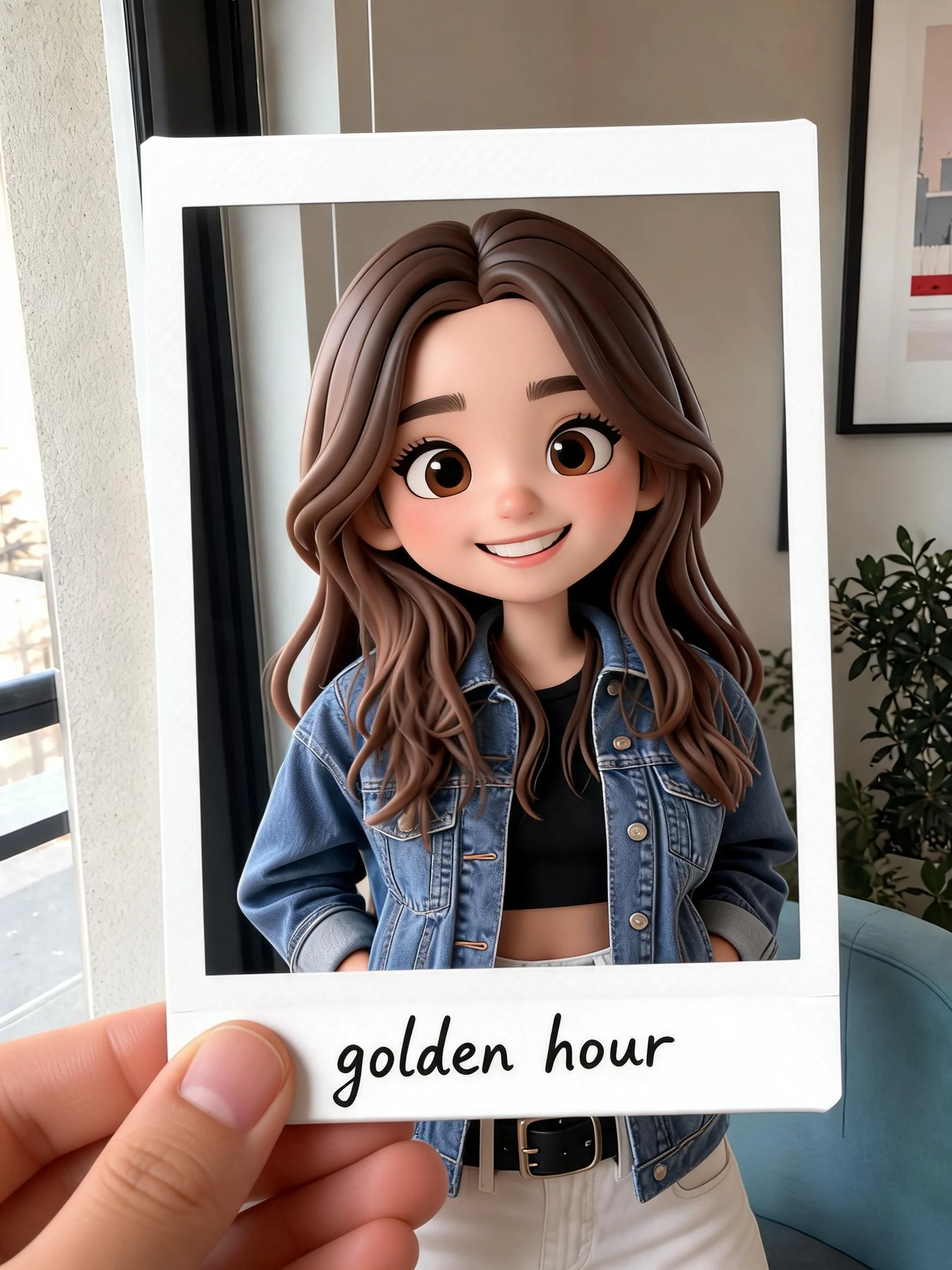 After
AfterCouple polaroid
How to make an AI Polaroid
Three steps, right in your browser.
Upload your photo
Drag in or select a clear photo of the person or people you want in the Polaroid. A well-lit shot where faces are visible gives the AI the most to work with. Your photo is used only to make your result.
Pick a Polaroid style
Sign in for your 10 free credits, then choose a look — a single retro print, a stacked Polaroid set, a flash-lit duo selfie, or a festive firework snap. The AI adds the film frame, flash glow, and vintage tones while keeping your likeness.
Download and share
Preview your Polaroid, then download it at full resolution with no watermark. Post it to your feed, use it as a profile picture, or send it to a print service for a real keepsake.
What you can make
Popular ways people use the Polaroid generator.
Retro-style profile pics
Give your feed or avatar a nostalgic instant-film look — a single Polaroid print of yourself that stands out from ordinary selfies.
Couples & best-friend snaps
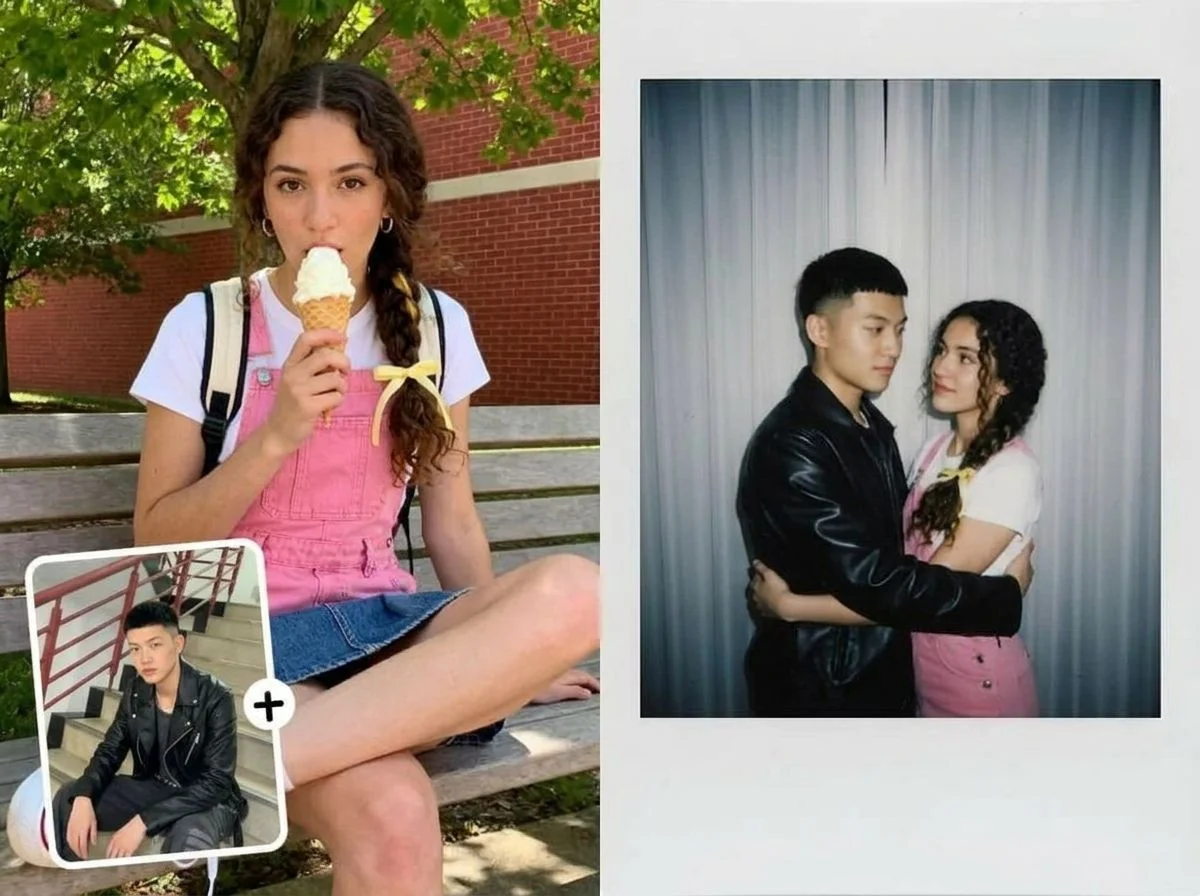
Turn a photo of you and your partner or best friend into a flash-lit duo Polaroid, the kind you'd tape to a mirror or slip in a wallet.
Photo-wall & scrapbook sets
Generate a stacked Polaroid set from your favorite shots to build a moodboard, a scrapbook page, or a printed photo wall.
New Year & festival posts
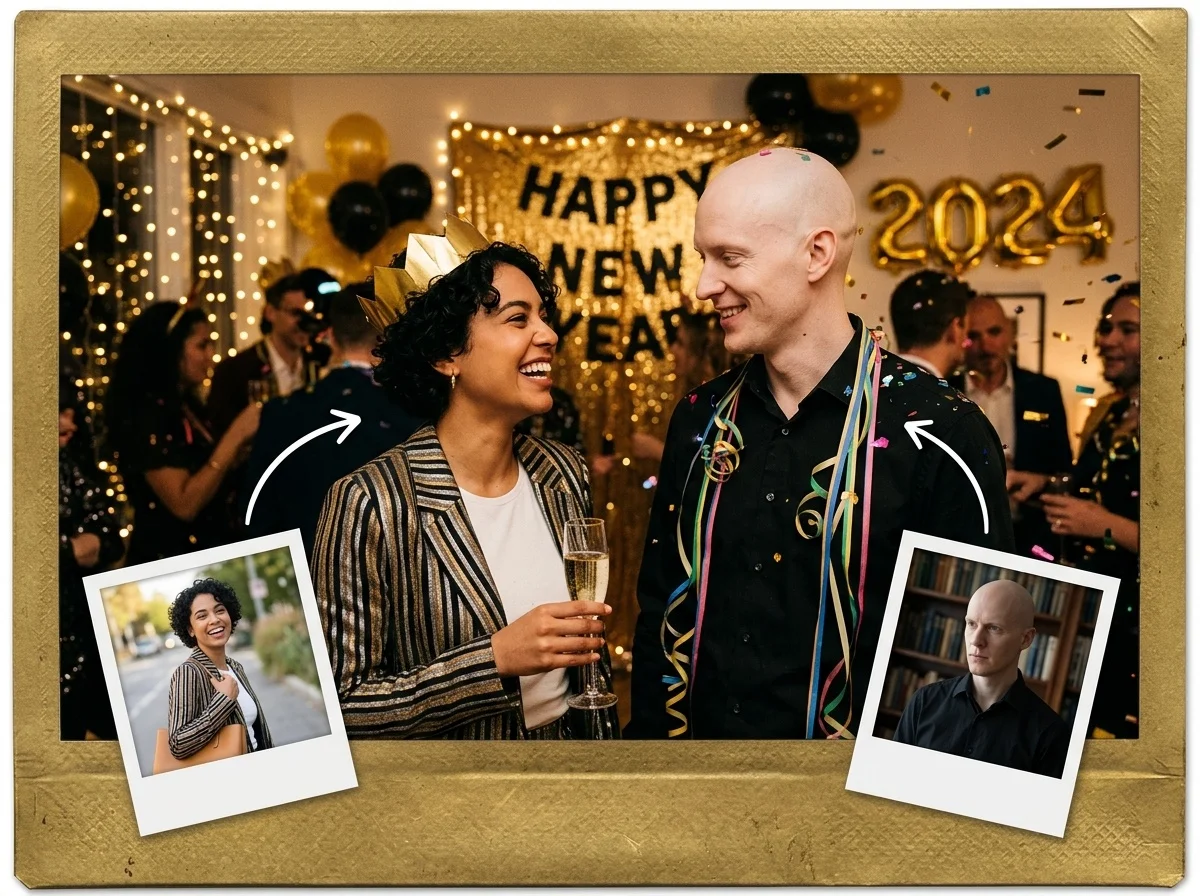
Celebrate with a festive firework Polaroid or a New Year snapshot to share the moment with friends and family.
Personal gifts & cards
Make a heartfelt Polaroid from an old family photo for a birthday card, a fridge magnet, or a printed keepsake nobody else will have.
Multi-pose photo strips

Turn one shot into a set of Polaroid poses — several candid frames of the same person, like a mini photo-booth strip to post or print.
Why use SharkFoto's Polaroid generator
Authentic instant-film look
The AI rebuilds the whole Polaroid feel — the thick white border, the caption strip, the soft flash falloff, and gently faded colors — so it reads like a real instant print, not a sticker slapped on top of your photo.
Single prints or full sets
Go with one clean Polaroid, a flash-lit duo selfie, or a stacked set of frames. Each style keeps your likeness while giving the shot a different nostalgic mood.
Works from one photo
No instant camera and no editing skills needed. One clear photo is enough to generate a Polaroid that keeps your face, outfit, and vibe recognizable.
10 free credits, no watermark
Sign up free and get 10 credits to start generating Polaroids. Your download comes at full resolution with no watermark, so it's clean enough to post, print, or gift.
Tips for the best results
Use a clear, well-lit photo — the AI keeps faces and details sharp, and the flash effect lands more naturally on an already bright shot.
For duo styles, pick a photo where people are close — the Polaroid frame is tight, so subjects standing together fill it the way a real snapshot would.
Keep the background simple — busy backgrounds crowd the small film frame and pull focus from the people.
Start from a higher-resolution photo — low-res images limit how crisp the final print looks, especially if you plan to print it.
Match the mood to the style — a festive shot suits firework and New Year Polaroids, while a candid portrait fits a single retro print.
Frequently asked questions
Is the AI Polaroid generator really free?
What kind of photo works best?
Do I get an image or a video?
How long does it take to generate a Polaroid?
Can I print my AI Polaroid?
Is my photo safe and private?
Can I use my Polaroid commercially?
What if the Polaroid doesn't look like me?
Related AI effects
More ways to reimagine your photos.