- "brand": ,
- "size": "1:1",
- "style": "Minimal flat style: one simple icon and clean sans-serif lettering, lots of white space, one or two colors.",
- "description": ,
- "image_output_num": 2
Crisp 1024px logos for websites, social profiles and app icons.
No effects available
AI Logo Generator
Type your brand name, pick a style and get a clean, professional logo in seconds. This AI logo maker draws the icon and sets your name in crisp, correctly spelled lettering - as a high-resolution image or an editable SVG vector file.
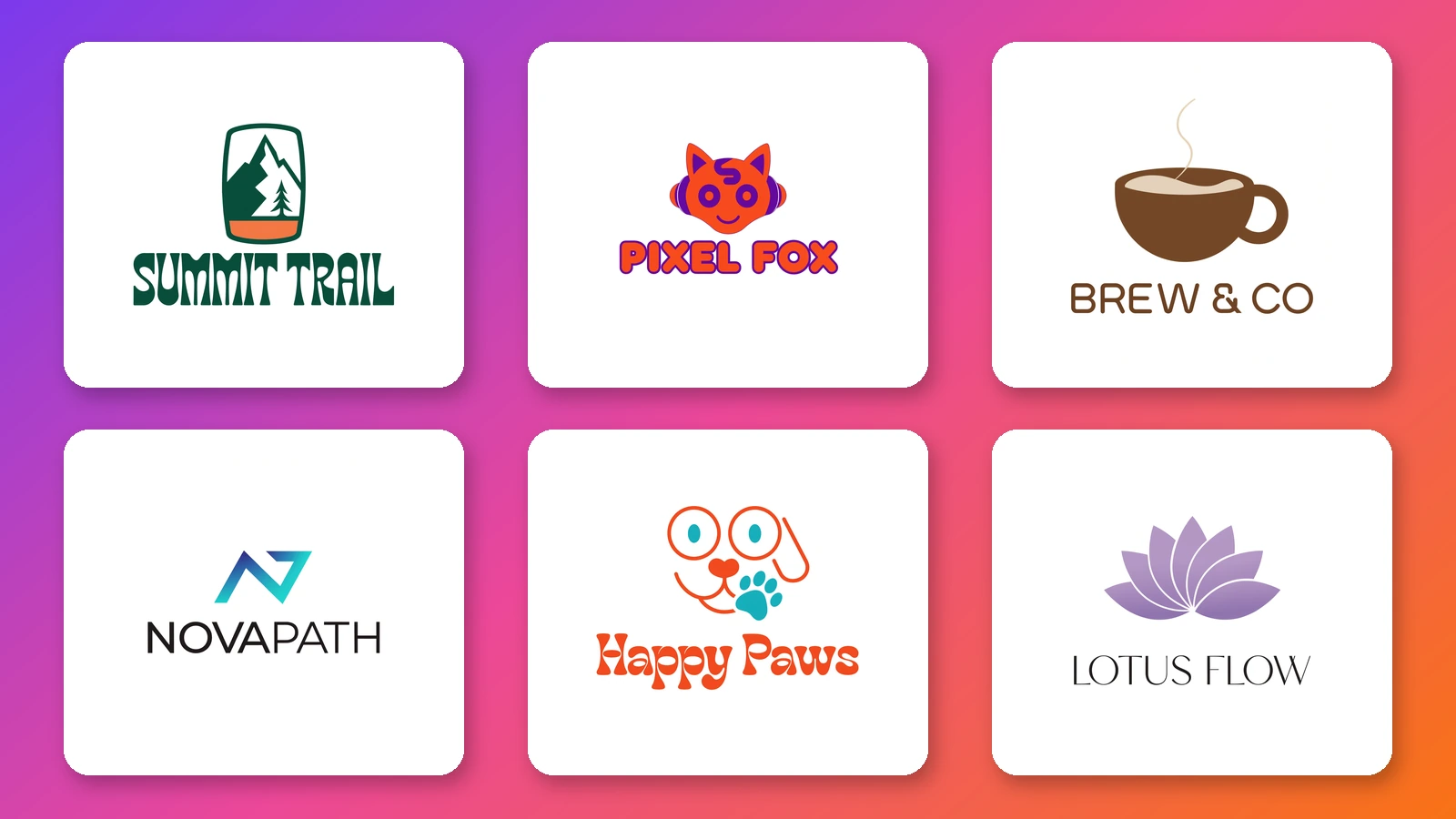
A logo used to mean a designer's brief, days of back and forth and a bill to match, or a template site where your business ends up looking like thousands of others. This AI logo generator and logo creator starts from your own words instead. Tell it the business name, the industry and the feeling you are after, and it designs an original mark with the name set in clean, legible type - so you can see real options for a coffee shop, a startup, a YouTube channel or a side project in the time it takes to write one sentence. Every run is a fresh design, not a stock template with your name swapped in, and small changes to the description - a different colour, a simpler icon, a rounder font - give you a new version to compare. Use it to find a direction quickly, to make a logo for a new business on a small budget, or to put a few concepts in front of a designer.
At a glance
Designed from your description
Not a template library.
Original marks
Each logo is generated from your prompt, so a bakery, a law firm and a gaming channel each get a mark that fits the business rather than a reused template.
Your name, spelled right
Brand names and short taglines are rendered as real lettering, so the wordmark reads correctly without retouching.
Built for logos
Clean shapes that work small.
Flat, simple and scalable-looking
The model favours bold shapes, balanced spacing and limited colour palettes - the qualities that keep a logo readable on a phone screen or a business card.
Eight ready-made styles
Minimal, Modern, Emblem, Mascot, Monogram, Vintage, Hand-drawn and Luxury - each with a preview, so you can see the look before you generate.
Sizes for every use
Web, social and print.
Nine aspect ratios
Square for avatars and app icons, 16:9 and 3:2 for website headers and banners, and portrait ratios for posters and packaging.
Standard, Pro or Vector
Standard makes 1024px logos for websites and social profiles, Pro makes 2048px logos for signs and print, and Vector makes an editable SVG that scales to any size.
How to make a logo with AI
No design skills or prompt writing needed.
Enter your brand name
Type the name exactly as it should appear in the logo. Optionally add a few words about what the business does, such as a family dental clinic or a gaming channel.
Pick a logo style
Choose from eight styles - Minimal, Modern, Emblem, Mascot, Monogram, Vintage, Hand-drawn and Luxury - and a shape: square for avatars and app icons, wide for website headers.
Generate and download
Pick Standard for 1024px logos, Pro for 2048px print-ready logos or Vector for an SVG file, and make up to four logos at once. Run it again or try another style until one feels right.
Logos people make with it
Small business logos
Make a company logo for a shop, salon, bakery, cleaning service or trade business and use it on the storefront, invoices and social pages.
Startup and app logos
Explore modern, geometric marks for a new product or app icon before you spend money on a full brand identity.
Channel and creator logos
Create a logo for a YouTube channel, a podcast, a Twitch stream or a newsletter that still reads at thumbnail size.
Cafes and restaurants
Design a logo for a coffee shop, food truck or restaurant for menus, cups, signs and delivery apps.
Merch and clothing brands
Generate logo ideas for a clothing line, a sports team or band merchandise, then take the one you like to print.
Freelancers and personal brands
Make a name logo or monogram for a portfolio, a consultancy or a personal website.
Frequently asked questions
How do I make a logo with AI?
Is this a free logo maker?
Do I need to write a prompt?
Can it put my business name in the logo?
What is the difference between Standard, Pro and Vector?
Can I download the logo as a PNG or SVG?
How do I get a logo with a transparent background?
Can I use the logo for my business?
Why do I get a different logo each time?
Is this a logo maker or a logo design service?
Good to know
Plain background, not transparent — Logos are usually drawn on a white or plain background. For a transparent image, run a Standard or Pro logo through the AI Image Background Remover, or delete the background shape from the SVG in a vector editor.
Keep the name short — Brand names of a few words come out cleanly. Long slogans and small print are harder to render, so add extra text in your design software instead.
Check before you register — An AI logo can end up resembling an existing mark by chance. Search for similar logos and trademarks before you register or print it.
Related tools & models
Ready to see your brand's logo?
Type your brand name, pick a style and get a logo in seconds. Free to try, no design skills needed.