AI Figurine & Action Figure Generator
Turn your photo into a collectible 3D figurine or boxed action figure in seconds. SharkFoto's AI figurine generator restyles the person in your picture into a chibi statue, acrylic stand, or Bandai-style blister-box action figure, so a single selfie becomes a display-worthy collectible. Sign up free to get 10 credits, pick a figure style, and download your figurine — with no watermark — ready to post or print.
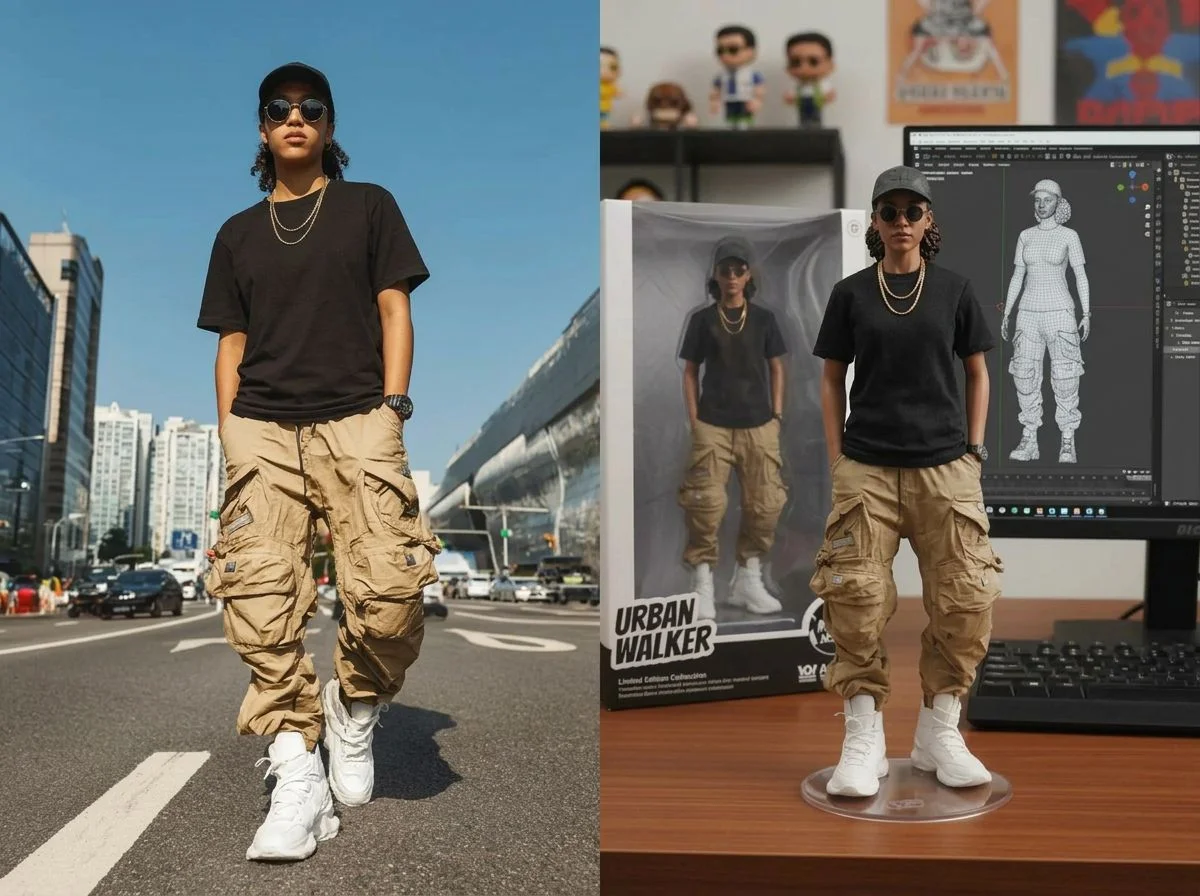 PopularAI Action Figure Generator
What is an AI figurine generator?

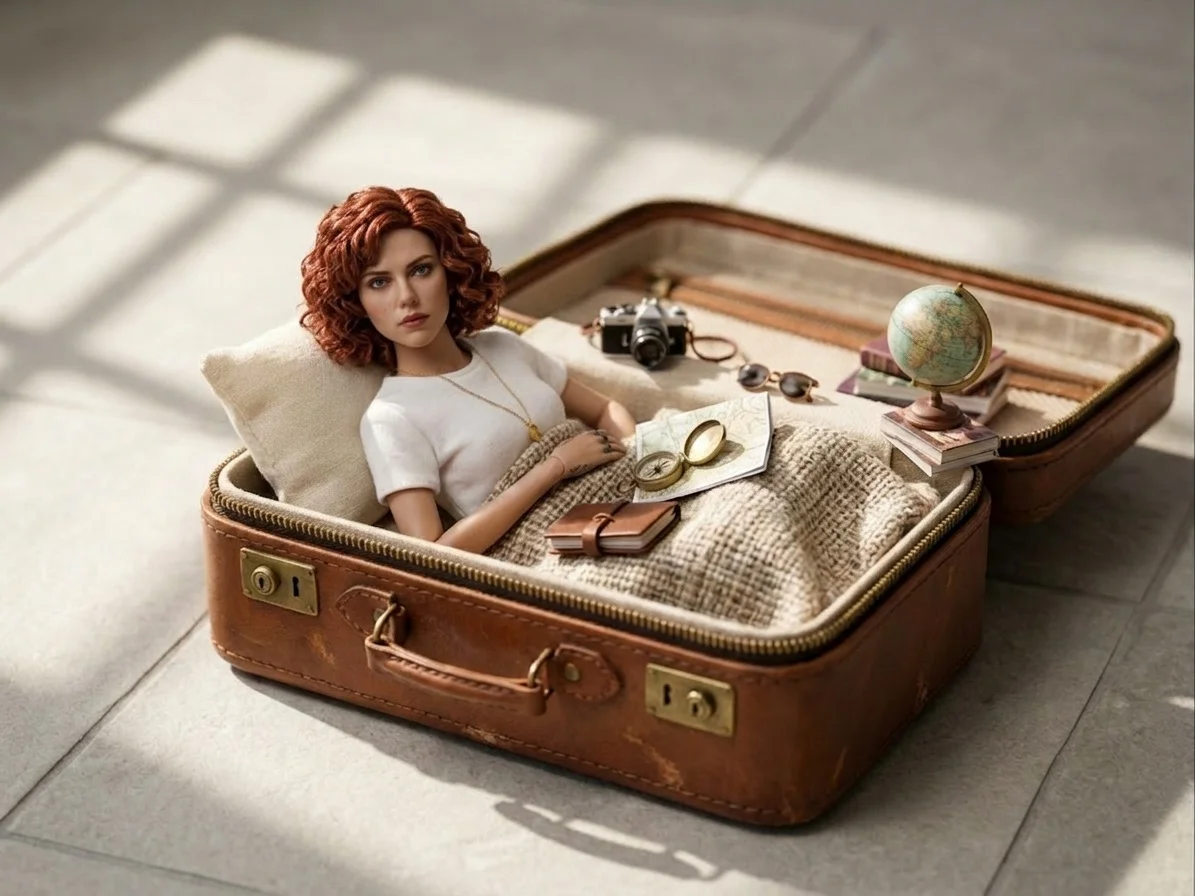
An AI figurine generator turns a photo of a person into a collectible-style figure — typically rendered as a 1/7-scale PVC statue on an acrylic base, or a boxed action figure in blister packaging — without any 3D-modeling skills. You upload a photo, pick a figure style, and download a high-resolution image of the result.
All AI Figurine & Action Figure Effects
Nine ready-made figurine styles — boxed figures, chibi sets, acrylic standees and more. Pick one to start generating.
HOT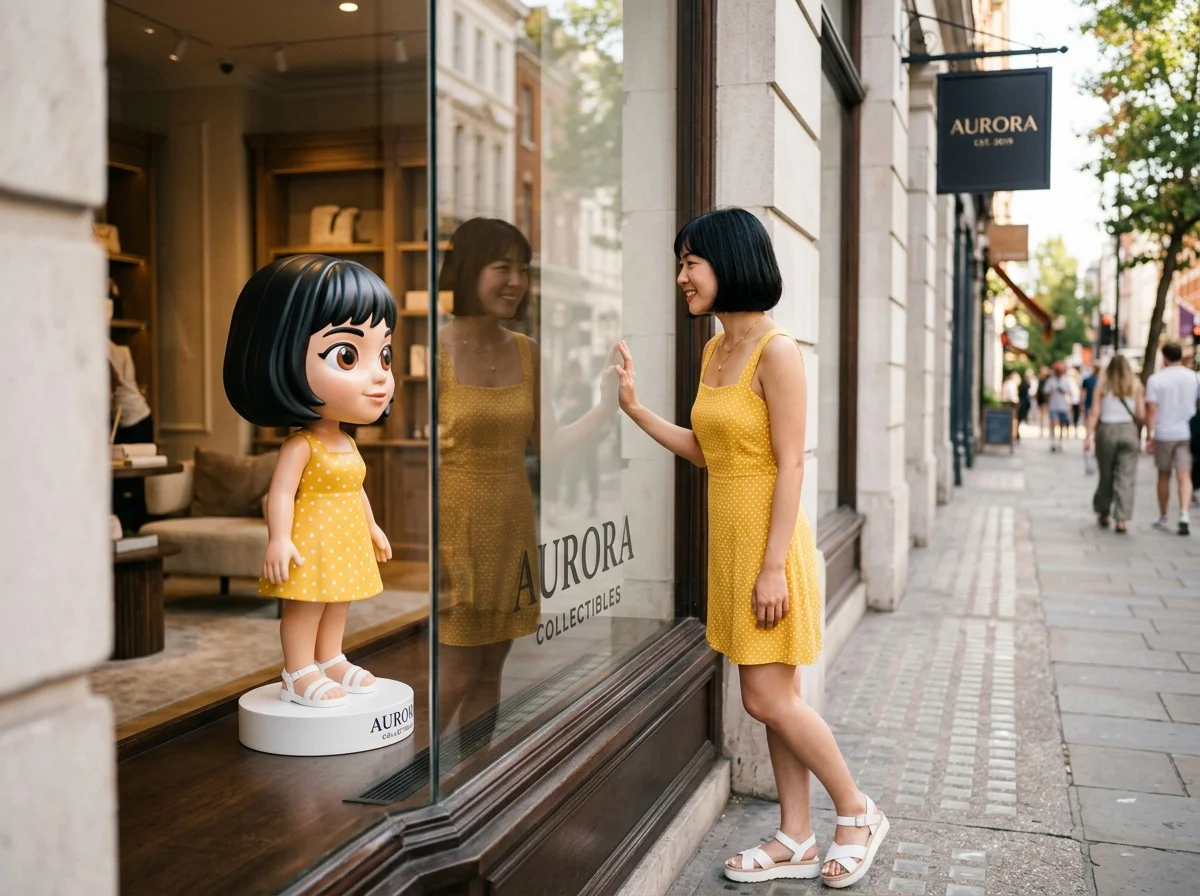
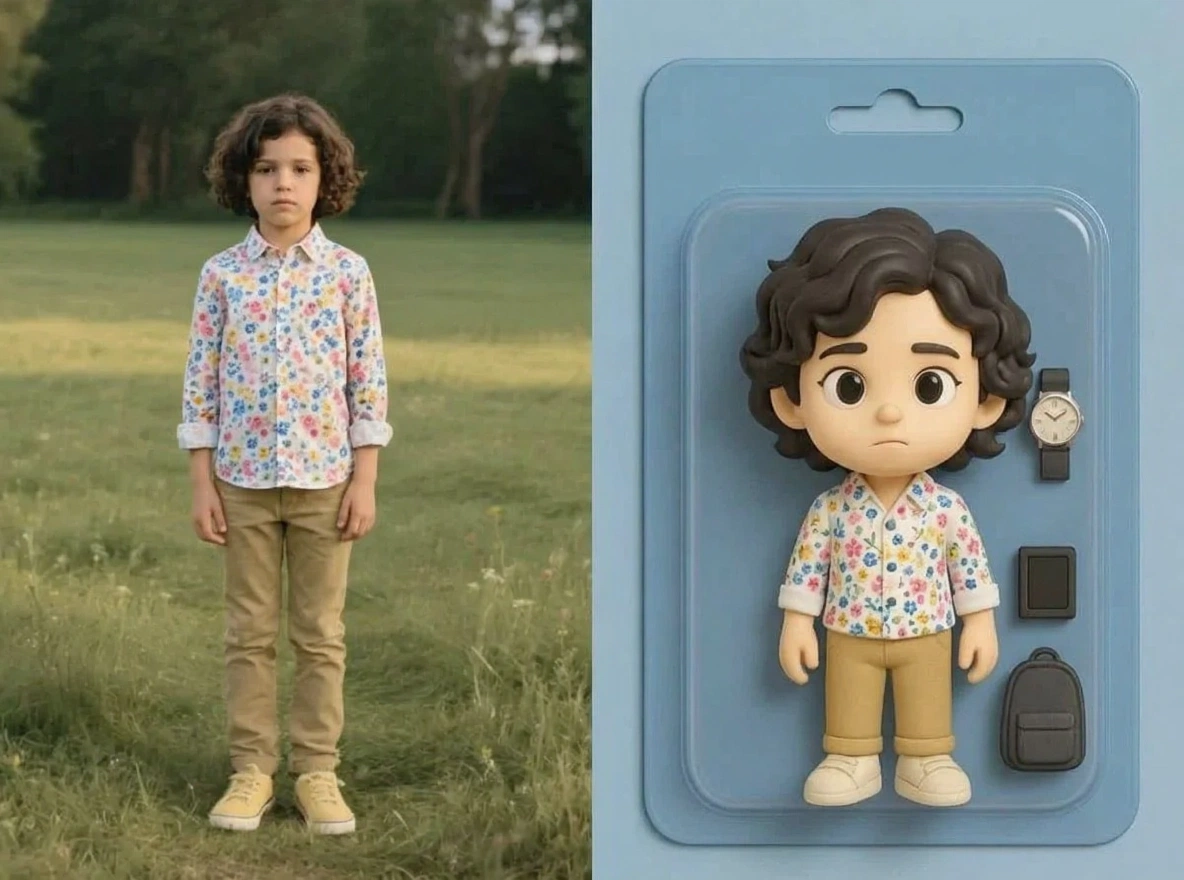

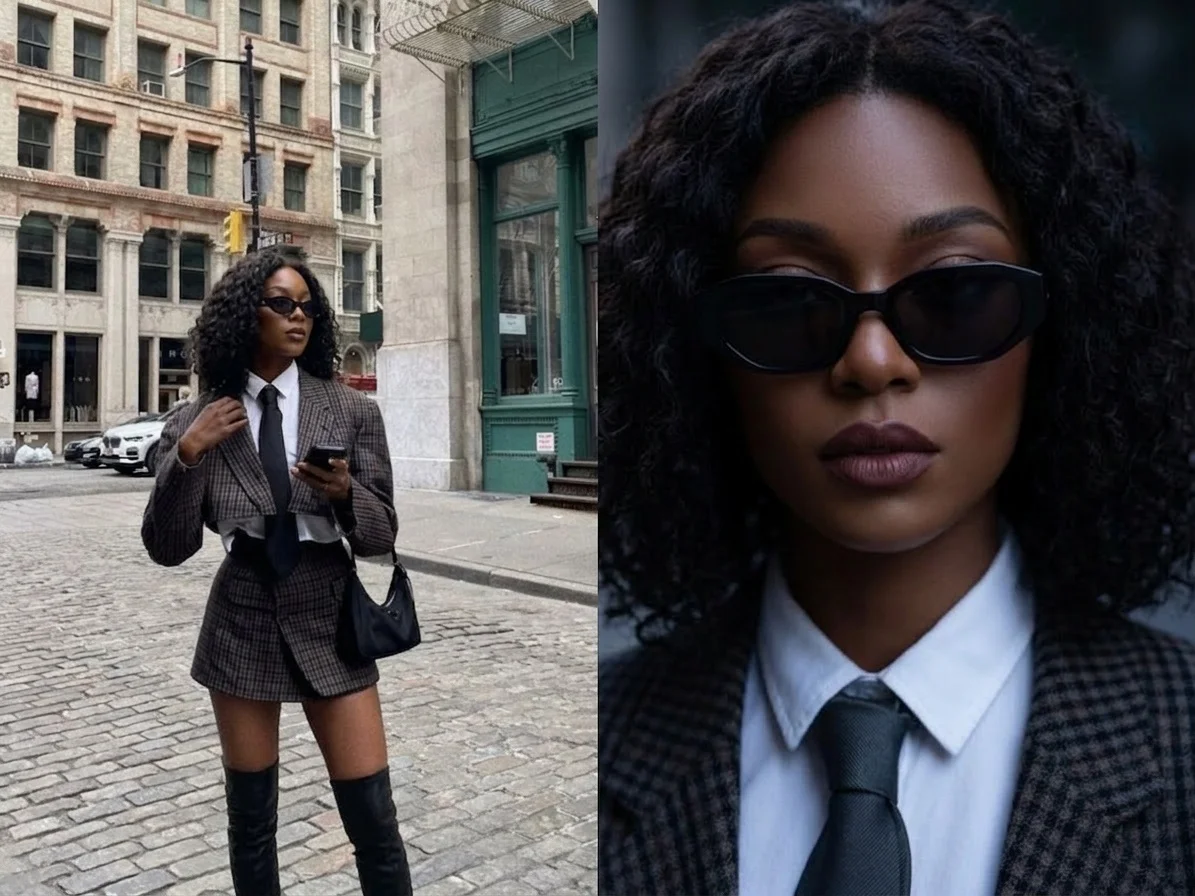
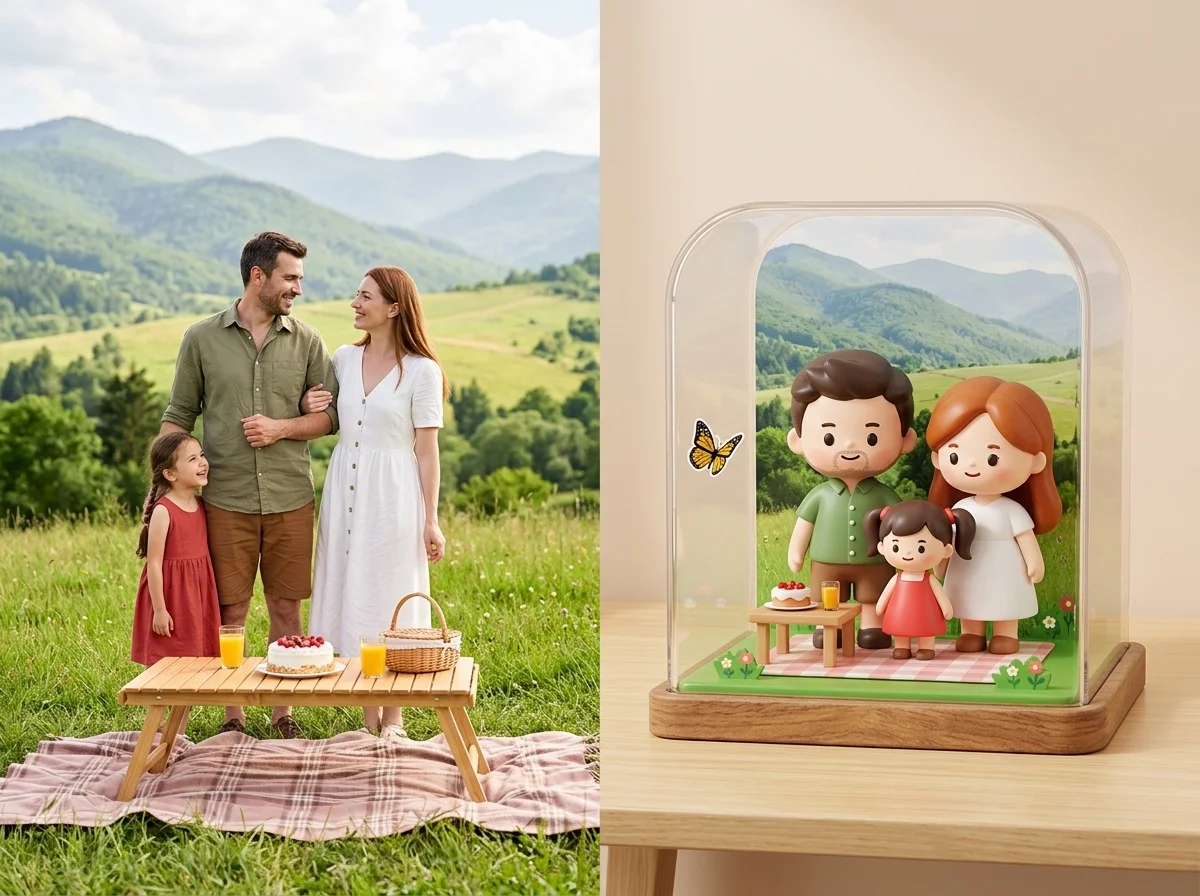


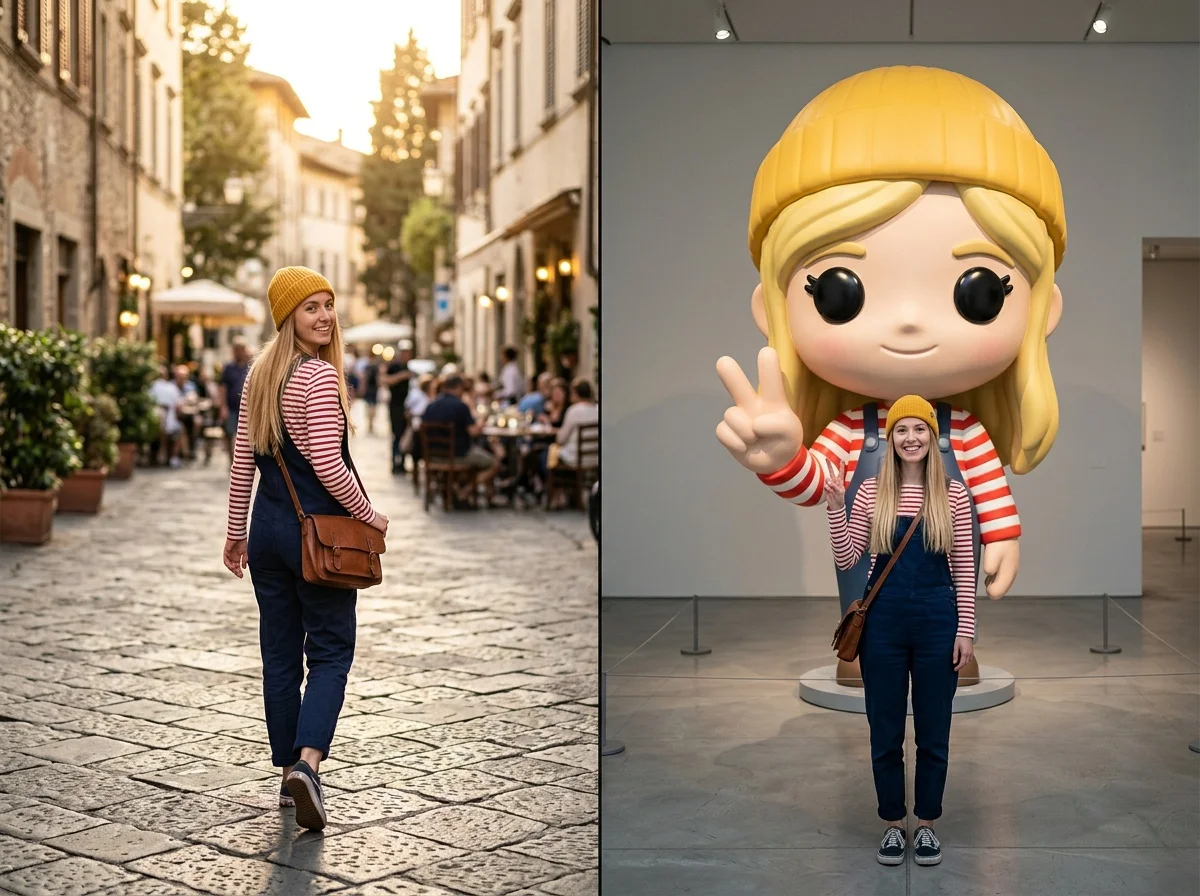
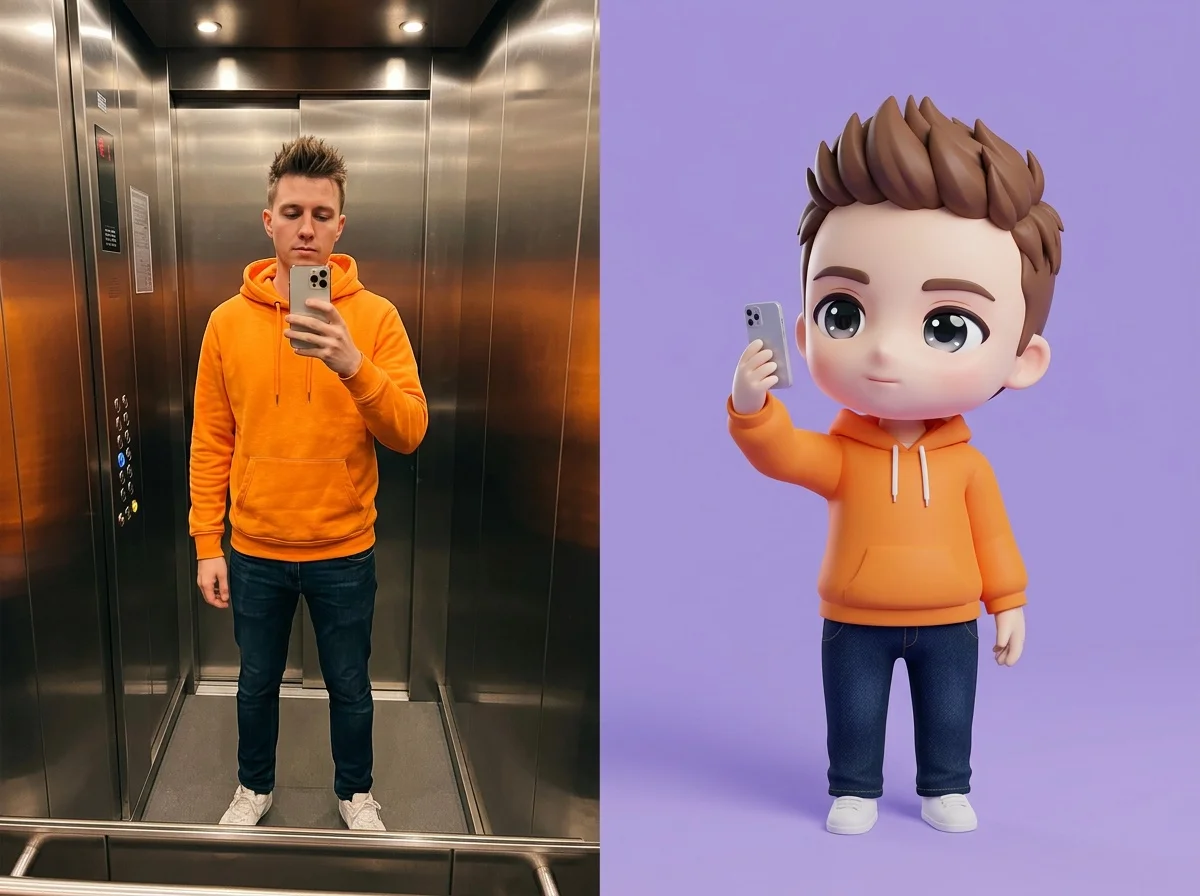
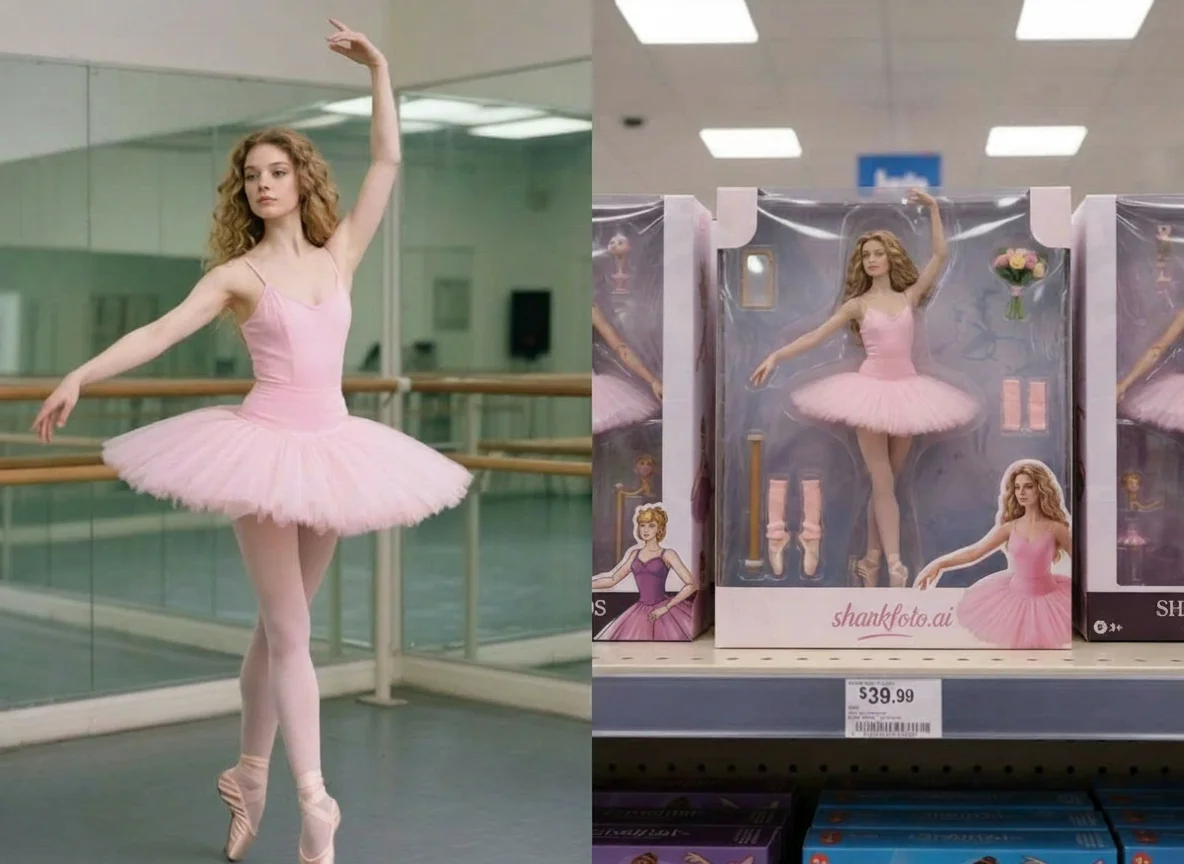


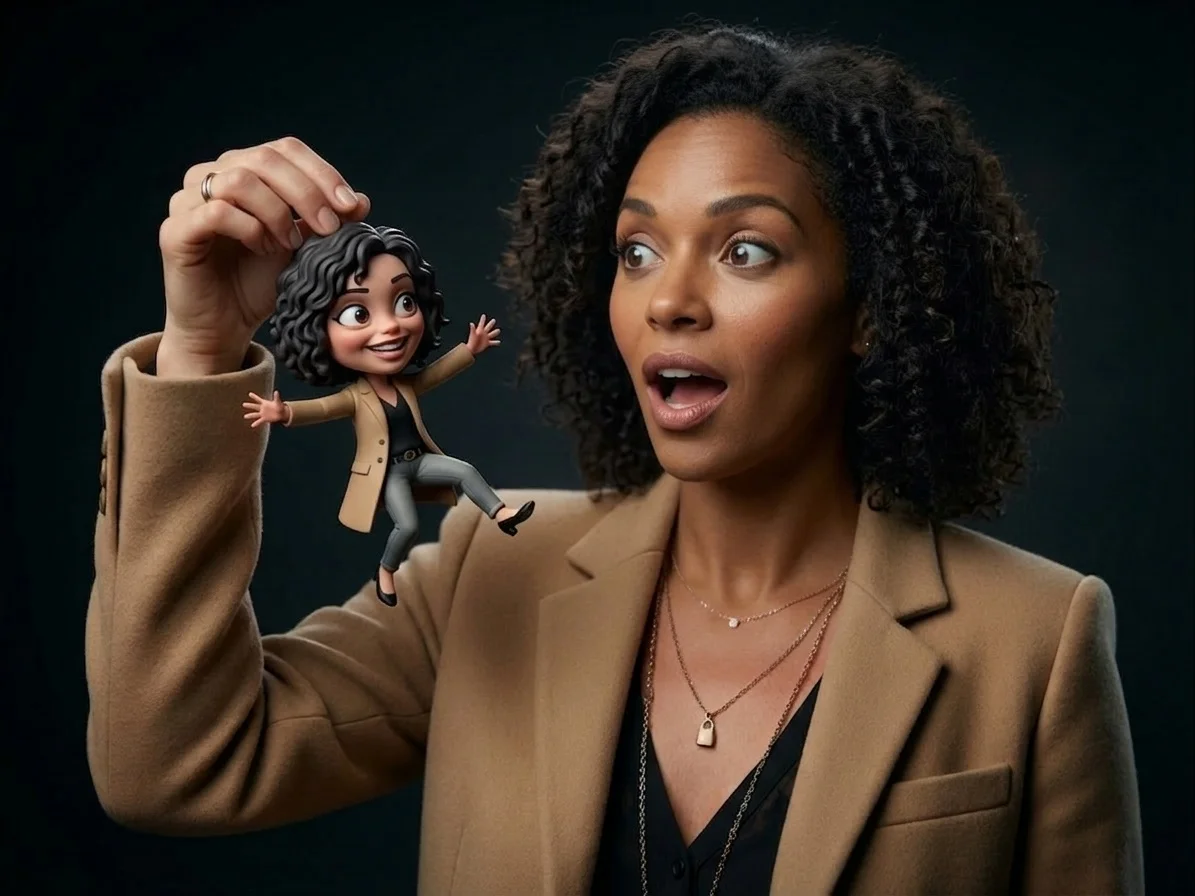
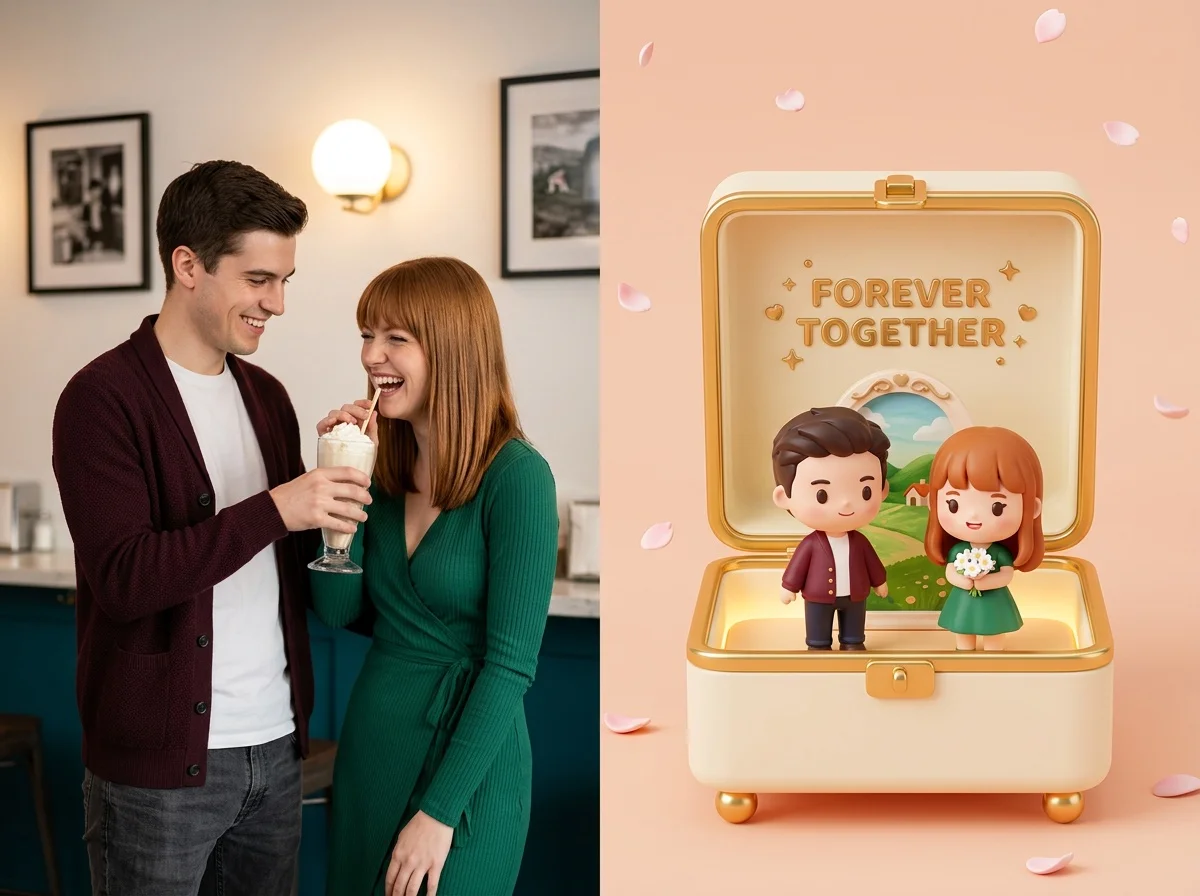

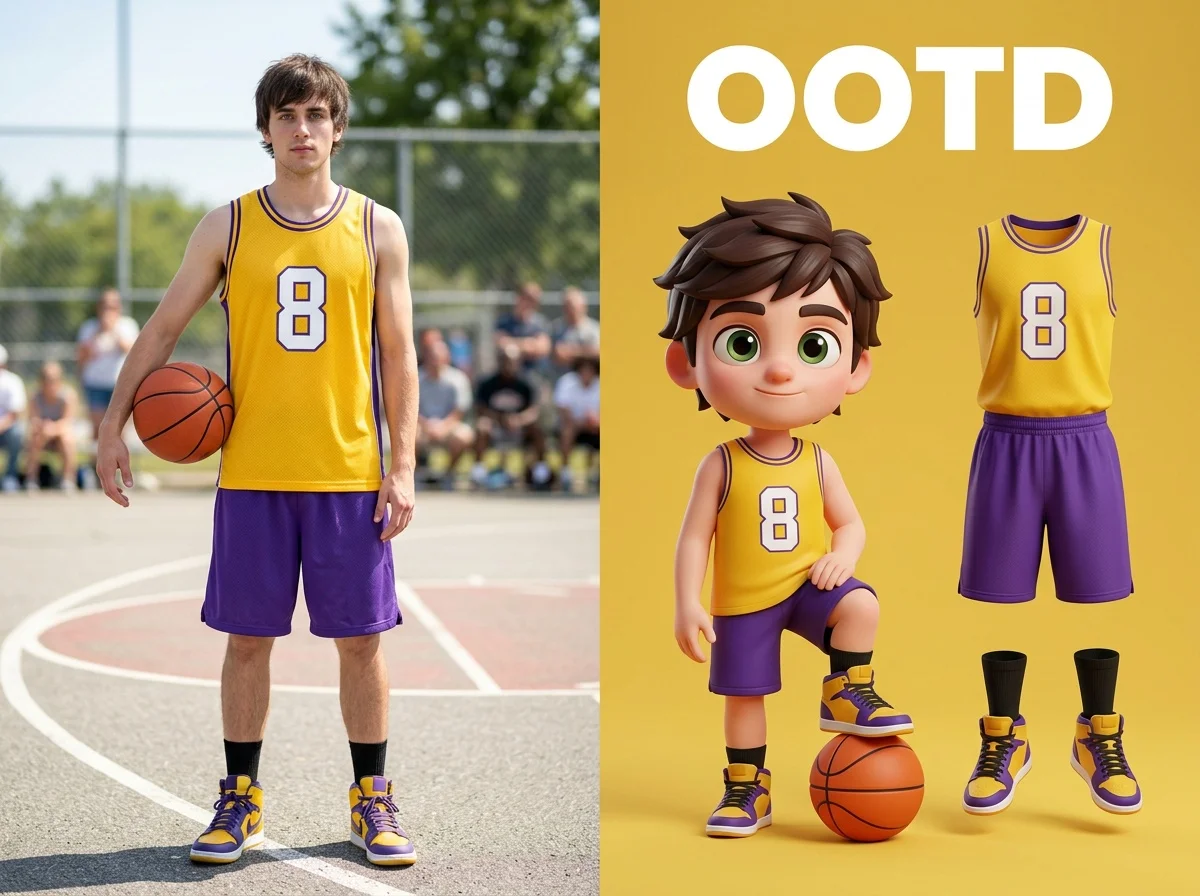

Before & after
A photo, turned into a collectible figurine.
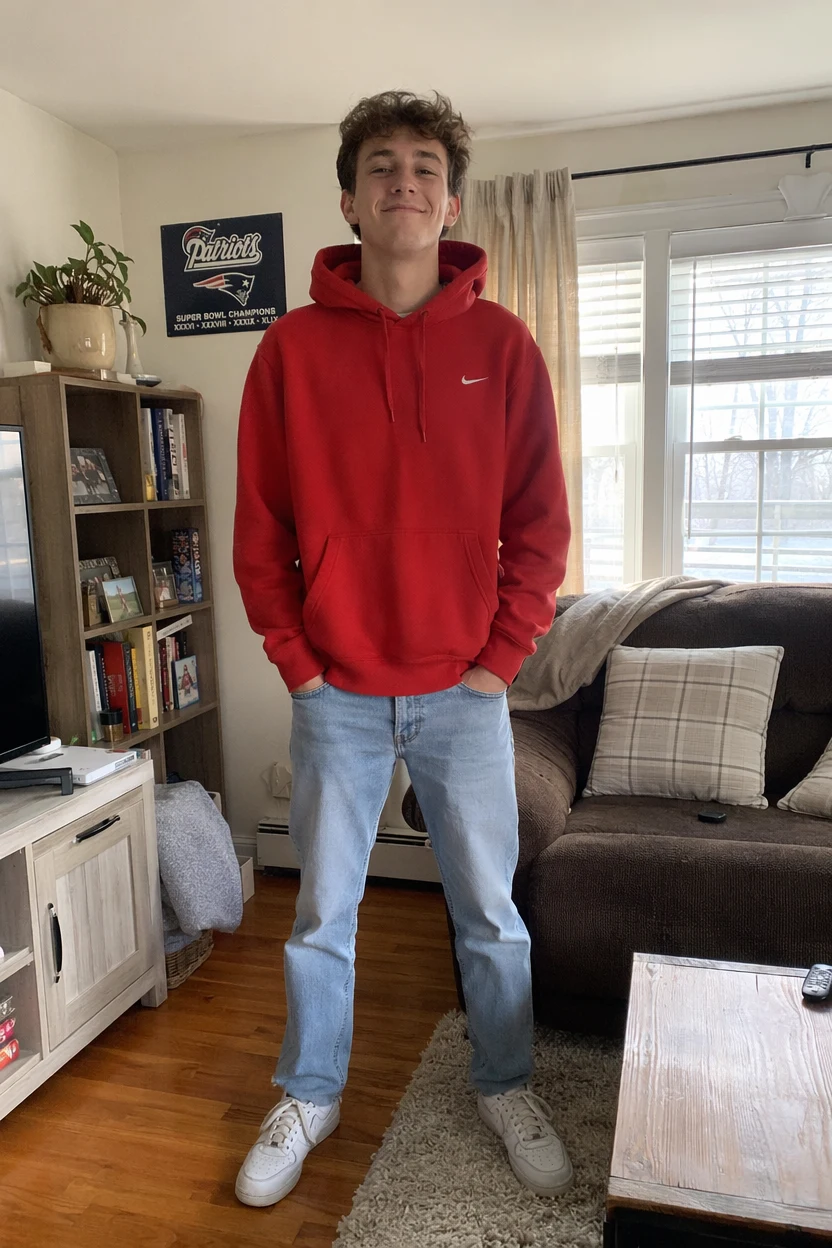 Before
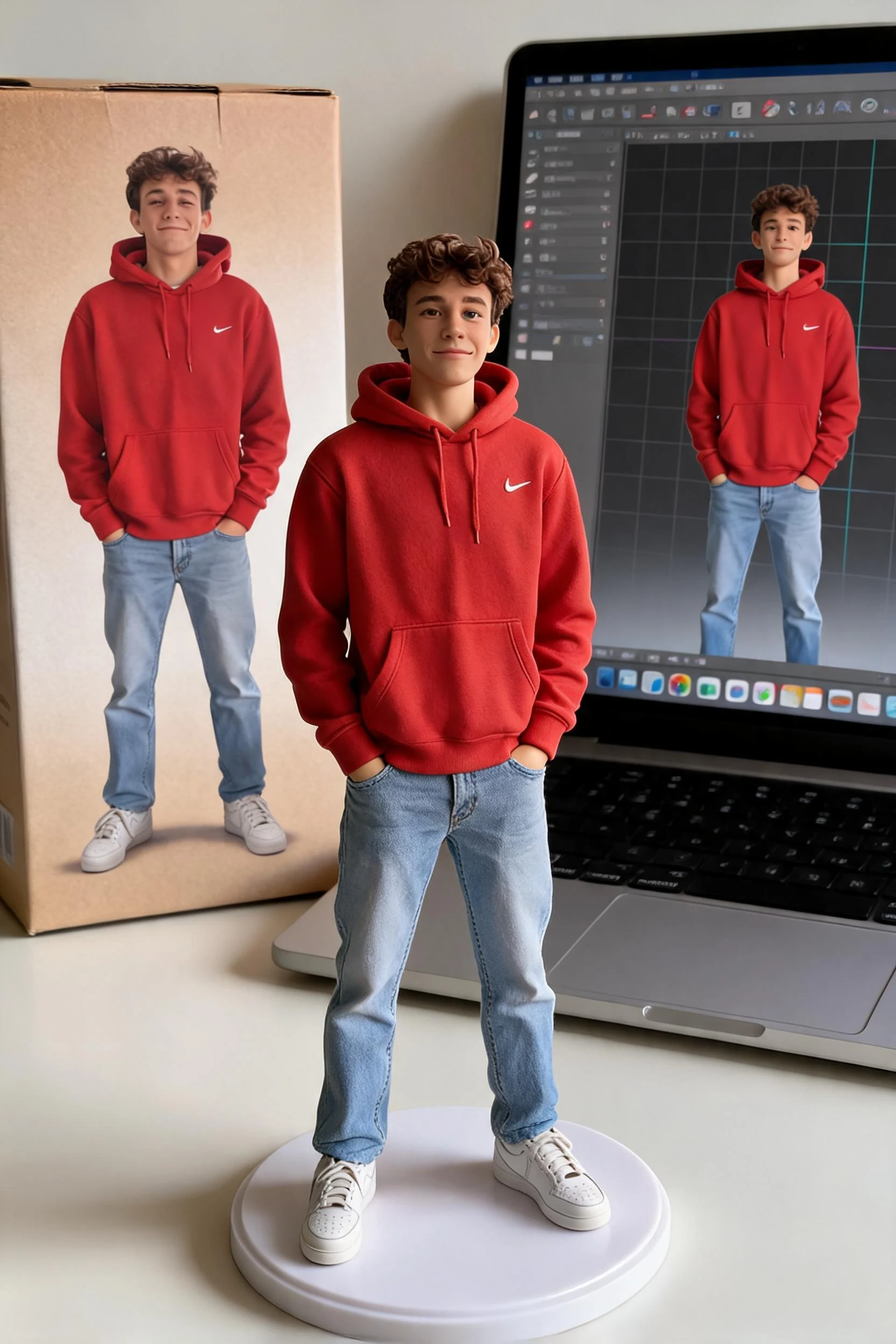 After
After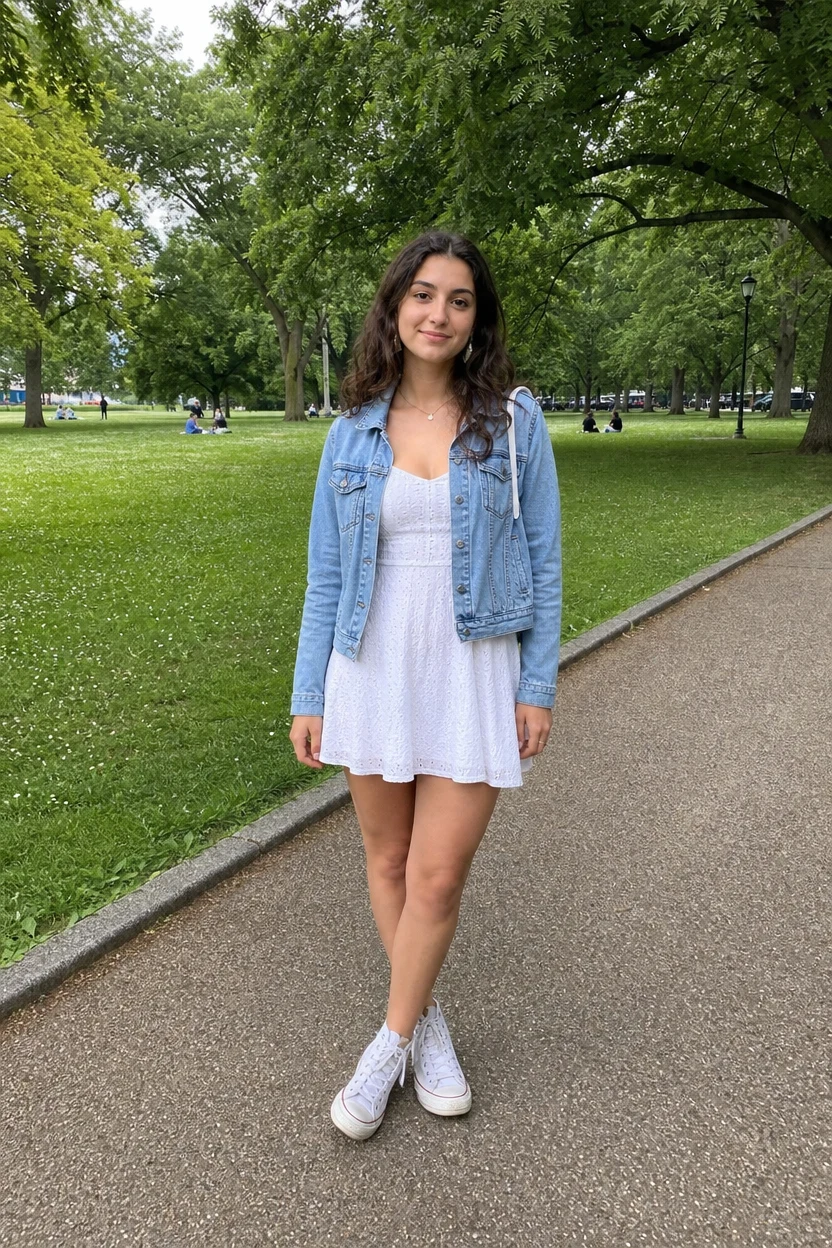 BeforeAfter
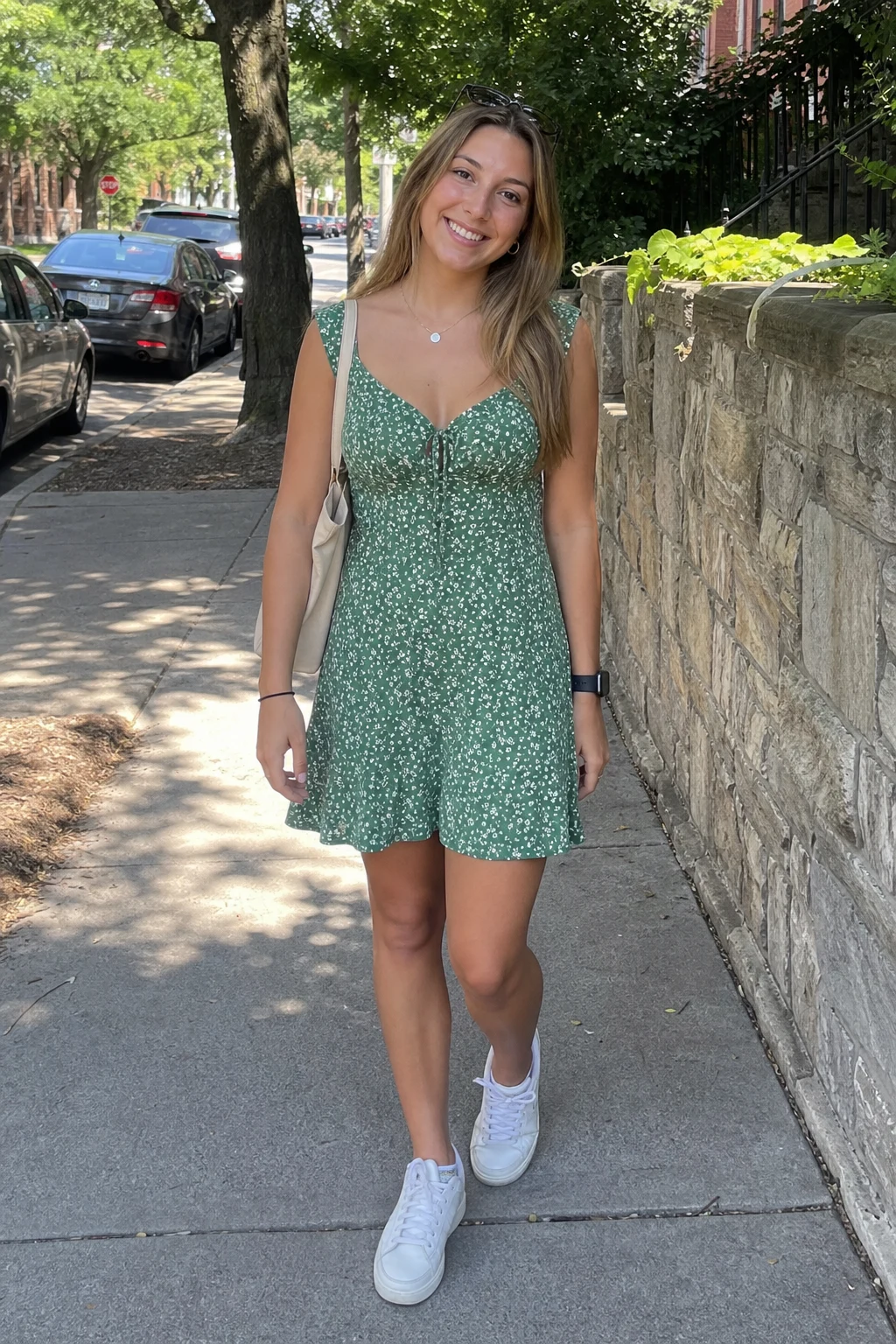 Before
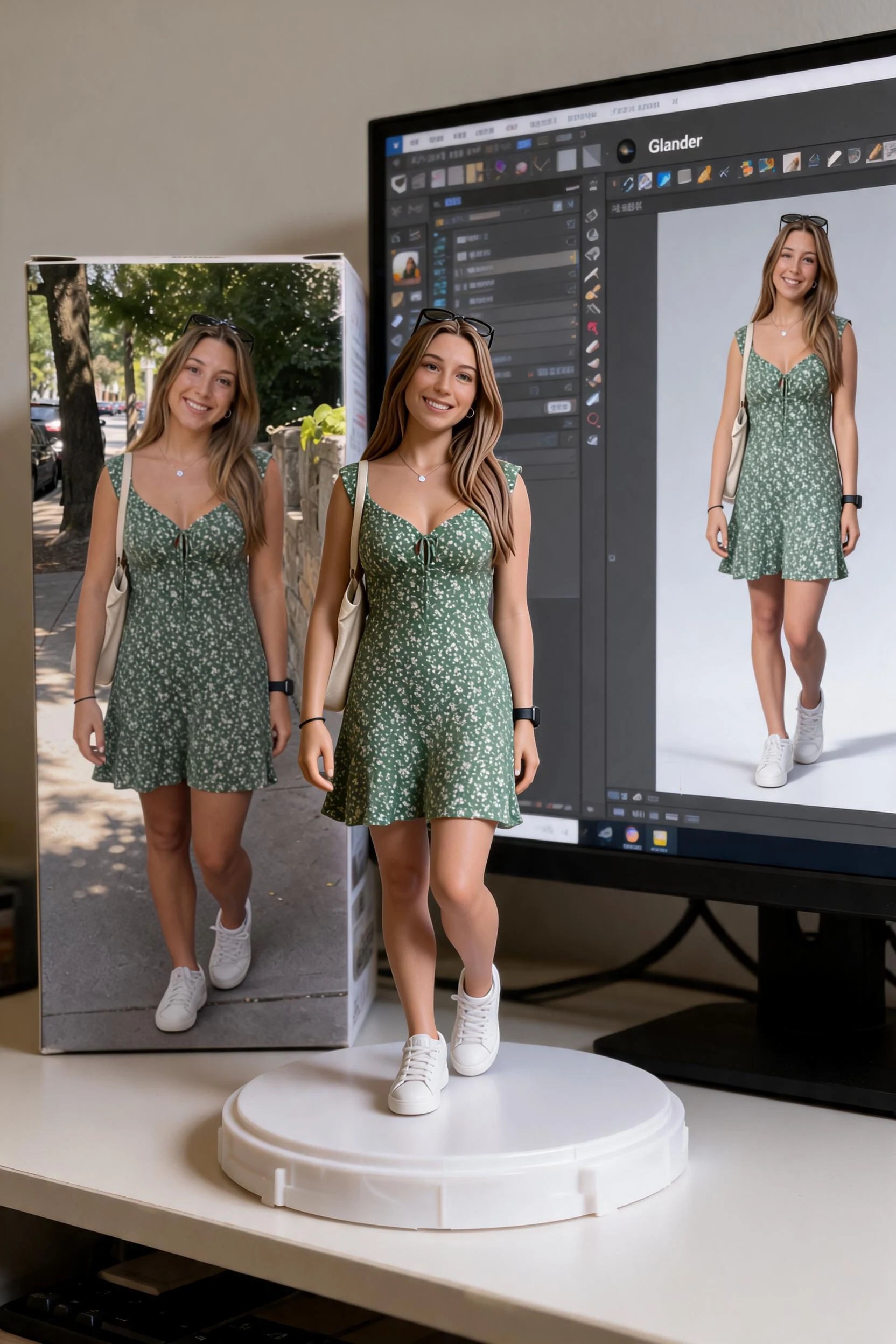 After
After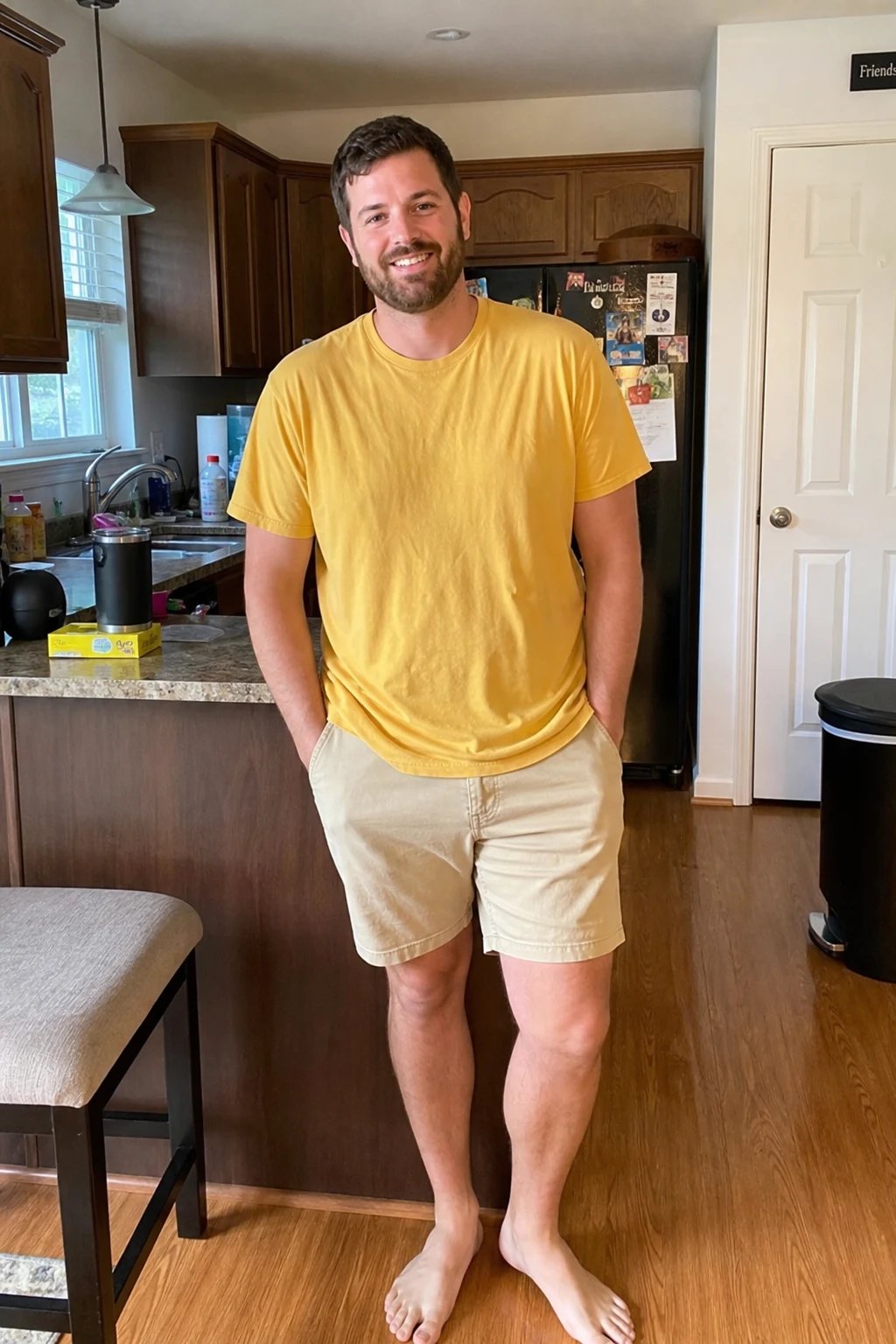 Before
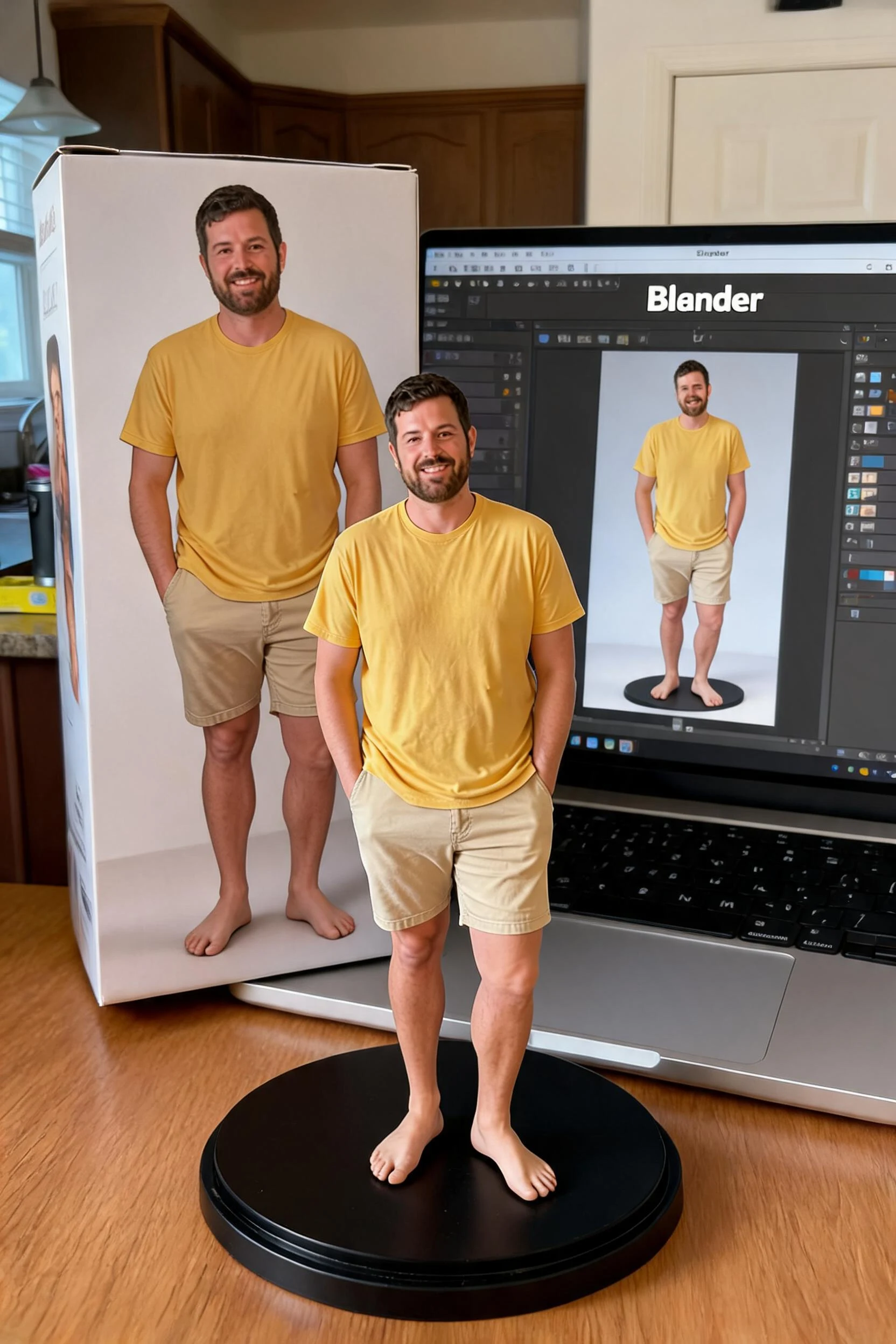 After
AfterStreetwear
How to make an AI figurine
Three steps, right in your browser.
Upload your photo
Drag in or select a clear photo of the person you want to turn into a figure. A well-lit shot where the face and pose are visible gives the AI the most to work with. Your photo is used only to make your result.
Pick a figure style
Sign in for your 10 free credits, then choose a look — a chibi collectible, an acrylic stand, or a full boxed action figure with accessories and packaging. The AI sculpts your photo into a figure that keeps your likeness and outfit.
Download and share
Preview your figurine, then download it at full resolution with no watermark. Post it to the action-figure trend, use it as a profile picture, or send it to a 3D-print or sticker service.
What you can make
Popular ways people use the figurine generator.
Turn yourself into a collectible
Make a figure of yourself for a profile picture, a printed keepsake, or just to join the action-figure trend — all from one selfie.
Gifts for friends & fans
Surprise a friend, gamer, or fandom fan with a personalized action figure of them — a novel birthday or holiday gift idea nobody else will have.
Creators & streamers
Give your channel or brand a mascot: turn your avatar or persona into a boxed figure for thumbnails, merch mockups, and posts.
Product & packaging mockups
Prototype box art and packaging for a print-on-demand figure or collectible line without a photographer or 3D artist.
Couples & pets
Make a matching pair of figures of you and your partner, or turn a pet photo into an adorable collectible.
Cosplay & fandom posts
Show off a costume or character look as a display-worthy figure to share with your community.
Styles to choose from
From boxed action figures to cute chibis — pick the look that fits.
Boxed action figure
A full blister-box figure with a header card, accessories, and packaging — the viral Bandai-style look.
Chibi collectible

A cute, big-headed chibi statuette, great as a playful desk figure.
Acrylic stand
A flat acrylic-standee style figure with a printed base.
Realistic statue
A sculpted 1/7-scale PVC-style statue with lifelike detail and finish.
Why use SharkFoto's figurine generator
Collectible 3D look
The AI turns a flat photo into a sculpted figure with real depth, shading, and a glossy toy finish, so it reads like a product shot of an actual collectible rather than a filter.
Action-figure box option
Go beyond a bare statue: generate a full blister-box action figure with a header card, accessories, and packaging, matching the viral Bandai-style trend from a single selfie.
Works from one selfie
No 3D scan and no modeling skills needed. One clear photo is enough to generate a figure that keeps your face, hair, and outfit recognizable.
10 free credits, no watermark
Sign up free and get 10 credits to start generating figures. Your download comes at full resolution with no watermark, so it's clean enough to post, print, or gift.
Tips for the best results
Use a full-body or half-body photo — the AI has more to sculpt than a tight face crop, so your pose and outfit come through in the figure.
Pick a photo with a distinct outfit or pose — recognizable clothing and stance make the figure clearly look like you.
Use a plain background — busy backgrounds can bleed into the figure and its packaging.
Make sure the face and body are well lit — even lighting keeps the sculpt's details and colors accurate.
Start from a higher-resolution photo — low-res images limit the fine detail in the final render.
Frequently asked questions
What is the AI action figure trend?
Is the figurine generator really free?
What kind of photo works best?
Do I get an image or a video?
Can I 3D-print or sell my figurine?
Is my photo safe and private?
Can I use my figurine commercially?
What if the figure doesn't look like me?
Related AI effects
More ways to reimagine your photos.