AI Claymation Generator
Turn your photo into a handmade-looking claymation character in seconds. SharkFoto's AI claymation generator restyles the person in your picture into soft, molded modeling clay — rounded forms, matte surfaces, and fingerprint texture — and can even bring it to life as a short stop-motion-style clip. Sign up free to get 10 credits, pick a clay style like Clay-mation Me!, Clay Fool, or Soft Clay Style, and download your result — an image or a short MP4 — with no watermark, ready to post or share.
 PopularClay-mation Me!
What is AI claymation?
AI claymation is a photo effect that restyles a person or scene to look like it was sculpted from modeling clay and shot for a stop-motion film — think rounded shapes, soft matte surfaces, and visible fingerprint texture. You upload a photo, pick a clay style, and download either a claymation-style image or a short animated MP4.
All AI Claymation Effects
Four claymation effects — soft clay portraits and stop-motion-style animated clips. Pick one to start generating.
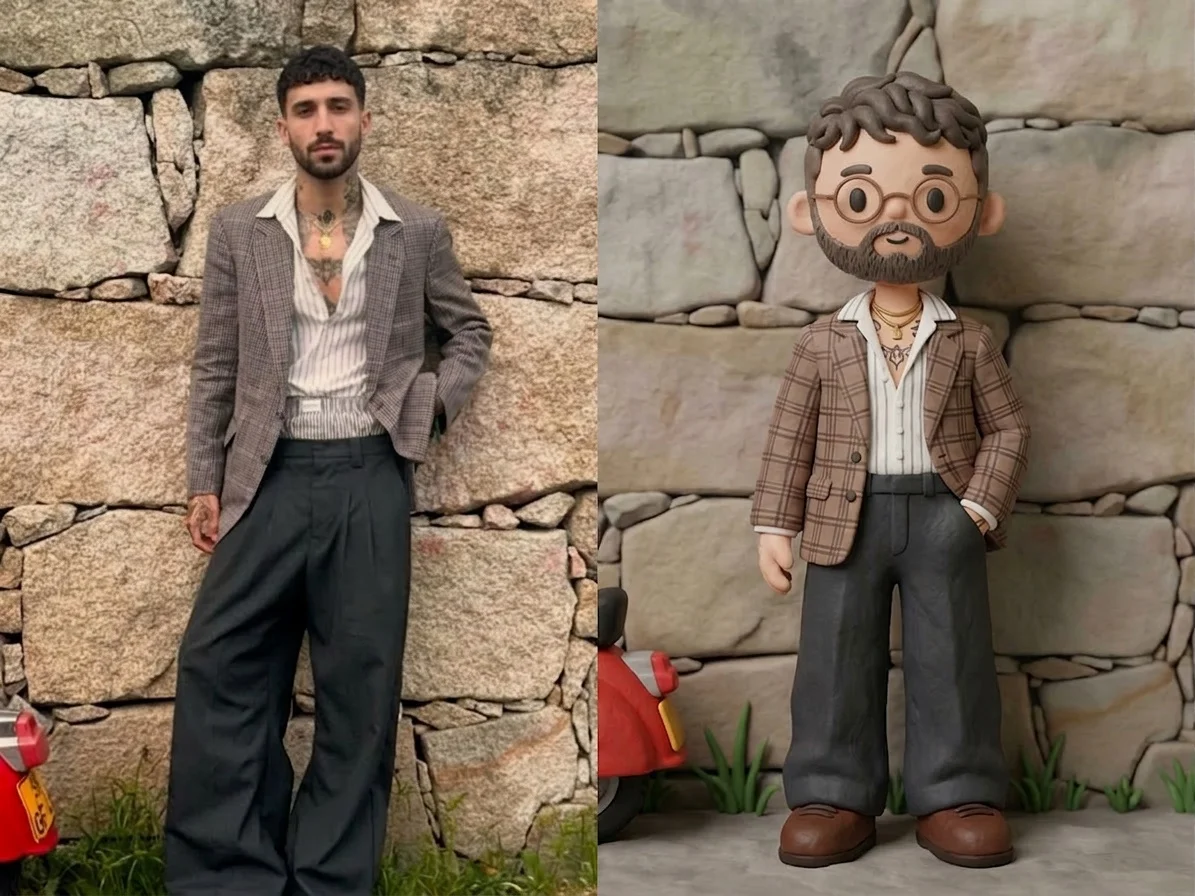
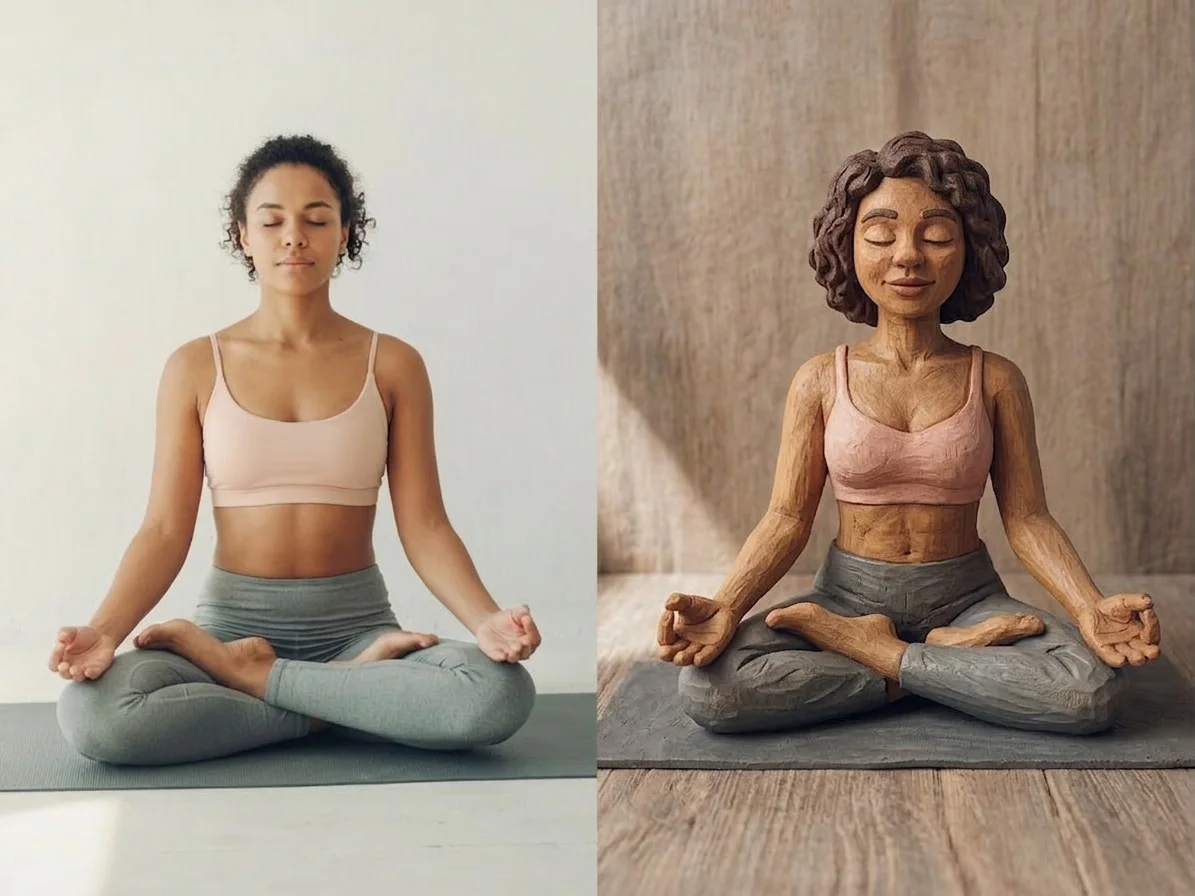

Before & after
A photo, remade as a clay character.
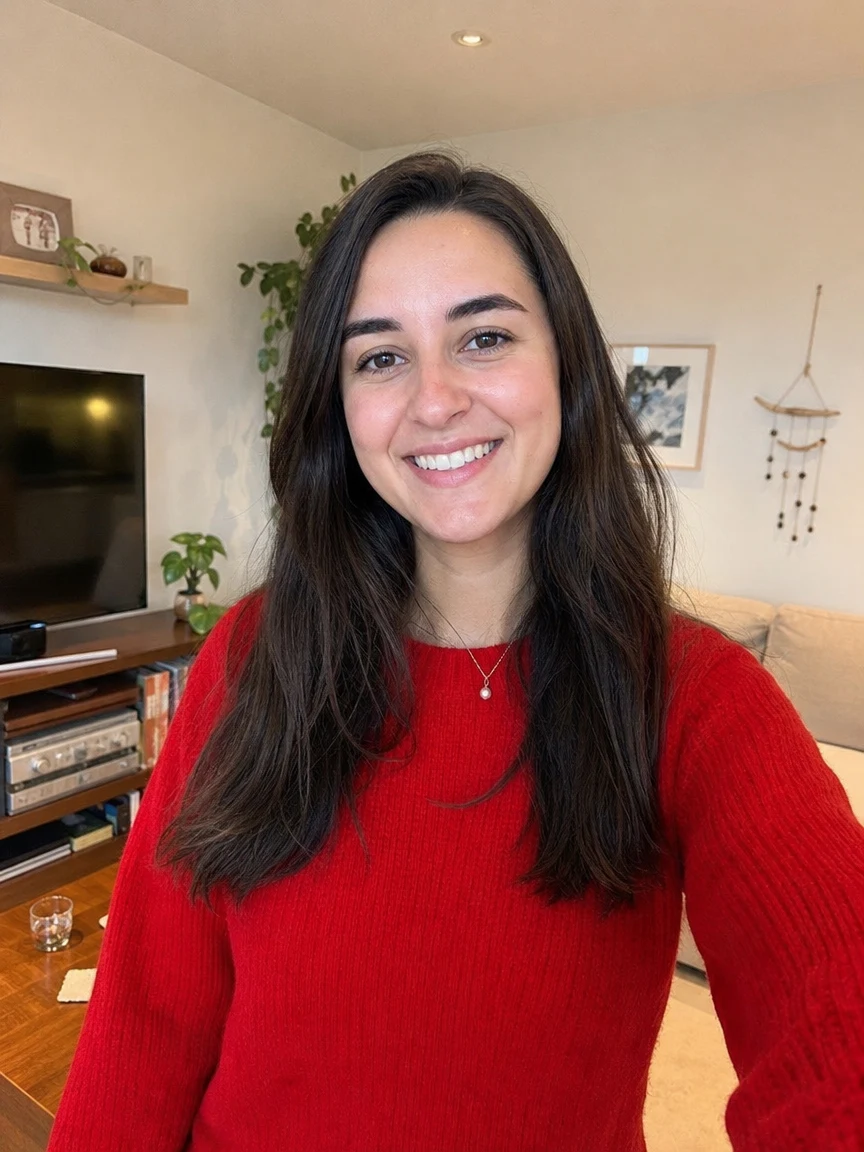 BeforeAfter
 BeforeAfter
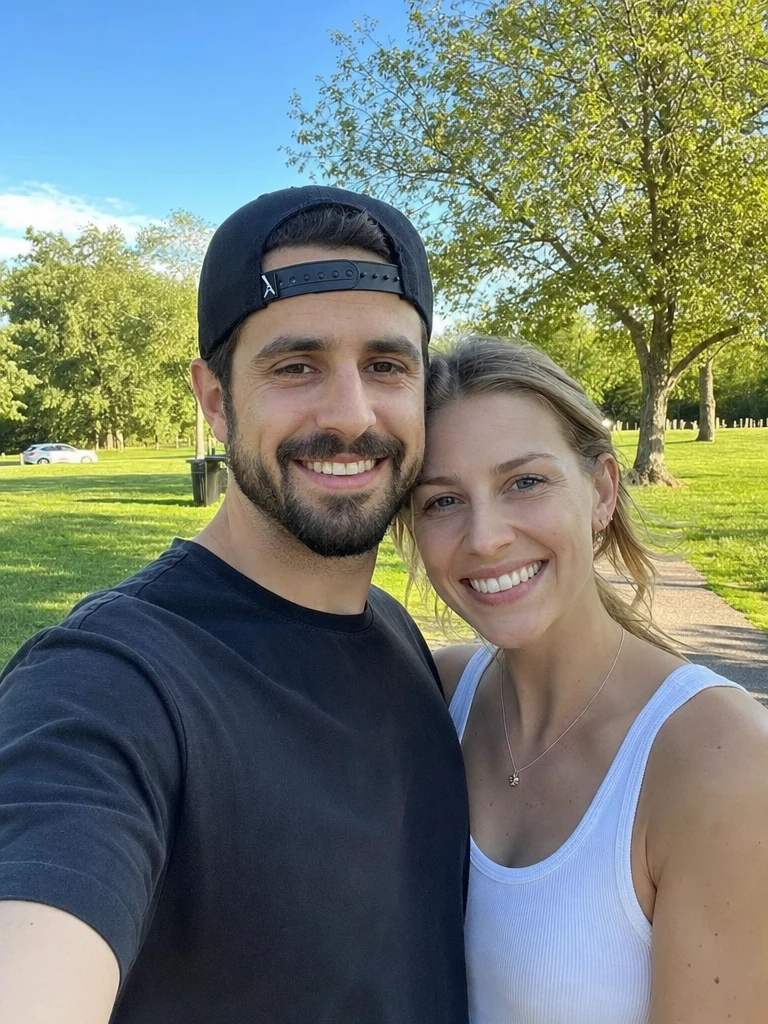 BeforeAfter
Clay her
How to make an AI claymation
Three steps, right in your browser.
Upload your photo
Drag in or select a clear photo of the person, pet, or subject you want to turn into clay. A well-lit shot where the face and pose are visible gives the AI the most to sculpt. Your photo is used only to make your result.
Pick or generate a clay style
Sign in for your 10 free credits, then choose a look — Soft Clay Style or AI Clay Art for a molded claymation portrait, or Clay-mation Me! and Clay Fool for a short animated clip. The AI reshapes your photo into soft modeling clay while keeping your likeness and outfit recognizable.
Download and share
Preview your claymation, then download it at full resolution with no watermark — a still image or a short MP4, depending on the style. Post it, use it as a profile picture, or drop it into a slideshow right away.
What you can make
Popular ways people use the claymation generator.
Turn yourself into clay
Restyle a selfie into an adorable claymation character for a profile picture, a sticker, or just for the fun of seeing yourself as a molded clay figure.
Stop-motion-style clips
Bring your photo to life as a short claymation video with that classic hand-molded, frame-by-frame charm — no animation software or clay required.
Playful gifts & cards
Make a whimsical clay version of a friend, partner, or parent for a birthday post, a greeting card, or a group chat surprise nobody else will have.
Pets as clay figures
Turn a photo of your cat, dog, or other pet into a charming little claymation creature that keeps their markings and personality.
Content & channel art
Give your posts, thumbnails, or avatar a handmade clay-art aesthetic that stands out from flat filters and photo edits.
Just for fun
Experiment with a goofy Clay Fool clip or a soft clay portrait when you want a lighthearted, shareable take on an everyday photo.
Why use SharkFoto's claymation generator
Authentic clay texture
The AI rebuilds your photo with rounded, molded forms, soft matte shading, and subtle fingerprint marks, so it reads like real modeling clay rather than a flat cartoon filter.
Image or animated clip
Choose a still claymation portrait like Soft Clay Style, or an animated effect like Clay-mation Me! that gives your subject that classic stop-motion wobble and life.
Keeps your likeness
One clear photo is enough. The clay makeover keeps your face, hair, and outfit recognizable, so the figure still clearly looks like you or your subject.
10 free credits, no watermark
Sign up free and get 10 credits to start generating clay makeovers. Your download comes at full resolution with no watermark, so it's clean enough to post, print, or gift.
Tips for the best results
Use a clear, well-lit photo — even lighting helps the AI sculpt clean clay forms and keep the fingerprint texture readable.
Pick a photo with a simple background — busy backgrounds can warp or bleed into the molded clay scene.
Choose a shot with a distinct pose or outfit — recognizable clothing and stance make the clay figure clearly look like you.
For animated styles, use a front-facing face — the AI needs to see the face to add natural stop-motion movement instead of stiff motion.
Start from a higher-resolution photo — low-res or heavily compressed images limit the fine clay detail in the final result.
Frequently asked questions
Is the AI claymation generator really free?
What kind of photo works best?
Do I get an image or a video?
What format is the video, and how long is it?
How long does it take to generate?
Is my photo safe and private?
Can I use my claymation commercially?
What if the result doesn't look like me?
Related AI effects
More ways to reimagine your photos.