AI Headshot Generator
Turn an everyday selfie into a polished professional headshot in seconds. SharkFoto's AI headshot generator restyles the person in your photo with studio lighting, a clean backdrop, and a sharp, camera-ready finish, so a phone snapshot becomes a portrait you'd be proud to put on LinkedIn, a resume, or a company page. Choose a classic studio look, a bold spotlight portrait, or a striking black-and-white or Prussian blue treatment. Sign up free to get 10 credits, pick a portrait style, and download your headshot at full resolution with no watermark.
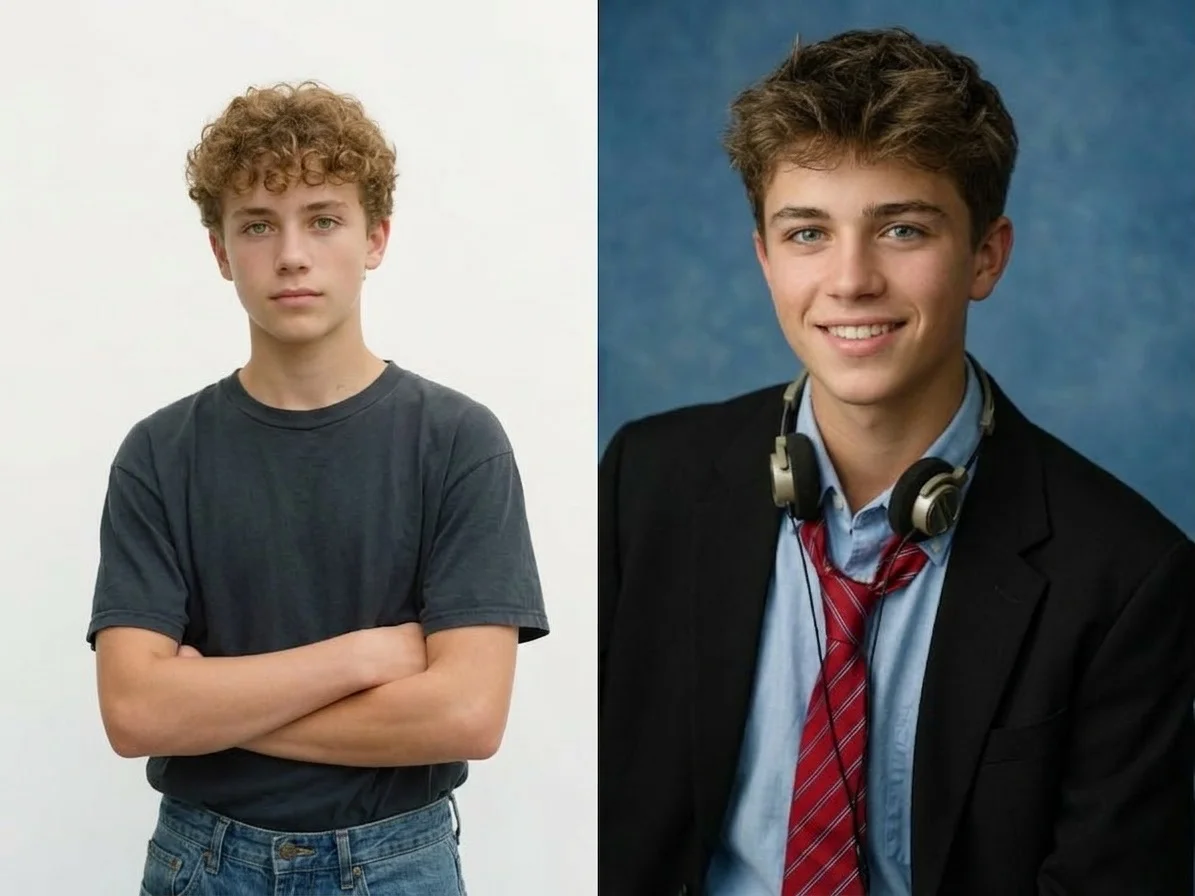 PopularClassic US Portrait
What is an AI headshot generator?
An AI headshot generator turns a casual photo of a person into a professional-looking portrait — adding studio lighting, a clean background, and a crisp, business-ready finish without a photographer or a studio session. You upload a selfie, pick a portrait style, and download a high-resolution headshot that keeps your face and likeness while upgrading the setting and polish.
All AI Headshot Effects
Nine AI headshot styles — clean studio portraits, dramatic spotlight looks, black-and-white and monochrome treatments, and more. Pick one to start generating.
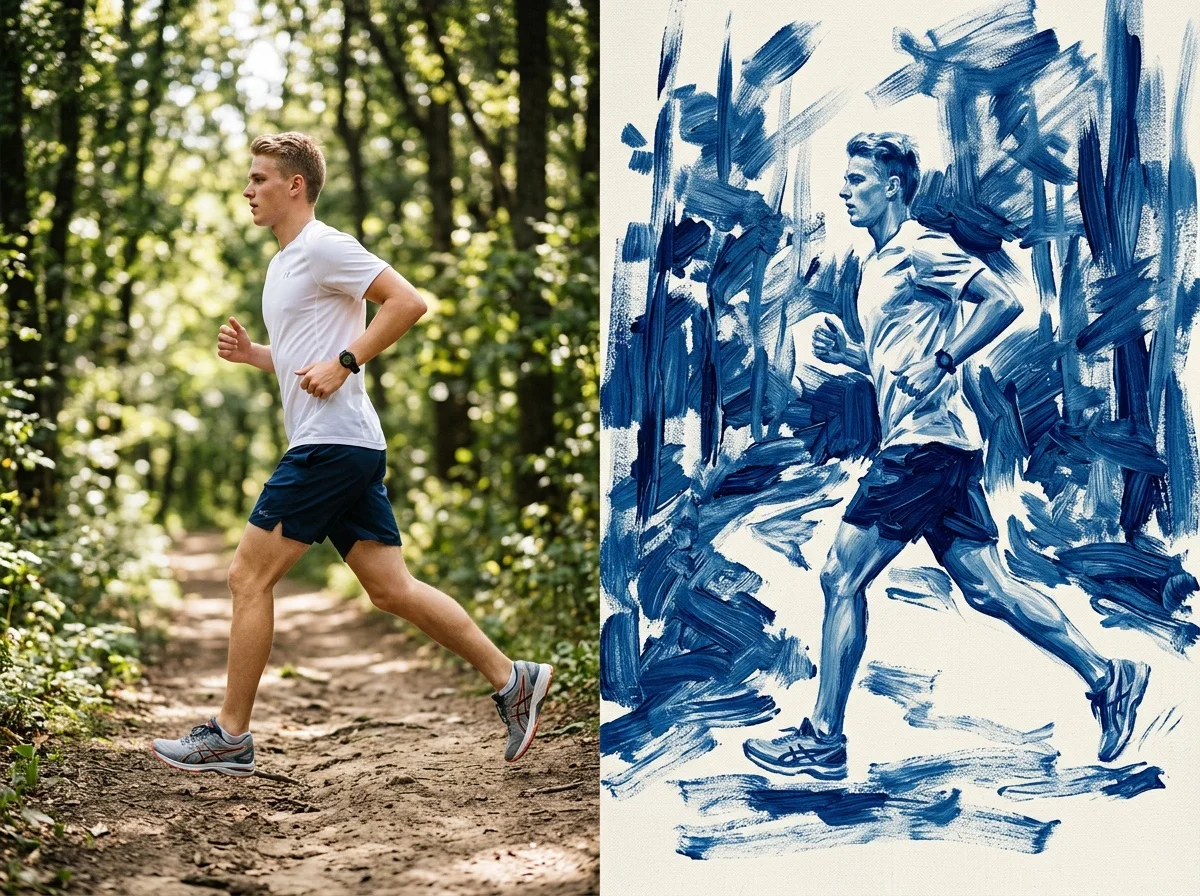
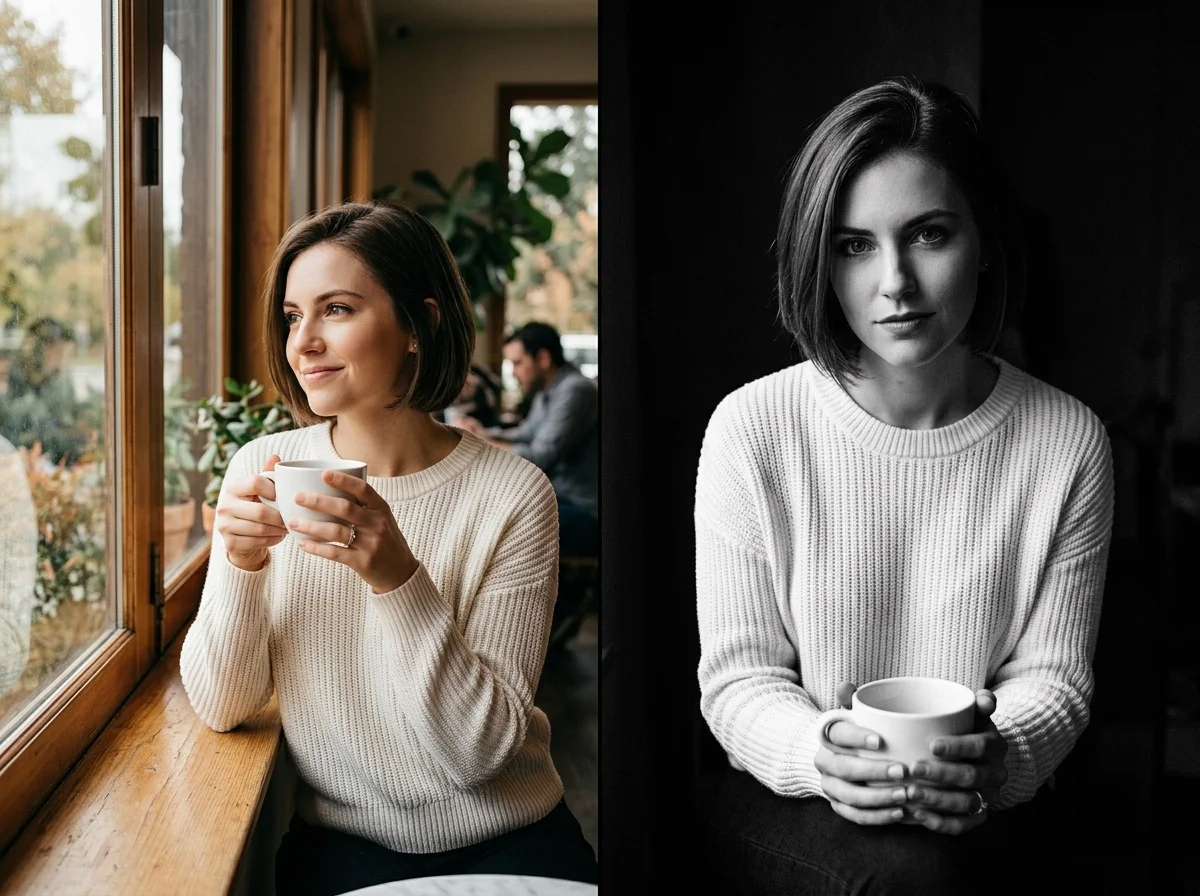
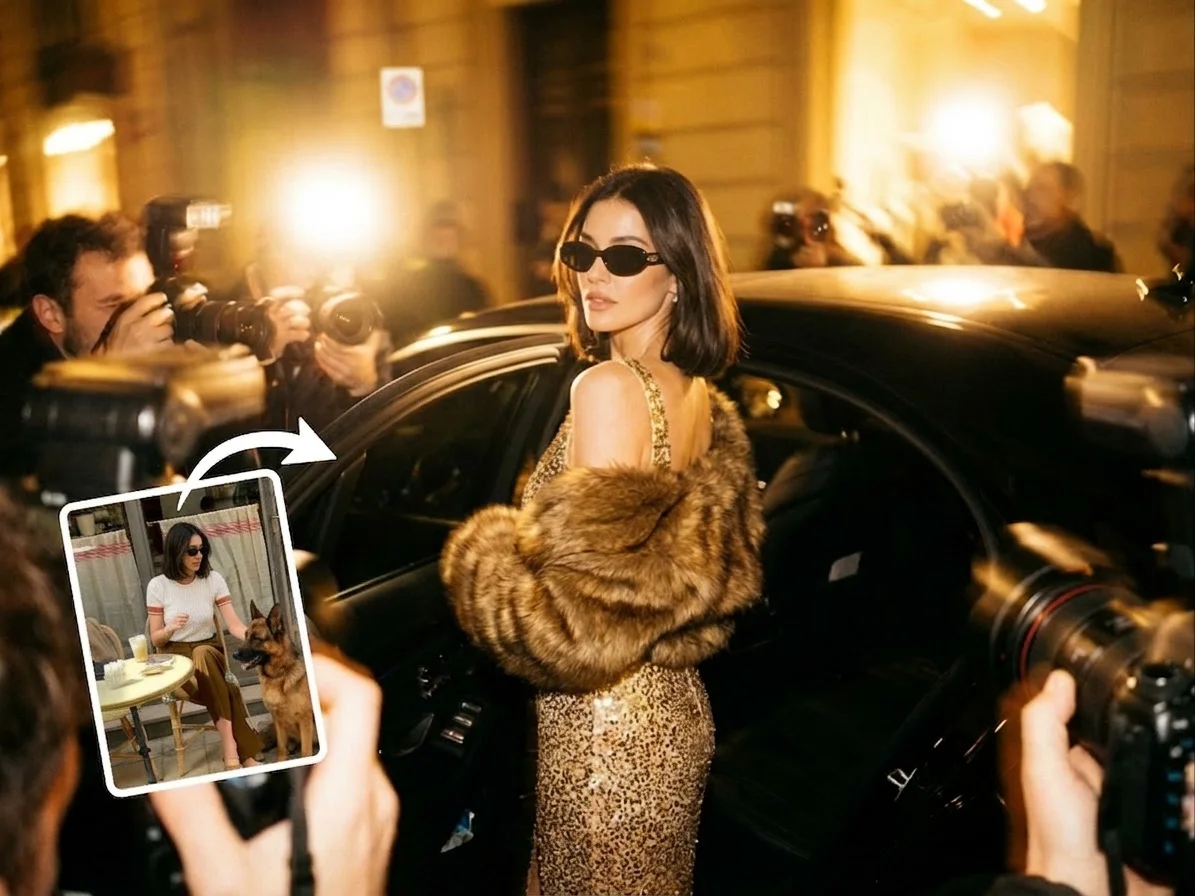
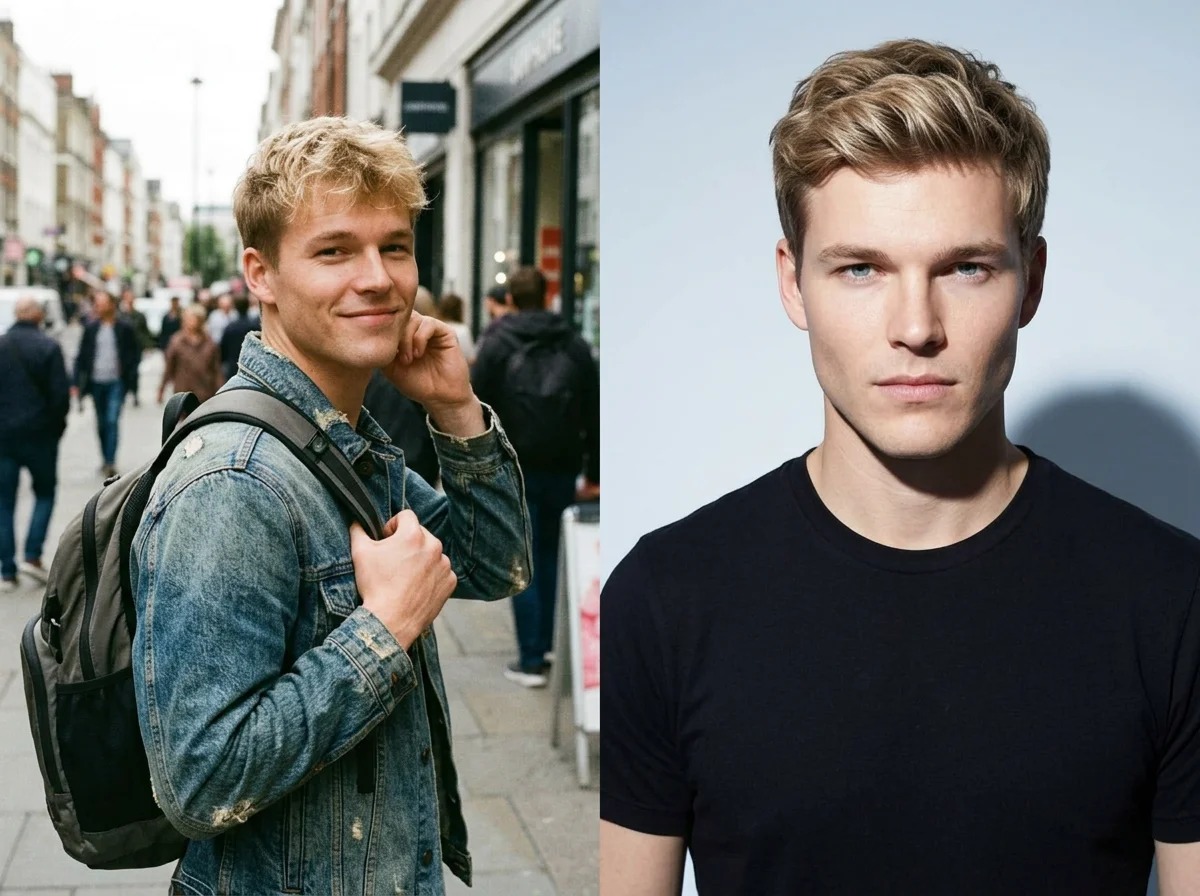
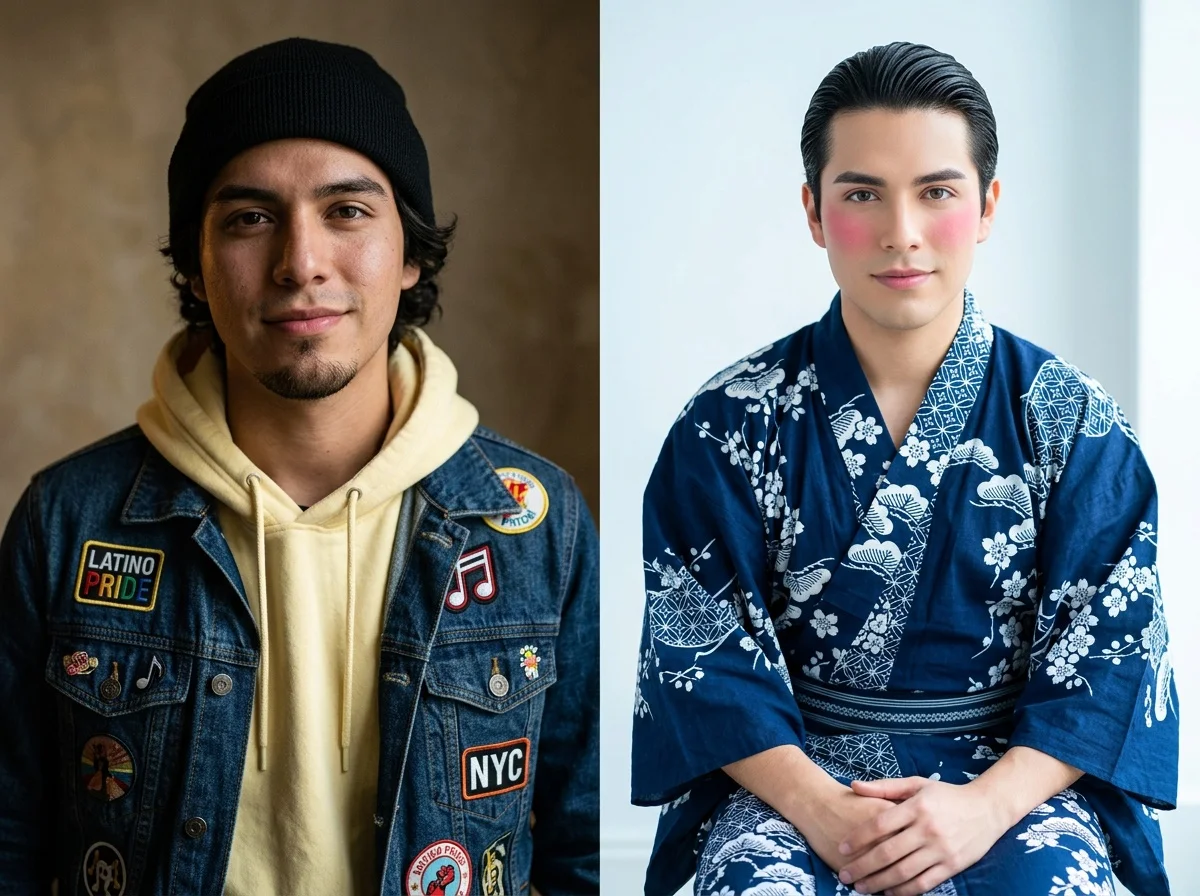
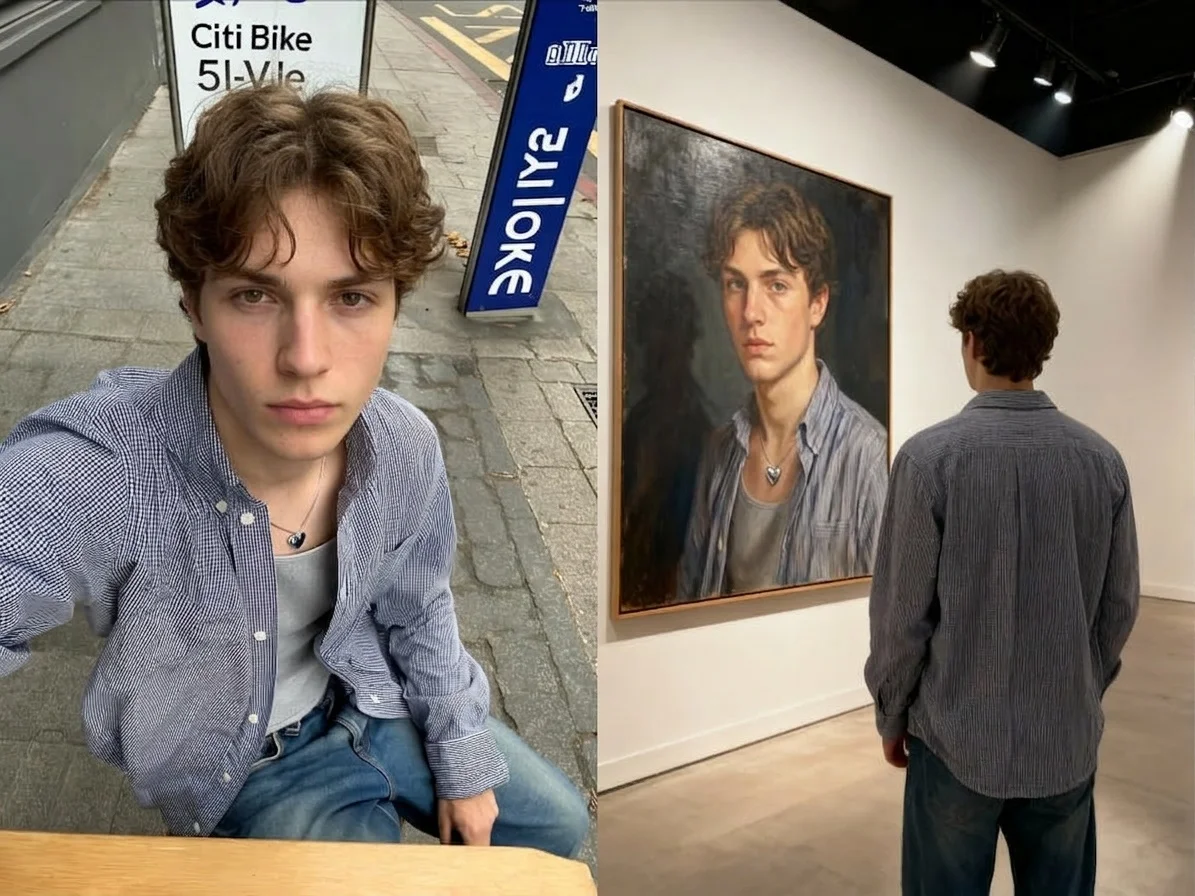

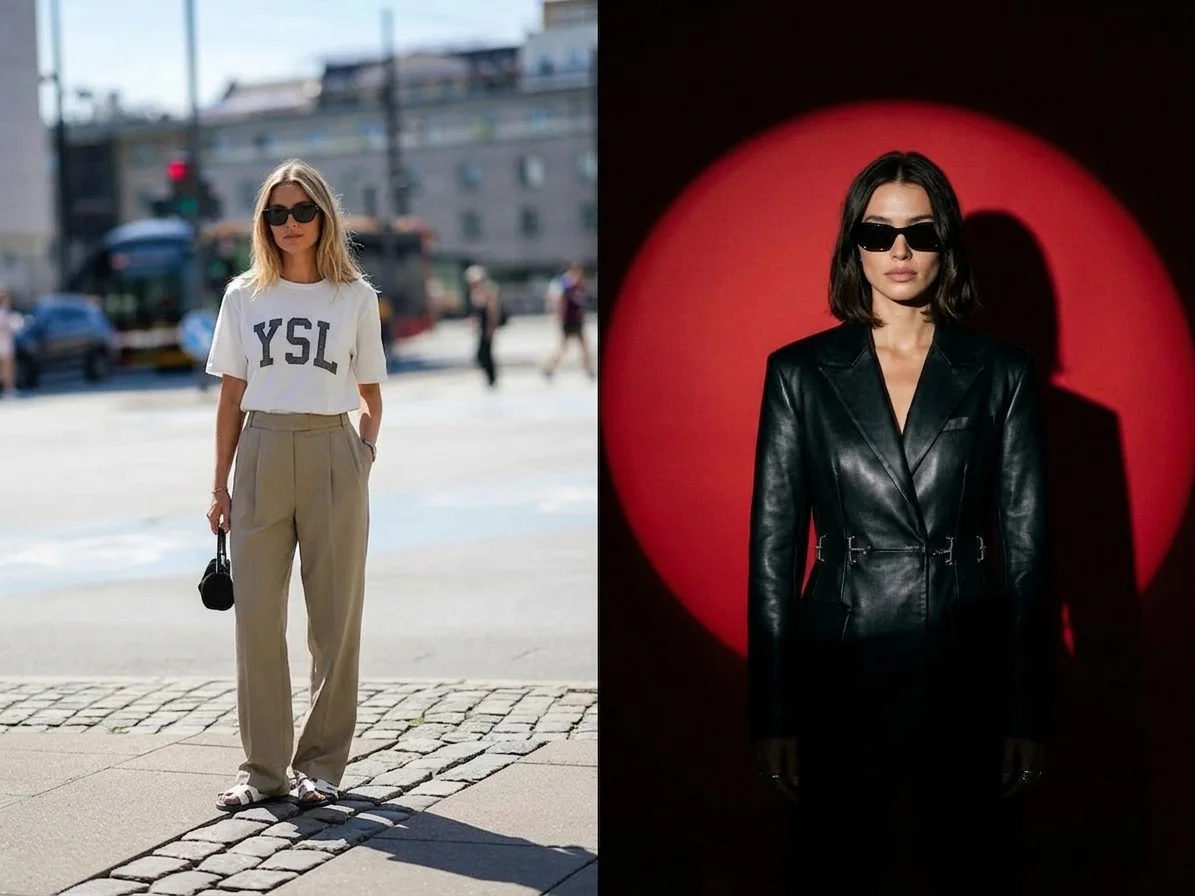
Before & after
A casual selfie becomes a studio headshot.
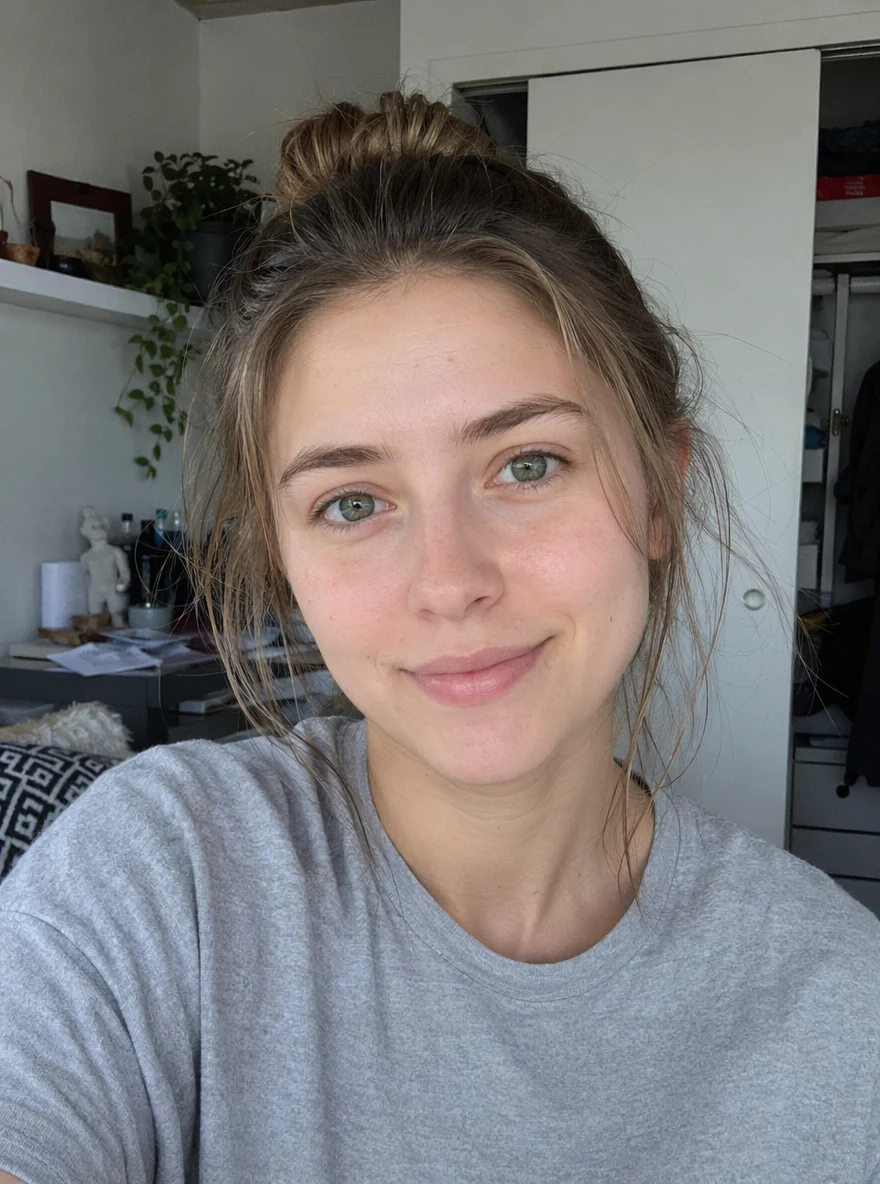 Before
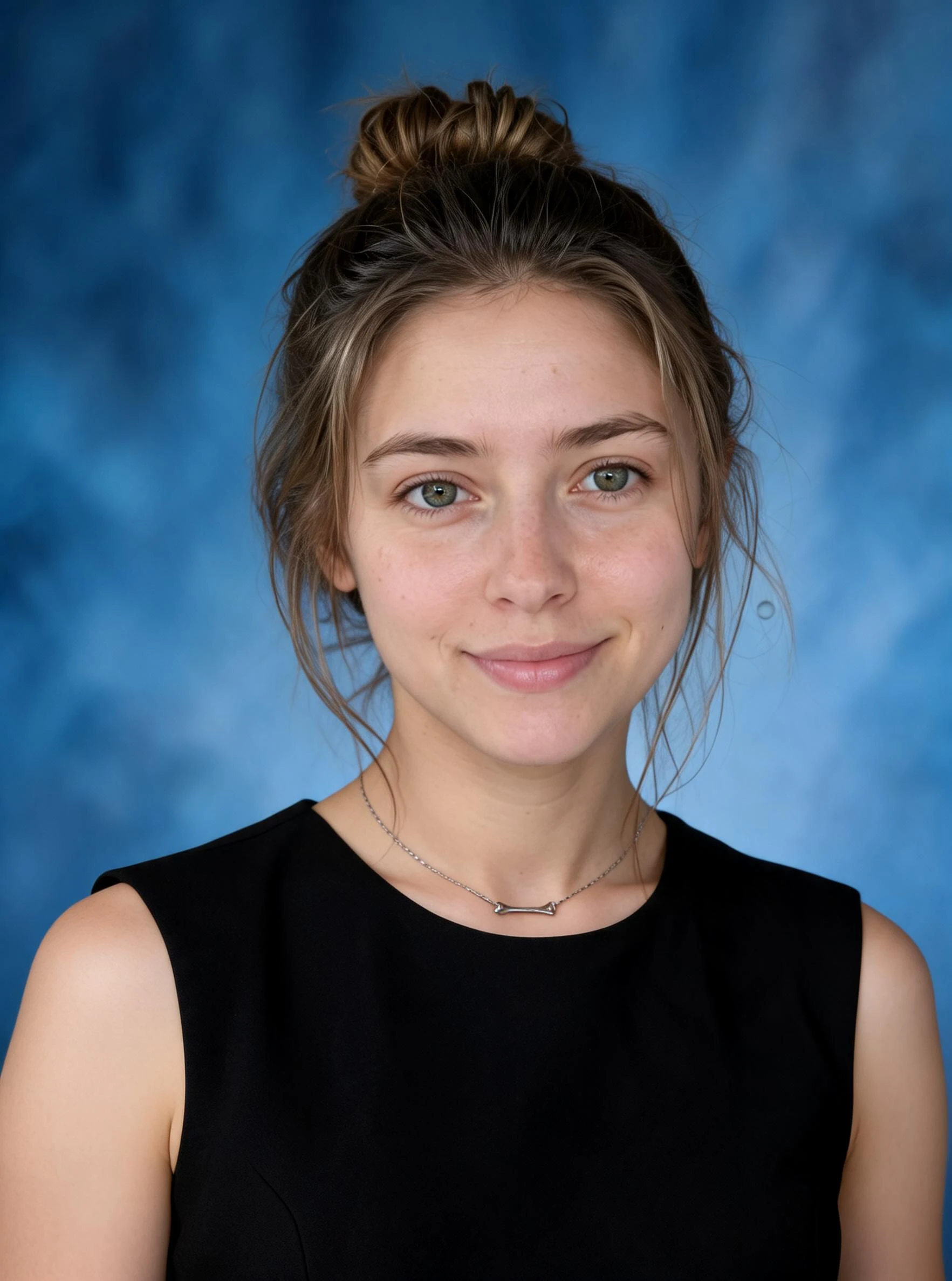 After
After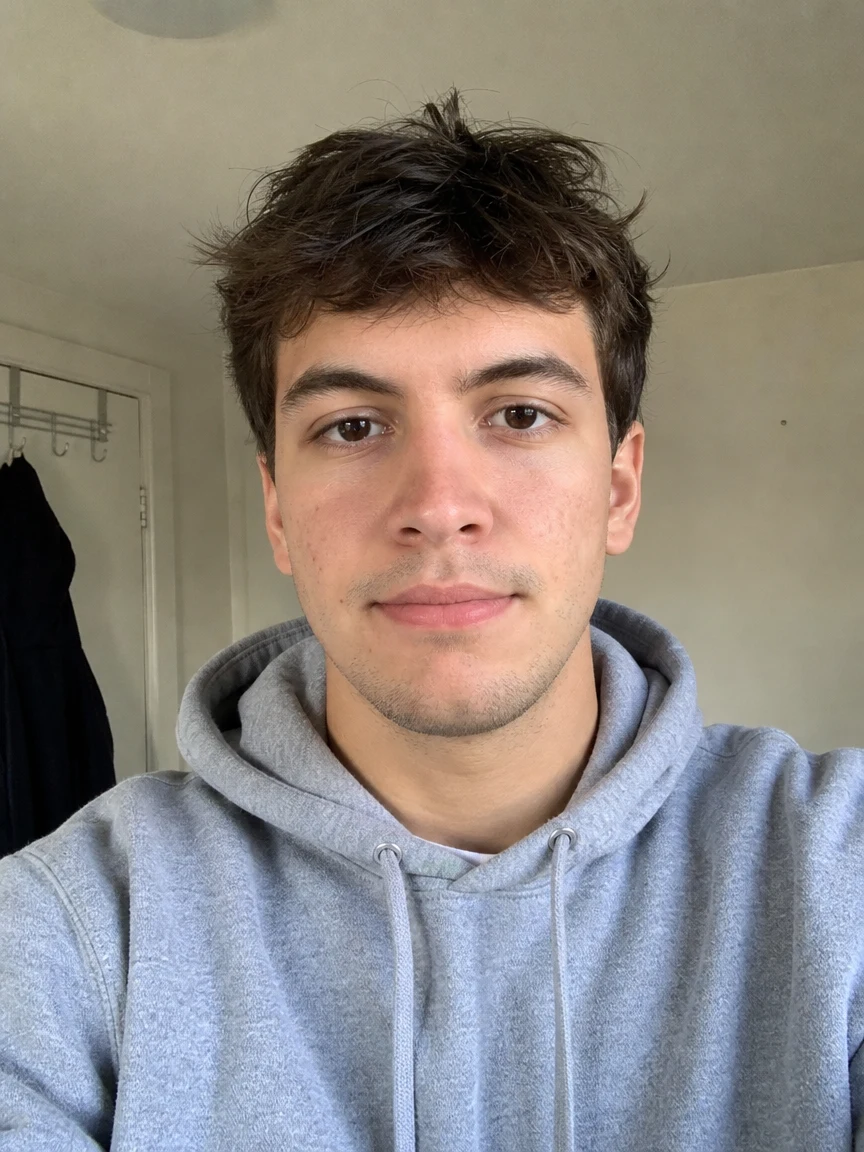 Before
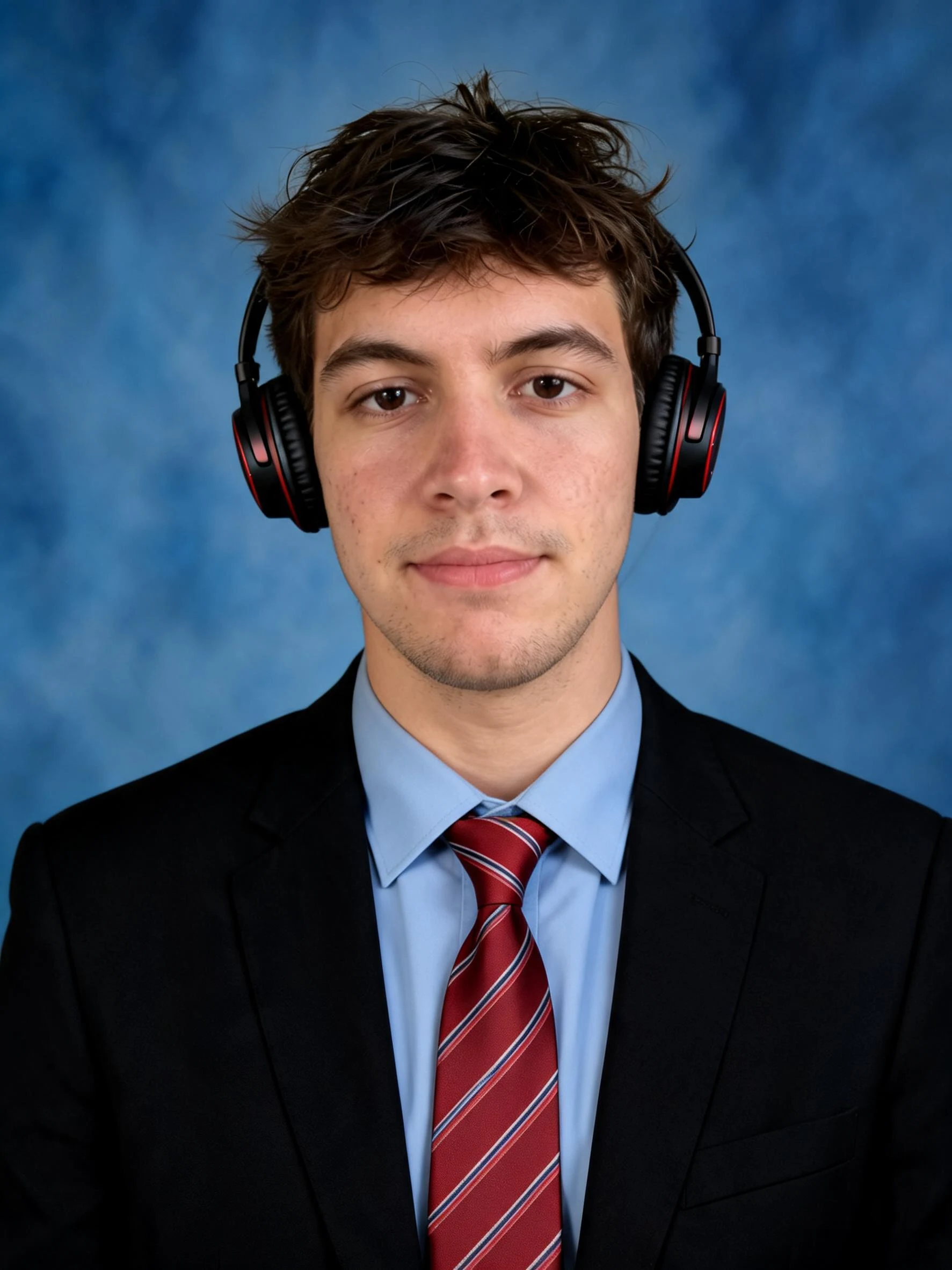 After
After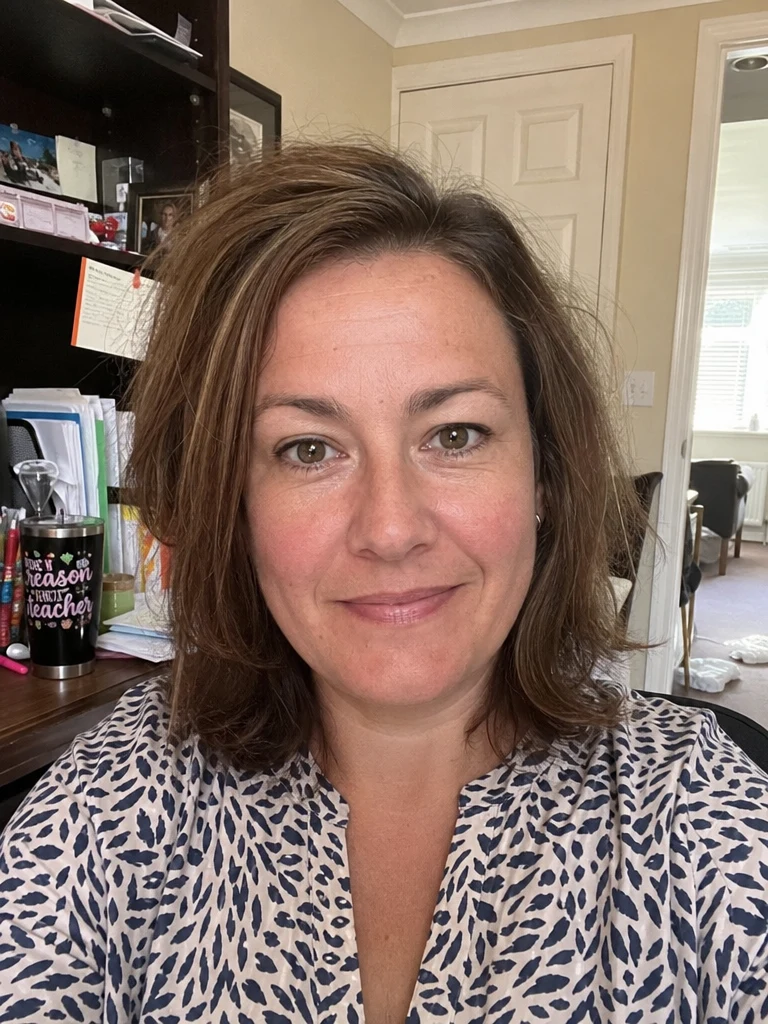 Before
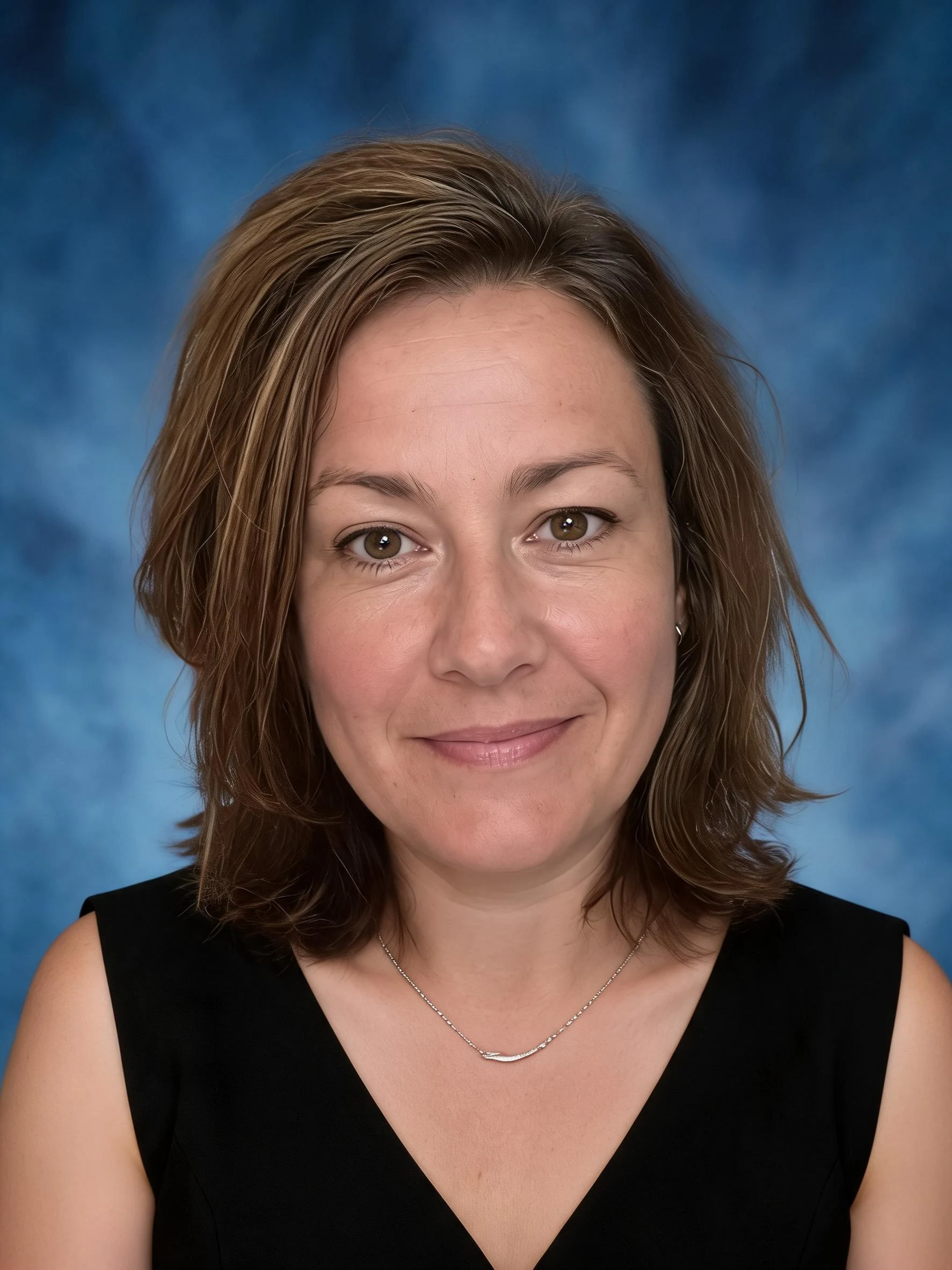 After
AfterCasual to pro
How to make an AI headshot
Three steps, right in your browser.
Upload your photo
Drag in or select a clear selfie or portrait where your face is well lit and looking toward the camera. A simple background and a natural expression give the AI the most to work with. Your photo is used only to make your result.
Pick a headshot style
Sign in for your 10 free credits, then choose a look — a clean studio spotlight, a classic color portrait, or a bold black-and-white or Prussian blue treatment. The AI relights and restyles your photo into a professional headshot while keeping your face and likeness.
Download and use it
Preview your headshot, then download it at full resolution with no watermark. Set it as your LinkedIn or profile photo, add it to a resume or company page, or use it on a business card or speaker bio.
What you can make
Popular ways people use the headshot generator.
LinkedIn & profile photos
Replace a cropped party pic with a polished, professional headshot that makes the right first impression on recruiters, clients, and connections.
Resumes & job applications
Add a clean, camera-ready portrait to a CV, resume, or application in regions where a photo is expected — no studio appointment needed.
Team & company pages
Give a whole team consistent, professional headshots against matching backgrounds so an About page or staff directory looks cohesive.
Speaker & author bios
Generate a striking editorial or black-and-white portrait for a conference bio, podcast page, or book jacket.
Freelancers & personal brands
Put a confident, on-brand face on your website, invoices, and social profiles to look established and trustworthy to new clients.
Profile pictures anywhere
Refresh your avatar on social media, email, and messaging apps with a sharp portrait that stands out from ordinary selfies.
Styles to choose from
From a clean studio portrait to bold monochrome looks — pick the style that fits where the headshot will live.
Studio spotlight
A professional portrait with focused studio lighting and a clean backdrop — the go-to look for LinkedIn and resumes.
Classic color portrait
A timeless, evenly lit business headshot with natural color, ideal for company pages and directories.
Black & white
A striking monochrome headshot with rich contrast, great for editorial bios and author photos.
Prussian blue
A moody, deep-blue monochrome treatment for a distinctive, artistic profile picture.
Why use SharkFoto's headshot generator
Studio-quality lighting
The AI relights your photo with soft, flattering studio lighting and a clean backdrop, so a phone selfie reads like it came from a professional shoot rather than a filter.
Keeps your likeness
Your face, features, and expression stay recognizably you — the AI upgrades the setting, lighting, and polish without turning you into someone else.
Multiple professional styles
Switch between a classic color headshot, a dramatic spotlight portrait, and bold black-and-white or Prussian blue looks to match wherever the photo will be used.
10 free credits, no watermark
Sign up free and get 10 credits to start generating headshots. Your download comes at full resolution with no watermark, so it's clean enough for LinkedIn, a resume, or a company page.
Tips for the best results
Start from a front-facing, well-lit selfie — the AI needs to see your face clearly and evenly lit to build a natural, professional portrait.
Use a neutral expression or a light smile — a calm, approachable expression reads as more professional than an extreme pose or grin.
Keep the background simple in your upload — a plain wall or uncluttered scene keeps the focus on your face and helps the AI place a clean backdrop.
Avoid hats, heavy filters, or sunglasses — obscured or heavily edited faces make it harder to keep your likeness sharp and true.
Use the highest-resolution photo you have — low-res or heavily compressed images limit how crisp the final headshot can be.
Frequently asked questions
Is the AI headshot generator really free?
What kind of photo works best?
Will it still look like me?
Do I get an image or a video?
How long does it take to generate a headshot?
Is my photo safe and private?
Can I use my AI headshot commercially?
Can I make matching headshots for my whole team?
Related AI effects
More ways to reimagine your photos.