AI Superhero Video Generator
Turn an everyday photo into an epic superhero moment in seconds. SharkFoto's AI superhero video generator suits up the person in your picture as a caped, comic-book hero and animates cinematic action — flying entrances, kung-fu combos, and slow-motion power poses — so a single selfie becomes a movie-trailer clip or a full comic strip. Sign up free to get 10 credits, pick a hero effect, and download your result — with no watermark — ready to post or share.
 PopularOmniHero Forge
What is an AI superhero video generator?
An AI superhero video generator turns a photo of a person into a superhero and animates it into a short action clip — think a costumed hero with a cape, powers, and a cinematic entrance — without any editing or VFX skills. You upload a photo, pick a hero effect, and download a few-second MP4 (or a comic-strip image, depending on the style) that keeps your likeness.
All AI Superhero Video Effects
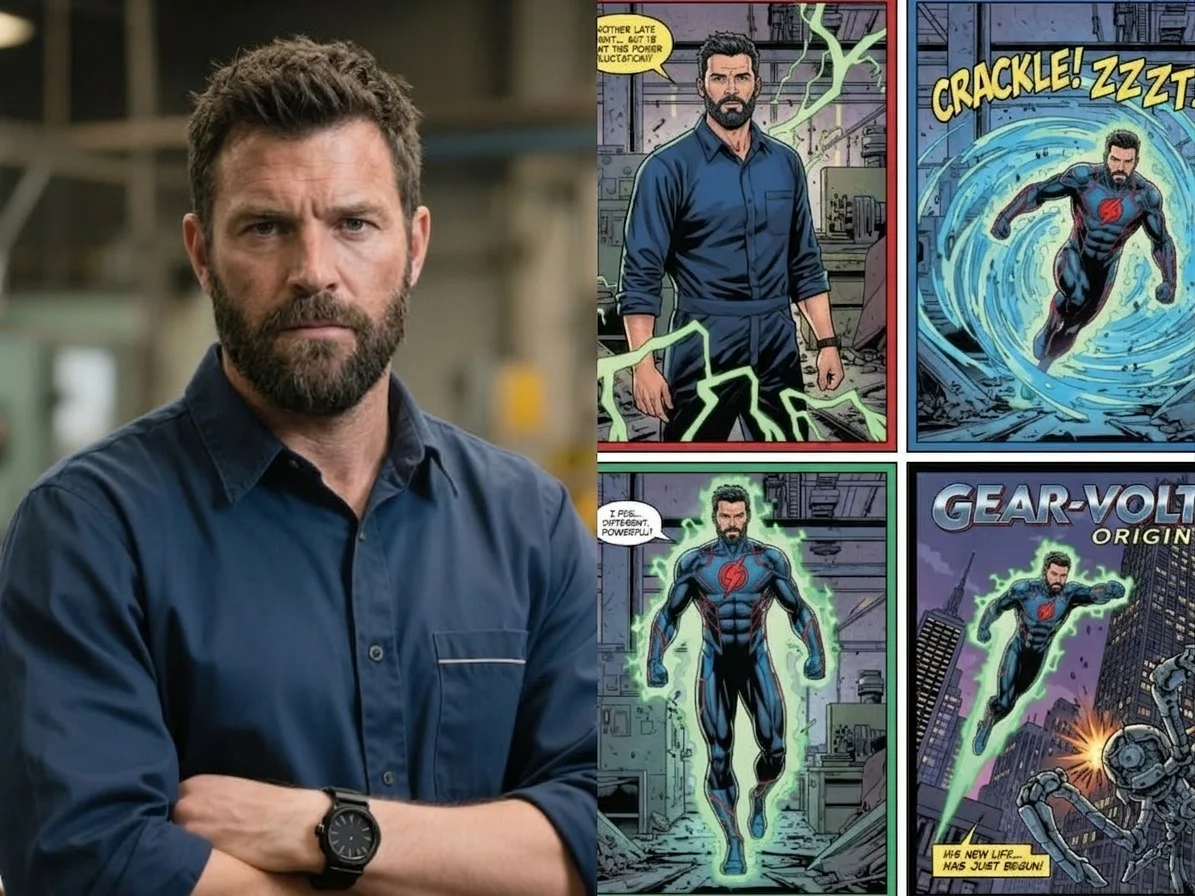


Five ways to become a superhero — a forged origin story, a comic hero in action, a kung-fu showdown, an action-movie hero moment, or a printed comic strip. Pick one to start.







Before & after
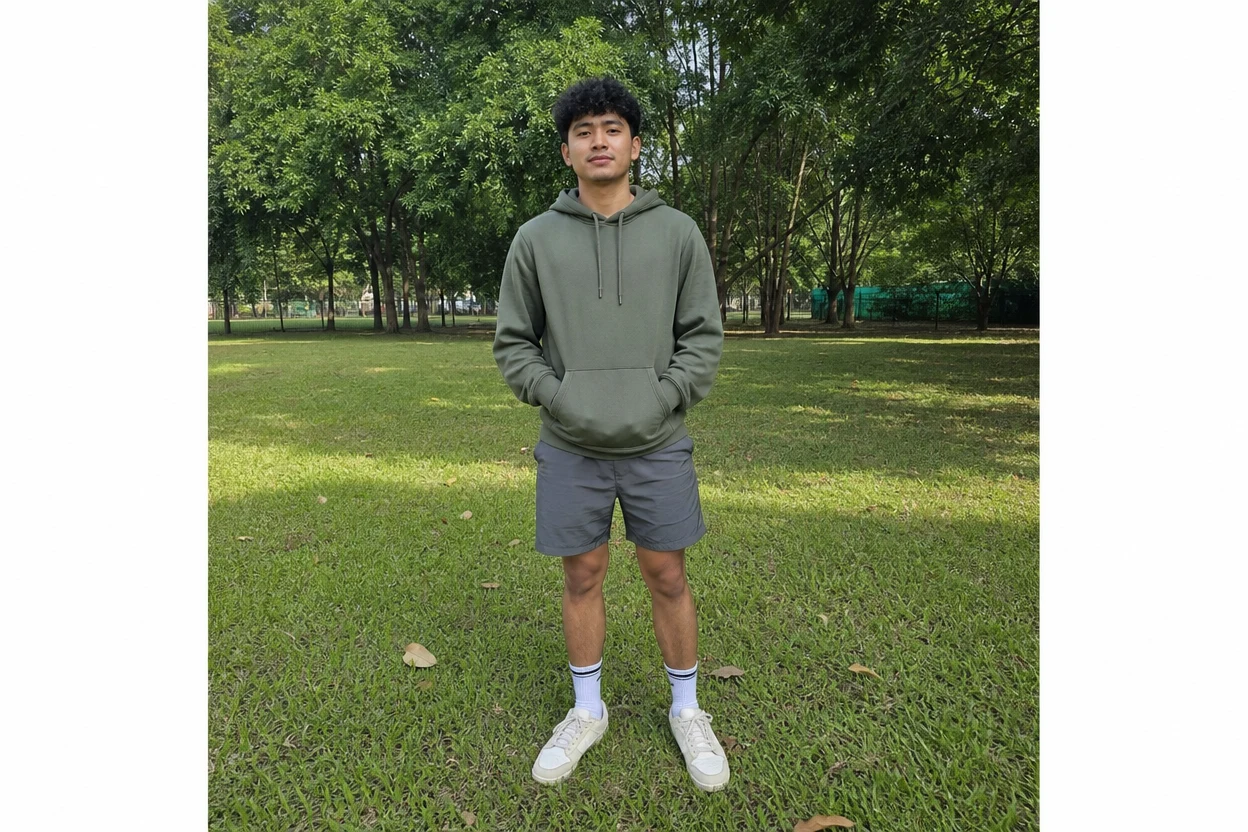
An ordinary photo, suited up as a hero.
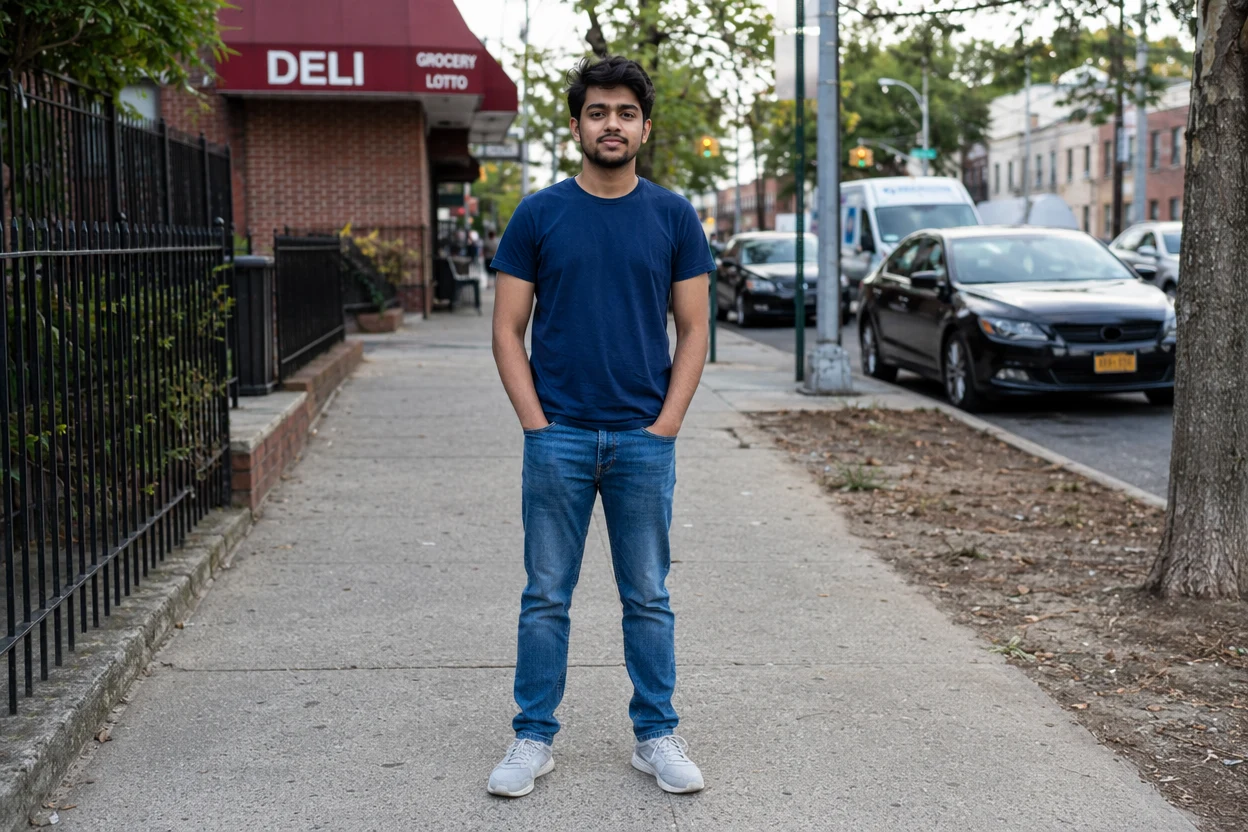 BeforeAfter
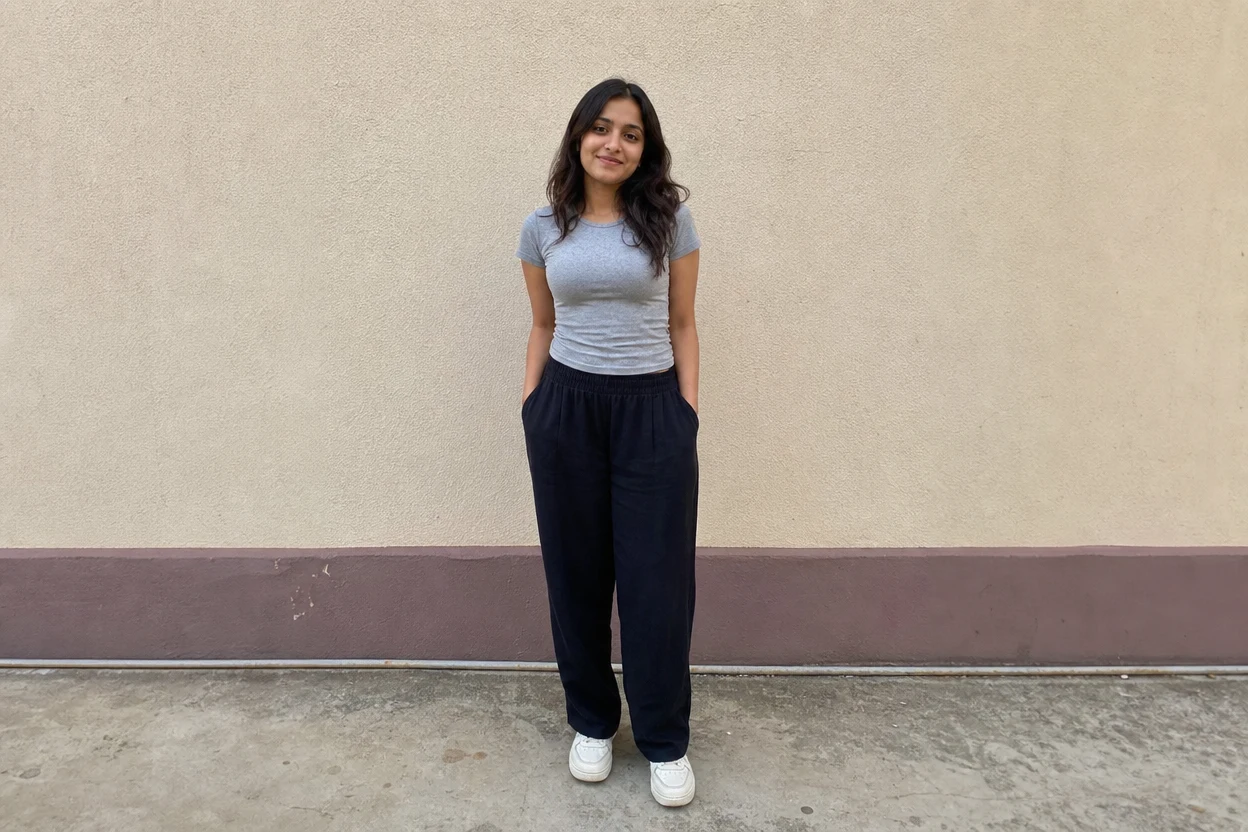 BeforeAfter
 BeforeAfter
Superhero him
How to make an AI superhero video
Three steps, right in your browser.
Upload your photo
Drag in or select a clear photo of the person you want to turn into a superhero. A well-lit, front-facing shot where the face and pose are visible gives the AI the most to work with. Your photo is used only to make your result.
Pick a hero effect
Sign in for your 10 free credits, then choose a look — OmniHero Forge for an origin-story transformation, Comic Hero in Action for a cinematic power shot, Kungfu Club for a martial-arts showdown, Action Hero Mode for a big-screen action beat, or the Superhero Comic Strip for a printed comic page. The AI suits you up while keeping your face recognizable.
Download and share
Watch the preview, then download your superhero video as a full-resolution MP4 (or your comic strip as an image) with no watermark. Post it, text it, or drop it into a reel or edit right away.
What you can make
Popular ways people use the superhero video generator.
Become your own superhero
Suit up in a cape and powers and star in your own origin story — turn one selfie into a cinematic hero moment worth sharing.
Creators & reels
Give your channel a scroll-stopping hook: a flying entrance or a slow-motion power pose that fits perfectly at the top of a short or reel.
Action & martial-arts fans
Star in a high-energy kung-fu showdown with movie-style choreography, straight from a single photo.
Comic-book keepsakes
Turn yourself into a printed comic hero with panels and speech bubbles — a fun poster, print, or profile picture for any comic fan.
Gifts for kids & fans
Surprise a kid, a gamer, or a fandom friend by making them the hero of their own clip — a personalized gift nobody else will have.
Superhero parties
Make custom hero clips or comic invites for a themed birthday or event, with the guest of honor front and center.
Why use SharkFoto's superhero video generator
Cinematic action motion
The AI doesn't just paste on a costume — it animates a real action beat, from a flying entrance to a fight combo, so your clip reads like a movie trailer rather than a static filter.
Keeps your likeness
Your face, hair, and build stay recognizable under the mask and cape, so the hero is unmistakably you and not a generic character.
Video or comic strip
Pick a dynamic MP4 for social feeds, or the Superhero Comic Strip style for a printed comic page with panels — one photo, two very different ways to be a hero.
10 free credits, no watermark
Sign up free and get 10 credits to start generating hero clips. Your download comes at full resolution with no watermark, so it's clean enough to post, print, or gift.
Tips for the best results
Use a clear, front-facing photo — the AI needs to see your face to keep the hero looking like you; hidden or side-profile faces come out less recognizable.
Pick a full-body or half-body shot — the AI has more of your pose and build to suit up, so the costume and action read naturally.
Start from an evenly lit photo — harsh shadows or very dark shots make the animated motion look muddy.
Keep the background simple — busy backgrounds can warp as the AI adds movement and effects.
Use the highest-resolution photo you have — low-res or heavily compressed images limit how sharp the final clip or comic can be.
Frequently asked questions
Is the AI superhero video generator really free?
What kind of photo works best?
Do I get a video or an image?
How long does it take to generate?
What format and length is the video?
Is my photo safe and private?
Can I use my superhero video commercially?
Related AI effects
More AI effects to try next.