AI Baby Generator

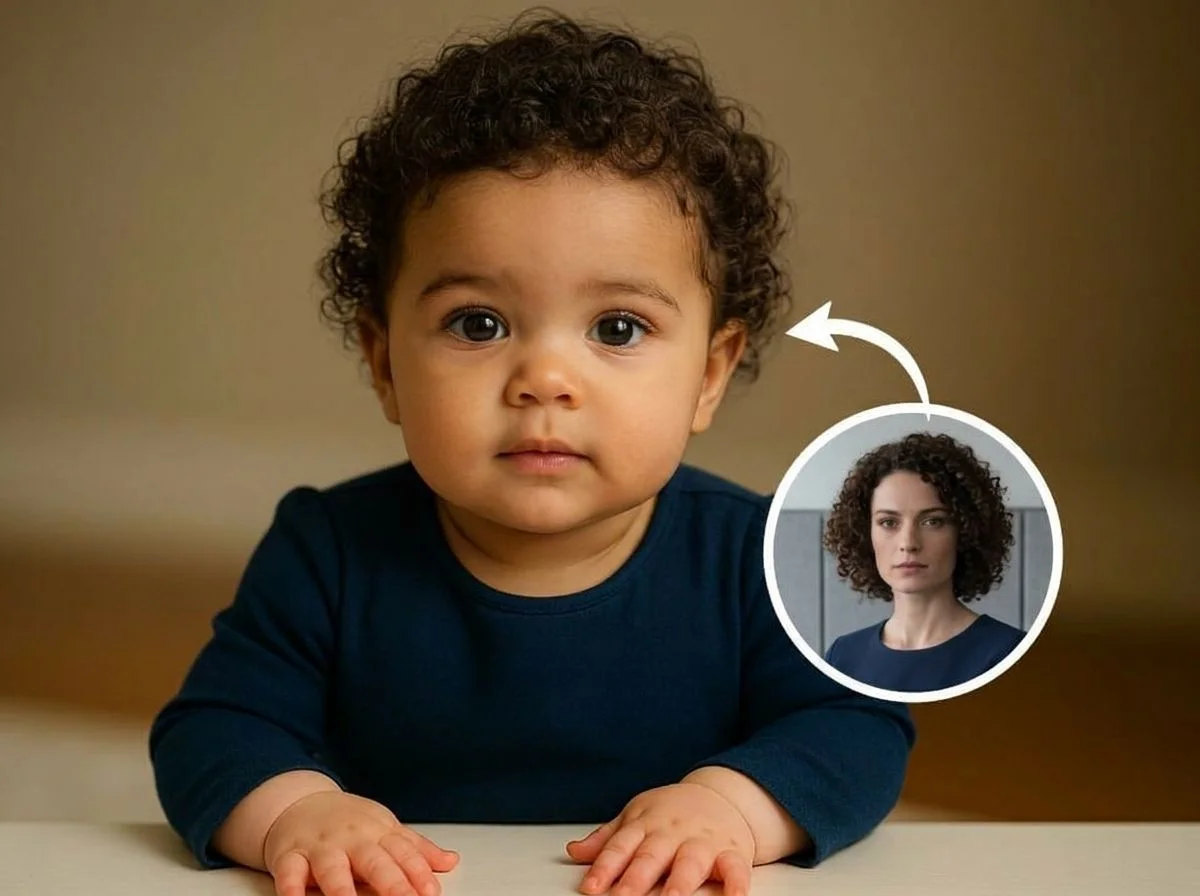
Ever wondered what your future baby might look like? SharkFoto's AI baby generator blends the faces in your photos into a playful prediction of your little one, and can even bring the moment to life as a short clip. Upload a couple's photo (or just your own selfie) and the AI imagines a baby's features, a joyful arrival, or a baby version of you. Sign up free to get 10 credits, pick a baby effect, and download your result — with no watermark — in seconds. It's made for fun, not a real forecast.
 PopularFuture Baby
What is an AI baby generator?
An AI baby generator is a tool that takes photos of one or two people and imagines what a baby with their combined features might look like. You upload a selfie or a couple's photo, the AI blends facial traits into a baby's face, and you download the result as an image or a short video. It's a playful guess for entertainment, not a scientific or genetic prediction.
All AI Baby Effects
Five AI baby effects — predict your future baby, celebrate a baby's arrival, or turn yourself into an adorable infant. Pick one to start.


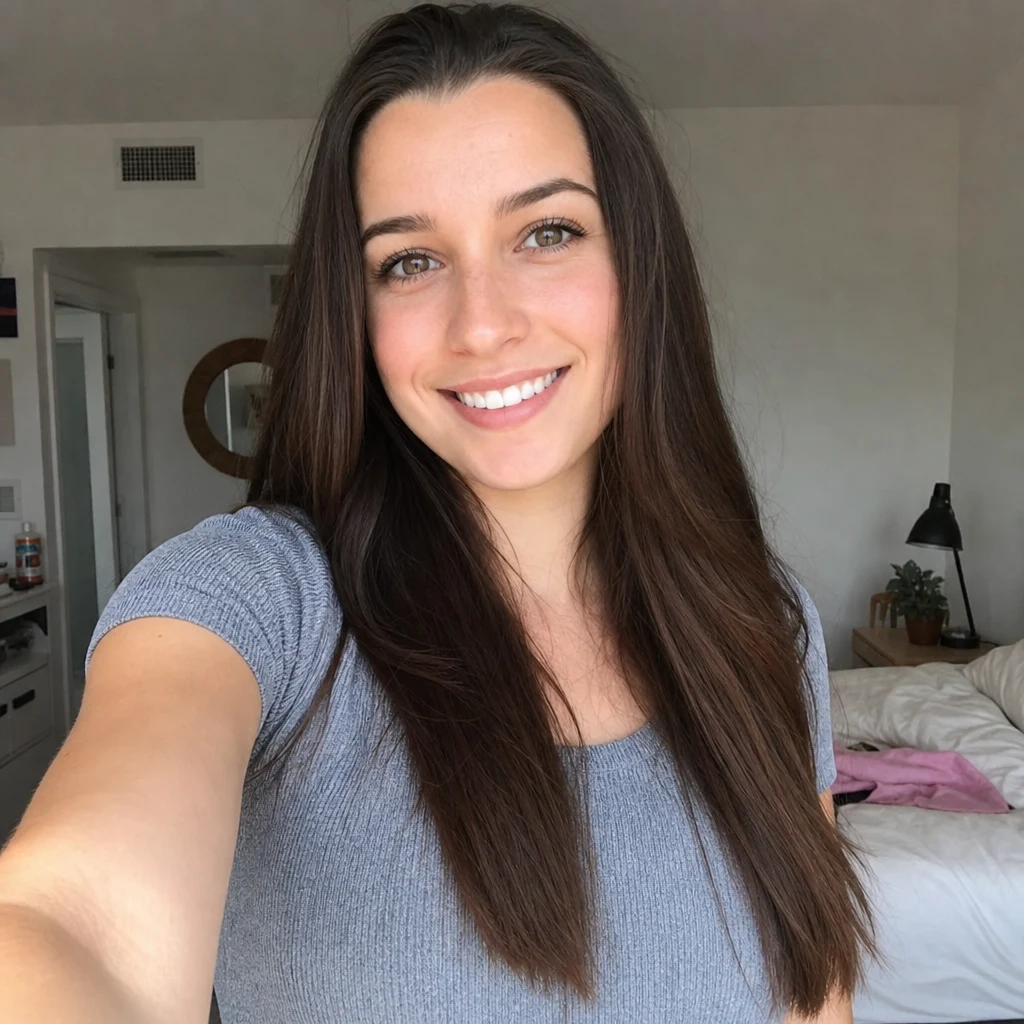
Before & after
Two faces, blended into a future baby.
 +
+ BeforeAfter
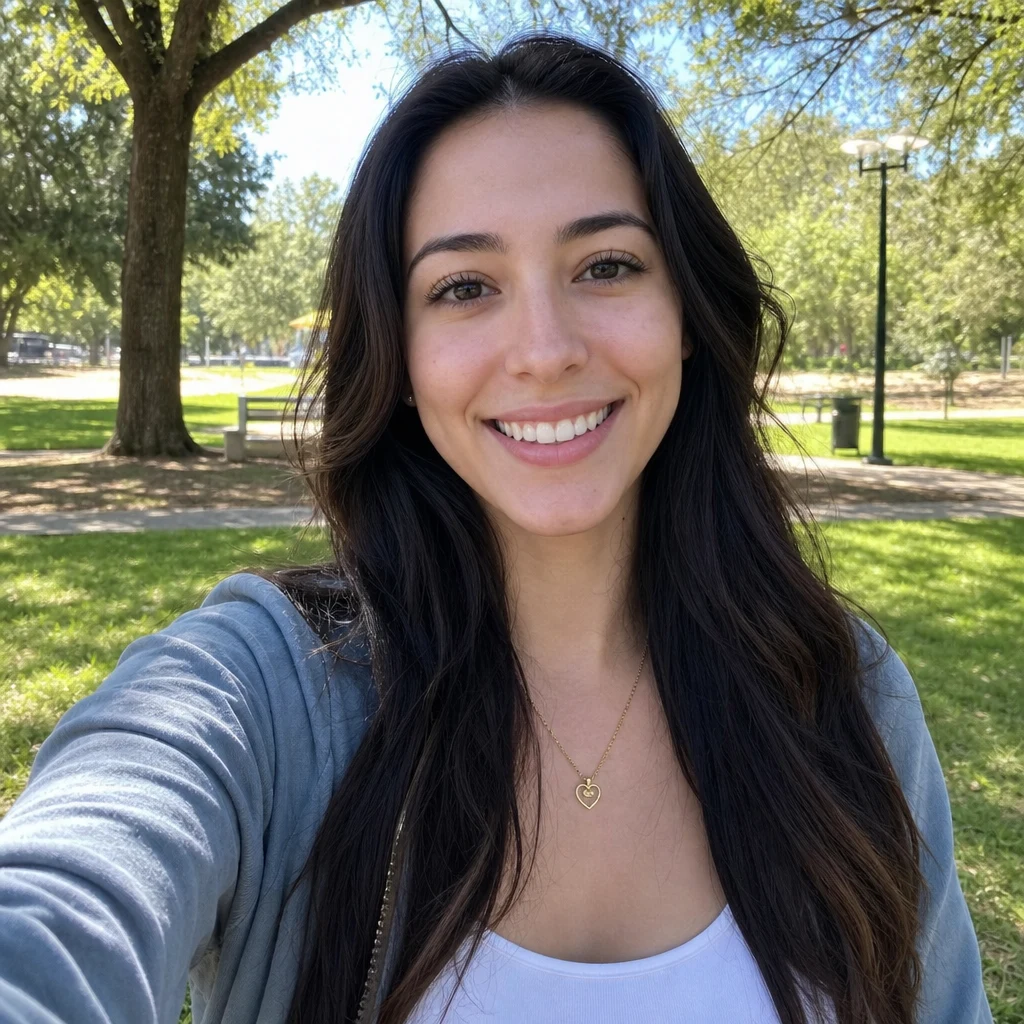 +
+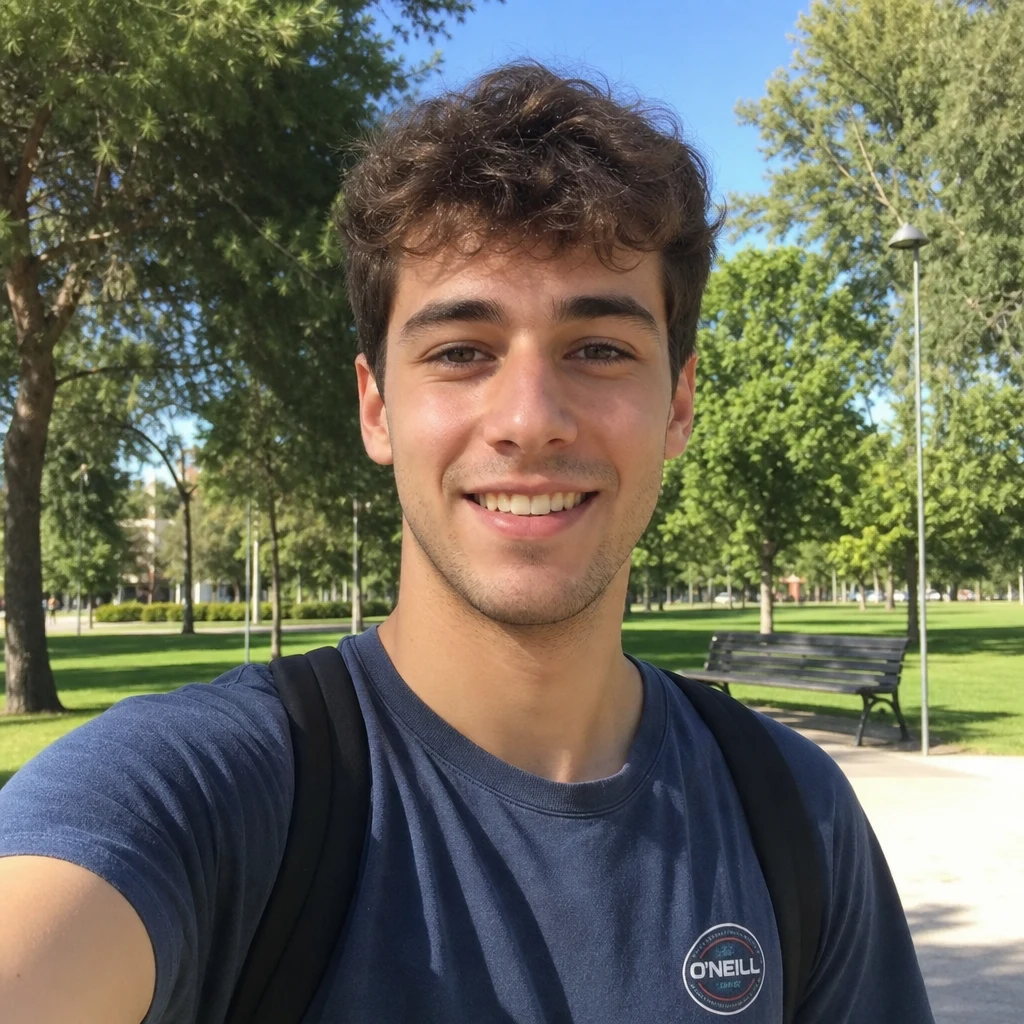 BeforeAfter
 +
+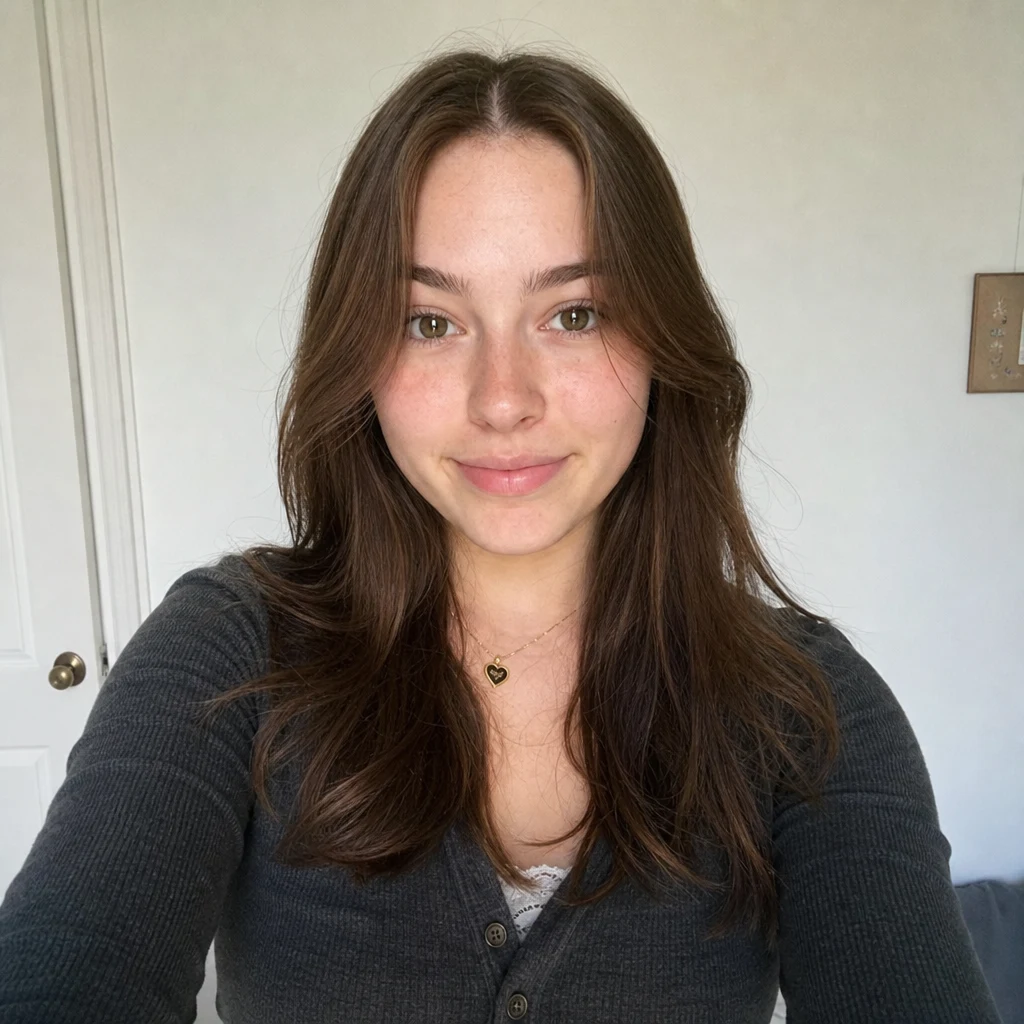 BeforeAfter
Future baby
How to make an AI baby photo
Three steps, right in your browser.
Upload your photo
Drag in or select a clear photo. For a future-baby prediction, use a photo of both partners, or two separate selfies; for a baby-version-of-you effect, one well-lit portrait is enough. Front-facing shots where faces are fully visible work best. Your photo is used only to make your result.
Pick a baby effect
Sign in for your 10 free credits, then choose a look — Future Baby to imagine your child, Baby Arrived or Baby Wave for a joyful animated moment, Pregnant AI for a pregnancy scene, or AI Baby Filter to see yourself as an infant. The AI blends the faces and generates your baby in seconds.
Download and share
Preview your result, then download it at full resolution with no watermark. Photo effects export as an image and video effects as an MP4 — ready to text to family, post as a reveal, or save as a keepsake.
What you can make
Popular ways people use the baby generator.
See your future baby
Curious what your kids might look like? Blend a couple's photos into a playful prediction of your future baby's face — a fun way to daydream together.
For couples dreaming of a family
A sweet, lighthearted activity for date night or an anniversary — imagine the little one you might have one day and share a laugh over the result.
Fun pregnancy & baby announcements
Add a playful twist to a reveal with an animated baby-arrival clip you can post or send to family before the big news.
Turn yourself into a baby
Wonder what you looked like as an infant, or just want a giggle? The AI baby filter regresses your portrait into an adorable baby version of you.
Imagine a pregnancy photo
Picture a maternity moment with the Pregnant AI effect — a playful what-if scene for couples thinking ahead or having some fun.
Blend two people's features
Combine the faces of two partners and let the AI guess whose eyes, nose, or smile the baby might inherit — for entertainment only.
Why use SharkFoto's AI baby generator
Blends both parents' features
The AI reads the faces in your photos and mixes traits — eyes, nose, hair, and skin tone — into a single baby face, so the result feels like a plausible blend of the two of you rather than a random infant.
Photo or animated baby moment
Choose a still image of your predicted baby, or an effect like Baby Arrived and Baby Wave that animates a joyful moment into a short, shareable MP4 clip.
Works from a single selfie
You don't need a professional photo or matching pictures. One clear, well-lit portrait is enough for the baby filter, and two photos give the AI the most to blend for a future-baby prediction.
10 free credits, no watermark
Sign up free and get 10 credits to start imagining right away. Your download comes at full resolution with no watermark, so it's clean enough to post, text, or save.
Tips for the best results
Use clear, front-facing photos where faces are fully visible — the AI blends facial features, so hidden or side-profile faces make the baby look less like either parent.
Pick evenly lit photos without heavy shadows — harsh lighting distorts the features the AI tries to combine, muddying the result.
For a future-baby prediction, use one photo of each partner — two clear faces give the AI balanced traits to mix rather than guessing from a single person.
Avoid sunglasses, hats, or masks — anything covering the eyes, brow, or hairline removes the exact features that shape a baby's face.
Start from the highest-resolution photos you have — low-res or heavily compressed images limit how sharp and detailed the generated baby can be.
Frequently asked questions
Is the AI baby generator really free?
Is this a real prediction of what my baby will look like?
What kind of photo works best?
Do I get an image or a video?
How long does it take to generate?
Is my photo safe and private?
Can I use my AI baby result commercially?
Related AI effects
More AI effects for couples and family moments.