AI Age Progression
See how the years change a face with AI age progression. SharkFoto ages the person in your photo forward into a believable older self — or rewinds the clock so you can stand beside your younger self — keeping the features, smile, and character that make the face yours. Sign up free to get 10 credits, pick an aging effect or a grow-up video, and download the result — a high-resolution photo or a short MP4 — with no watermark, ready to share. It's a playful, imaginative look at time, not a medical or scientific forecast.
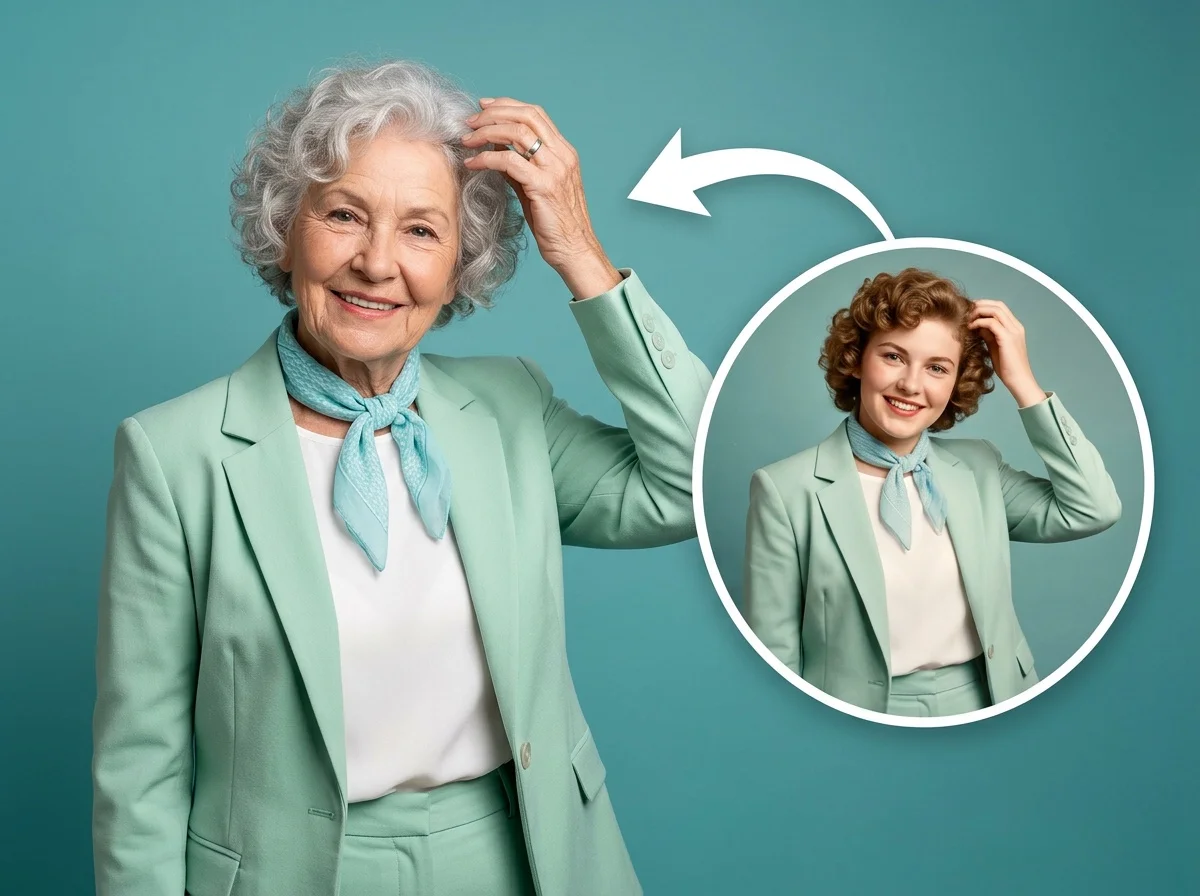 PopularAI Aging Filter
What is AI age progression?
AI age progression is a technique that takes a photo of a face and generates how that person could look at a different age — usually older, sometimes younger — by adjusting features like skin, hair, and bone structure while preserving their likeness. You upload a photo, pick how far to age it, and download an aged portrait as an image or a short time-lapse video. It's an imaginative visualization, not a scientific prediction of how someone will actually age.
All AI Age Progression Effects
Five age progression effects — age your face forward, watch a child grow up, or pose with your younger self. Pick one to start.
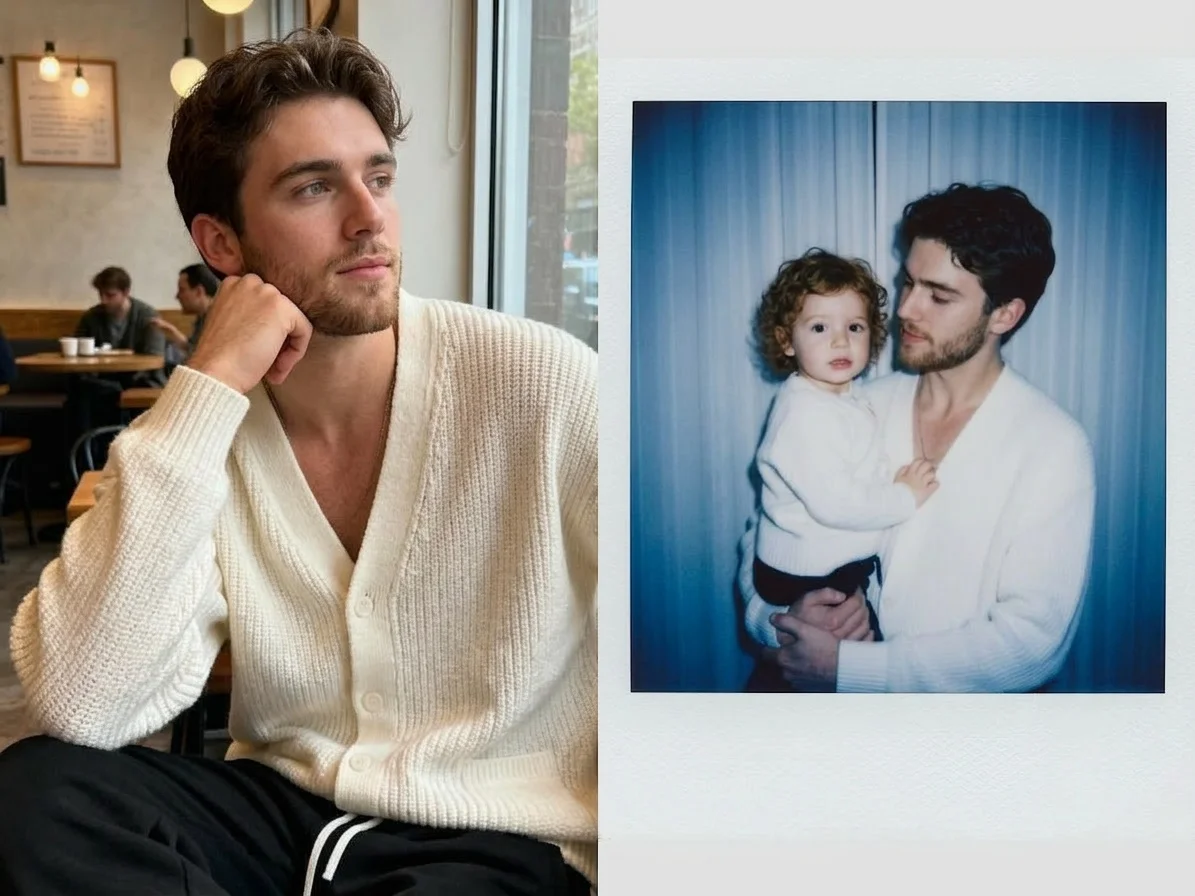

Before & after
Watch an everyday face grow older.
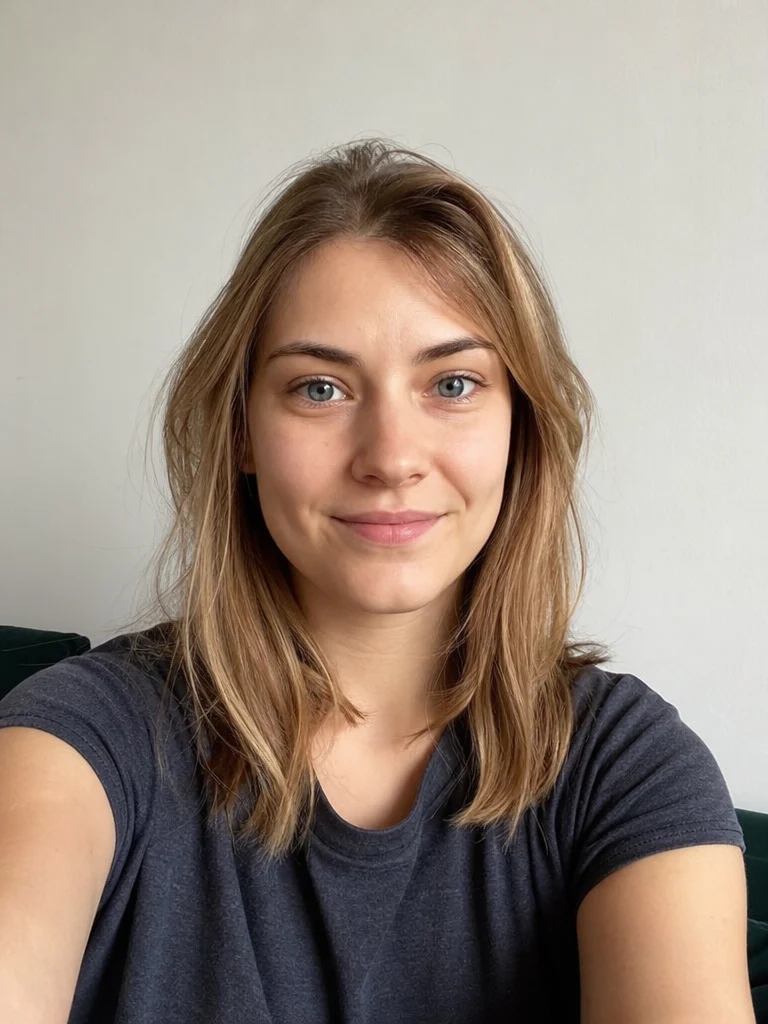 Before
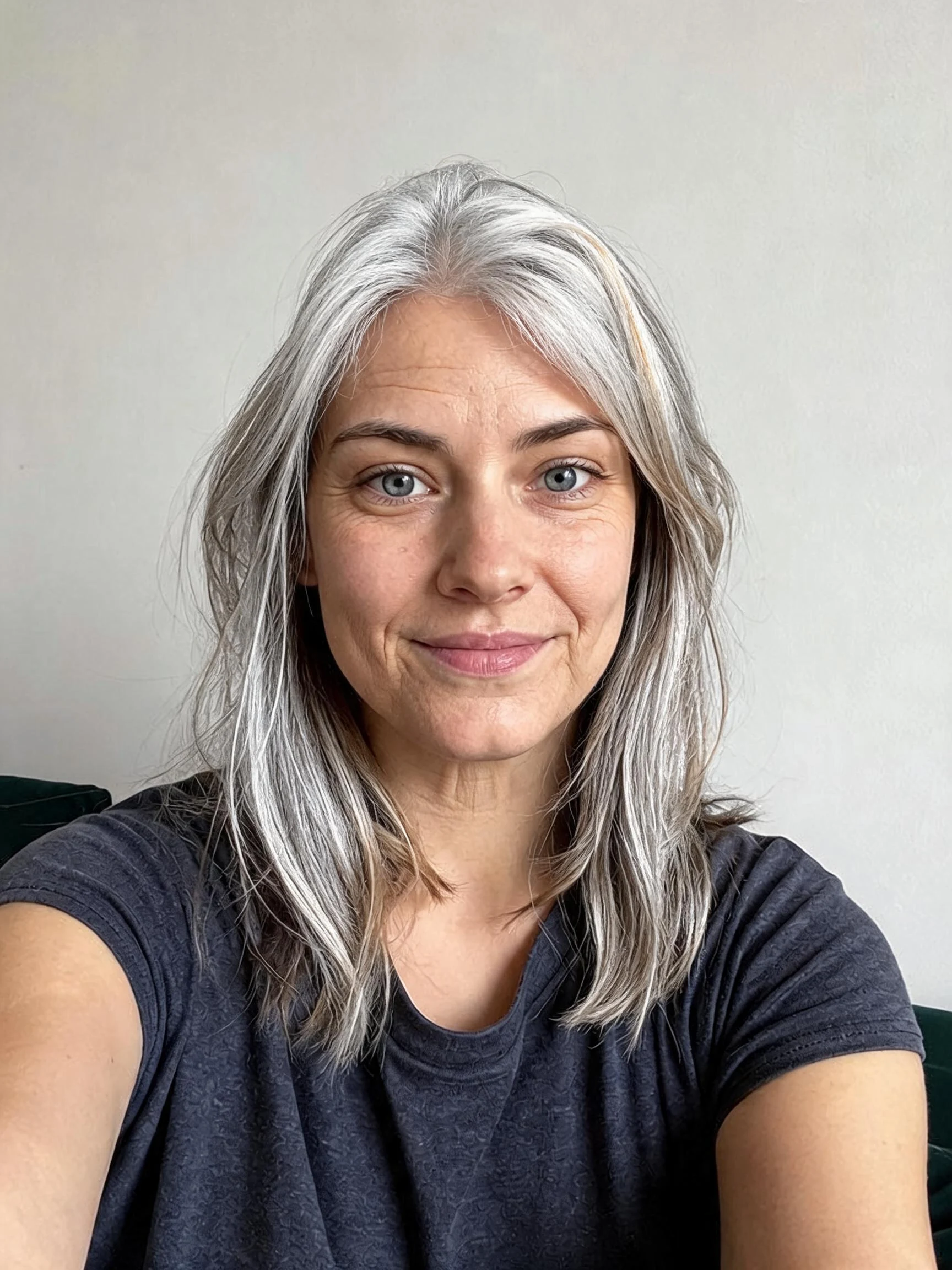 After
After Before
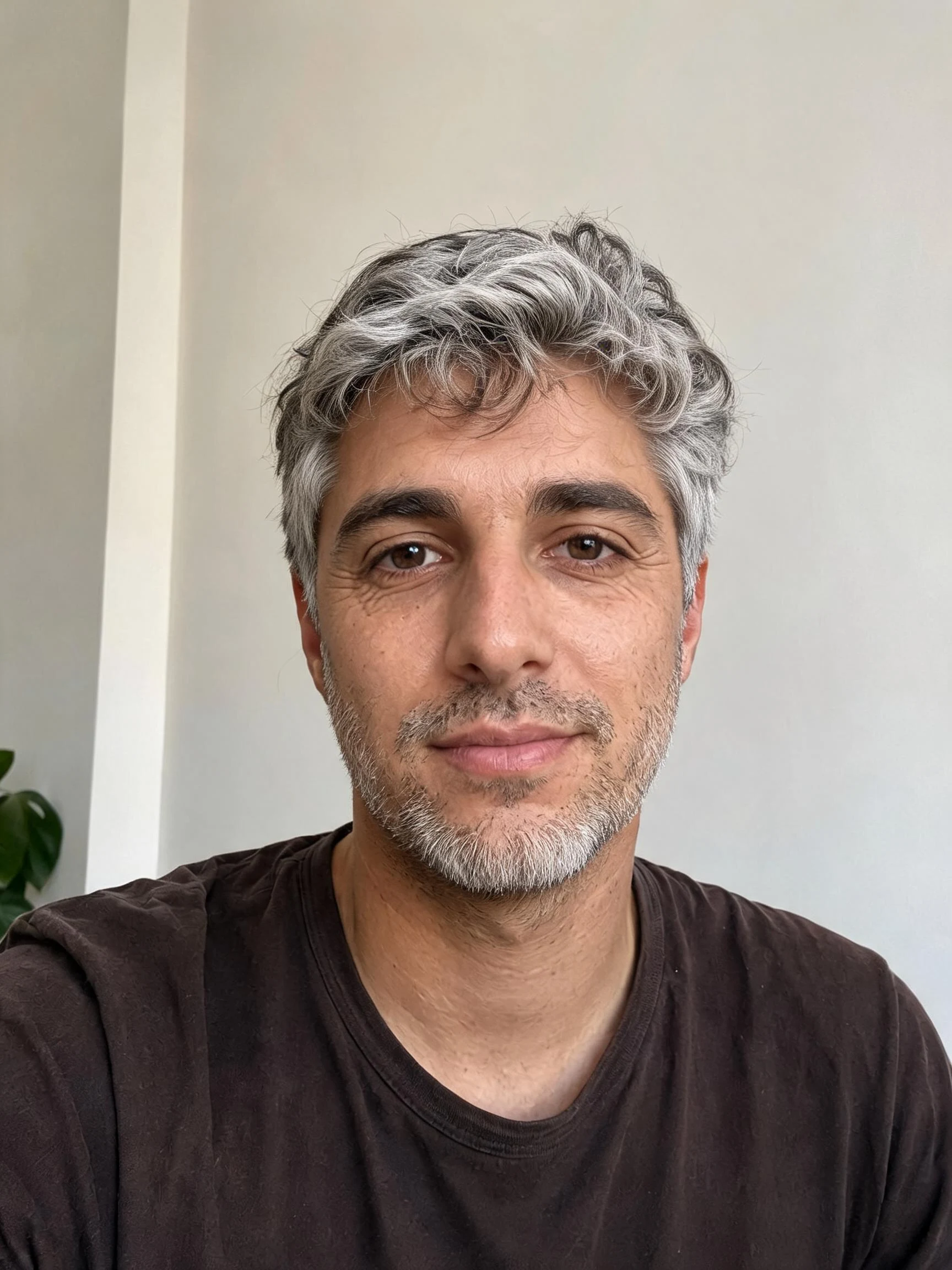 After
After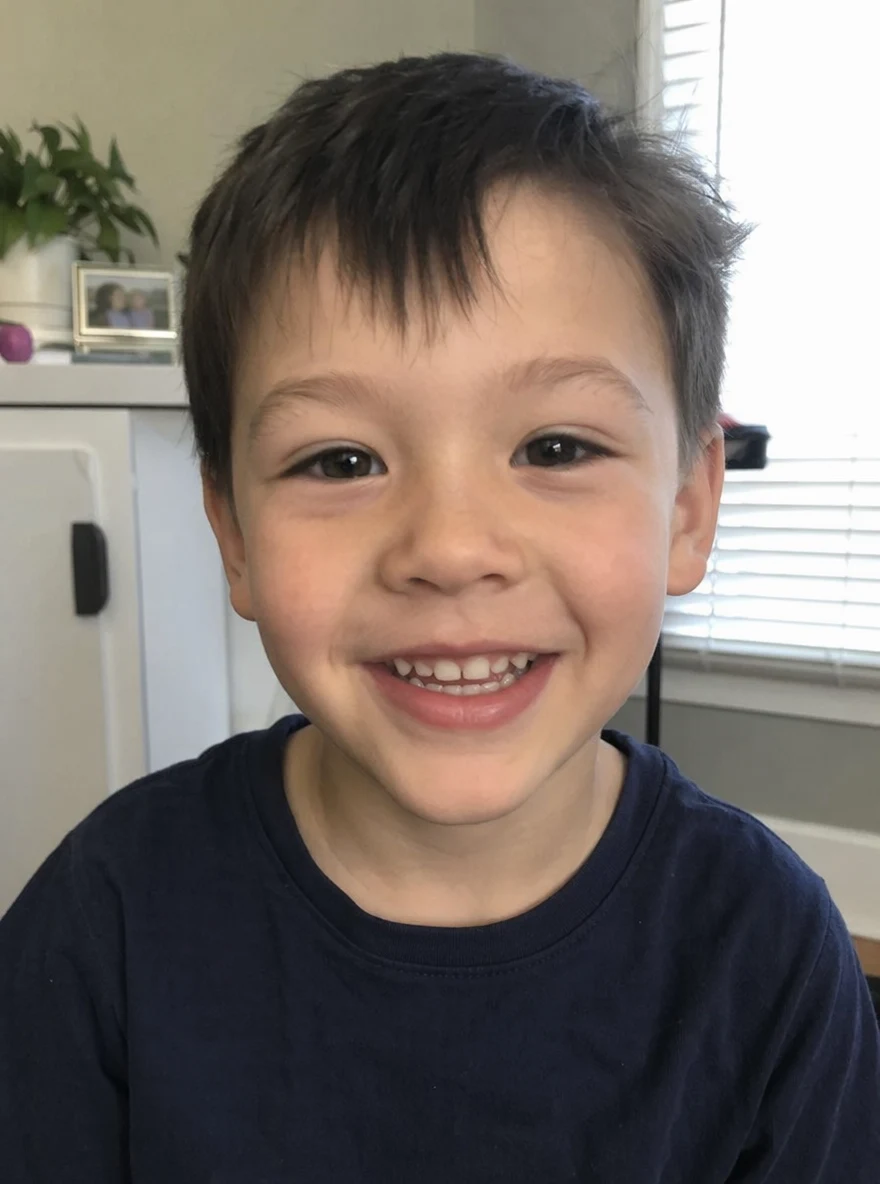 Before
 After
AfterHer, aged
How to age a photo with AI
Three steps, right in your browser.
Upload your photo
Drag in or select a clear, front-facing photo of the face you want to age. Even lighting and a visible face give the AI the most to work with. Your photo is used only to create your result.
Pick an age effect
Sign in for your 10 free credits, then choose a look — the AI Aging Filter to fast-forward your face, Grow Up to watch a child mature, or Polaroid with My Younger Self to pose with an earlier you. The AI reworks age cues while keeping your features recognizable.
Download and share
Preview your result, then download it at full resolution with no watermark — a photo for the image effects, or a short MP4 for the video ones. Post it, text it, or save it for a slideshow right away.
What you can make
Popular ways people use the age progression generator.
Meet your future self
Curious how you'll look in a few decades? Age your face forward for a fun, sometimes uncanny glimpse of the older you to share with friends.
Watch a child grow up

Turn a photo of your kid into a grow-up clip that imagines them years older — a playful keepsake for parents and grandparents.
Pose with your younger self
Put present-day you side by side with a younger version in a single frame — a nostalgic then-and-now shot from one photo.
Picture your limitless future
Imagine an older, thriving version of yourself as a bit of motivation or a hopeful what-if to look back on.
Fun with friends & family
Age everyone at the party or in the group chat and compare who wears the years best — a quick, shareable laugh.
Milestones & birthday cards
Mark a big birthday or anniversary with a time-lapse of the years, a heartfelt and personal alternative to a store-bought card.
Why use SharkFoto's age progression generator
Keeps your likeness
The AI ages skin, hair, and facial structure while holding on to the features that make a face recognizable, so the older or younger version still clearly looks like the same person instead of a stranger.
Photo and video effects
Get a still aged portrait when you want a shareable image, or a short MP4 like The Age Ripple and Grow Up that animates the years passing across the face for a striking time-lapse.
Works from one photo
No before-and-after shots or scans needed. A single clear, front-facing photo is enough for the AI to imagine how the face changes over time.
10 free credits, no watermark
Sign up free and get 10 credits to start aging photos right away. Downloads come at full resolution with no watermark, so what you make is clean enough to post, print, or gift.
Tips for the best results
Use a clear, front-facing photo — the AI needs to see the whole face to age it convincingly; side profiles and hidden faces come out distorted.
Start from an evenly lit shot — harsh shadows can be misread as wrinkles or age lines and throw off the result.
Pick a photo with a neutral expression — a relaxed face ages more naturally than an exaggerated smile or squint.
Use the highest-resolution image you have — low-res or heavily compressed photos limit how detailed and believable the aged face looks.
Keep the background simple — a clean background keeps the focus on the face and avoids odd artifacts as features change.
Frequently asked questions
Is the AI age progression generator really free?
What kind of photo works best?
Do I get an image or a video?
Is the aged result an accurate prediction?
How long does it take?
Is my photo safe and private?
Can I use my age progression result commercially?
Related AI effects
More AI effects to reimagine your photos.