AI Photo to Painting
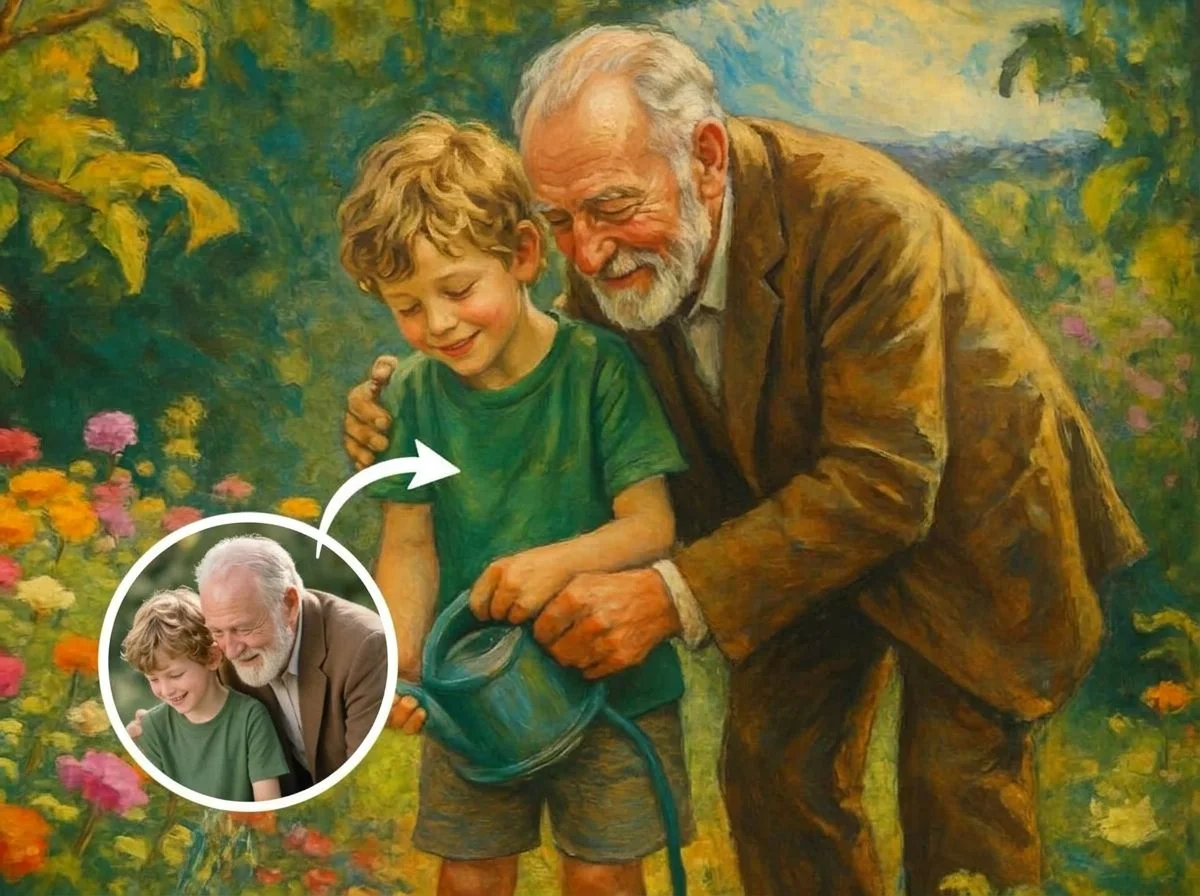
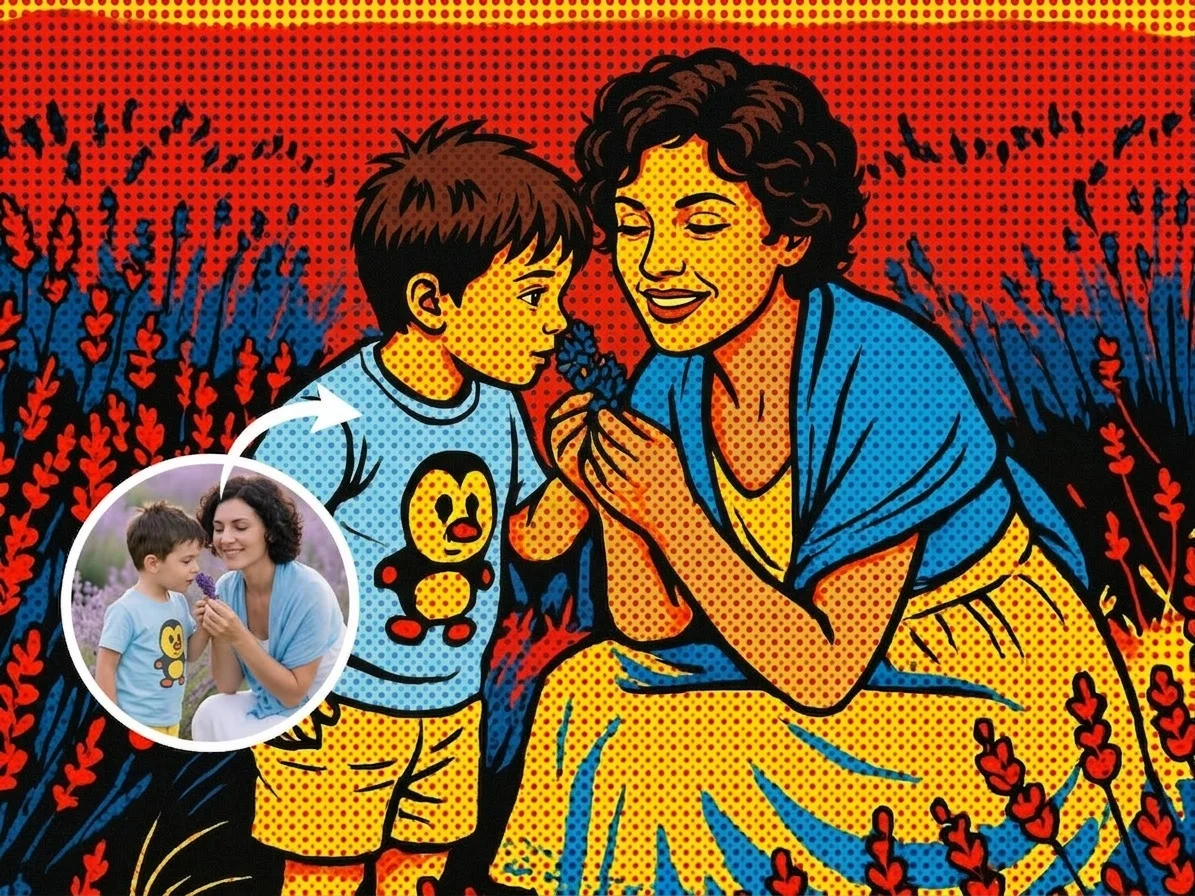
Turn any photo into a painting in seconds. SharkFoto's AI photo to painting generator repaints the people, pets, or scenery in your picture as a watercolor wash, a classic oil portrait, or a bold pop-art print, so a plain snapshot becomes gallery-ready artwork. You don't need brushes, layers, or any editing skill — the AI keeps your composition and likeness while restyling every stroke. Sign up free to get 10 credits, pick a painting style, and download your artwork — with no watermark — ready to print, frame, or post.
 PopularPhoto to Painting
What is an AI photo to painting generator?
An AI photo to painting generator repaints a photograph in the style of a real painting medium or art style — such as watercolor, oil, or pop art — while preserving the subject, pose, and composition of the original. You upload a photo, pick a painting style, and download a high-resolution image that looks hand-painted rather than photographed.
All AI Photo to Painting Effects
Seven painting looks — watercolor, oil portrait, pop art, digital art and more. Pick one to start generating.
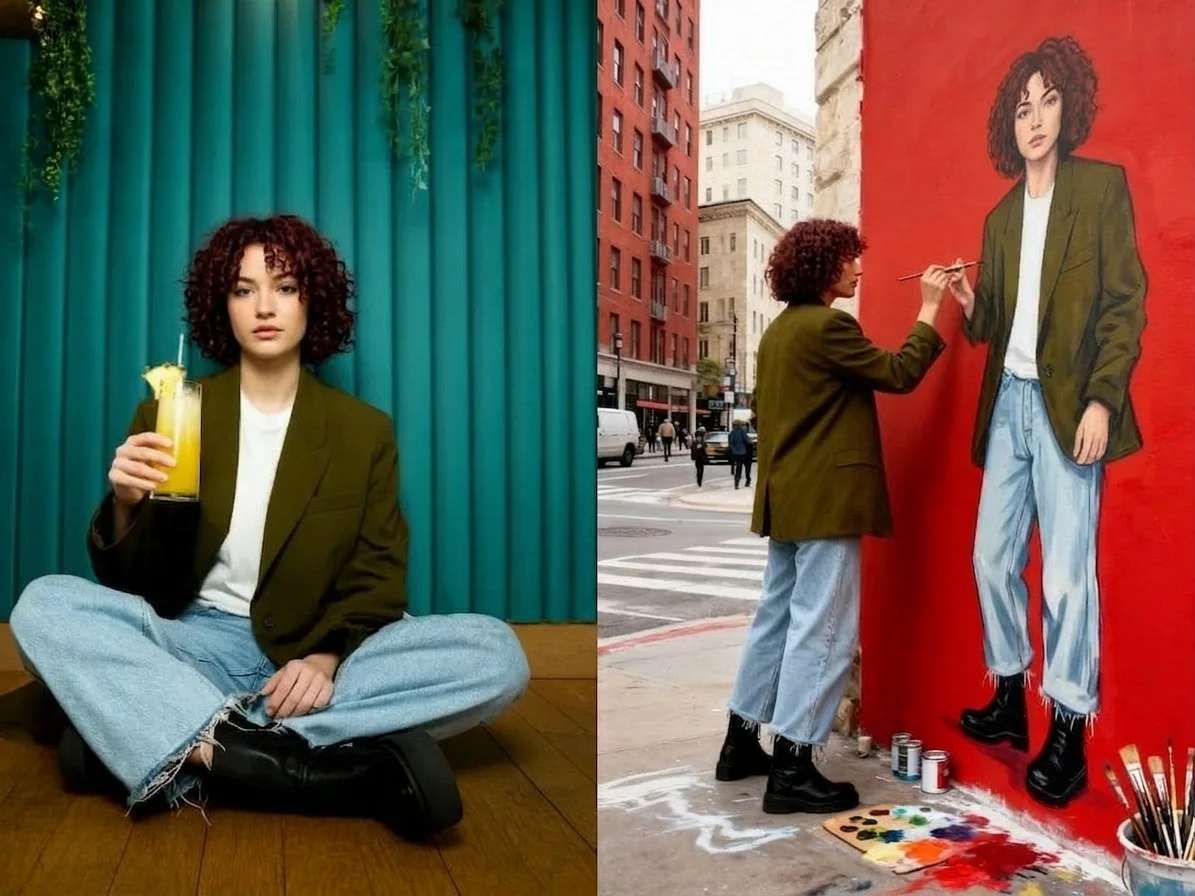
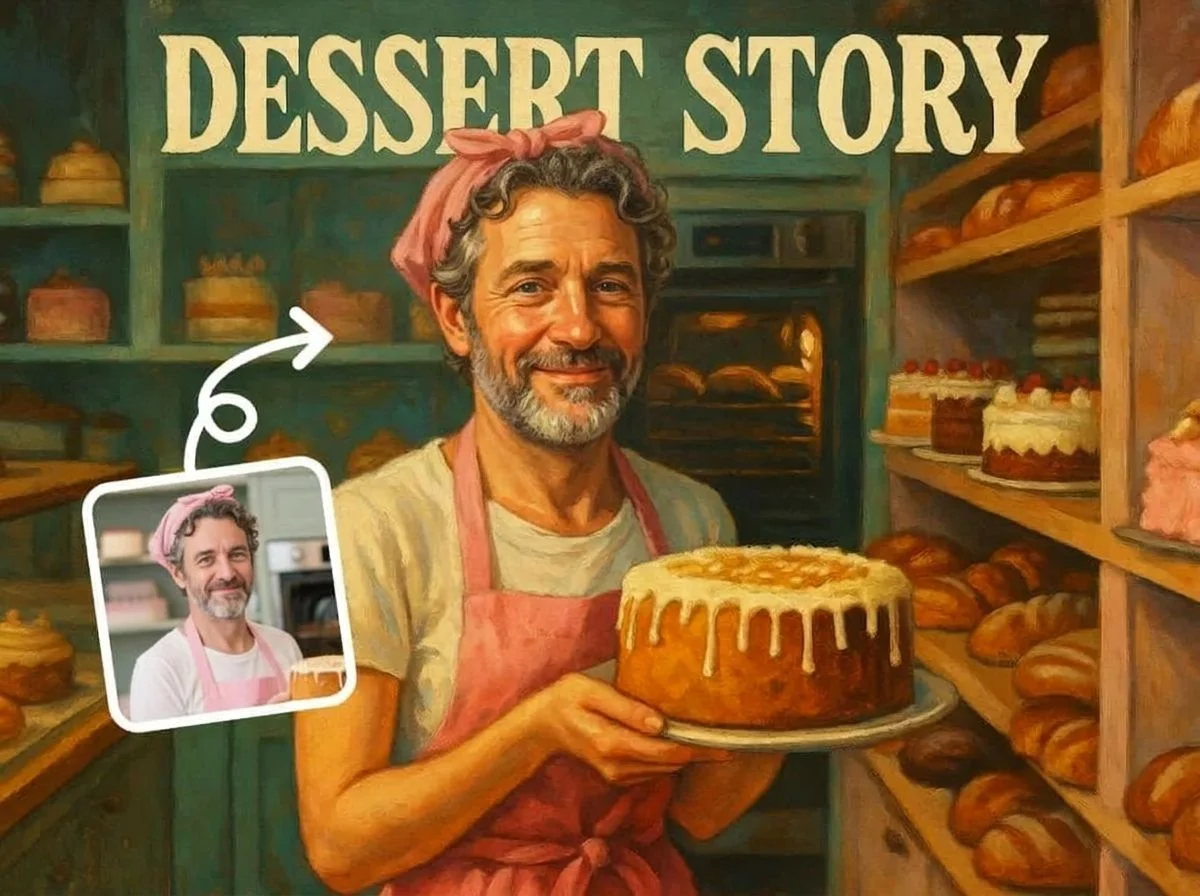
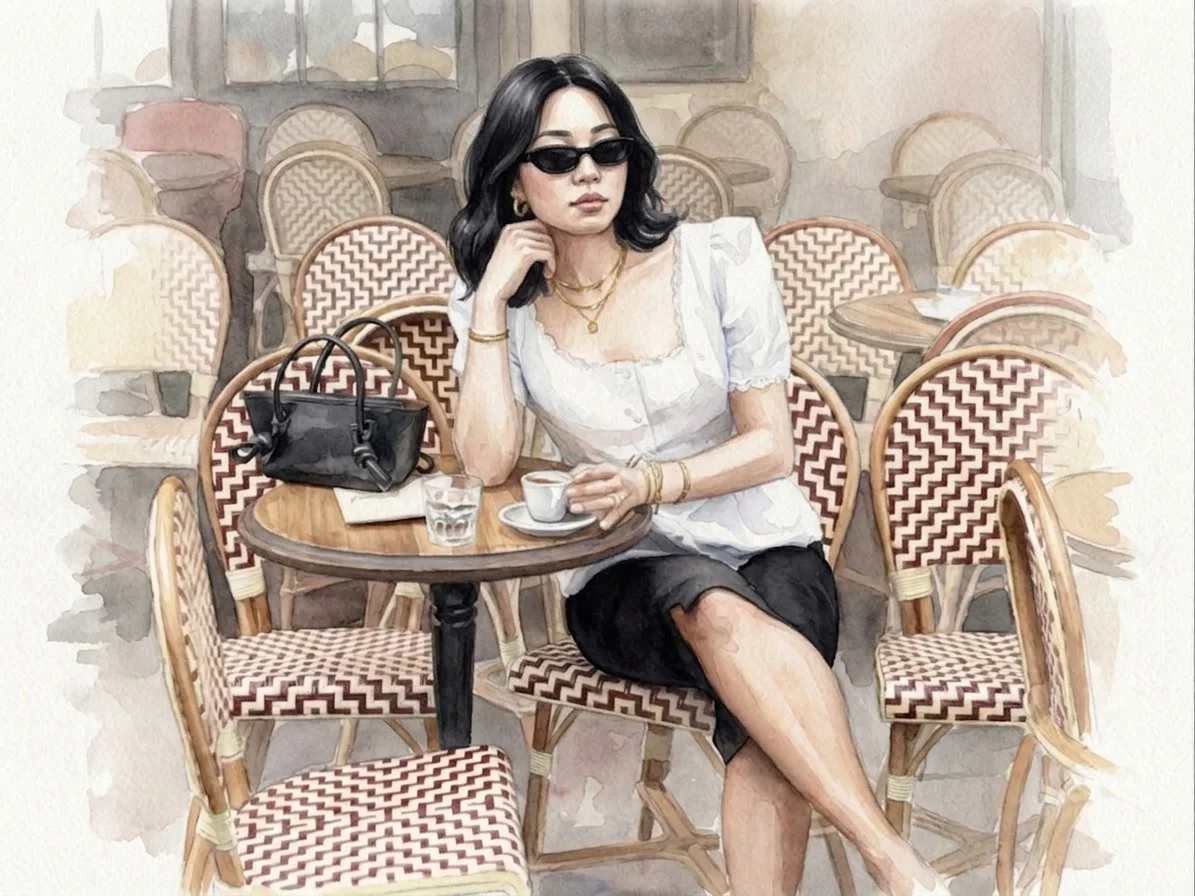
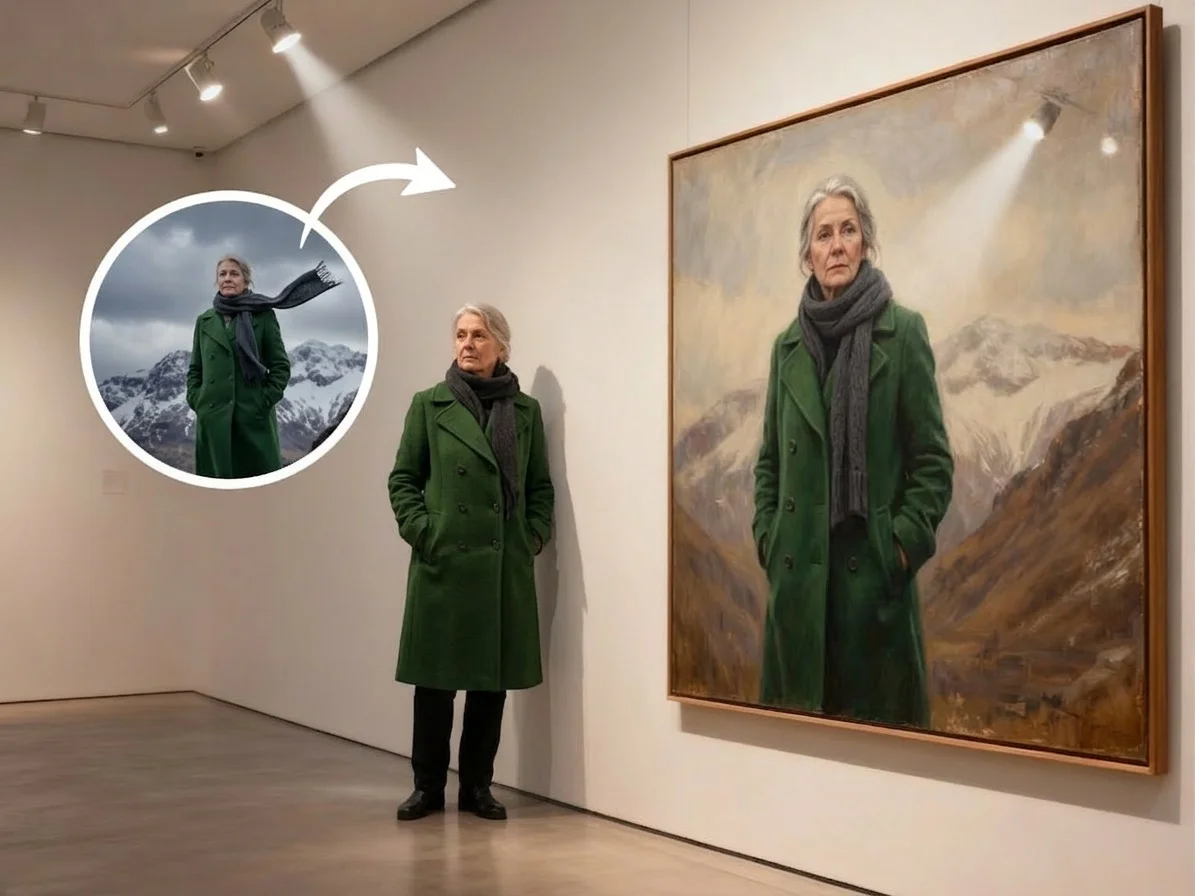
Before & after
A snapshot, turned into a hand-painted portrait.
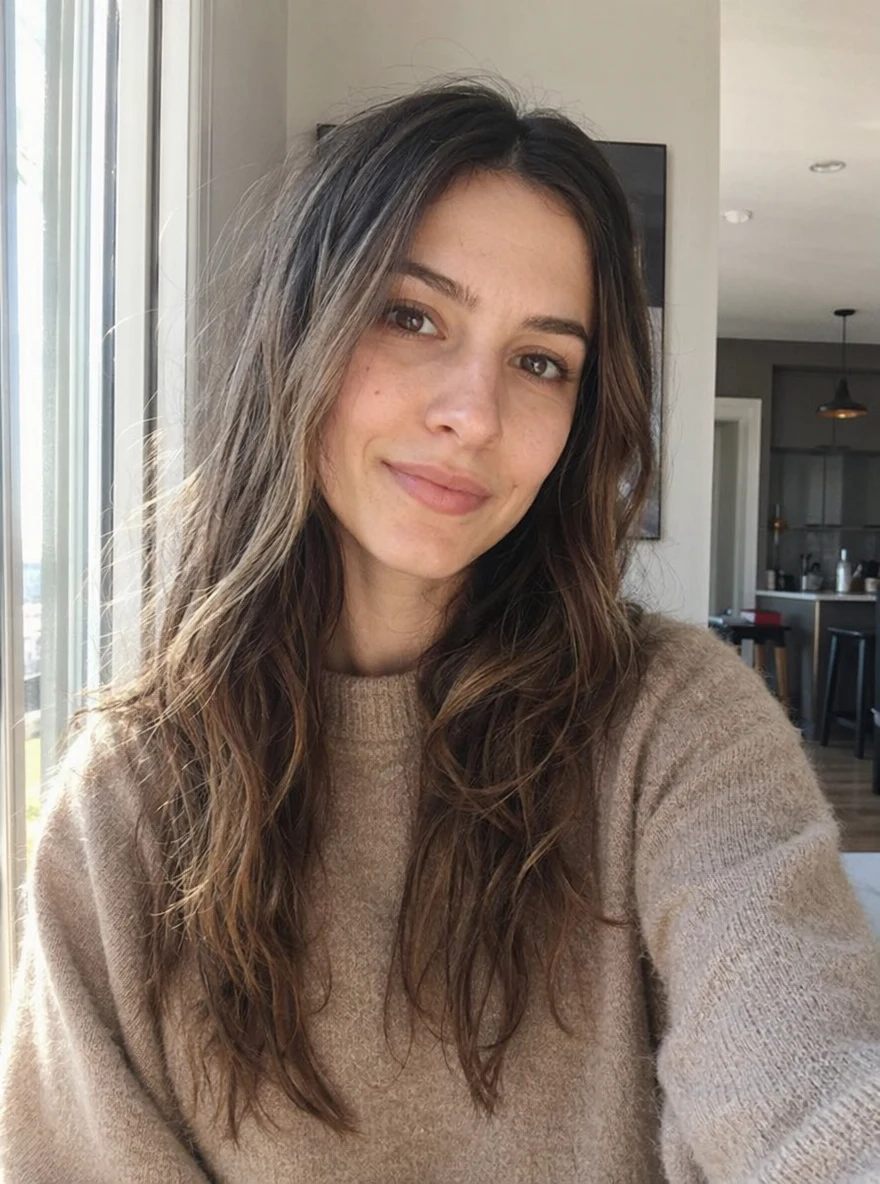 Before
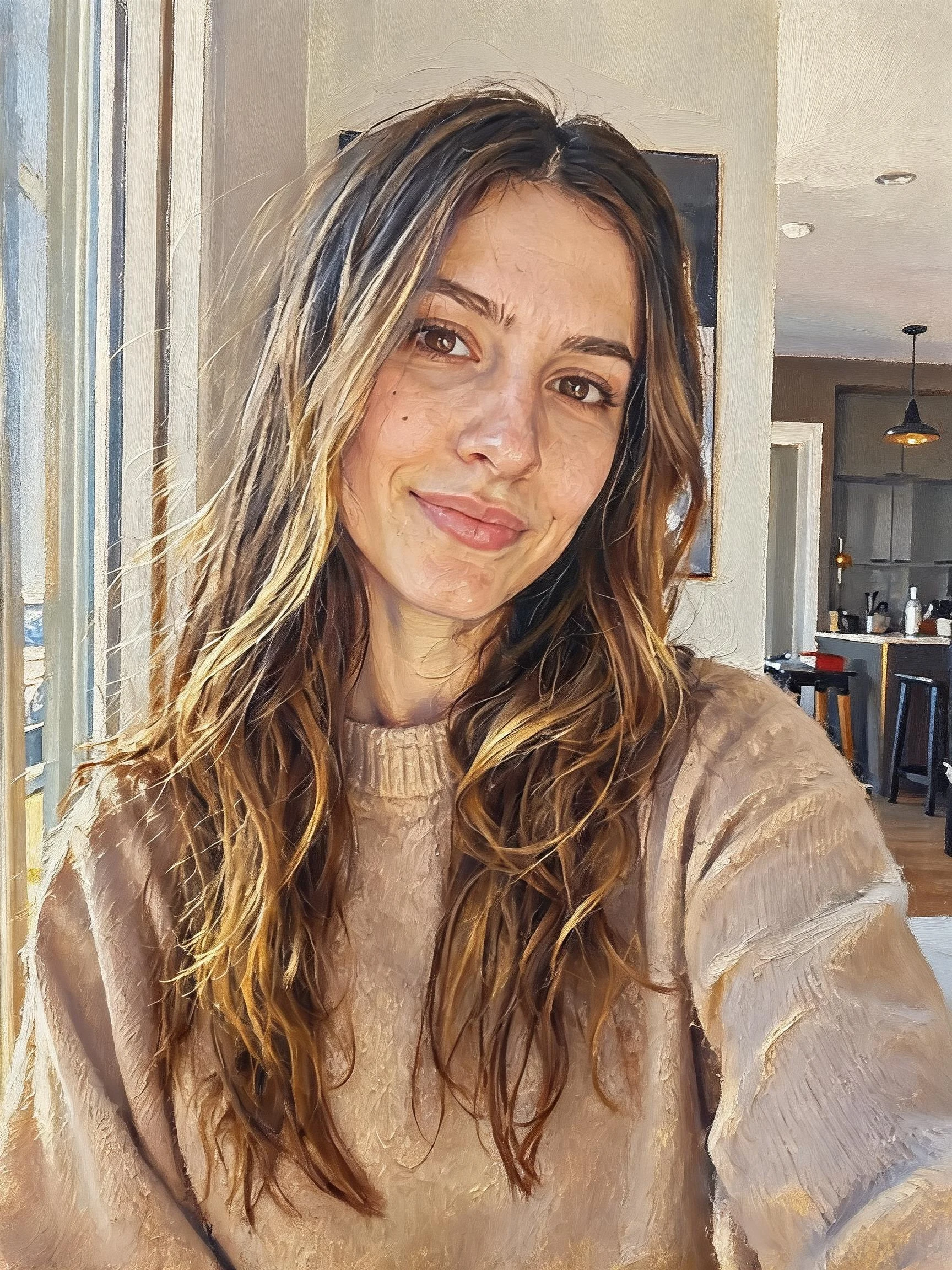 After
After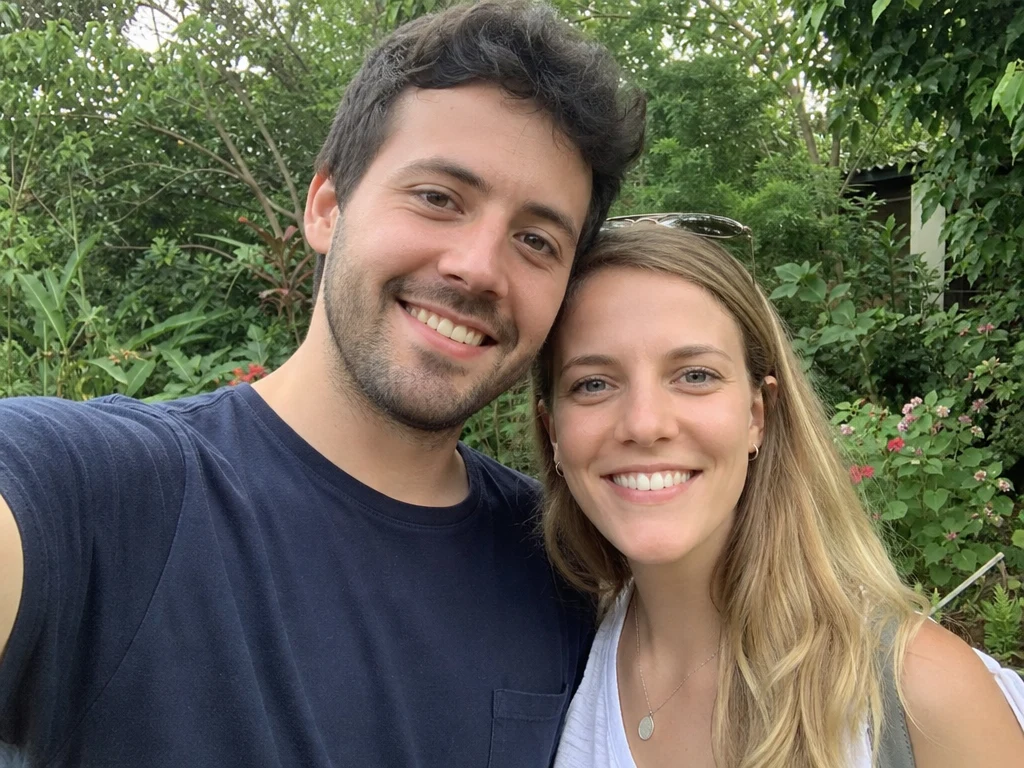 Before
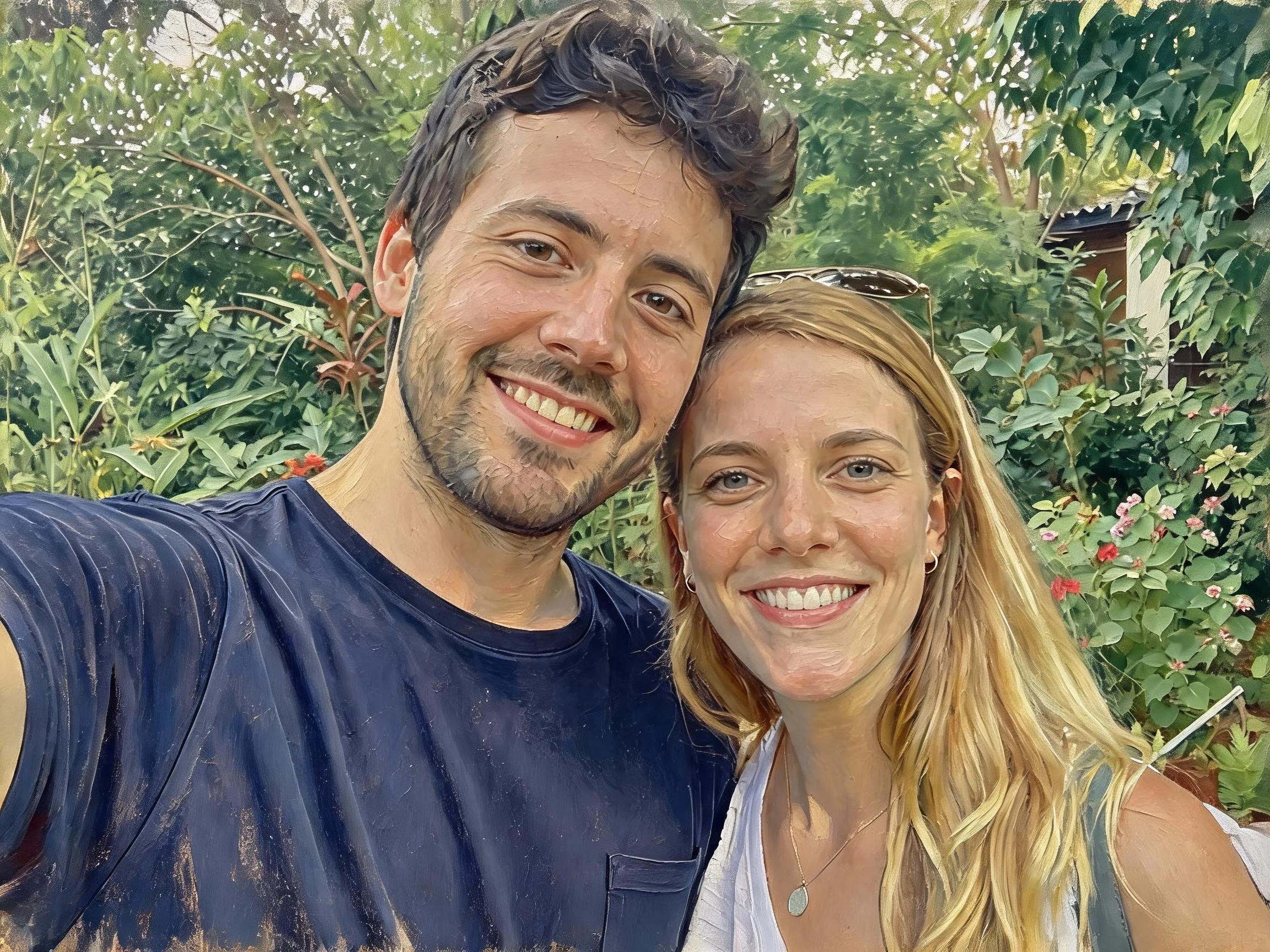 After
After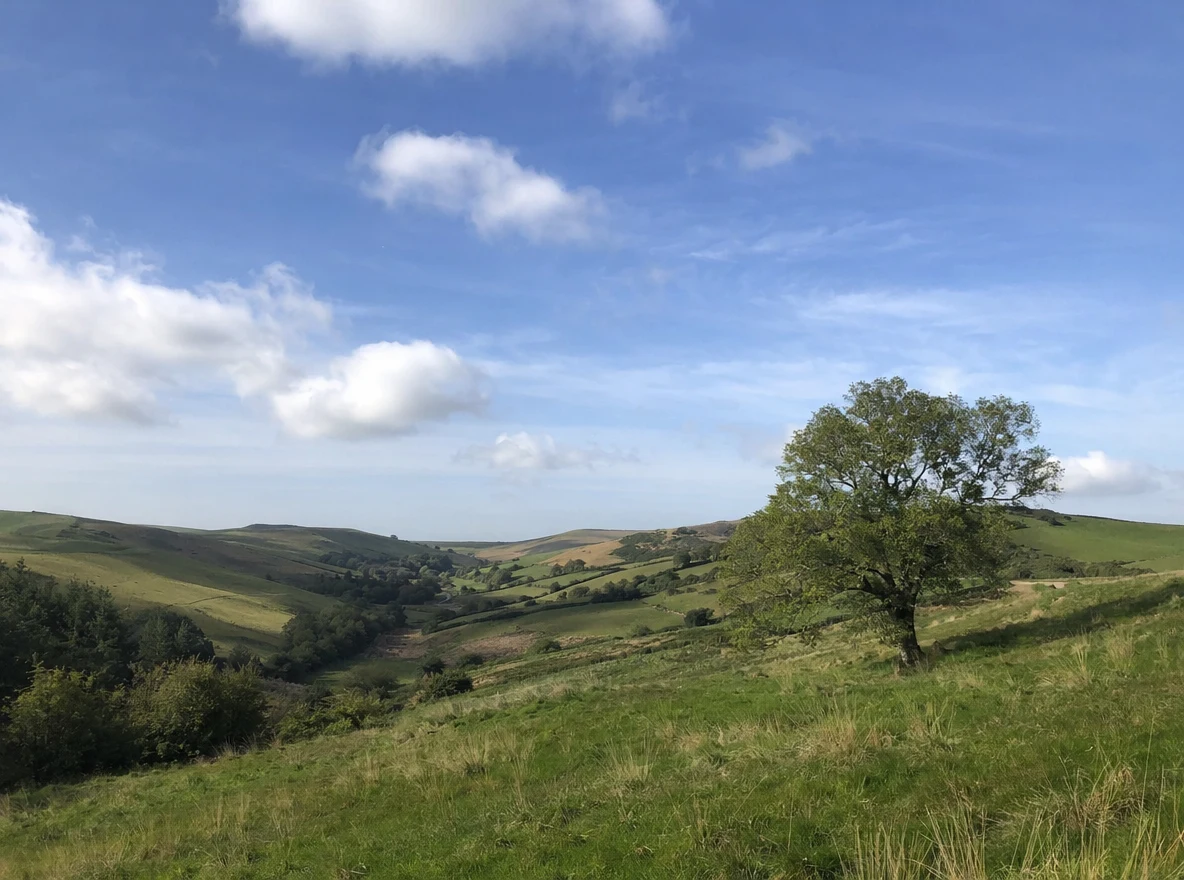 Before
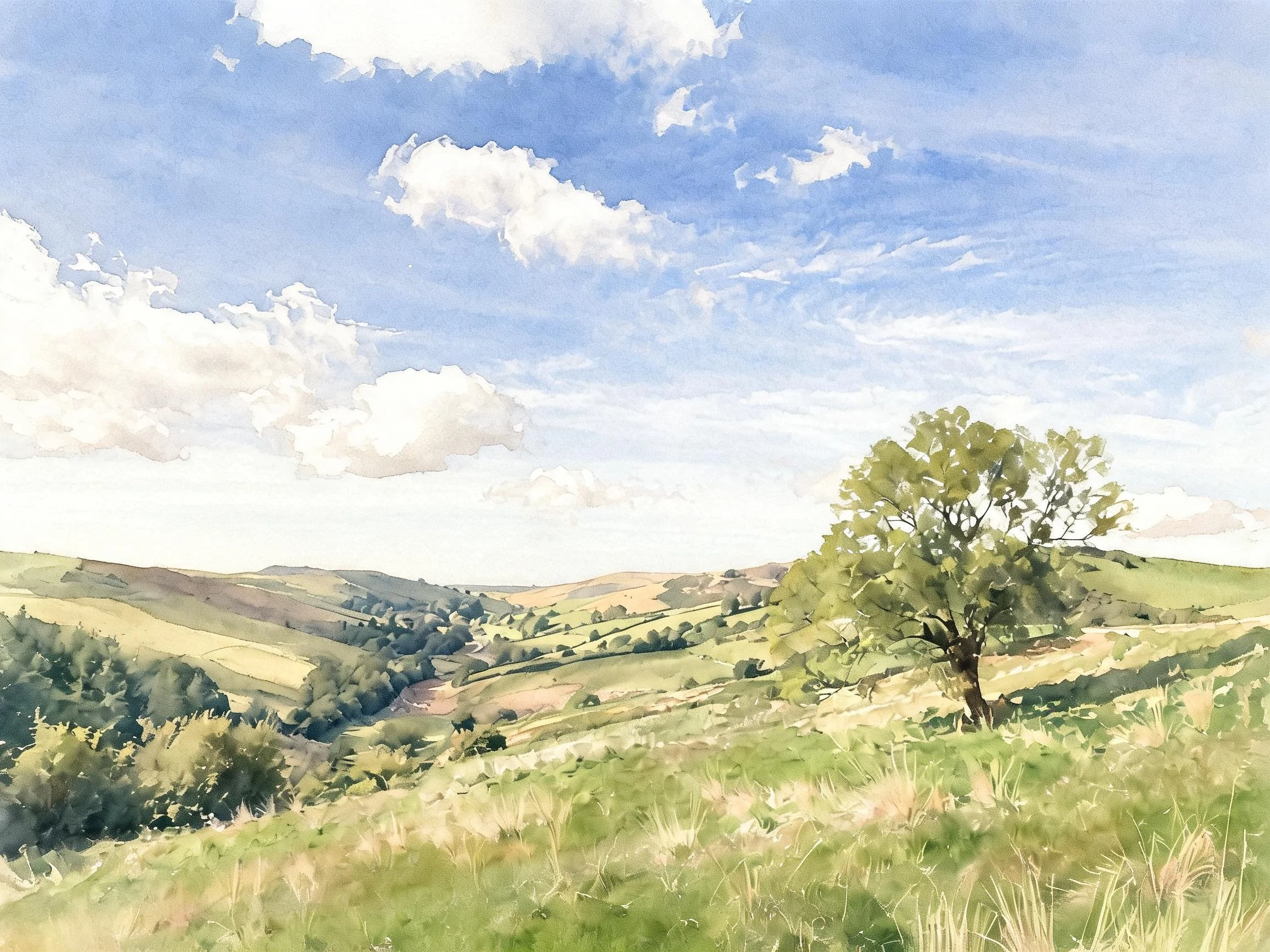 After
AfterPortrait painting
How to turn a photo into a painting
Three steps, right in your browser.
Upload your photo
Drag in or select the photo you want to turn into a painting — a portrait, a pet, a landscape, or a favorite memory. A clear, well-lit shot gives the AI the most detail to repaint. Your photo is used only to make your result.
Pick a painting style
Sign in for your 10 free credits, then choose a look — a soft watercolor, a classic oil portrait, a bold pop-art print, or a polished digital painting. The AI repaints your photo in that medium while keeping your subject and composition recognizable.
Download and share
Preview your painting, then download it at full resolution with no watermark. Print and frame it, use it as wall art or a profile picture, or post it to share your new artwork.
What you can make
Popular ways people use the photo to painting generator.
Custom wall art
Turn a favorite photo into a framable painting for your home — a watercolor of your street, an oil portrait of the family, or a bold print for the office.
Personalized gifts
Repaint a couple's photo or a family portrait as an oil painting for an anniversary, wedding, or holiday gift nobody else can buy.
Painted profile pictures
Give your avatar a hand-painted upgrade — a watercolor or pop-art version of your selfie stands out on social and messaging apps.
Pet portraits
Repaint a photo of your dog or cat as a regal oil portrait or a playful watercolor keepsake.
Art references & moodboards
Explore how a scene looks across watercolor, oil, and pop-art styles for a painting study, tattoo idea, or design moodboard.
Content & creators
Give posts, thumbnails, and prints a painterly aesthetic without hiring an illustrator or learning to paint.
Styles to choose from
From soft watercolor washes to bold pop-art prints — pick the medium that fits your photo.
Watercolor
Soft, translucent washes and bleeding edges for a gentle, hand-painted look.
Oil portrait
Rich, textured brushstrokes and classic gallery lighting for a timeless painted portrait.
Pop art
Bold outlines, flat blocks of saturated color, and a comic-inspired print aesthetic.
Digital art
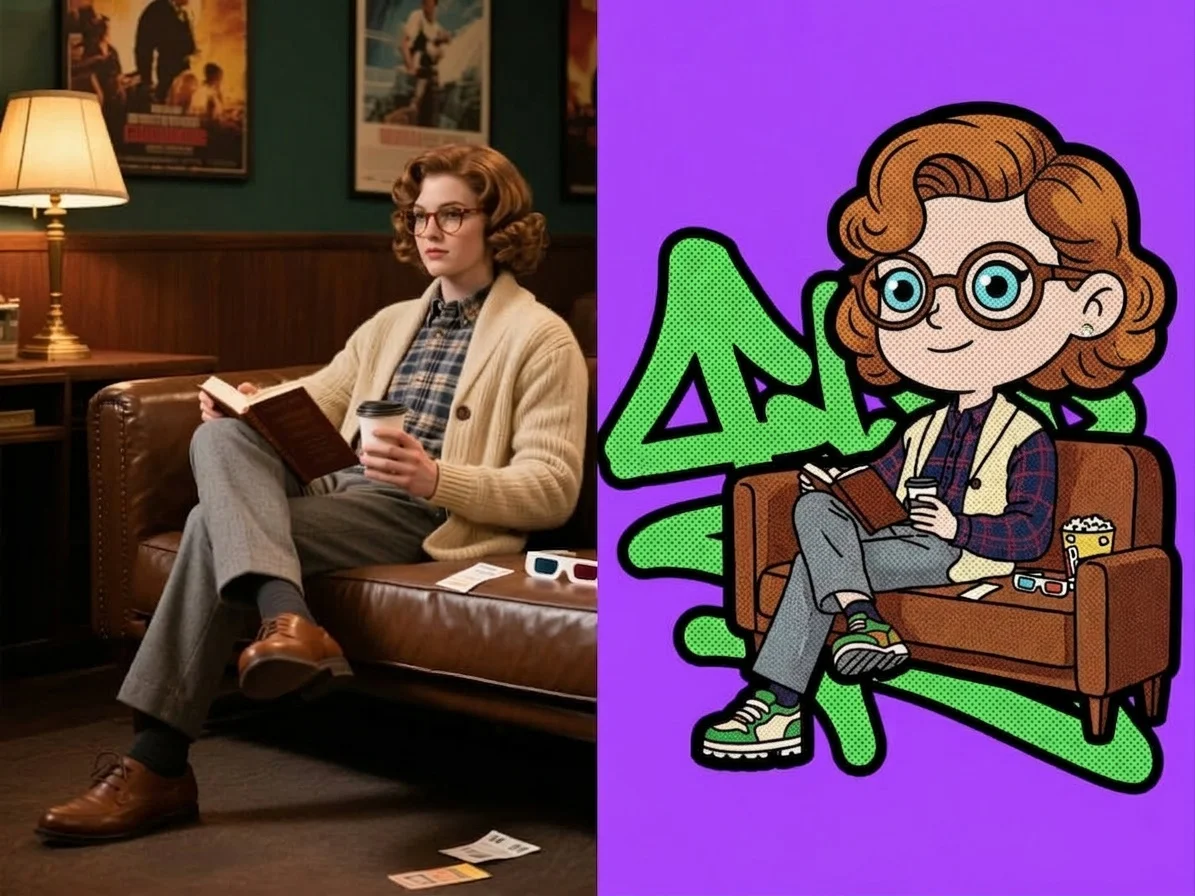
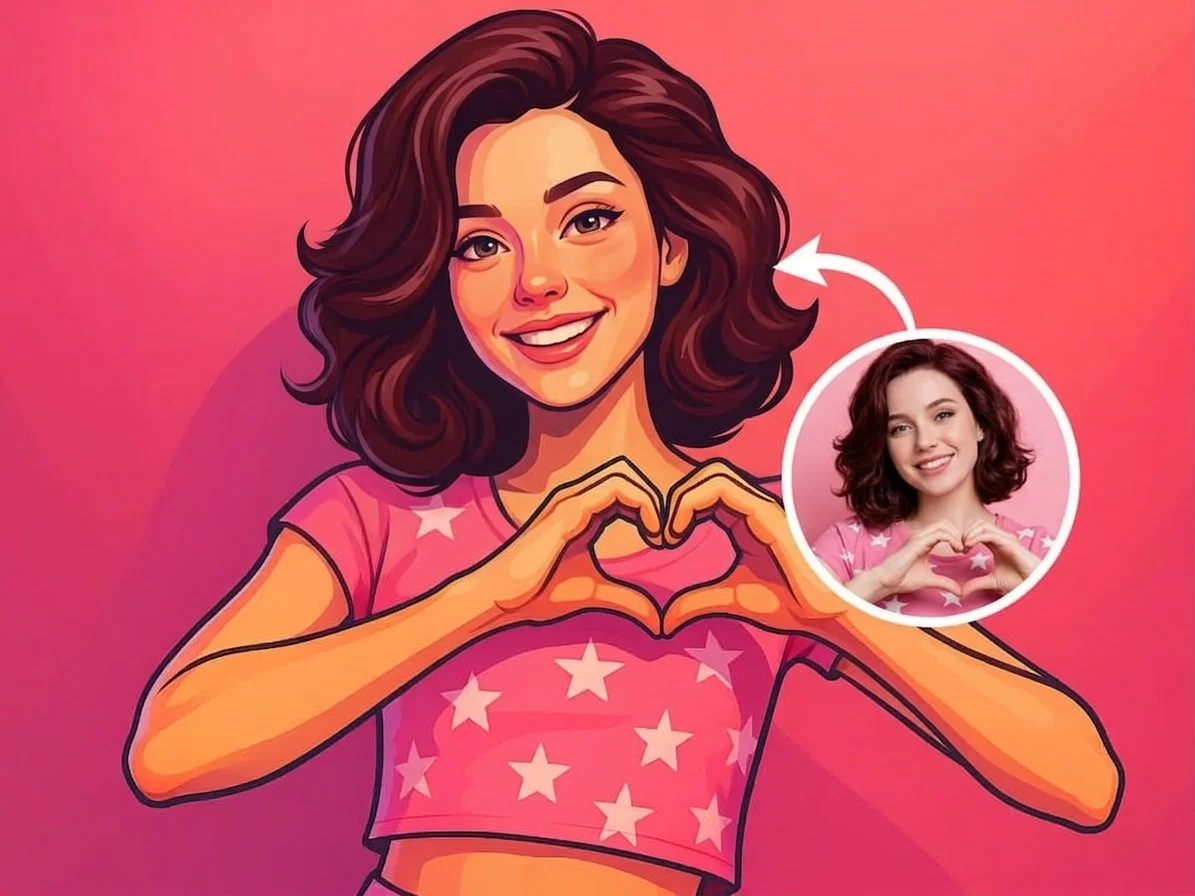
A polished, illustrated repaint with clean rendering and vivid color for a modern artwork look.
Why use SharkFoto's photo to painting generator
Real painting mediums
The AI doesn't just add a filter — it rebuilds your photo with the brushwork, texture, and color of a true medium, so watercolors bleed softly and oils carry visible strokes and depth.
Keeps your likeness
Faces, poses, and composition stay recognizable through the repaint, so a portrait still looks like the person and a landscape still looks like the place — just painted.
Multiple styles from one photo
Try watercolor, oil portrait, pop art, and digital art on the same image to find the look you love, all without touching a brush or editing tool.
10 free credits, no watermark
Sign up free and get 10 credits to start painting. Your download comes at full resolution with no watermark, so it's clean enough to print, frame, or post.
Tips for the best results
Start from a sharp, high-resolution photo — the AI has more detail to repaint, so brushstrokes and textures come out crisp instead of muddy.
Use even, natural lighting — balanced light keeps the painted colors accurate and avoids blown-out or overly dark areas.
Match the style to the subject — watercolor suits soft portraits and scenery, while pop art shines on bold, high-contrast faces.
Keep the background simple for portraits — a clean background lets the AI focus its detail on the subject you care about.
Try a few styles before you print — the same photo can look very different in oil versus watercolor, so compare before committing to a frame.
Frequently asked questions
Is the photo to painting generator really free?
What kind of photo works best?
What painting styles can I choose?
Do I get an image or a video?
How long does it take?
Is my photo safe and private?
Can I print or sell my painting?
Will the painting still look like the original?
Related AI effects
More ways to reimagine your photos.