Animate Old Photos Into Video
Bring a treasured old photo to life as a gentle, moving video. SharkFoto's AI restores and animates faded or still family pictures — adding natural movement to faces and, where you like, cleaning up age and color — so a single photograph becomes a living memory you can keep and share. Sign up free to get 10 credits, pick a revival style, and download your clip — with no watermark — in seconds.
 PopularOld Photo Revival
What does it mean to animate an old photo?
Animating an old photo means turning a still photograph into a short video where the person gently moves — a soft head turn, a blink, a warm expression — using AI to synthesize natural motion. You upload the photo, the model brings it to life, and you download a few-second MP4; some styles also refresh faded color and detail.
All old-photo animation effects
Bring faded prints back to life — restore and gently animate your old photos. Pick an effect to start.

Before & after
A faded photo, gently brought to life.
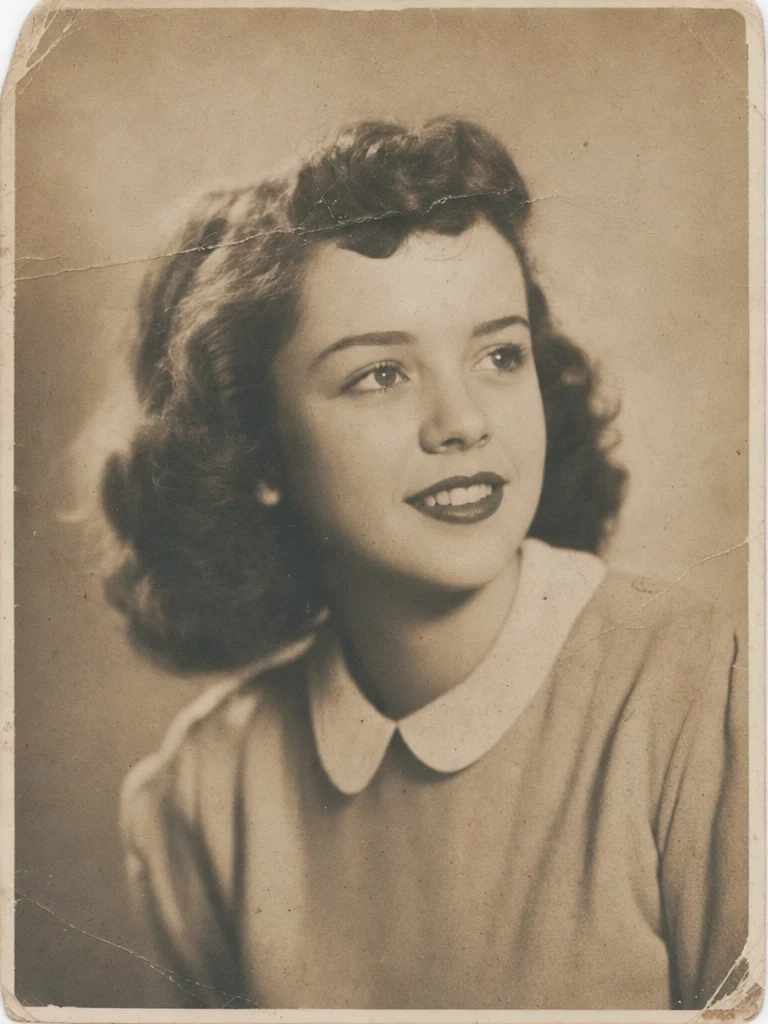 BeforeAfter
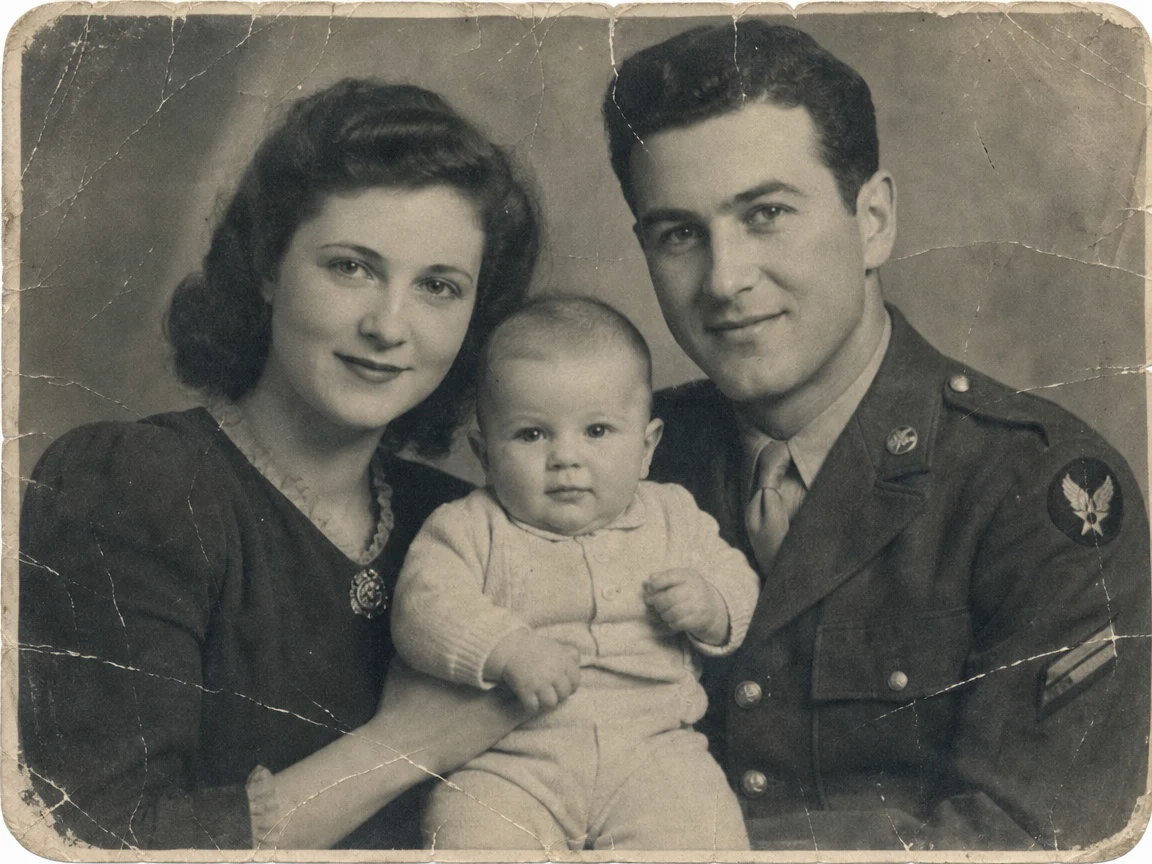 BeforeAfter
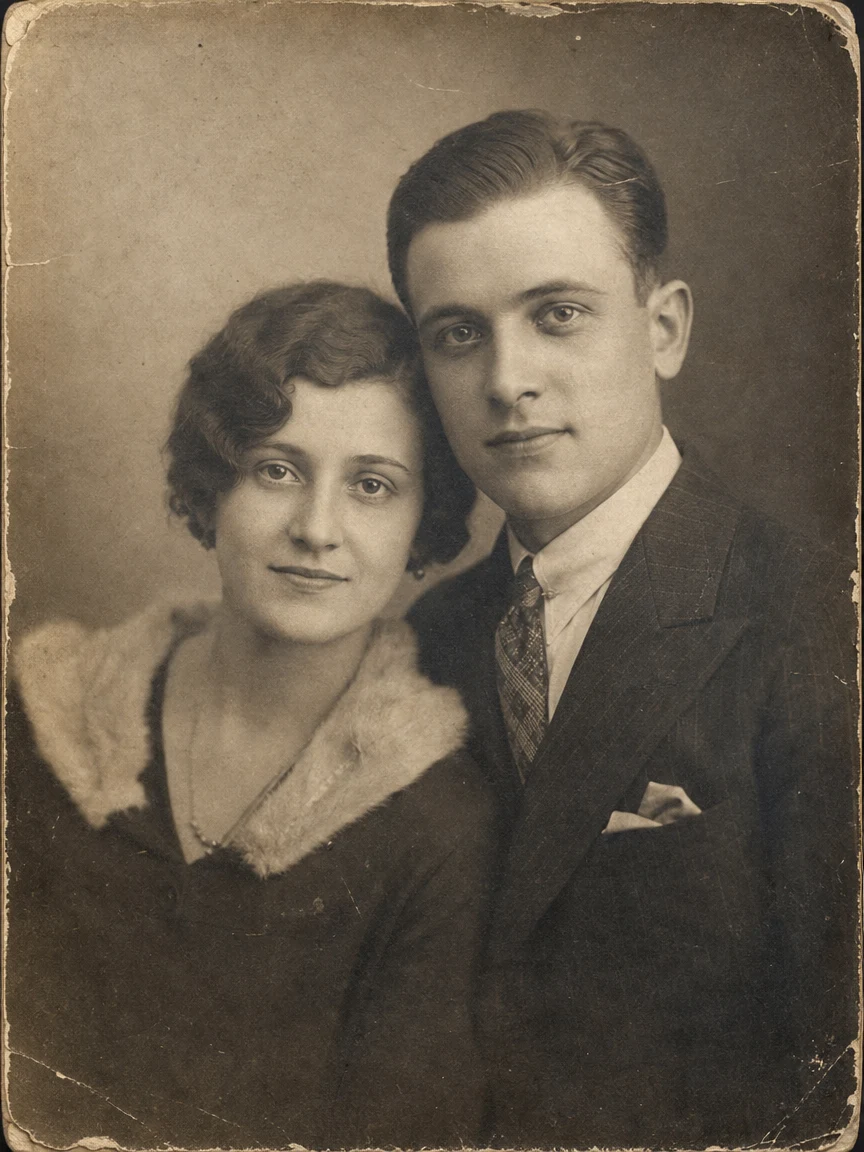 BeforeAfter
Vintage portrait
How to animate an old photo
Three steps, right in your browser.
Upload your old photo
Drag in or select the photo you want to bring to life — a portrait where faces are visible works best, even if it's faded, scanned, or a little damaged. Your photo is used only to make your video.
Pick a revival style
Sign in for your 10 free credits, then choose to gently animate the moment with lifelike motion, or restore and refresh the picture as it comes to life. The AI keeps the person recognizable while adding natural, subtle movement.
Download and share
Preview your revived memory, then download it as a full-resolution MP4 with no watermark. Share it with family, add it to a tribute or slideshow, or simply keep it close.
What you can make
Popular ways people use the old-photo animator.
Family memories & tributes
Bring a cherished photo of a grandparent or relative into gentle motion for a family gathering, anniversary, or tribute slideshow.
Remembering someone who has passed
Give an old photo of a loved one a soft, living moment — a tender, private keepsake for a memorial or a quiet day of remembrance.
Restore & revive faded prints
Scanned a box of old, faded, or slightly damaged photos? Freshen tone and clarity and animate them so worn pictures feel alive again.
Genealogy & heritage
Turn ancestor portraits into short clips that make family-history projects, reunions, and heritage posts far more moving.
Anniversary throwbacks
Post a then-and-now moment by animating a decades-old photo for a birthday, anniversary, or nostalgic throwback.
Why use SharkFoto's old photo animator
Stills become moving memories
The AI adds natural motion to the faces in a still photo — a soft turn, a blink, a warm expression — so a frozen moment feels alive again without looking uncanny.
Restores faded and old pictures
Scanned, faded, or slightly damaged photos are welcome. The revival styles can freshen tone and clarity as they animate, giving worn pictures a gentle new life.
Works from a single photo
No album or video footage needed. One old photograph is enough to generate a short, shareable clip of the person brought back into motion.
10 free credits, no watermark
Sign up free and get 10 credits to start reviving photos. Clips download at full resolution with no watermark, so they're clean to share with family or add to a memorial.
Tips for the best results
Use the clearest scan or copy you have — sharper input means smoother, more believable motion.
Choose a photo with a visible, front-facing face — the AI animates faces, so a clear face gives the most natural result.
Crop to the person if the photo is very busy — focusing on the subject reduces warping in cluttered old prints.
Patch large tears or scratches before uploading if you can — big damage across a face can distort the motion.
Upload the highest-resolution version available — tiny or heavily compressed scans limit how clear the revived clip can be.
Frequently asked questions
What does 'animate old photos' mean?
Is it really free?
Can I use a faded, scanned, or damaged photo?
What format is the result?
Can I make a memorial video of a loved one?
Is my photo safe and private?
Can I use the video commercially?
What if the motion looks unnatural?
Related AI effects
More AI video effects to try.