AI Cartoon Generator
Turn any photo into a cartoon of yourself in seconds. SharkFoto's AI cartoon generator restyles the person in your picture into a polished 3D Pixar hero, a flat Simpsons or South Park character, a hand-drawn caricature, and more, so a single selfie becomes a shareable cartoon avatar. Sign up free to get 10 credits, pick a cartoon style, and download your result — with no watermark — ready to post as a profile picture or share with friends.
 PopularAI Cartoon Generator
What is an AI cartoon generator?
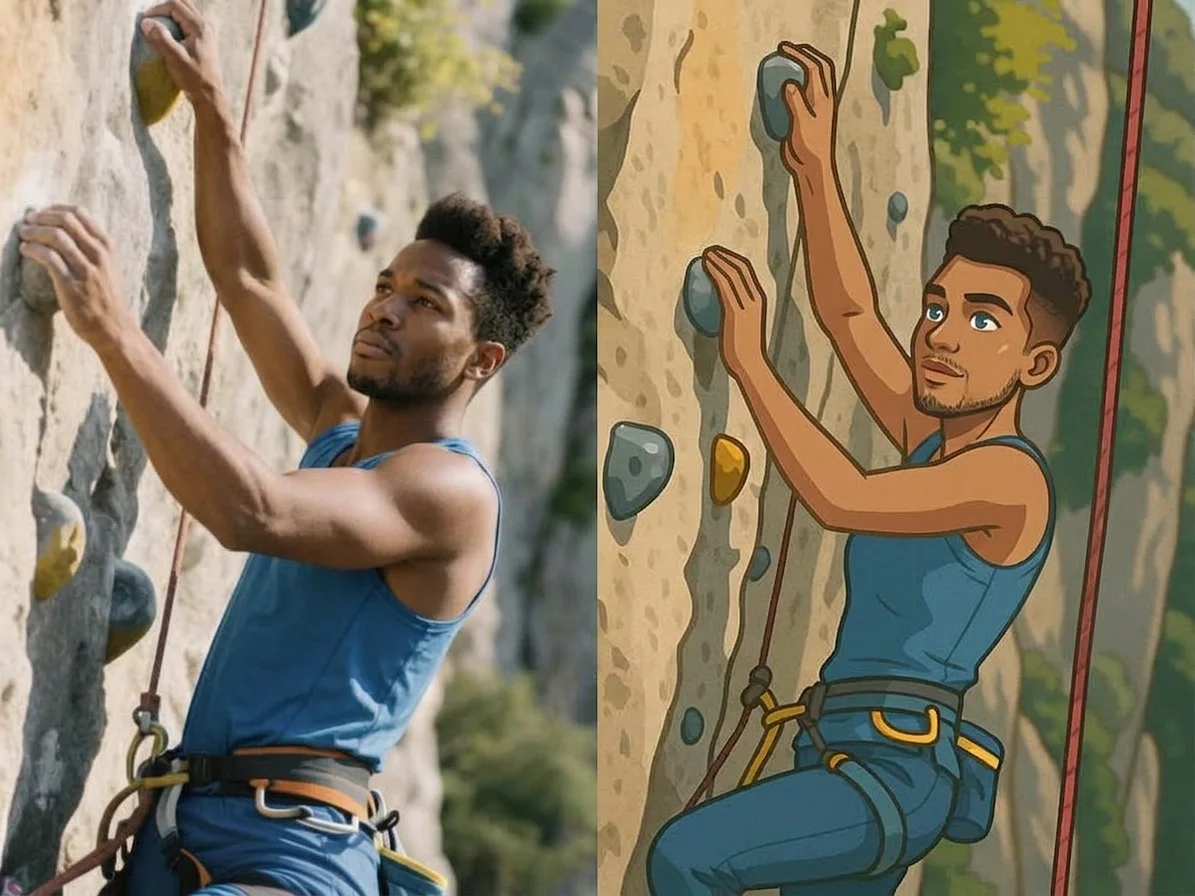
An AI cartoon generator turns a photo of a person into a cartoon-style portrait — such as a 3D Pixar-style character, a flat TV-cartoon avatar, or a hand-drawn caricature — without any drawing skills. You upload a photo, pick a cartoon style, and download a high-resolution image that keeps your face and outfit recognizable.
All AI Cartoon Effects
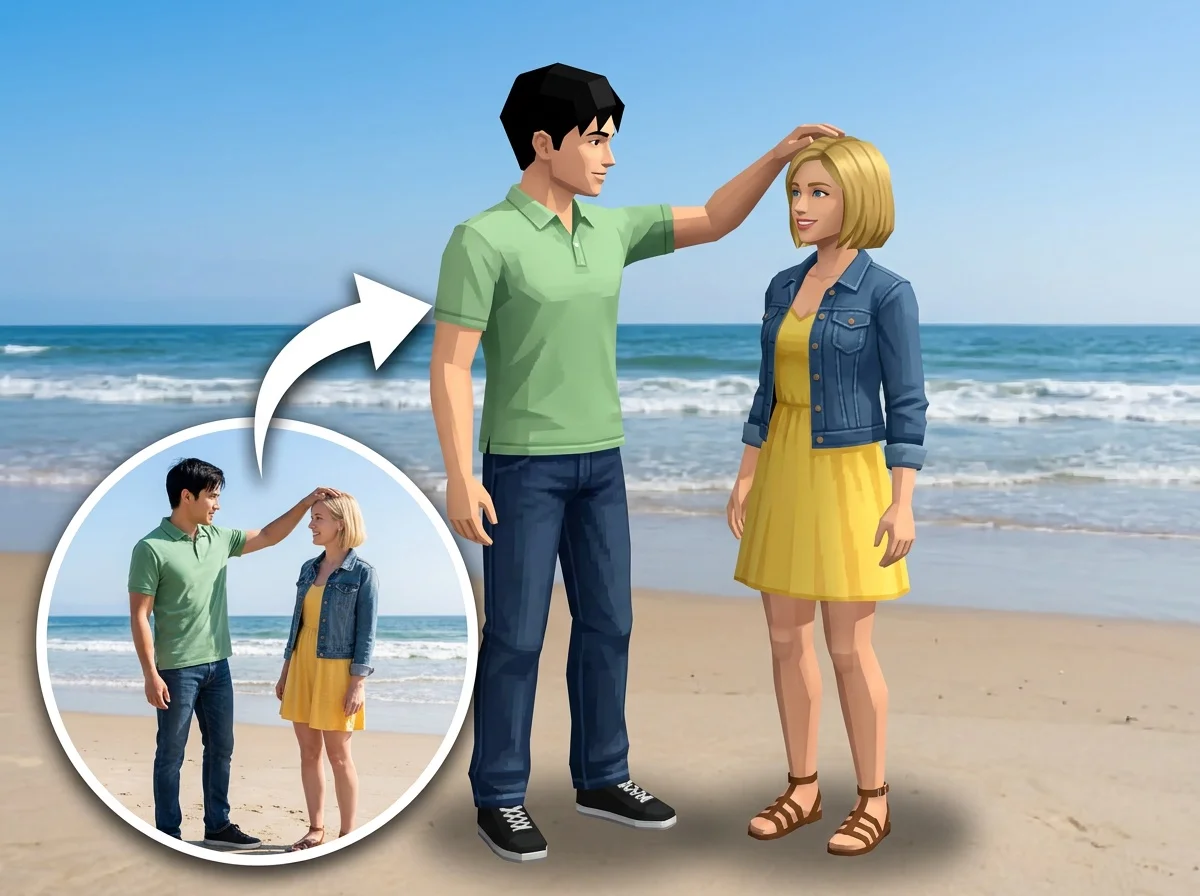
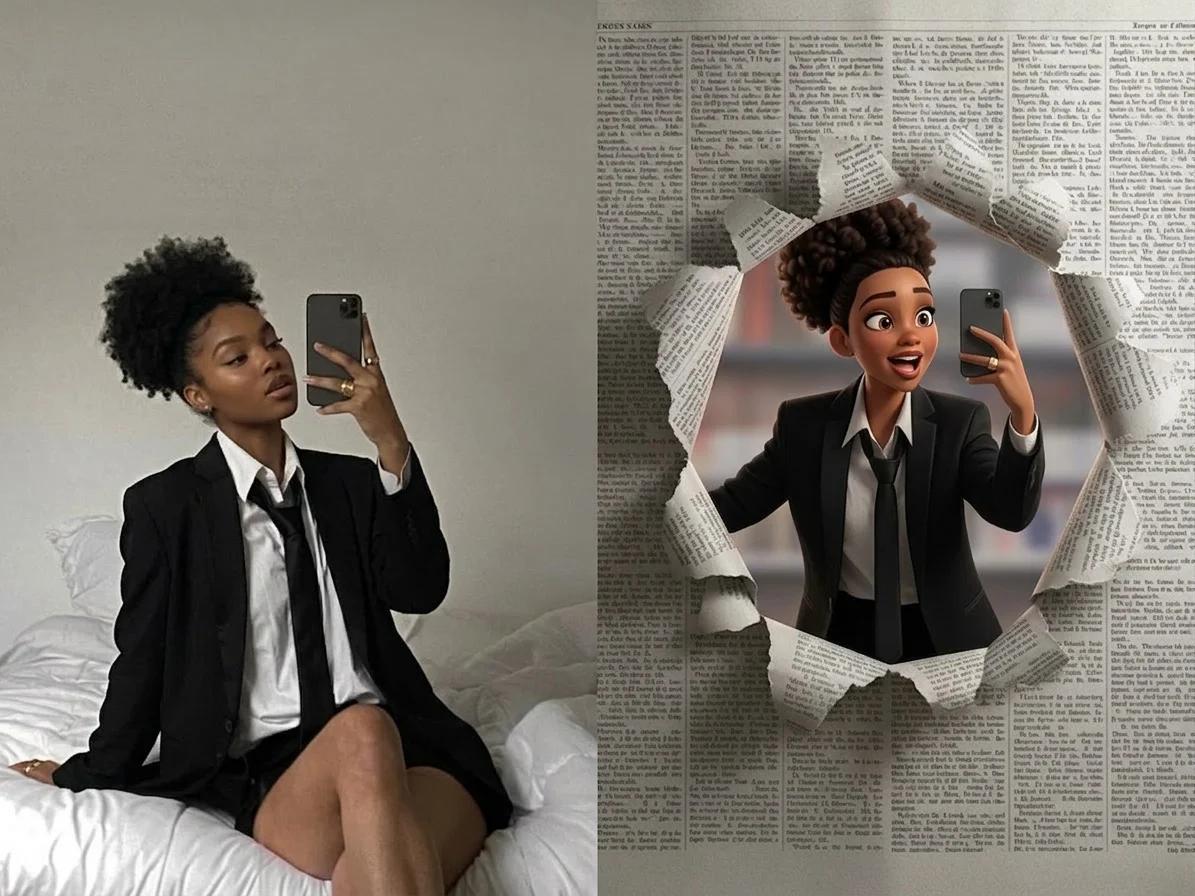
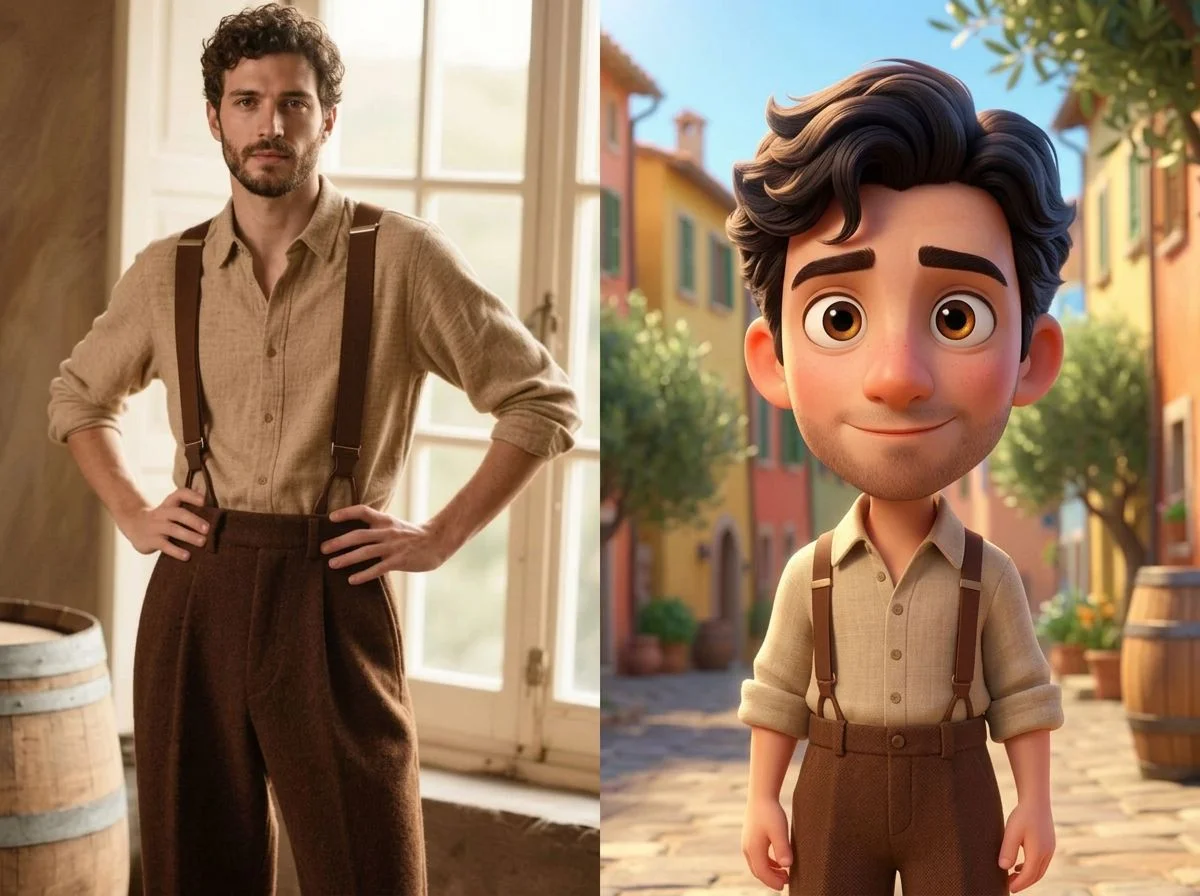
Twelve cartoon styles — 3D Pixar, Simpsons, South Park, caricature, comic portraits and more. Pick one to start generating.
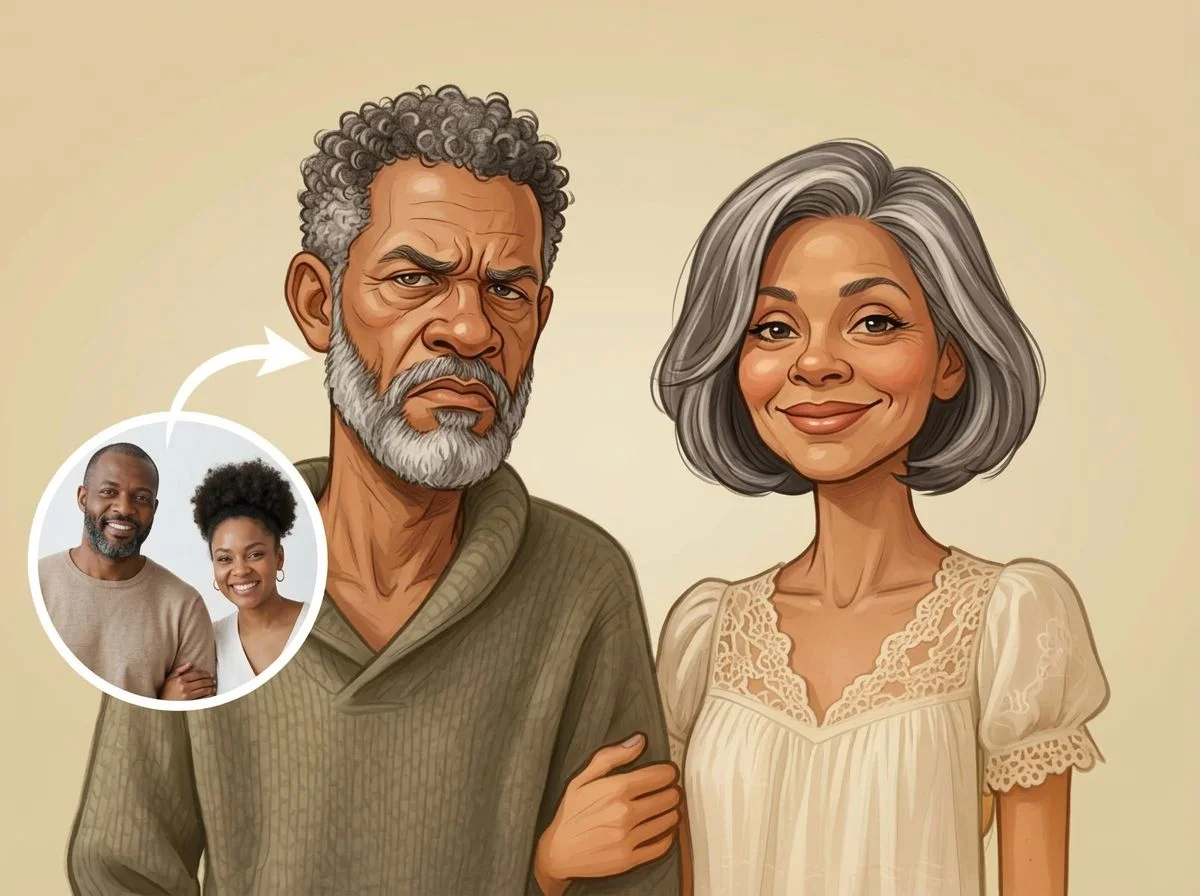


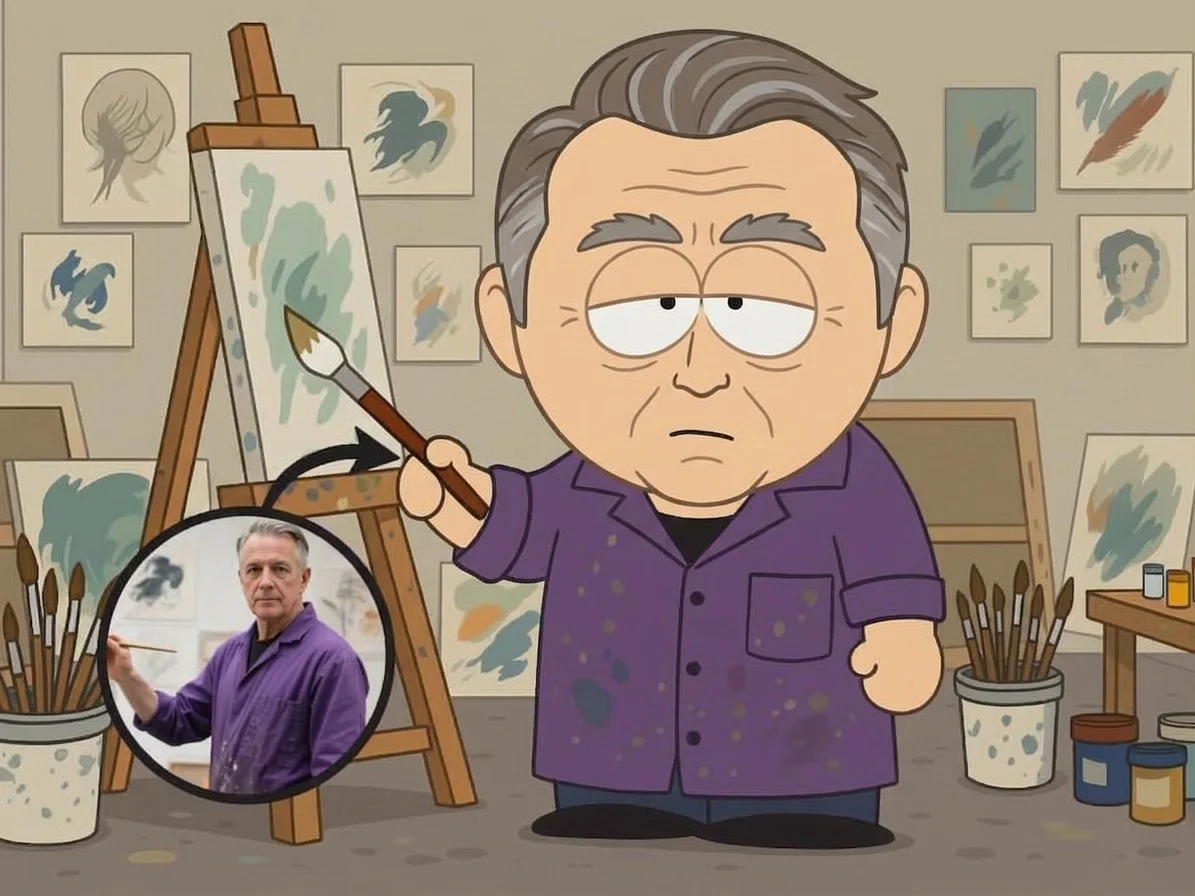
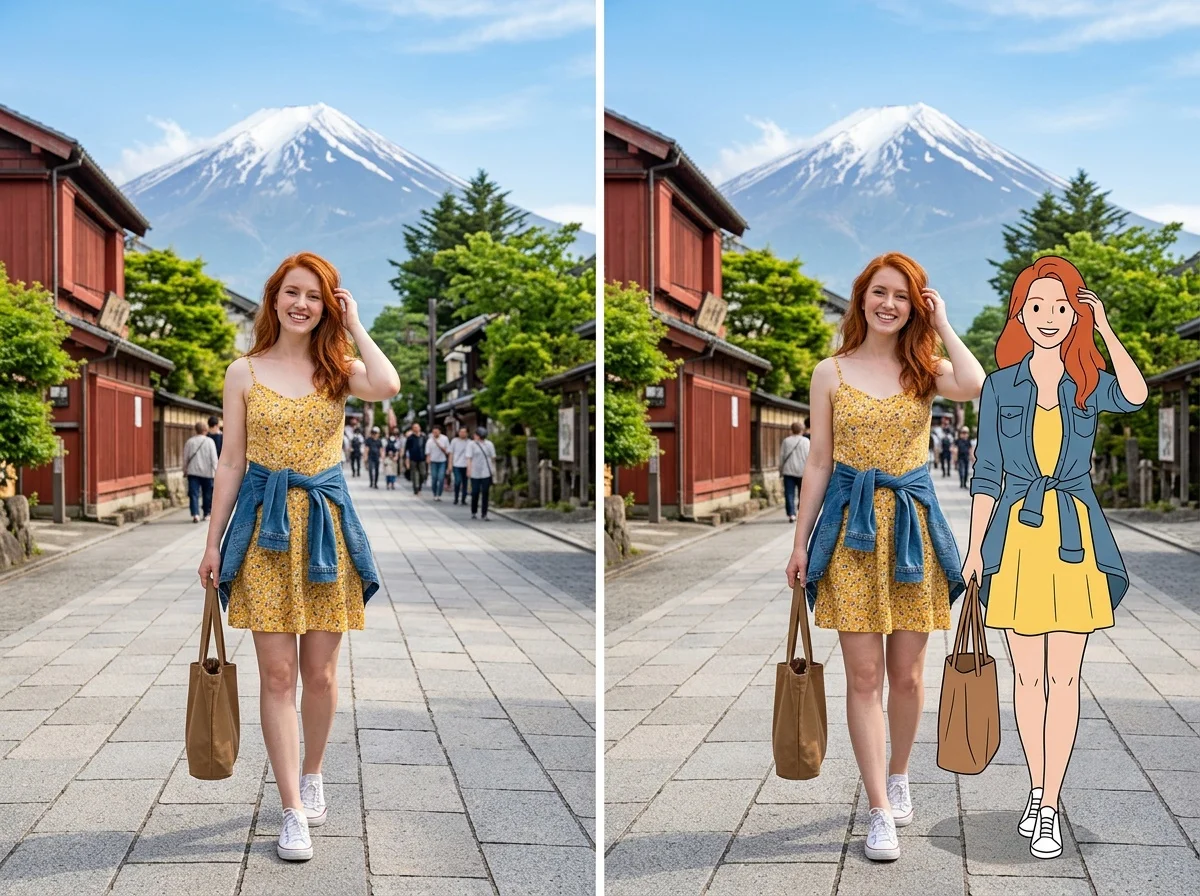
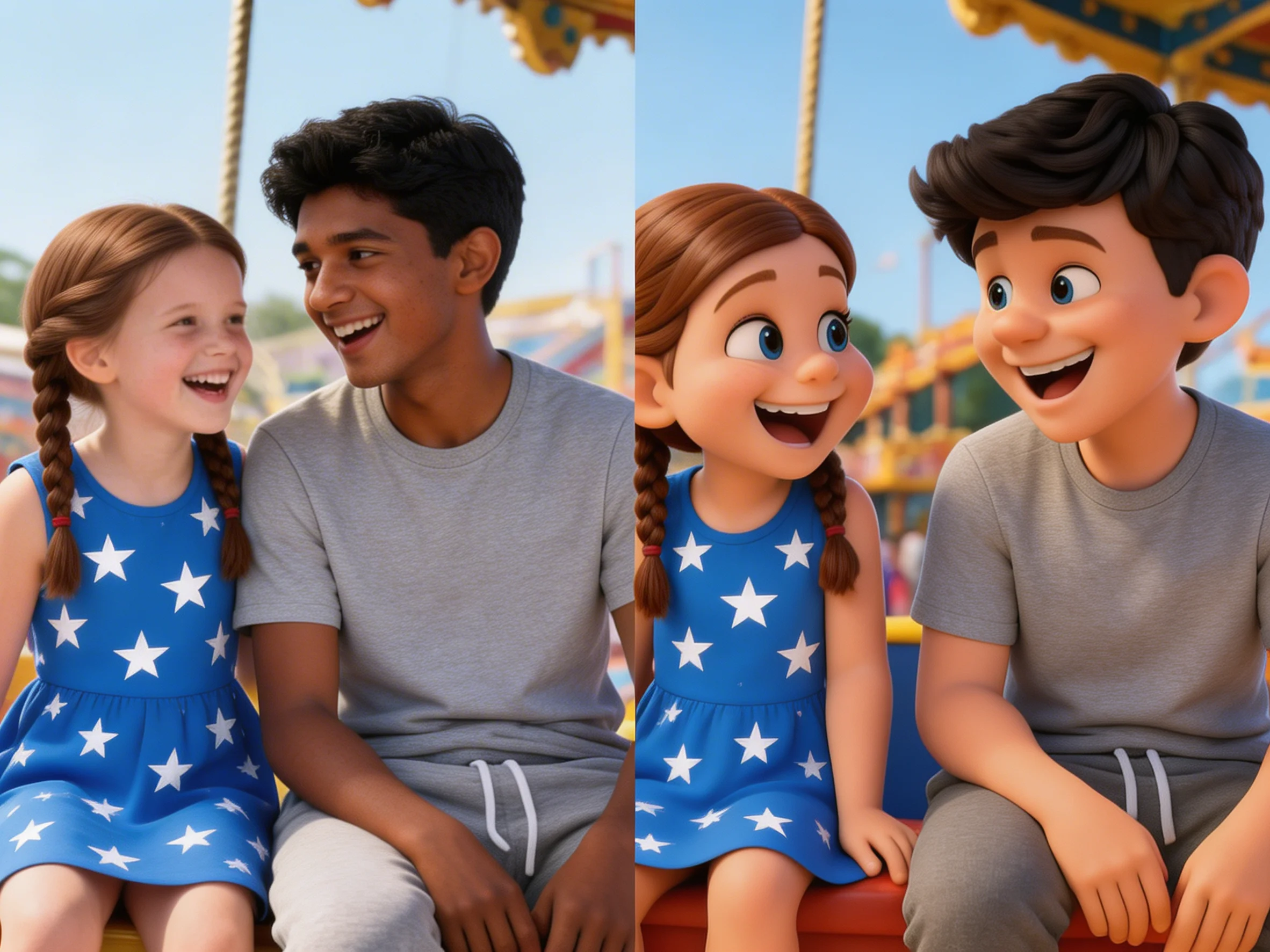


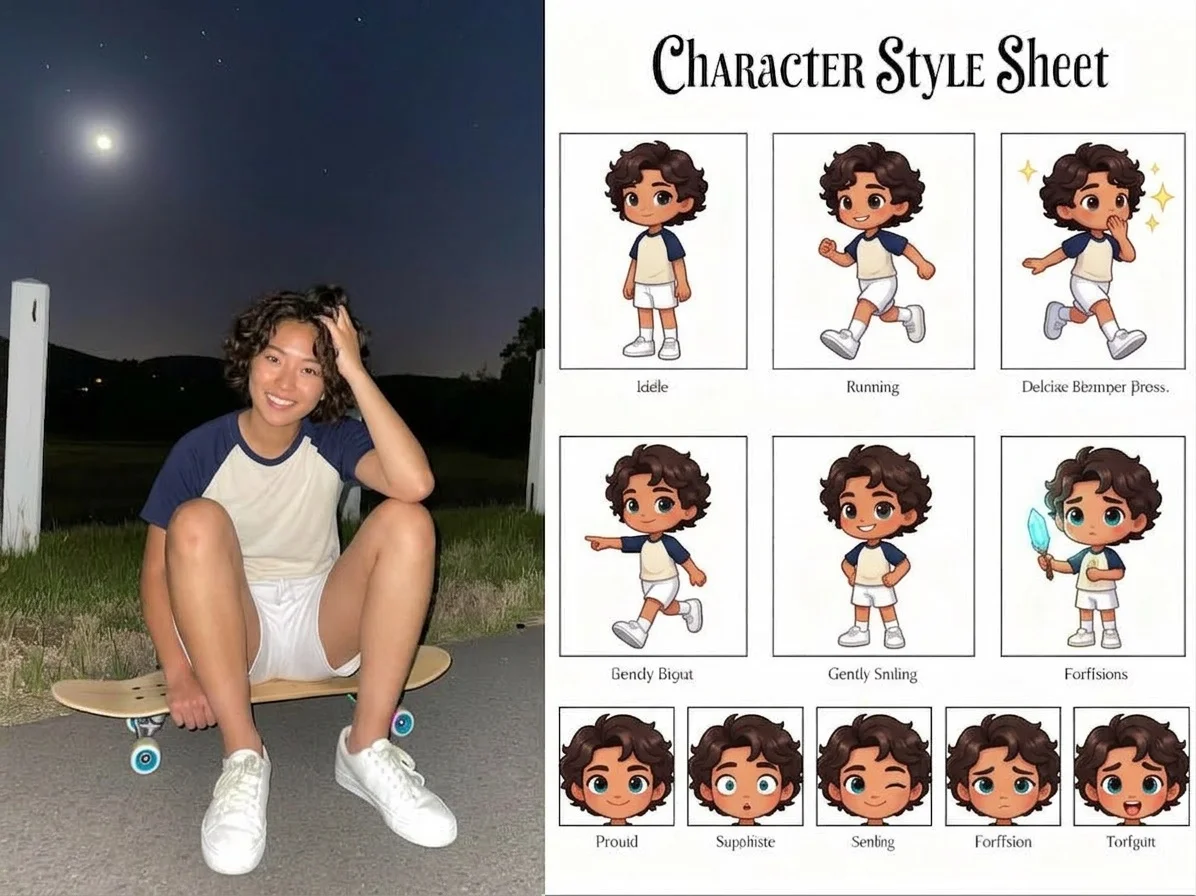
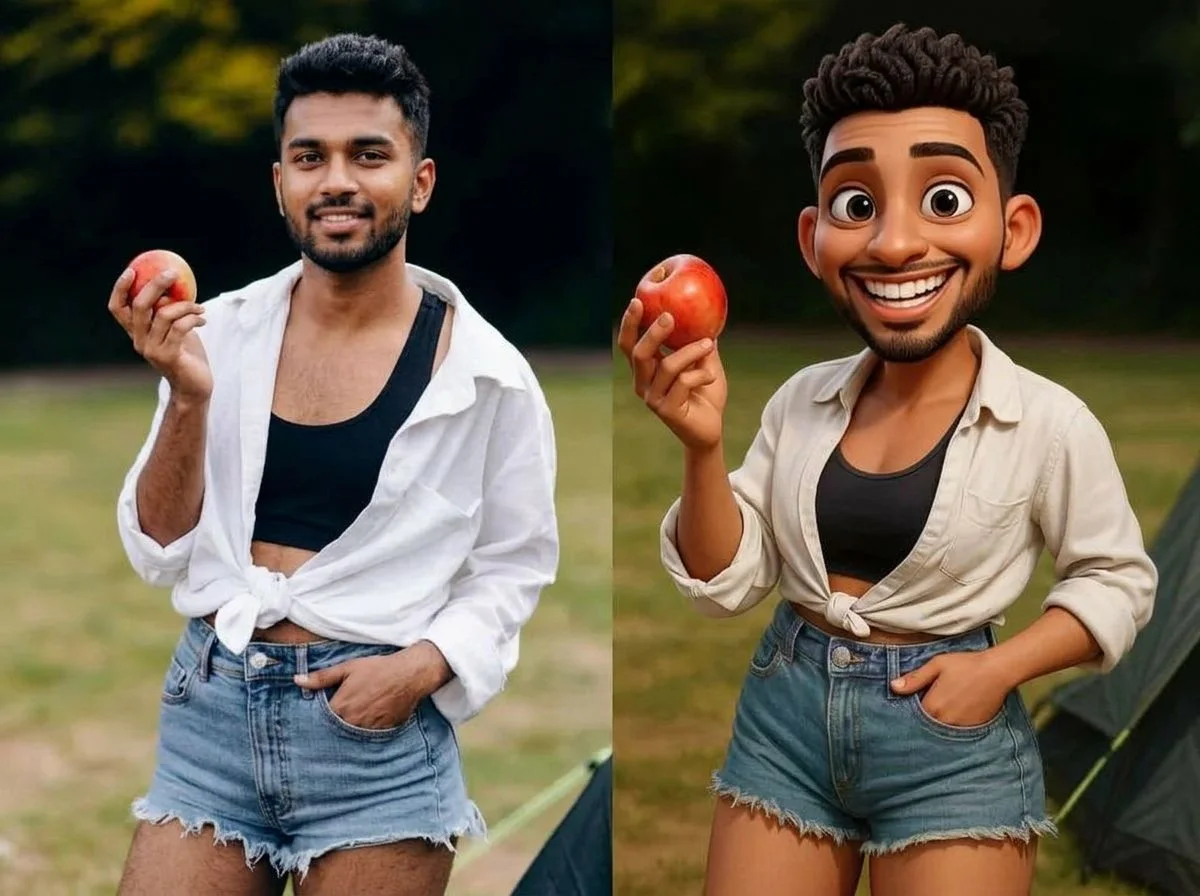


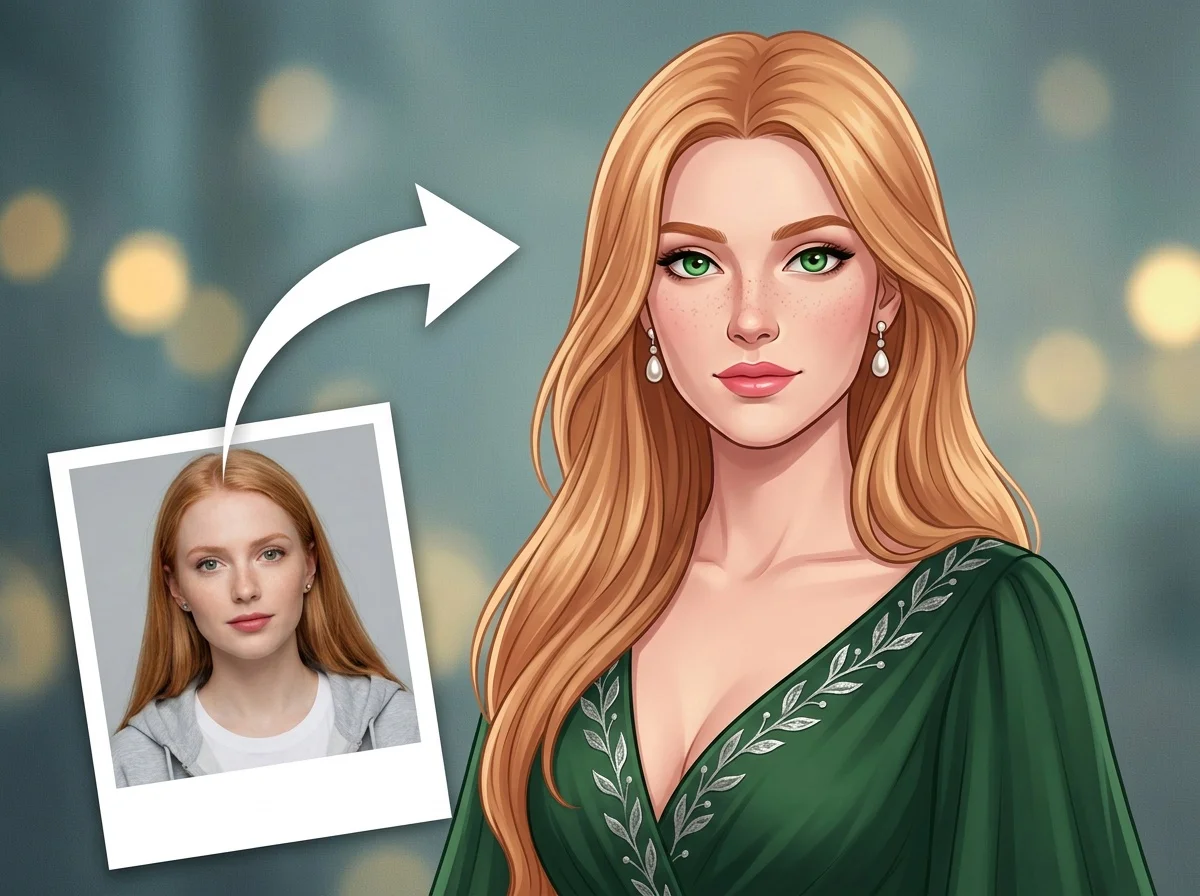
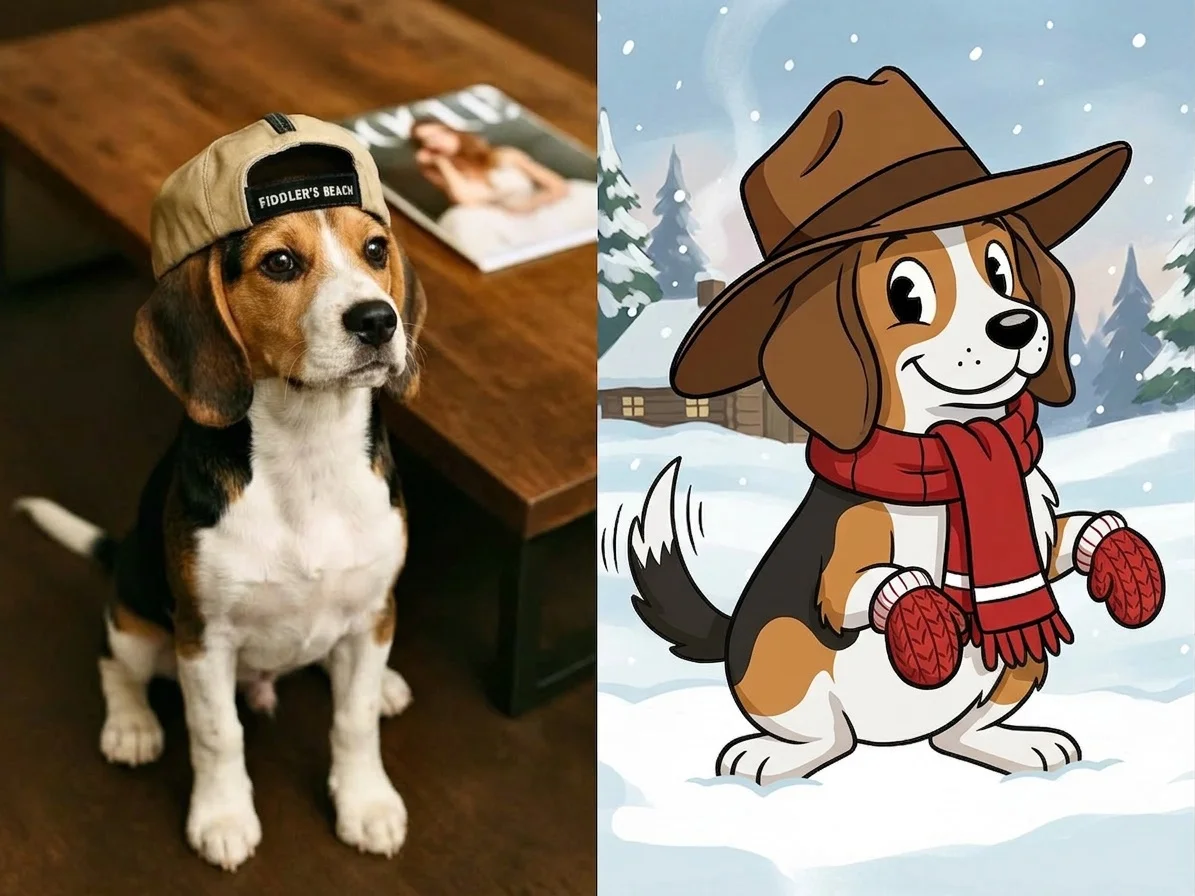
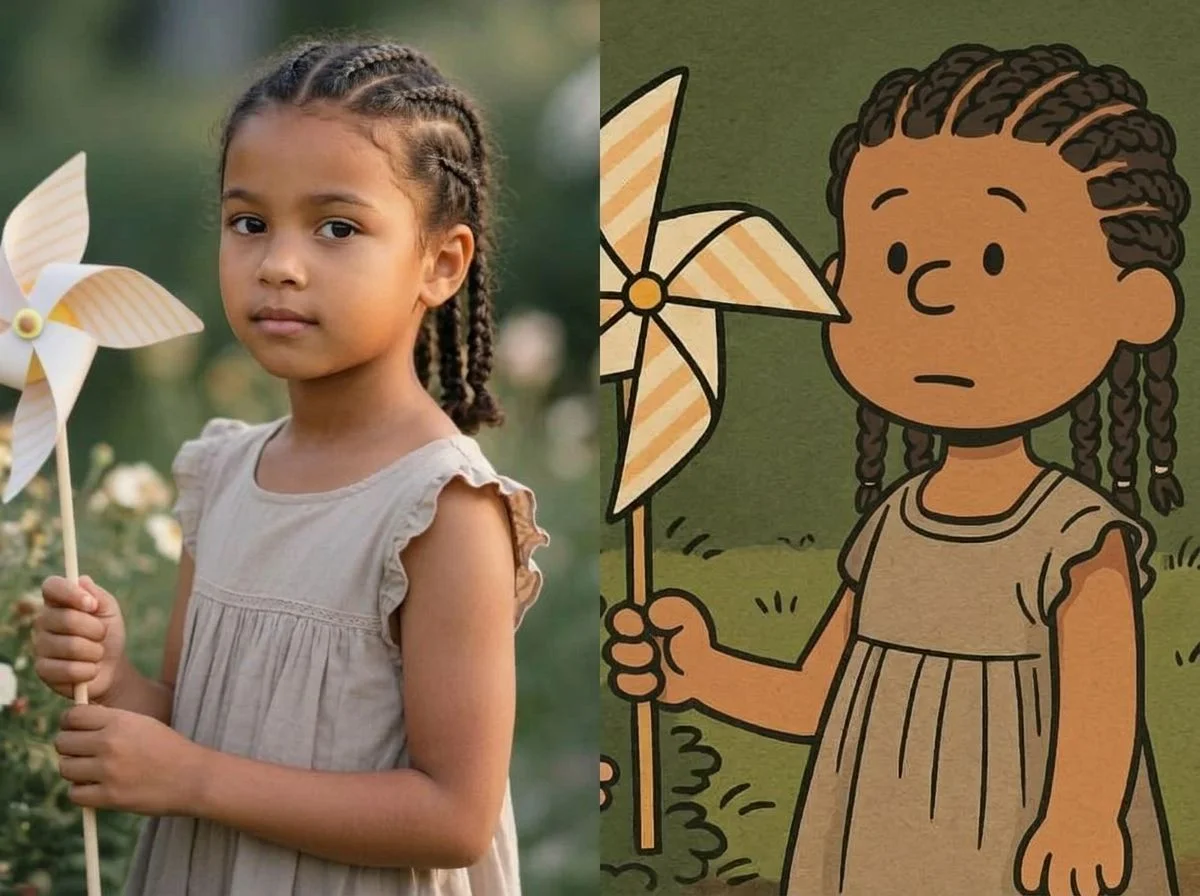
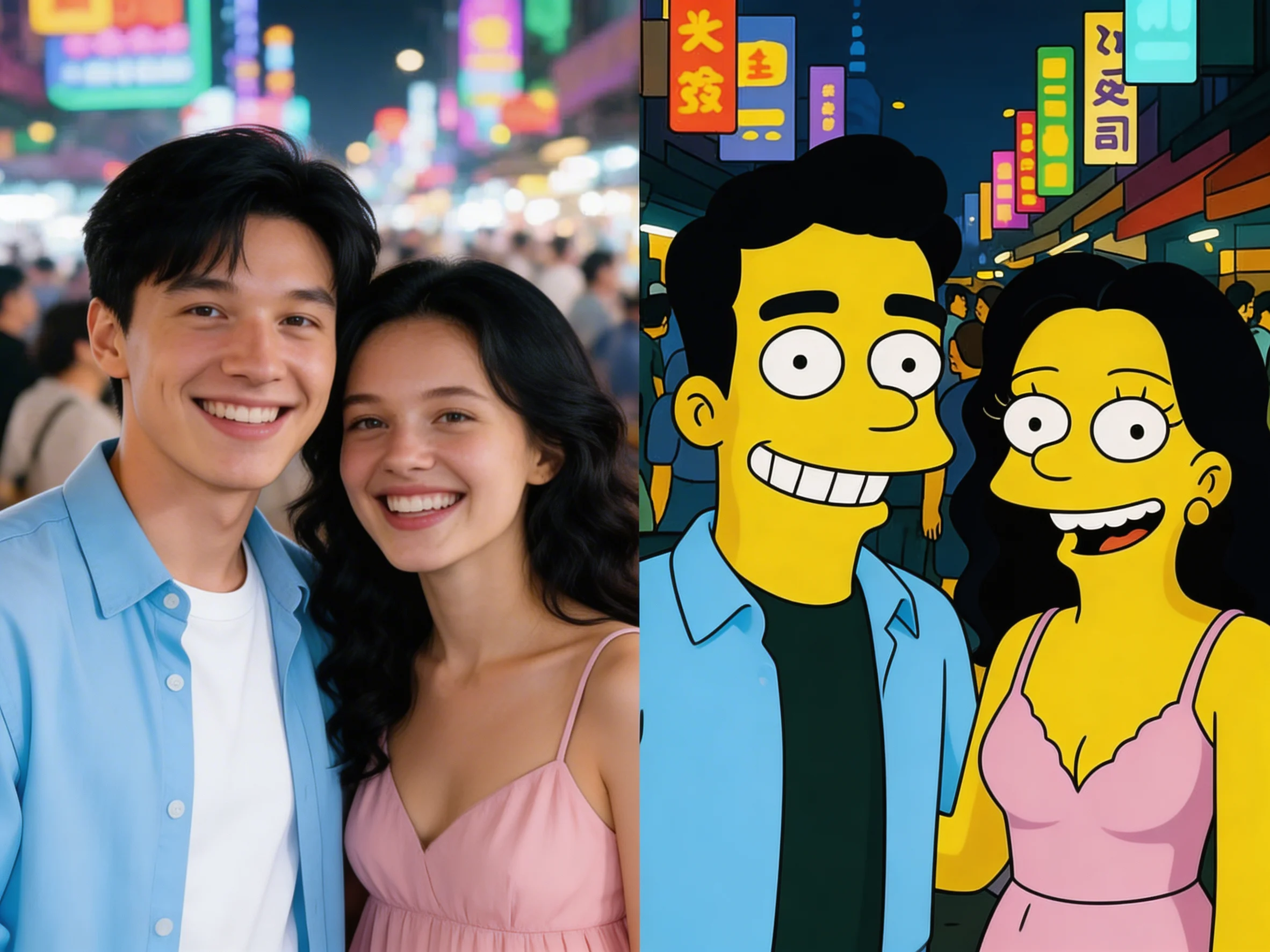

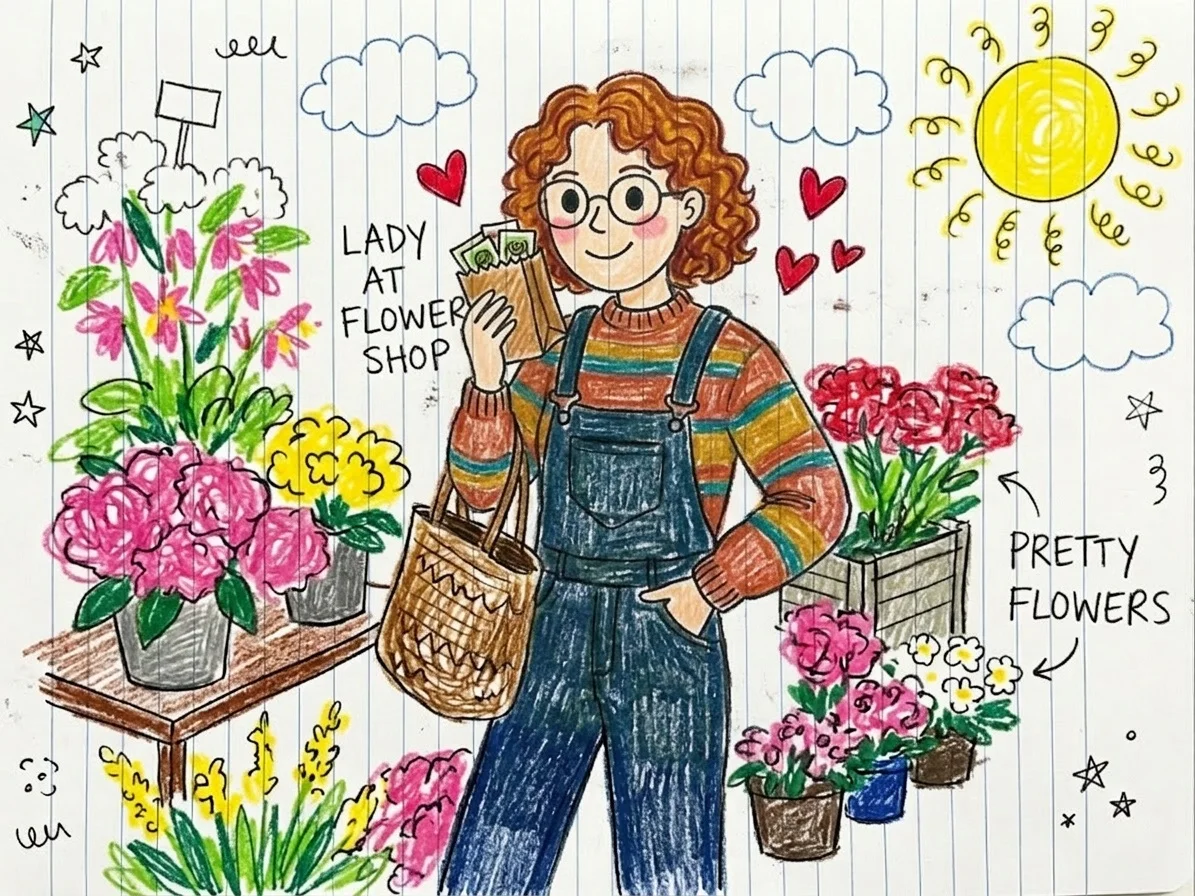
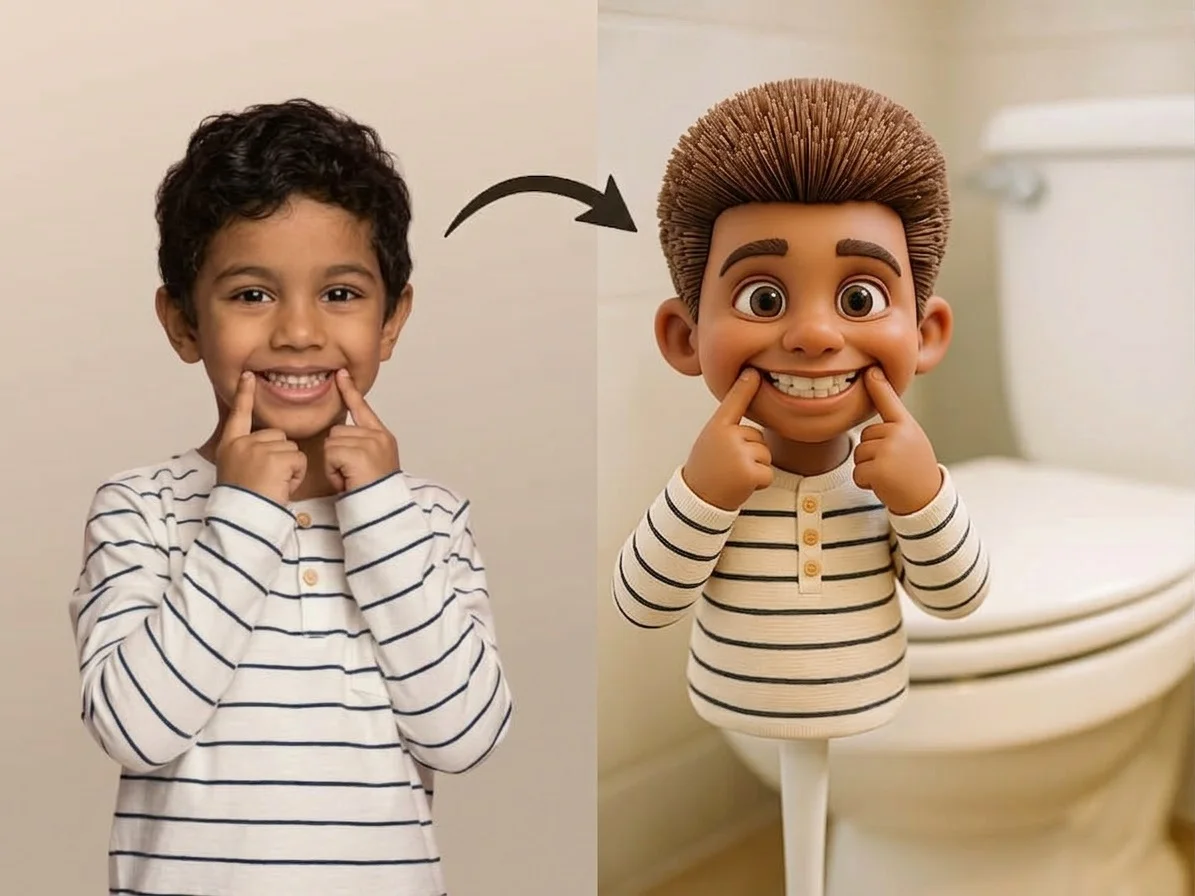
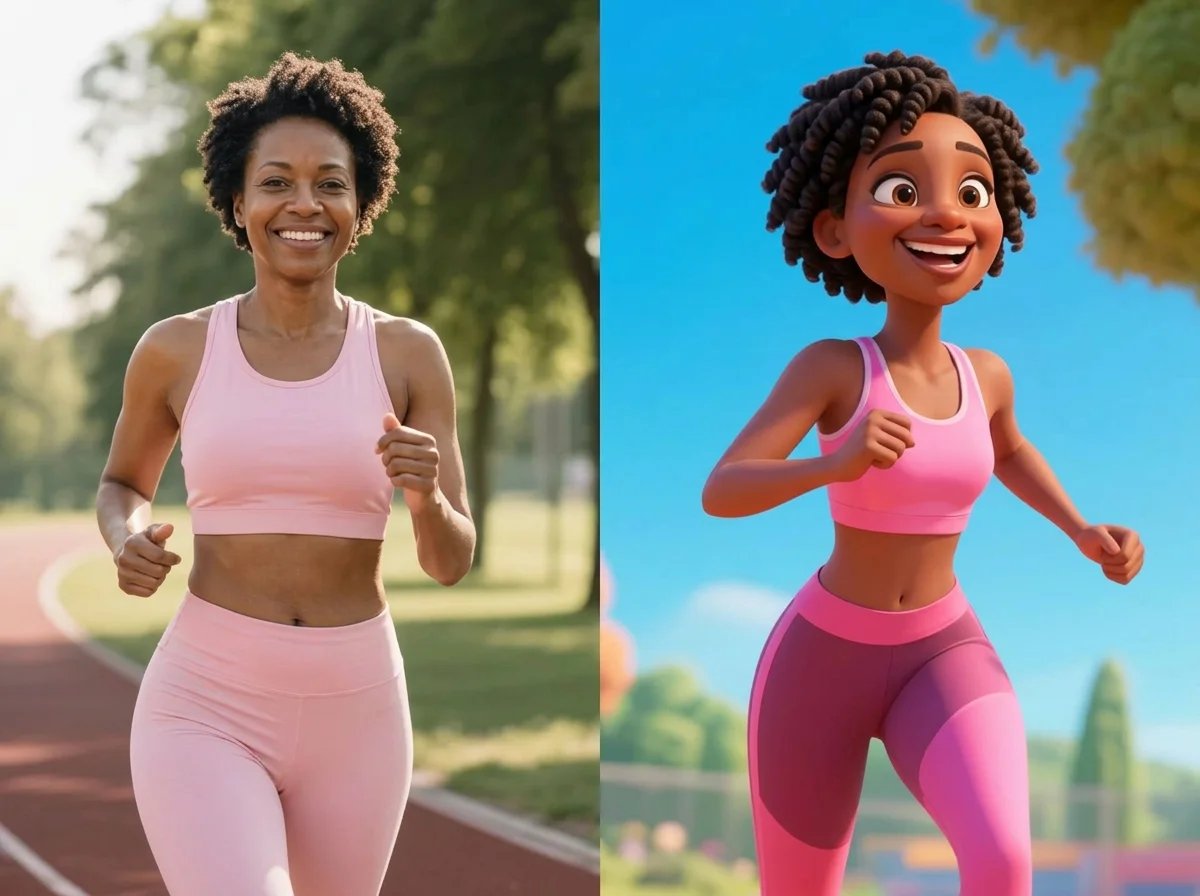


Before & after
An everyday photo, turned cartoon.
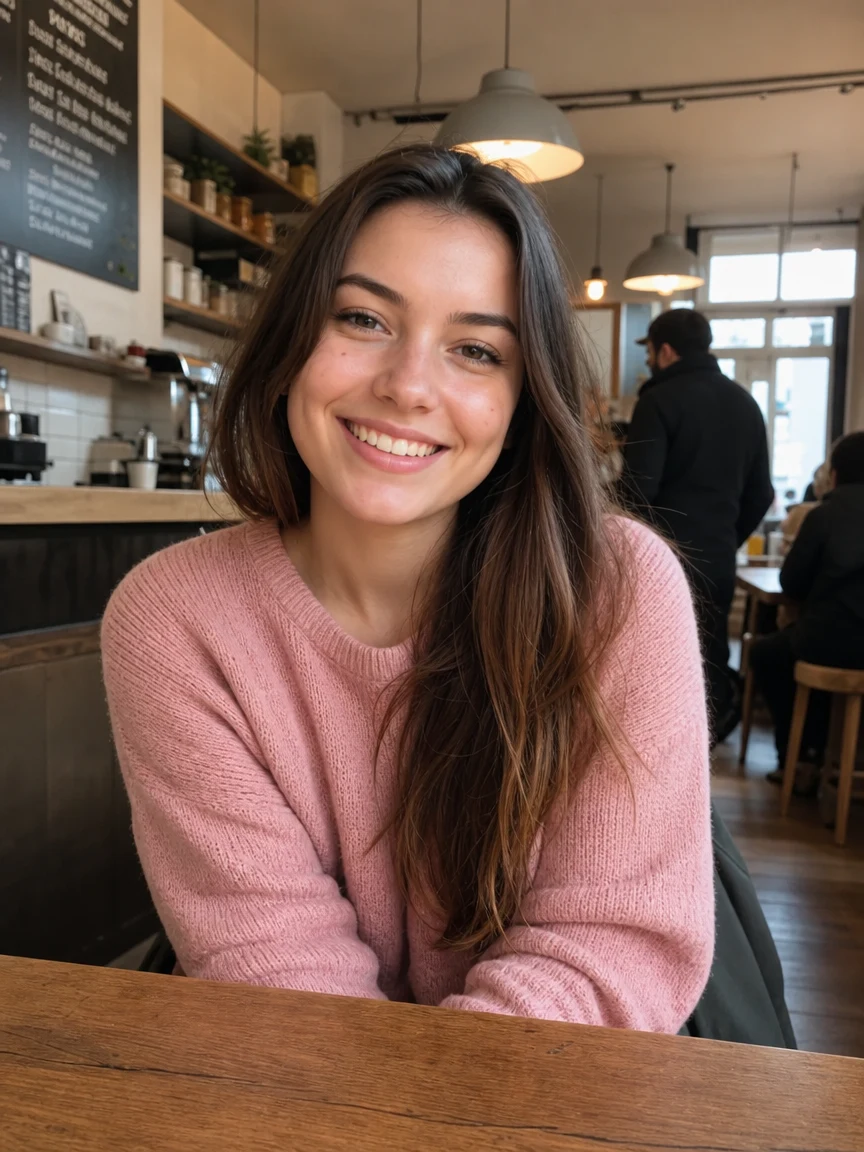 Before
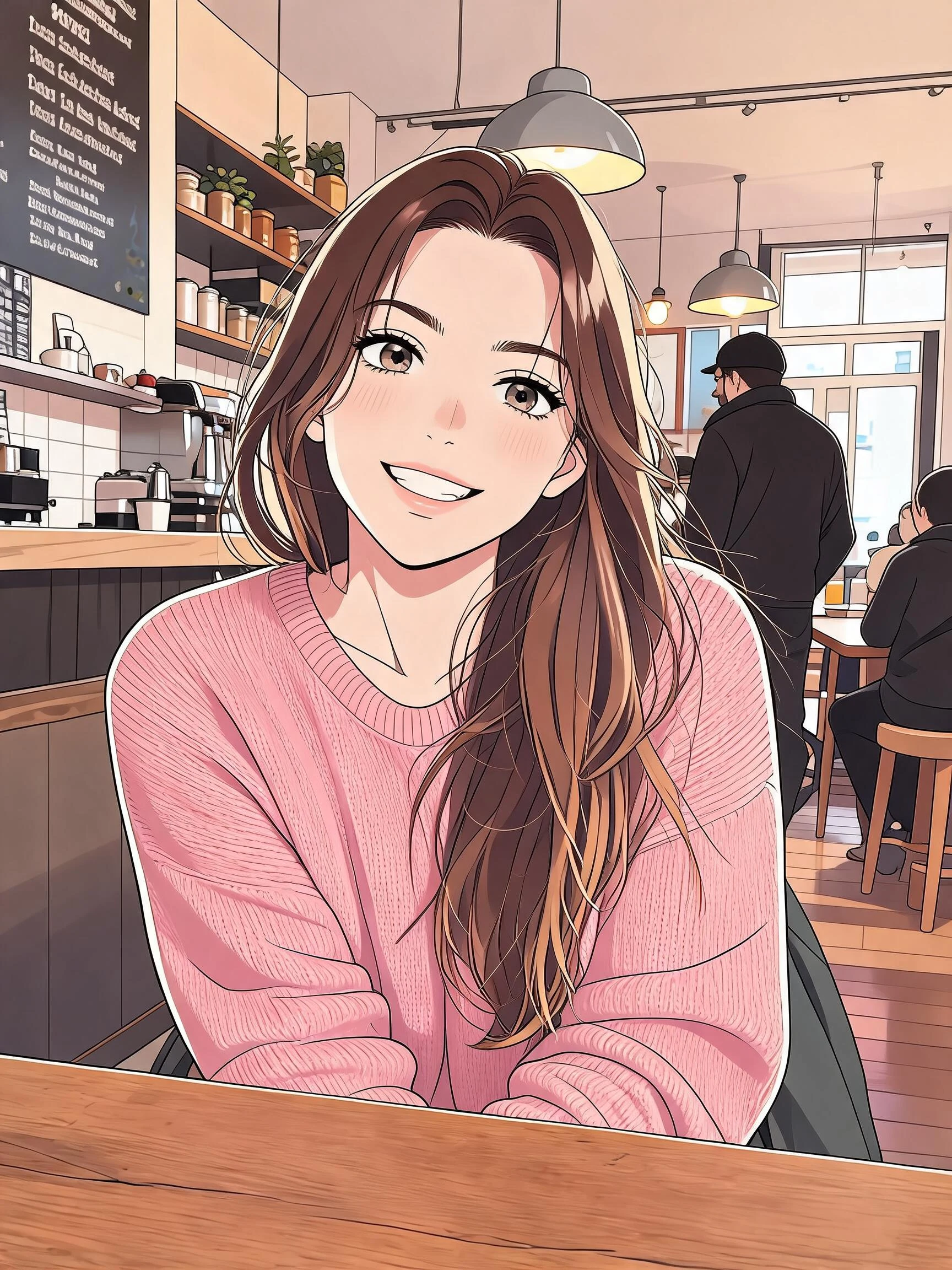 After
After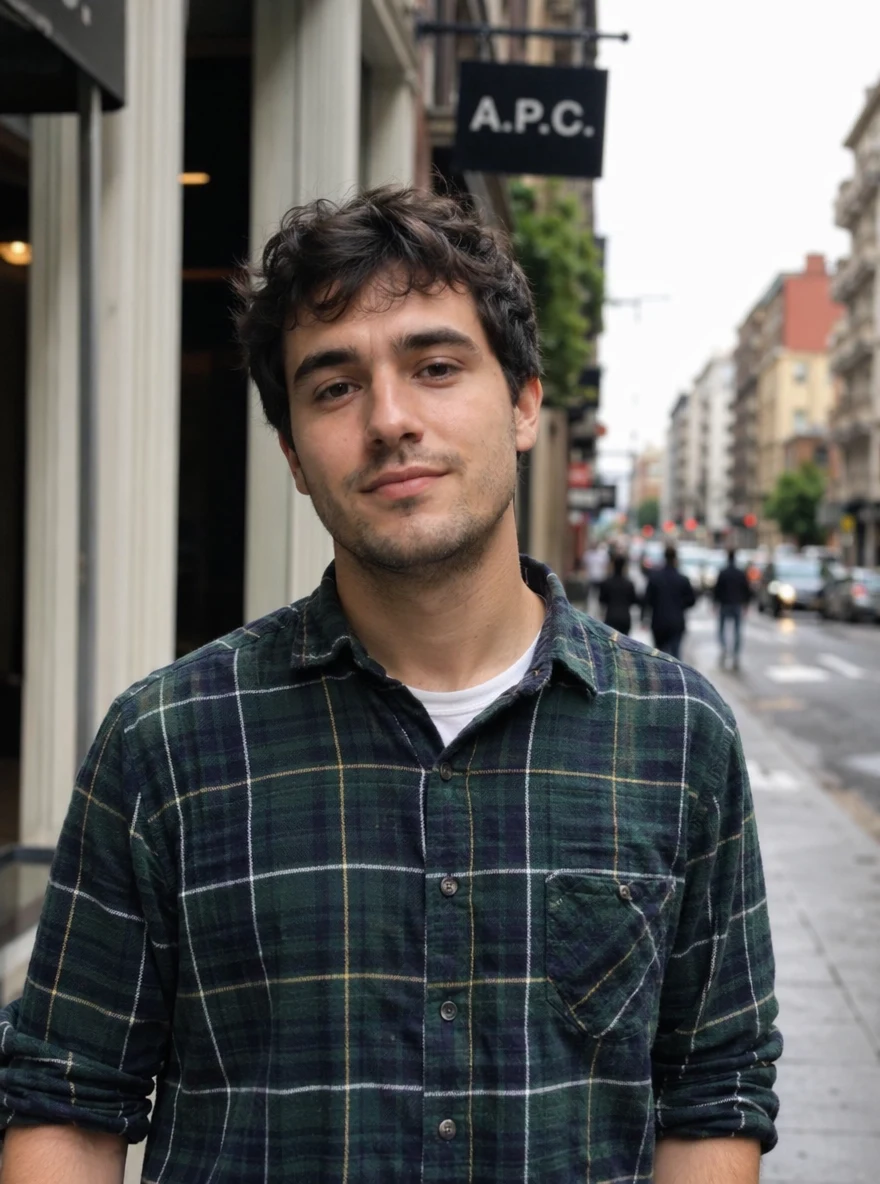 Before
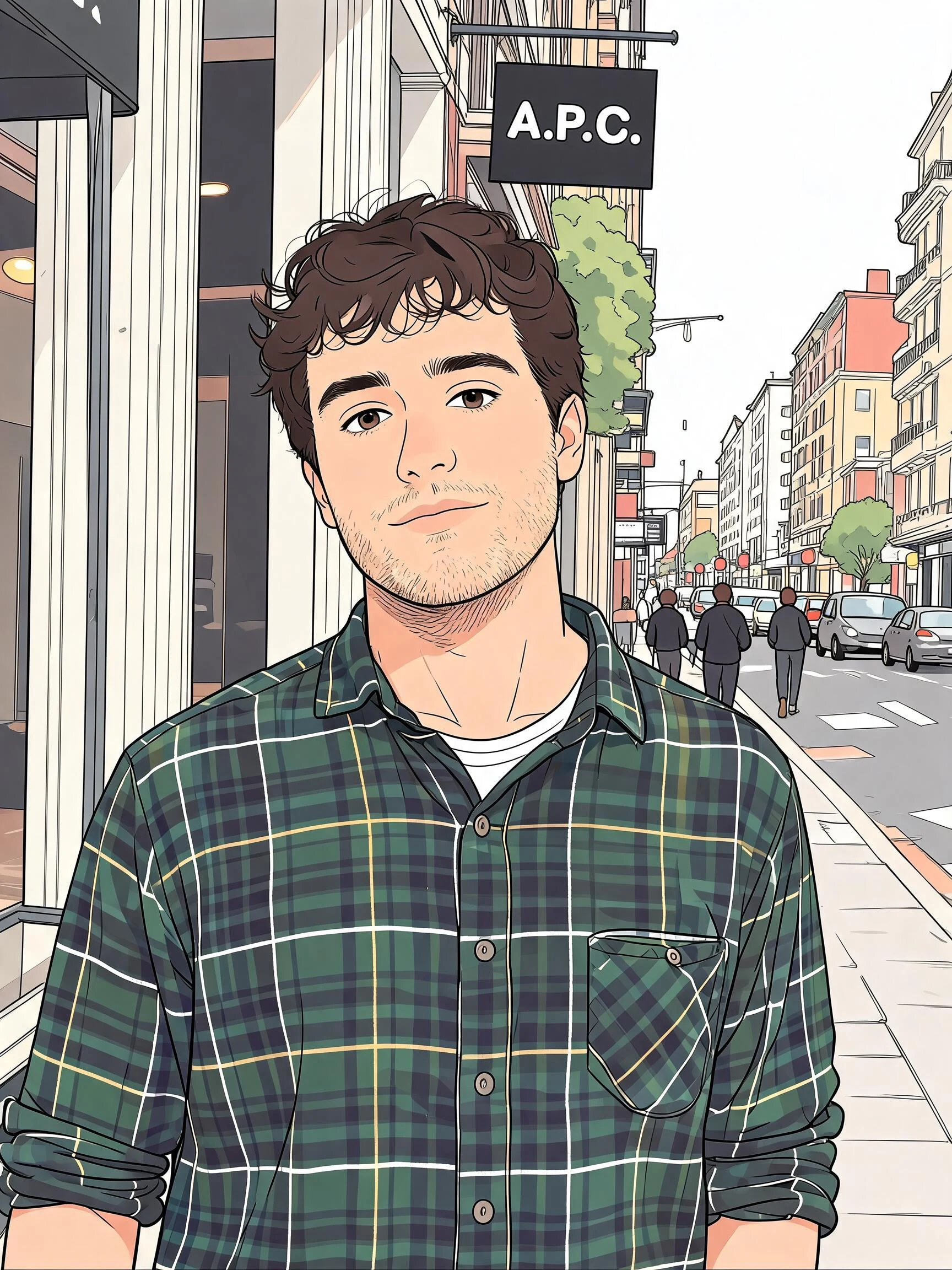 After
After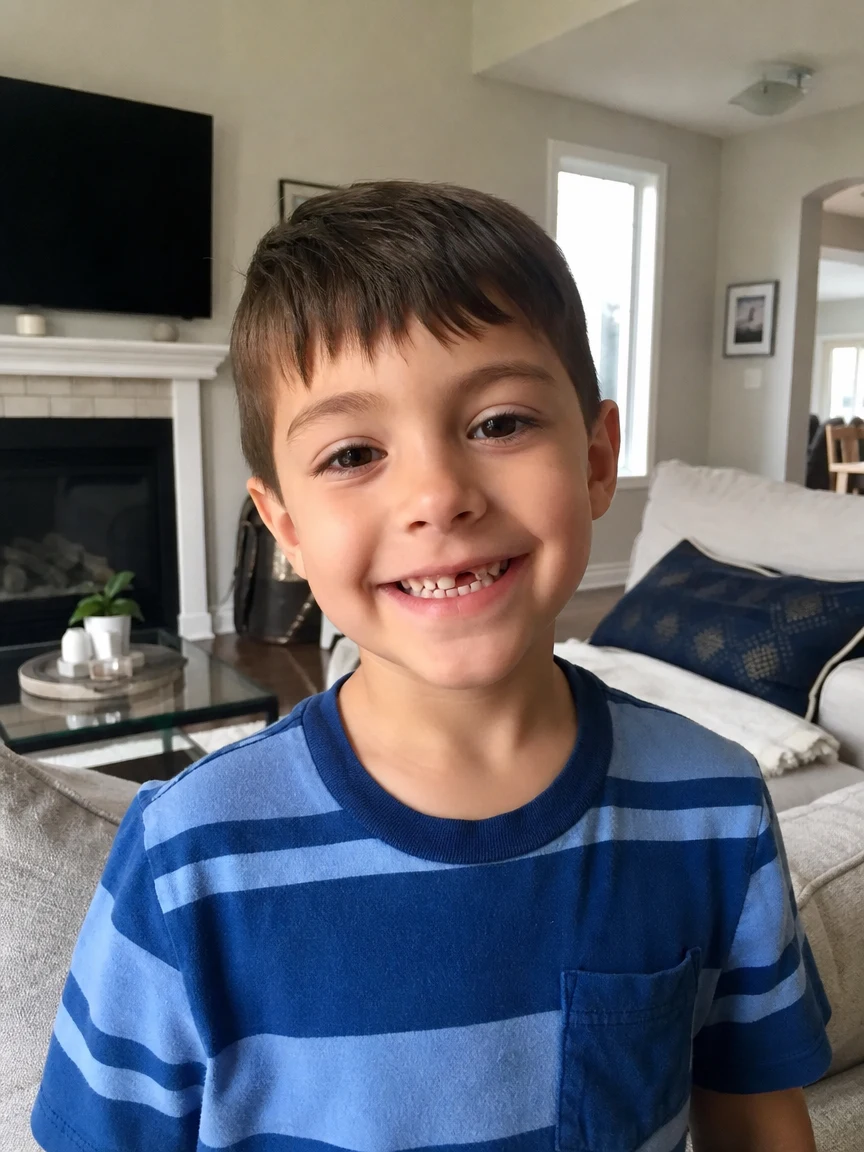 Before
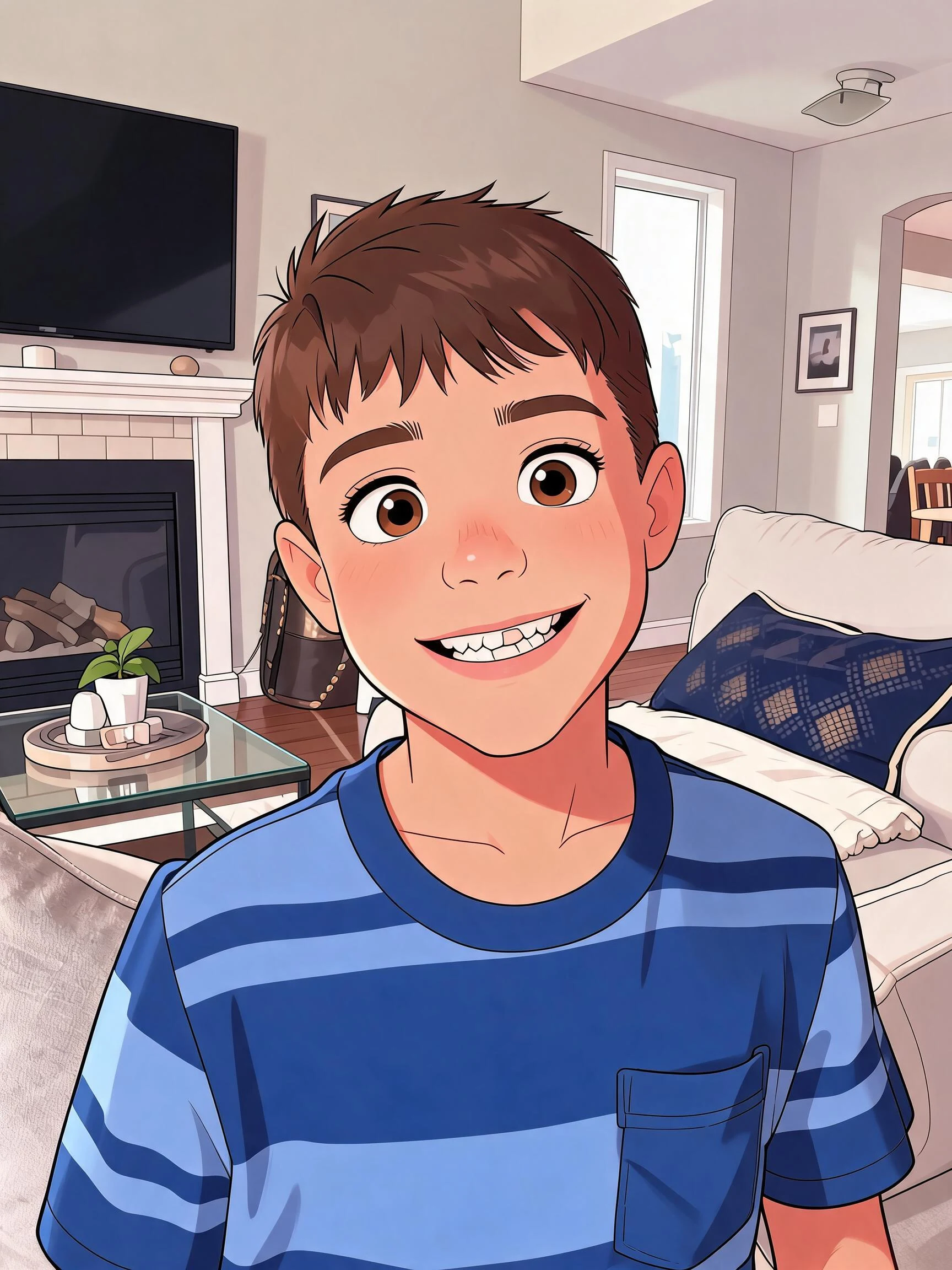 After
AfterCartoon her
How to make an AI cartoon
Three steps, right in your browser.
Upload your photo
Drag in or select a clear photo of the person you want to cartoonify. A well-lit, front-facing shot where the face is fully visible gives the AI the most to work with. Your photo is used only to make your result.
Pick a cartoon style
Sign in for your 10 free credits, then choose a look — a 3D Pixar hero, a flat Simpsons or South Park character, a hand-drawn caricature, or a comic portrait. The AI redraws your photo as a cartoon while keeping your likeness, hair, and outfit recognizable.
Download and share
Preview your cartoon, then download it at full resolution with no watermark. Use it as a profile picture, print it, or send it to friends and family.
What you can make
Popular ways people use the cartoon generator.
Cartoon profile pictures
Turn a selfie into a cartoon avatar for your socials, chat apps, and gaming handles — a fun, recognizable version of you that stands out in any feed.
Personalized gifts
Make a caricature or cartoon portrait of a friend or family member for a birthday, a card, or a printed keepsake nobody else will have.
Family & couple cartoons
Cartoonify a family or couple photo into a matching set of characters — great as a shared avatar, a fridge print, or a holiday card.
Become a TV character
See yourself as a Simpsons or South Park character and drop it into group chats, memes, and fan posts.
Creators & streamers
Give your channel a mascot: turn your persona into a cartoon character for thumbnails, overlays, emotes, and merch mockups.
Kid-friendly fun
Cartoonify photos of the kids into playful characters for party invites, birthday decor, or a keepsake they'll love.
Styles to choose from
From glossy 3D movie characters to flat TV toons and hand-drawn caricatures — pick the cartoon look that fits.
3D Pixar style
A glossy, movie-quality 3D character with big expressive eyes and soft lighting, like a still from an animated film.
Simpsons style
A flat, yellow-toned TV-cartoon avatar in the instantly recognizable Springfield look.
South Park style
A simple, cut-out construction-paper character with the show's blocky, deadpan look.
Caricature
A playful hand-drawn caricature that exaggerates your features for a fun, gift-worthy portrait.
Why use SharkFoto's cartoon generator
Many cartoon styles in one place
Go beyond a single filter: generate a 3D Pixar hero, a flat Simpsons or South Park avatar, a hand-drawn caricature, or a comic portrait — all from the same photo, so you can try several looks and keep your favorite.
Keeps your likeness
The AI reads your face, hair, and outfit and redraws them in the cartoon style you pick, so the result still clearly looks like you instead of a generic character.
Works from one selfie
No drawing skills and no reference sheets needed. One clear photo is enough to generate a polished cartoon you can post or print right away.
10 free credits, no watermark
Sign up free and get 10 credits to start cartoonifying photos. Your download comes at full resolution with no watermark, so it's clean enough to use as an avatar, print, or gift.
Tips for the best results
Use a clear, front-facing photo where your face is fully visible — the AI needs to see your features to redraw them, so hidden or side-profile faces come out less recognizable.
Pick a photo with even lighting — harsh shadows or very dark shots can muddy the cartoon's colors and details.
Choose a photo with a distinct outfit or hairstyle — recognizable clothing and hair help the cartoon clearly look like you.
Keep the background simple — busy backgrounds can bleed into the cartoon and pull focus from you.
Start from a higher-resolution photo — low-res or heavily compressed images limit how sharp and detailed the final cartoon can be.
Frequently asked questions
Is the AI cartoon generator really free?
What kind of photo works best?
What cartoon styles can I choose from?
Do I get an image or a video?
How long does it take to generate a cartoon?
Is my photo safe and private?
Can I use my cartoon commercially?
What if the cartoon doesn't look like me?
Related AI effects
More ways to restyle your photos.