- "prompt": ,
- "duration": 5,
- "audio_format": "mp3"
AI Sound Effect Generator
Create sound effects from text. Describe the sound you need - rain on a roof, a door creaking, footsteps on gravel, a sci-fi laser - set the length, and download it as an MP3.
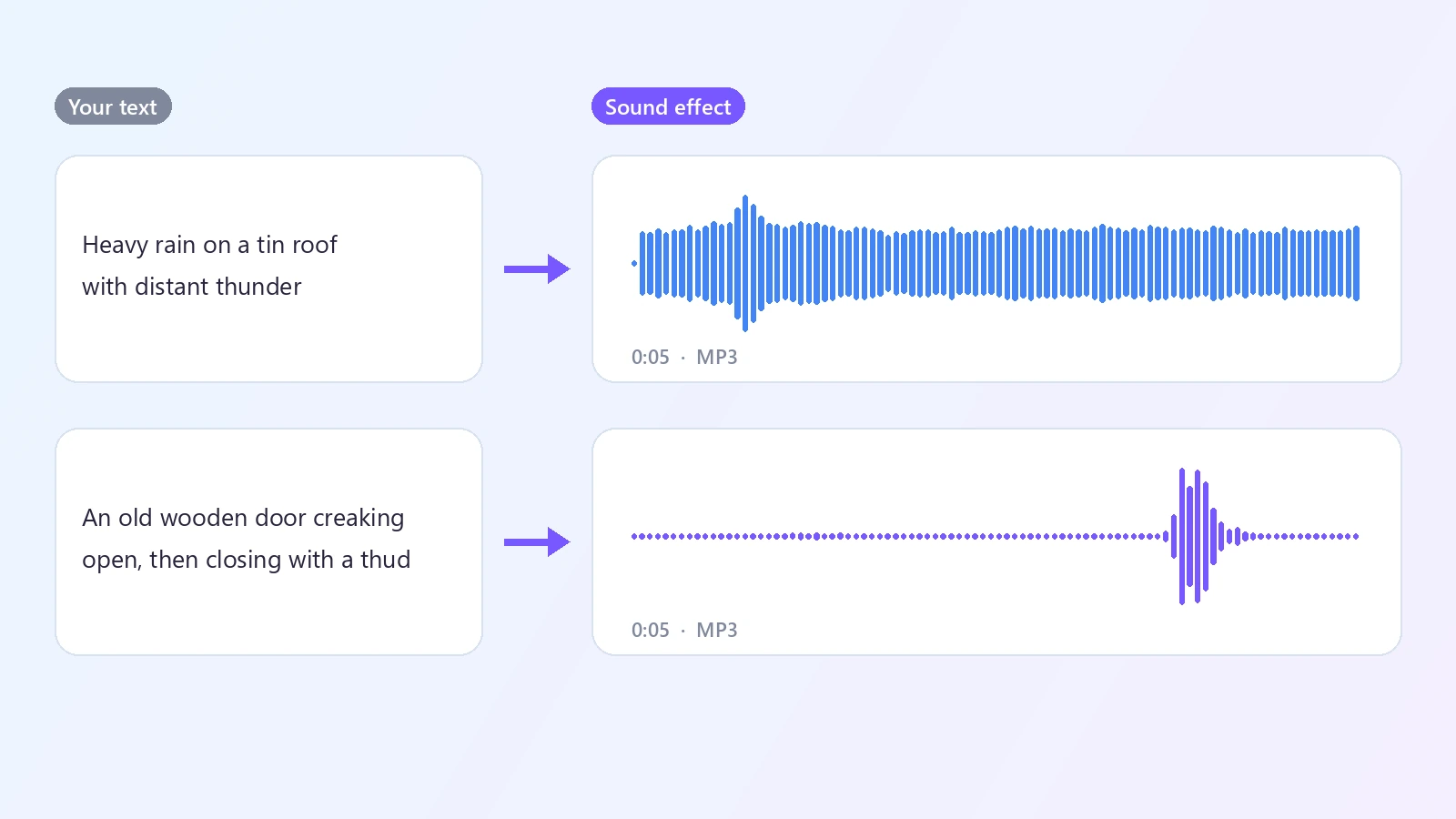
Finding the right sound effect usually means scrolling through libraries, auditioning dozens of clips and settling for something close. An AI sound effect generator makes the sound to order instead. You describe what you want to hear in plain words - heavy rain on a tin roof with distant thunder, an old wooden door creaking open, coins dropping on a table, a spaceship engine powering up - and choose how long it should be. The AI generates a new audio clip that matches the description and gives it to you as an MP3. Because the sound is made from your text, you can be specific about the source, the action, the material, the space and the mood, and you can ask for things that are hard to record or do not exist, like a dragon's wings or a magic spell. It is useful wherever a project needs audio that is not speech or music: video edits and short films, games and prototypes, podcasts and audio dramas, presentations, apps and notifications. Short, concrete descriptions work best, and each run gives a different take, so it is easy to generate a few versions and keep the one that fits. You pay by the length of the clip, so a one-second click costs less than thirty seconds of ambience.
At a glance
Made from your description
No library to search.
Describe any sound
Everyday noises, nature, machines, impacts, whooshes, creatures and sci-fi or fantasy effects.
Be as specific as you like
Name the source, the action, the surface and the space to steer the result.
The length you need
From a click to a background bed.
1 to 30 seconds
Set the duration to match your shot, your animation or your loop.
Pay by the second
The price follows the length and is shown before you generate.
Quick to use
Text in, MP3 out.
Ready in seconds
A short clip is generated in about 15 seconds.
MP3 download
Drop the file straight into your video editor, game engine or audio software.
How to generate a sound effect
Describe it, set the length, generate.
Describe the sound
Say what makes the sound, what it does and where: a glass bottle smashing on a concrete floor, wind in pine trees at night.
Set the duration
Choose from 1 to 30 seconds. A short hit needs a second or two; ambience works better at 10 seconds or more.
Generate and download
Listen to the result and download the MP3. Not quite right? Adjust the description and generate again.
What people use it for
Video editing
Add impacts, whooshes, footsteps and ambience to your cuts.
Games
Prototype pickups, hits, UI clicks and environment sounds.
Podcasts and audio drama
Set a scene with doors, weather and background atmosphere.
Apps and notifications
Make short alerts, taps and confirmation sounds.
Presentations
Give a slide or a demo a little audio punctuation.
Imaginary sounds
Create things you cannot record: spells, creatures, spaceships.
Frequently asked questions
How do I generate a sound effect with AI?
Is this sound effect generator free?
What should I write in the description?
How long can a sound effect be?
What format is the file?
Can I make background ambience?
Can it make music or voices?
Can I make the same sound again?
Can I use the sounds in my projects?
Why does the result not match my description exactly?
Good to know
Each run is different — The same description gives a new sound every time. Generate a few versions if the first one is not what you imagined.
Simple scenes work best — One or two sound sources come out clearer than a long list of events in a strict order.
Not for speech or songs — This tool makes sound effects and ambience. For voices use AI Text to Speech, and for music use Text to Music.
Exact timing is approximate — The clip has the length you set, but you cannot place an event at an exact second. Trim or align it in your editor.
Related tools & models
Hear what you describe
Type a sound, set the length and get an MP3 in seconds.