AI Hug Video Generator
Turn a photo into a warm hug video in seconds. SharkFoto's AI hug video generator animates the people in your picture into a natural, heartfelt embrace, so a single still becomes a moving moment you can keep and share. Sign up free to get 10 credits, pick a ready-made hug effect like Hug Your Love, Hug Together, or Mother's Day Hug, or describe the hug you want, and download your clip — with no watermark — in seconds.
 PopularHug Your Love
What is an AI hug video?
An AI hug video is a short clip generated from one or two still photos in which AI synthesizes the in-between motion so the people or characters appear to embrace. You upload a photo, the model animates a natural hugging motion, and you download a few-second MP4 you can share.
All AI Hug Video Effects
Eight AI hug effects — a couple's embrace, a group family hug, a comforting hug from someone dear. Pick one to start.









Before & after
A still photo, brought into a warm hug.
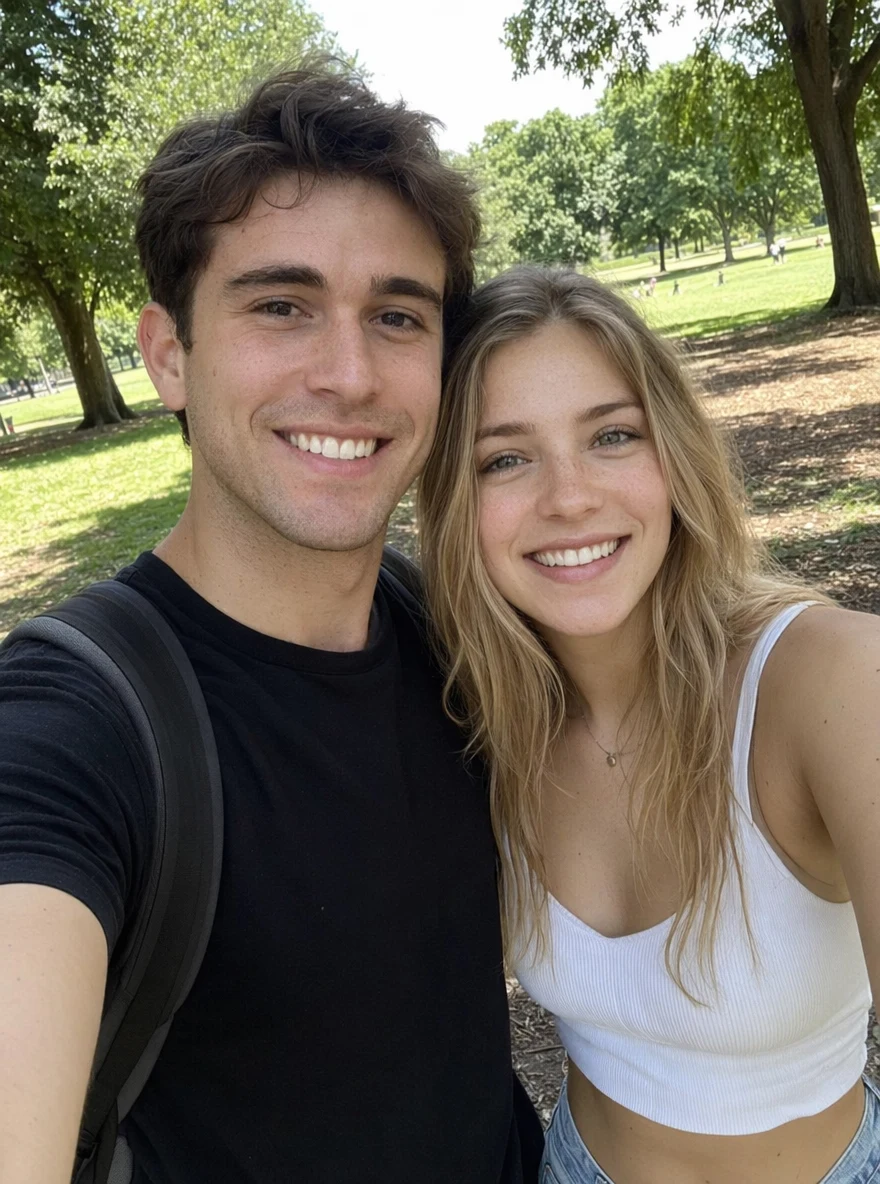 BeforeAfter
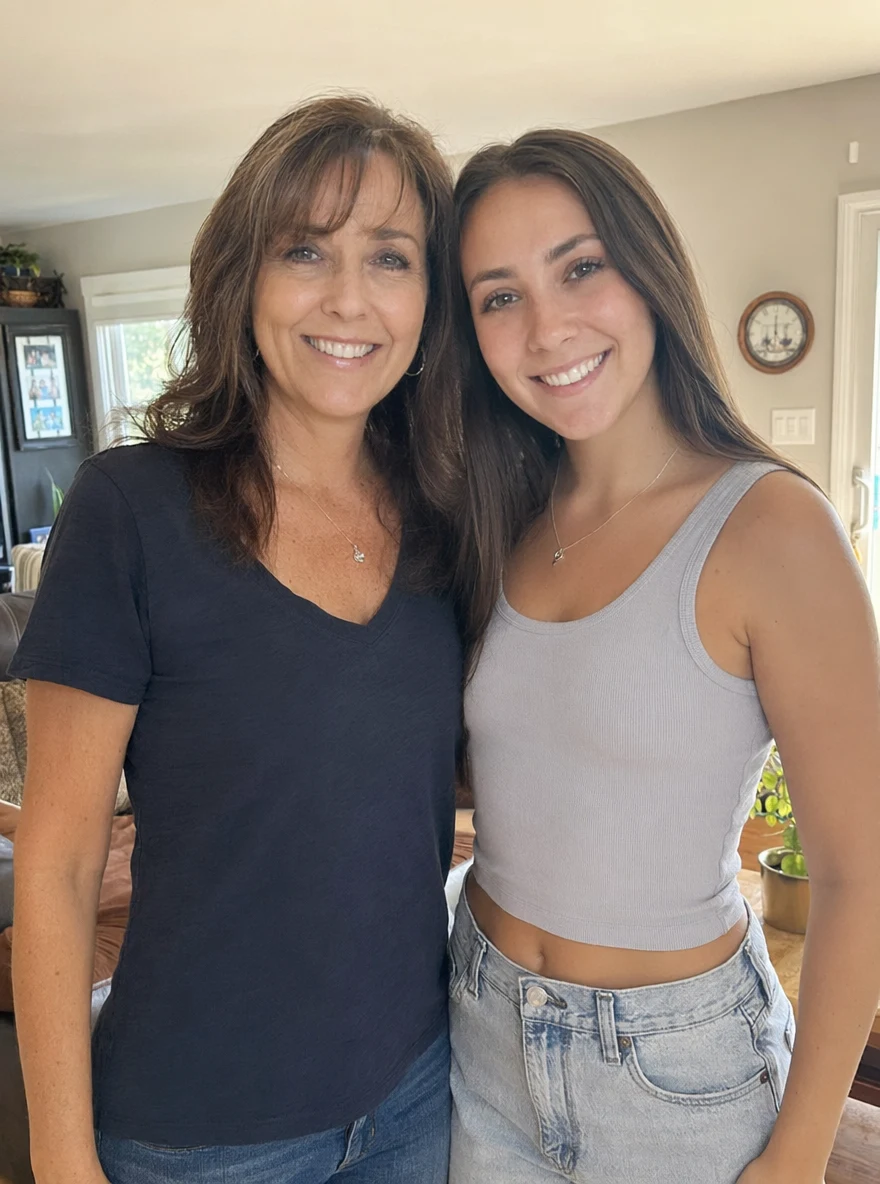 BeforeAfter
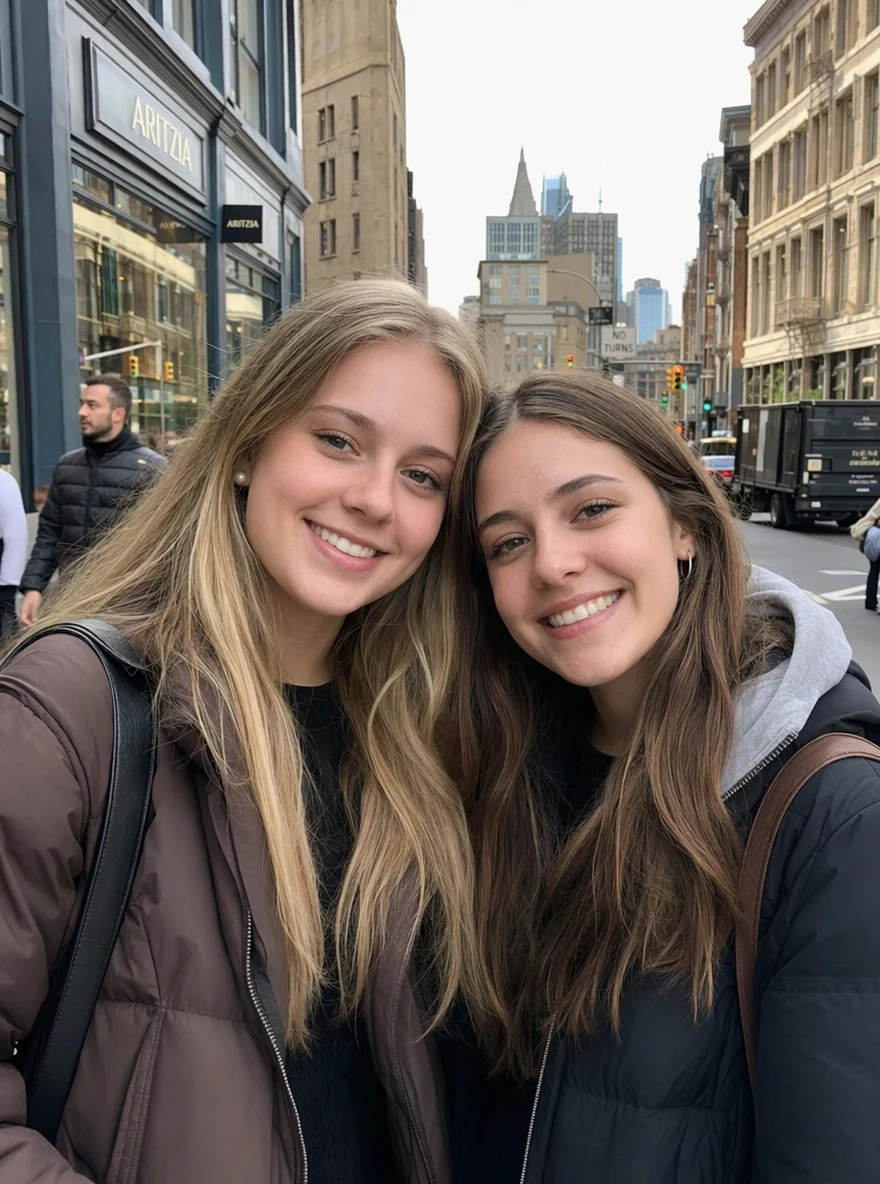 BeforeAfter
Couple hug
How to make an AI hug video
Three steps, right in your browser.
Upload your photo
Drag in or select a clear photo of the person (or people) you want to see hug. A well-lit, front-facing shot where faces are visible works best. Your photo is used only to make your video.
Pick or generate a hug
Sign in for your 10 free credits, then choose a hug effect — Hug Your Love for couples, Hug Together for groups, Mother's Day Hug for a parent, or a gentle memorial embrace — or describe the hug you want. The AI adds realistic motion so it looks natural, not pasted on.
Download and share
Watch the preview, then download your hug video as a full-resolution MP4 with no watermark. Post it, text it, or save it for a card or slideshow right away.
What you can make
Popular ways people use the hug video generator.
Long-distance couples
Share a warm on-screen embrace when you can't be together — turn a photo of the two of you into a hug clip to send on an anniversary, a birthday, or any day the distance feels long.
Family reunions
Turn a group family photo into a moving group hug when relatives are scattered across cities or countries and a real get-together is hard to arrange.
Remembering a loved one
Using a cherished photo, gently animate a final embrace with someone who has passed — a tender keepsake for a memorial slideshow or a private moment of remembrance.
Mother's & Father's Day
Make a heartfelt hug clip for a parent from an old family photo — a personal, moving alternative to a store-bought card.
Friends far away
Surprise a friend with a hug video for a birthday or a hard day, straight from a favorite photo of the two of you.
Faith & festival moments
Create a gentle, respectful embrace for a devotional or festival post — like a warm hug from a beloved figure — from a single picture.
Why use SharkFoto's hug video generator
Realistic hug motion
The AI reads the people in your photo and animates a natural embrace — lifelike arm movement, lean-in, and expression — so the hug feels genuine instead of stiff or stitched together.
Works from a single photo
You don't need video footage or two matching pictures. One clear still is enough, whether it's two people in the same shot or a solo portrait brought to life.
10 free credits, no watermark
Sign up free and get 10 credits to start right away. Clips download at full resolution with no watermark burned across them, so what you make is yours to share cleanly anywhere.
Private and memorial-friendly
Your photos aren't used to train our models, and effects like The Final Hug are made for tender remembrance — turn a treasured photo of a loved one into a gentle, respectful hug to hold onto.
Tips for the best results
Use a clear, front-facing photo where faces are visible — the AI needs to see each face to animate a natural embrace; hidden or side-profile faces come out stiff.
Start from an evenly lit photo — harsh shadows or very dark shots make the motion look muddy.
Keep the background simple — busy or cluttered backgrounds can warp as the AI adds movement.
For two people, pick a photo where they're already close — the closer the starting pose, the more natural the hug motion looks.
Use the highest-resolution photo you have — low-res or heavily compressed images limit how sharp the final clip can be.
Frequently asked questions
Can I make a hug video with someone who has passed away?
Is the AI hug video generator really free?
What kind of photo should I upload?
What format is the hug video, and how long is it?
Is my photo safe and private?
How long does it take to generate a hug video?
Can I use my AI hug video commercially?
What if the hug looks unnatural?
Related AI effects
More AI video effects to try.