- "voice_id": "Eddie",
- "audio": "",
- "remove_background_noise": true
Up to 5 minutes.
AI Voice Changer
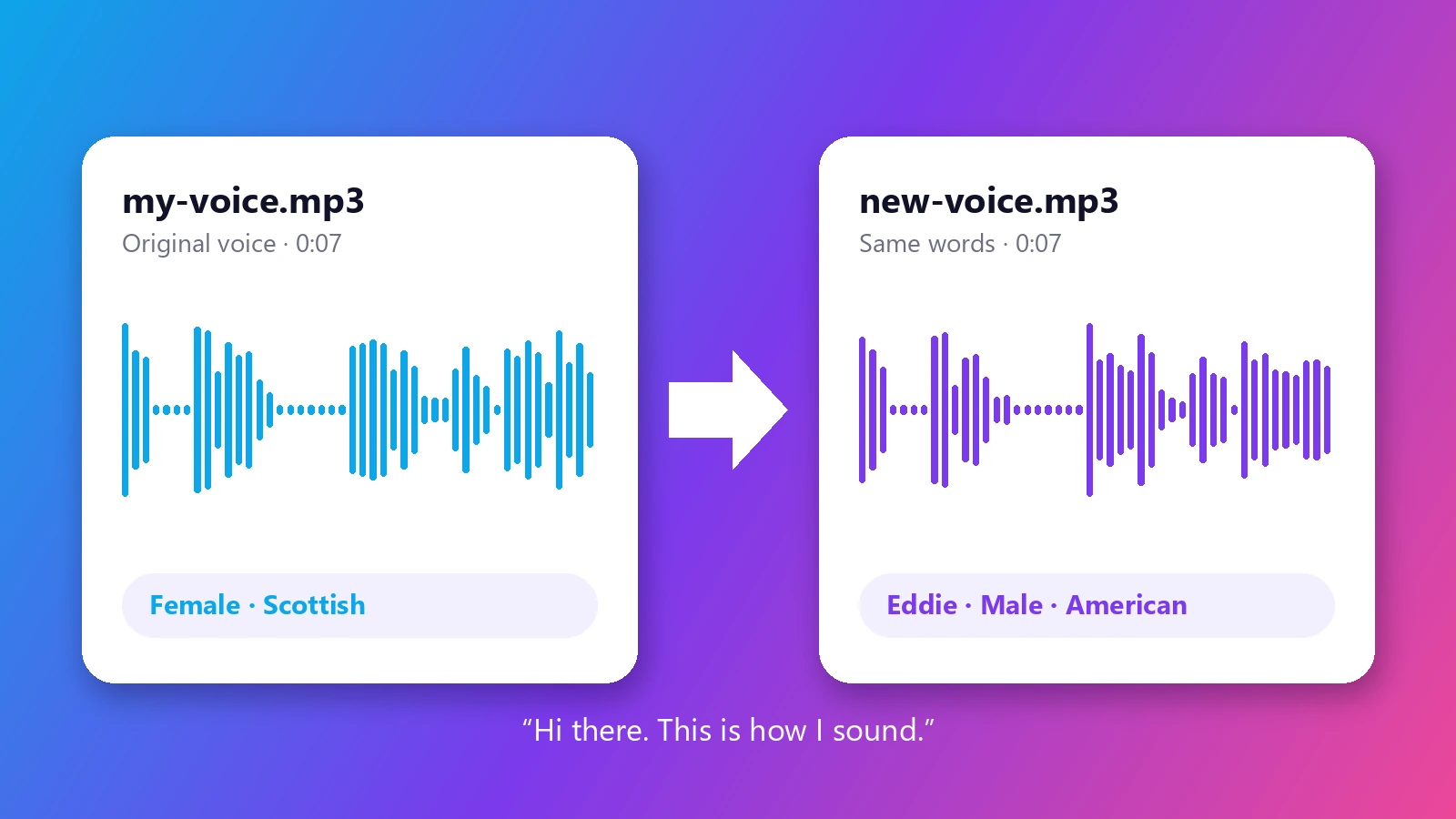
Change your voice into someone else's - online, free to try. Upload a recording, pick a new voice from 18 natural AI voices, and get the same words with the same timing and emotion, spoken in a completely different voice.
Most voice changers bend your voice with filters - higher, lower, robotic - and it still sounds like you with an effect on top. This AI voice changer replaces the voice itself. It listens to how you said something - the pauses, the stress on each word, the laugh in the middle of a sentence - and performs the same delivery again in a different, natural-sounding voice. Female to male, male to female, an American voice into a British or Scottish one: the words and the timing stay exactly as you recorded them, so the result lines up with your video and keeps your emotion. That makes it useful far beyond a quick laugh. Creators use it to voice characters in a story or a short, to keep their own voice private in videos and podcasts, or to re-record a line without stepping back in front of the microphone. There is nothing to install - change your voice online in the browser, try a few voices on the same clip, and download the one you like.
At a glance
A new voice, not a filter
Natural speech instead of a pitch effect.
18 natural voices
Male and female voices with American, British and Scottish accents, from warm and friendly to bright and upbeat.
Hear before you choose
Every voice has a sample you can play, and filters by gender, accent and style narrow the list quickly.
Your delivery is kept
Only the voice changes.
Same words and timing
Pauses, pacing and length stay the same, so the new audio drops straight back into your video edit.
Same emotion
Excitement, whispers and laughter carry over to the new voice instead of being flattened into a monotone.
Clean results online
No app, no plugins.
Background noise removal
Clean up room noise, hum and street sound from phone recordings while the voice is changed.
Works in the browser
Use it on a phone or a computer. Upload, convert and download - nothing to install.
How to change your voice with AI
From your recording to a new voice in three steps.
Upload your recording
MP3, WAV, M4A, FLAC, OGG or WebM, up to 5 minutes. A clear recording of one person speaking works best.
Pick a new voice
Press play to hear each voice, filter by gender, accent or style, and choose the one you want. Turn on noise removal if the recording has background sound.
Download the new audio
Listen to the result and save it as MP3. Try another voice on the same recording until it sounds right.
What people use it for
Character voices
Give each character in a story, animation or short video its own voice while you record every line yourself.
Voice privacy
Publish a video, podcast or interview without using your real voice - the words and delivery stay yours.
Fixing a recording
Turn a quick phone recording into a cleaner, clearer voice for a tutorial, presentation or social post.
Male to female, female to male
Hear how a line sounds in a different voice for a role, a sketch or a creative project.
Different accents
Switch an American read to a British or Scottish voice to match the setting of your story.
Fun and pranks
Surprise friends with a message in a completely different voice - with the same jokes and timing.
Frequently asked questions
How do I change my voice with AI?
Is this AI voice changer free?
Does it keep what I said and how I said it?
Can I change a male voice to female, or female to male?
Is it a real-time voice changer for Discord or games?
What audio files can I upload?
Can I change the voice in a video?
What if my recording has background noise?
Can it copy a specific person's voice?
Which voice should I pick?
Good to know
Recorded audio, not live — This tool changes recordings you upload. It is not a real-time voice changer for calls, games or Discord.
Natural voices, not sound effects — The voices are realistic human voices. Robot, monster or cartoon effects are not included.
One speaker at a time — Recordings with one person speaking give the best results. In conversations, every speaker is changed to the same new voice.
Use it responsibly — Only upload recordings you have the right to use, and do not use a changed voice to deceive people or impersonate someone.
Related tools & models
Want to hear yourself in a new voice?
Upload a recording and change your voice in under a minute. Free to try, nothing to install.