- "text": ,
- "voice_consent": false,
- "language": "auto",
- "audio": "",
- "reference_text":
Please confirm to generate.
AI Voice Cloning
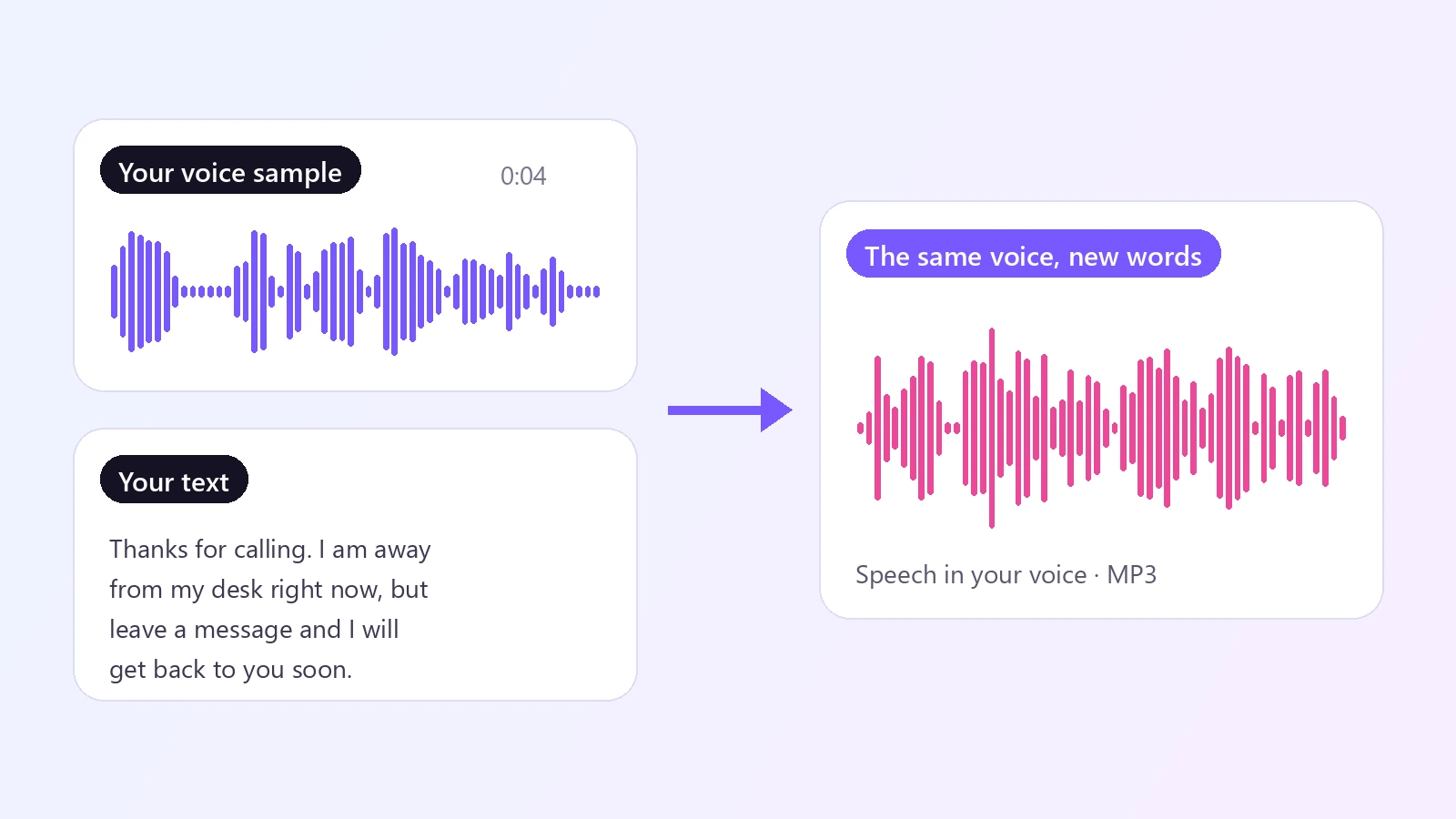
Clone a voice from a few seconds of audio. Upload a short voice sample, type any text, and hear it spoken in that voice - same tone, same pitch, new words. Free to try, online, in 10 languages.
Voice cloning used to mean reading scripts into a microphone for half an hour and waiting for a model to train. This AI voice cloning tool works from a few seconds of speech. Upload a short, clean recording of a voice - yours, or one you have permission to use - and type the words you want to hear. The AI studies how that voice sounds: its pitch, its tone, its pace and its accent, and then speaks your text the same way. You can use it to narrate a video in your own voice without recording every line, to fix a sentence in a voice-over without going back to the microphone, to keep one consistent voice across a whole series, or to let your voice speak another language: the clone can read English, Chinese, Spanish, French, German, Italian, Portuguese, Japanese, Korean and Russian. There is no training step and nothing to install, and the voice is not stored as a profile - the sample is used for that one generation. Because a voice belongs to a person, the tool asks you to confirm that you own the voice or have permission to use it before it runs.
At a glance
A clone from seconds of audio
No long recordings, no training.
3 to 15 seconds is enough
A short, clear sample is all it takes. There is no model to train and no waiting before you can use the voice.
Tone, pitch and pace carry over
The new speech keeps the character of the sample, so it sounds like the same person saying something new.
Say anything, in 10 languages
Your voice, new words.
Up to 2,000 characters per run
Enough for a voice-over paragraph, a greeting, an announcement or a full product description.
Multilingual output
English, Chinese, Spanish, French, German, Italian, Portuguese, Japanese, Korean and Russian, with automatic language detection.
Simple and responsible
Online, with consent built in.
Works in the browser
Upload, type, download an MP3. Use it on a phone or a computer with nothing to install.
Permission comes first
You confirm you have the right to use the voice before every generation, and the sample is not kept as a reusable voice.
How to clone a voice with AI
From a short recording to new speech in three steps.
Upload a voice sample
3 to 15 seconds of one person speaking clearly - MP3, WAV or M4A, with no music or background noise. If you can, type what the sample says; it makes the clone closer.
Type the text
Write what the cloned voice should say, up to 2,000 characters, and pick the language or leave it on Auto detect.
Confirm and generate
Tick the box to confirm that you own the voice or have permission to use it, click the button, and download the new speech as an MP3.
What people use it for
Video voice-overs
Narrate tutorials, product videos and social clips in your own voice without recording each take.
Podcasts and audio fixes
Patch a misread line or add a missing sentence in the same voice as the rest of the episode.
Audiobooks and stories
Keep one consistent narrator voice across chapters, even when you write them weeks apart.
Your voice in another language
Let your voice read a script in Spanish, French, Japanese or another supported language.
Characters for games and animation
Give a character a consistent voice from a short performance sample you own.
Personal messages
Create a greeting or a reminder in your own voice when you cannot record it yourself.
Frequently asked questions
How does AI voice cloning work?
Is this voice cloning tool free?
How long does the voice sample need to be?
Can I clone my own voice?
What is the box for the words in my sample for?
Which languages are supported?
Is my voice saved?
Can I clone a celebrity or another person's voice?
What is the difference between voice cloning and a voice changer?
Do I need voice cloning software?
Good to know
Only clone voices you have the right to use — Use your own voice or one you have clear permission for. Cloning someone's voice without consent, or using a clone to deceive, impersonate or defraud, is not allowed.
The sample decides the quality — Noise, music, echo or several people talking in the sample make the clone less accurate. A clean recording made close to the microphone works best.
The voice is not saved — There is no stored voice profile. Upload the sample again each time you generate; keep a good sample file handy.
Best in the sample's own language — The clone is closest when the text is in the same language as the sample. Other supported languages work too, but the match can be less close.
Related tools & models
Hear your voice say something new
Upload a few seconds of audio and clone a voice in under a minute. Free to try, nothing to install.