AI Dance Video Generator
Turn a photo into a viral dance video in seconds. SharkFoto's AI dance video generator animates the person in your picture with real choreography, so a single still starts moving to the beat with natural body motion. Choose from 41 ready-made dance effects, from a smooth wave to trending challenges like Shake It to the Max, Own the Beat, and Let's YMCA. Sign up free to get 10 credits, pick a move, and download your clip as a full-resolution MP4 with no watermark, ready to post anywhere.
 PopularOwn the Beat
What is an AI dance video generator?
An AI dance video generator is a tool that animates a still photo of a person so they appear to perform a full dance routine, with the AI synthesizing lifelike body motion frame by frame. You upload a photo, pick a dance move or trending challenge, and download a short MP4 of the person dancing — no filming, choreography, or editing skills needed.
All AI Dance Video Effects
Forty-one AI dance effects — trending challenges, smooth grooves, and silly party moves. Pick one to start animating.




























































































Before & after
A still photo, up and dancing.
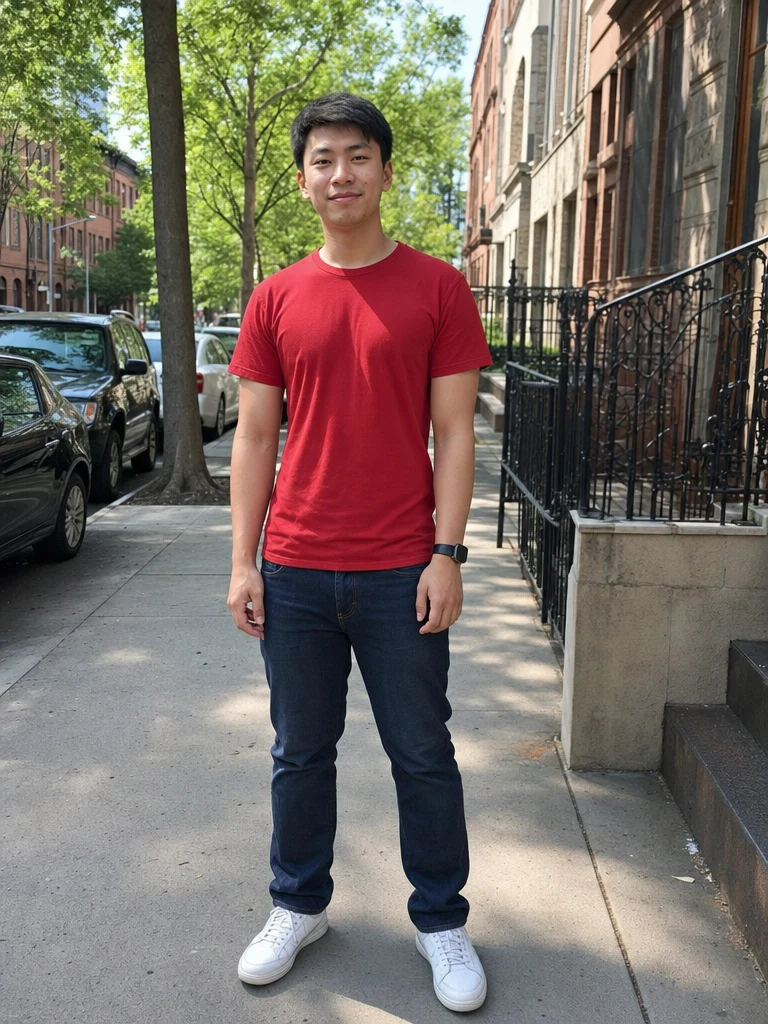 BeforeAfter
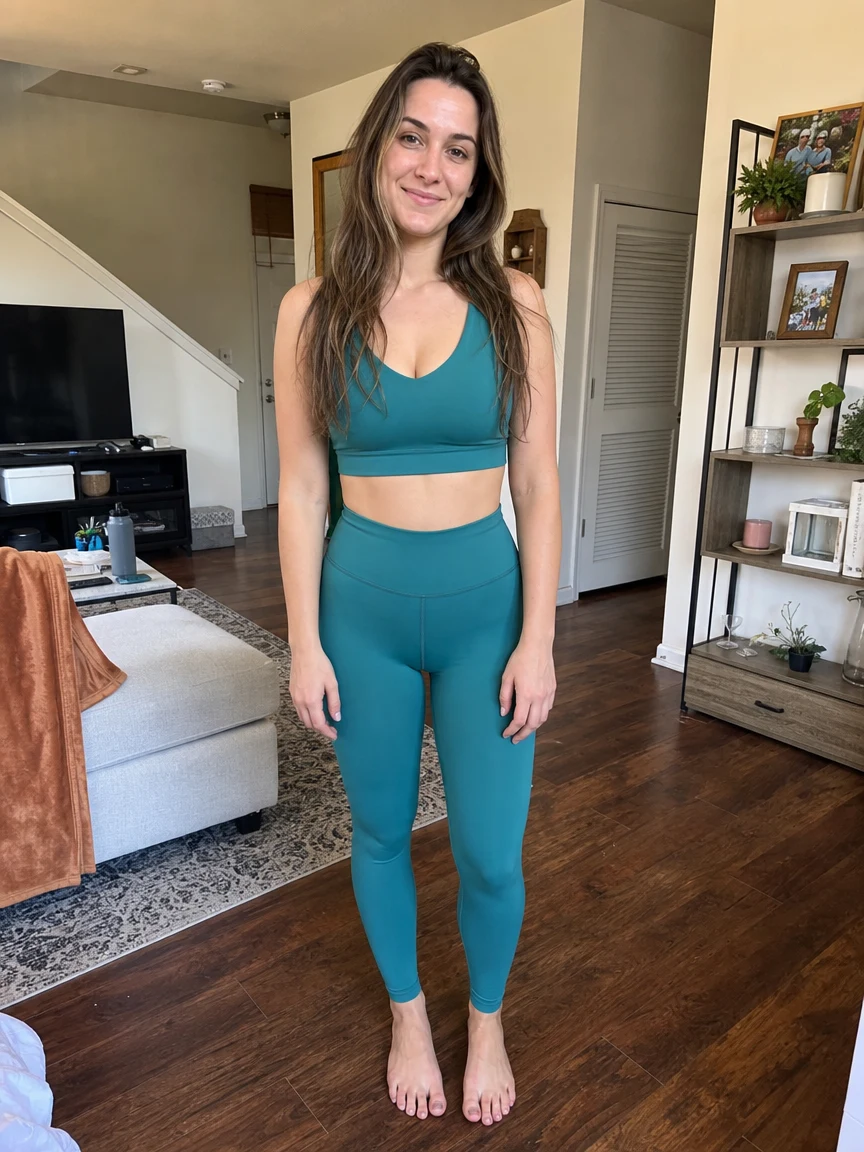 BeforeAfter
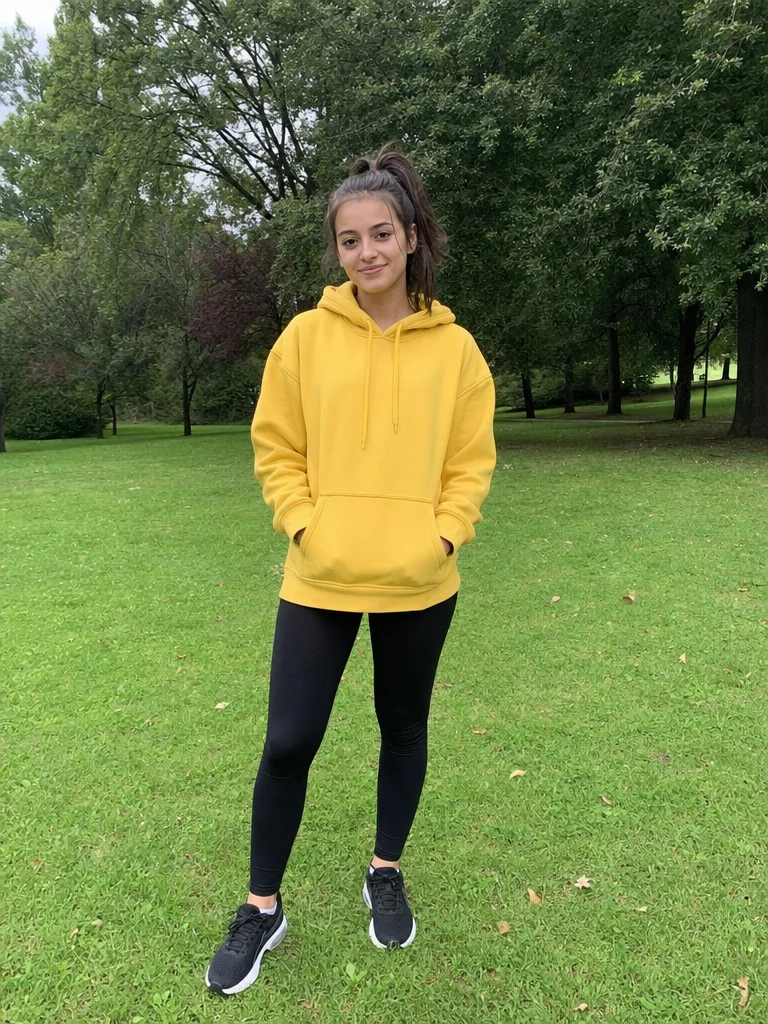 BeforeAfter
Street dance
How to make an AI dance video
Three steps, right in your browser.
Upload your photo
Drag in or select a clear photo of the person you want to see dance. A well-lit, full-body or half-body shot where the pose is visible gives the AI the most to animate. Your photo is used only to make your video.
Pick a dance move
Sign in for your 10 free credits, then choose from 41 dance effects — a smooth Wave Dance, a viral Shake It to the Max, a playful Let's YMCA, or any trending challenge. The AI adds realistic, beat-matched body motion so the routine looks natural, not pasted on.
Download and share
Watch the preview, then download your dance video as a full-resolution MP4 with no watermark. Post it to Reels, TikTok, or Shorts, text it to a friend, or drop it into a montage right away.
What you can make
Popular ways people use the dance video generator.
Jump on trending challenges
Ride the latest viral dance without learning a single step — turn one photo into a challenge clip and post it to TikTok, Reels, or Shorts while the trend is hot.
Make yourself dance
Never comfortable on camera? Let your photo do the moves for you — a fun way to show up in a video without filming or choreography.
Group and duo dances
Turn a photo of two people into a synced duo routine for a couple's post, a bestie clip, or a family group video.
Birthday & party surprises
Send a friend a goofy dancing clip of themselves for their birthday or a group chat — a personal laugh nobody else can make.
Creators & meme makers
Spin up scroll-stopping dance content and reaction memes fast, so you always have something to post without a full shoot.
Just for laughs
Make a silly party move like the Silly Bird Shimmy or Skeleton Dance to share for pure fun.
Why use SharkFoto's dance video generator
Realistic dance motion
The AI reads the body in your photo and animates a full routine — weight shifts, arm swings, and beat-matched footwork — so the dance feels natural and alive instead of stiff or jittery.
41 dances to choose from
From smooth grooves like Wave Dance to viral challenges like Shake It to the Max and party moves like Let's YMCA, there's a move for every mood, occasion, and trend.
Works from a single photo
No filming, no rehearsing, and no dance skills needed. One clear still is enough for the AI to bring your pose to life on the beat.
10 free credits, no watermark
Sign up free and get 10 credits to start right away. Clips download at full resolution with no watermark burned across them, so what you make is clean enough to post anywhere.
Tips for the best results
Use a full-body or half-body photo — the AI has more of the body to animate, so the dance motion reads clearly instead of being cut off.
Pick a photo with an open, standing pose — arms away from the body and a clear stance give the AI room to add natural movement.
Start from an evenly lit photo — harsh shadows or very dark shots make the motion look muddy and blurred.
Keep the background simple — busy or cluttered backgrounds can warp and smear as the AI adds movement.
Use the highest-resolution photo you have — low-res or heavily compressed images limit how sharp and smooth the final clip can be.
Frequently asked questions
Is the AI dance video generator really free?
What kind of photo works best?
What format is the dance video, and how long is it?
How long does it take to generate a dance video?
Can I make a group or couple dance?
Is my photo safe and private?
Can I use my AI dance video commercially?
What if the dance looks unnatural?
Related AI effects
More AI video effects to try.