AI Flying Video Generator
Turn a photo into a flying video in seconds. SharkFoto's AI flying video generator lifts the person in your picture off the ground and sends them soaring through the sky, so a single still becomes a cinematic clip of you taking flight. Sign up free to get 10 credits, pick a flying effect like I Believe I Can Fly or Fly to the Sun, and download your clip — with no watermark — ready to post or share. No superhero suit or green screen required.
 PopularAI Flying Video Generator
What is an AI flying video?
An AI flying video is a short clip generated from a single still photo in which AI lifts the person off the ground and animates them soaring through the air. You upload a photo, the model synthesizes the flight motion and a sky backdrop, and you download a few-second MP4 you can share.
All AI Flying Video Effects
Three AI flying effects — soar into open sky, believe you can fly, or rise toward the sun. Pick one to start generating.
















Before & after
A grounded photo, sent soaring into the sky.
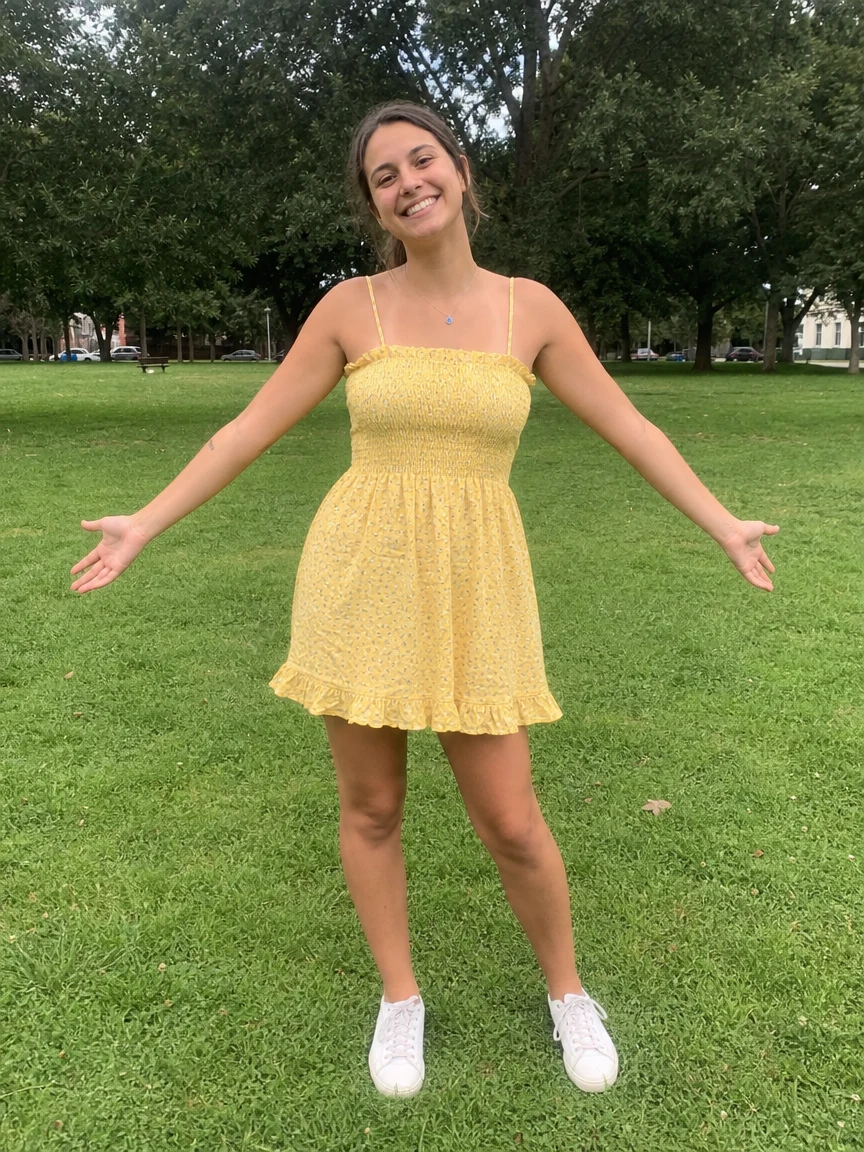 BeforeAfter
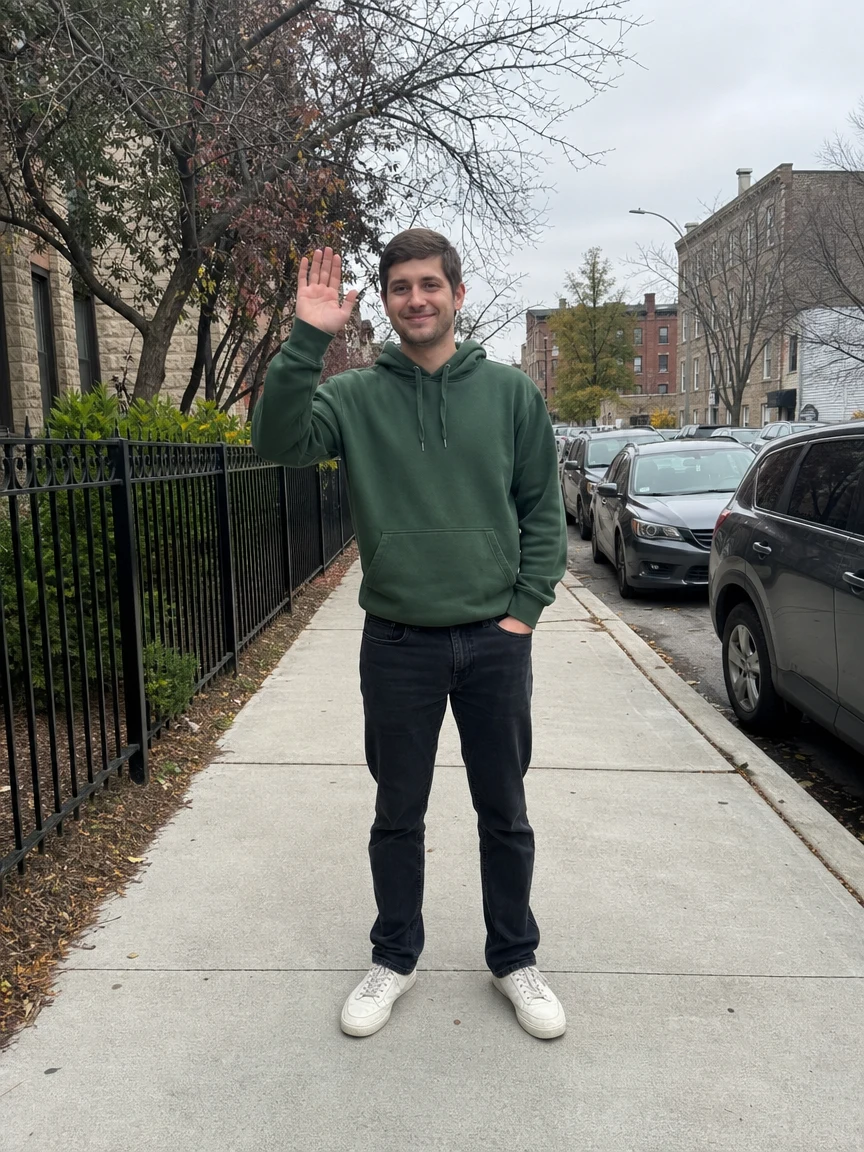 BeforeAfter
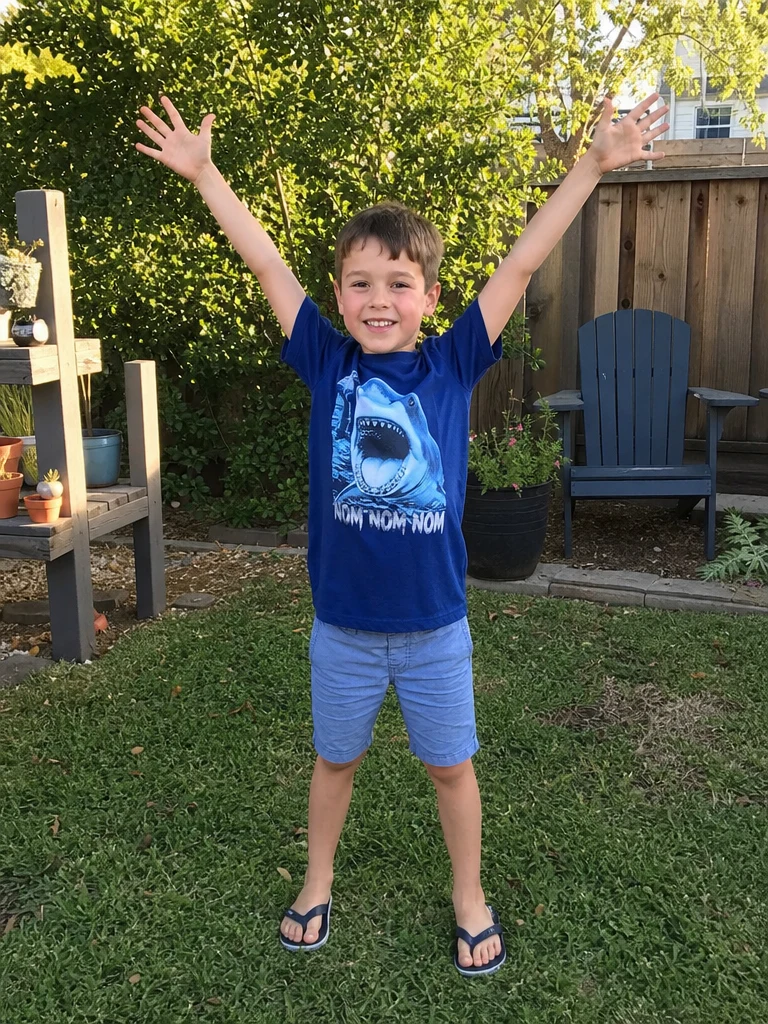 BeforeAfter

Woman Park Yellow
How to make an AI flying video
Three steps, right in your browser.
Upload your photo
Drag in or select a clear photo of the person you want to see fly. A full-body, well-lit shot with the whole body visible gives the AI the most to lift into the air. Your photo is used only to make your video.
Pick a flying effect
Sign in for your 10 free credits, then choose a look — soar into open sky with the AI Flying Video Generator, take off with I Believe I Can Fly, or rise toward the sun with Fly to the Sun. The AI adds realistic flight motion so it looks natural, not pasted on.
Download and share
Watch the preview, then download your flying video as a full-resolution MP4 with no watermark. Post it to your feed, text it to a friend, or drop it into a reel right away.
What you can make
Popular ways people use the flying video generator.
Scroll-stopping social posts
Make a jaw-dropping reel or short where you take off and fly across the sky — the kind of clip that stops the scroll and racks up shares.
Dream-big and motivation content
Pair a soaring flight with a caption about chasing goals or breaking free — a ready-made visual for motivational and creator posts.
Cinematic hero shots
Turn a plain portrait into a cinematic moment of rising toward the sun, perfect for an intro clip, a channel opener, or a striking profile video.
Playful clips for kids
Let a child 'fly' like the superhero they imagine they are — a delightful, safe way to bring their favorite daydream to life from one photo.
Fun surprises for friends
Send a friend a video of themselves soaring over the city for a birthday or just to make them laugh — a novelty gift nobody expects.
Creators & storytellers
Add a flight shot to a music video, skit, or story without a harness, green screen, or VFX crew — just upload and generate.
Why use SharkFoto's flying video generator
Realistic flight motion
The AI reads the person in your photo and animates a believable take-off and glide — hair and clothes catching the wind, body angled into the air — so the flight feels cinematic instead of stiff or stitched together.
Works from a single photo
You don't need footage, a harness, or a green screen. One clear still is enough for the AI to lift you off the ground and send you soaring through an open sky.
10 free credits, no watermark
Sign up free and get 10 credits to start right away. Clips download at full resolution with no watermark burned across them, so what you make is yours to share cleanly anywhere.
Ready for social in seconds
Your flying video exports as a standard MP4 that plays natively on phones, feeds, and reels — no converting, no editing suite, just upload, generate, and post.
Tips for the best results
Use a full-body photo — the AI has the whole figure to lift into the air, so the flight looks complete instead of cutting off the legs.
Start from an evenly lit photo — harsh shadows or very dark shots make the flight motion look muddy.
Keep the background simple — busy or cluttered backgrounds can warp as the AI swaps in sky and adds movement.
Pick a photo with an open or upward pose — arms out or reaching up reads as flight far more naturally than a stiff, arms-down stance.
Use the highest-resolution photo you have — low-res or heavily compressed images limit how sharp the final clip can be.
Frequently asked questions
Is the AI flying video generator really free?
What kind of photo should I upload?
What format is the flying video, and how long is it?
How long does it take to generate a flying video?
Is my photo safe and private?
Can I make a flying video of my kid or a friend?
Can I use my AI flying video commercially?
What if the flight looks unnatural?
Related AI effects
More AI video effects to try.