AI Angel Wings Generator
Give the person in your photo a pair of glowing angel wings that unfurl in seconds. SharkFoto's AI angel wings generator animates ethereal feathered wings, holy light, and a gentle rise onto your subject, so a single portrait becomes a moving, otherworldly moment. Sign up free to get 10 credits, pick a wing effect like Holy Wings, Fairy Wings, or Dark Wing Ascension, and download your result — a short clip for most styles, or a still image from Fairy Royal — with no watermark, in seconds.
 PopularHoly Wings
What is an AI angel wings generator?
An AI angel wings generator is a tool that takes a photo of a person and adds animated wings — usually glowing, feathered angel wings with soft light — then brings the scene to life as a short clip. You upload a picture, pick a wing style, and download the result — for most styles a few-second MP4 where the wings spread and shimmer behind your subject, or a high-resolution still image from a style like Fairy Royal.
All AI Angel Wings Effects
Eight angel and fantasy wing effects — radiant holy wings, delicate fairy wings, a dramatic dark-winged ascension. Pick one to start.
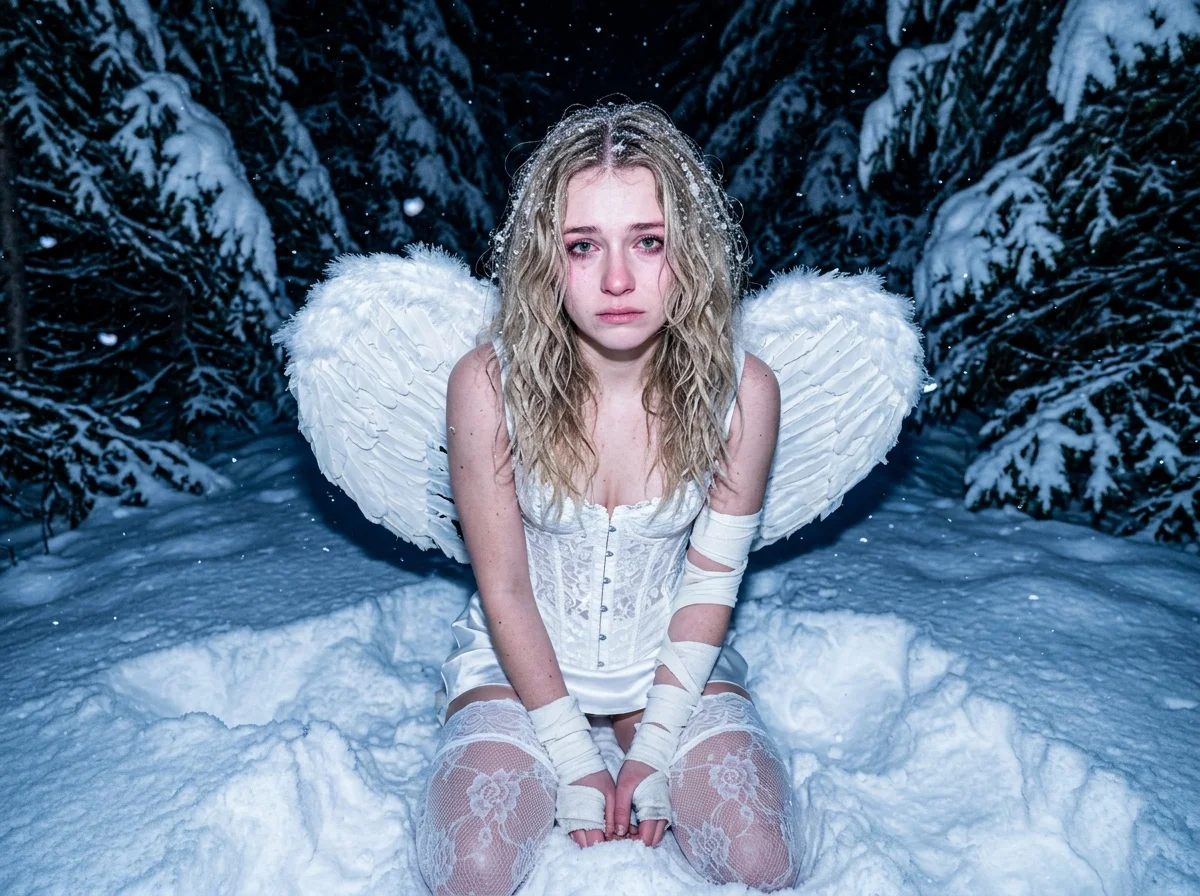








Before & after
A simple portrait, lifted with radiant wings.
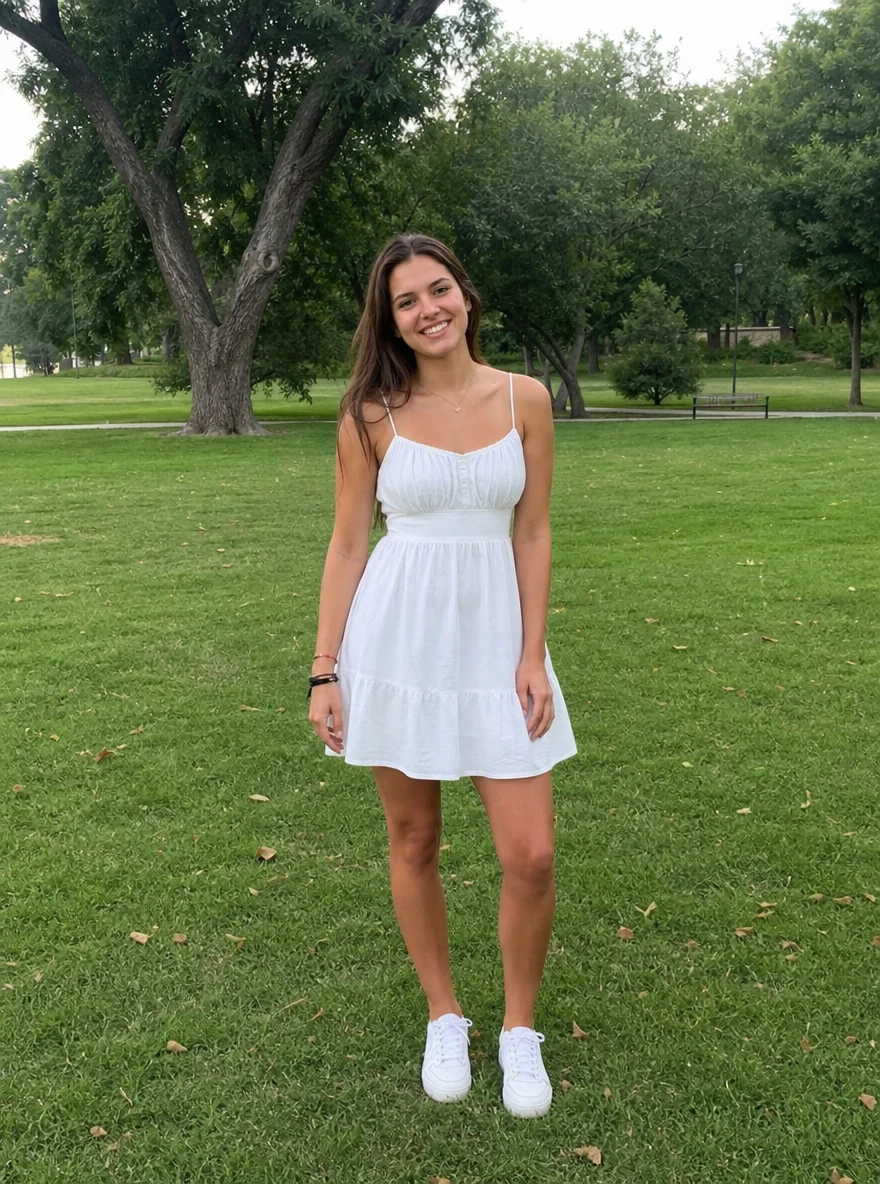 BeforeAfter
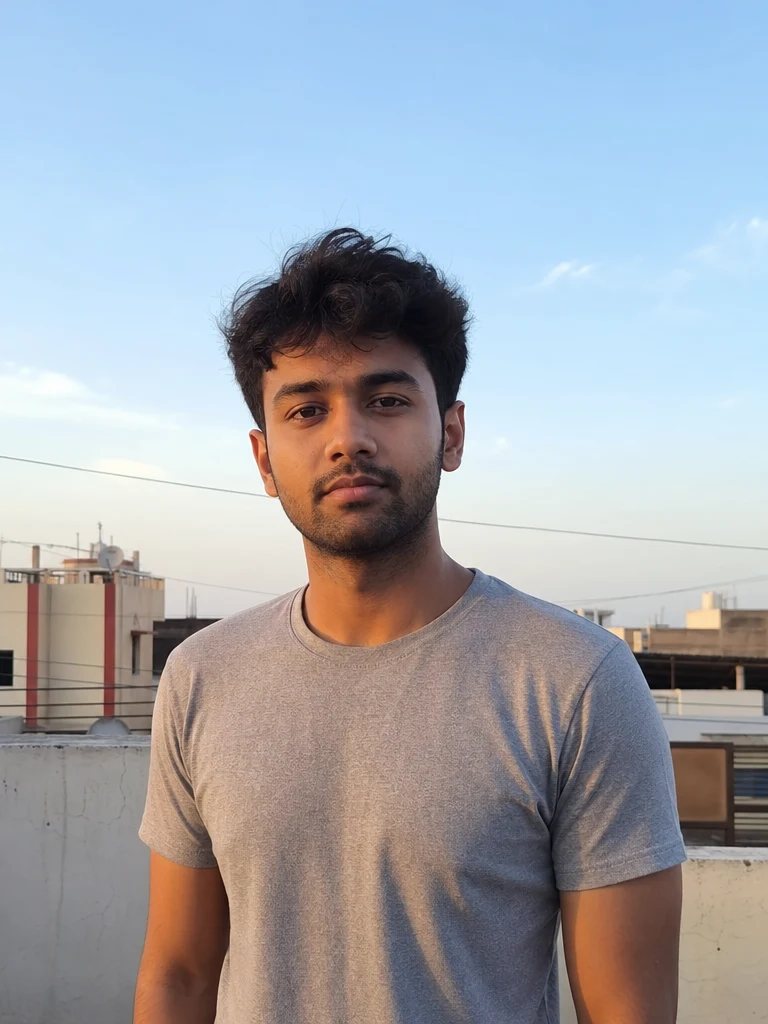 BeforeAfter
 BeforeAfter
Woman Park
How to add AI angel wings
Three steps, right in your browser.
Upload your photo
Drag in or select a clear photo of the person you want to give wings. A shot with space behind the shoulders and back gives the wings room to spread. Your photo is used only to make your video.
Pick a wing effect
Sign in for your 10 free credits, then choose a look — Holy Wings for radiant angel feathers, Fairy Wings for a magical shimmer, or Dark Wing Ascension for something bolder. The AI grows the wings from your subject and adds natural motion and light.
Download and share
Watch the preview, then download your winged result with no watermark — a full-resolution MP4 for most styles, or a high-resolution image from a style like Fairy Royal. Post it, text it, or save it for a reel, tribute, or profile right away.
What you can make
Popular ways people use the angel wings generator.
Ethereal profile videos
Turn a favorite portrait into a glowing winged clip for a profile video, avatar, or intro that stands out from a plain still.
Tributes & remembrance
Gently give a cherished photo of a loved one soft angel wings for a memorial slideshow or a quiet, comforting keepsake.
Fairy & fantasy posts
Add delicate fairy wings for a magical, storybook photo — perfect for whimsical social posts, cosplay, or themed content.
Kids & newborn keepsakes
Turn a photo of a child or newborn into a sweet little cherub with soft wings — a tender print or grandparent gift.
Dark & dramatic looks
Give a photo bold dark wings for a fallen-angel or cosplay aesthetic that reads striking and cinematic.
Faith & festival moments
Create a respectful, radiant winged image for a devotional or seasonal post from a single picture.
Styles to choose from
From heavenly feathers to dark, dramatic plumage — pick the wings that fit your mood.
Holy angel wings
Large, radiant white feathered wings with a soft glow and light rays — the classic guardian-angel look.
Fairy wings
Delicate, translucent, iridescent wings with a whimsical, magical shimmer.
Dark wings
Bold, shadowy plumage for a fallen-angel or dark-guardian ascension with dramatic contrast.
Pixie glow
Tiny sparkling pixie wings with a playful, storybook dusting of light.
Why use SharkFoto's angel wings generator
Wings that fit your photo
The AI reads your subject's pose and shoulders and grows wings that sit behind them naturally, with matching light and shadow, so they look attached rather than pasted on.
Animated glow and motion
More than a sticker: the wings spread, shimmer, and catch light in a short clip, adding a gentle rise or flutter that makes the whole scene feel alive.
Angel, fairy, or dark styles
Choose radiant holy feathers, delicate iridescent fairy wings, or bold dark plumage — a range of looks from one photo, so you can match any mood.
10 free credits, no watermark
Sign up free and get 10 credits to start right away. Clips download at full resolution with no watermark burned across them, so what you make is clean enough to post or gift.
Tips for the best results
Pick a shot where the shoulders and back are visible, with space around them — the AI anchors the wings to the upper body and grows them outward, so a clear back and open room keep the spread sitting naturally instead of cropped or cramped.
Face the subject toward the camera or slightly turned — a clear front or three-quarter angle lets the wings frame the body instead of hiding behind it.
Keep the background simple — busy or cluttered backdrops can warp as the wings and glow are added around the subject.
Start from an evenly lit photo — even lighting helps the wings' glow and shadows blend believably with the scene.
Use the highest-resolution photo you have — low-res or heavily compressed images limit how sharp the feathers and final clip can be.
Frequently asked questions
Is the AI angel wings generator really free?
What kind of photo works best?
Do I get an image or a video?
How long does it take to generate?
Can I add angel wings to a photo of someone who has passed away?
Is my photo safe and private?
Can I use my angel wings video commercially?
What if the wings look unnatural?
Related AI effects
More AI video effects to try.