AI Mermaid Generator
Dive into a fairytale and turn your photo into a shimmering mermaid in seconds. SharkFoto's AI mermaid generator restyles the person in your picture with a scaled tail, ocean-lit skin, and flowing hair, and can even bring the whole scene to life underwater. Sign up free to get 10 credits, pick a mermaid effect — a swimming MP4 clip or a still undersea image — and download your result with no watermark, ready to post. Whether you want a single fantasy portrait or a short undersea video, one photo is all it takes.
 PopularAI Mermaid Video Effect
What is an AI mermaid generator?
An AI mermaid generator turns a photo of a person into a mythical mermaid — adding a scaled fishtail, iridescent skin, flowing hair, and an underwater setting — without any editing skills. You upload a photo, pick a mermaid effect, and download either a high-resolution image or a short MP4 of your mermaid swimming.
All AI Mermaid Effects
Four AI mermaid effects — a shimmering mermaid transformation, a swimming video, a coral dreamscape, and an undersea companion. Pick one to start.
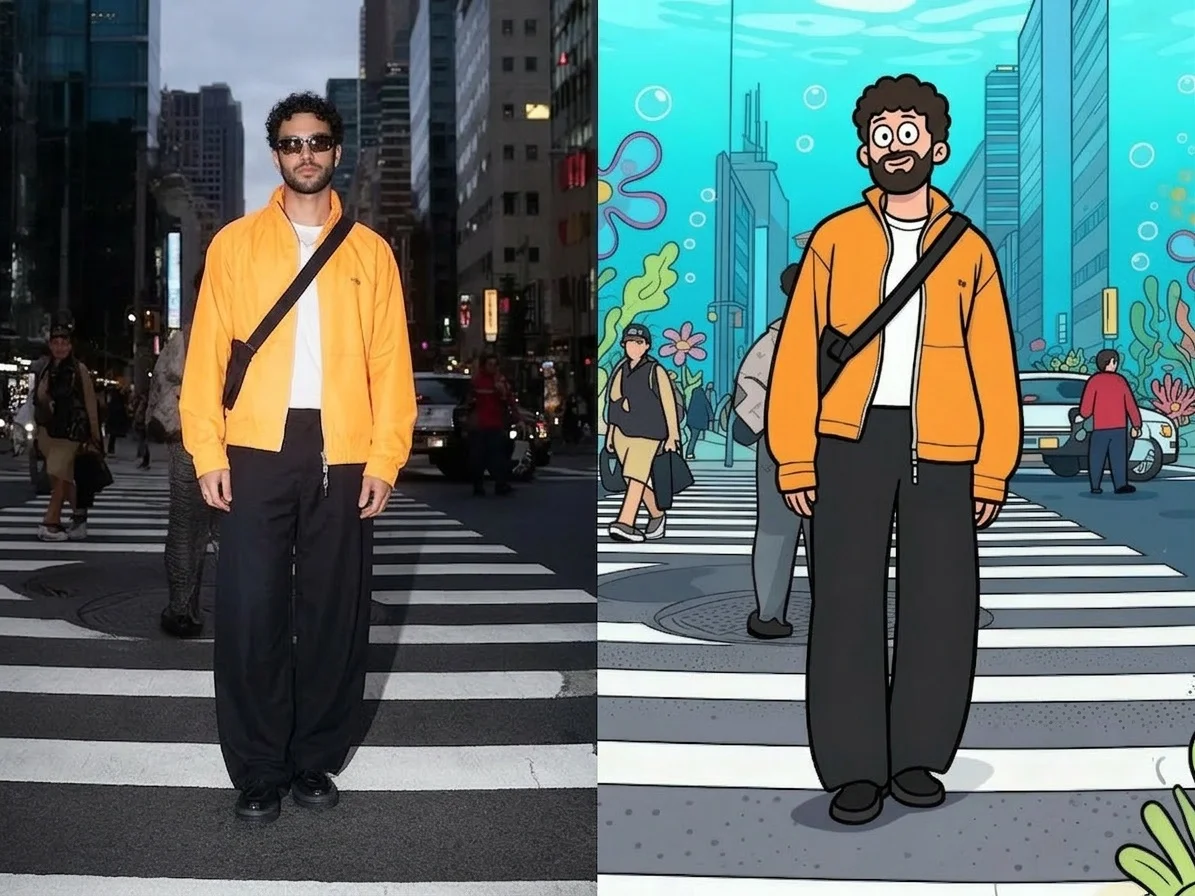



Before & after
An everyday photo, turned into a mermaid.
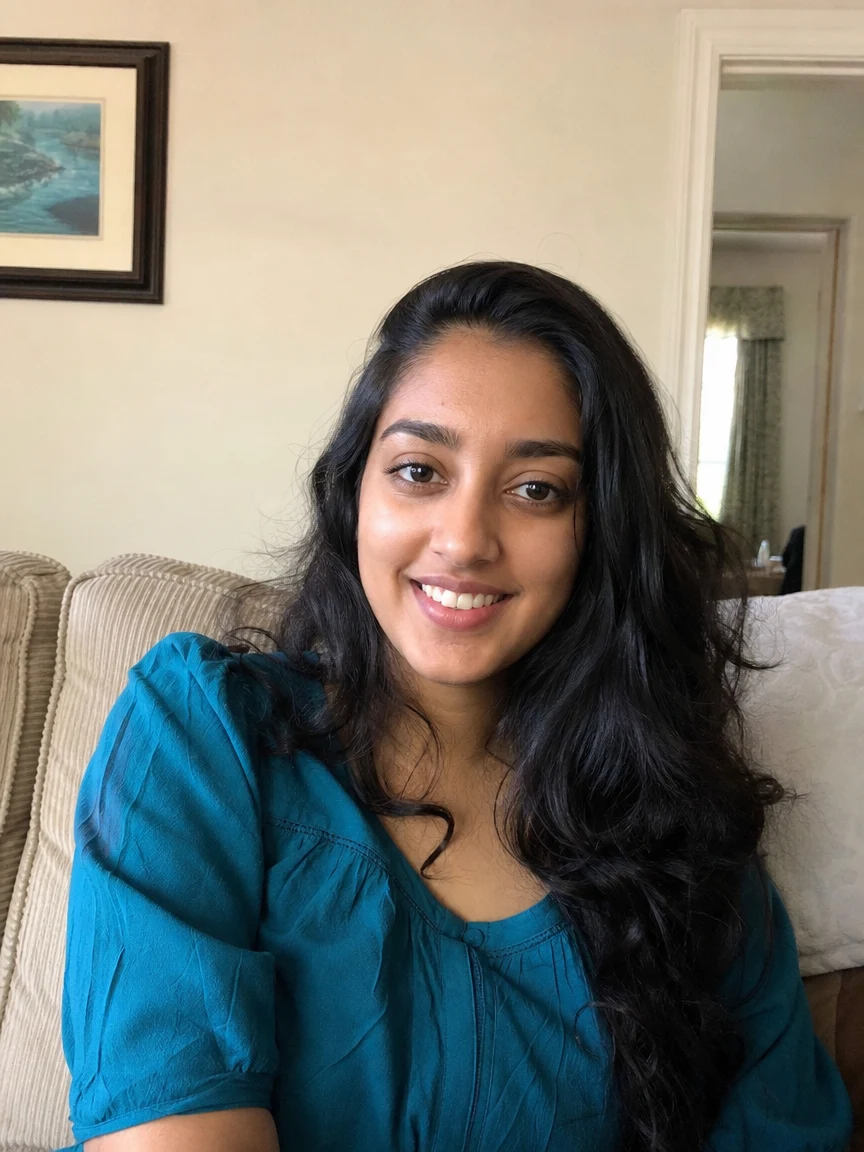 BeforeAfter
 BeforeAfter
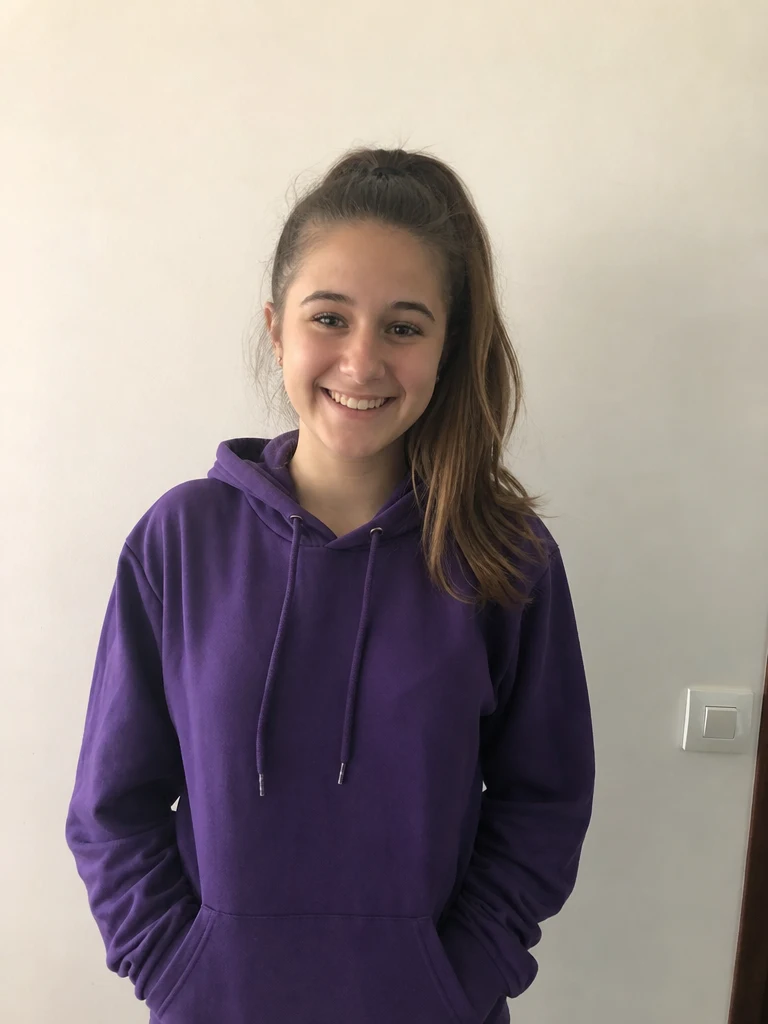 BeforeAfter
Woman Teal
How to make an AI mermaid
Three steps, right in your browser.
Upload your photo
Drag in or select a clear photo of the person you want to turn into a mermaid. A well-lit, half-body or full-body shot where the face and pose are visible gives the AI the most to work with. Your photo is used only to make your result.
Pick a mermaid effect
Sign in for your 10 free credits, then choose a look — a shimmering mermaid transformation, a swimming underwater video, a glowing coral dreamscape, or an undersea companion. The AI adds a scaled tail and ocean lighting while keeping your face recognizable.
Download and share
Preview your mermaid, then download it at full resolution with no watermark — a high-resolution image or a short MP4, depending on the effect. Post it to your feed, set it as a profile picture, or send it to a friend.
What you can make
Popular ways people use the mermaid generator.
Dreamy profile pictures
Turn a selfie into a fantasy mermaid portrait for your feed, a profile picture, or a phone wallpaper — a magical look that stands out.
Underwater video clips
Bring the fantasy to motion with a short MP4 of your mermaid swimming through an ocean scene, perfect for Reels, TikTok, and Stories.
Cosplay & fantasy fans
Show off a mermaid persona or costume concept as a polished, ocean-lit character to share with your community.
Mermaid-themed parties
Make custom invites, favors, or decorations for a mermaid or under-the-sea birthday from a photo of the guest of honor.
Delight kids
Turn a child's photo into a friendly mermaid for a keepsake or a fun surprise — a playful way to bring a favorite fairytale to life.
Undersea scenes
Drop yourself into a glowing coral reef or add an undersea companion for a whimsical underwater world.
Why use SharkFoto's mermaid generator
Believable mermaid transformation
The AI reads your photo and blends a scaled fishtail, iridescent skin, and flowing hair into an underwater scene, so the result looks like a crafted fantasy portrait rather than a sticker slapped on top.
Image or swimming video
Choose a swimming-video effect that animates your mermaid gliding through the water as a short MP4, or the Undersea Friend effect for a crisp, postable still image.
Works from one selfie
No costume, no photoshoot, and no editing skills needed. One clear photo is enough to generate a mermaid that keeps your face and hair recognizable.
10 free credits, no watermark
Sign up free and get 10 credits to start creating mermaids. Your download comes at full resolution with no watermark, so it's clean enough to post or share anywhere.
Tips for the best results
Use a half-body or full-body photo — the AI has more room to blend a natural tail and pose than it does with a tight face crop.
Pick a photo with the face clearly visible — a clear, front-facing face keeps the mermaid recognizably you.
Keep the background simple — busy backgrounds can bleed into the underwater scene and muddy the effect.
Make sure the photo is evenly lit — even lighting helps the AI match the ocean glow and keep skin and hair looking natural.
Start from a higher-resolution photo — low-res or heavily compressed images limit the fine detail in the final mermaid.
Frequently asked questions
Is the AI mermaid generator really free?
What kind of photo works best?
Do I get an image or a video?
What format is the video, and how long is it?
How long does it take to generate?
Is my photo safe and private?
Can I use my AI mermaid commercially?
Related AI effects
More ways to reimagine your photos.