AI Outfit Changer
Swap the clothes in your photo for a whole new look in seconds. SharkFoto's AI outfit changer keeps your face, pose, and body while dressing you in a different outfit — a flowing gown, a festive costume, a lookbook fit, or a seasonal wardrobe — so one everyday photo becomes a full style shoot. Most looks — including Change My Outfit — export a short outfit-reveal video, while a few (Lookbook, Four Seasons Fit, and the 3D Chibi OOTD generator) return a high-resolution image. Sign up free to get 10 credits, pick an outfit, and download your restyled photo or short video — with no watermark — ready to post. Only upload photos of people who agree to appear.
 PopularChange My Outfit!
What is an AI outfit changer?
An AI outfit changer is a tool that replaces the clothing in a photo with a different outfit while keeping the same person, pose, and background. You upload a picture, pick or describe a new look, and the AI re-dresses you and returns your new outfit as a high-resolution photo or a short video — no editing skills or wardrobe needed.
All AI Outfit Changer Effects
Nine outfit-changing looks — evening gowns, festive costumes, a curated lookbook, and seasonal fits. Pick one to start restyling.
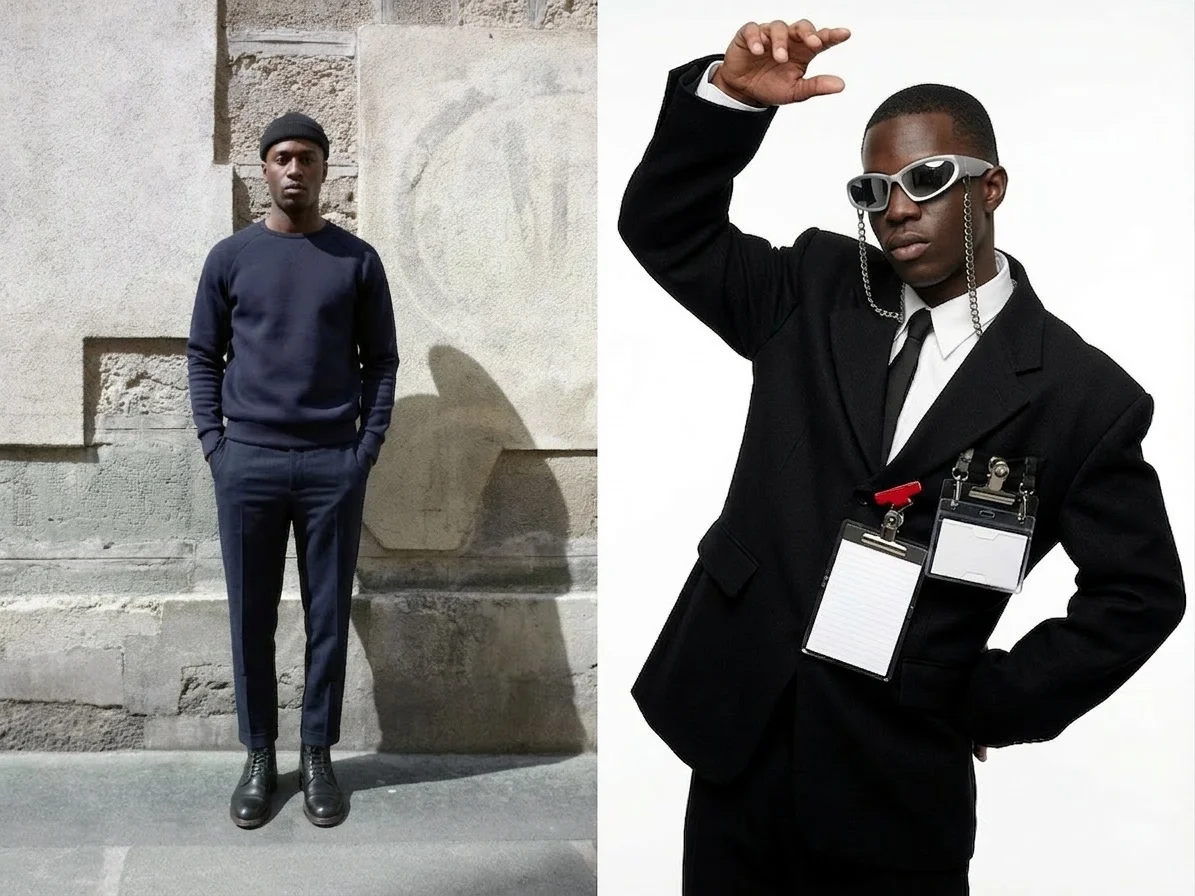










Before & after
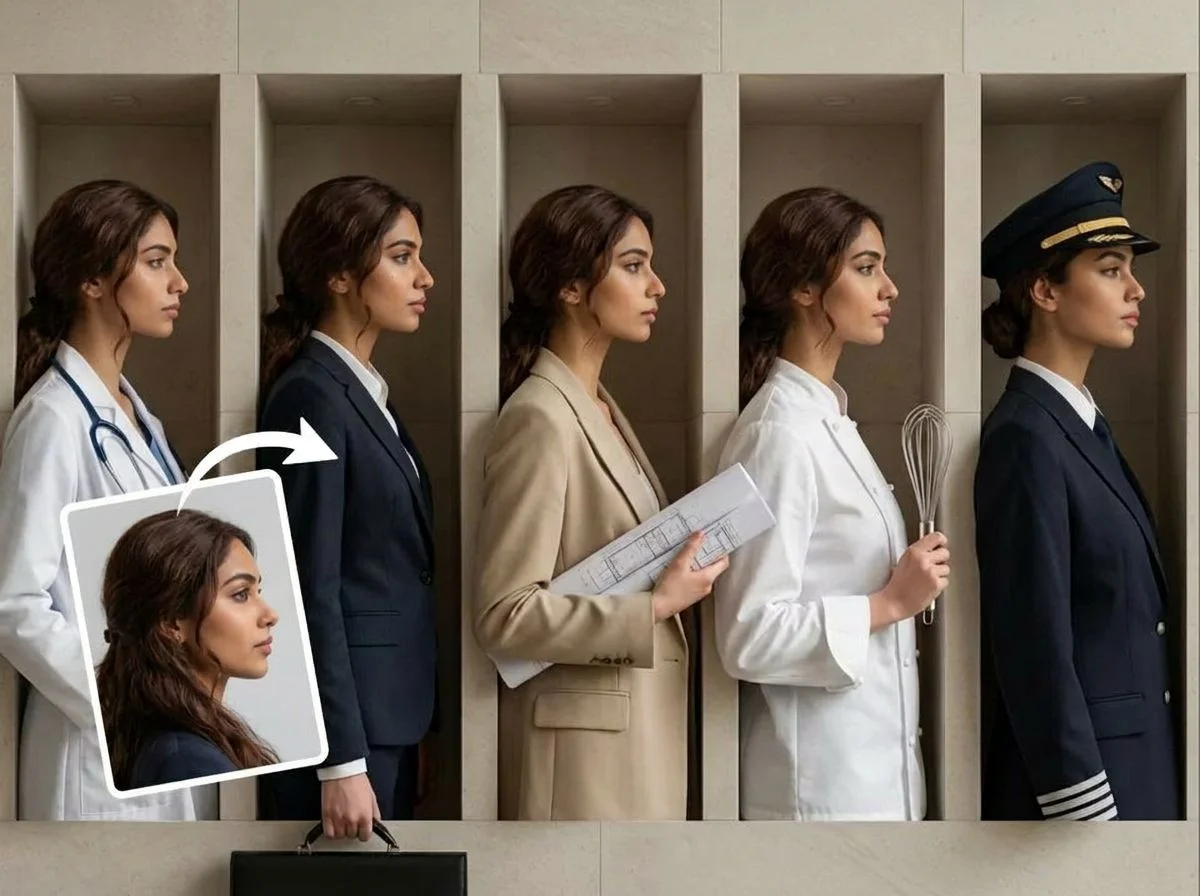
One photo, restyled into a whole new outfit.
 +
+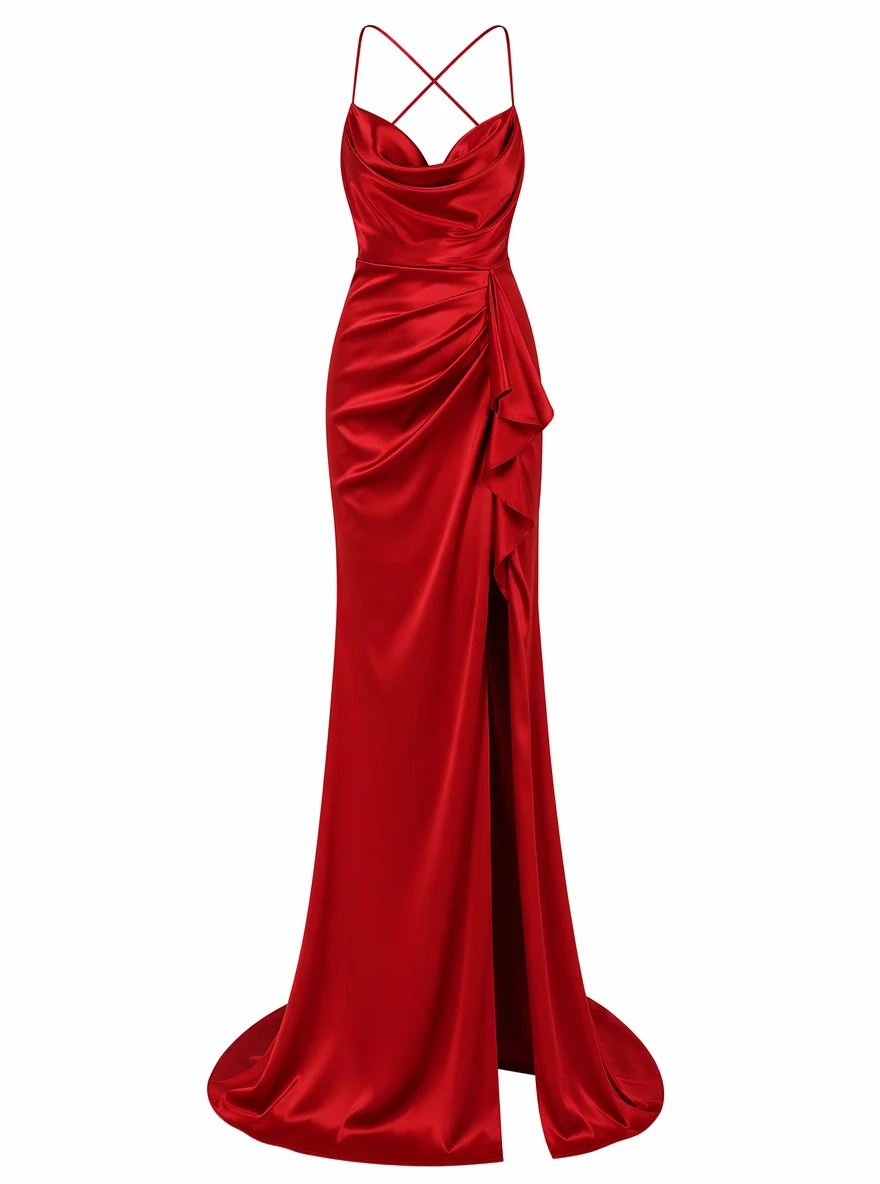 BeforeAfter
 +
+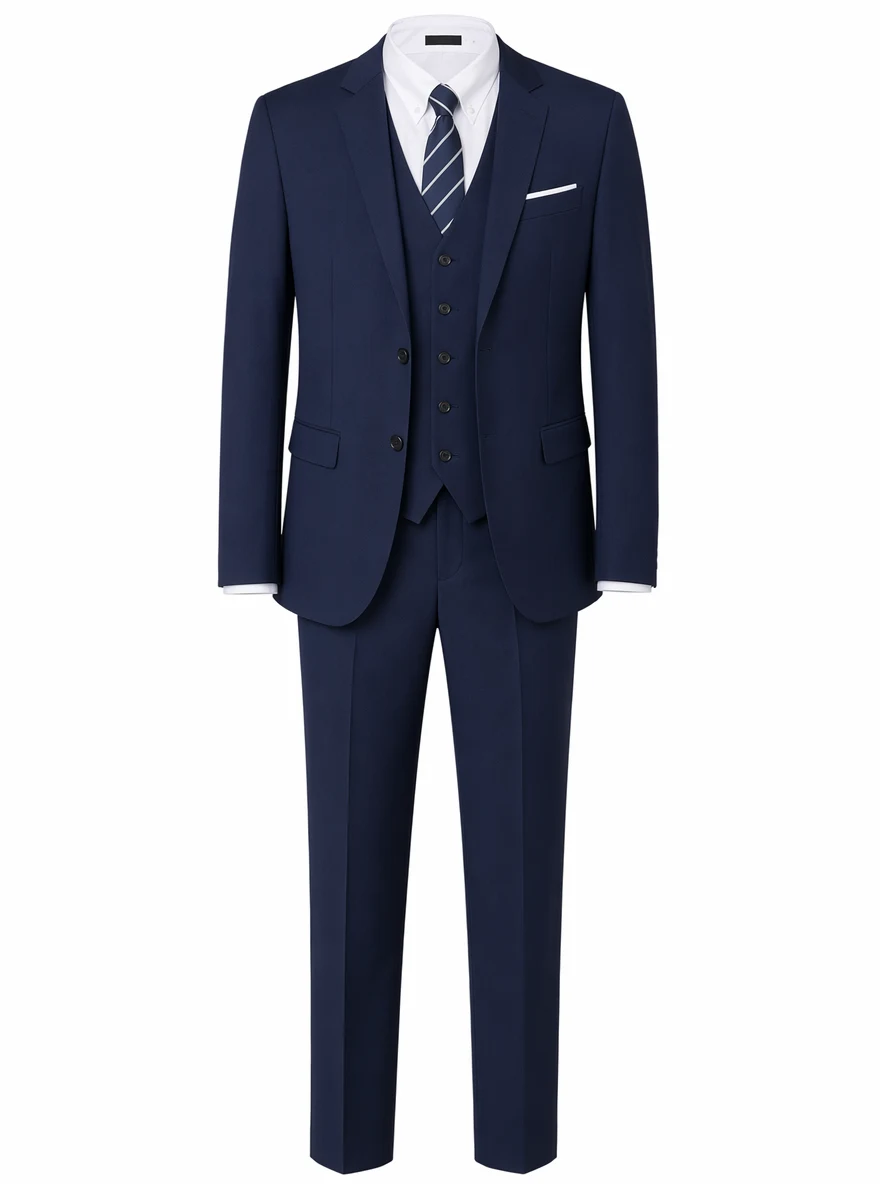 BeforeAfter
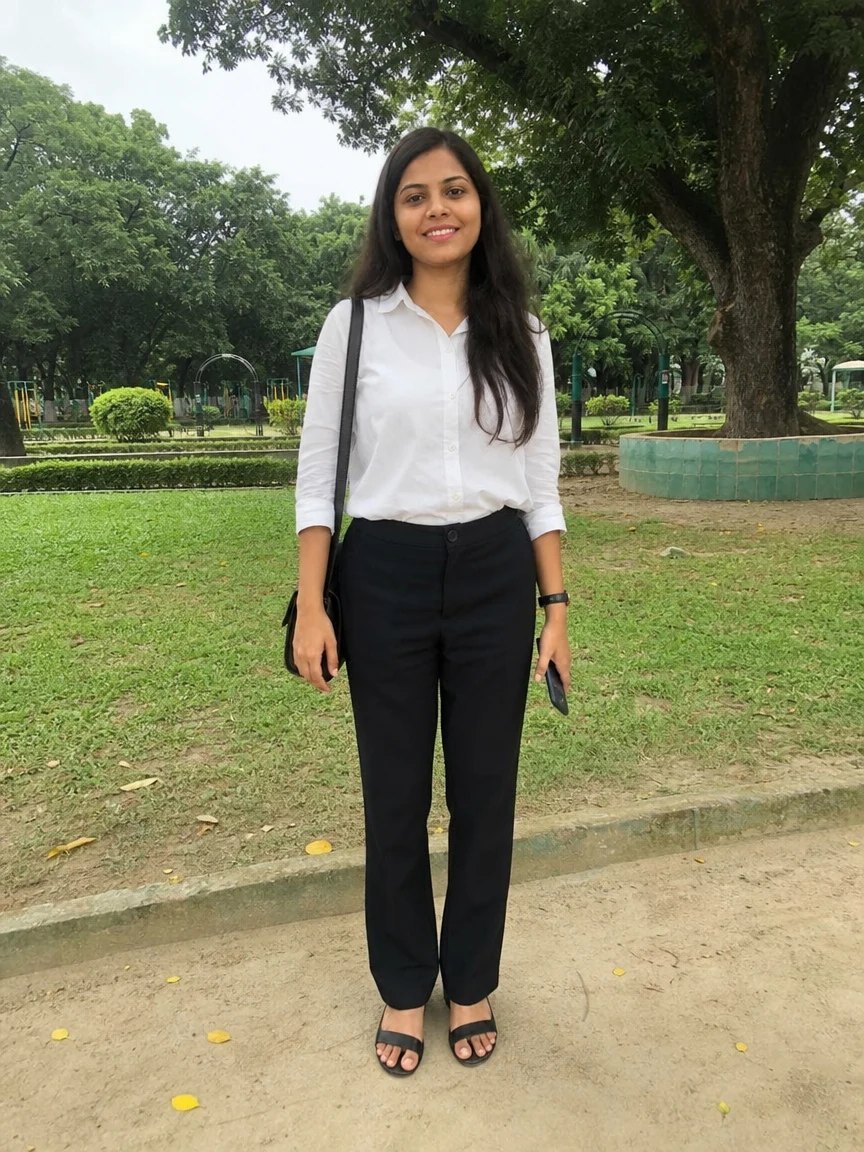 +
+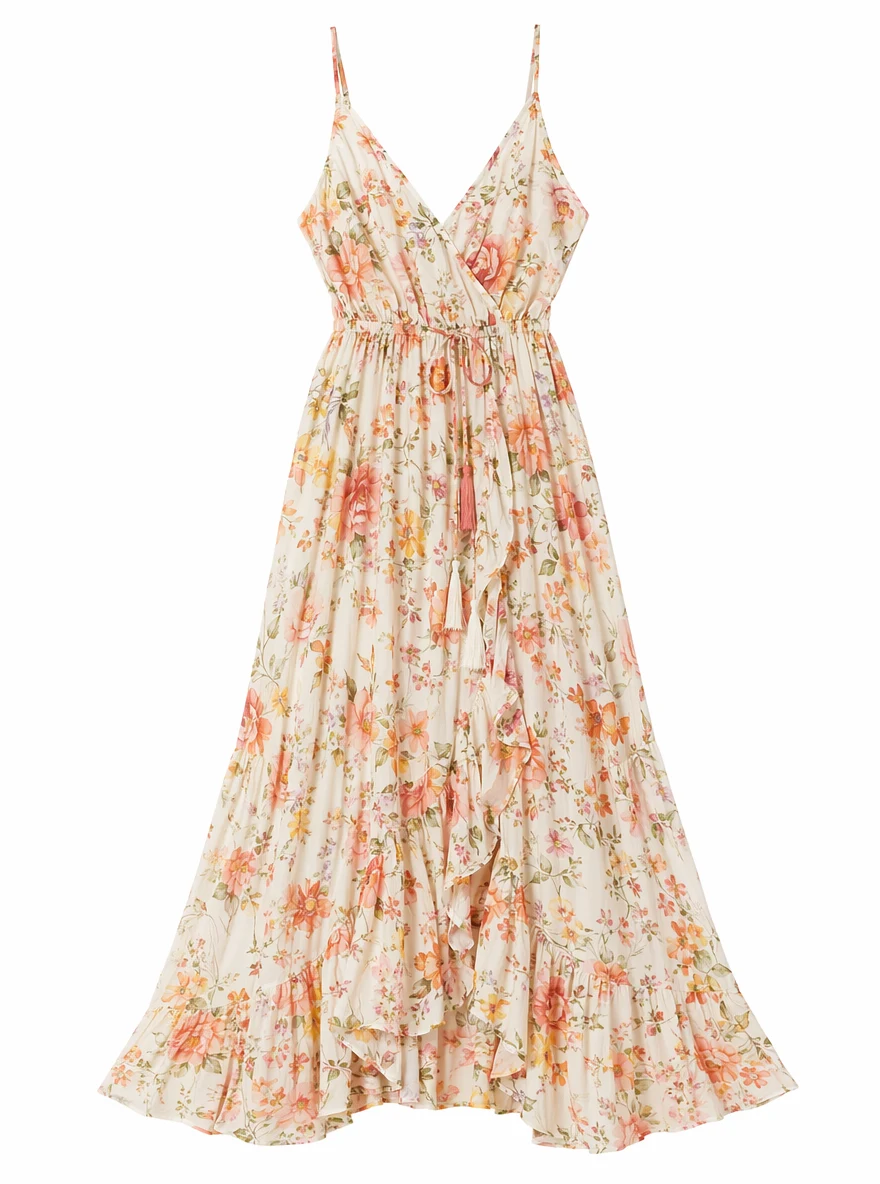 BeforeAfter
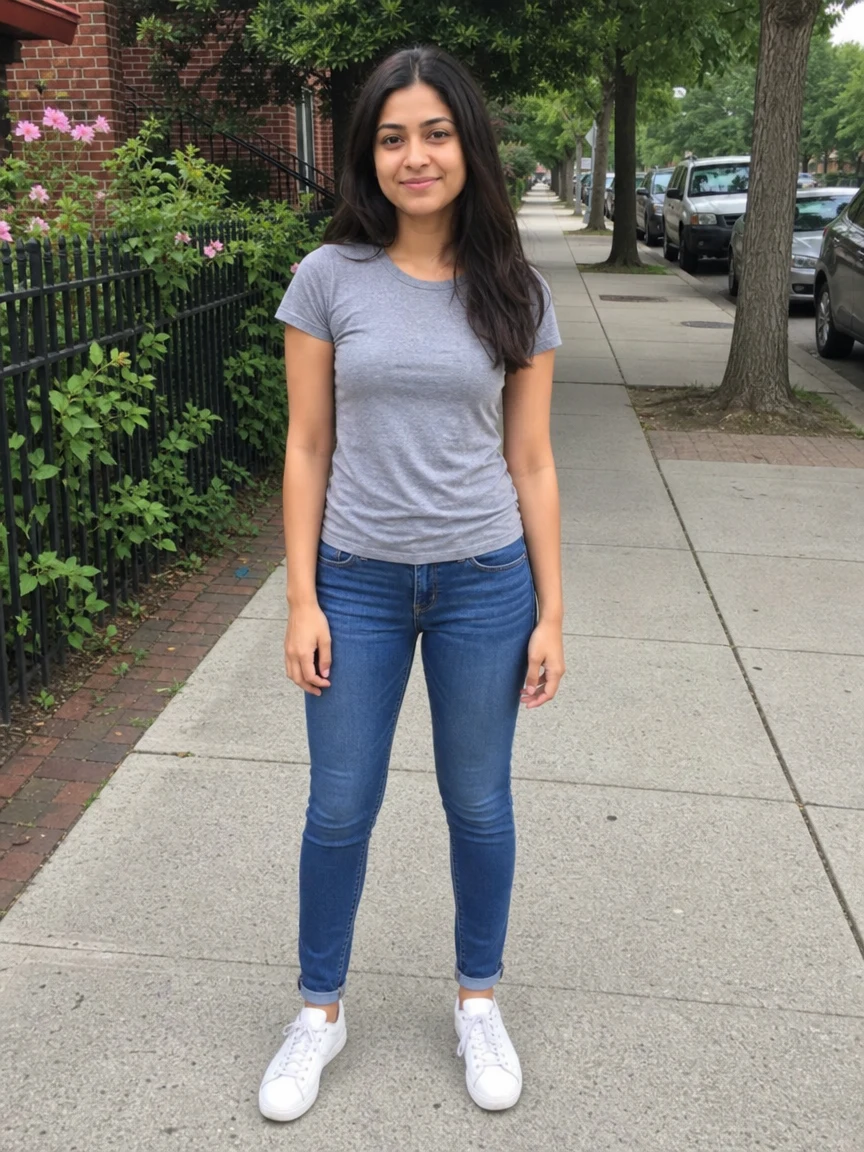
Woman Gray Tee Street
How to change your outfit with AI
Three steps, right in your browser.
Upload your photo
Drag in or select a clear photo of the person you want to restyle. A full-body or half-body shot where the current outfit and pose are visible gives the AI the most to work with. Your photo is used only to make your result.
Pick a new outfit
Sign in for your 10 free credits, then choose a look — an everyday restyle, a curated lookbook, a seasonal wardrobe, or an occasion outfit like a gown or festive costume. The AI re-dresses you while keeping your face, pose, and body.
Download and share
Preview your restyled photo or short video, then download it at full resolution with no watermark. Post your new outfit-of-the-day, use it as a profile picture, or plan a real wardrobe from it.
What you can make
Popular ways people use the outfit changer.
Try outfits before you buy
See how a different style, cut, or color looks on you before committing to a purchase — swap fits virtually instead of guessing from a store rack.
Fresh OOTD content
Post a new outfit-of-the-day without a new photoshoot. Restyle one good photo into several looks to keep your feed varied.
Build a personal lookbook
Generate a coordinated set of outfits from a single picture to plan a capsule wardrobe or find your style direction.
Dress for the season
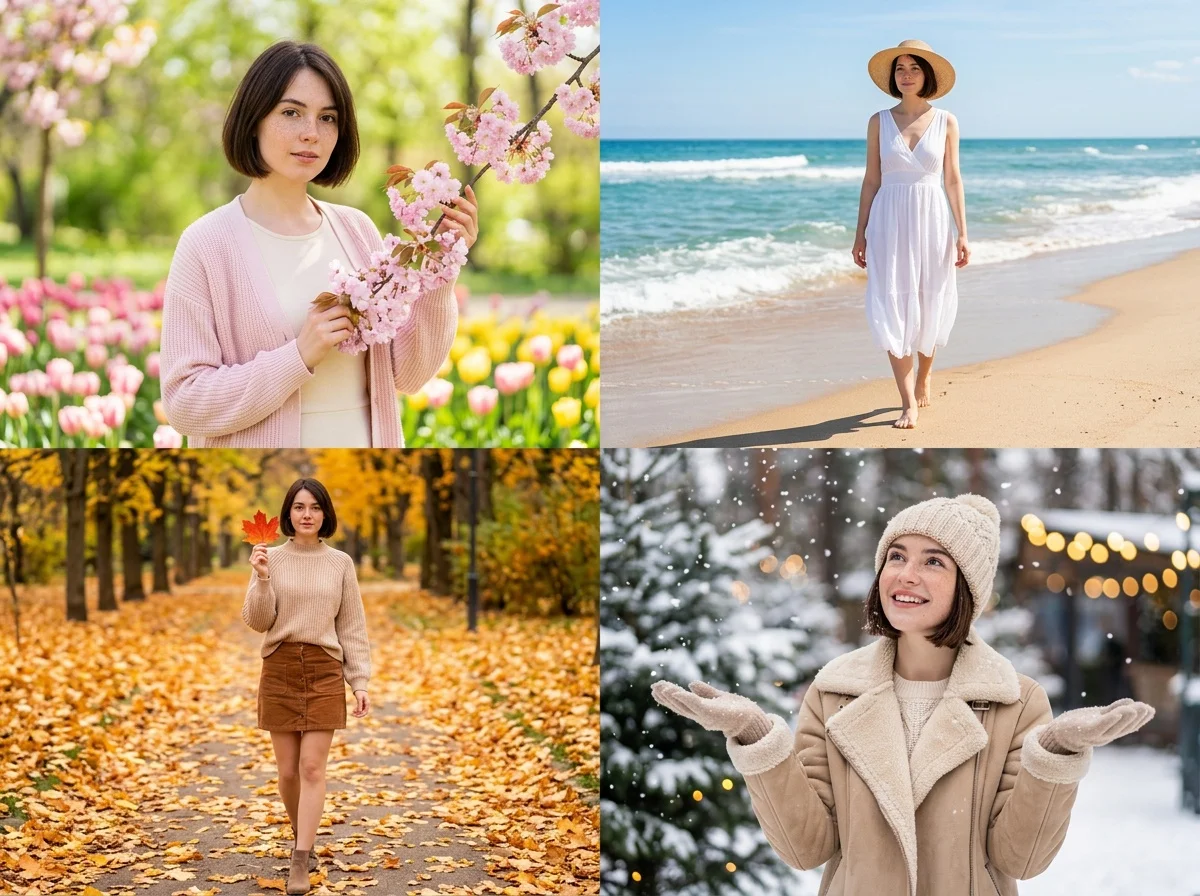
Preview how you'd look across spring, summer, autumn, and winter fits so you can plan seasonal outfits ahead of time.
Costumes & occasions
Try on a gown for an event or a festive holiday costume for a themed post — no rental or fitting room needed.
Sellers & stylists
Show a garment on a person, or preview styling ideas for clients, without booking a model or a full shoot.
Styles to choose from
From a curated lookbook to a full-length gown — pick the outfit that fits the moment.
Everyday restyle
Swap your current clothes for a fresh casual or dressed-up fit while keeping your pose and background, delivered as a short outfit-reveal clip.
Curated lookbook
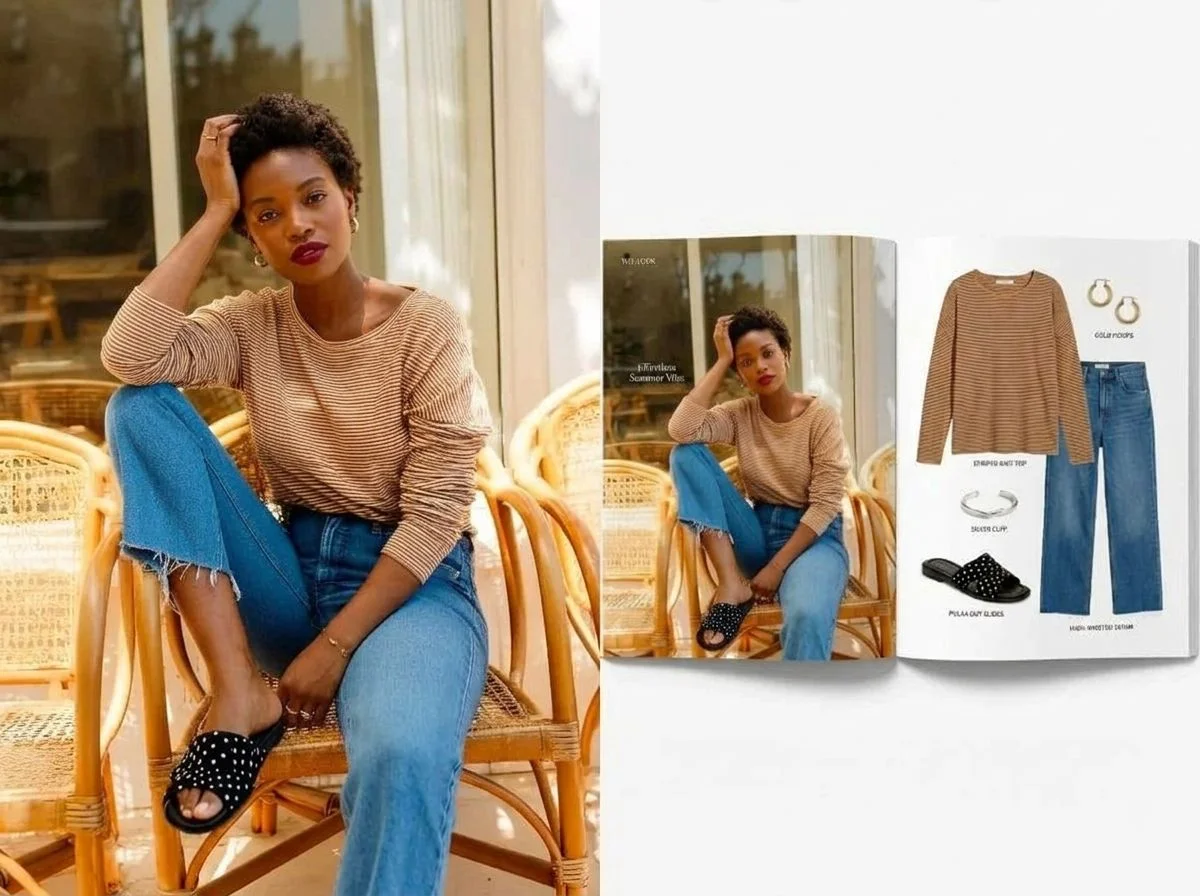
Generate a set of coordinated outfits, like a personal fashion lookbook, from a single photo.
Seasonal wardrobe
See yourself styled across spring, summer, autumn, and winter fits in one go.
Occasion & costume
Dress up for a moment — an elegant gown, a festive holiday costume, or a themed look.
Why use SharkFoto's outfit changer
Keeps you, changes the clothes
The AI re-dresses you while preserving your face, hair, pose, and body, so the result looks like the same you in a different outfit rather than a stranger.
Ready-made looks or your own
Start from a curated outfit like a lookbook fit, a seasonal wardrobe, or an occasion gown, so you can restyle in one tap without describing anything — and many looks animate the new outfit into a short clip.
Works from one photo
No wardrobe, no fitting room, and no editing skills needed. A single clear photo is enough to see yourself in a completely new outfit.
10 free credits, no watermark
Sign up free and get 10 credits to start restyling. Your download comes at full resolution with no watermark, clean enough to post or use as a profile picture.
Tips for the best results
Use a full-body or half-body photo — the AI can restyle more of the outfit when your body and pose are visible, not just a face crop.
Stand in a clear, front-facing pose — an open stance gives the new outfit clean lines and a natural fit.
Wear reasonably fitted clothes in the original — very bulky or loose clothing can confuse the body shape the new outfit is drawn onto.
Keep the background simple and well lit — even lighting and an uncluttered backdrop keep the swapped outfit crisp and believable.
Start from a higher-resolution photo — low-res images limit how sharp the fabric and detail in the new outfit can look.
Frequently asked questions
Is the AI outfit changer really free?
What kind of photo works best?
Do I get an image or a video?
How long does it take to change an outfit?
Will it still look like me?
Is my photo safe and private?
Whose photos can I use?
Can I use my restyled photo commercially?
Related AI effects
More ways to restyle your look.