AI Red Carpet & Paparazzi Generator
Turn an everyday photo into a glamorous red carpet moment in seconds. SharkFoto's AI red carpet generator drops the person in your picture onto a star-studded carpet under a wall of paparazzi flashes, so a plain selfie becomes a picture-perfect premiere moment — a high-resolution image for most looks, or a short video if you pick the Red Carpet Duo effect — just for fun. Sign up free to get 10 credits, pick a red carpet or paparazzi effect, and download your result — with no watermark — ready to post. It's a playful fantasy, not a real event, so use it to feel like a star, not to fake headlines.
 PopularRed Carpet Shot
What is an AI red carpet photo?
An AI red carpet photo is an image where AI restyles a photo of you into a glamorous premiere or paparazzi scene — think a plush red carpet, a step-and-repeat backdrop, and a burst of camera flashes. You upload a photo, pick a red carpet or paparazzi look, and download a high-resolution image — or a short MP4 for the Red Carpet Duo effect — where you're the one in the spotlight. It's a fun, made-up moment, not a real event.
All AI Red Carpet & Paparazzi Effects
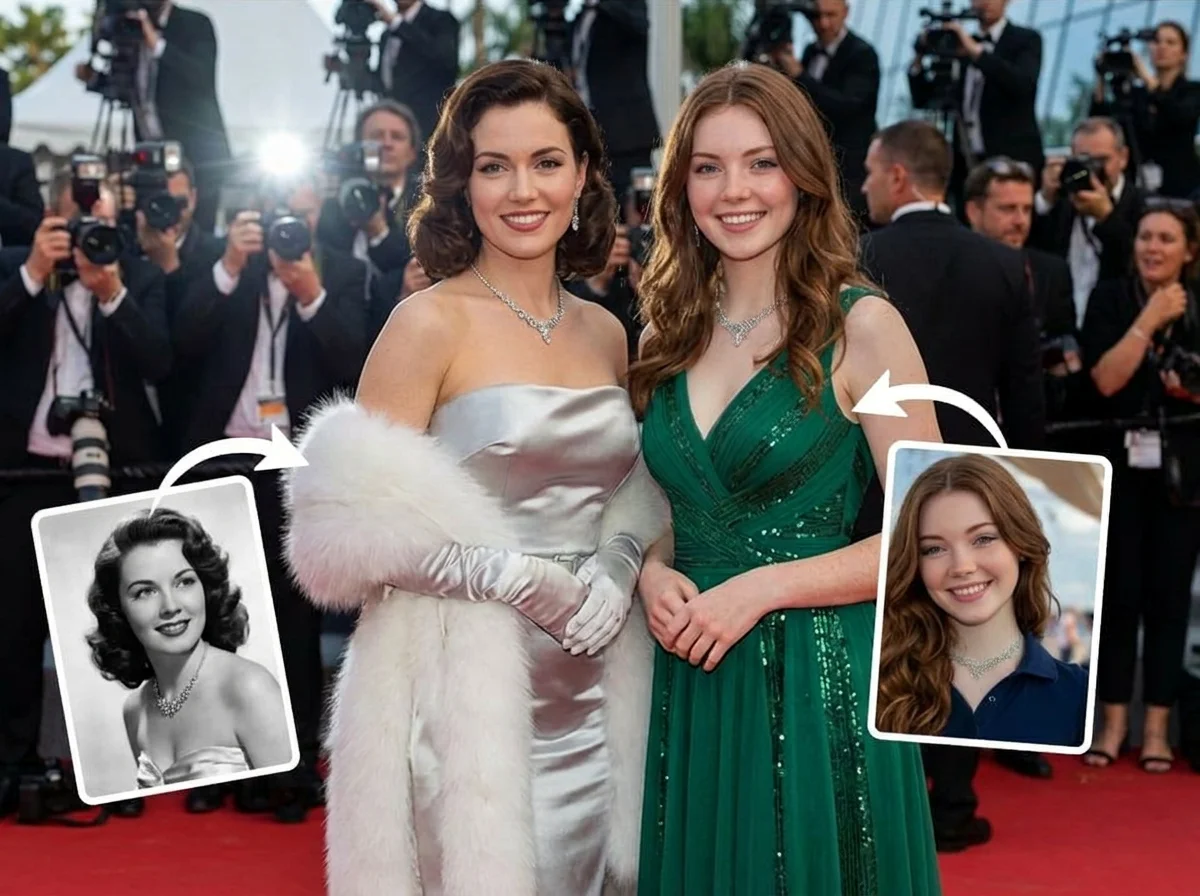
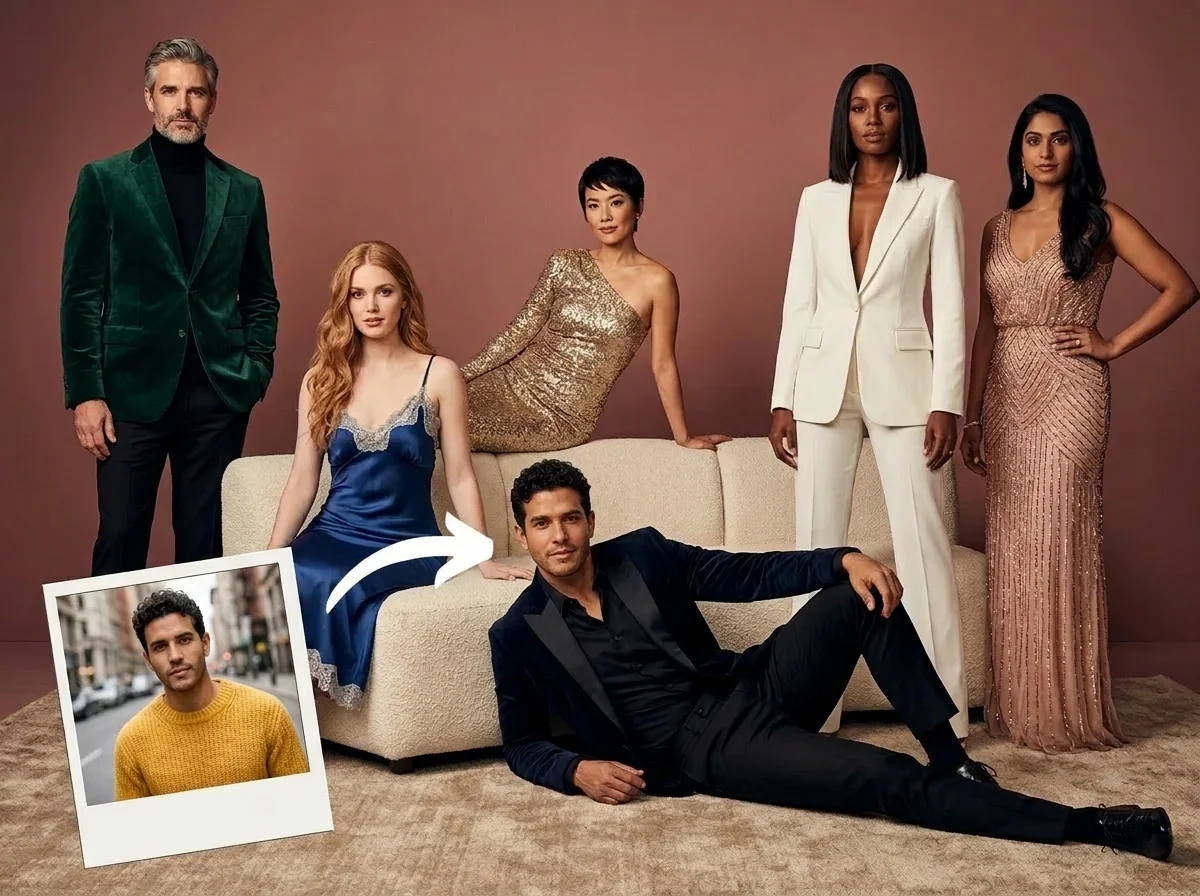


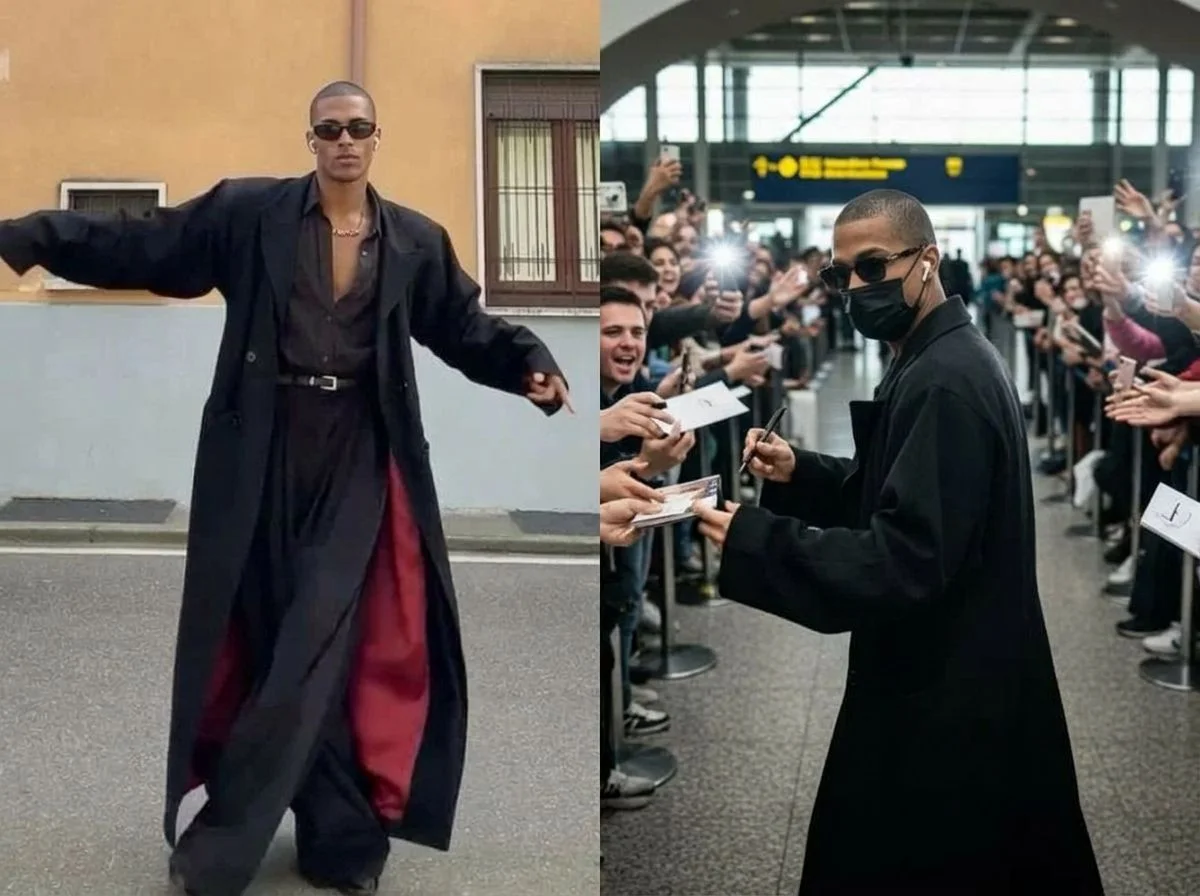



Three red carpet moments — a solo premiere pose, a duo walking the carpet, and an airport paparazzi ambush. Pick one to start.

Before & after
An everyday photo, walking the red carpet.
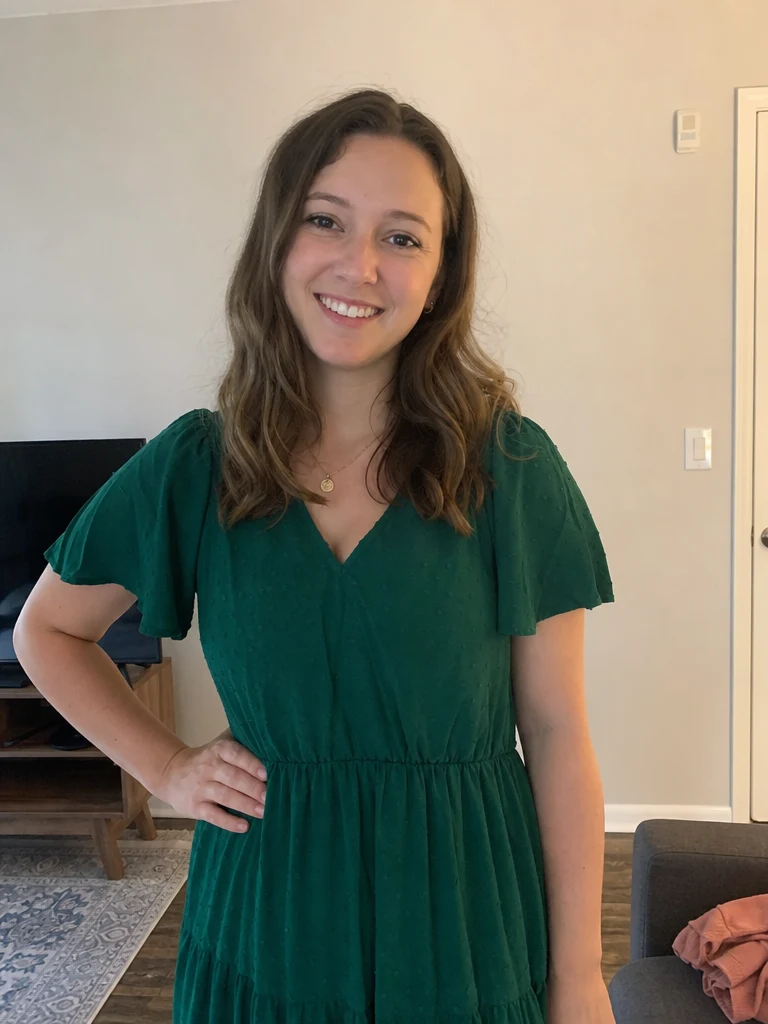 +
+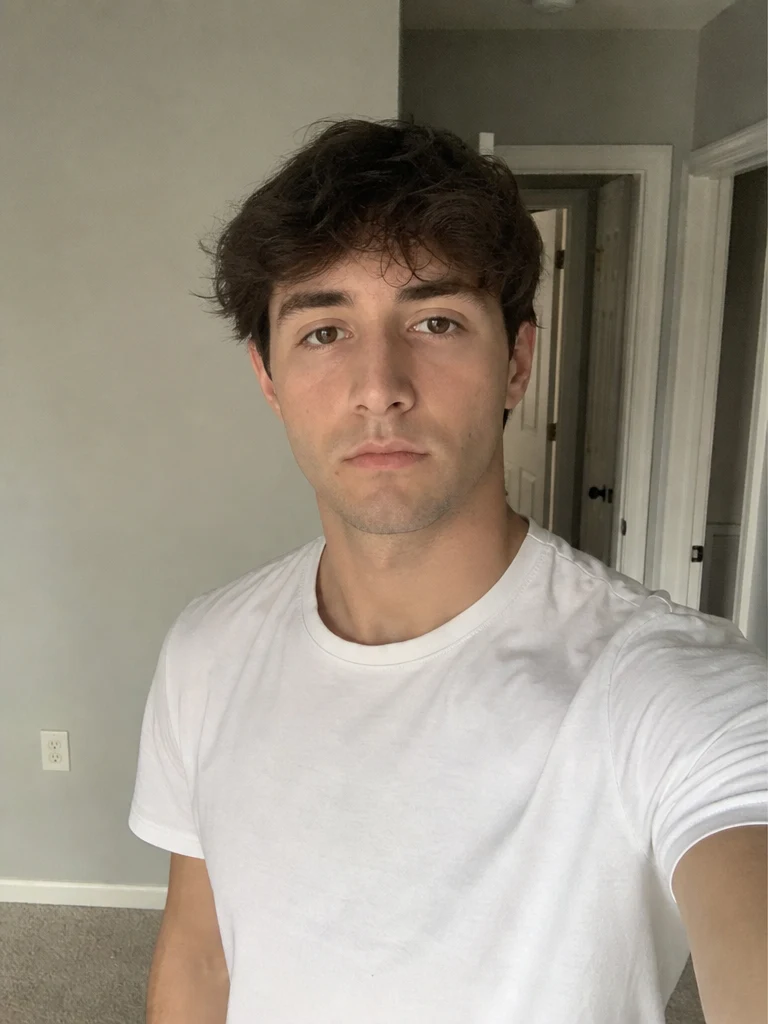 Before
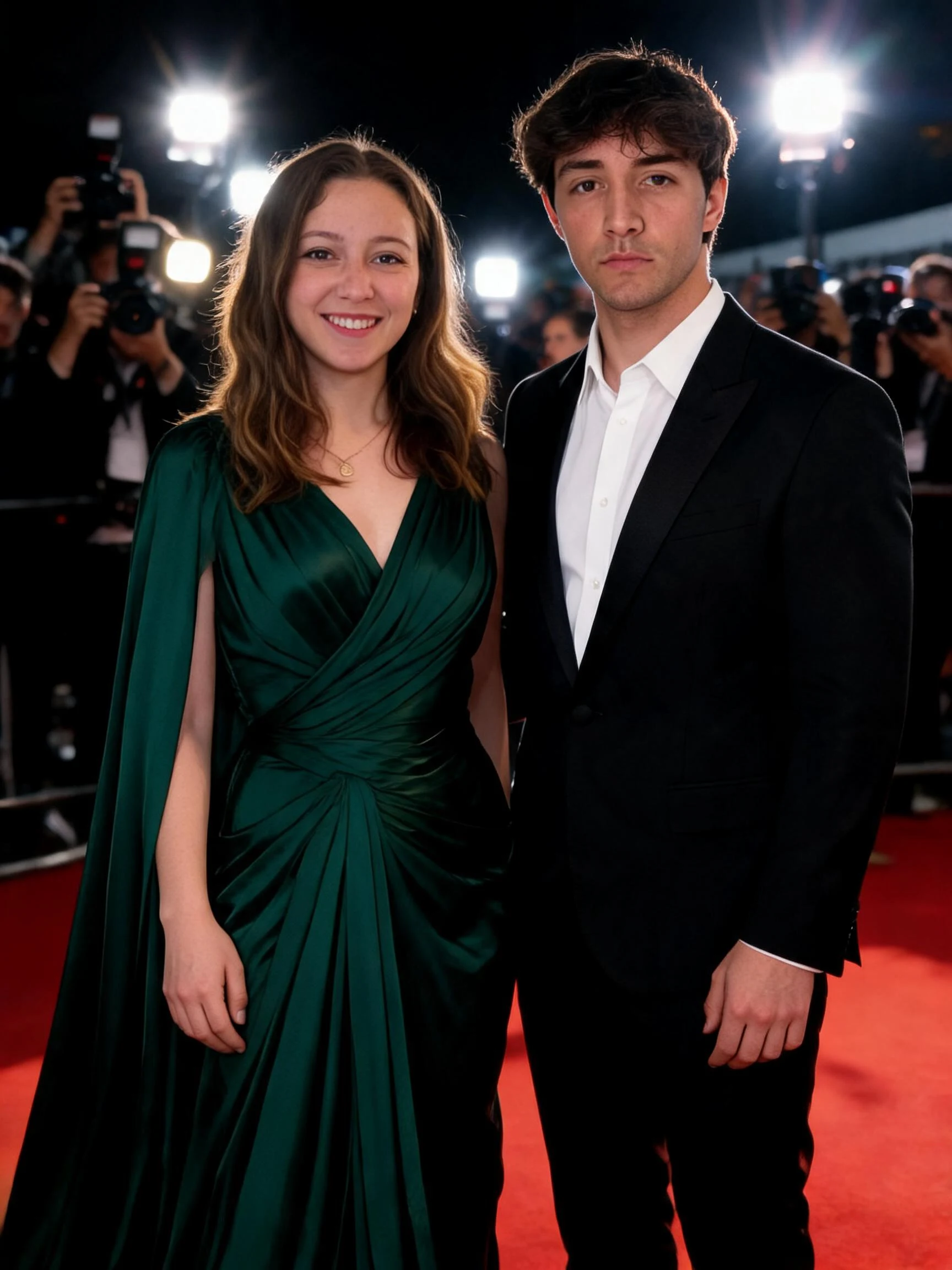 After
After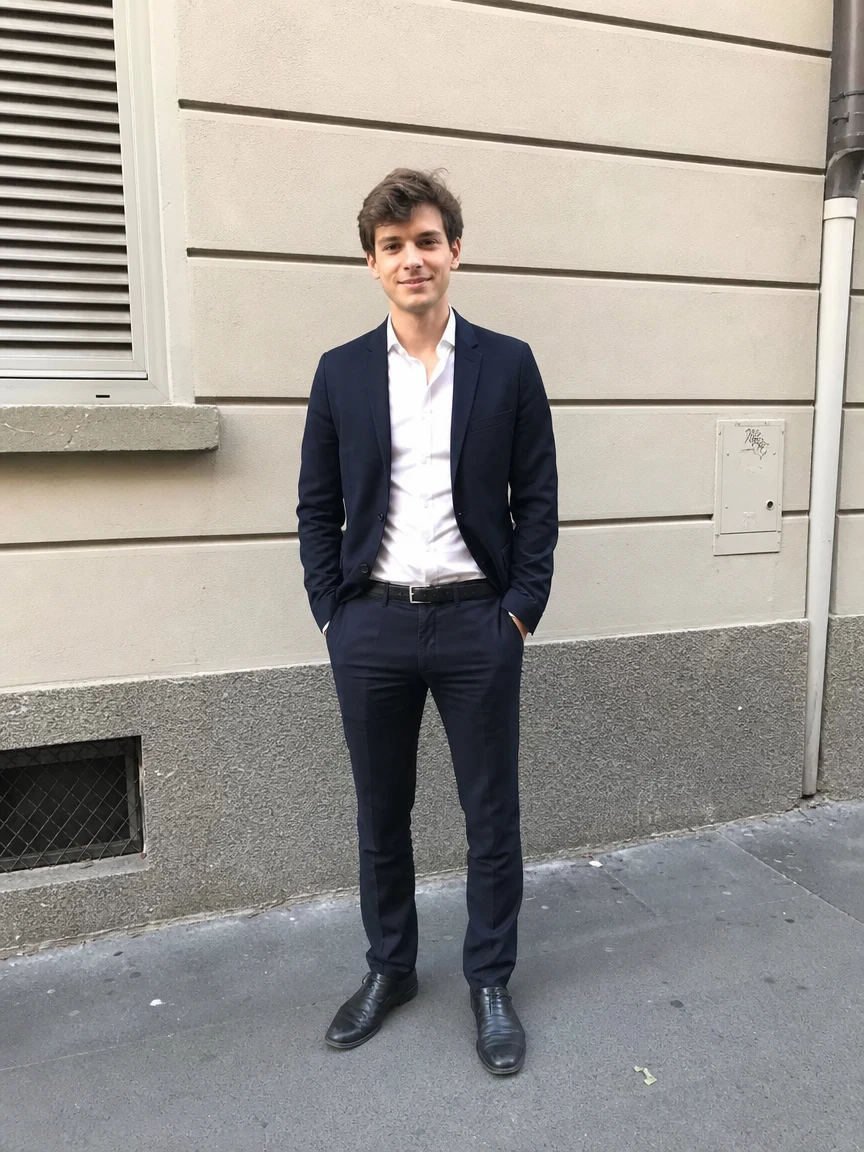 +
+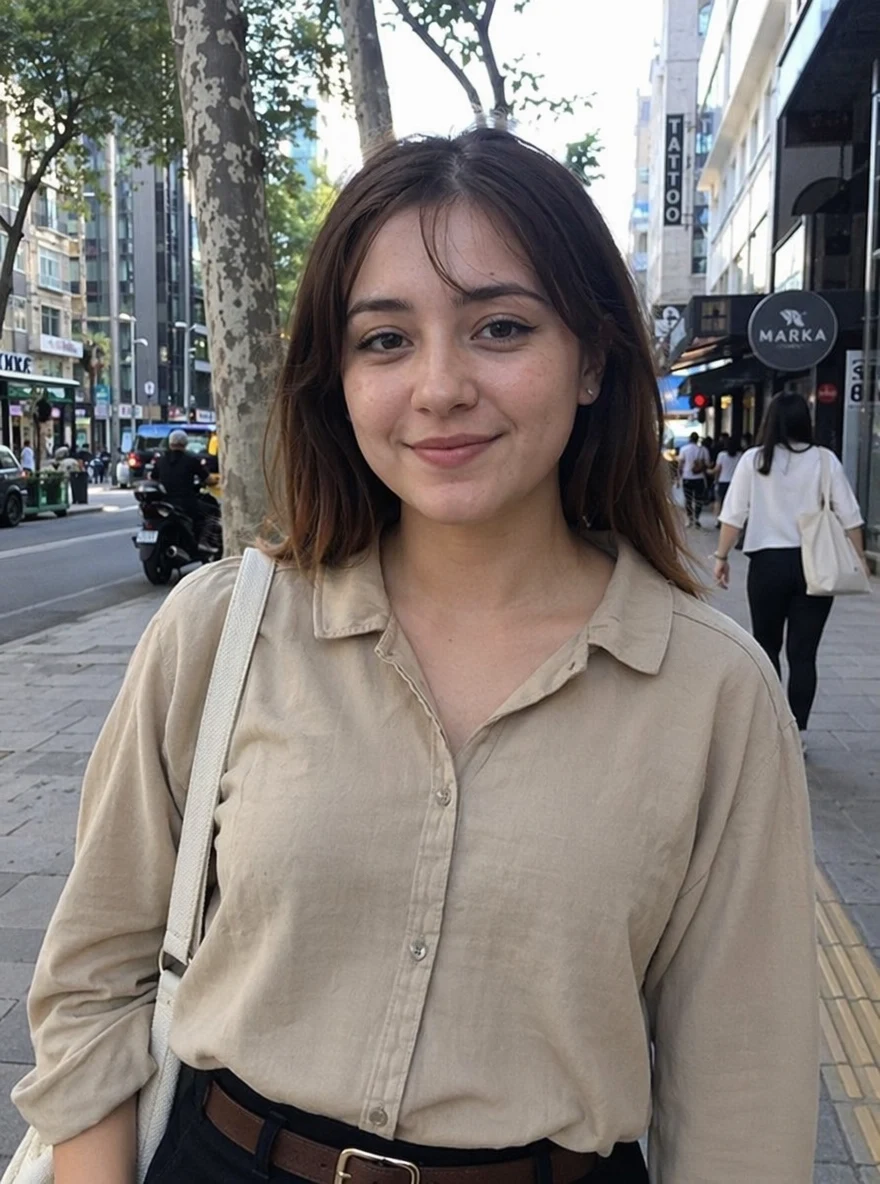 Before
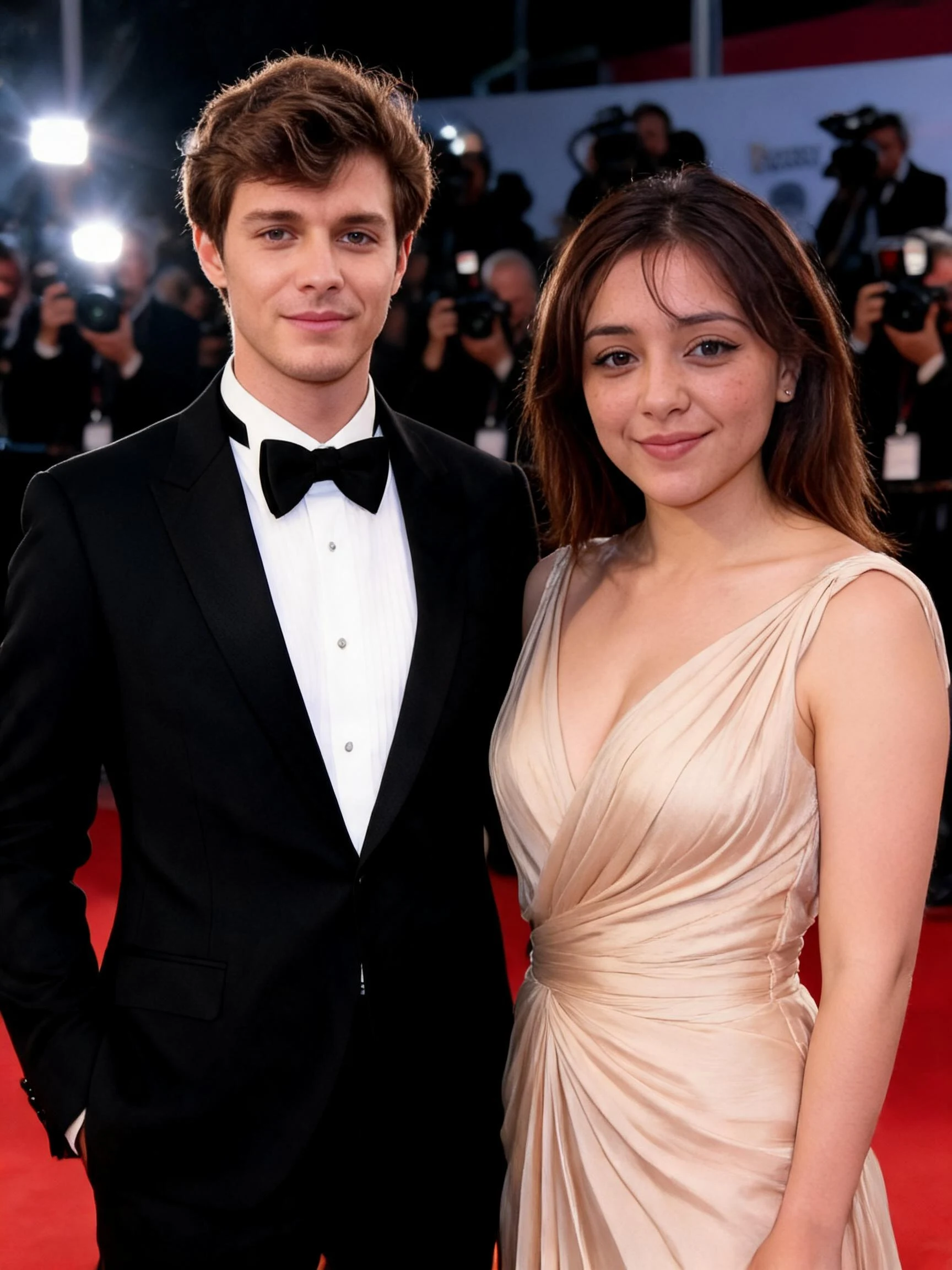 After
After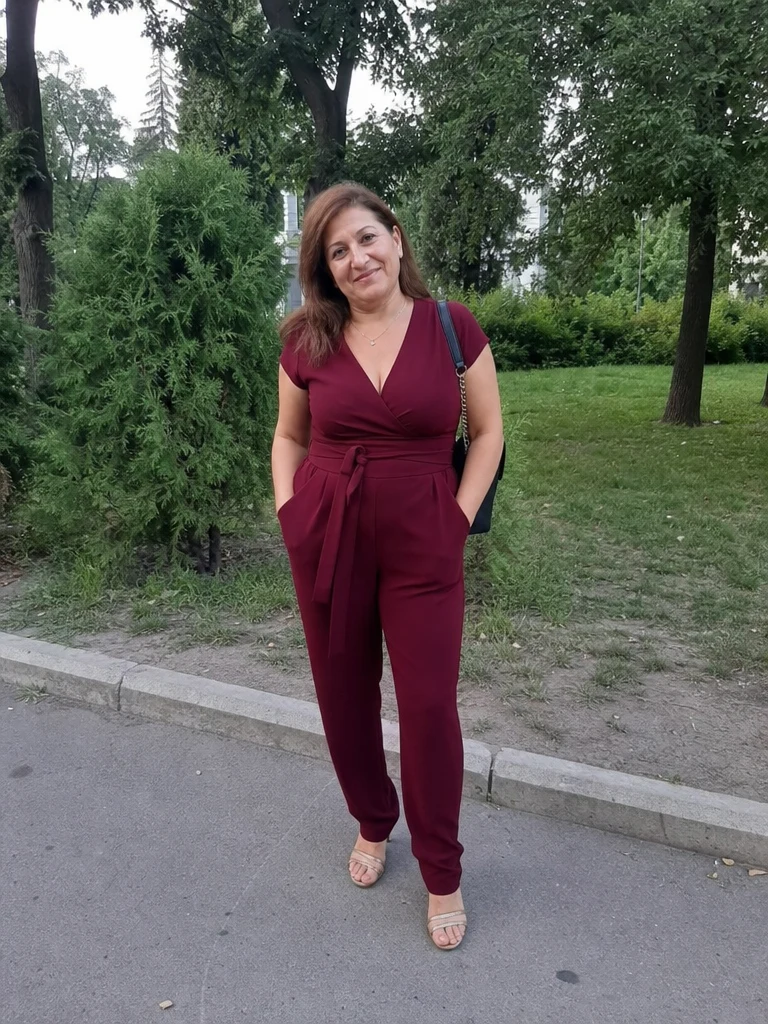 +
+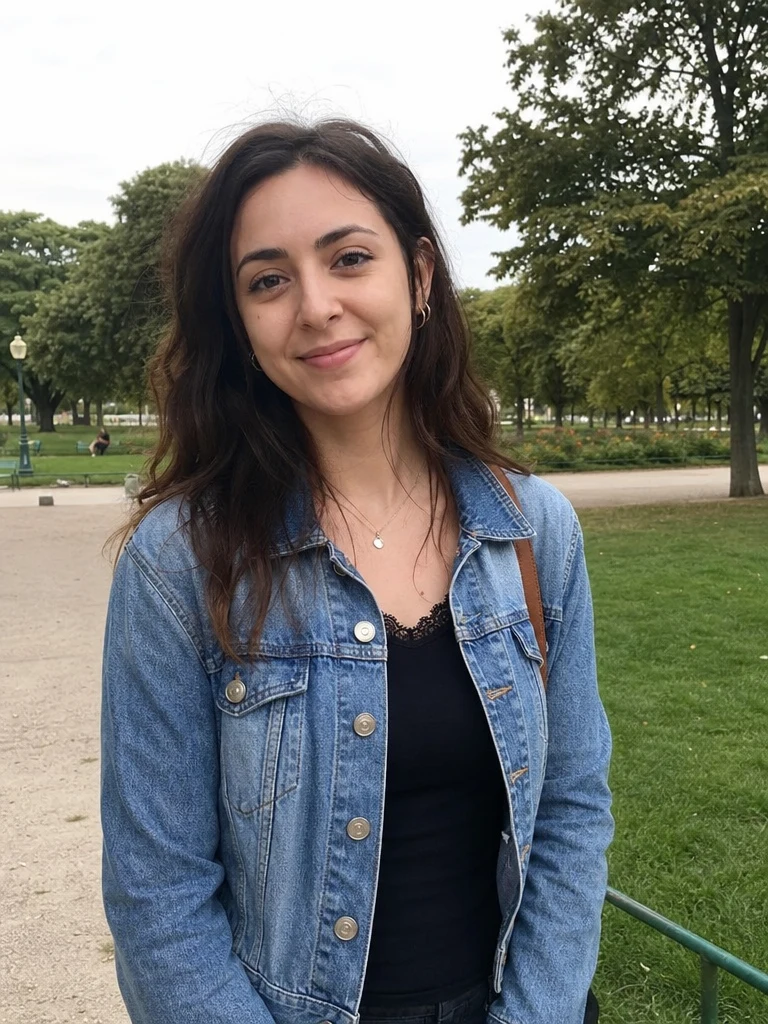 Before
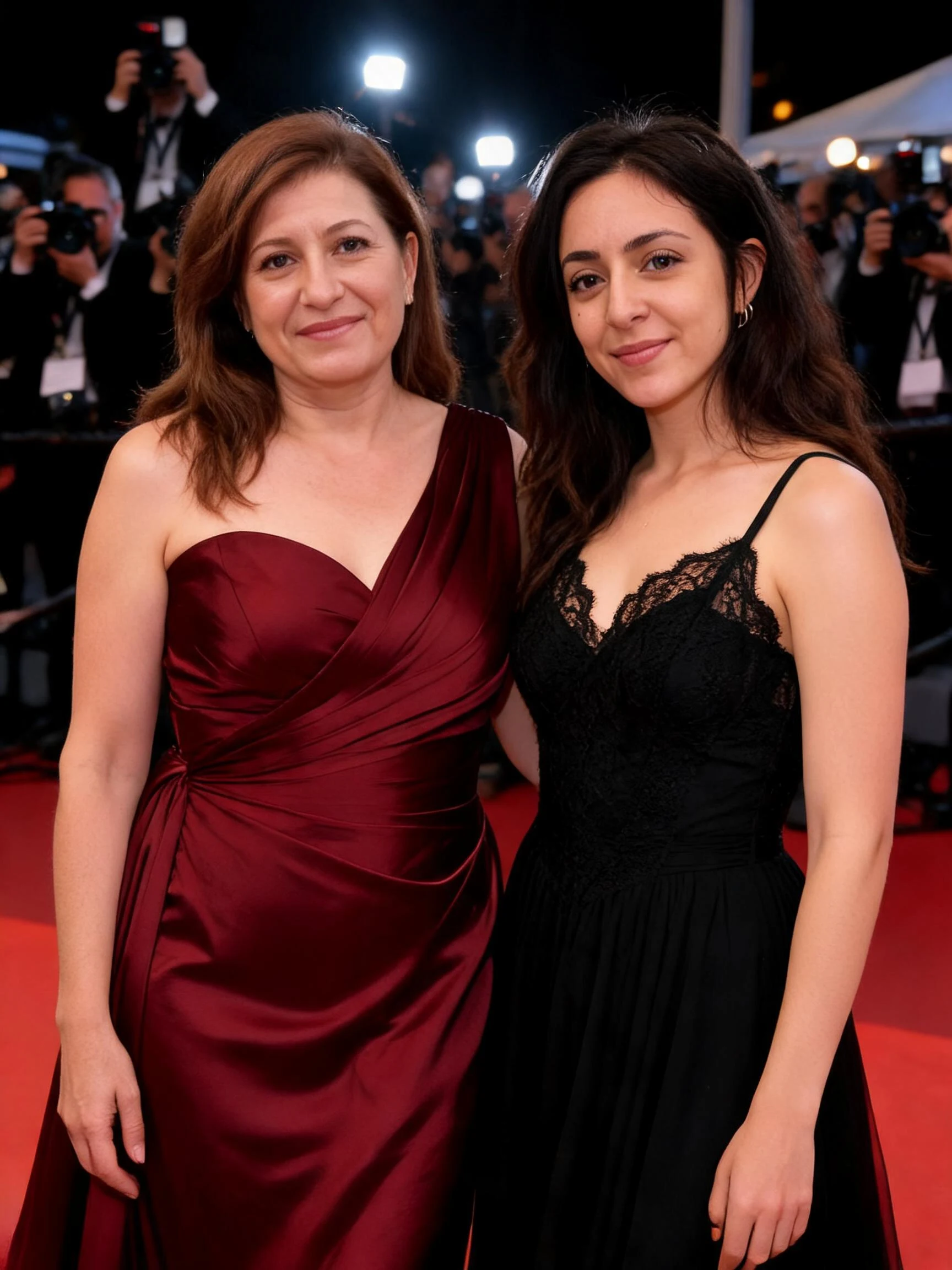 After
AfterWoman Man Duo
How to make an AI red carpet photo
Three steps, right in your browser.
Upload your photo
Drag in or select a clear photo of yourself — a well-lit shot where your face and outfit are visible gives the AI the most to work with. For the duo effect, use a photo with both people in it. Your photo is used only to make your result.
Pick a red carpet effect
Sign in for your 10 free credits, then choose a look — a solo Red Carpet Shot at a premiere, a Red Carpet Duo walking in together, or an Airport Paparazzi ambush. The AI places you in the scene and adds the flashes, keeping your face and outfit recognizable.
Download and share
Preview your red carpet photo, then download it at full resolution with no watermark. Post it, set it as a profile picture, or send it to friends as a playful "I made it big" moment.
What you can make
Popular ways people use the red carpet generator.
Feel like a celebrity
Turn a normal selfie into a premiere-night glamour shot and see yourself on the red carpet — the fun, star-for-a-day post everyone stops to look at.
Paparazzi moment
Get the candid "caught by the cameras" look with an airport paparazzi scene, sunglasses, flashes, and all — a playful way to feel famous for a day.
Couples on the carpet
Walk the red carpet together from one photo of the two of you — a fun anniversary, date-night, or "power couple" post to share.
Birthday & party posts
Give the guest of honor a VIP red carpet arrival for a birthday, graduation, or celebration — a standout way to mark the big day.
Event & theme promos
Mock up a glamorous premiere or awards-night look for a party invite, a gala theme, or a fun team announcement without a real photoshoot.
Show off an outfit
Put a favorite look on the carpet and let it shine under the flashes — perfect for fashion posts and outfit-of-the-day shots.
Why use SharkFoto's red carpet generator
Premiere-worthy scene
The AI builds a full red carpet moment around you — the carpet, a step-and-repeat backdrop, and a wall of paparazzi flashes — so it reads like a real premiere photo instead of a flat filter.
Keeps your likeness
You stay recognizable. The effect restyles the scene and lighting around you while keeping your face, hairstyle, and outfit, so it still clearly looks like you on the carpet.
Solo, duo, or paparazzi
Choose the moment: a solo premiere pose, a couple walking in together, or a candid airport paparazzi ambush — each from a single photo, no crew or backdrop needed.
10 free credits, no watermark
Sign up free and get 10 credits to start generating red carpet photos. Your download comes at full resolution with no watermark, so it's clean enough to post or print.
Tips for the best results
Use a half-body or full-body photo — the AI has more of your pose and outfit to place on the carpet, so the scene looks natural rather than a tight face crop pasted in.
Pick a photo with a dressy or distinct outfit — a sharp look sells the premiere vibe and makes the red carpet moment feel real.
Use a clear, front-facing shot — a visible, well-lit face keeps you recognizable under the bright flash lighting.
Keep the background simple — a plain background is easier for the AI to swap out for the carpet and step-and-repeat wall.
Start from a higher-resolution photo — low-res images limit how crisp the final premiere shot can be.
Frequently asked questions
Is the AI red carpet generator really free?
What kind of photo works best?
Do I get an image or a video?
Does this make it look like I'm with a real celebrity or at a real event?
How long does it take to generate?
Is my photo safe and private?
Can I use my red carpet photo commercially?
Related AI effects
More ways to give your photos a star treatment.