AI Magazine Cover Maker
Turn your photo into a glossy, cover-star magazine cover in seconds. SharkFoto's AI magazine cover maker drops the person in your picture onto a mock fashion, Vogue-style, or record-sleeve cover, complete with a masthead, cover lines, and editorial layout, so a single selfie looks like a newsstand feature. Sign up free to get 10 credits, pick a cover style, and download your magazine cover — with no watermark — ready to post or print. It's a playful, made-up cover for fun, not a real magazine feature or endorsement.
 PopularAI Magazine Cover Maker
What is an AI magazine cover maker?
An AI magazine cover maker turns a photo of a person into a mock magazine cover — your portrait styled as the cover shot, wrapped in a masthead, cover lines, and editorial layout — without any design software. You upload a photo, pick a cover style like fashion or Vogue, and download a high-resolution cover image. It's a fictional, for-fun cover, not a real publication.
All AI Magazine Cover Maker Effects
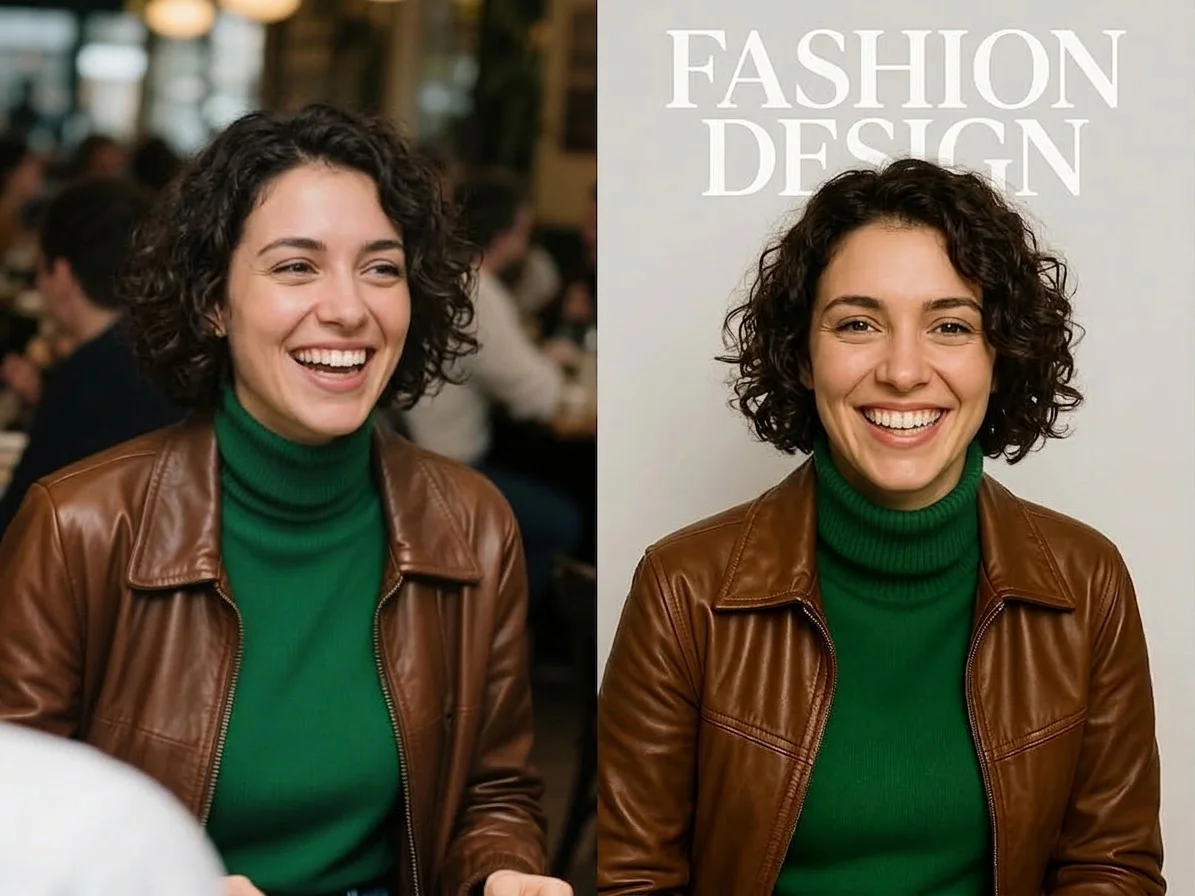
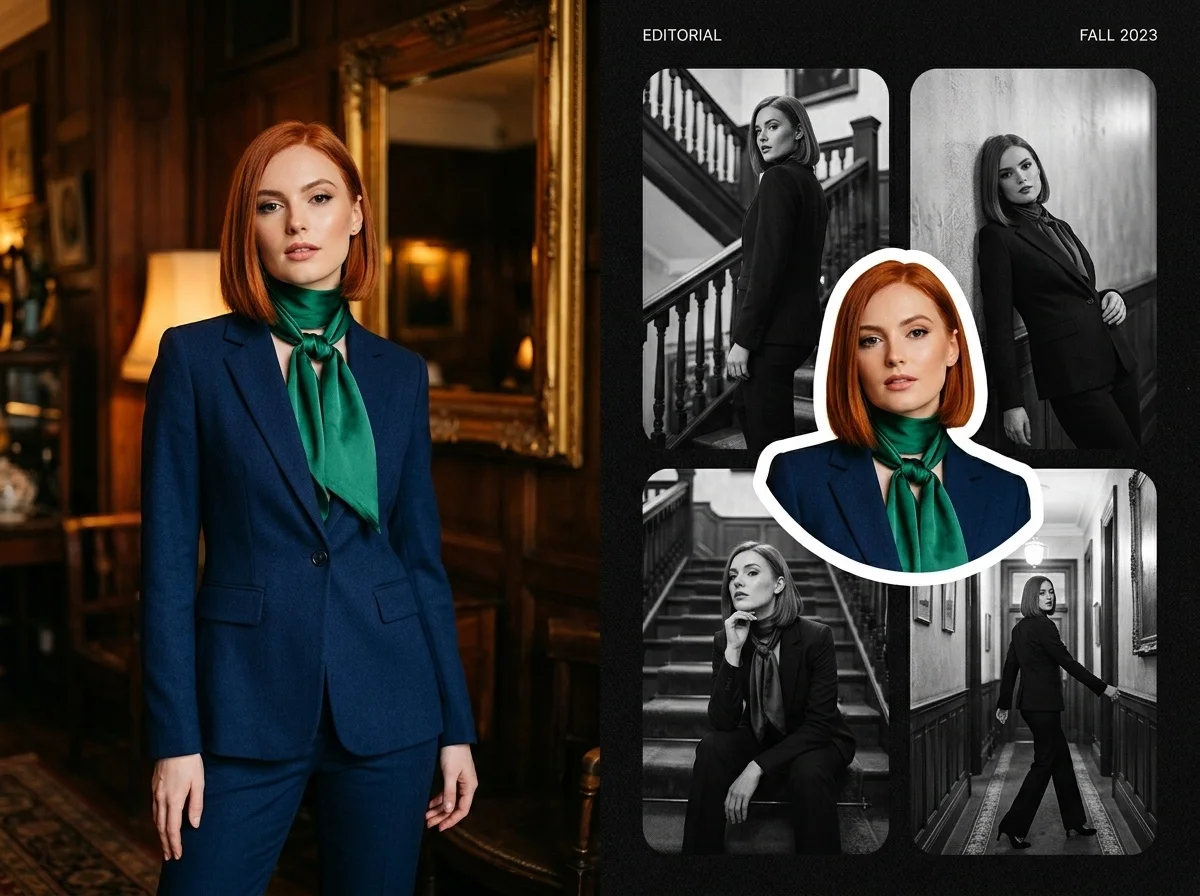
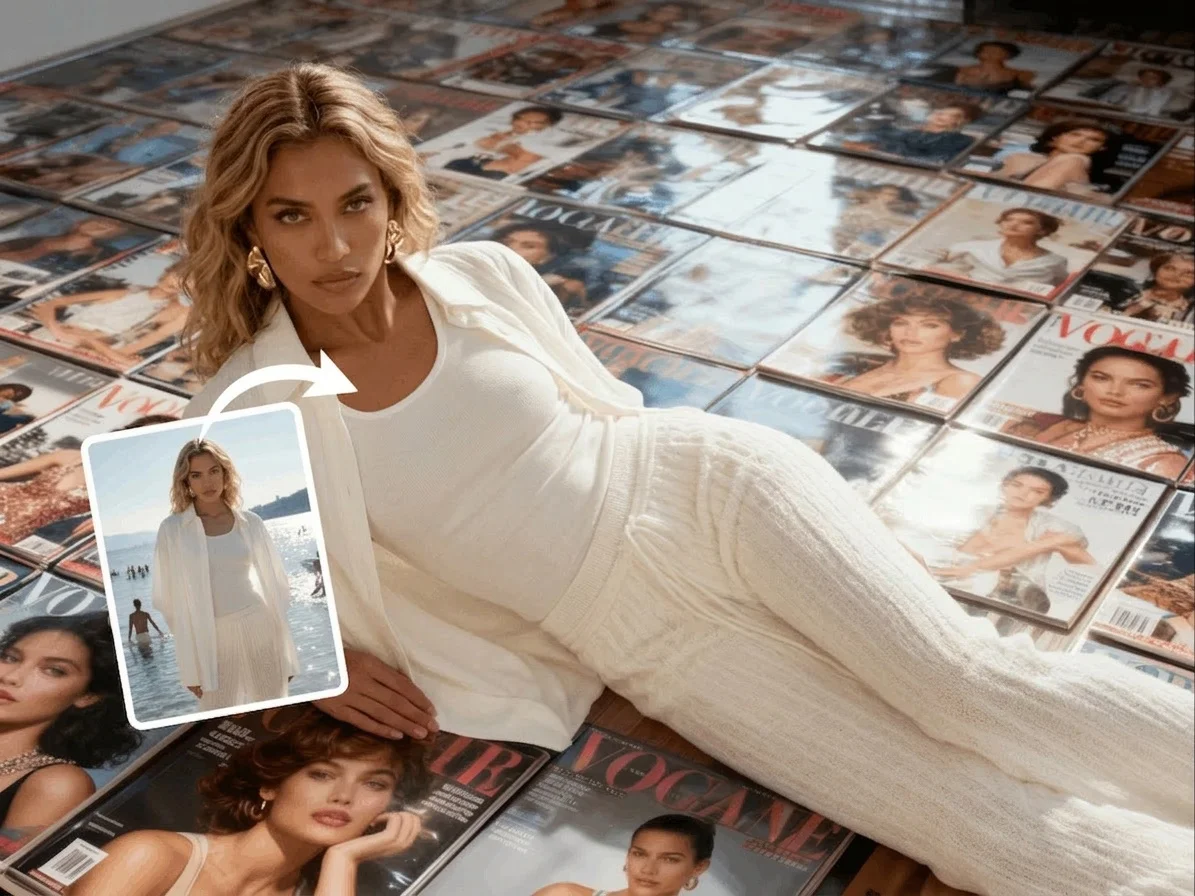
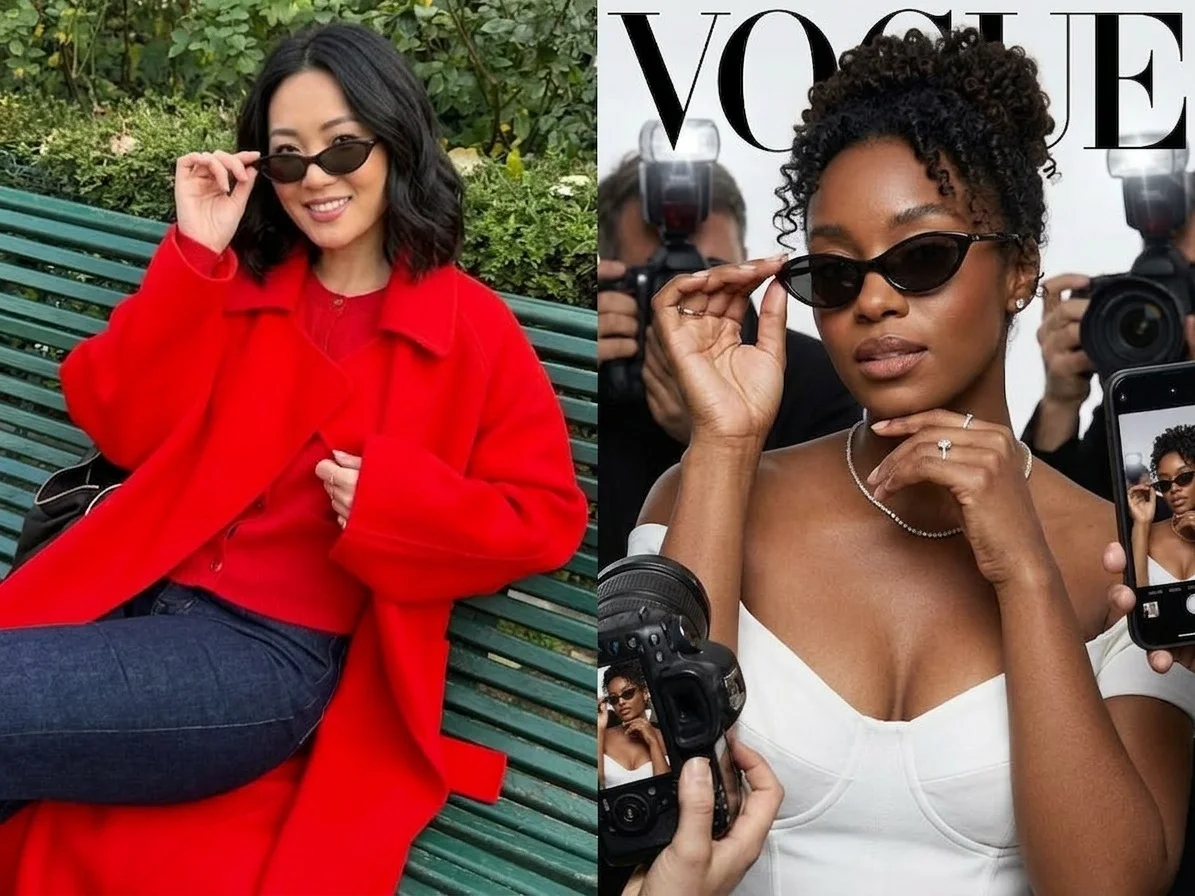
Six AI magazine cover styles — fashion glossy, Vogue-style, collage, record and album sleeves. Pick one to start generating.

Before & after
An ordinary selfie, turned into a cover star.
 Before
 After
After Before
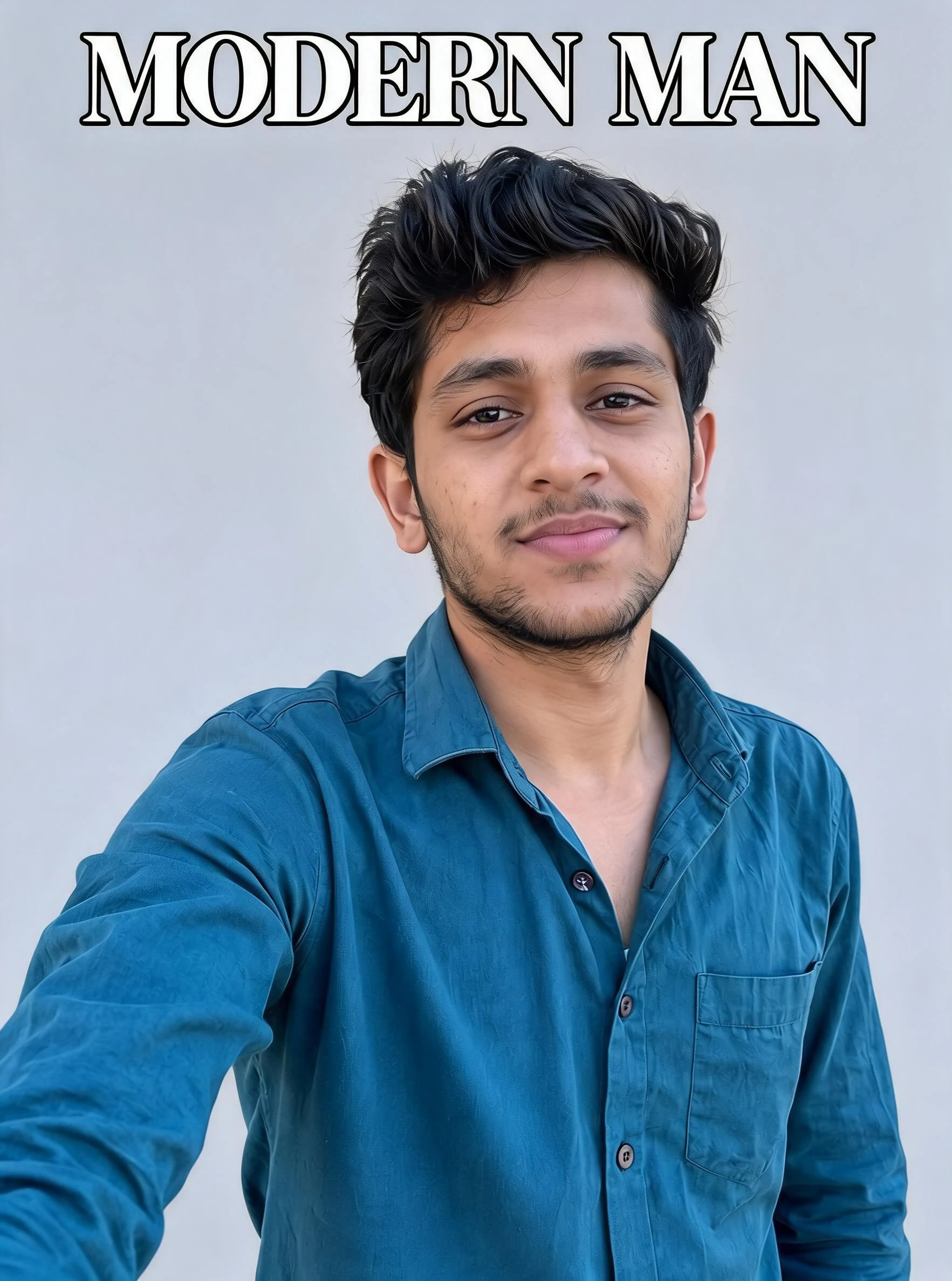 After
After Before
 After
AfterWoman Mustard
How to make an AI magazine cover
Three steps, right in your browser.
Upload your photo
Drag in or select a clear photo of the person you want on the cover. A well-lit, front-facing shot with the face and upper body visible gives the AI the most to work with. Your photo is used only to make your result.
Pick a cover style
Sign in for your 10 free credits, then choose a look — a fashion glossy, a Vogue-style layout, a collage zine, or a record sleeve. The AI styles your portrait as the cover shot and adds a masthead and cover lines around it.
Download and share
Preview your cover, then download it at full resolution with no watermark. Post it to your feed, print it as a poster, or use it as a fun profile picture.
What you can make
Popular ways people use the magazine cover maker.
Be your own cover star
Put yourself on the front of a fashion glossy for a profile picture or a feed post — join the magazine-cover trend from one selfie.
Fashion & style creators
Frame an outfit or shoot as an editorial fashion cover for lookbooks, mood boards, and style content that stops the scroll.
Fun personalized gifts
Make a mock cover of a friend, partner, or grad as a playful keepsake — a birthday, retirement, or congrats gift nobody else will have.
Musicians & album art
Mock up a record sleeve or album cover for a single, a demo, or a joke band before you commission the real artwork.
Brand & event promos
Give a launch, event, or team member a magazine-cover moment for social posts and announcements without hiring a designer.
Collage & zine looks
Turn a photo into a cut-and-paste collage cover for a scrappy, creative aesthetic on posters and stories.
Styles to choose from
From high-fashion glossies to record sleeves — pick the cover look that fits.
Fashion glossy
A high-fashion editorial cover with a bold masthead and stacked cover lines, styling you as the feature model.
Vogue-style cover
A clean, elegant fashion-magazine look with a large serif logo and minimal coverlines — a mock Vogue-inspired layout, not the real title.
Collage cover
A busy, cut-and-paste collage cover packed with type, stickers, and layered graphics for a zine-like vibe.
Record & album sleeve
A music-cover treatment that frames your photo like a vinyl record sleeve or album jacket with title typography.
Why use SharkFoto's magazine cover maker
Real cover layout, not a sticker
The AI rebuilds your photo into an actual cover composition — masthead on top, cover lines around the subject, editorial cropping — so it reads like a printed magazine rather than text pasted over a picture.
Fashion, music, and collage styles
Go from a high-fashion glossy to a Vogue-style layout, a busy collage zine, or a record and album sleeve, all from the same photo, so you can match the vibe you want.
Works from one selfie
No design software and no photographer needed. One clear, well-lit portrait is enough to generate a cover that keeps your face, hair, and outfit recognizable.
10 free credits, no watermark
Sign up free and get 10 credits to start making covers. Your download comes at full resolution with no watermark, so it's clean enough to post, print, or gift.
Tips for the best results
Use a front-facing, half-body photo — cover shots frame the face and upper body, so a portrait-style crop fits the layout better than a tight face or full-length shot.
Pick a photo with a strong outfit or expression — a confident pose and eye-catching styling make the cover look like a real editorial feature.
Use a plain or simple background — busy backgrounds fight with the masthead and cover lines and can clutter the layout.
Make sure the face is sharp and well lit — even lighting keeps skin tones and details accurate on the printed-cover look.
Start from a higher-resolution photo — low-res images limit how crisp the cover reads when you print or blow it up.
Frequently asked questions
Is the AI magazine cover maker really free?
Is this a real magazine cover?
What kind of photo works best?
Do I get an image or a video?
How long does it take to make a cover?
Is my photo safe and private?
Can I use my magazine cover commercially?
What if the cover doesn't look like me?
Related AI effects
More ways to put yourself in the spotlight.