AI Wedding Video Generator
Turn a photo into a dreamy wedding moment in seconds. SharkFoto's AI wedding video generator animates the people in your picture into a heartfelt scene — exchanging vows, hearing the yes you hoped for, or posing in a timeless bridal portrait — so a single still becomes a keepsake you can watch and share. Sign up free to get 10 credits, pick a ready-made wedding effect like Eternal Wedding Vow, Bride Look, or Wedding Portrait, and download your result — with no watermark. Only use photos you have the right to use.
 PopularEternal Wedding Vow!
What is an AI wedding video?
An AI wedding video is a short clip generated from a still photo in which AI synthesizes the motion so a couple appears to share a wedding moment — exchanging vows, saying yes, or leaning in for a first kiss. You upload a photo, the model animates a natural, cinematic scene, and you download a few-second MP4 (or a still bridal portrait) you can share.
All AI wedding effects
Six AI wedding effects — cinematic vow moments, a joyful proposal, a classic bridal portrait, and more. Pick one to start generating.
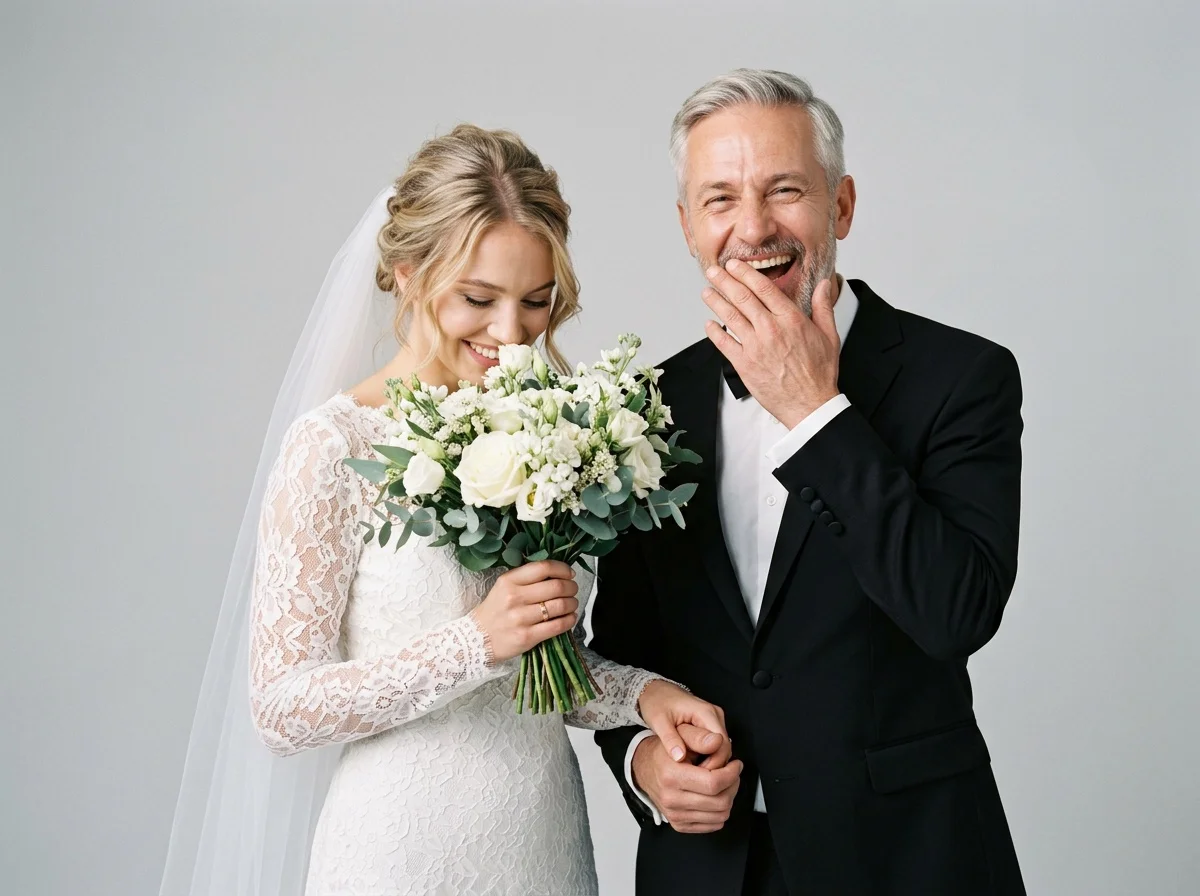

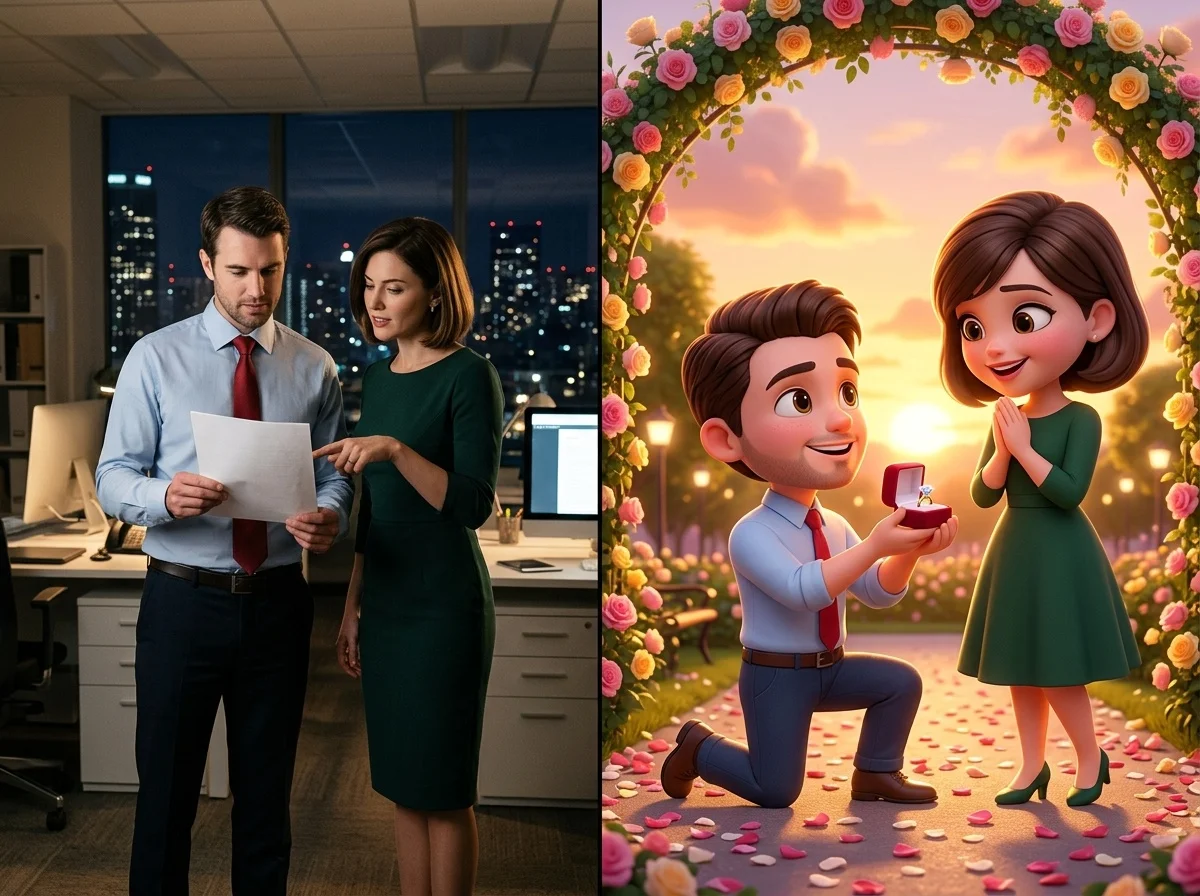


Before & after
A couple's photo becomes a wedding moment.
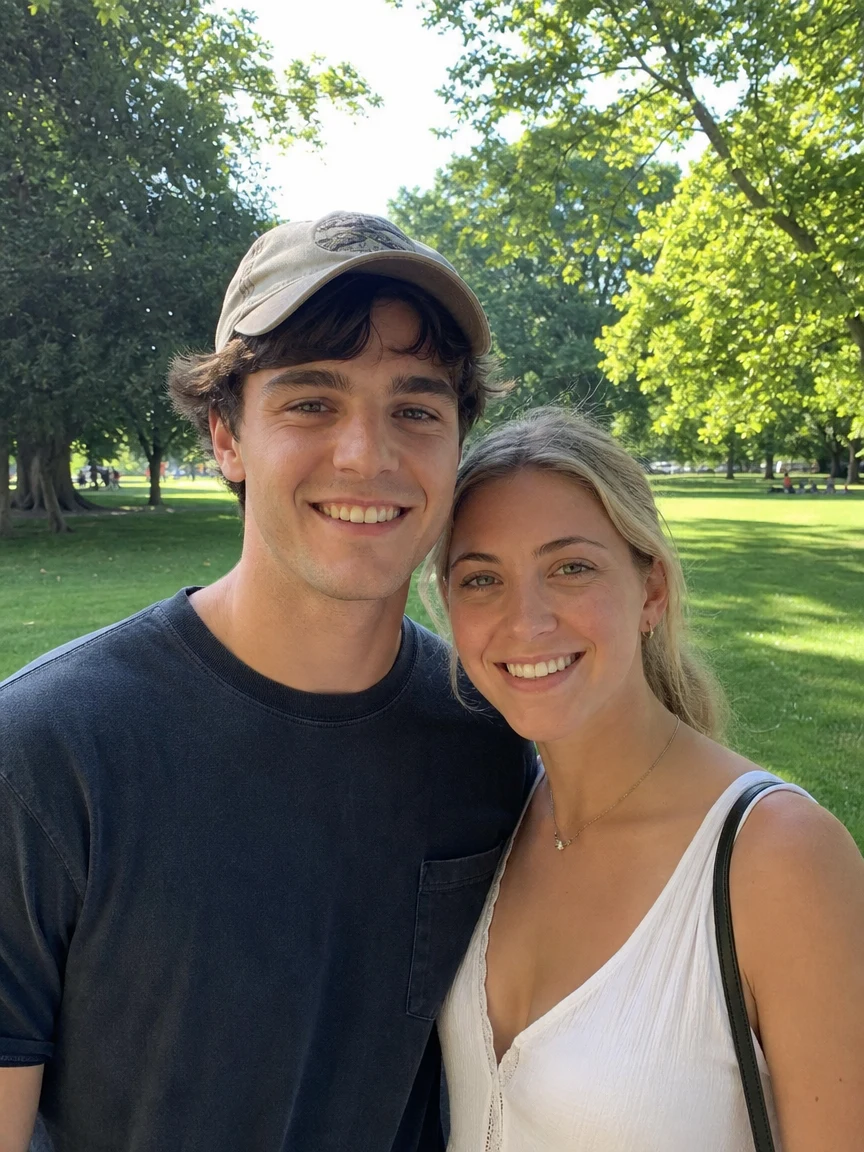 BeforeAfter
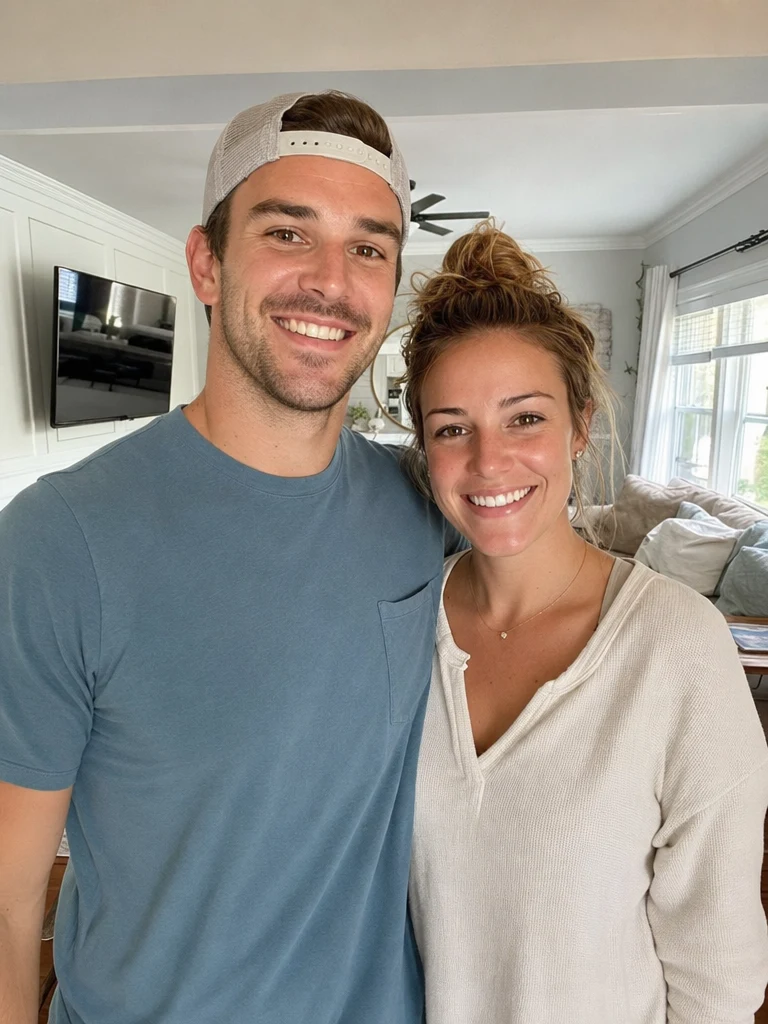 BeforeAfter
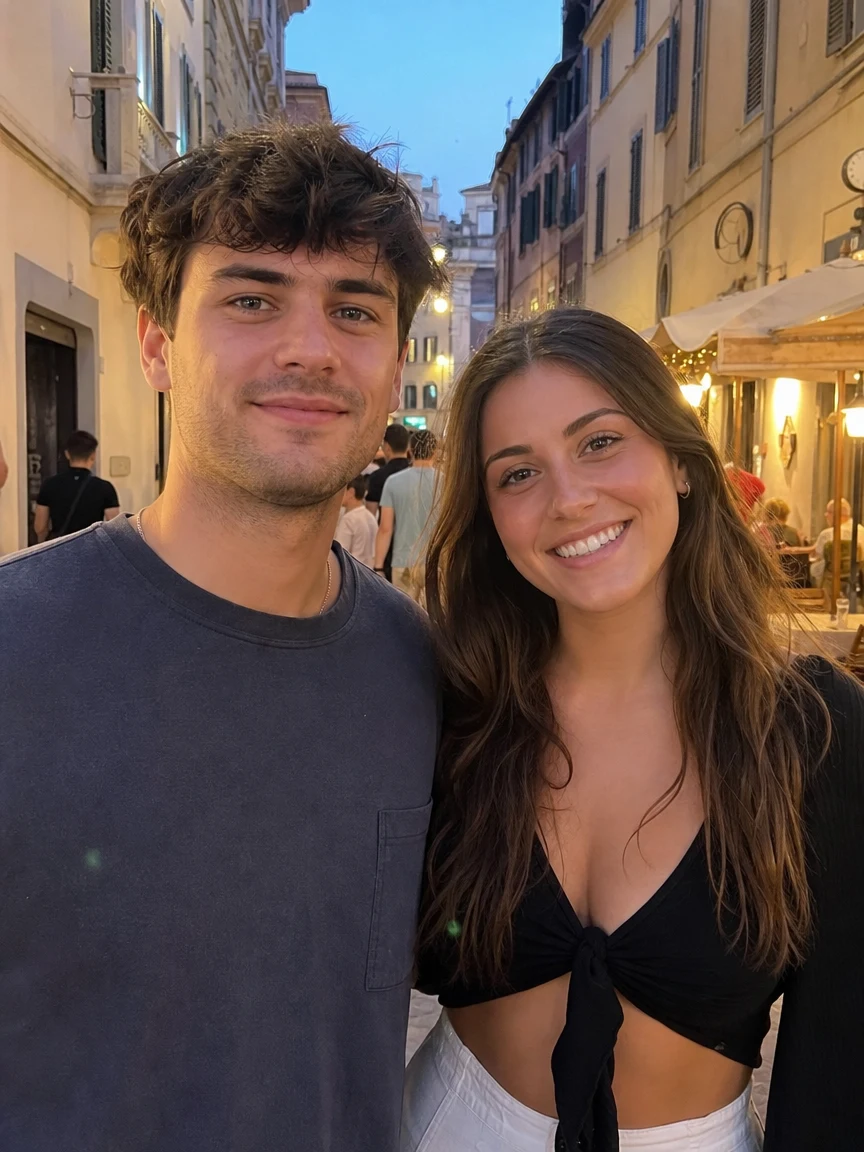 BeforeAfter
Park wedding
How to make an AI wedding video
Three steps, right in your browser.
Upload your photo
Drag in or select a clear photo of the couple (or the person) you want to see in a wedding moment. A well-lit, front-facing shot where faces are visible works best. Your photo is used only to make your result.
Pick or generate a wedding effect
Sign in for your 10 free credits, then choose an effect — Eternal Wedding Vow for a cinematic vow moment, The Yes I Hope For to animate a proposal, Bride Look for a bridal transformation, or Wedding Portrait for a timeless still. The AI adds realistic motion and detail so it looks natural, not pasted on.
Download and share
Watch the preview, then download your wedding video as a full-resolution MP4, or your portrait as a high-resolution image, with no watermark. Post it, text it, or save it for a save-the-date, a card, or a slideshow.
What you can make
Popular ways people use the wedding video generator.
Couples & anniversaries
Turn a favorite photo of the two of you into a romantic vow moment to mark an anniversary, an engagement, or just a day you want to feel a little more magical.
Save-the-dates & invites
Create an eye-catching animated wedding clip or a polished portrait to open your save-the-date, digital invitation, or wedding website.
Proposal reveals
Animate the yes you hoped for from a single photo — a playful, heartfelt way to tease an engagement announcement to friends and family.
Bridal looks & try-ons
See a bridal transformation from an everyday selfie — a fun way to preview a wedding-day look or share a getting-ready moment.
Fun & bloopers
Add some humor to the big day with a lighthearted vow-gone-wrong clip to share with the wedding party or group chat.
Gifts & keepsakes
Make a heartfelt wedding clip or chibi proposal card as a personal gift for a couple, a friend getting married, or your own partner.
Why use SharkFoto's wedding video generator
Cinematic wedding motion
The AI reads the people in your photo and animates a natural, film-like moment — soft leans, glances, and vow gestures — so the scene feels genuine and heartfelt instead of stiff or stitched together.
Video and portrait options
Go beyond a single format: generate a moving vow or proposal clip, or a timeless bridal portrait as a still image, all from the same wedding generator.
Works from a single photo
You don't need footage, a photographer, or two matching pictures. One clear still is enough, whether it shows a couple together or a solo portrait brought to life.
10 free credits, no watermark
Sign up free and get 10 credits to start right away. Your clip or portrait downloads at full resolution with no watermark burned across it, so what you make is clean enough to post, print, or gift.
Tips for the best results
Use a clear, front-facing photo where faces are visible — the AI needs to see each face to animate a natural wedding moment; hidden or side-profile faces come out stiff.
For a couple, pick a photo where they're already close — the closer the starting pose, the more natural the vow or kiss motion looks.
Start from an evenly lit photo — harsh shadows or very dark shots make the motion and details look muddy.
Keep the background simple — busy or cluttered backgrounds can warp as the AI adds movement and wedding detail.
Use the highest-resolution photo you have — low-res or heavily compressed images limit how sharp the final clip or portrait can be.
Frequently asked questions
Is the AI wedding video generator really free?
What kind of photo should I upload?
Do I get a video or an image?
What format is the video, and how long is it?
How long does it take to generate?
Whose photos can I use?
Is my photo safe and private?
Can I use my AI wedding video commercially?
Related AI effects
More AI effects to try.