- "focus": "Write it as a text-to-image prompt: subject, setting, lighting, style, camera.",
- "image": "",
- "detail_level": "high"
Image to Prompt
Turn any image into an AI prompt. Upload a picture and get a ready-to-use text-to-image prompt that captures its subject, setting, lighting, composition and style.
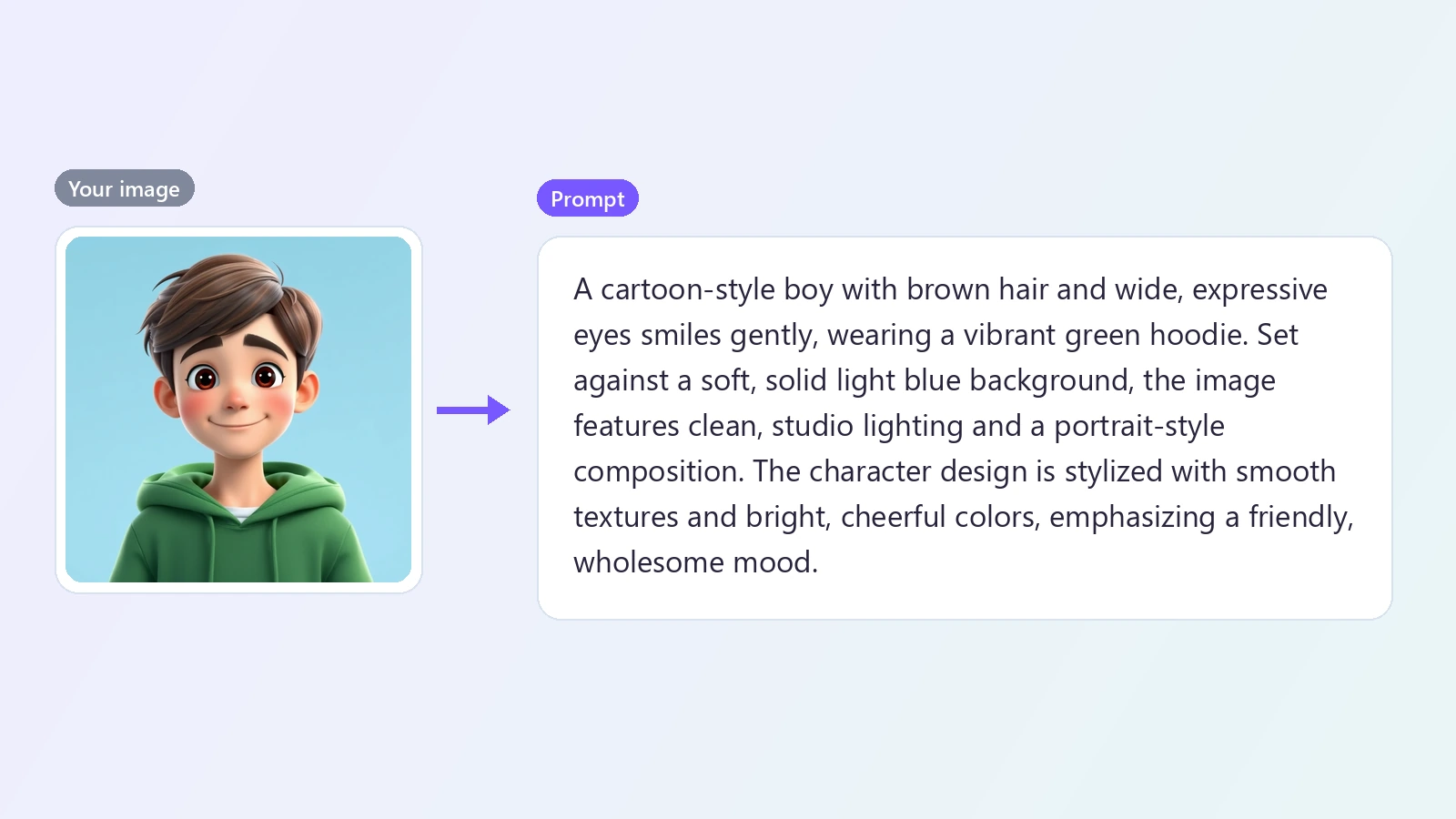
You see an image you like and want to make something in the same spirit - the same lighting, the same mood, the same kind of composition - but writing a prompt that gets you there is slow guesswork. Image to prompt does the reverse of an image generator: it looks at a finished picture and writes the prompt that could describe it. You upload an image, and the AI breaks it down the way prompt writers do: what the subject is and what it is doing, where the scene is set, how it is lit, where the camera sits, what the colors and textures are, and what style or medium it resembles. The result is a paragraph you can paste straight into a text-to-image tool, or edit first - swap the subject, change the season, keep the lighting. It is a practical way to learn how good prompts are built, to recreate the feel of a reference image in your own work, to make variations of a picture you already have, and to keep a consistent look across a series. Choose a shorter prompt when you want something easy to edit, or a detailed one when you want as much of the original look as possible. Use reference images you have the right to use, and treat the prompt as a starting point for your own picture.
At a glance
Written like a prompt
Not just a caption.
The things generators need
Subject, setting, lighting, composition, camera angle, colors and style.
One clean paragraph
Ready to paste into Text to Image or another AI image generator.
Easy to adapt
Keep the look, change the content.
Short or detailed
Pick a compact prompt to edit quickly or a detailed one that captures more of the image.
Edit and reuse
Swap the subject or the setting and keep the lighting and the style.
Fast
From reference to prompt in seconds.
About 10 seconds
Upload an image and the prompt is ready almost immediately.
Copy or TXT
Copy the prompt from the page or download it as a text file.
How to get a prompt from an image
Upload, generate, paste.
Upload an image
JPG, PNG or WebP. Use a picture whose look you want to recreate or build on.
Generate the prompt
The AI studies the image and writes a prompt describing the subject, the scene, the light, the framing and the style.
Copy and create
Copy the prompt, adjust what you want to change, and paste it into Text to Image or any AI image generator.
What people use it for
Recreating a look
Get the lighting, mood and style of a reference into your own image.
Variations
Make new versions of a picture you already have.
Learning prompting
See how a strong prompt describes a finished image.
Consistent series
Keep one style across a set of images.
Mood boards
Turn references into prompts you can generate from.
Video ideas
Use the prompt as a base for an image you then animate.
Frequently asked questions
How do I convert an image to a prompt?
Is this image to prompt generator free?
Which AI image generators does the prompt work with?
Will the prompt recreate my image exactly?
Can I edit the prompt?
What is the difference from the AI Image Describer?
What language is the prompt in?
Can I get a prompt for a video?
Good to know
A prompt will not clone the image — Generators interpret prompts freely. Expect the same feel, not an identical picture.
English only — Prompts are written in English, which most image generators handle best.
Looks, not names — The prompt describes what is visible. Add or remove names and specifics yourself.
Respect other people's work — Use reference images you have the right to use, and make something of your own with the prompt.
Related tools & models
Find the prompt behind the picture
Upload an image and get a prompt you can use in seconds.