- "prompt": "vocals",
- "audio_url": "",
- "output_format": "mp3"
No effects available
AI Vocal Remover
Remove vocals from any song in seconds. Upload an MP3, WAV or FLAC and get two clean tracks back - the instrumental and the isolated vocals - ready to download.
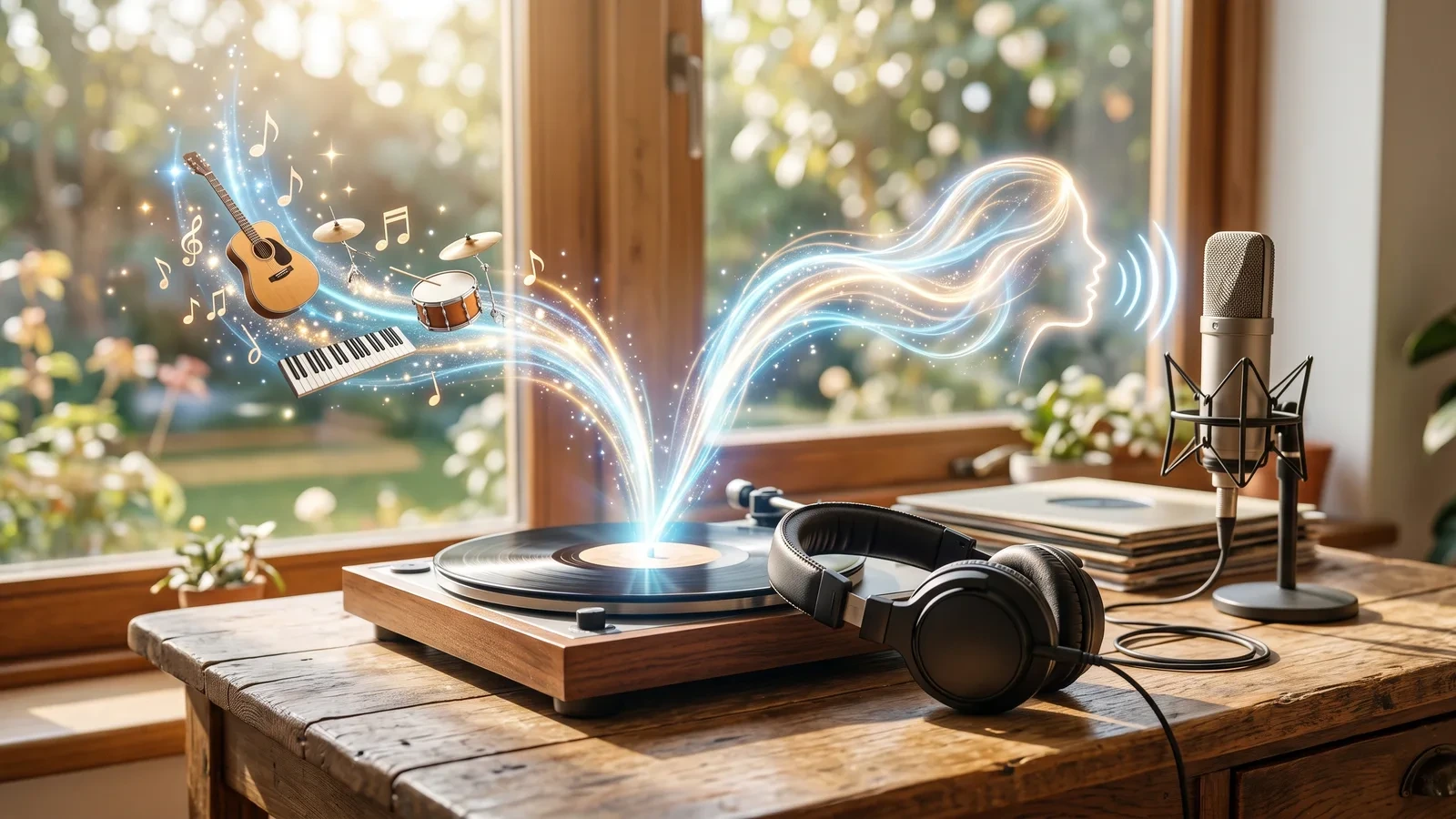
A vocal remover takes a finished song and splits it back into its parts: the singing on one track and the music on the other. Older tools did this by cancelling out whatever sat in the centre of the stereo mix, which left hollow, watery instrumentals and removed the bass and drums along with the voice. This AI vocal remover works differently. It has learned what a human voice sounds like, so it can pull the lead and backing vocals out of the mix and leave the drums, bass, guitars and keys intact. You get two clean files from one upload: an instrumental you can sing over, and an acapella you can remix. That makes it a karaoke maker, an acapella extractor and a vocal separator in one tool. Musicians use it to practise along with a track or to study a vocal line, DJs and producers use the isolated vocals for remixes and mashups, and creators use the instrumental as background music. Upload a song, press Remove Vocals, and download the tracks - there is nothing to install and no audio editing skill needed. Please only process music you have the rights to use.
At a glance
Clean separation
Vocals out, music intact.
Keeps the full band
Drums, bass, guitars and keys stay in the instrumental instead of being thinned out with the voice.
Lead and backing vocals
The singing voice, harmonies included, goes to the Vocals track so the instrumental is ready for karaoke.
Two tracks from one upload
Instrumental and acapella together.
Listen side by side
Switch between the Instrumental and the Vocals in the player before you download.
Download one or both
Save a single track, or download both at once as a zip. Choose MP3 for size or WAV for full quality.
Fast and simple
No software, no plugins.
Works in the browser
Upload and download from any computer or phone - nothing to install.
Pay by song length
Credits are based on the length of the audio, so a short clip costs less than a full album track.
How to remove vocals from a song
From one song to two separate tracks in three steps.
Upload your song
Drop in an MP3, WAV or FLAC file, or paste a link to one. Full songs, short clips and live recordings all work.
Remove the vocals
The AI separates the singing voice from everything else. A three-minute song usually takes well under a minute.
Download both tracks
Play the Instrumental and the Vocals side by side, then download either one or both together, as MP3 or WAV.
What people use a vocal remover for
Karaoke tracks
Take the voice out of a song and sing over the instrumental at home, at a party or for a cover video.
Remixes and mashups
Extract a clean acapella to drop over a new beat, or pair it with another song's instrumental.
Practice and learning
Play or sing along with the band minus the vocal, or solo the vocals to learn a melody and its phrasing.
Background music
Use the instrumental under a video, a podcast intro or a presentation without the lyrics competing with your voice.
Transcribing lyrics
Isolated vocals make lyrics much easier to hear and write down.
Mixing reference
Study how a vocal sits in a professional mix by listening to it on its own.
Frequently asked questions
How do I remove vocals from a song?
Is this vocal remover free?
Can I get the vocals on their own?
Does it make karaoke versions?
What file formats can I upload?
How long does it take?
Will the instrumental sound hollow?
Does it remove backing vocals too?
Can I remove the music and keep only a voice?
Can I create music instead?
Good to know
Heavy effects can leave traces — Very wet reverb or echo on a vocal can leave a faint trace in the instrumental. A clean studio master gives the cleanest split.
Quality in, quality out — A low bitrate MP3 already has artefacts, and they carry into both tracks. Use the best quality file you have.
Use music you have rights to — Separating a track does not change who owns it. Only process songs you are allowed to use.
Related tools & models
Ready to split a song?
Upload a track and get the instrumental and the vocals in under a minute. Try the AI vocal remover free.