AI Anime Filter
Turn your selfie into an anime character in seconds. SharkFoto's AI anime filter restyles the person in your photo into hand-drawn anime, black-and-white manga, soft Ghibli-style art, or bold JoJo lines, keeping your face, hair, and outfit recognizable while giving everything that unmistakable anime finish. Sign up free to get 10 credits, pick a style, and download your anime portrait — with no watermark — ready for your profile, feed, or fan art. A few animated styles even bring your anime self to life as a short clip.
 PopularAI Anime Filter
What is an AI anime filter?
An AI anime filter is a tool that redraws a photo of a real person in an anime or manga art style — big expressive eyes, clean line work, cel shading, and stylized hair — while keeping your likeness recognizable. You upload a photo, pick an anime style, and download a high-resolution anime version of yourself, no drawing skills needed.
All AI Anime Filter Effects
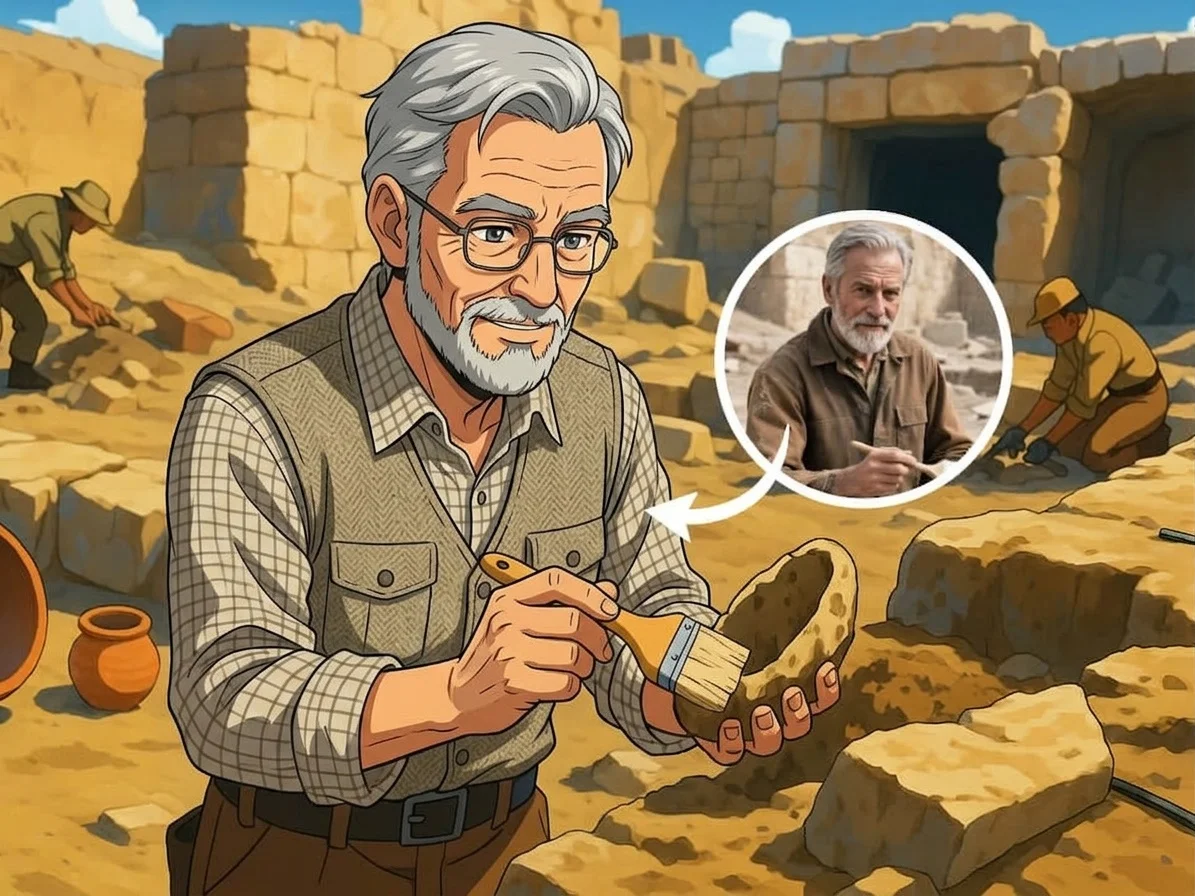
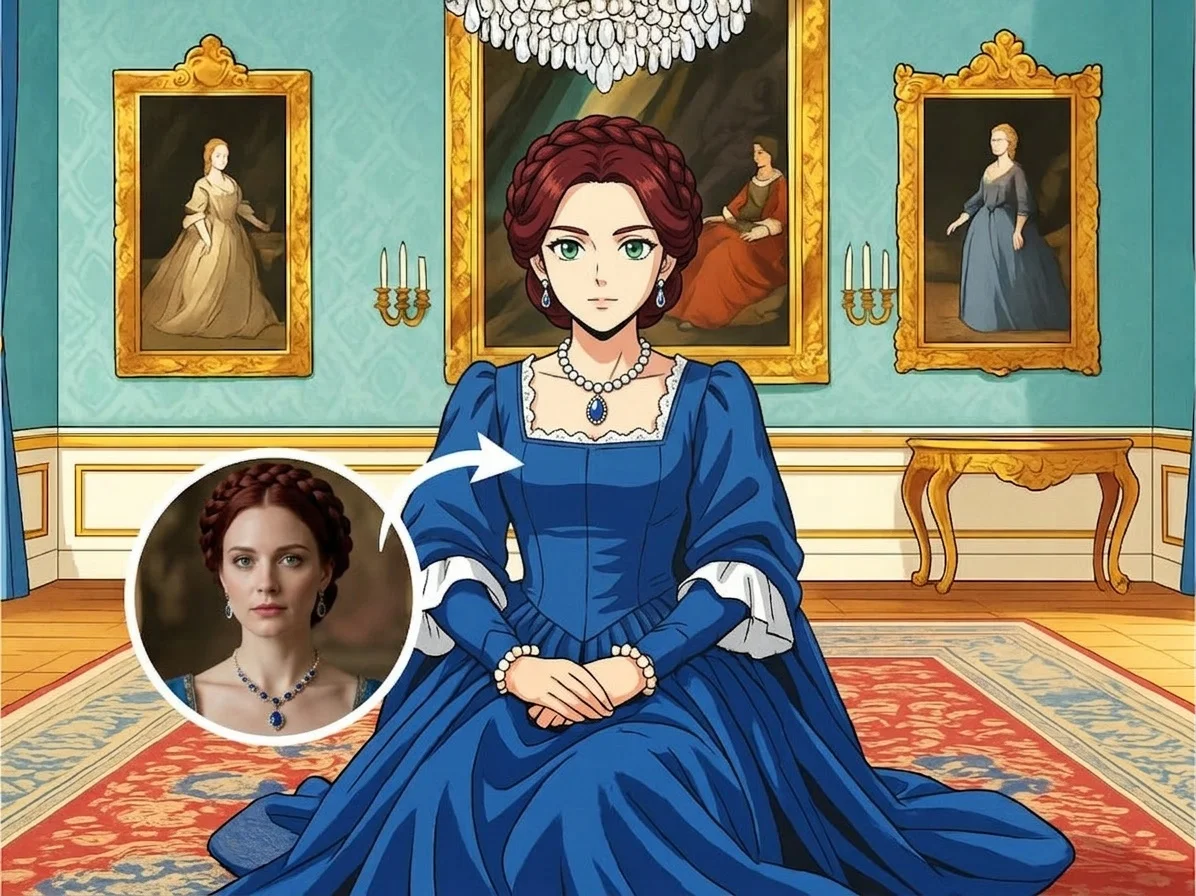

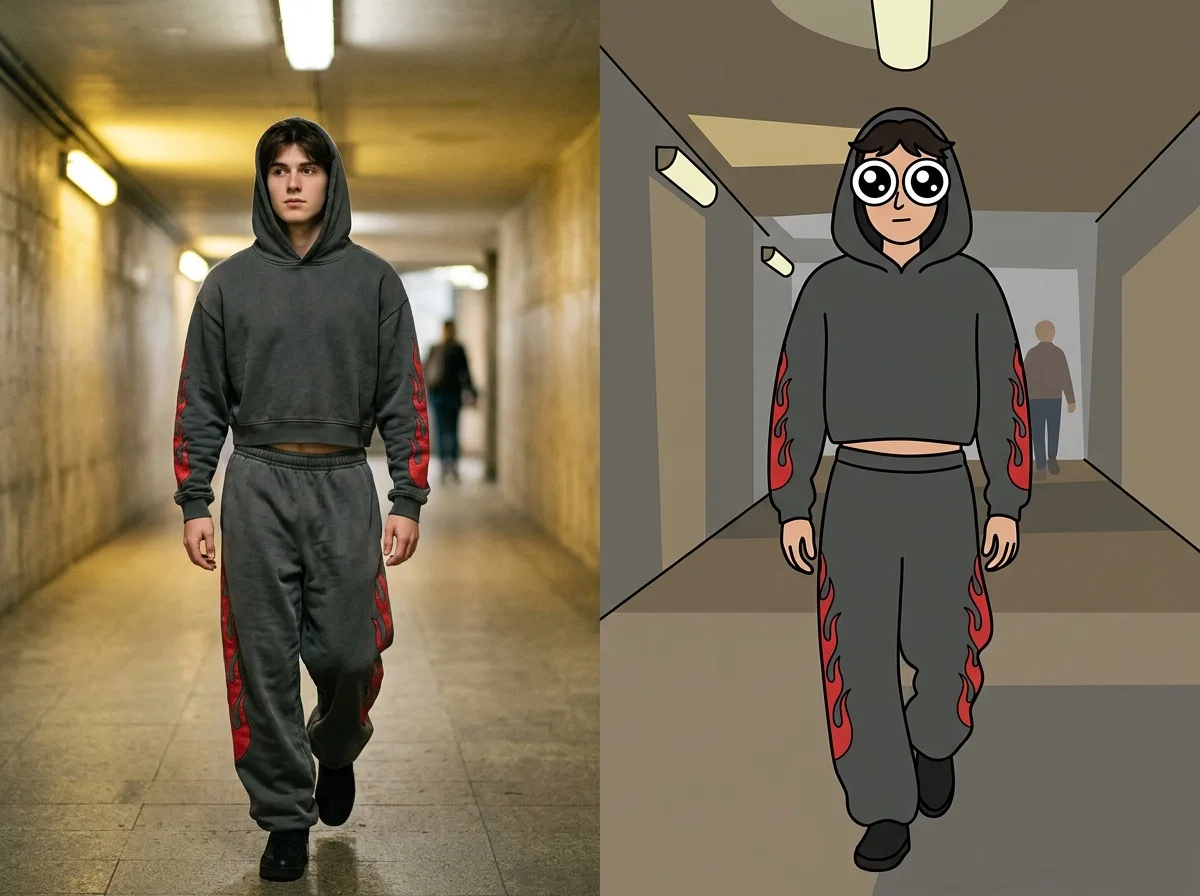
Eight anime looks — classic anime, black-and-white manga, Ghibli-style softness, bold JoJo lines, and big-eye chibi. Pick one to start generating.
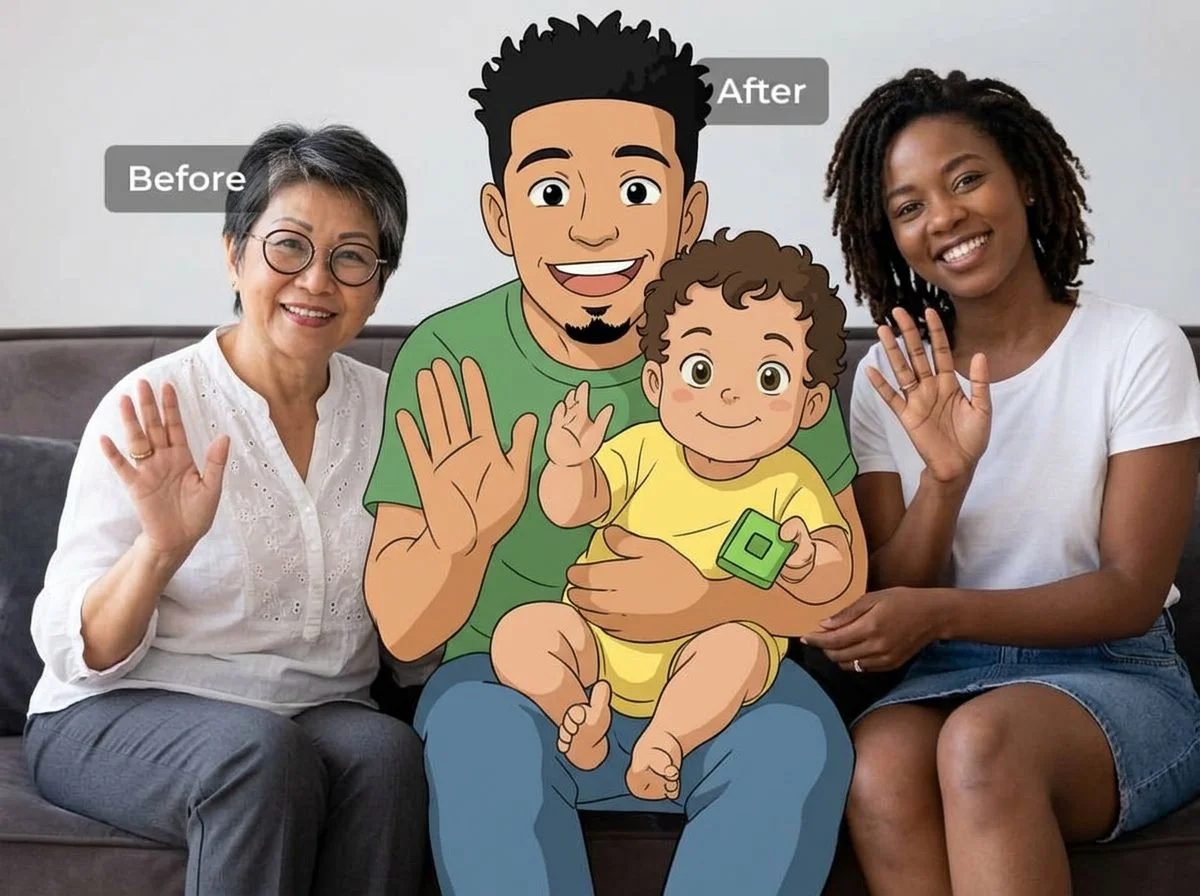
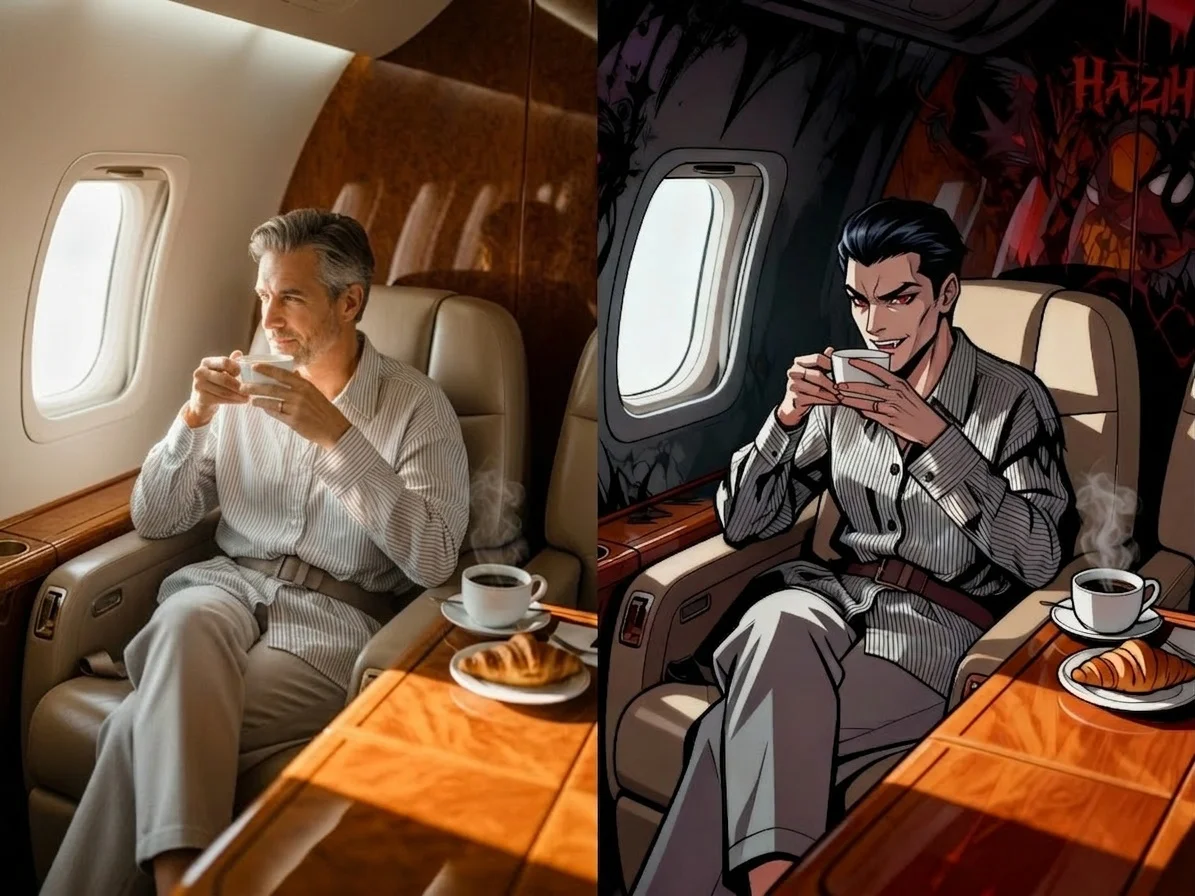
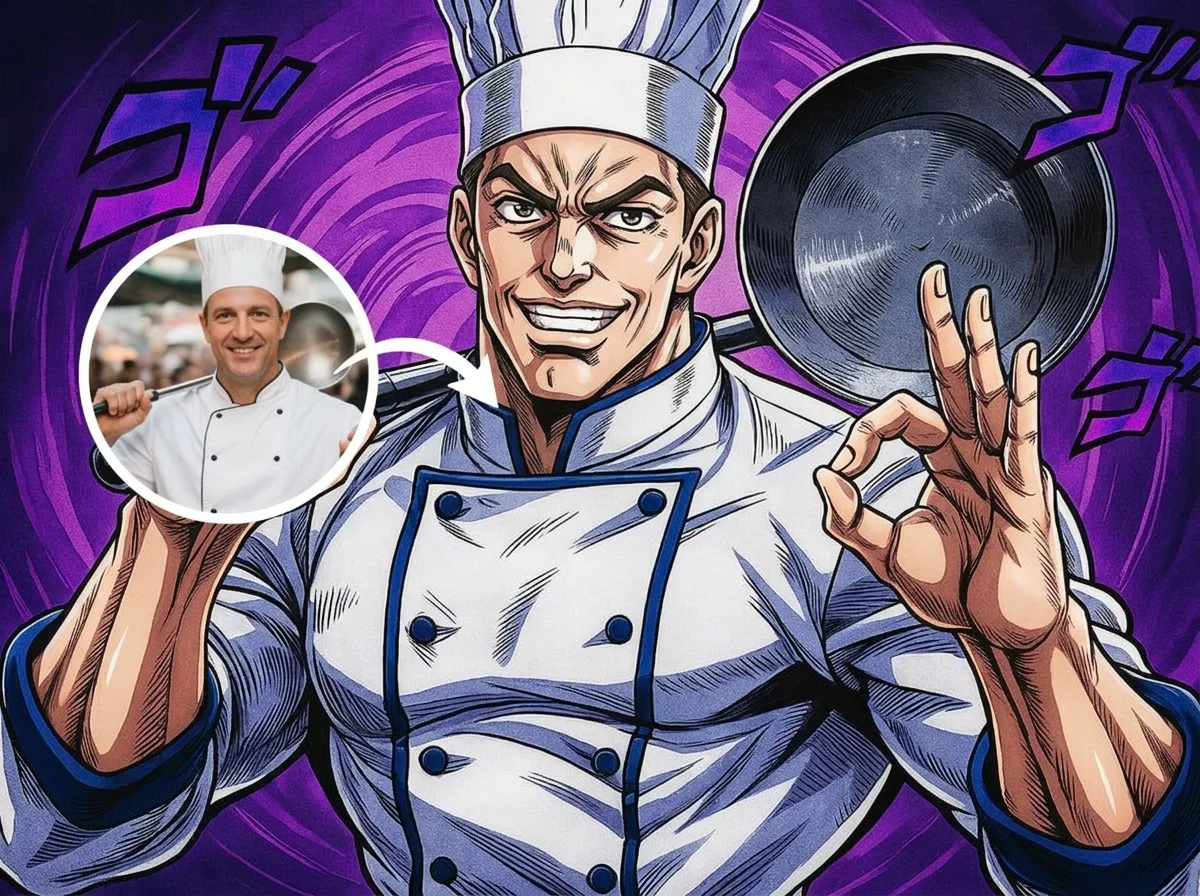

Before & after
An everyday photo, redrawn as anime.
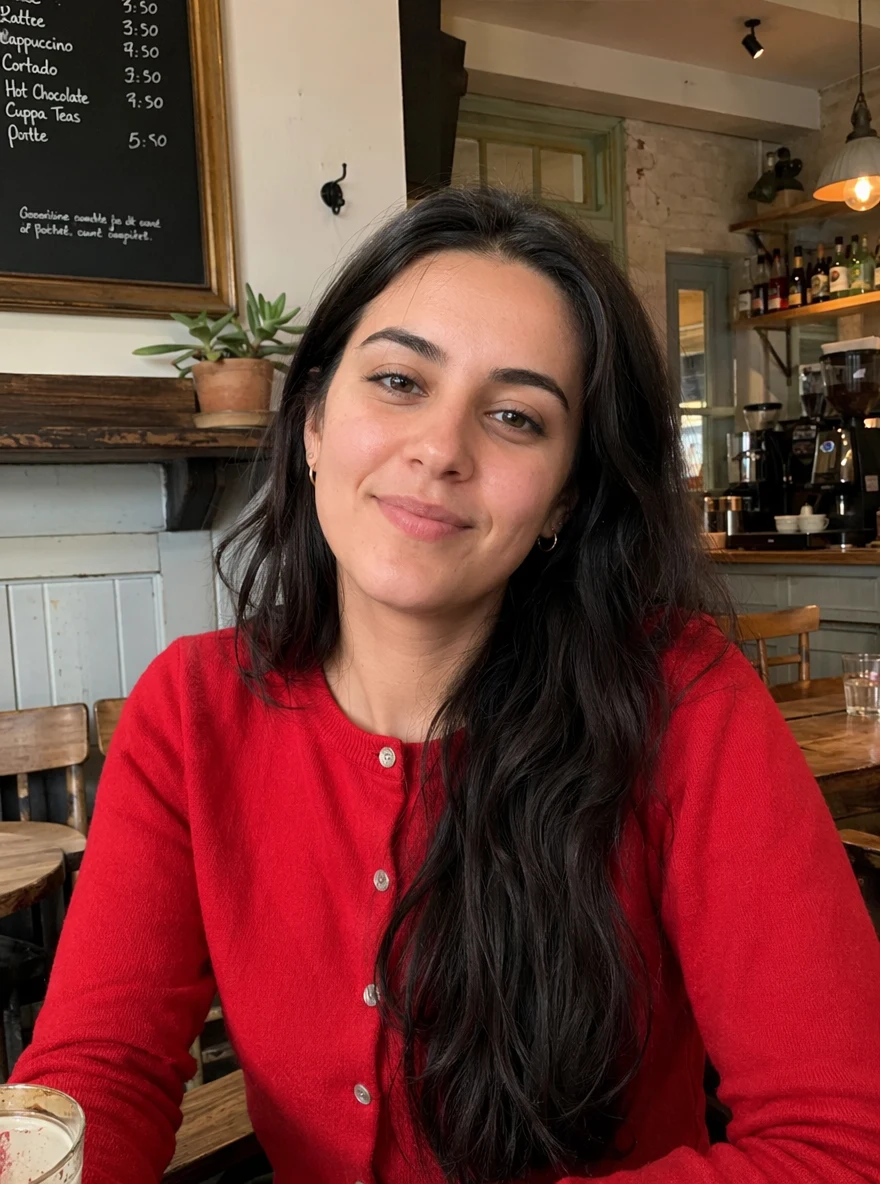 Before
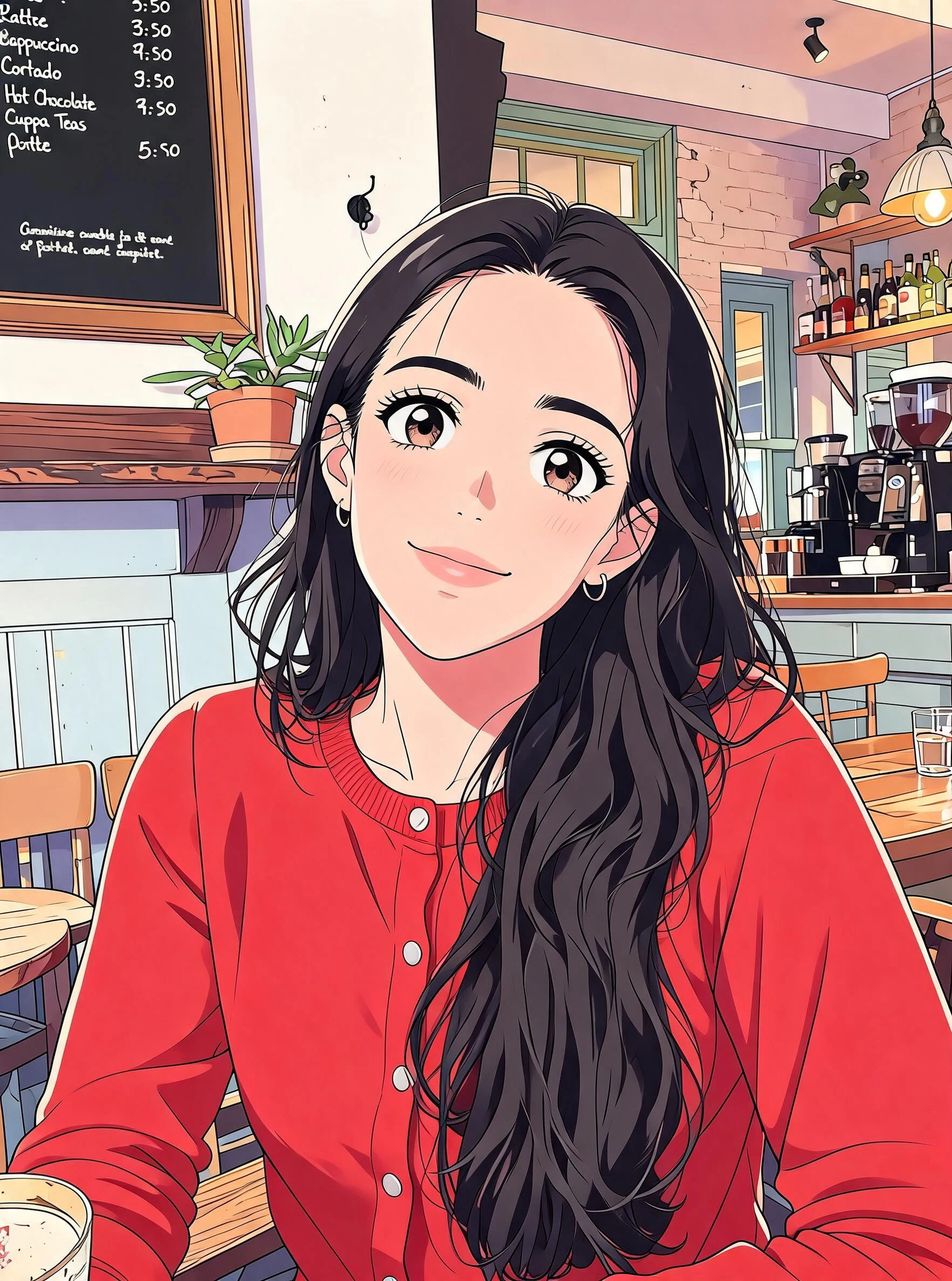 After
After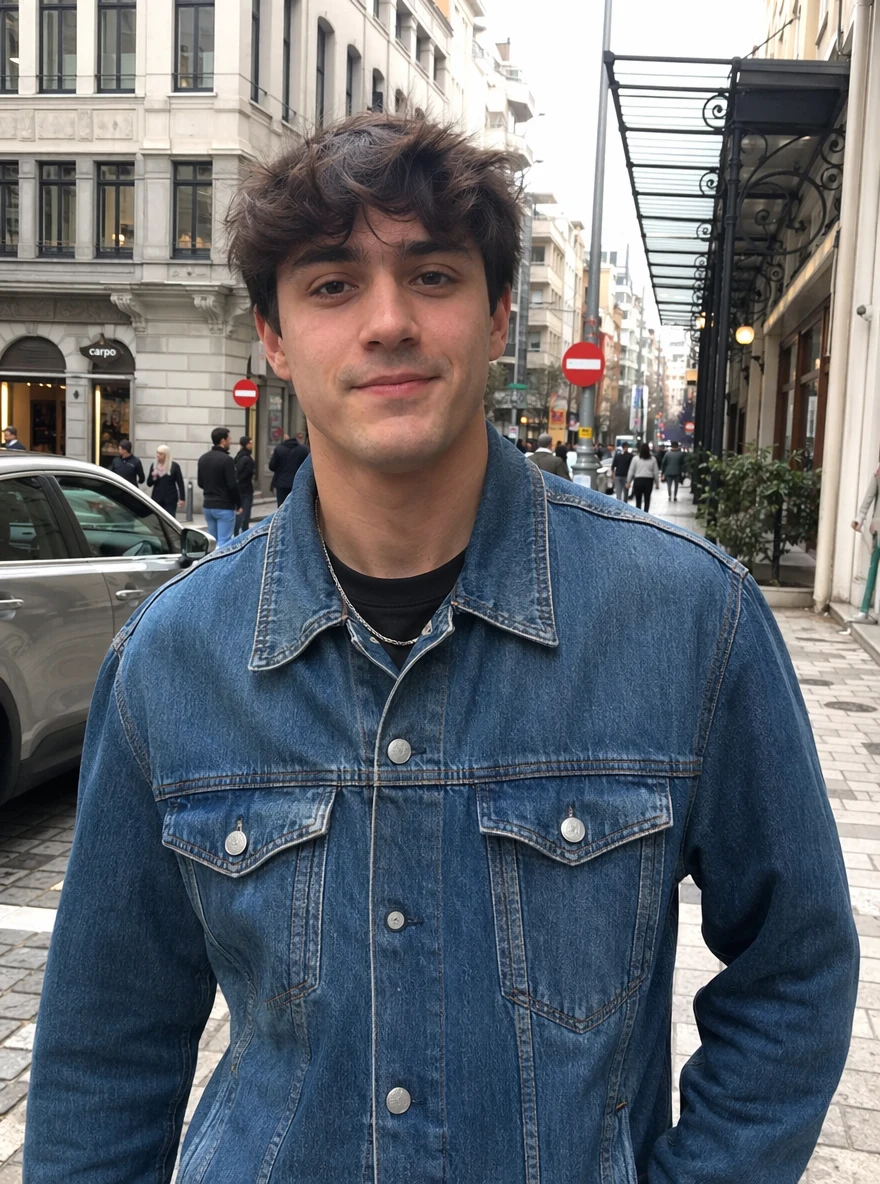 Before
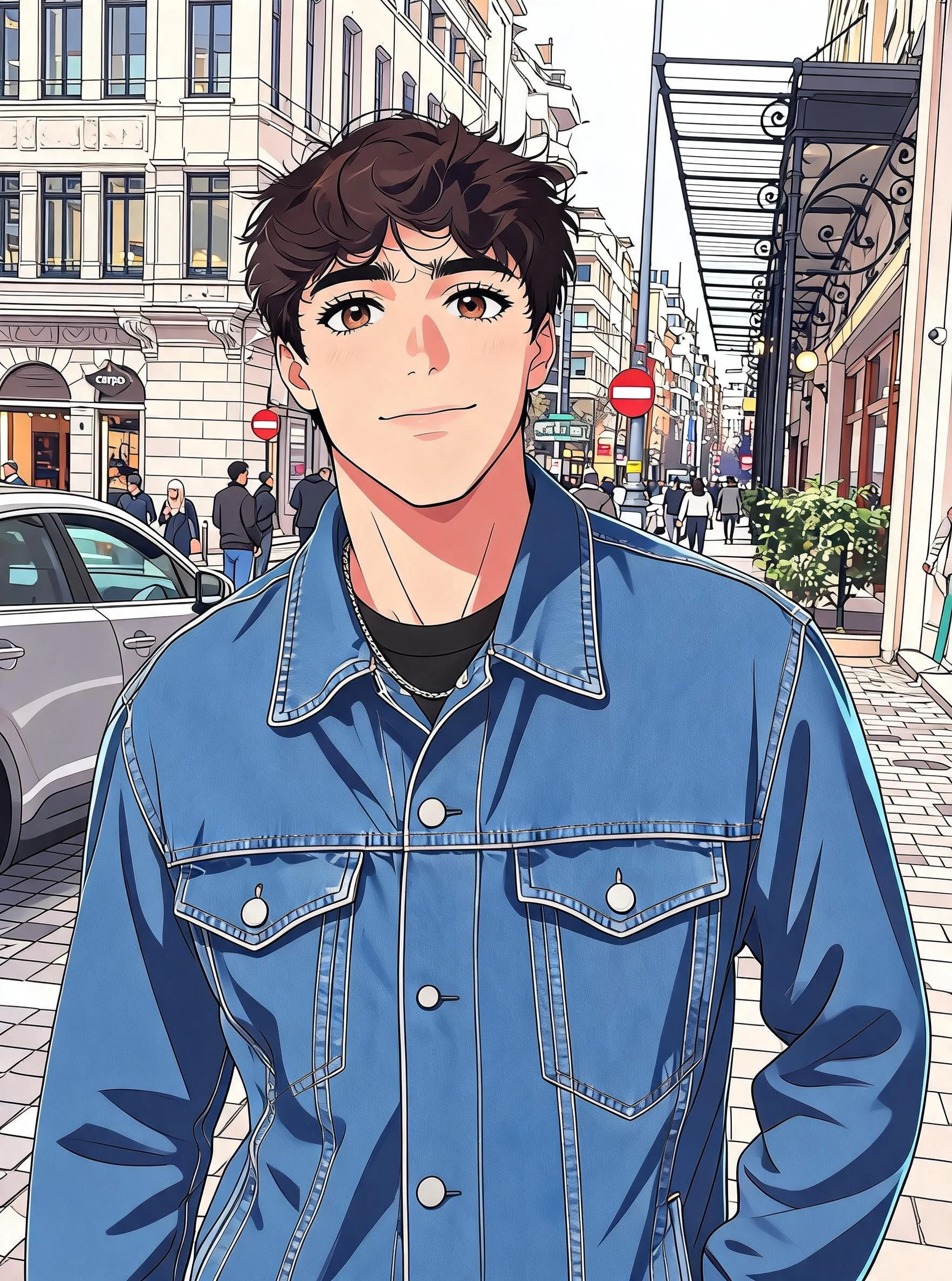 After
After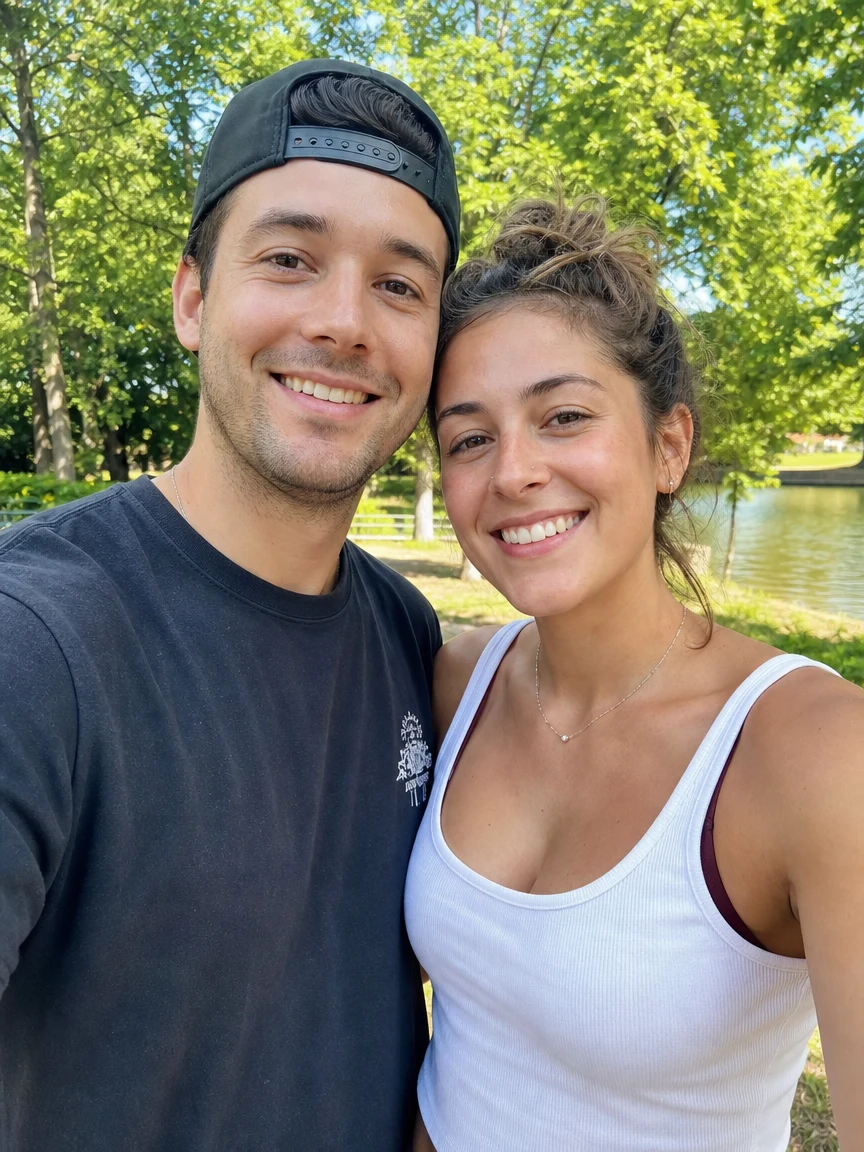 Before
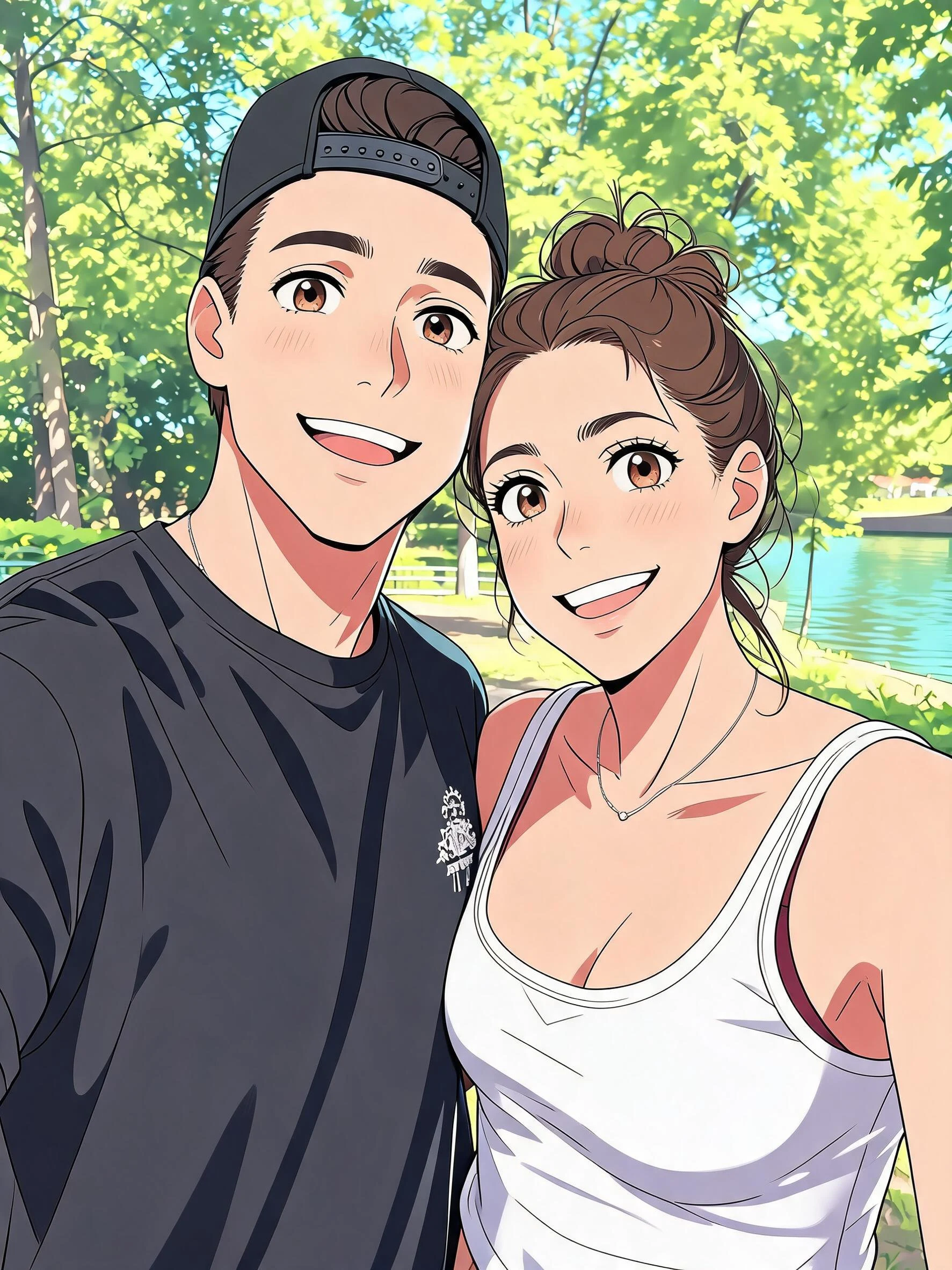 After
AfterAnime her
How to make an AI anime photo
Three steps, right in your browser.
Upload your photo
Drag in or select a clear photo of the person you want to turn into an anime character. A well-lit shot where the face and hair are visible gives the AI the most to work with. Your photo is used only to make your result.
Pick an anime style
Sign in for your 10 free credits, then choose a look — classic anime, black-and-white manga, soft Ghibli-style art, bold JoJo lines, or a cute big-eye toon. The AI redraws your photo into anime while keeping your face and outfit recognizable.
Download and share
Preview your anime portrait, then download it at full resolution with no watermark. Use it as a profile picture, post it as fan art, or print it — and with the animated styles, save a short MP4 to share.
What you can make
Popular ways people use the anime filter.
Anime profile pictures
Turn a selfie into an anime avatar for Discord, X, or your gaming handle — a look that stands out far more than a plain photo.
Manga & comic panels
Redraw yourself or your friends as inky black-and-white manga characters, ready to drop into a comic strip, zine, or fan project.
Cosplay & fandom posts
Show off your favorite art style — from Ghibli softness to bold JoJo lines — and share your anime self with your community.
Gifts for anime fans
Surprise an anime-loving friend with a personalized portrait of them redrawn as a character — a printable, one-of-a-kind gift.
Couples & friends as characters
Restyle a photo of you and your partner or your whole friend group into a matching anime scene worth framing.
Animated anime clips
Bring your anime self to life with the animated styles — a short, shareable clip for reels, stories, or a channel intro.
Styles to choose from
From classic anime to inky manga to soft Ghibli-style art — pick the look that fits your vibe.
Classic anime
A clean, full-color anime portrait with expressive eyes, cel shading, and stylized hair — the go-to way to see yourself as an anime character.
Ghibli-style
Soft, painterly, storybook art with gentle colors and warm light, inspired by the beloved Ghibli look.
Black-and-white manga
Inky manga line art with screentones and dramatic shading, like a panel straight out of a comic.
Bold JoJo lines
High-contrast, dramatic linework and striking poses in the unmistakable JoJo art style.
Big-eye chibi
A cute, big-eyed toon look with a playful, rounded, super-adorable finish.
Why use SharkFoto's anime filter
Real anime art, not a cheap overlay
The AI genuinely redraws your photo with anime line work, cel shading, and stylized hair and eyes, so it reads like character art rather than a flat filter slapped on top.
Many styles in one place
Classic anime, black-and-white manga, soft Ghibli-inspired art, bold JoJo lines, and cute big-eye toon — switch looks from a single photo until you find the one you love.
Keeps your likeness
One clear photo is enough. The AI preserves your face, hairstyle, and outfit so the anime version is unmistakably you, not a random character.
10 free credits, no watermark
Sign up free and get 10 credits to start restyling. Your download comes at full resolution with no watermark, clean enough to post, print, or use as a profile picture.
Tips for the best results
Use a clear, front-facing photo — the AI redraws the face it can see, so a visible, forward-facing shot gives the most recognizable anime portrait.
Pick a photo with good lighting — even lighting helps the AI read your features and keeps the cel shading clean.
Show your hair and outfit — distinctive hair and clothing are what make the anime version clearly look like you.
Use a simple background — busy backgrounds can clutter the redraw and pull focus from the character.
Start from a higher-resolution photo — sharp source images give crisper line work and finer detail in the final art.
Frequently asked questions
Is the AI anime filter really free?
What kind of photo works best?
What anime styles can I choose?
Do I get an image or a video?
How long does it take?
Is my photo safe and private?
Can I use my anime portrait commercially?
Will it still look like me?
Related AI effects
More ways to restyle your photos.