AI Game Character Generator
Turn your photo into a video game character in seconds. SharkFoto's AI game character generator restyles the person in your picture into a playable hero — an RPG adventurer with a stat card, a Street Fighter brawler, a Pokémon-style trainer, or a cozy Stardew Valley farmer — so a single selfie becomes cover-worthy character art. Sign up free to get 10 credits, pick a game style, and download your character — with no watermark — ready to post, stream, or use as an avatar.
 PopularGame Portrait
What is an AI game character generator?
An AI game character generator turns a photo of a person into video-game-style character art — like an RPG hero with a stat card, a fighting-game brawler, or a monster-trainer portrait — without any drawing or design skills. You upload a photo, pick a game style, and download your character as a high-resolution image — or, for the animated Street Fighter Filter style, a short MP4.
All AI Game Character Effects
Ten game character styles — RPG cards, fighting-game brawlers, pixel farmers, monster-trainer art and more. Pick one to start generating.
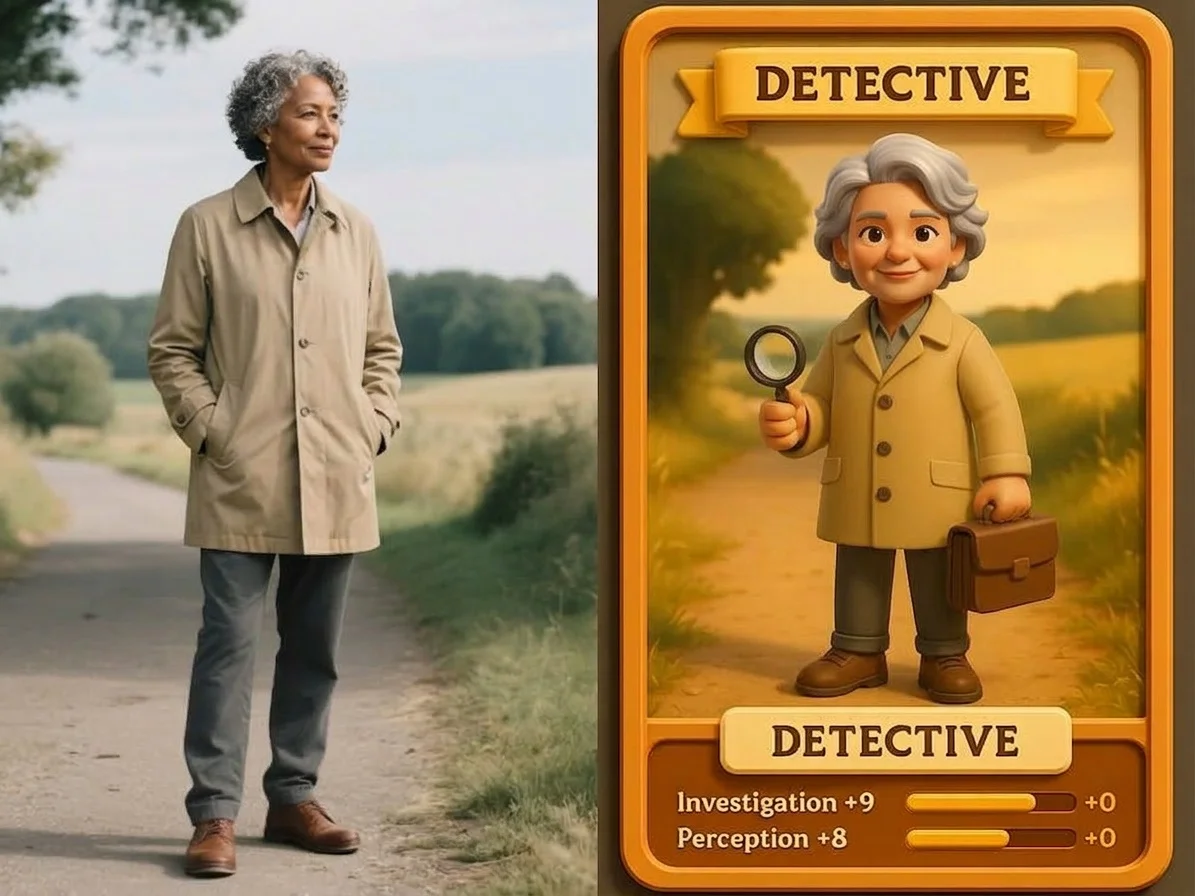
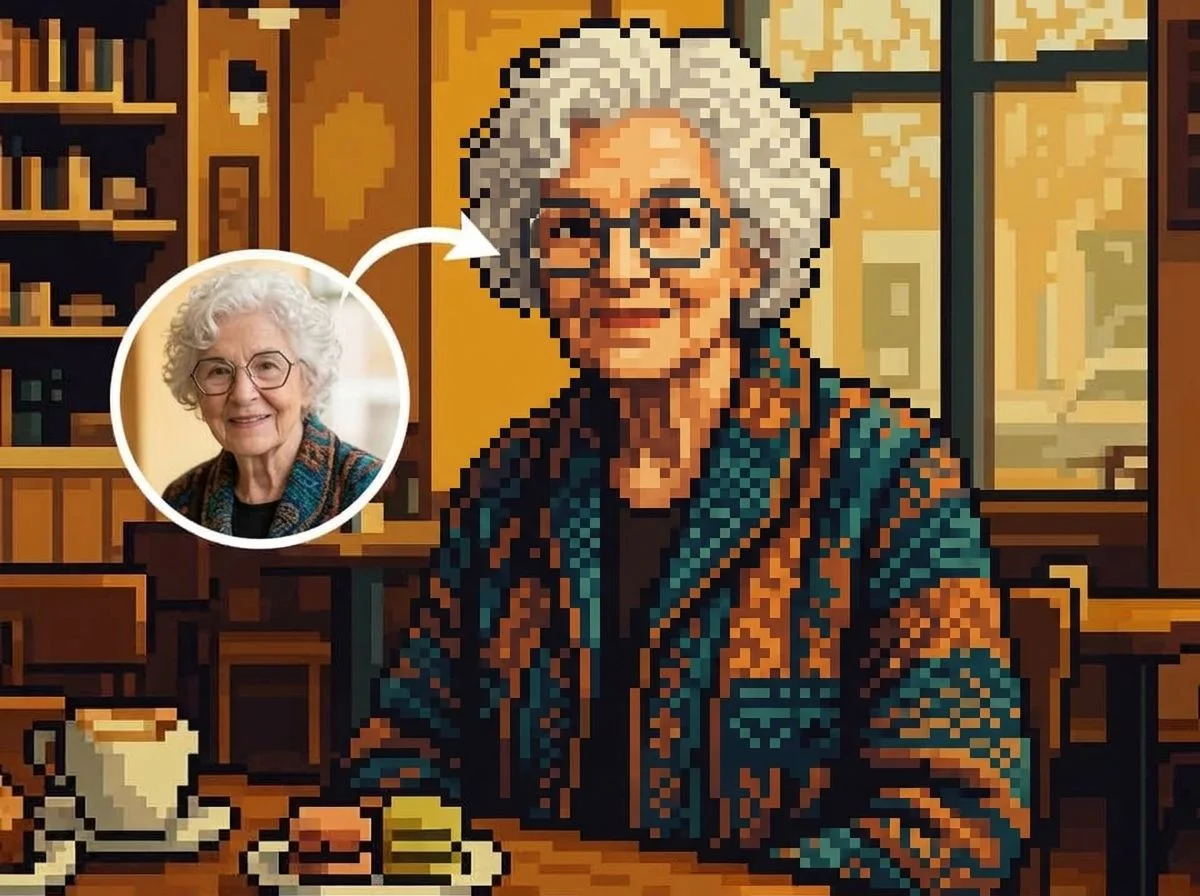
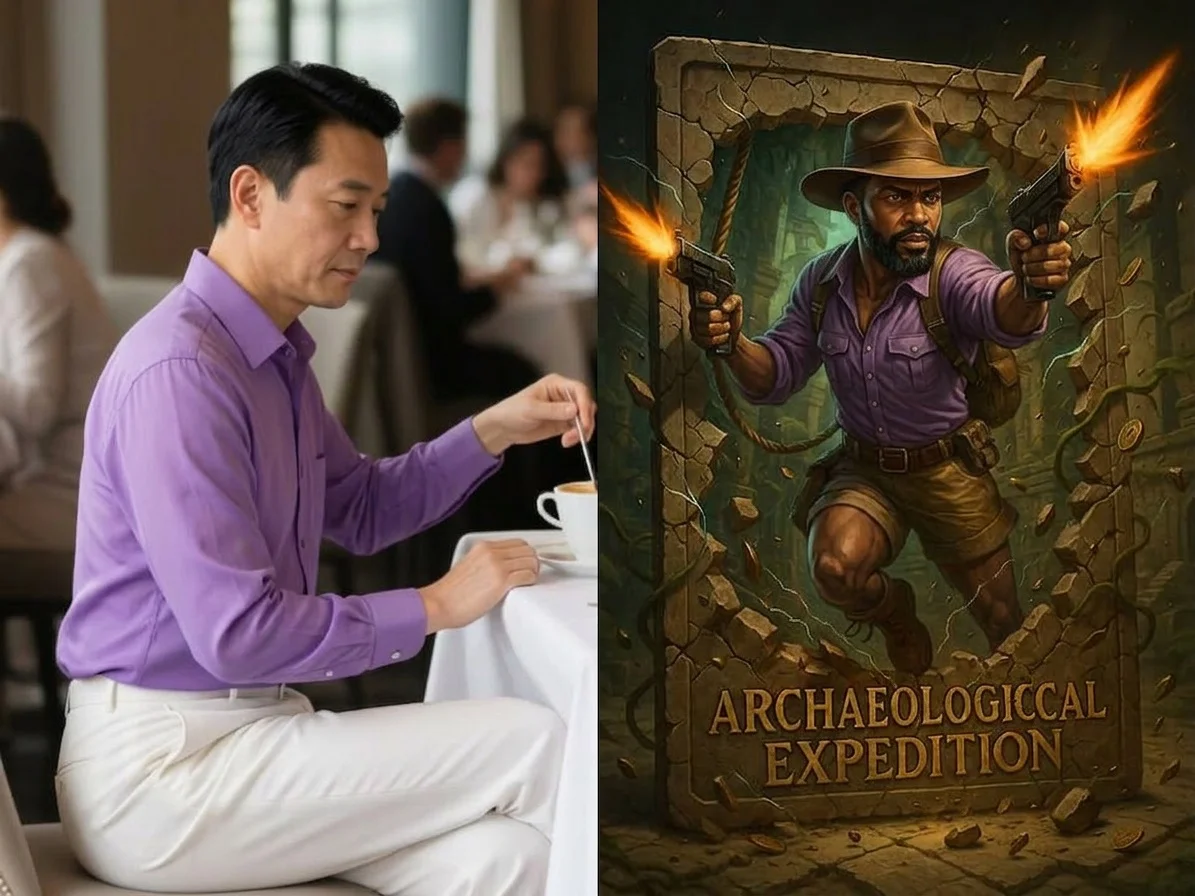
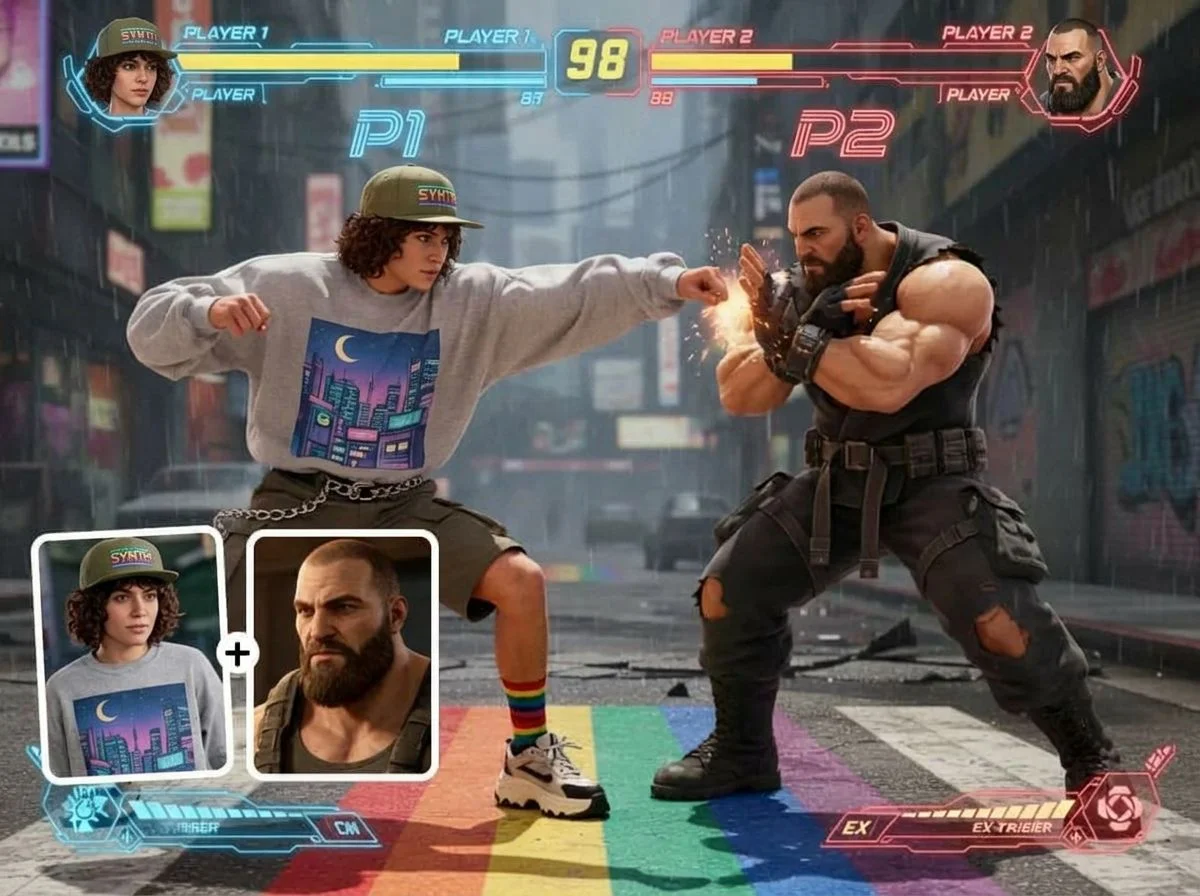
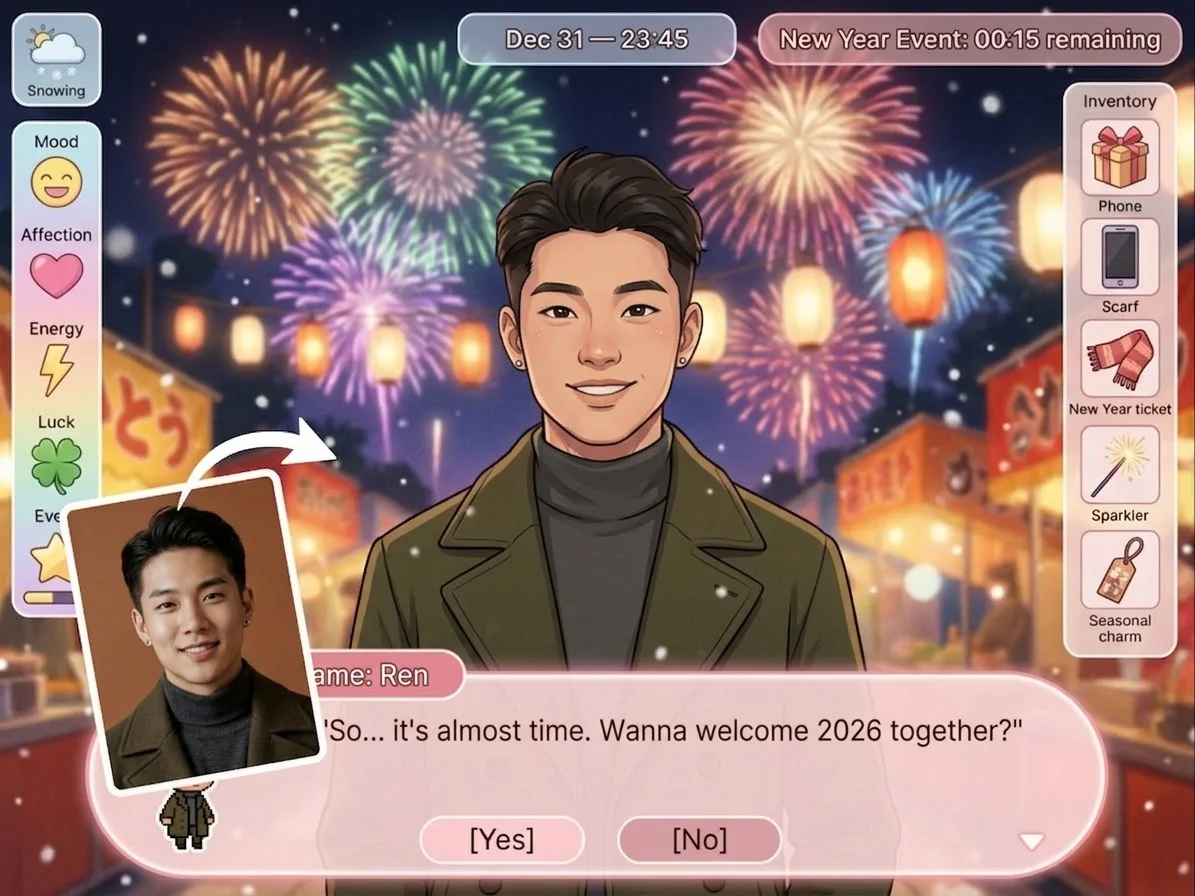
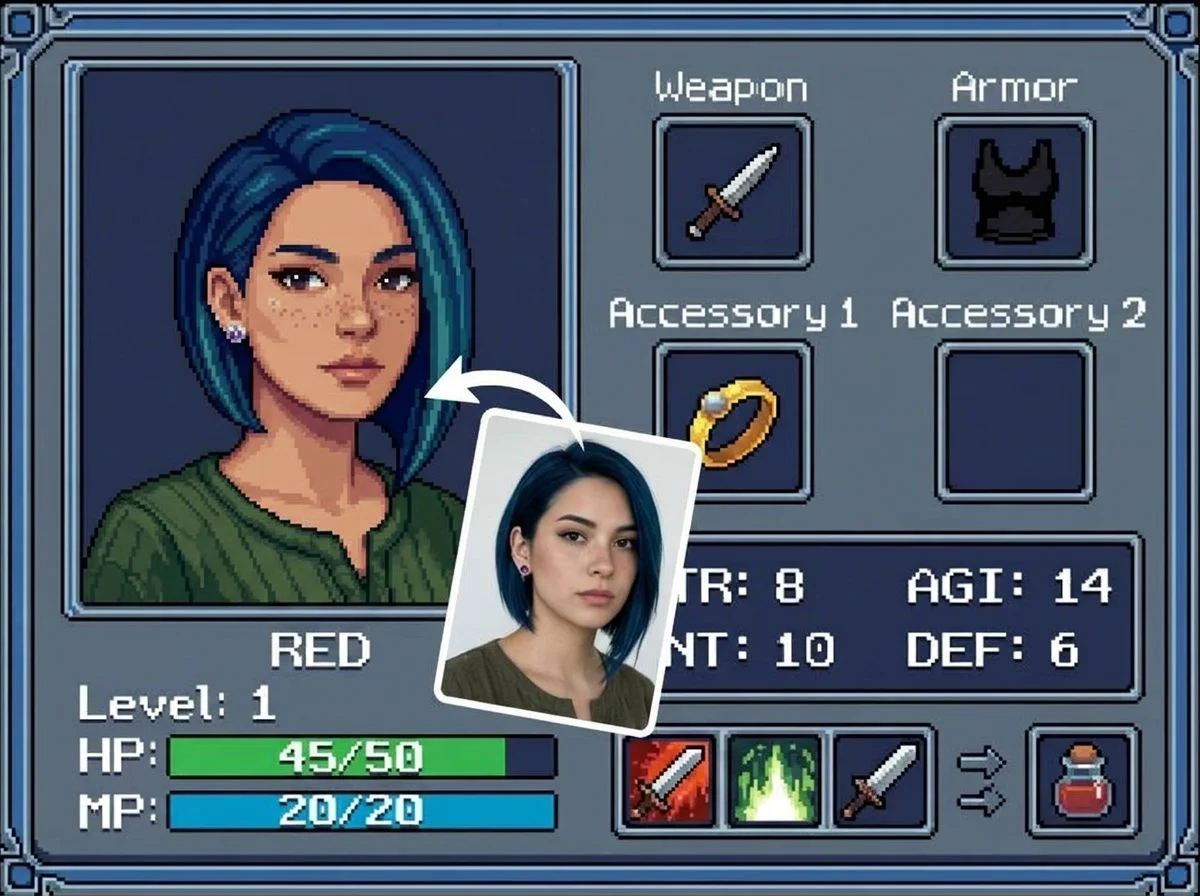
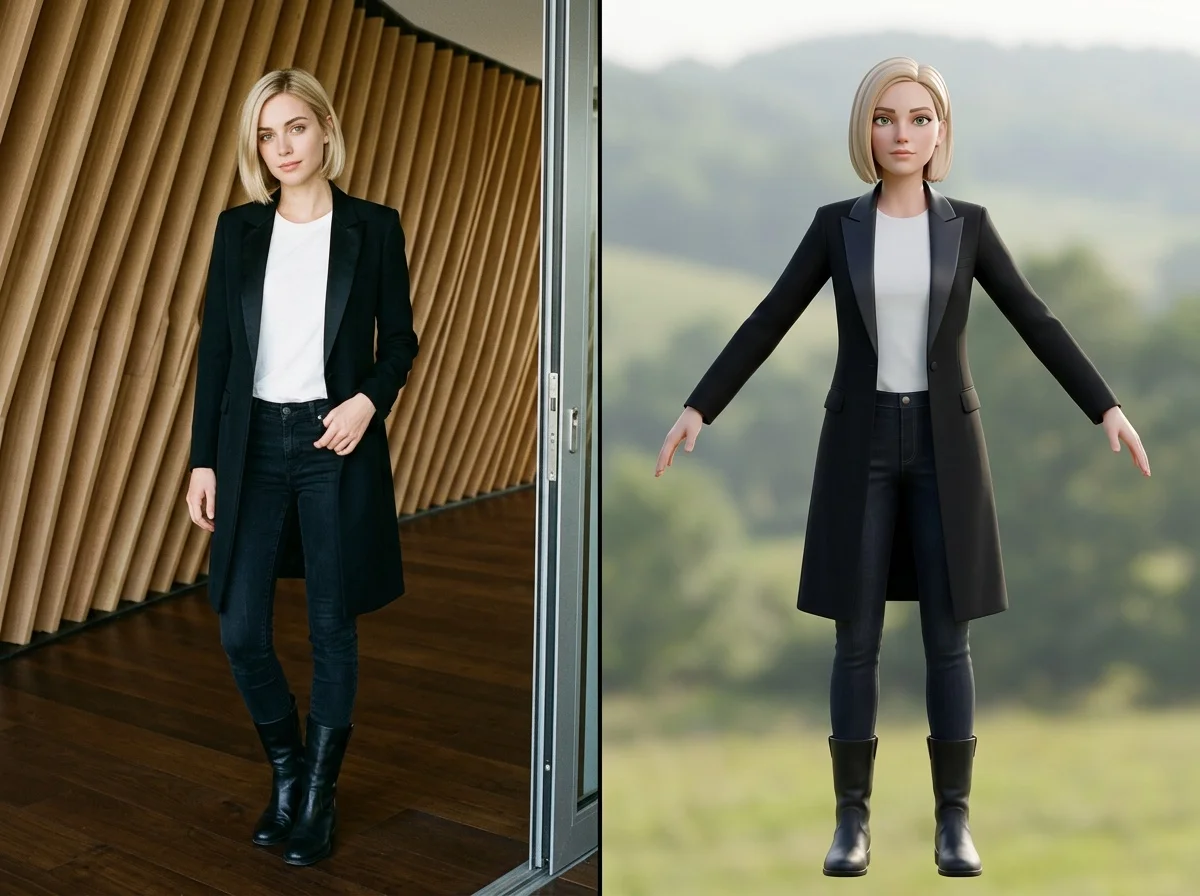

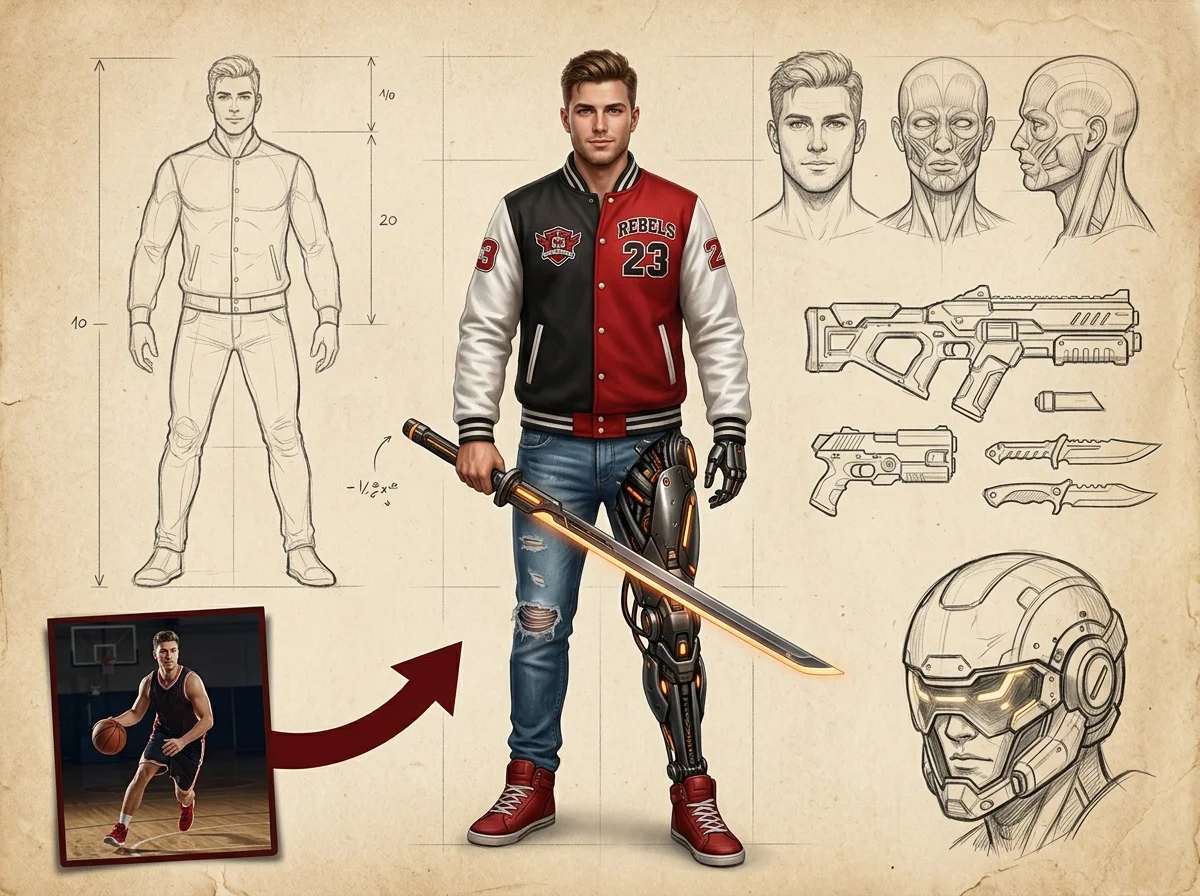
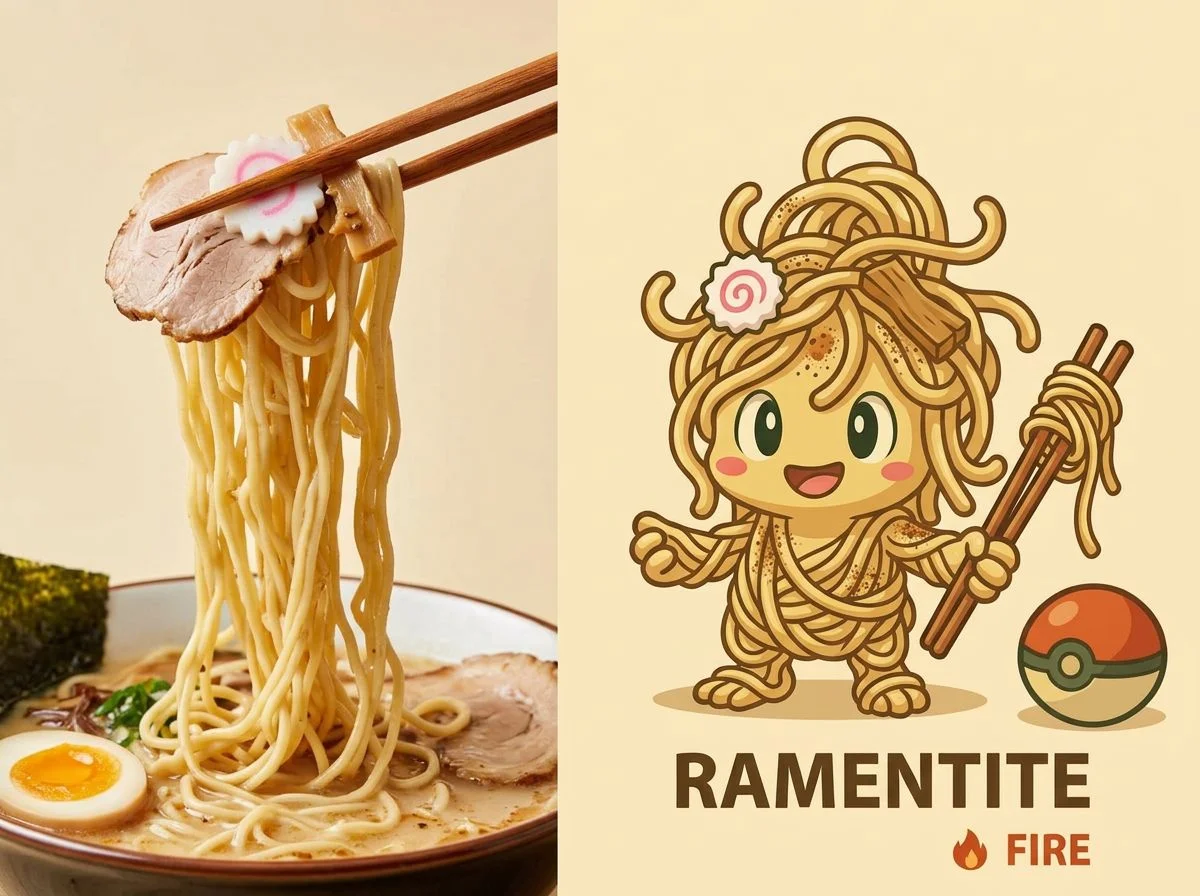

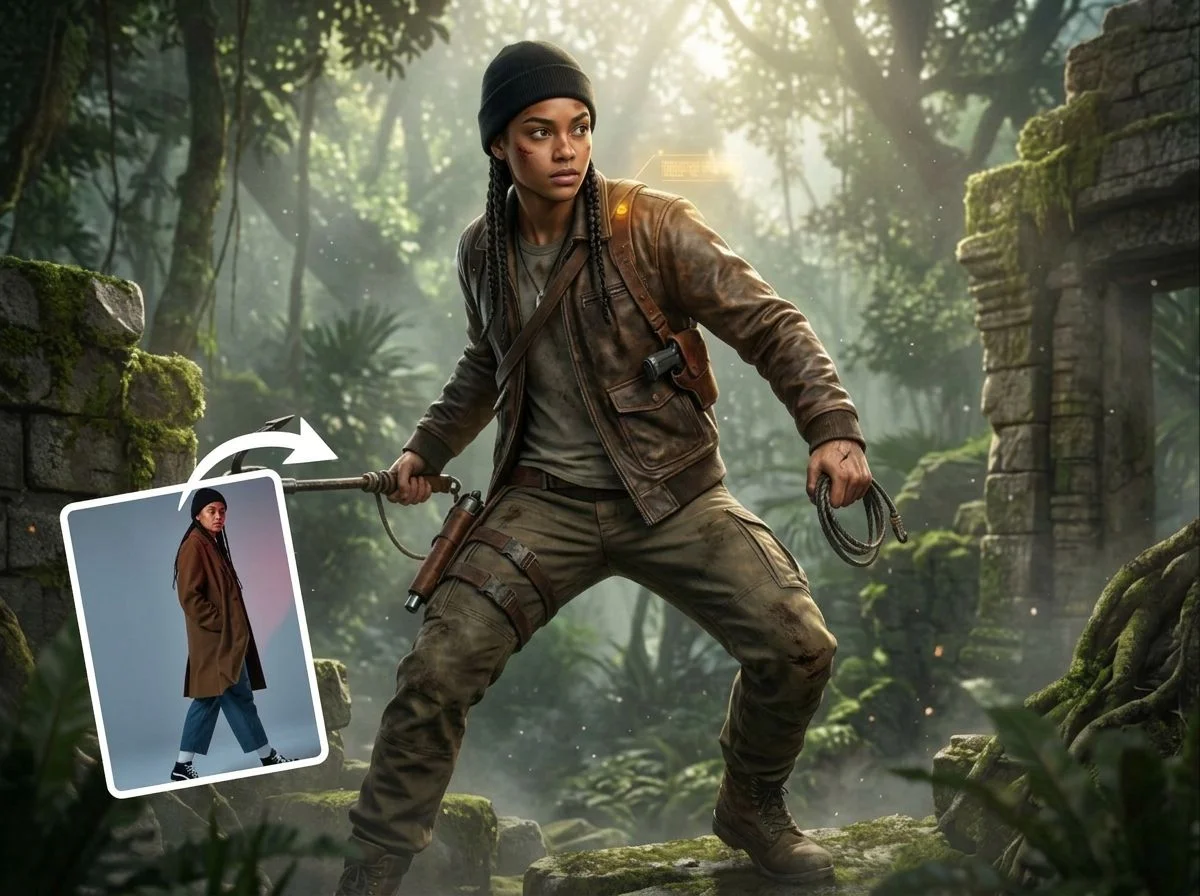
Before & after
A photo, turned into a playable game character.
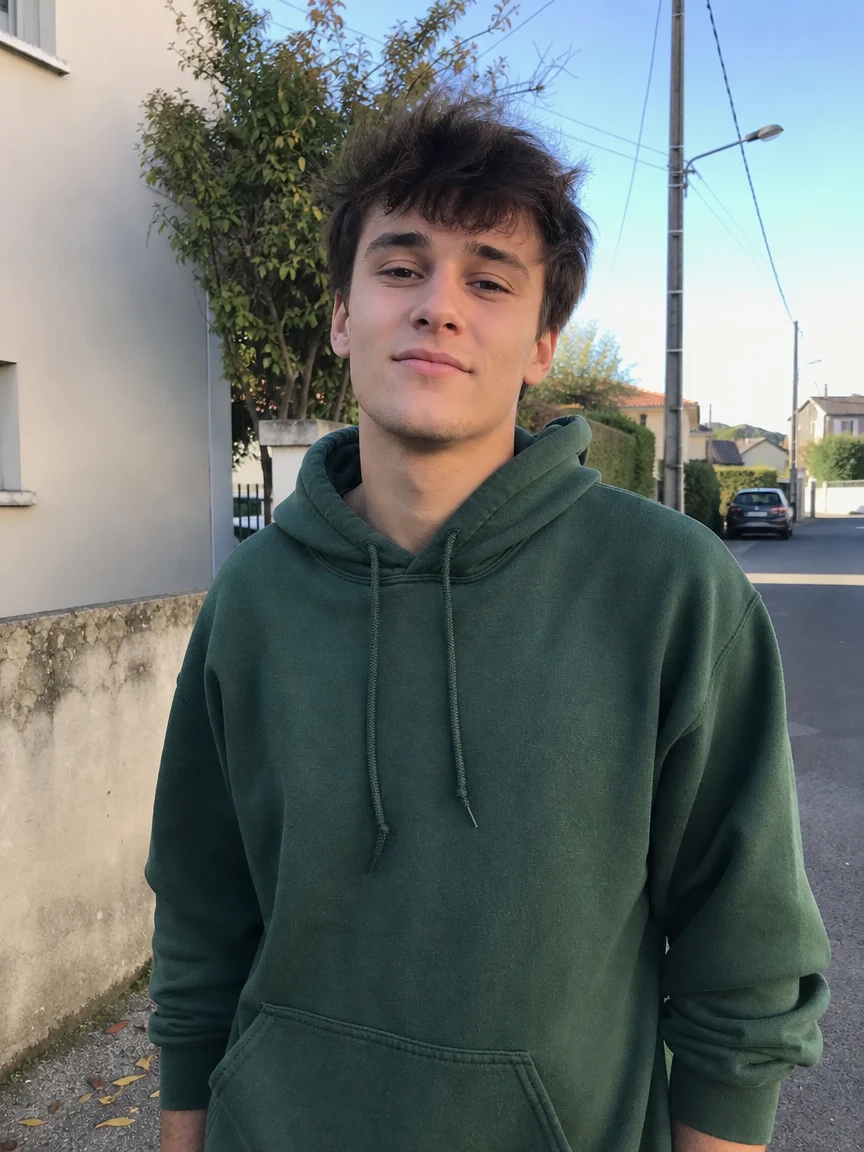 Before
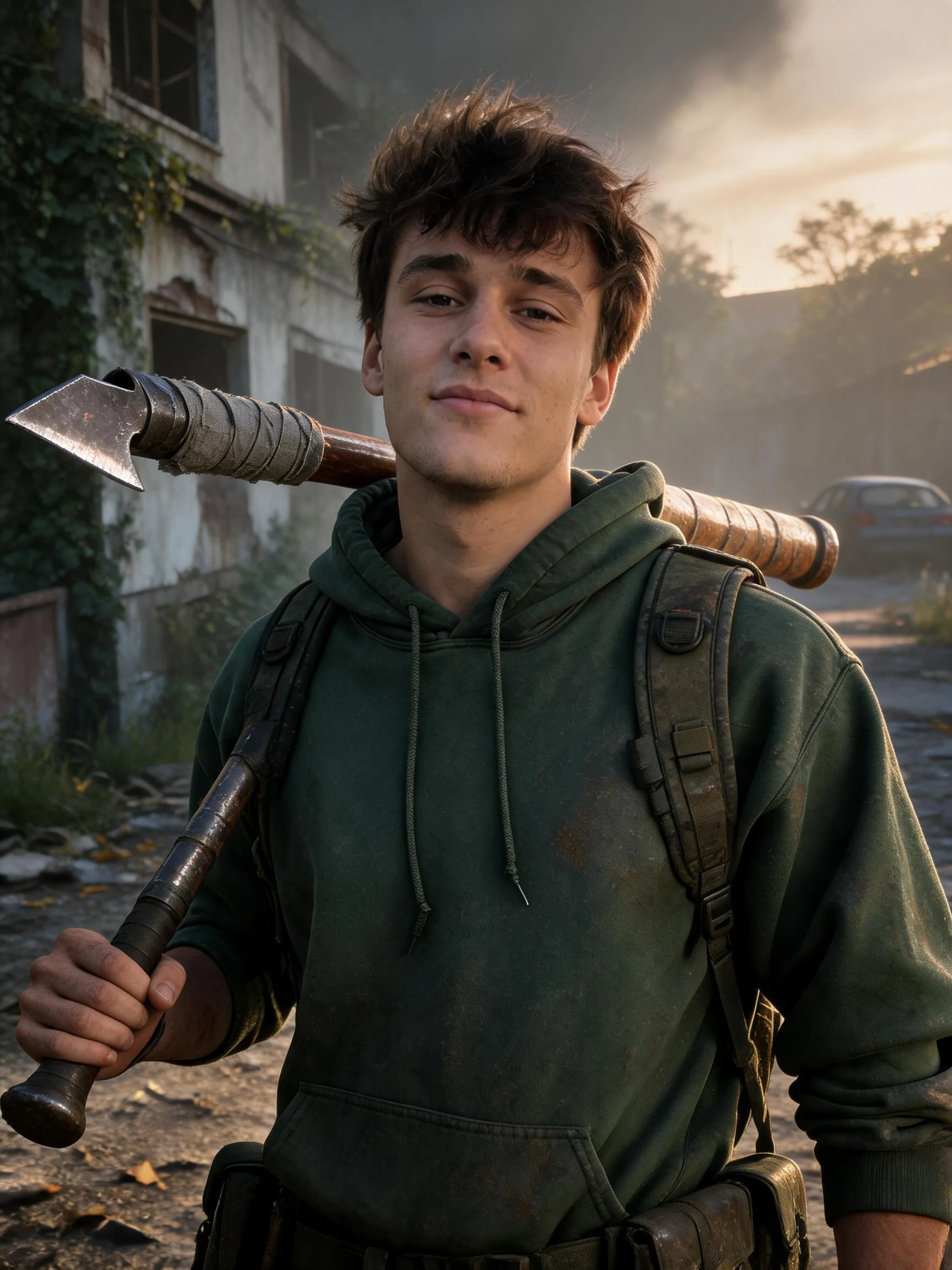 After
After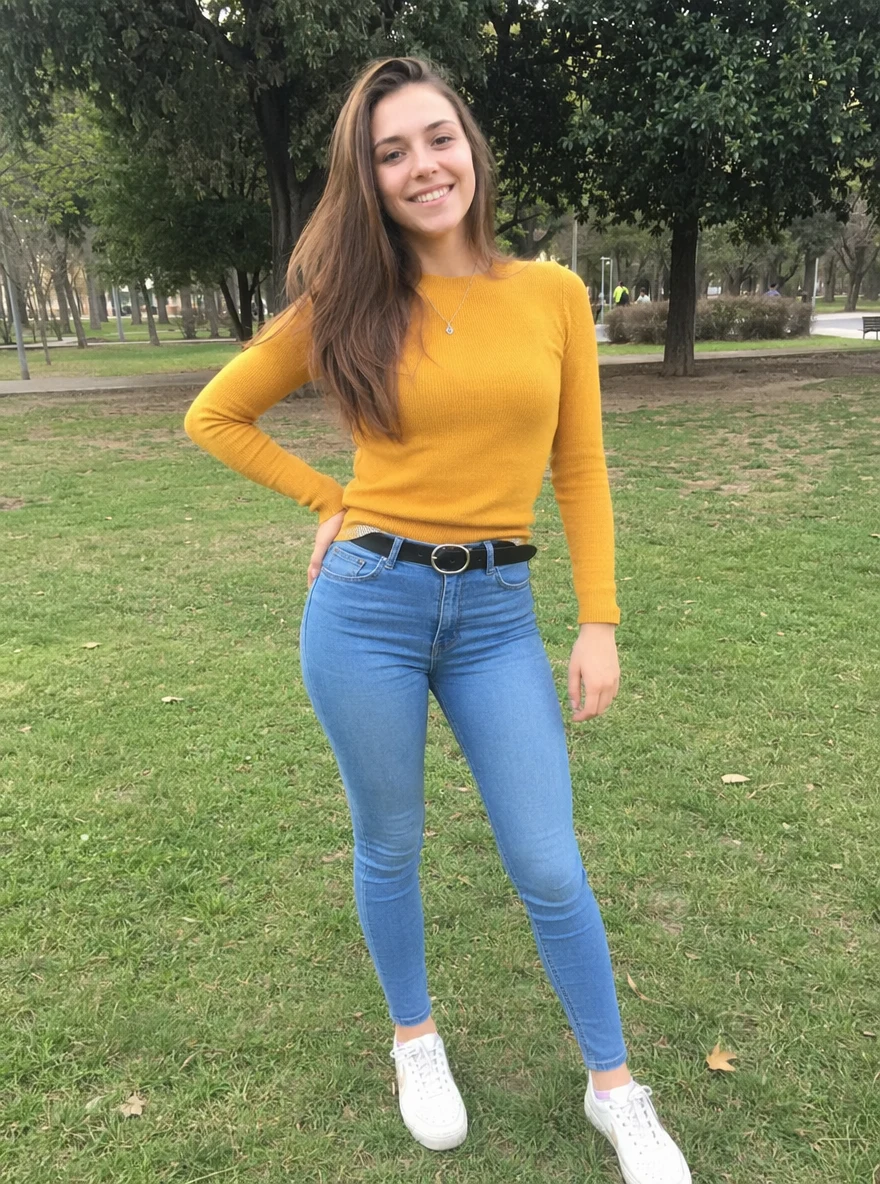 Before
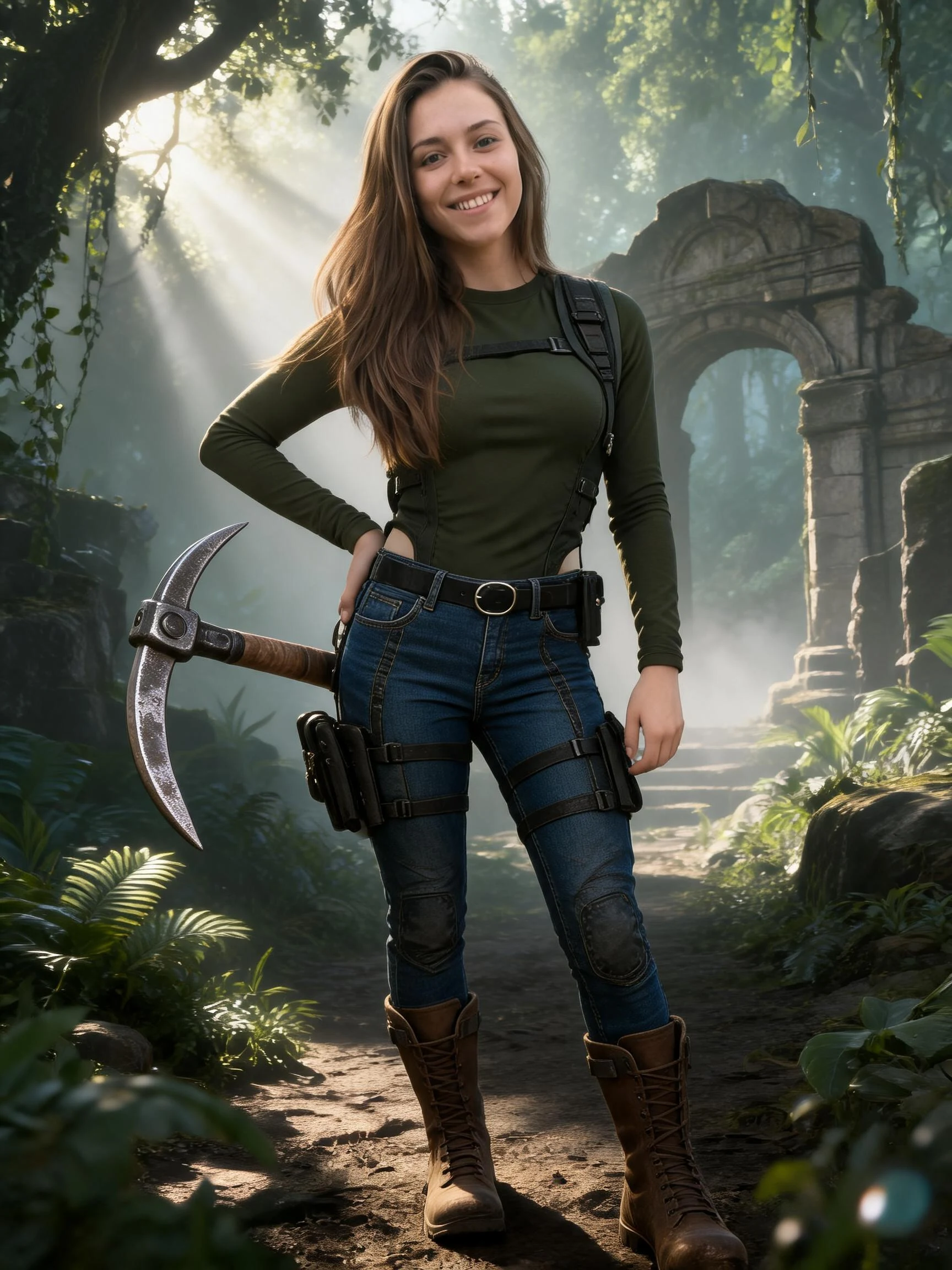 After
After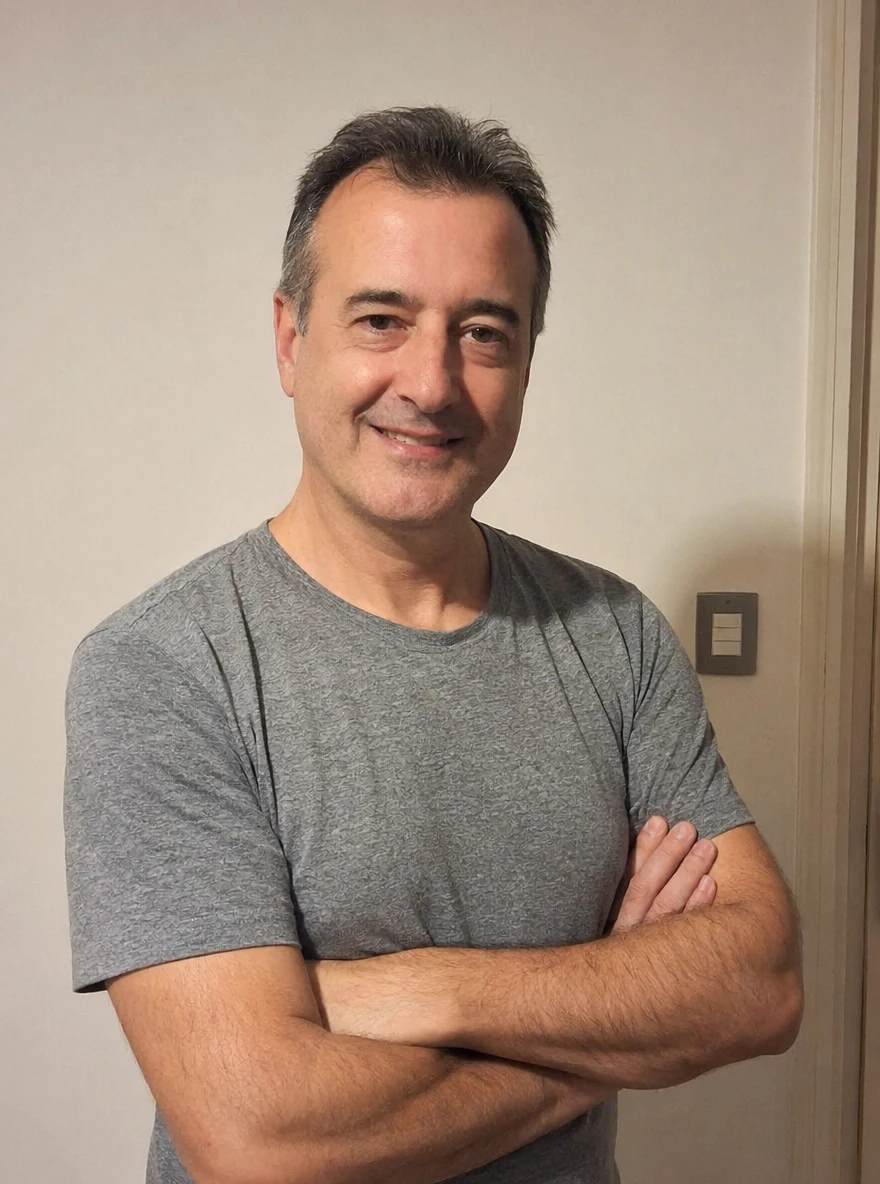 Before
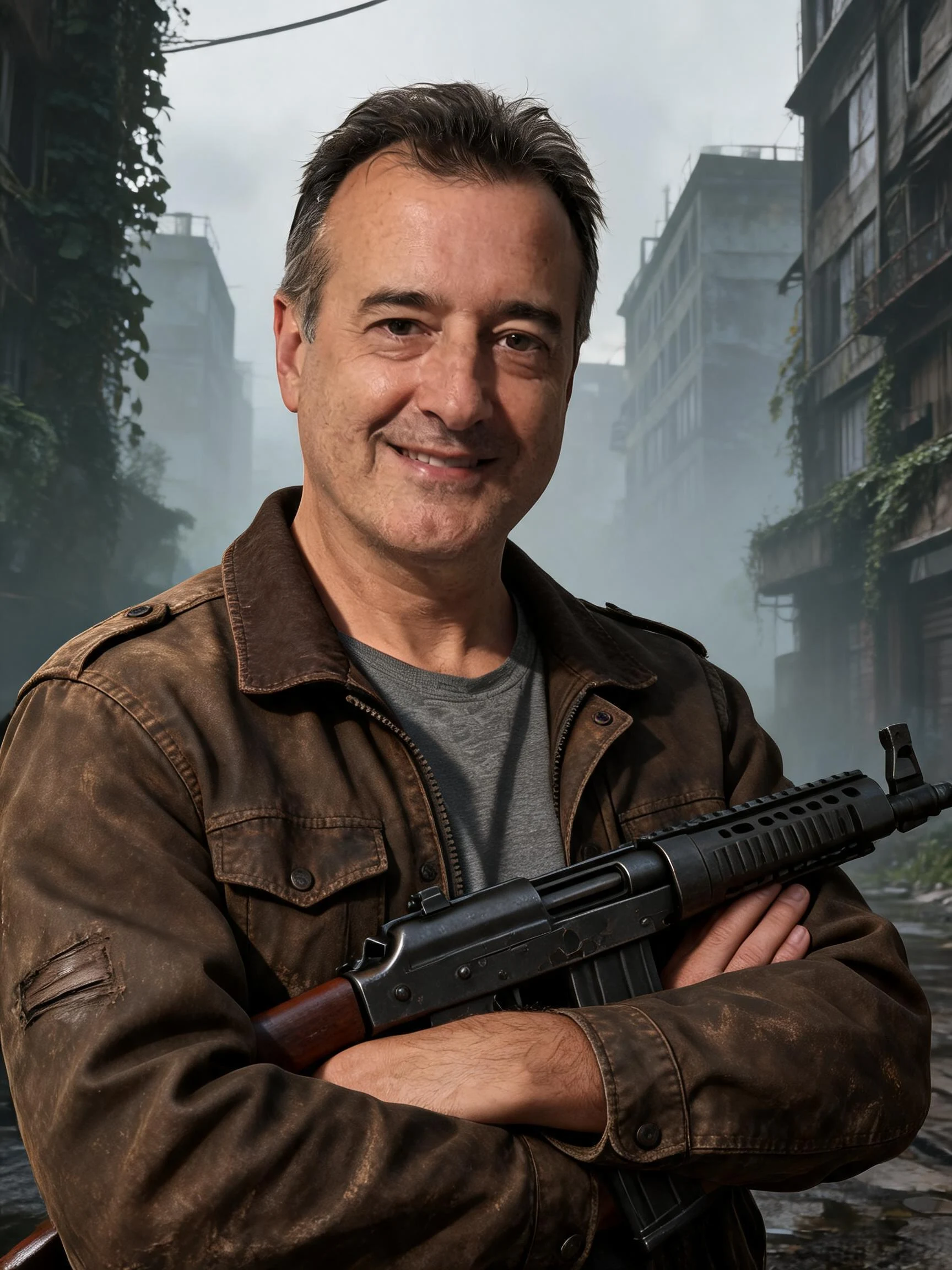 After
AfterMan Street
How to make an AI game character
Three steps, right in your browser.
Upload your photo
Drag in or select a clear photo of the person you want to turn into a game character. A well-lit shot where the face and pose are visible gives the AI the most to work with. Your photo is used only to make your result.
Pick a game style
Sign in for your 10 free credits, then choose a look — an RPG hero card, a fighting-game brawler, a monster-trainer portrait, or a cozy pixel farmer. The AI reimagines your photo as a game character while keeping your likeness recognizable.
Download and share
Preview your character, then download it at full resolution with no watermark. Use it as a profile picture or stream avatar, post it to your feed, or drop it into a character roster.
What you can make
Popular ways people use the game character generator.
Become the hero
Turn yourself into a playable RPG hero or fighting-game brawler complete with class, gear, and stats — all from one selfie.
Profile pics & avatars
Give your Discord, Steam, or social profile a custom game-character avatar that actually looks like you.
Streamers & creators
Build a game-styled persona for thumbnails, overlays, and channel art that ties your look to the games you play.
Roster & party art
Make matching character cards for your whole squad or guild, so every player has a hero portrait in the same style.
Cosplay & fandom
Show off a favorite game universe by casting yourself as a fighter, trainer, or adventurer to share with your community.
Gifts for gamers
Surprise a gamer friend with a personalized character card of them — a fun birthday or holiday idea no one else will have.
Styles to choose from
From RPG stat cards to fighting-game rosters — pick the game world your character belongs in.
RPG hero card
A role-playing character card with class, gear, and stats, like a hero pulled from a fantasy game menu.
Fighting-game brawler

A bold arcade fighter in a Street Fighter-style roster pose, ready for the character select screen.
Monster-trainer art
A colorful trainer-style portrait in the look of a creature-collecting adventure game.
Cozy pixel farmer
A charming Stardew Valley-style farm character rendered in warm, retro pixel art.
Why use SharkFoto's game character generator
Real game-art styling
The AI reimagines a flat photo as character art with game-style lighting, rendering, and detail, so it reads like a screen from an actual game rather than a quick filter.
Many game worlds in one place
Go from a fantasy RPG stat card to an arcade fighter, a monster-trainer portrait, or a cozy pixel farmer — a whole roster of game styles from a single upload.
Keeps your likeness
No drawing or design skills needed. One clear photo is enough to generate a character that keeps your face, hairstyle, and outfit recognizable.
10 free credits, no watermark
Sign up free and get 10 credits to start generating characters. Your download comes at full resolution with no watermark, so it's clean enough to post, stream, or use as an avatar.
Tips for the best results
Use a half-body or full-body photo — the AI has more to work with than a tight face crop, so your pose and outfit carry into the character art.
Pick a photo with a clear, confident pose — a strong stance reads well as a hero or roster pose in the final character.
Use a plain background — busy backgrounds can bleed into the game scene and clutter the character.
Make sure the face is well lit — even lighting keeps your likeness accurate as the AI restyles you.
Start from a higher-resolution photo — low-res images limit the fine detail in the final character art.
Frequently asked questions
Is the AI game character generator really free?
What kind of photo works best?
Do I get an image or a video?
How long does it take to generate a game character?
Is my photo safe and private?
Can I use my game character commercially?
Will it still look like me?
Can I turn a photo of a friend into a character?
Related AI effects
More ways to reimagine your photos.