AI Plush Toy Generator
Turn your photo into an adorable plush toy in seconds. SharkFoto's AI plush toy generator restyles the person, pet, or character in your picture into a soft, stitched stuffed toy — a Jellycat-style plushie, a felt figurine, a knitted doll, or a cuddly plush pillow — so one photo becomes a huggable collectible. Sign up free to get 10 credits, pick a plushie style, and download your plush toy — with no watermark — ready to post, gift, or turn into a real stuffed toy.
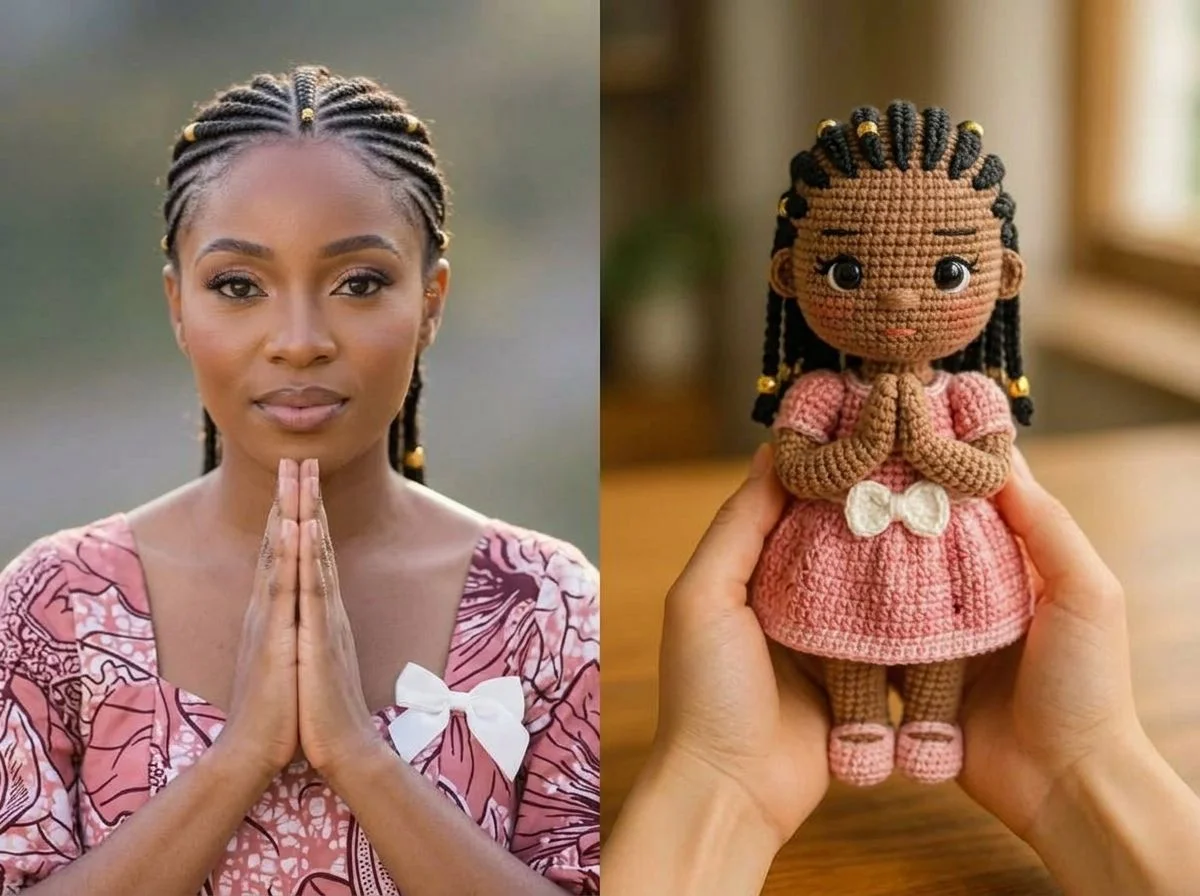 PopularAI Knitted Doll Generator
What is an AI plush toy generator?
An AI plush toy generator turns a photo of a person, pet, or character into a soft-toy version of itself — typically rendered as a stitched, stuffed plushie with fabric texture, seams, and button-like eyes — without any sewing or crafting skills. You upload a photo, pick a plush style, and download a high-resolution image of the result.
All AI Plush Toy Effects
Ten ways to go plush — soft toys, felt figurines, knitted dolls, plush pillows and more. Pick one to start generating.
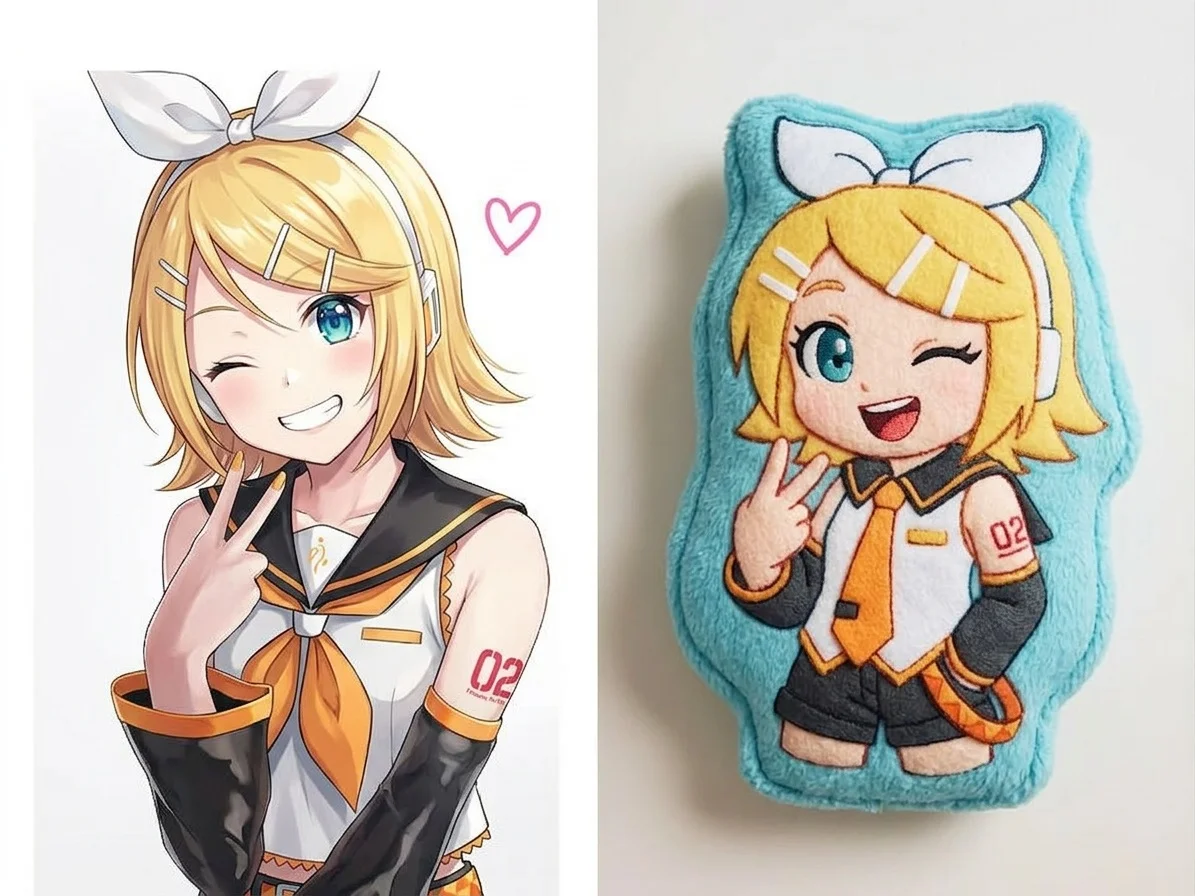

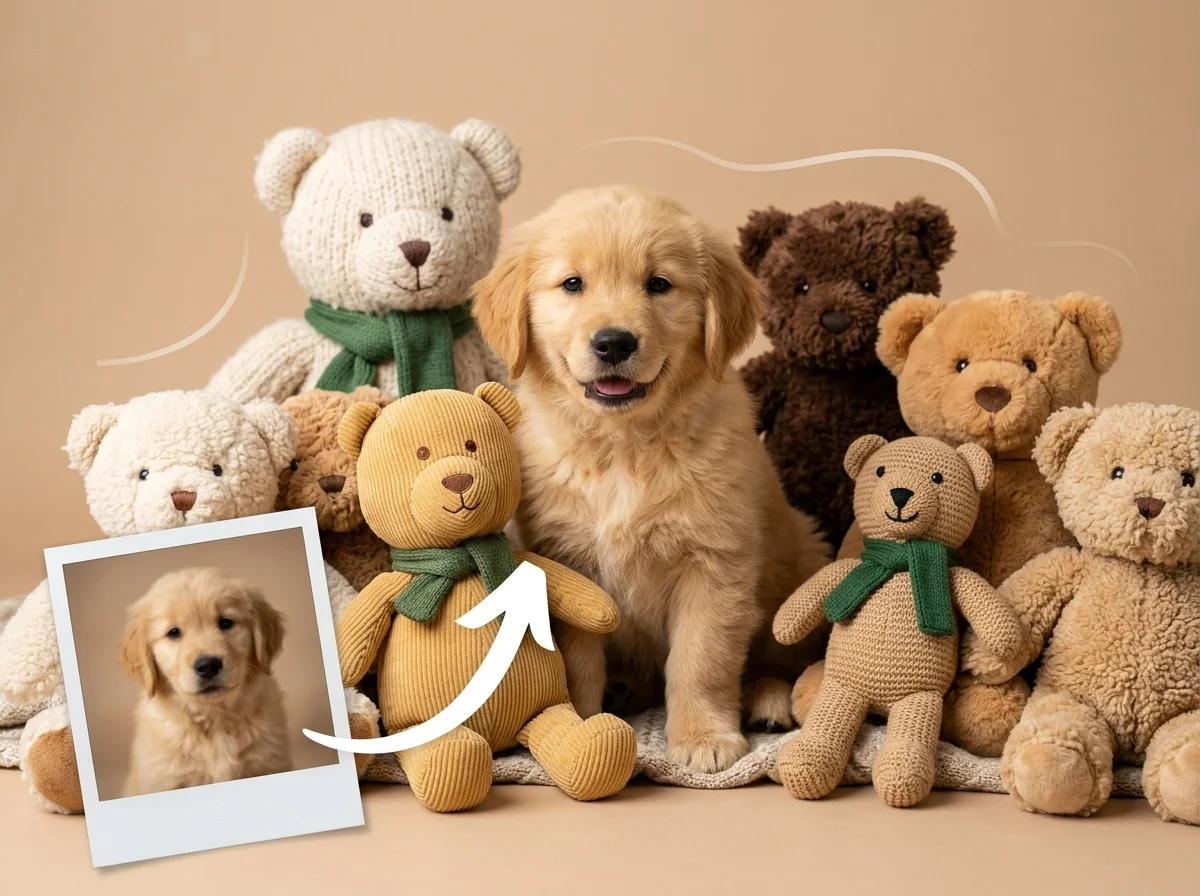

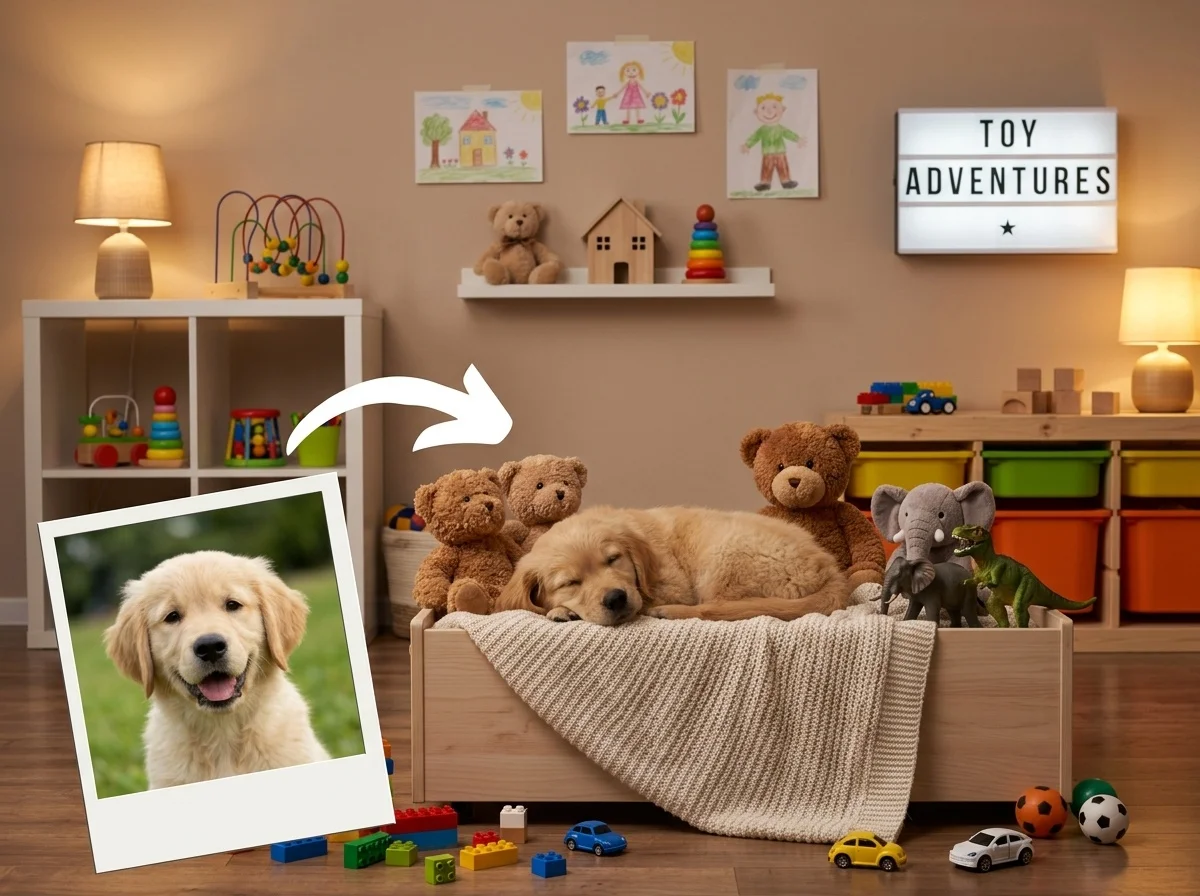
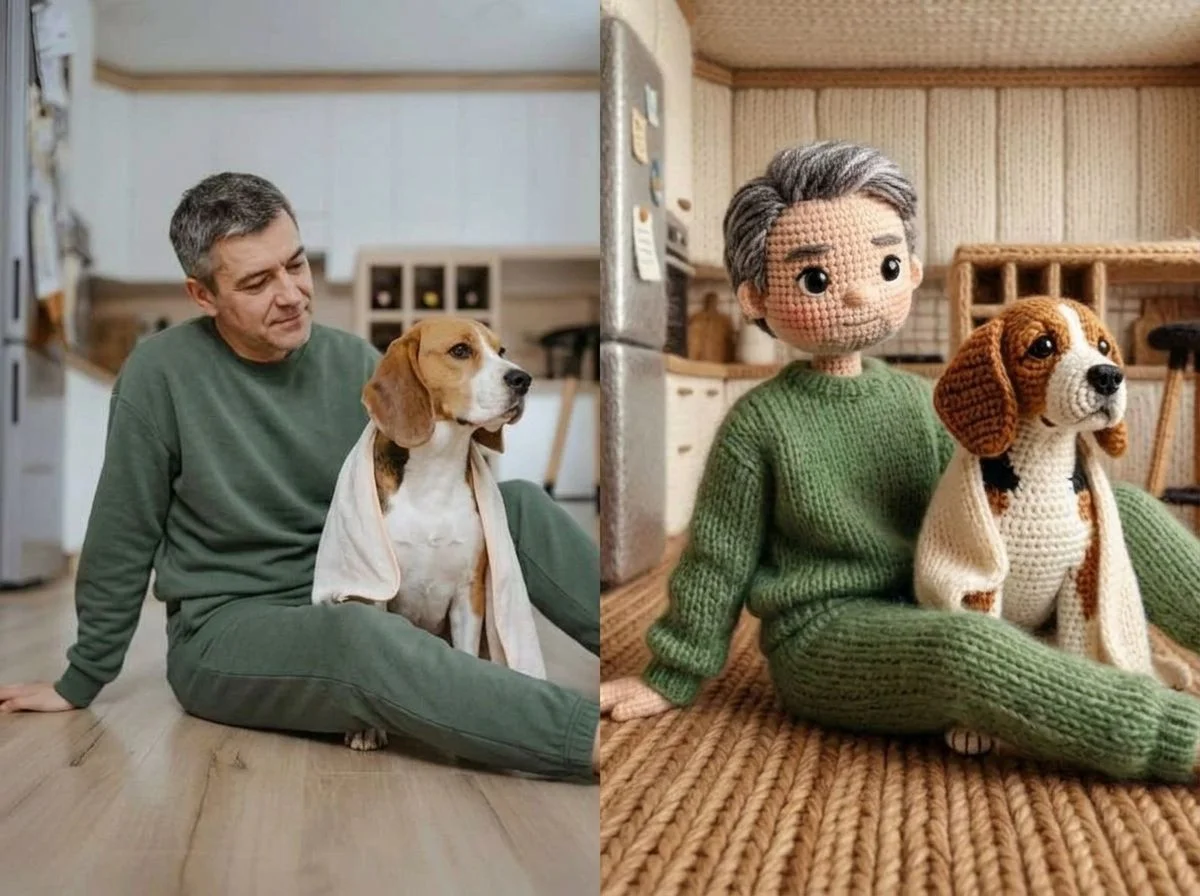

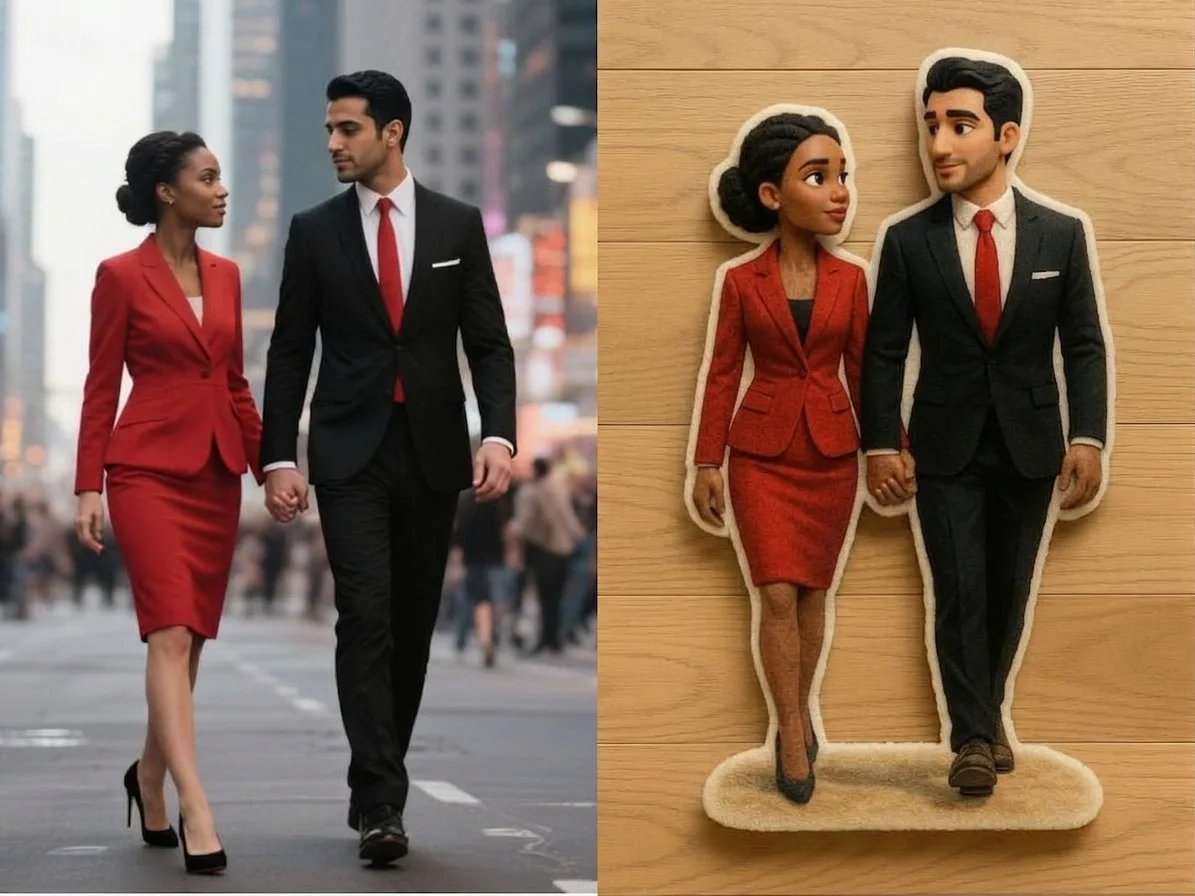

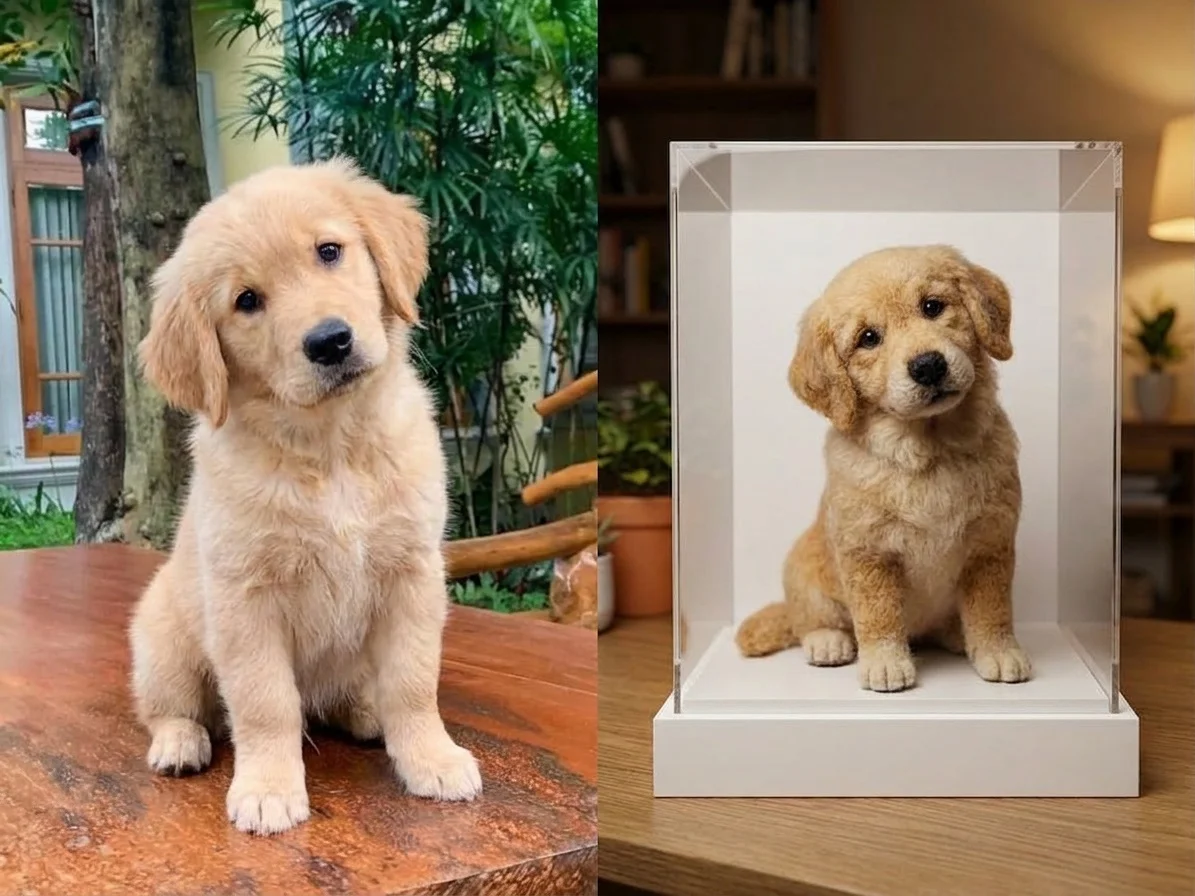

Before & after
A real selfie, turned into a plush toy.
 Before
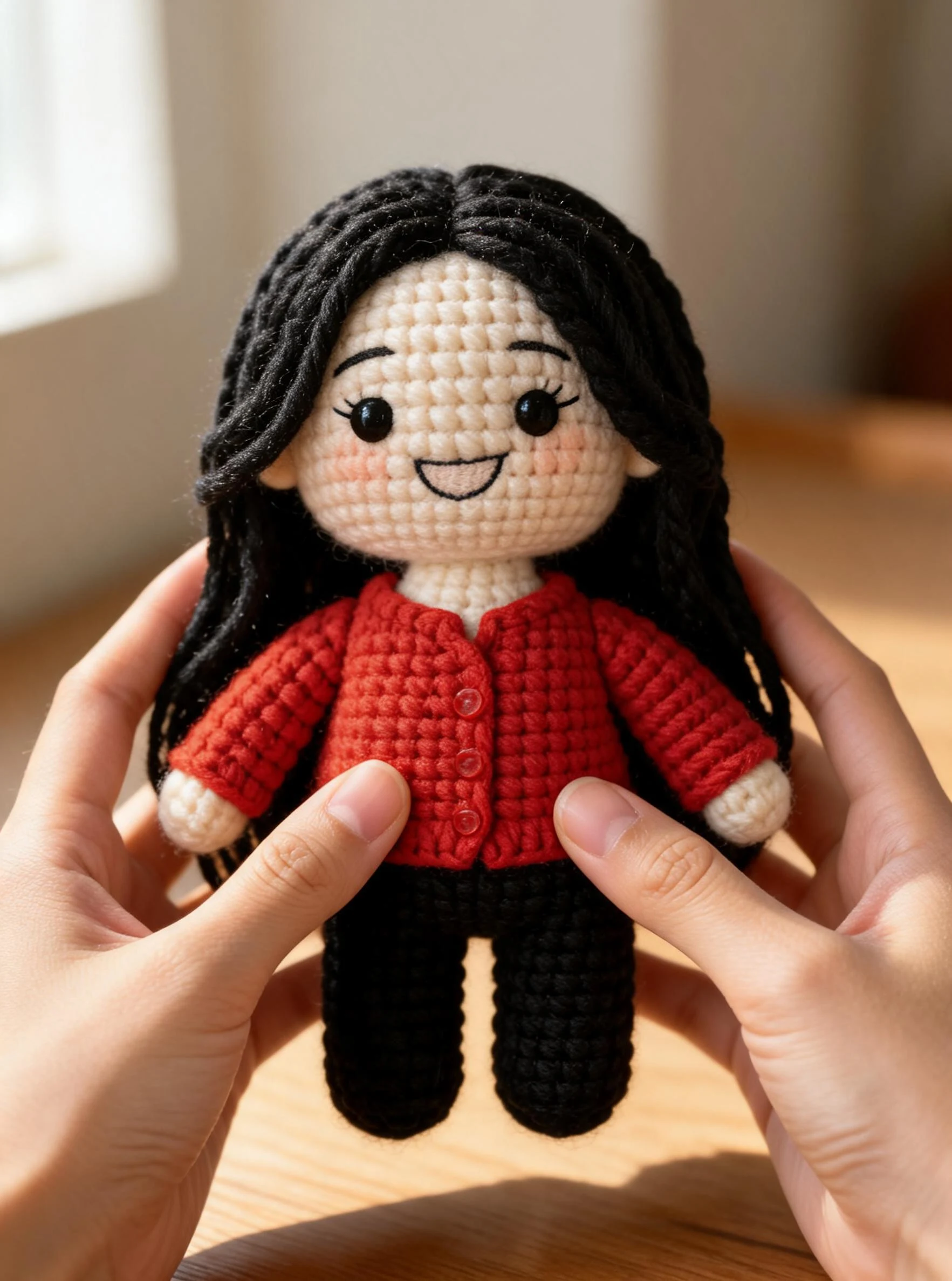 After
After Before
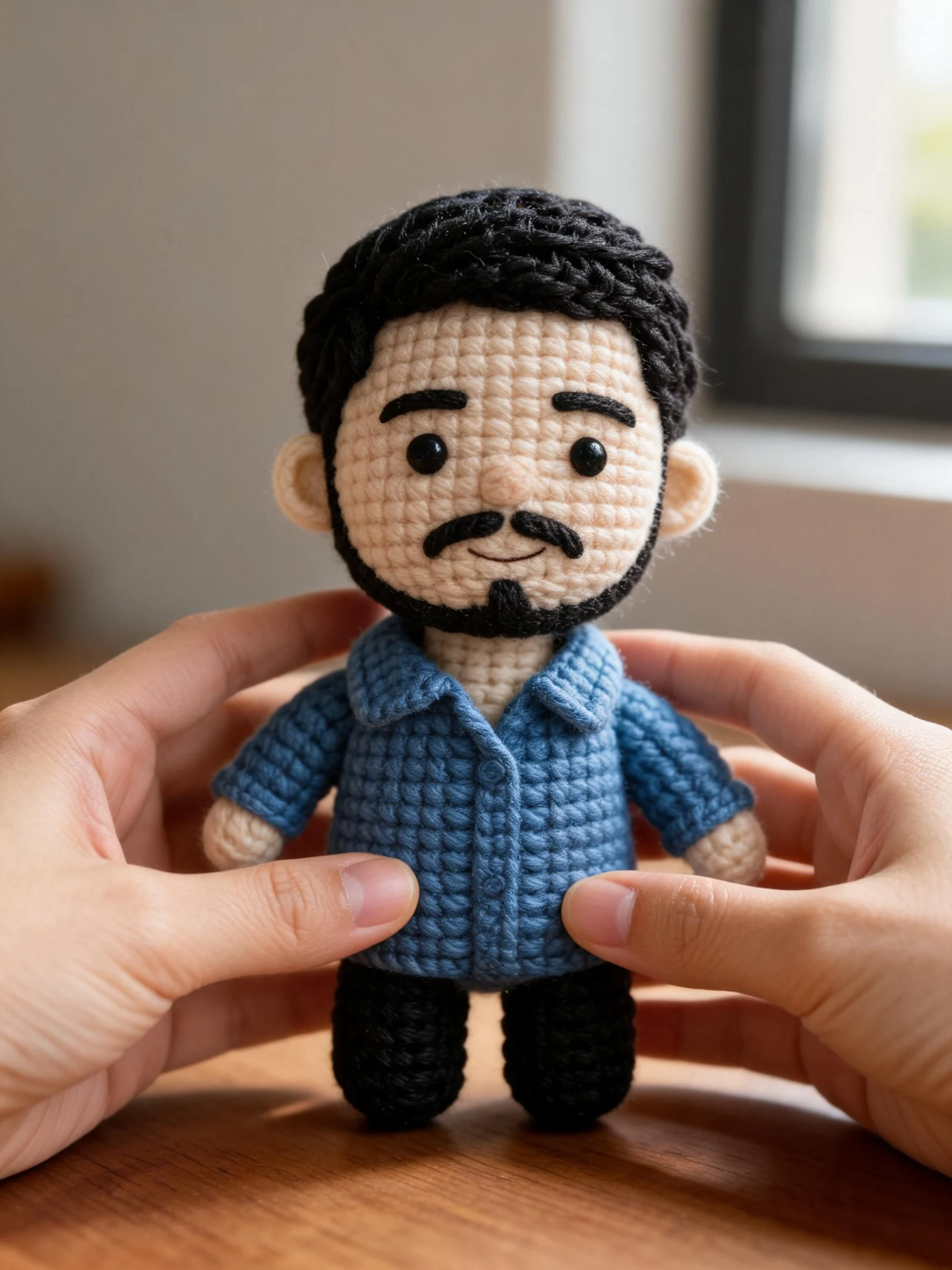 After
After Before
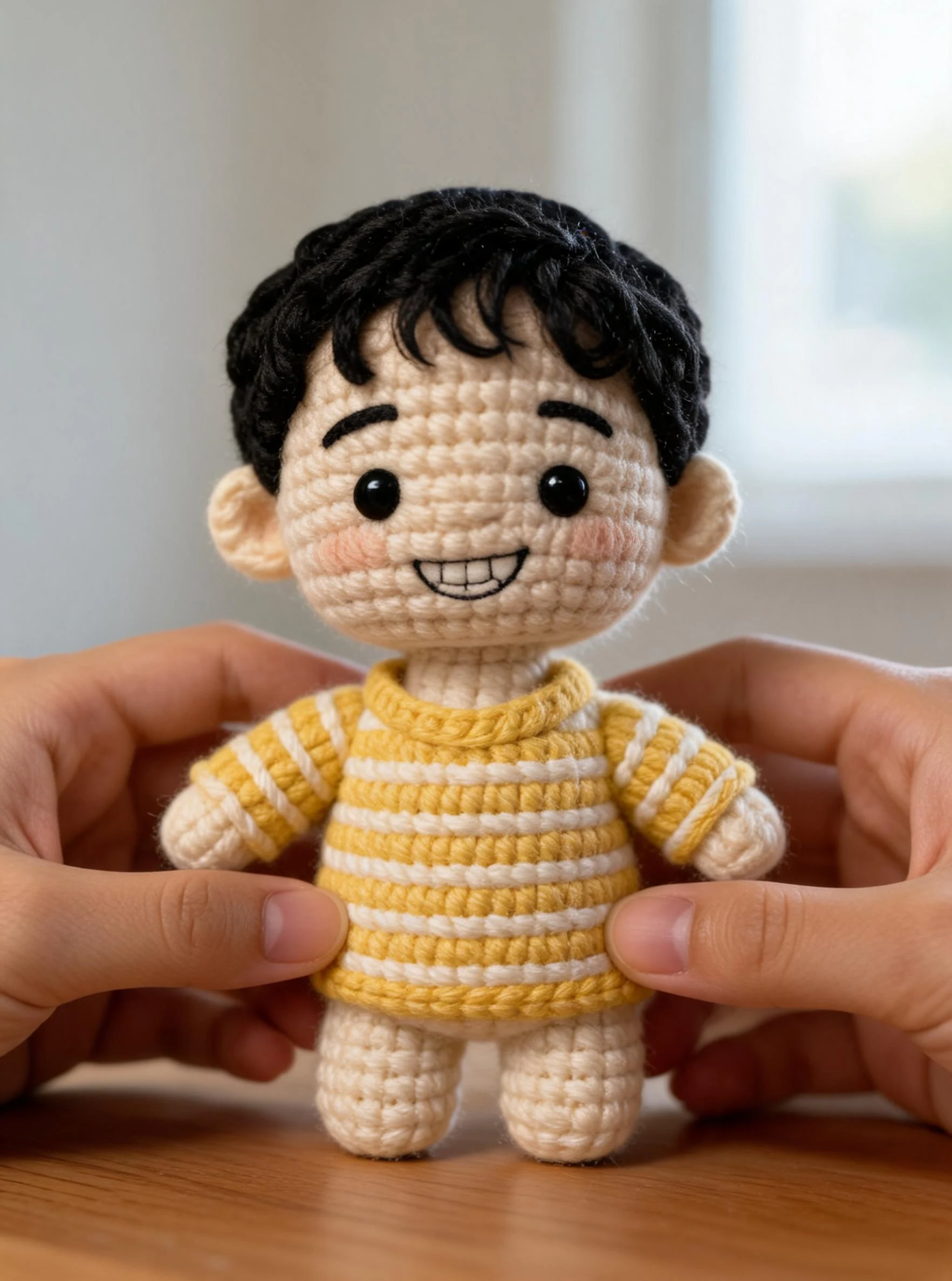 After
AfterCrochet her
How to make an AI plush toy
Three steps, right in your browser.
Upload your photo
Drag in or select a clear photo of the person, pet, or character you want to turn into a plush toy. A well-lit shot where the face and pose are visible gives the AI the most to work with. Your photo is used only to make your result.
Pick a plush style
Sign in for your 10 free credits, then choose a look — a soft Jellycat-style plushie, a felt figurine, a knitted doll, or a plush pillow. The AI restyles your photo into a stuffed toy that keeps the likeness, colors, and outfit recognizable.
Download and share
Preview your plush toy, then download it at full resolution with no watermark. Post it, use it as a profile picture, gift it, or send it to a custom plush-toy service as a reference.
What you can make
Popular ways people use the plush toy generator.
Turn yourself into a plushie
Make a soft-toy version of yourself for a profile picture, a printed keepsake, or just to join the plushie trend — all from one selfie.
Plushies of your pet
Turn a photo of your cat, dog, or any pet into an adorable stuffed teddy or embroidered patch — a cuddly way to celebrate your best friend.
Gifts for friends & fans
Surprise someone with a personalized plush toy of them, their pet, or their favorite character — a novel birthday or holiday gift idea nobody else will have.
Home decor & pillows
Design a plush pillow or cartoon rug shaped like your subject for cozy, personal touches around the house.
Crafters & makers
Preview a needle-felt, crochet, or knitted-doll version before you sew a stitch — a handy reference for makers and custom-plush shops.
Couples & keepsakes
Make a matching pair of plushies of you and your partner, or turn a cherished photo into a soft keepsake to hold onto.
Styles to choose from
From soft stuffed plushies to knitted dolls and felt figurines — pick the craft that fits.
Soft plushie
A cuddly stuffed-toy look with fabric texture, seams, and a rounded, squishable body — the viral Jellycat-style plush.
Felt figurine
A handmade needle-felted figure with a fuzzy wool surface and charmingly simple, sculpted shapes.
Knitted doll
A crochet or knitted doll (amigurumi-style) with visible stitches and yarn detail.
Plush pillow
A flat, huggable plush cushion shaped like your subject, perfect as a soft home accent.
Why use SharkFoto's plush toy generator
Soft, stitched plush look
The AI turns a flat photo into a stuffed toy with real fabric texture, seams, and a squishable, rounded body, so it reads like a product shot of an actual plushie rather than a filter.
Many craft styles
Go beyond a basic plushie: generate felt figurines, knitted and crochet dolls, plush pillows, embroidered pet patches, and cartoon rugs — each with its own material and finish.
Works from one photo
No sewing pattern and no crafting skills needed. One clear photo of a person, pet, or character is enough to generate a plush toy that keeps the face, colors, and outfit recognizable.
10 free credits, no watermark
Sign up free and get 10 credits to start generating plush toys. Your download comes at full resolution with no watermark, so it's clean enough to post, print, or gift.
Tips for the best results
Use a photo with a clear, simple subject — a single well-defined person, pet, or character turns into a cleaner plush than a crowded scene.
Pick a photo with bright, distinct colors — bold outfit and fur colors carry over into the plush fabric and make the toy pop.
Use a plain background — busy backgrounds can bleed into the plush and clutter the soft-toy look.
Make sure the face and body are well lit — even lighting keeps the plush's shape, seams, and colors accurate.
Start from a higher-resolution photo — low-res images limit the fine fabric detail in the final render.
Frequently asked questions
Is the AI plush toy generator really free?
What kind of photo works best?
Do I get an image or a video?
How long does it take to generate a plush toy?
Can I turn my pet into a plush toy?
Can I make a real stuffed toy from the result?
Is my photo safe and private?
Can I use my plush toy commercially?
Related AI effects
More ways to reimagine your photos.