AI Pet Portrait Generator
Turn a photo of your pet into a gorgeous, gallery-worthy portrait in seconds. SharkFoto's AI pet portrait generator restyles your dog, cat, or other companion into a polished cover shot, a fashion editorial, a magazine cover, or a soft sakura scene, all while keeping their fur, markings, and expression recognizable. A few animated styles even bring your pet to life as a short video clip. Sign up free to get 10 credits, pick a pet portrait style, and download your result — a high-resolution image, or a short MP4 for the animated styles — with no watermark, ready to frame, print, post, or share.
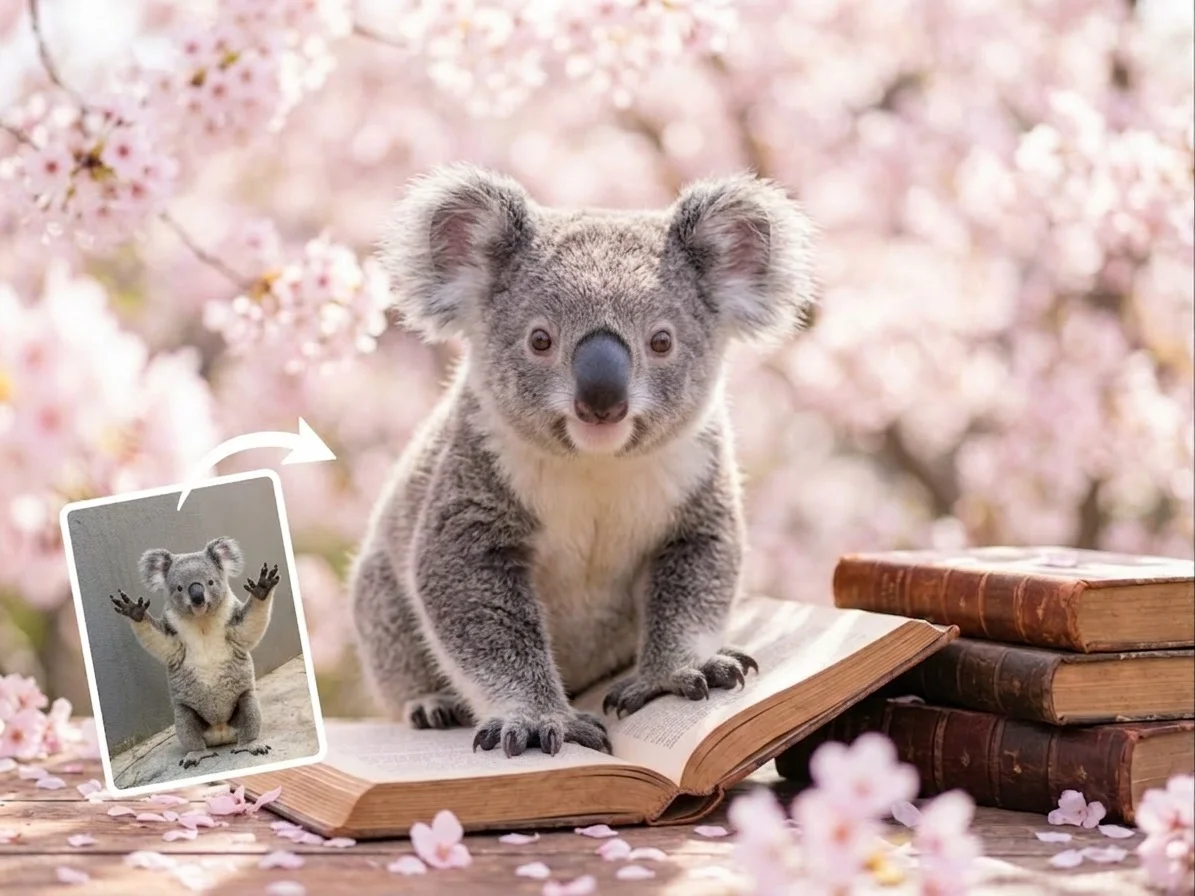 PopularSakura Portrait
What is an AI pet portrait generator?
An AI pet portrait generator turns an ordinary photo of your pet into a styled, studio-quality portrait — a magazine cover, a fashion editorial, or a themed scene — with no camera setup or design skills. You upload a photo of your dog, cat, or other companion, pick a style, and download the result: a high-resolution image for most styles, or a short video clip for the animated ones, always keeping their real fur, markings, and expression.
All AI Pet Portrait Effects


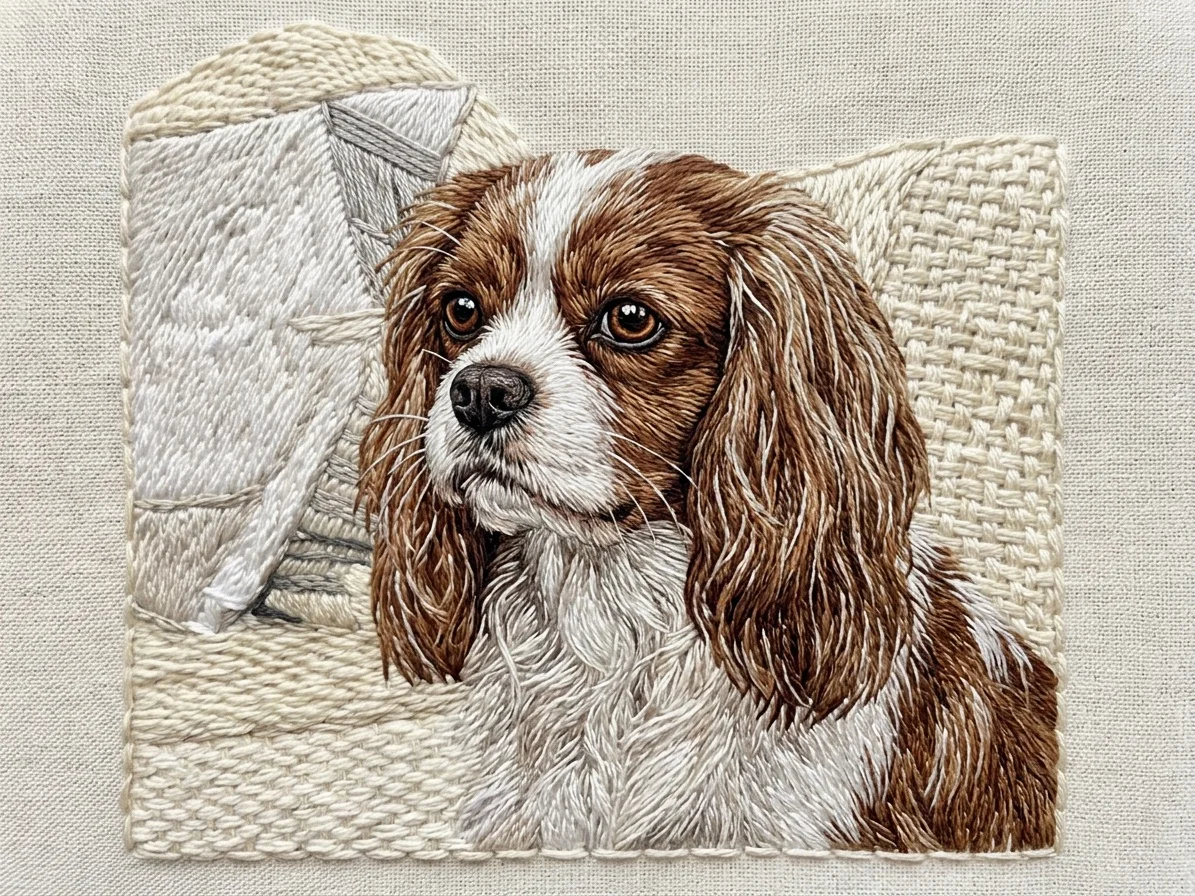
Fourteen AI pet portrait styles — a studio cover shot, a fashion editorial, a magazine cover, a cozy cafe scene and more. Pick one to start.
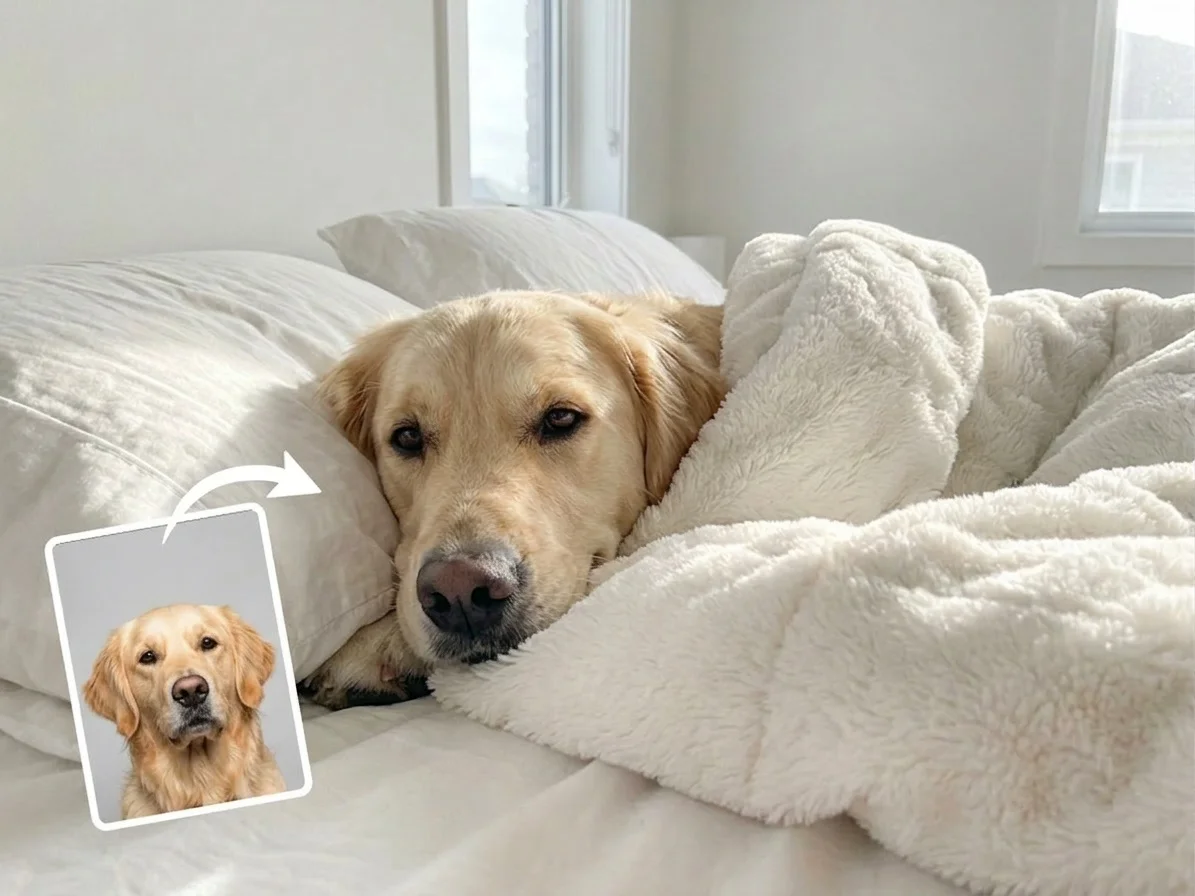
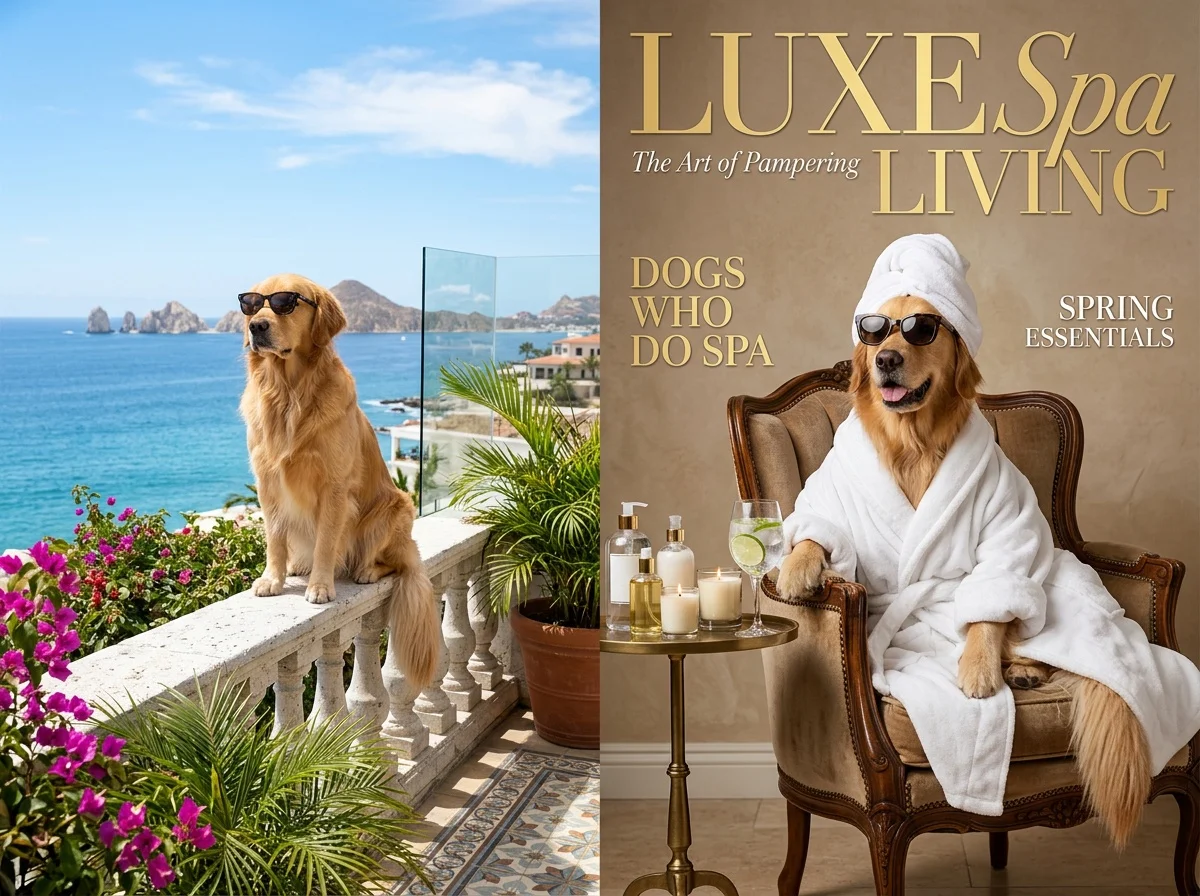
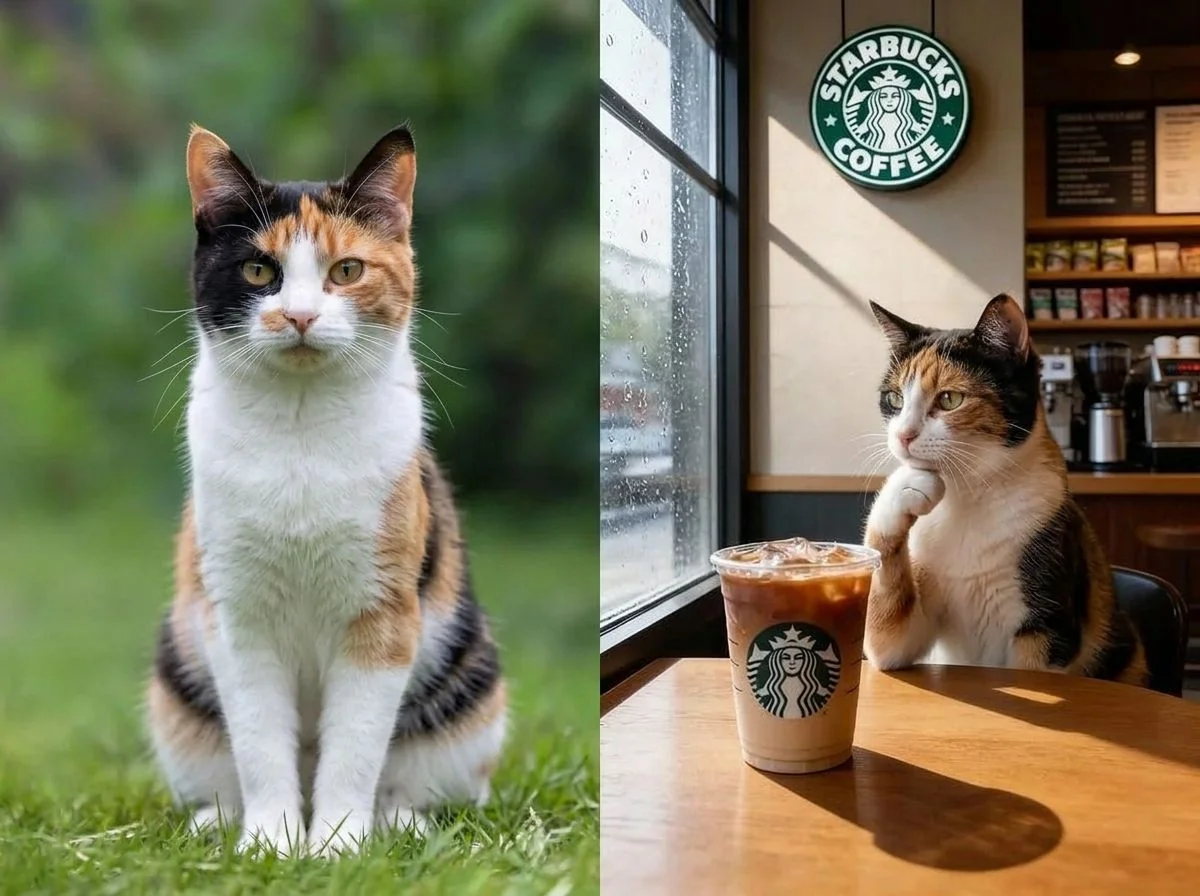



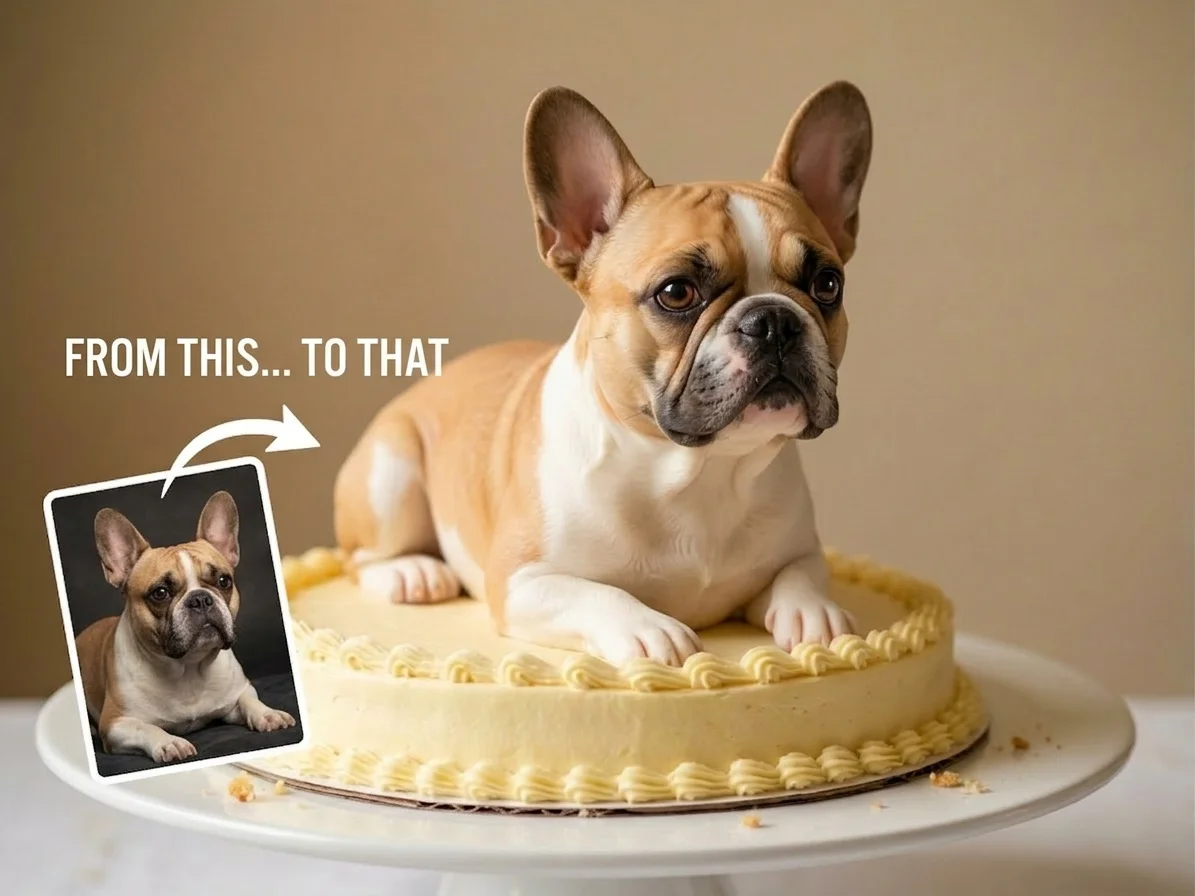



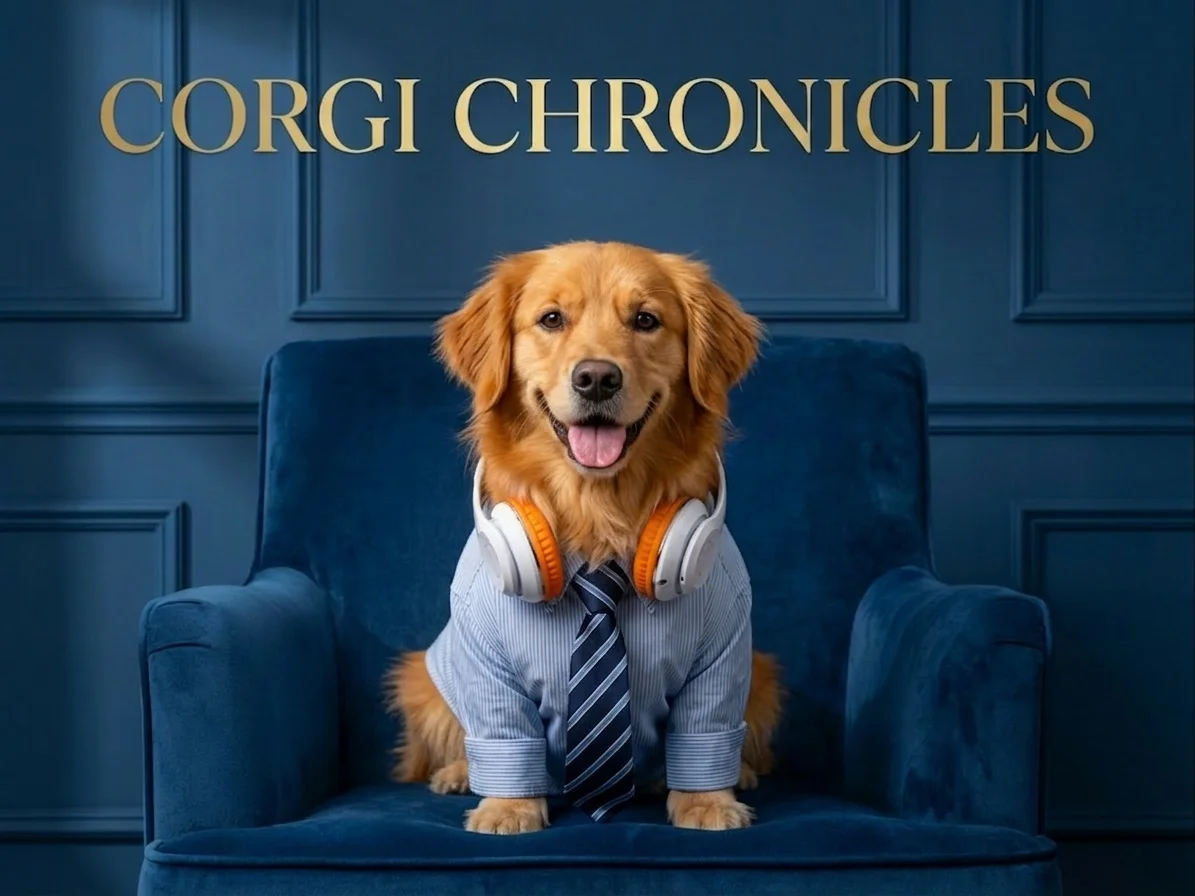
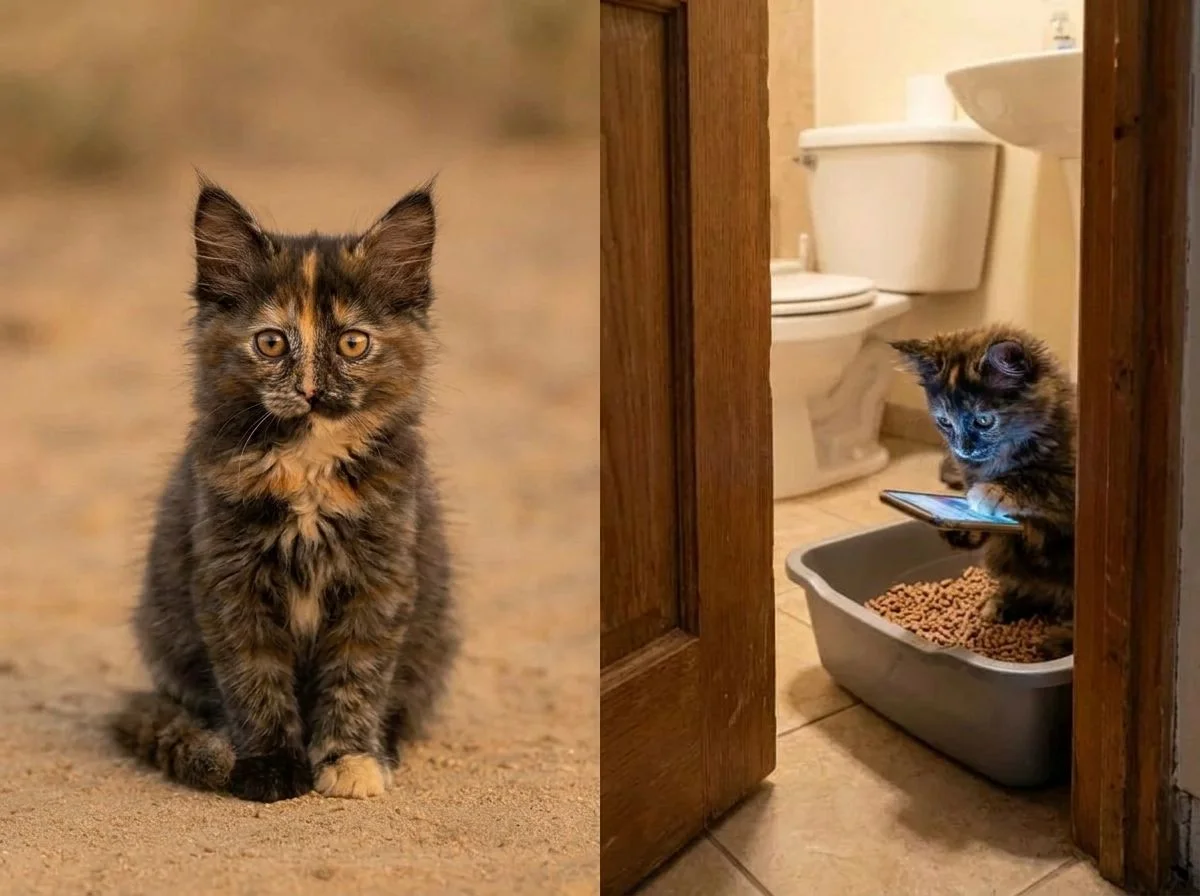



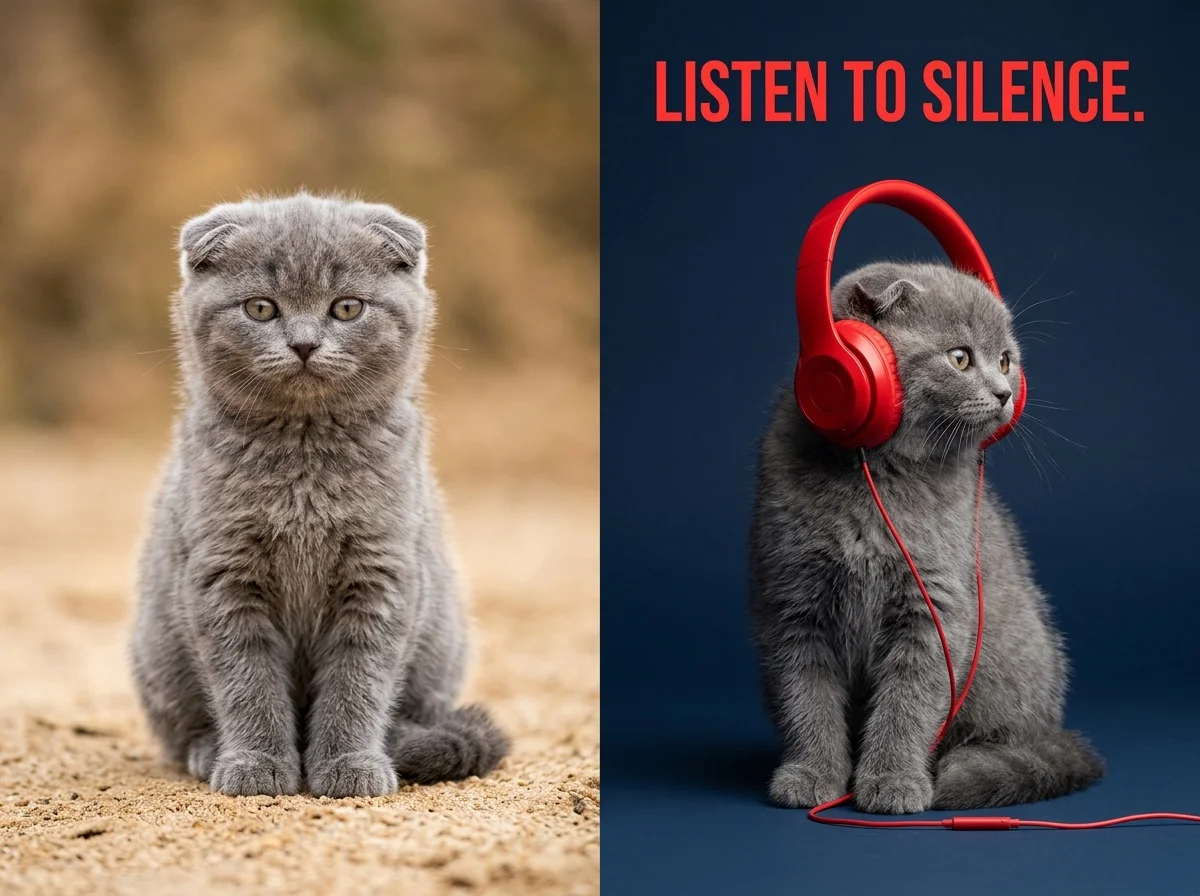
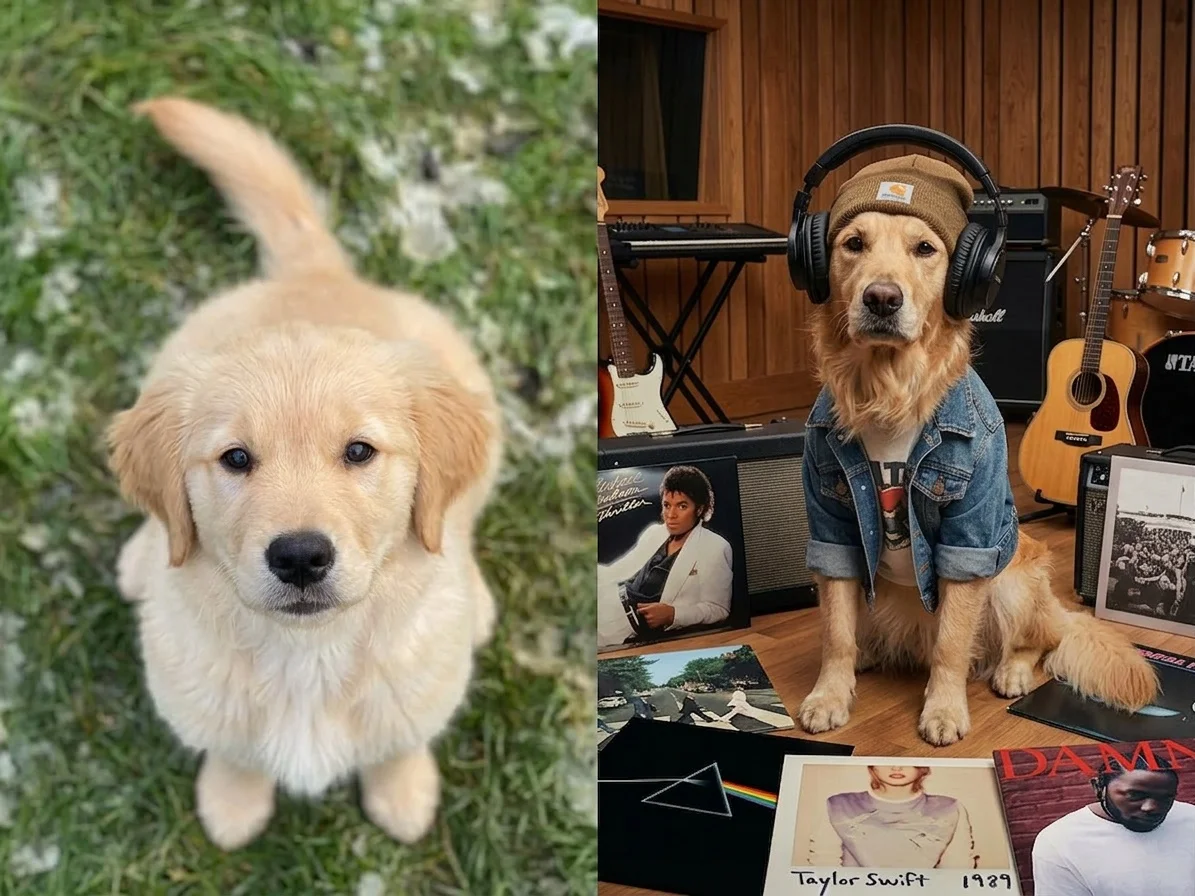


Before & after
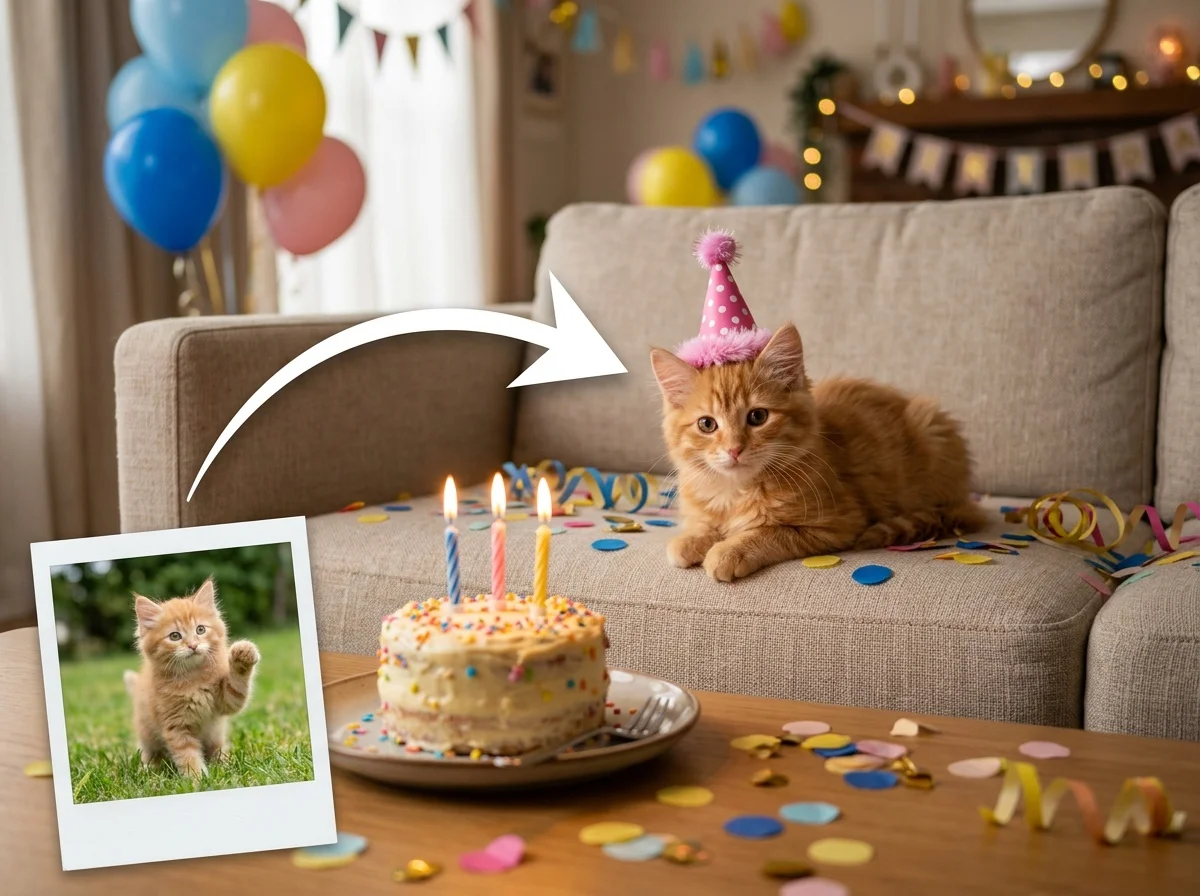
A snapshot of your pet, turned into a portrait.
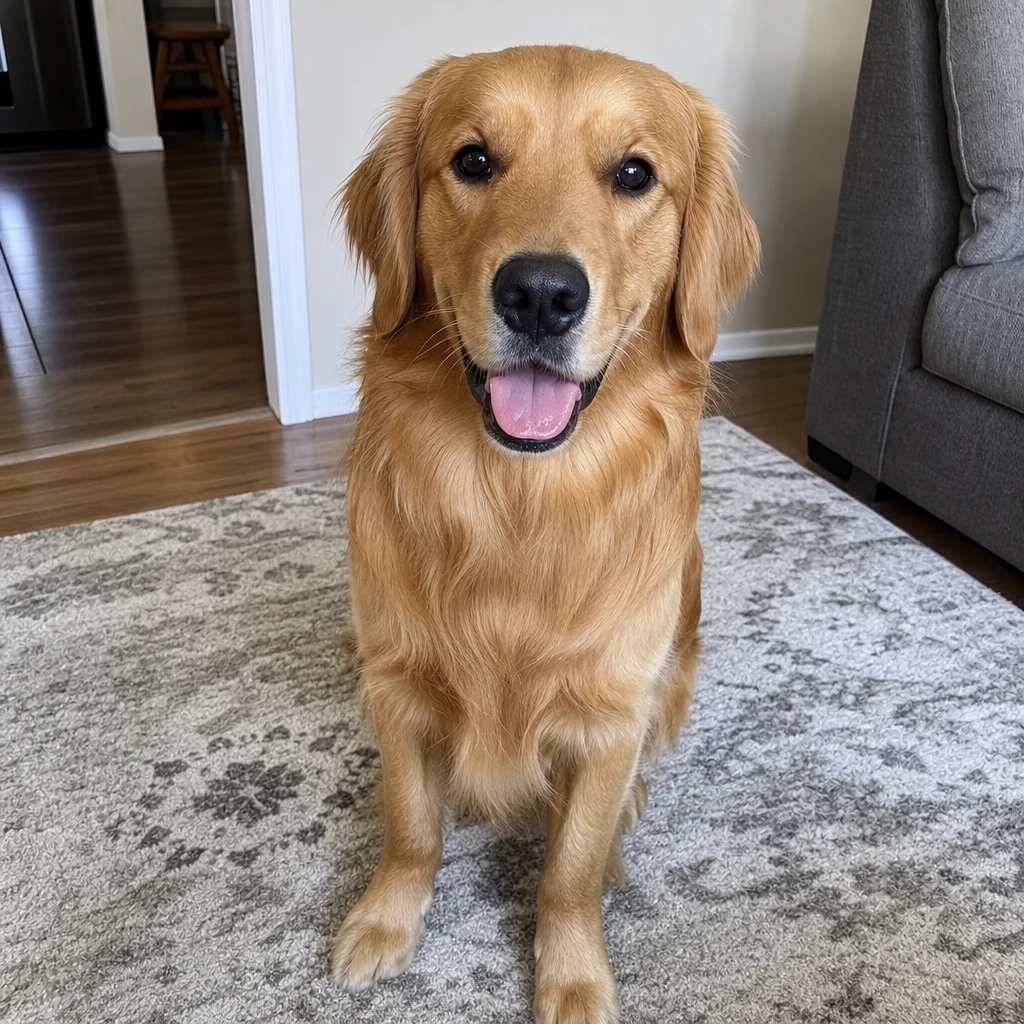 Before
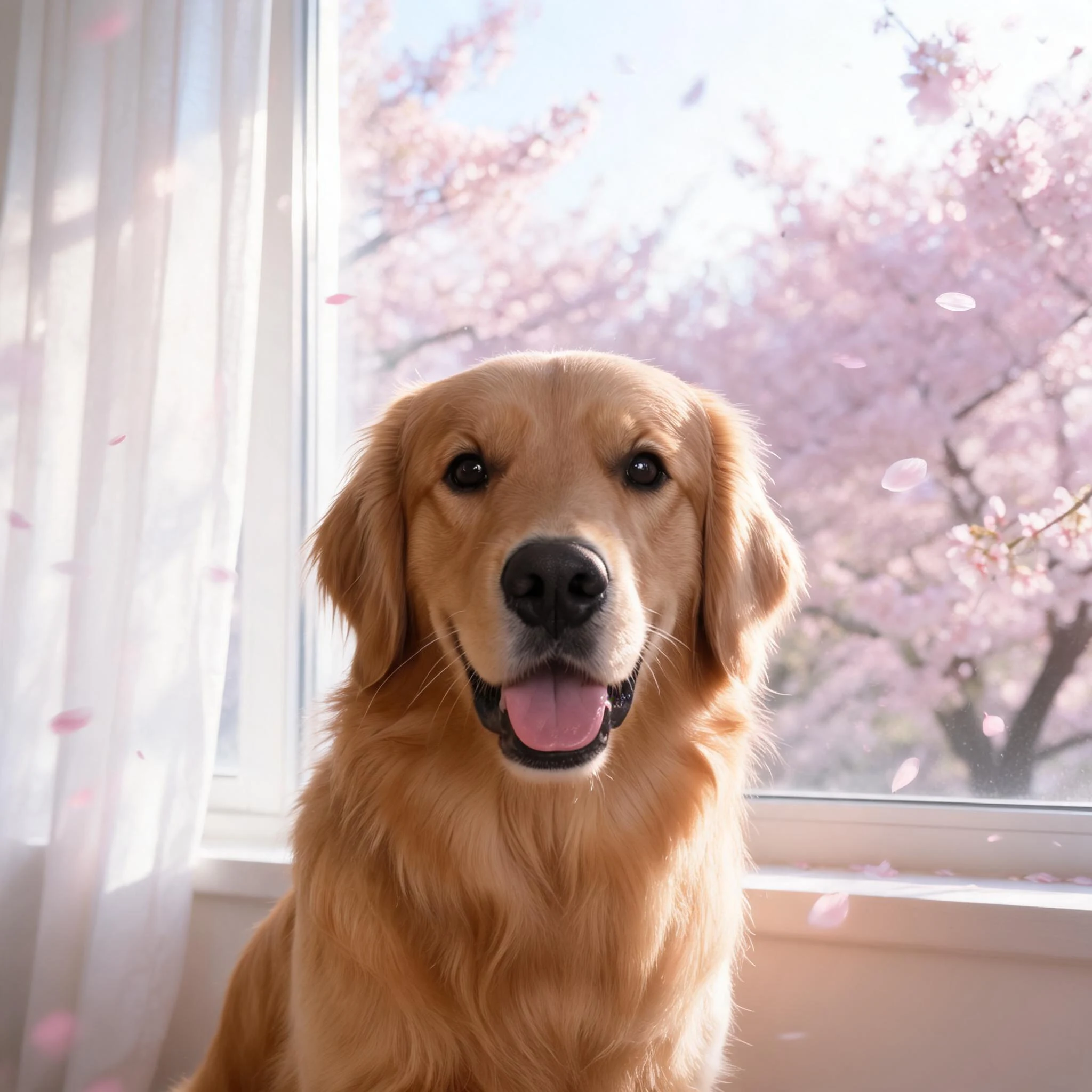 After
After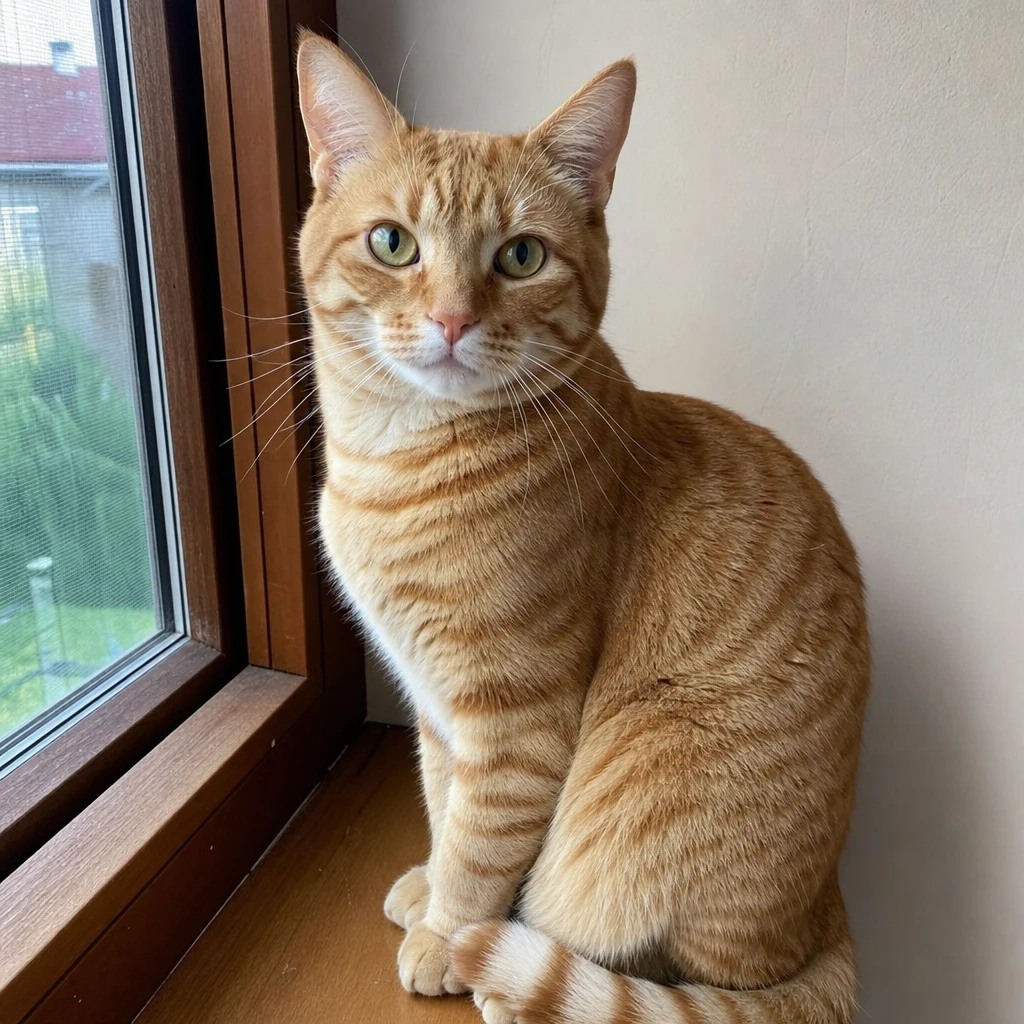 Before
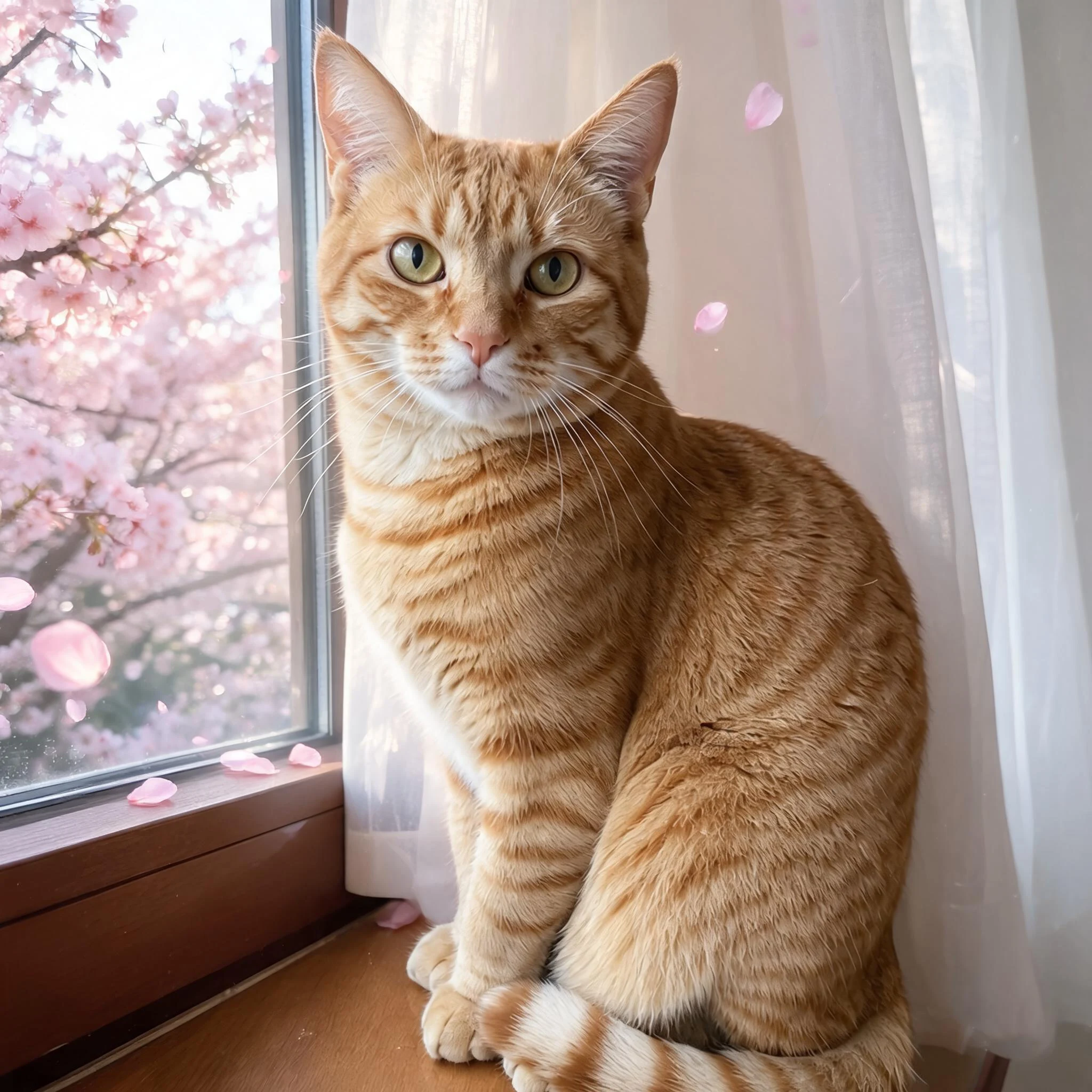 After
After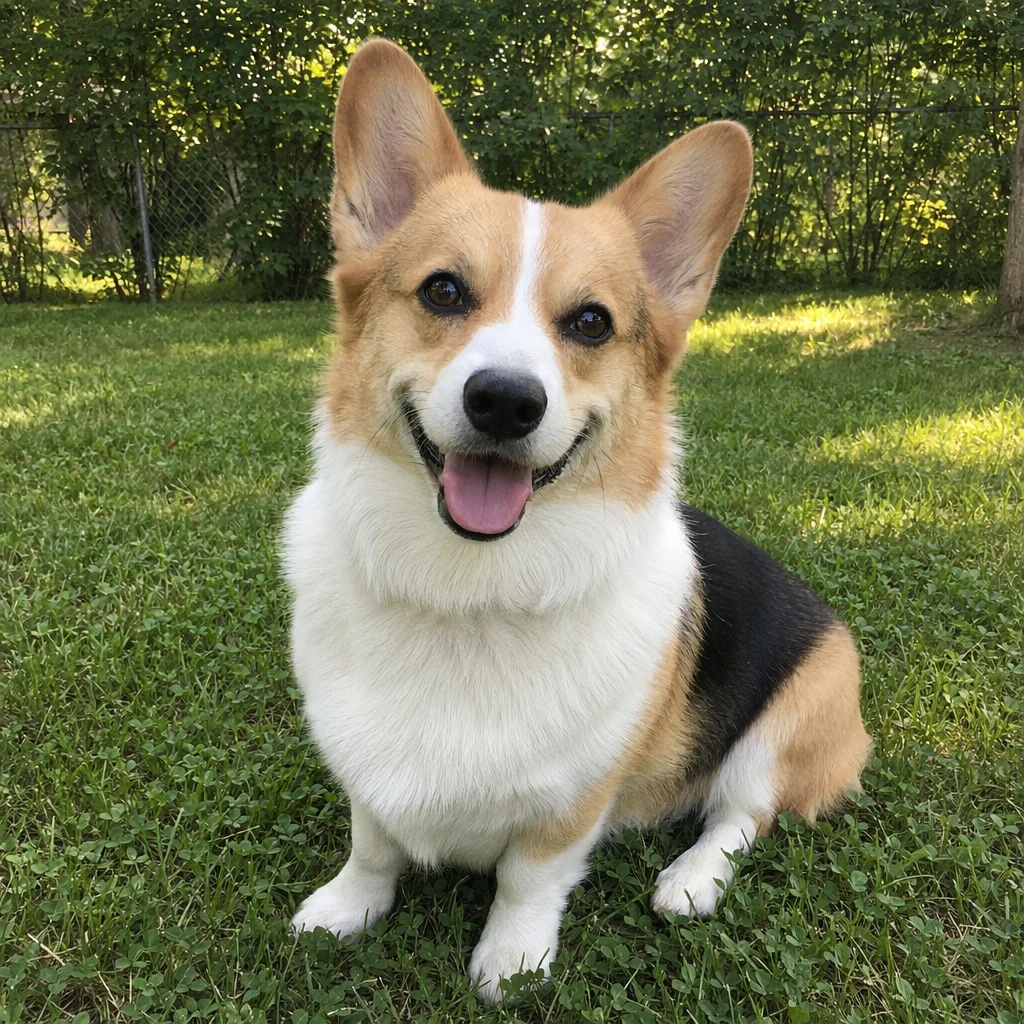 Before
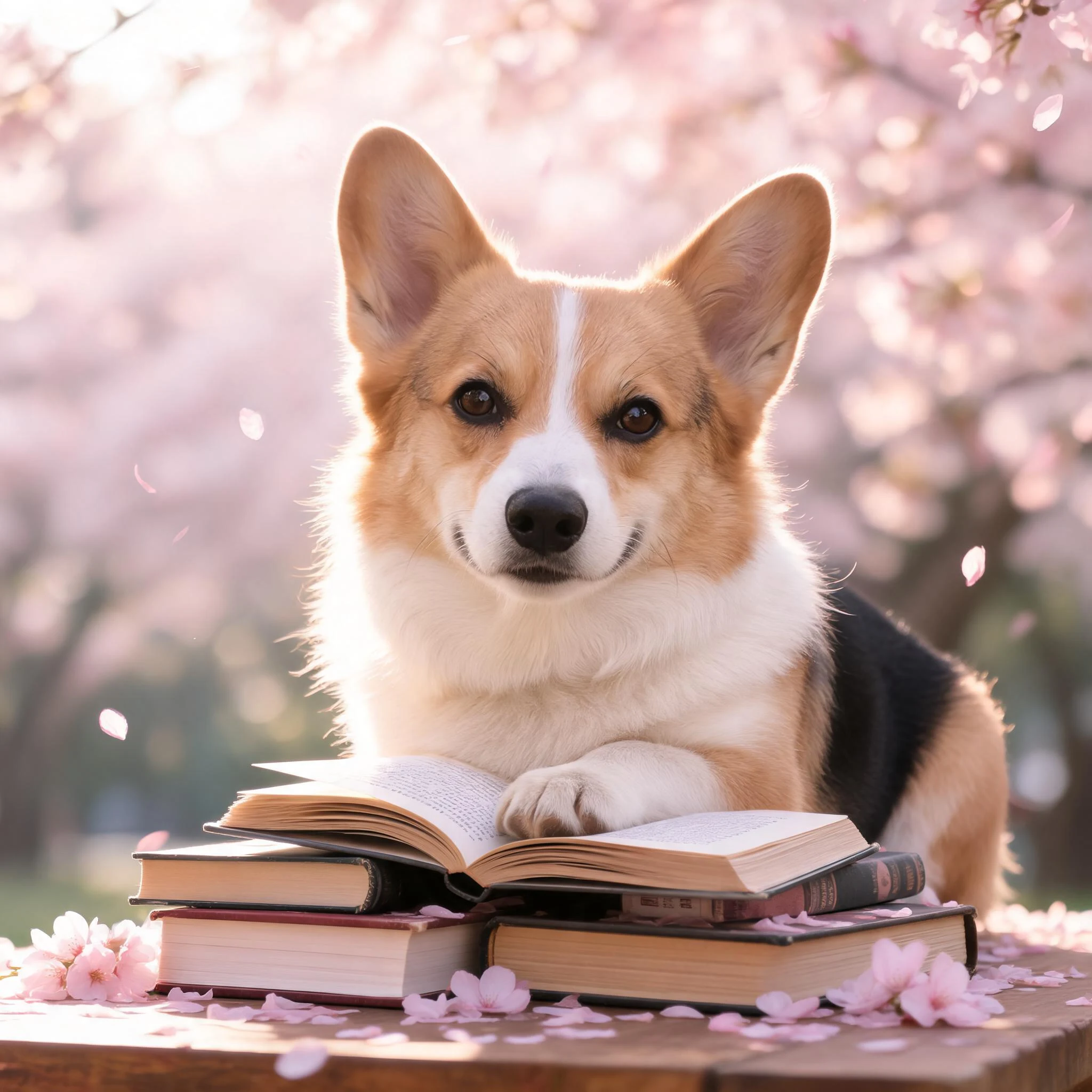 After
AfterDog Golden
How to make an AI pet portrait
Three steps, right in your browser.
Upload your pet's photo
Drag in or select a clear photo of your pet where their face and markings are visible. A well-lit shot with your pet looking toward the camera gives the AI the most to work with. Your photo is used only to make your result.
Pick a portrait style
Sign in for your 10 free credits, then choose a look — a studio cover shot, a fashion editorial, a magazine cover, or a themed scene like a cozy cafe or sakura backdrop. The AI restyles the scene while keeping your pet's fur, coloring, and expression true to life.
Download and share
Preview your portrait, then download it at full resolution with no watermark — a high-resolution image for most styles, or a short MP4 for the animated ones. Frame it, order a print, use it as a profile picture, or post it to show off your pet.
What you can make
Popular ways people use the pet portrait generator.
Frame-worthy pet art
Turn an everyday phone snapshot into a portrait beautiful enough to print, frame, and hang on your wall — no pet photographer needed.
Gifts for pet lovers
Surprise a fellow pet parent with a custom portrait of their dog or cat — a personal birthday or holiday gift nobody else can give.
Pet social accounts
Give your pet's Instagram or TikTok a signature look with magazine covers, fashion shoots, and themed portraits that stand out in the feed.
Birthdays & gotcha days
Celebrate a birthday or adoption anniversary with a festive portrait, complete with a cake or party scene for your pet.
Seasonal & holiday cards
Make a sakura spring portrait or a Christmas pet scene for cards, calendars, and holiday posts featuring your best friend.
Keepsakes to remember
Create a treasured portrait of a beloved companion — a gentle way to hold onto a favorite photo as a lasting keepsake.
Styles to choose from
From a polished cover shot to a soft sakura scene — pick the look that fits your pet.
Cover shot
A clean, professionally lit studio portrait that puts your pet front and center like a magazine cover star.
Fashion editorial
A stylish, high-fashion look with editorial lighting and outfits, turning your pet into a runway model.
Sakura scene
A soft, dreamy portrait set among cherry blossoms for a gentle springtime mood.
Cafe buddy
A warm, cozy scene of your pet hanging out at a coffee shop, perfect for a lifestyle post.
Why use SharkFoto's pet portrait generator
Keeps your pet recognizable
The AI restyles the scene and lighting while preserving your pet's real fur, markings, and expression, so the portrait still clearly looks like your dog or cat — not a generic animal.
Studio-quality styles
Choose from polished cover shots, fashion editorials, magazine covers, and themed scenes that look like a professional pet photographer set them up, all from one casual photo.
Works from one snapshot
No studio, props, or patient pet required. A single clear photo is enough to generate a gallery-worthy portrait, even from a phone camera.
10 free credits, no watermark
Sign up free and get 10 credits to start generating portraits. Your download comes at full resolution with no watermark, so it's clean enough to print, frame, or post.
Tips for the best results
Use a photo where your pet's face is clearly visible — the AI needs to see the face and markings to keep the portrait recognizably your pet.
Shoot at your pet's eye level — an eye-level angle reads as a real portrait, while a steep top-down shot can distort proportions.
Use even, natural lighting — soft daylight brings out your pet's true fur color and detail; harsh shadows muddy the result.
Keep the background simple — a plain backdrop helps the AI separate your pet cleanly before adding the new scene.
Start from a sharp, higher-resolution photo — blurry or low-res images limit how much fine fur detail the final portrait can show.
Frequently asked questions
Is the AI pet portrait generator really free?
What kind of pet photo works best?
Do I get an image or a video?
Will the portrait still look like my pet?
How long does it take to make a pet portrait?
Is my photo safe and private?
Can I print or sell my pet portrait?
Can I make a portrait of more than one pet?
Related AI effects
More ways to reimagine your photos.