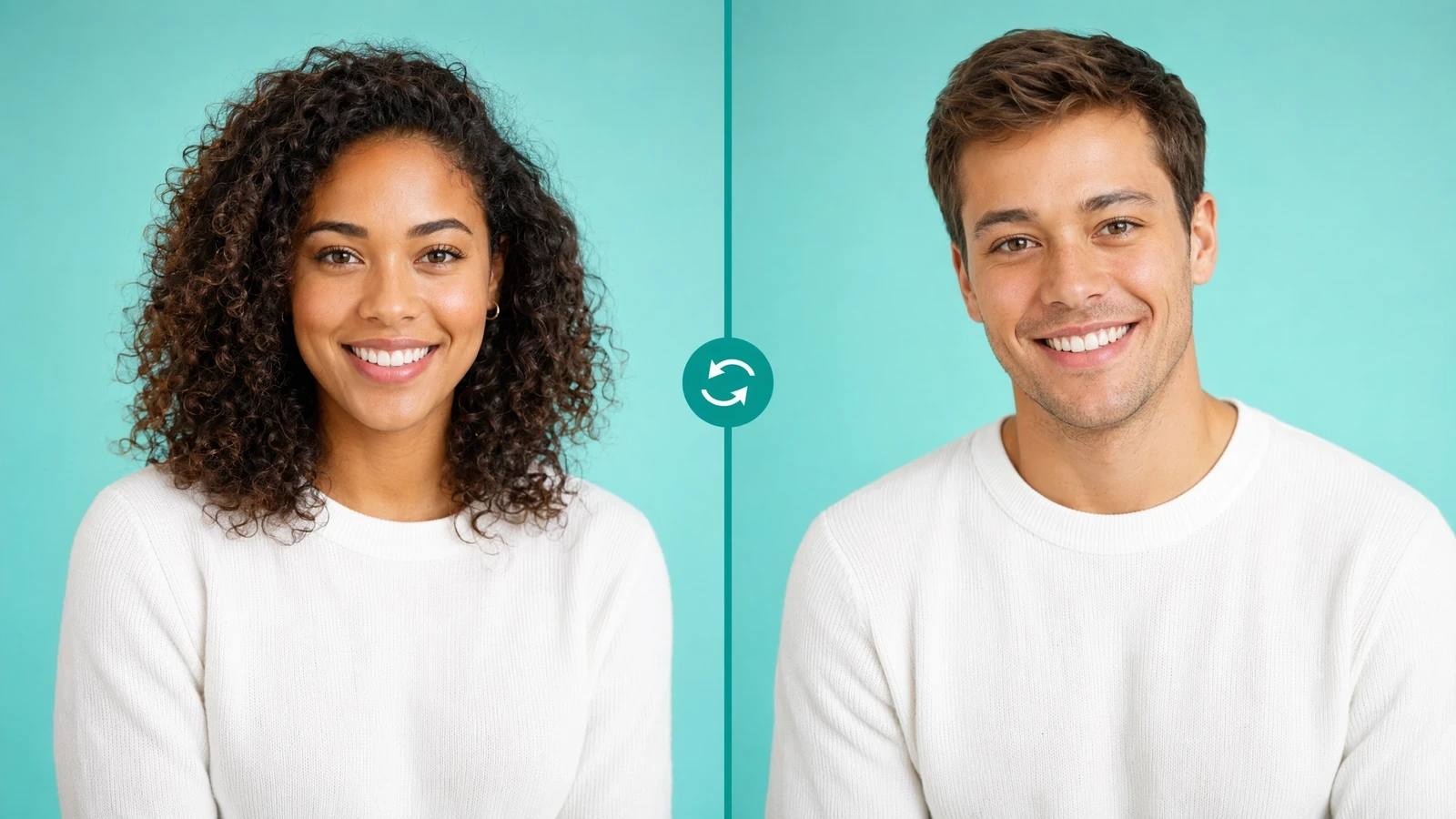
- "original_image": "",
- "target_face_image": ""
AI Photo Face Swap
Swap faces between any two photos with photorealistic precision — SharkFoto's AI detects, extracts, and blends faces while preserving natural lighting, skin tone, and facial proportions in seconds.
What is an AI photo face swap?
An AI photo face swap is a tool that automatically replaces a face in one photo with a face from another, producing a seamless, photorealistic composite. SharkFoto's face swapper uses advanced deep-learning models and facial-landmark detection to locate the eyes, nose, mouth, and contours in both images, then transplants the source face onto the target while matching lighting, skin tone, and perspective. It works on single portraits and group photos with multiple faces, accepts JPEG, PNG, and WEBP inputs, and exports a high-resolution PNG in seconds — no manual masking or editing skills required.
At a glance
How SharkFoto face swap works
Purpose-built deep learning handles the detection, blending, and color work that manual photo editing can't match.
Deep-learning precision
Advanced deep-learning models match lighting, skin tone, and facial geometry so the swapped face reads as naturally part of the photo.
Automatic face detection
Facial-landmark detection locates eyes, nose, mouth, and contours in both images — no manual selection, cropping, or masking needed.
Seamless color matching
Intelligent tone and lighting adaptation blends the source face into the target scene so edges and shadows stay believable.
Multi-face support
Detect and swap several faces within one image, with control over which faces to replace — ideal for group photos and team portraits.
Built for real results
Fast, clean output you can use anywhere without extra cleanup.
Instant results
Professional-quality swaps generate in seconds without lengthy render queues or processing waits.
High-resolution output
Full image quality is preserved and exported as PNG for social media, print, or professional use.
No editing skills required
Upload two photos and the AI handles landmark detection, extraction, and blending automatically.
Private by design
Uploads travel over an encrypted connection, are never used to train AI models, and you can delete them from your account at any time.
How to swap faces in a photo
Go from two separate photos to a finished, photorealistic face swap in three steps.
Upload two photos
Add the source photo containing the face you want to use and the target photo where you want that face placed.
AI detects and swaps
The AI automatically detects facial landmarks in both images, extracts the source face, and blends it onto the target while matching lighting and skin tone.
Download and share
Preview the photorealistic result and download it as a high-quality PNG, ready for social media, print, or professional use.
What you can create with AI face swap
Friend & family fun
Swap faces between friends, relatives, or pets for shareable, laugh-out-loud photos at parties and reunions.
Meme & viral content
Create meme templates and trending face-swap challenges that stand out in social feeds.
Profile photo makeovers
Test new looks or place your face into styled portraits for avatars and professional headshots.
Content & special effects
Produce character variations, de-aging effects, and creative edits for video thumbnails and stories.
Creative digital art
Blend faces into illustrations, posters, and concept art for original composite pieces.
Personalized marketing
Build interactive campaigns that let audiences picture themselves inside a brand narrative.
Frequently asked questions
How realistic are the face swap results?
What types of photos work best for face swapping?
Can I swap faces in group photos with multiple people?
Is it free to use?
Can I use face-swapped images commercially?
Is it safe to upload my photos?
What image formats and outputs are supported?
Do I need editing skills or software?
How is face swap different from other SharkFoto tools?
What are the rules for responsible use?
Limitations to keep in mind
Input quality drives output quality — Low-resolution, heavily shadowed, blurry, or extreme-angle source photos reduce landmark-detection accuracy and can produce visible seams or artifacts.
Consent and legal responsibility are yours — The tool does not verify permissions. Swapping a real person's face — especially for commercial or public use — requires their explicit consent, and you are responsible for complying with local laws.
Not built for full-body or non-face edits — Face swap replaces the face region only. Changing outfits, backgrounds, or body proportions requires different SharkFoto tools designed for those tasks.
Related tools & models
Ready to swap faces in your photos?
Create photorealistic face swaps in seconds with AI precision. No editing skills needed, and a free tier is available for all users.