AI Keychain & Keycap Generator
Shrink yourself, your pet, or any subject into an adorable 3D keyboard keycap or keychain charm in seconds. SharkFoto's AI keycap generator turns your photo into a tiny collectible-style figurine — a glossy little character perched on a mechanical keyboard key or dangling as a phone charm. Sign up free to get 10 credits, upload a clear photo, pick a keycap or charm style, and download your miniature — with no watermark — ready to post, print, or send to a friend.
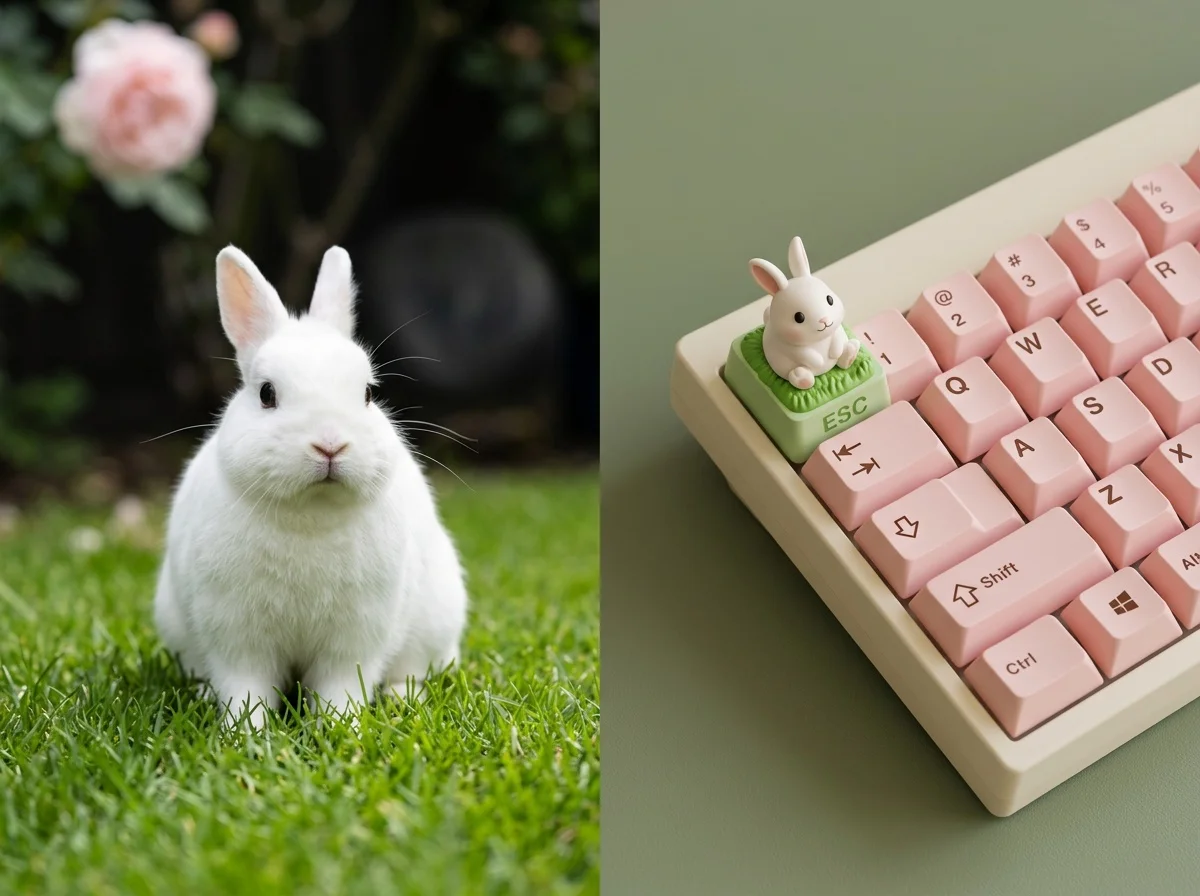 PopularAI Cute Keycap Generator
What is an AI keycap generator?
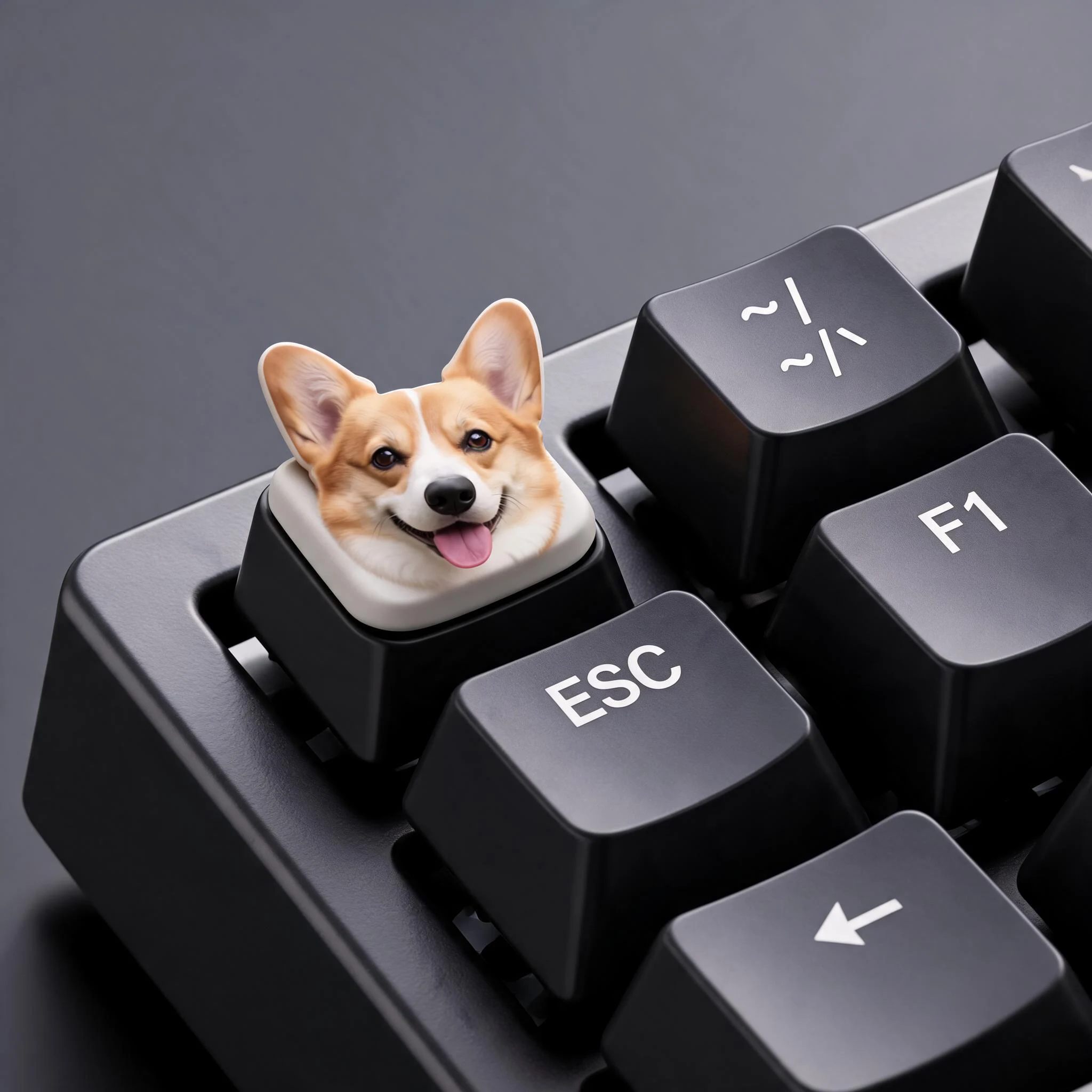
An AI keycap generator is a photo tool that turns a person, pet, or object into a cute, chunky 3D miniature styled like a keyboard keycap or a keychain charm. You upload a photo, the AI reads the subject's shape, colors, and features, and it re-renders them as a glossy little collectible figurine — often sitting on a mechanical keyboard key, cast as an enamel pin, or hanging as a phone charm.
All AI Keychain & Keycap Effects
Four ways to shrink your subject into a collectible — cute keycaps, an ESC-key miniature, an enamel pin, or a phone charm. Pick one to start.
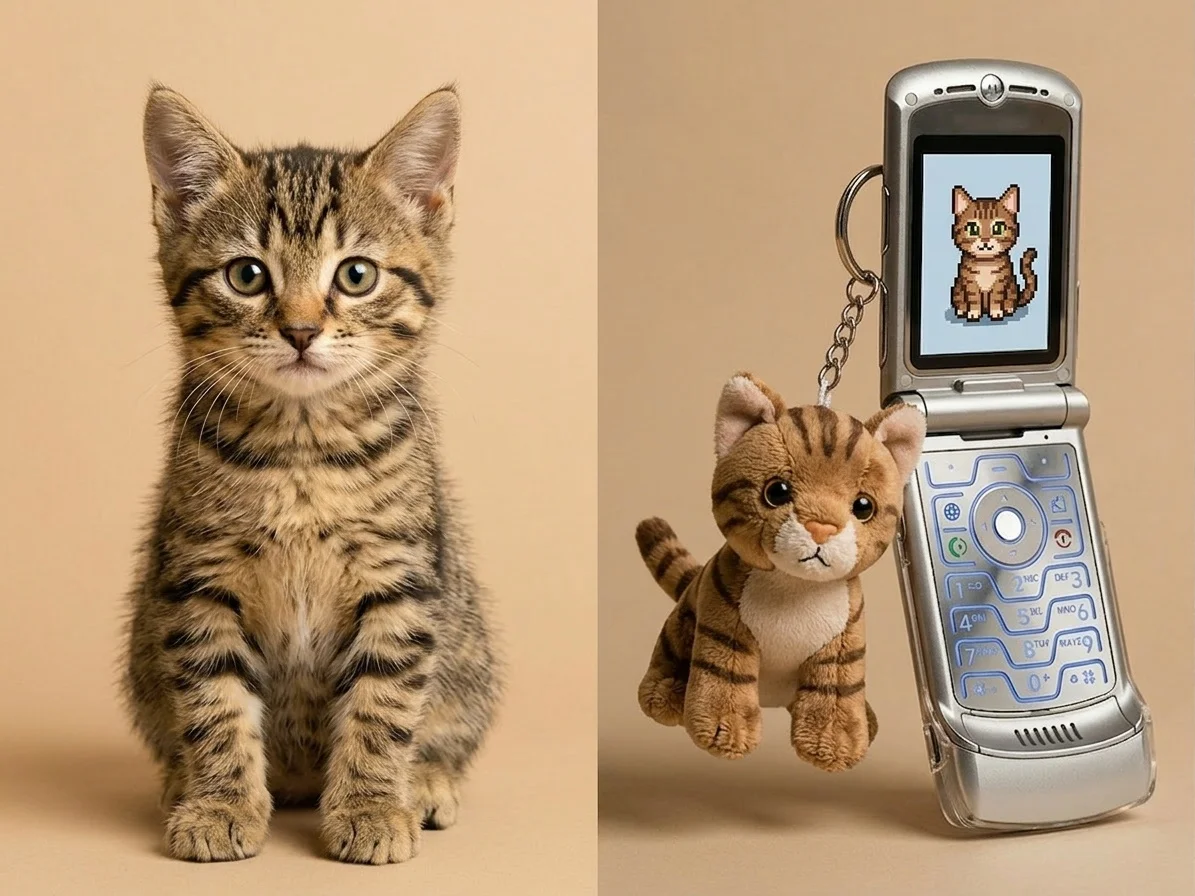
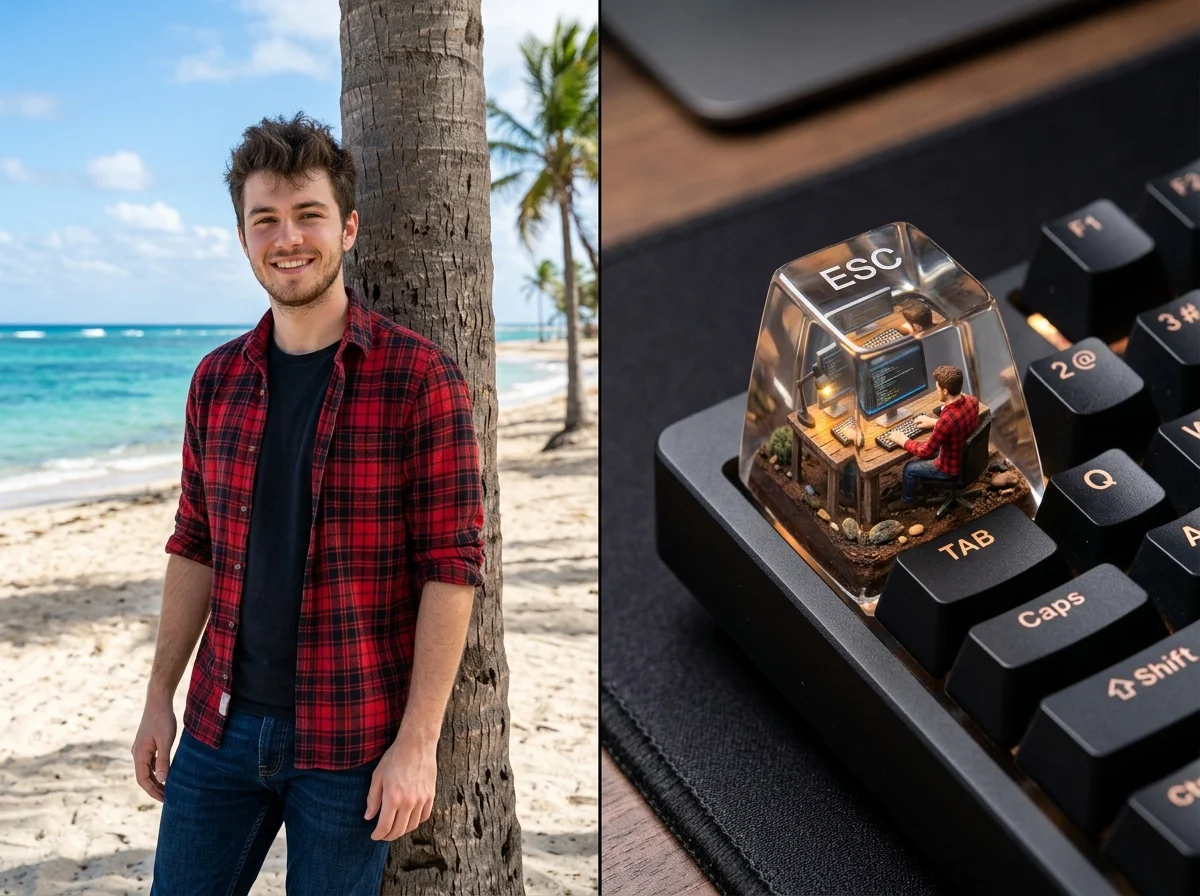

Before & after
An everyday photo, reborn as a tiny 3D keycap charm.
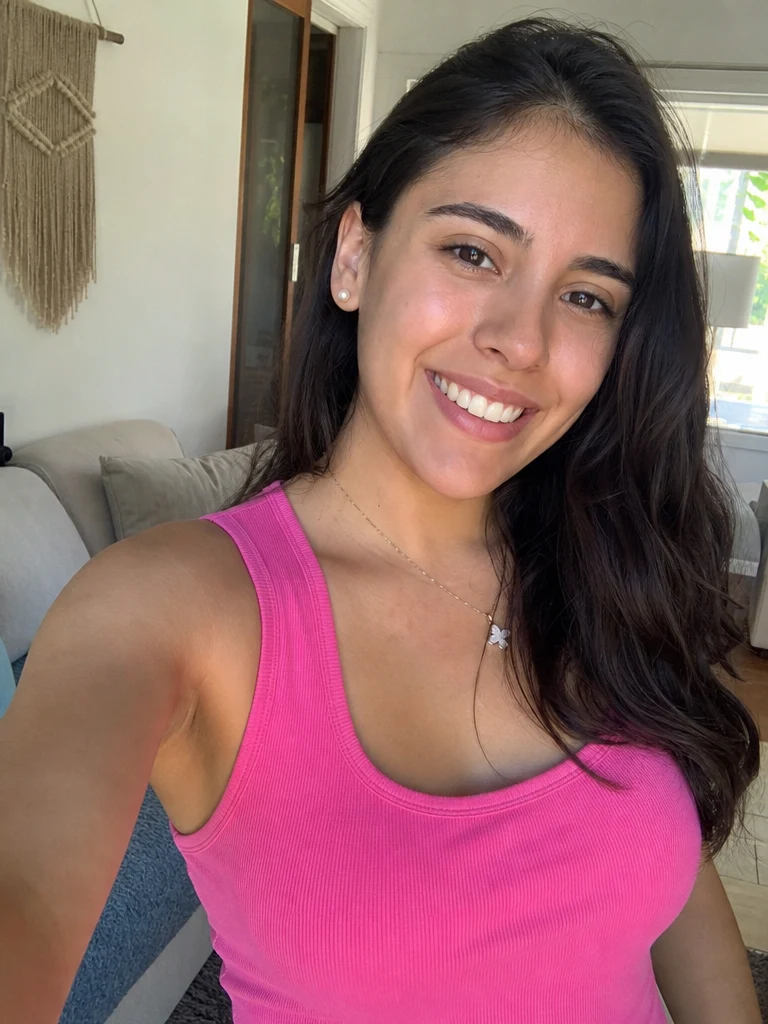 Before
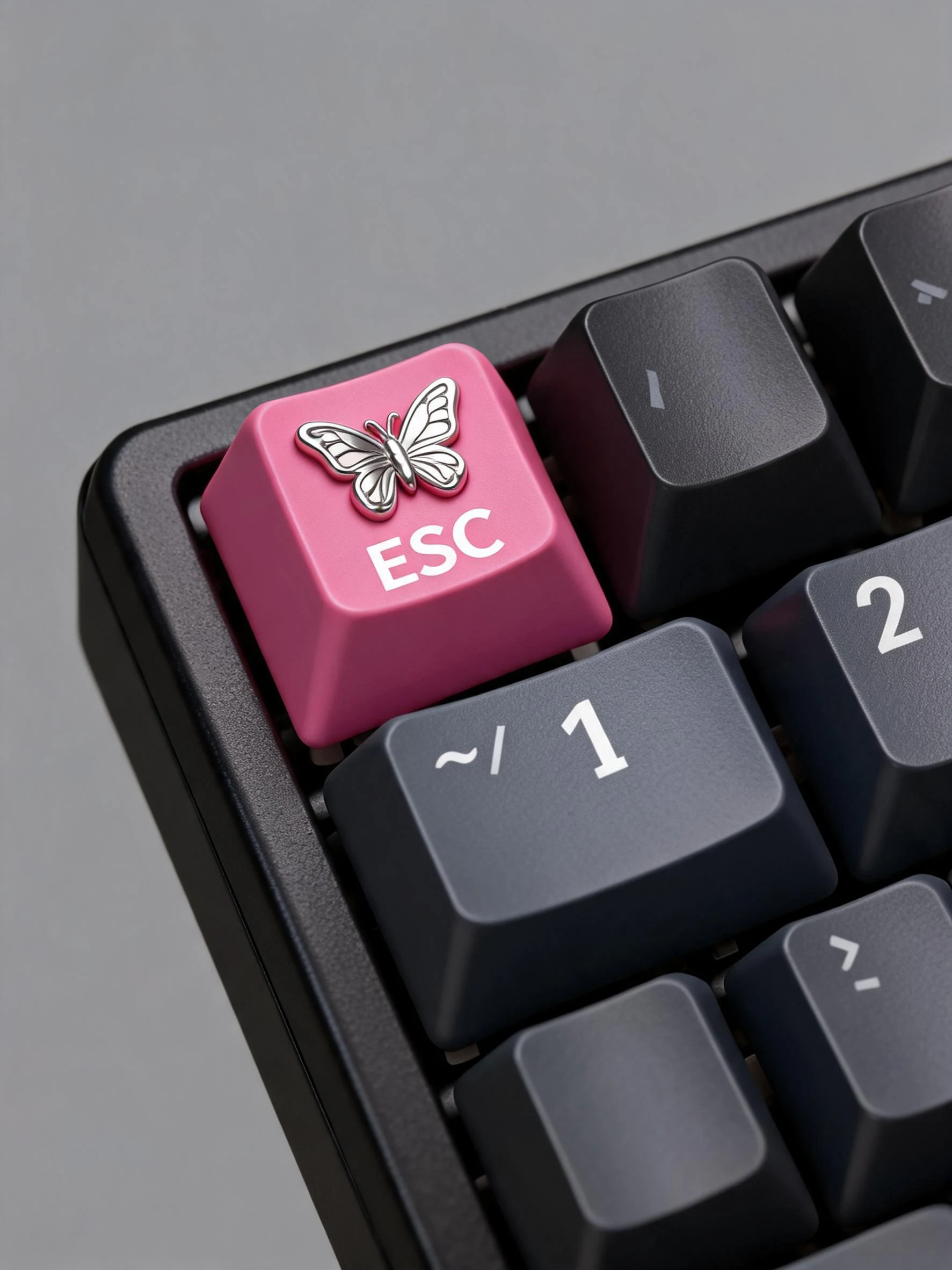 After
After Before
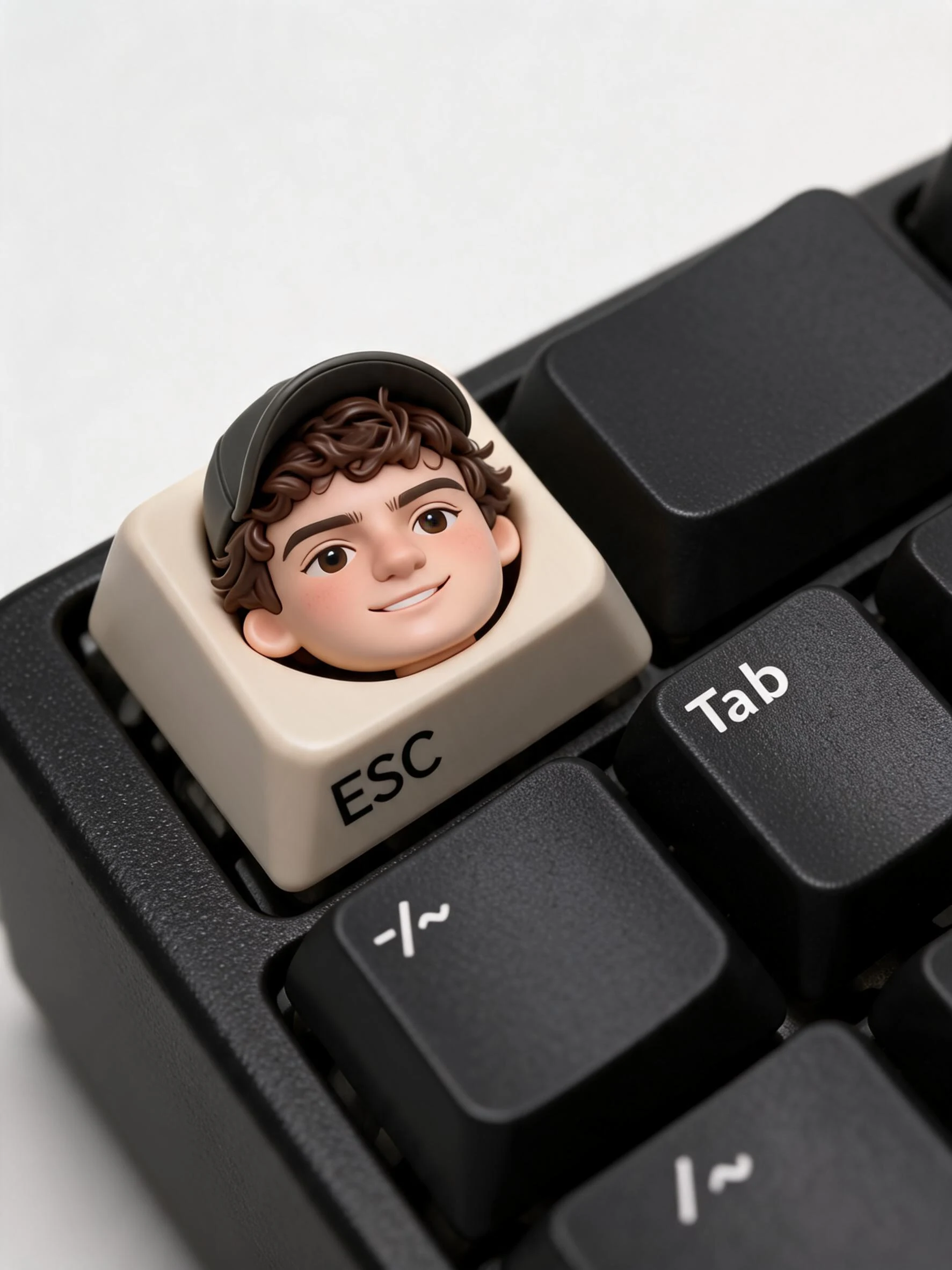 After
After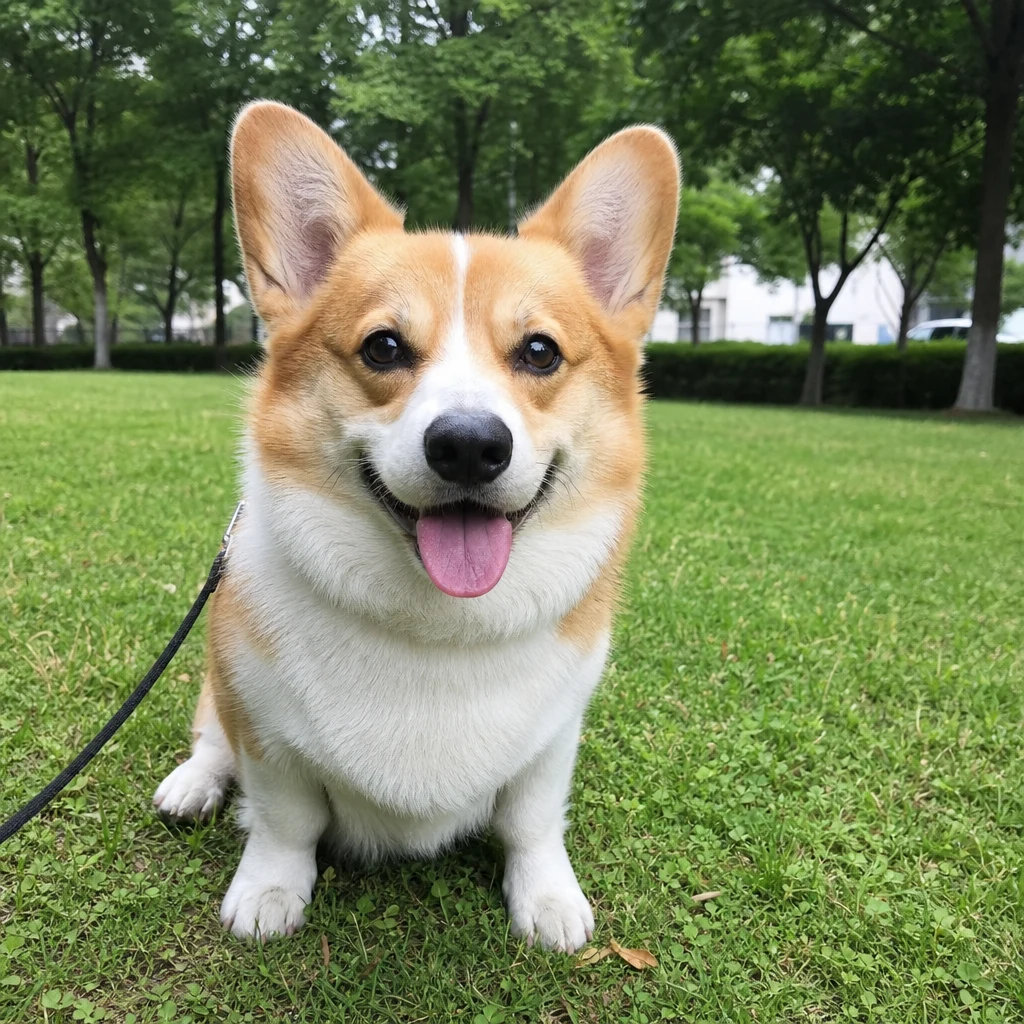 Before
 After
AfterWoman Smile Home
How to use the AI keycap generator
Three steps, right in your browser.
Upload your photo
Drag in or select a clear photo of your subject — a face, a pet, or an object works well. A clean background and good lighting help the AI pick out the shape it needs to shrink into a keycap. Your photo is used only to make your result.
Pick a keycap or charm style
Sign in for your 10 free credits, then choose your style: a cute keycap perched on a keyboard, a 3D miniature ESC keycap, a glossy enamel pin, or a dangling phone charm. The AI reshapes your subject into a chunky little collectible while keeping the details that make it recognizable.
Download and share
Preview your miniature, then download it at full resolution with no watermark. Post it, send it to a friend, use it as a sticker or icon, or take it as a reference for a real 3D print or keycap order.
What you can make
Popular ways people use the keycap and charm generator.
Custom keyboard keycaps
Turn your own face, mascot, or logo into a cute artisan-style keycap sitting on a mechanical keyboard — a fun mockup before you commission a real one.
A tiny ESC-key you
Shrink your subject into a 3D miniature molded onto an ESC keycap — the perfect novelty piece for keyboard fans and desk-setup photos.
Enamel pin designs
Cast your character as a glossy hard-enamel pin with clean outlines and bright fills — a ready-made concept for merch, giveaways, or a pin you actually manufacture.
Phone charms & keychains
Hang your subject off a phone strap or keyring as a little dangling charm — a personal accessory you can show off or print as a real trinket.
Personalized gifts
Make a friend, partner, or pet into a collectible keycap charm for a birthday card, a group chat surprise, or a print-on-demand keepsake.
Stickers, icons & avatars
The clean, glossy 3D look makes a great profile picture, chat sticker, or shop icon — a cute character version of you or your brand.
Why use SharkFoto's keycap generator
Recognizable 3D miniatures
The AI reshapes your subject into a chunky collectible figurine while keeping the features, colors, and details that make it clearly you, your pet, or your logo — not a generic blob.
Keycaps, pins, and charms in one place
Go beyond a single look: render a cute keyboard keycap, a 3D ESC-key miniature, a hard-enamel pin, or a dangling phone charm, all from the same photo.
Works from one photo
No 3D software and no modeling skills needed. A single clear photo of a person, pet, or object is enough for the AI to build a convincing miniature.
10 free credits, no watermark
Sign up free and get 10 credits to start making charms. Your download comes at full resolution with no watermark, so it's clean enough to post, print, or use as a production reference.
Tips for the best results
Use a photo with a clear subject — the AI shrinks whatever stands out most into a keycap, so a well-defined face, pet, or object gives the cleanest miniature.
Prefer a simple, uncluttered background — busy backgrounds can confuse the shape the AI molds into the charm; a plain backdrop keeps the subject crisp.
Make sure the subject is well lit — even lighting helps the AI capture colors and features accurately, so the glossy 3D version stays true to the original.
Fill the frame with your subject — a subject that's too small or far away loses the detail needed to read as a recognizable collectible.
Use the highest-resolution photo you have — low-res or heavily compressed images limit how sharp and detailed the final keycap or charm can look.