AI Movie Poster Generator
Cast yourself as the star of a blockbuster in seconds. SharkFoto's AI movie poster generator turns a single photo into a cinematic poster complete with dramatic lighting, a title treatment, and that big-screen billing-block look, so an ordinary selfie becomes a poster worthy of a theater lobby. Sign up free to get 10 credits, pick a poster style like Hollywood Poster or drop yourself into a genre scene, and download your result — with no watermark. Most styles export a high-resolution poster image ready to print or post, while the Your Movie Poster style animates into a short MP4 reveal. It's a playful mock-up for fun, not an official film.
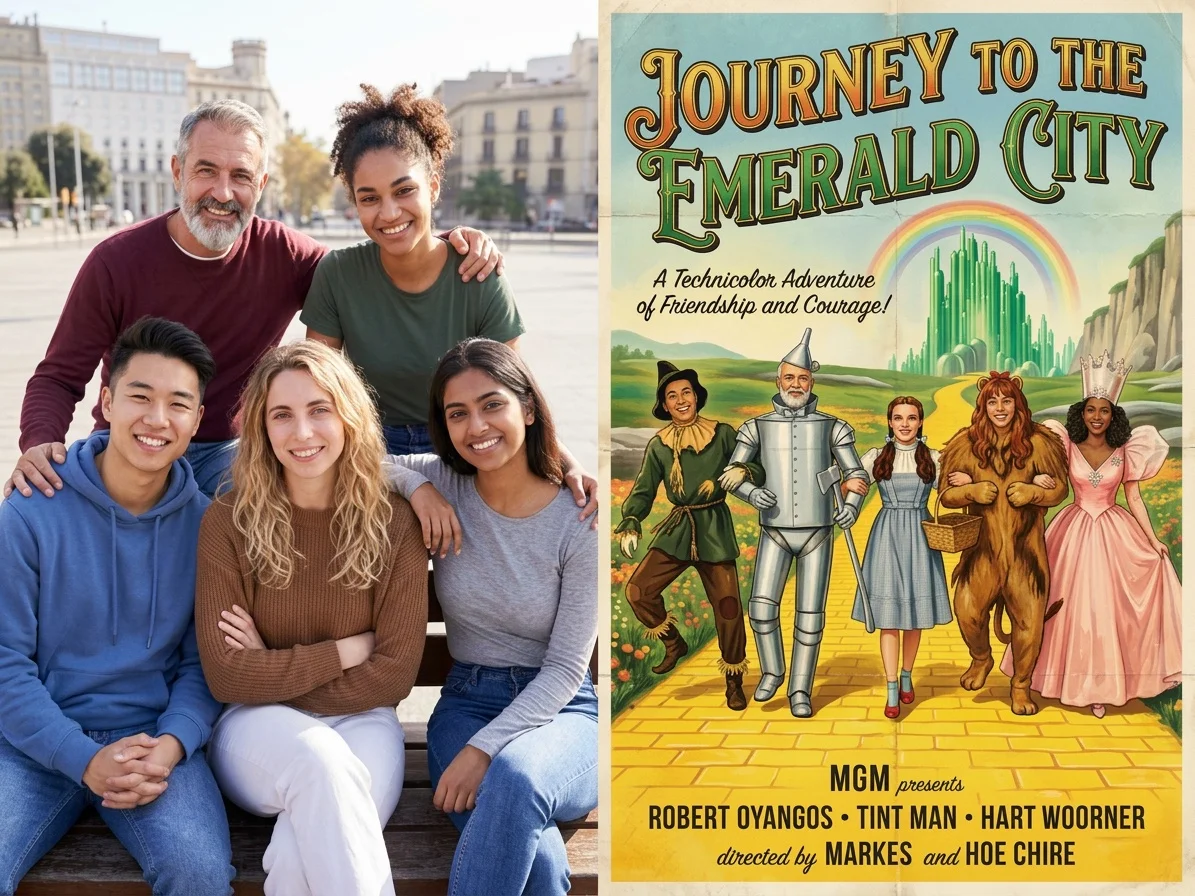 PopularHollywood Poster
What is an AI movie poster generator?
An AI movie poster generator turns a photo of you into a cinematic film poster — complete with dramatic lighting, a stylized title, taglines, and a credits billing block — without any design software. You upload a photo, pick a genre or poster style, and download your result with you as the lead — a high-resolution poster image for most styles, or a short MP4 for the animated Your Movie Poster style. The result is a playful, made-up poster, not a real or licensed film.
All AI Movie Poster Effects
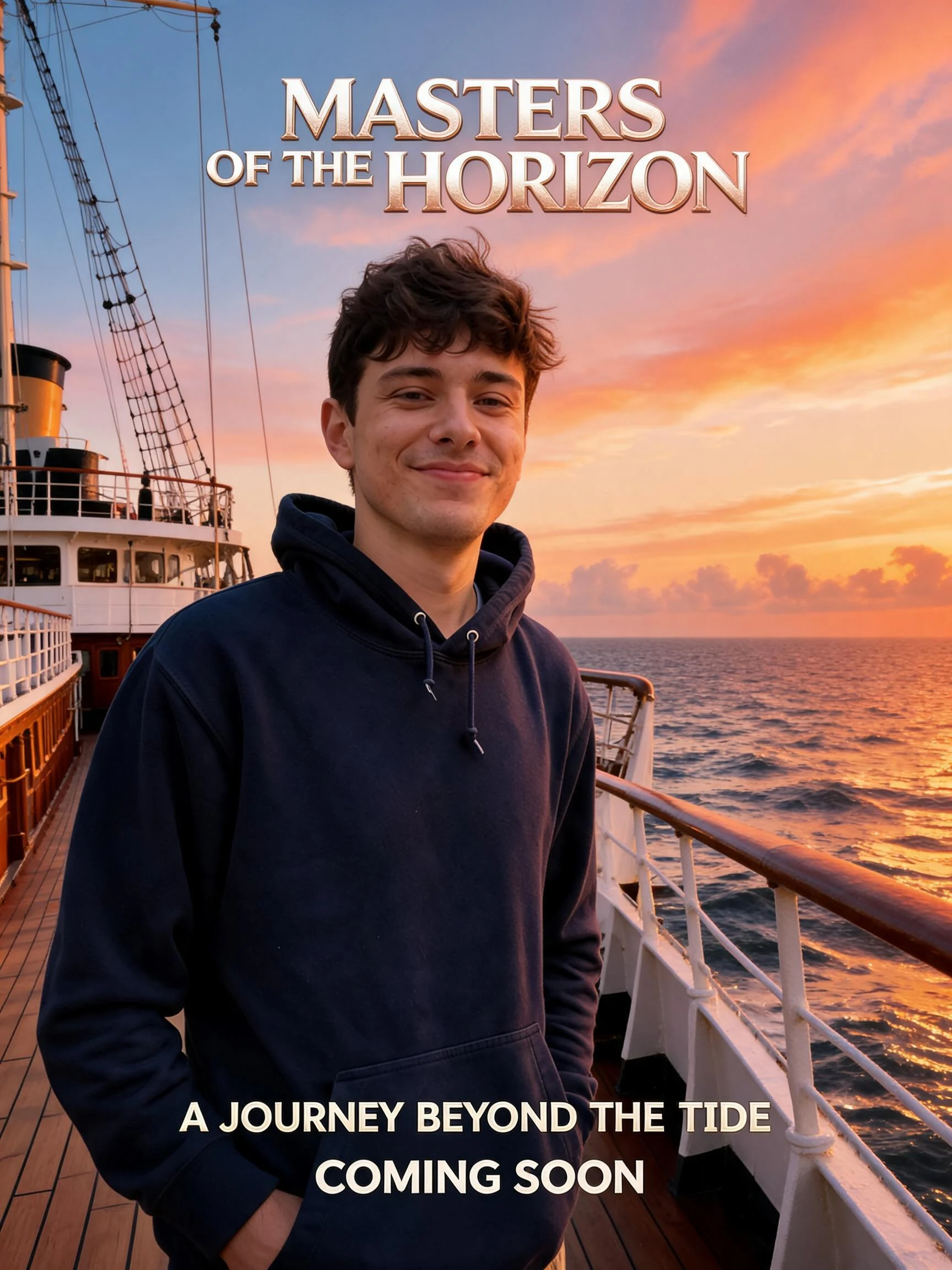
Three ways to star in your own movie poster — a classic Hollywood one-sheet, a genre scene you're dropped into, or an animated poster reveal. Pick one to start.
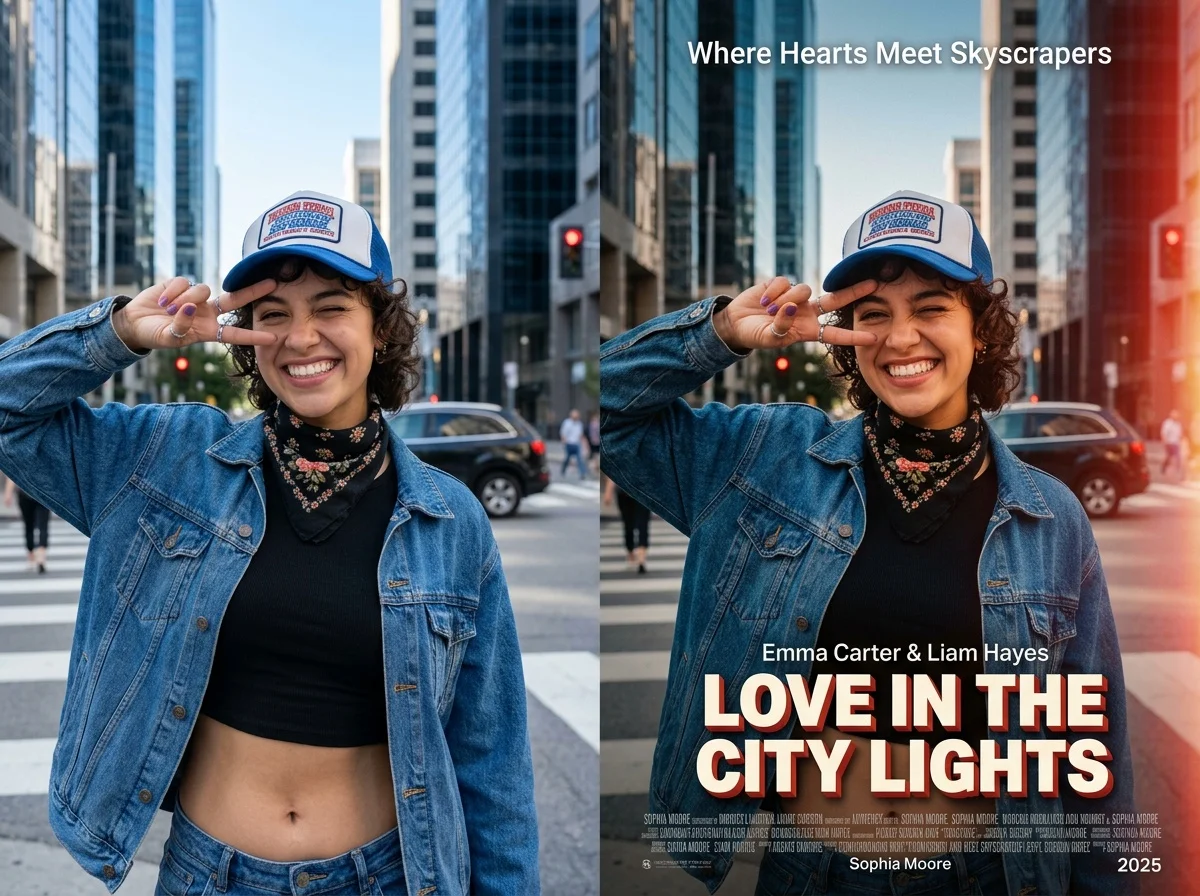


Before & after
An everyday photo, turned into a blockbuster poster.
 Before
 After
After Before
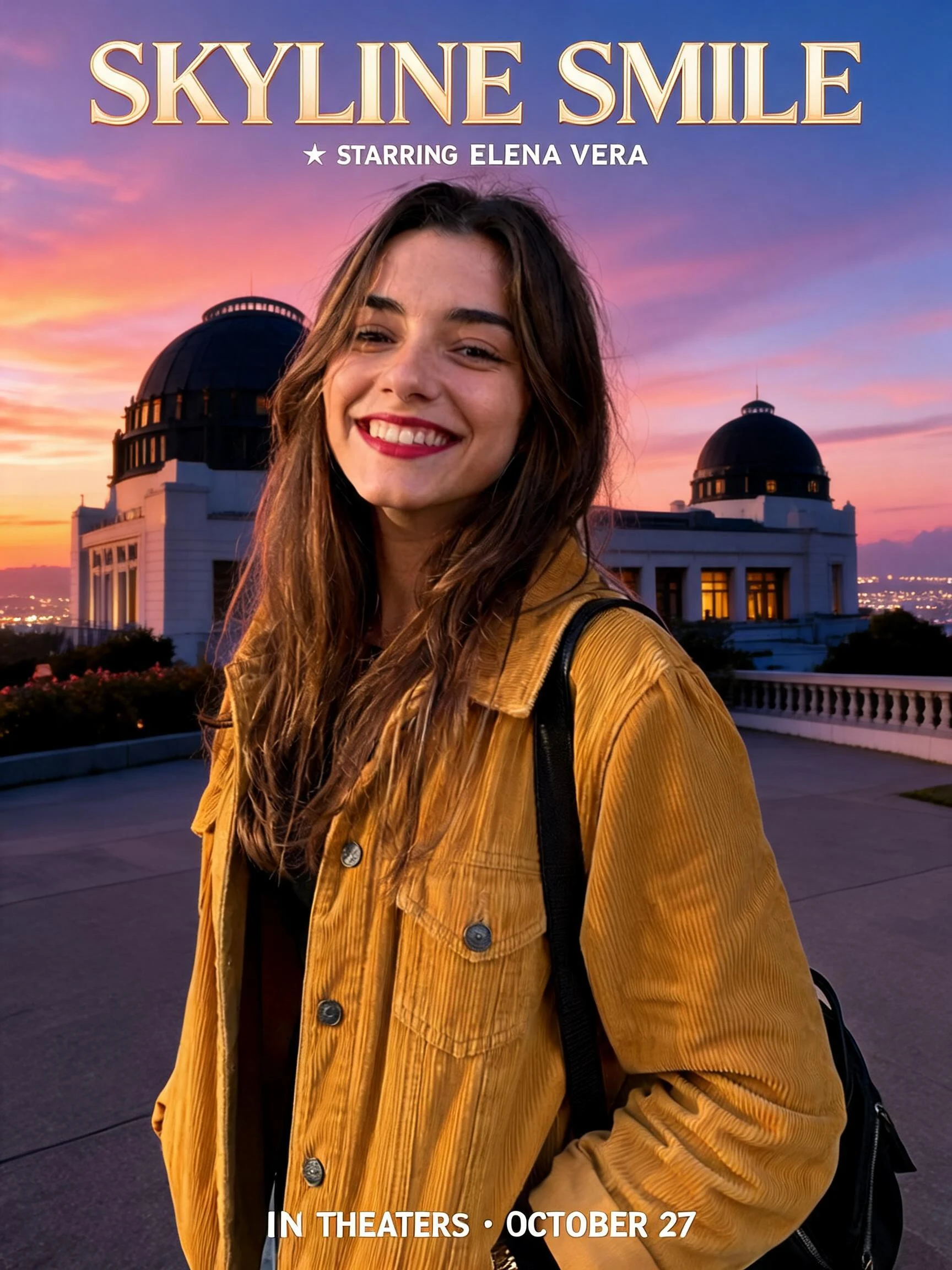 After
After Before
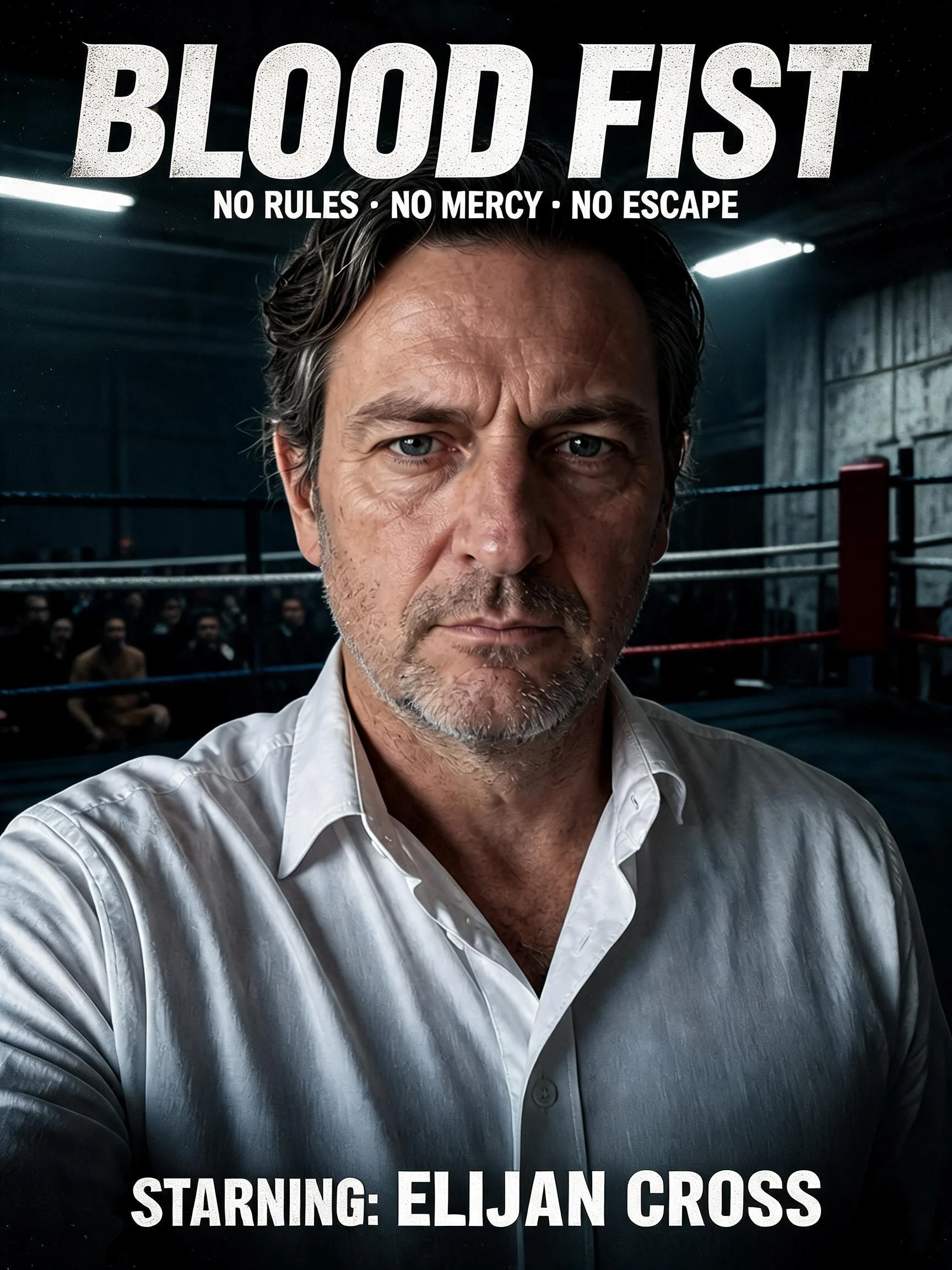 After
AfterMan Navy Park
How to make an AI movie poster
Three steps, right in your browser.
Upload your photo
Drag in or select a clear photo of yourself. A well-lit shot where your face and expression are visible gives the AI the most to build a striking poster around. Your photo is used only to make your result.
Pick a poster style
Sign in for your 10 free credits, then choose a look — a classic Hollywood one-sheet, a genre scene you're dropped into, or an animated poster reveal. The AI casts you as the lead, keeping your face and outfit recognizable while adding cinematic lighting, a title, and a credits block.
Download and share
Preview your poster, then download it at full resolution with no watermark — a high-resolution image for most styles, or a short MP4 for the animated Your Movie Poster reveal. Print it for a wall, use it as a profile banner, or post it as a fun movie mock-up of your own blockbuster.
What you can make
Popular ways people use the movie poster generator.
Star in your own blockbuster
Cast yourself as the lead of an action, romance, or thriller and turn a single selfie into a movie poster where your name is above the title.
Fun personalized gifts
Surprise a friend or partner with a poster that casts them as the hero of their favorite genre — a novel birthday, anniversary, or fan gift.
Party & movie-night invites
Make a themed poster for a film-night, premiere party, or costume event so the invite looks like a real theatrical one-sheet.
Which-movie scene mock-ups
Drop yourself into a cinematic genre scene to find out which kind of movie you belong in, then share the reveal.
Standout social posts
Give your feed a scroll-stopping, cinematic post — a dramatic poster of you reads far bolder than a plain selfie.
Clubs, teams & creators
Make matching cast-style posters for a friend group, sports team, or channel to use as banners, thumbnails, or fan art.
Why use SharkFoto's movie poster generator
Cinematic poster look
The AI adds movie-grade lighting, color grading, a stylized title, and a credits billing block, so your photo reads like a real theatrical one-sheet instead of a plain filter.
You stay the star
The model casts you as the lead while keeping your face, hair, and outfit recognizable, so the poster clearly looks like you headlining rather than a random character.
Genres and styles to pick from
Go for a classic Hollywood one-sheet, get dropped into a genre scene, or generate an animated poster reveal, so you can match the mood of any project or post.
10 free credits, no watermark
Sign up free and get 10 credits to start making posters. Your download comes at full resolution with no watermark, so it's clean enough to print, frame, or post.
Tips for the best results
Use a clear, well-lit photo of your face — the AI builds the poster around your expression, so a sharp, evenly lit shot makes the strongest lead.
Pick a photo with a bold pose or expression — a confident or dramatic look reads more like a movie star headlining a poster.
Use a plain or simple background — busy backgrounds can fight with the cinematic scene and title the AI adds.
Match your outfit to the genre you want — clothing that fits an action, romance, or noir vibe helps the poster land the right mood.
Start from a higher-resolution photo — low-res images limit how crisp the final print-ready poster can be.
Frequently asked questions
Is the AI movie poster generator really free?
What kind of photo works best?
Do I get an image or a video?
Is this a real movie poster or an official film?
How long does it take to generate a poster?
Is my photo safe and private?
Can I use my movie poster commercially?
What if the poster doesn't look like me?
Related AI effects
More ways to give your photos the star treatment.