AI 3D Billboard Generator
Put yourself on a giant city billboard in seconds. SharkFoto's AI 3D billboard generator drops your selfie onto a mock Times Square screen or spins it into a jaw-dropping 3D naked-eye ad that looks like it's bursting off the LED wall. It's a playful, for-fun stunt — a make-believe billboard starring you, not a real ad placement — so anyone can feel famous for a day. Sign up free to get 10 credits, pick a billboard effect, and download your image or MP4 — with no watermark — ready to post.
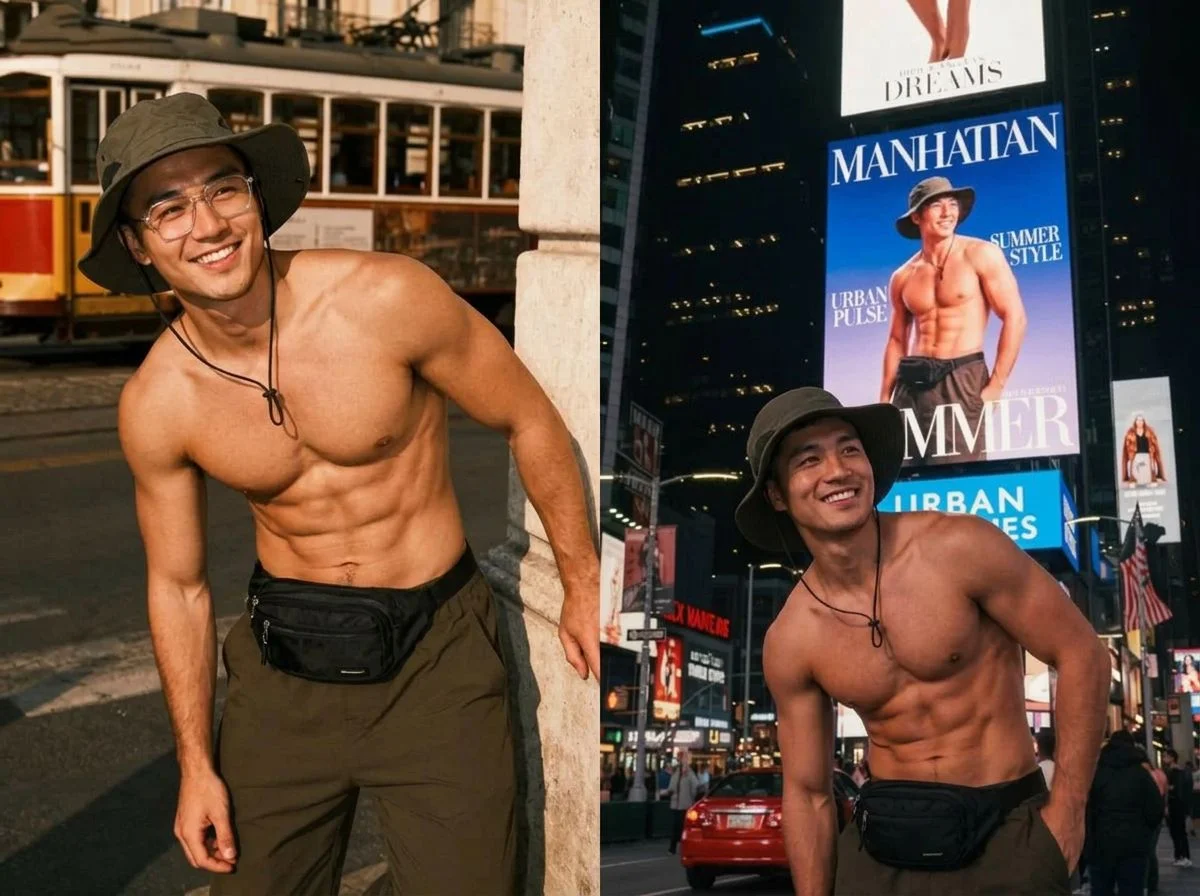 PopularAI Times Square Billboard Selfie
What is an AI 3D billboard generator?

An AI 3D billboard generator takes a photo of you and composites it onto a large-format screen — like a Times Square LED wall or a curved corner billboard — so it looks like you're the star of the ad. Some effects go further and render a 3D naked-eye display where your image appears to pop out of the screen. You upload a photo, pick a billboard style, and download the result as an image or a short MP4.
All AI 3D Billboard Effects
Three ways to hit the big screen — a Times Square selfie, a full billboard ad, and a 3D naked-eye display. Pick one to start.



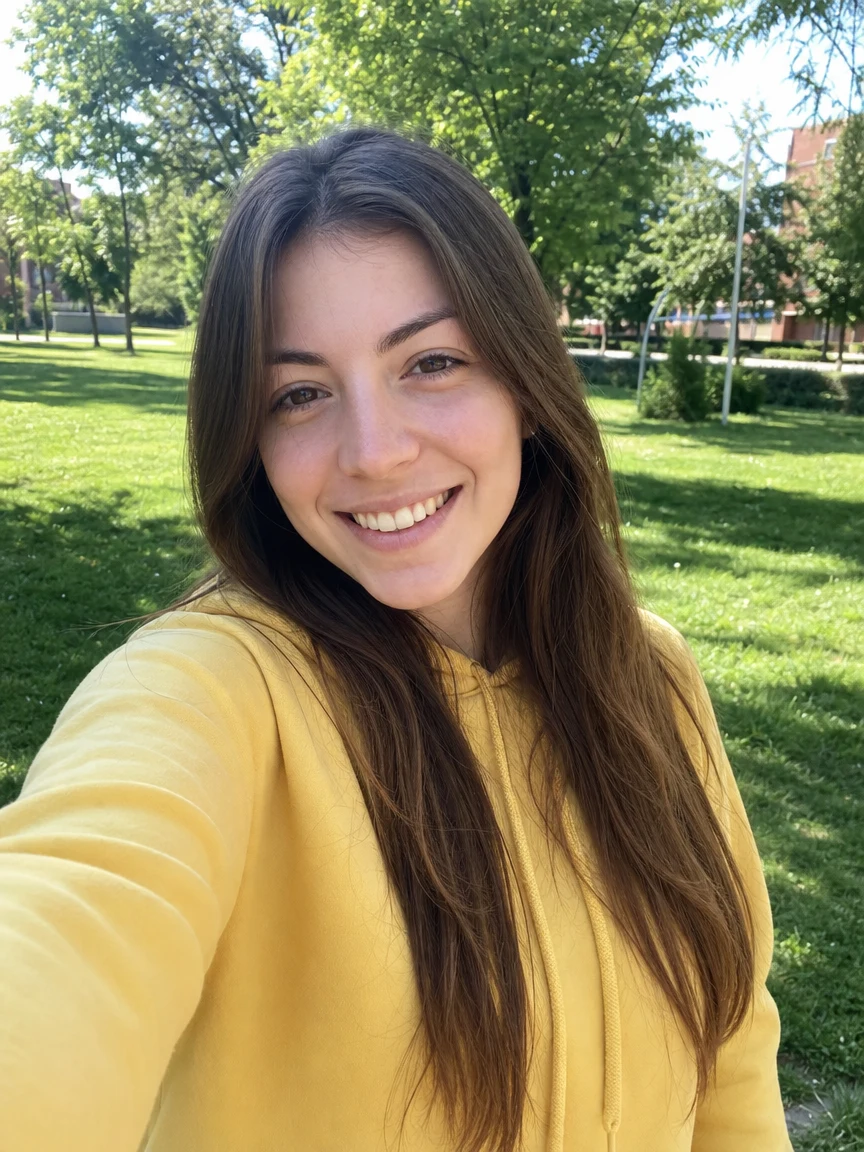
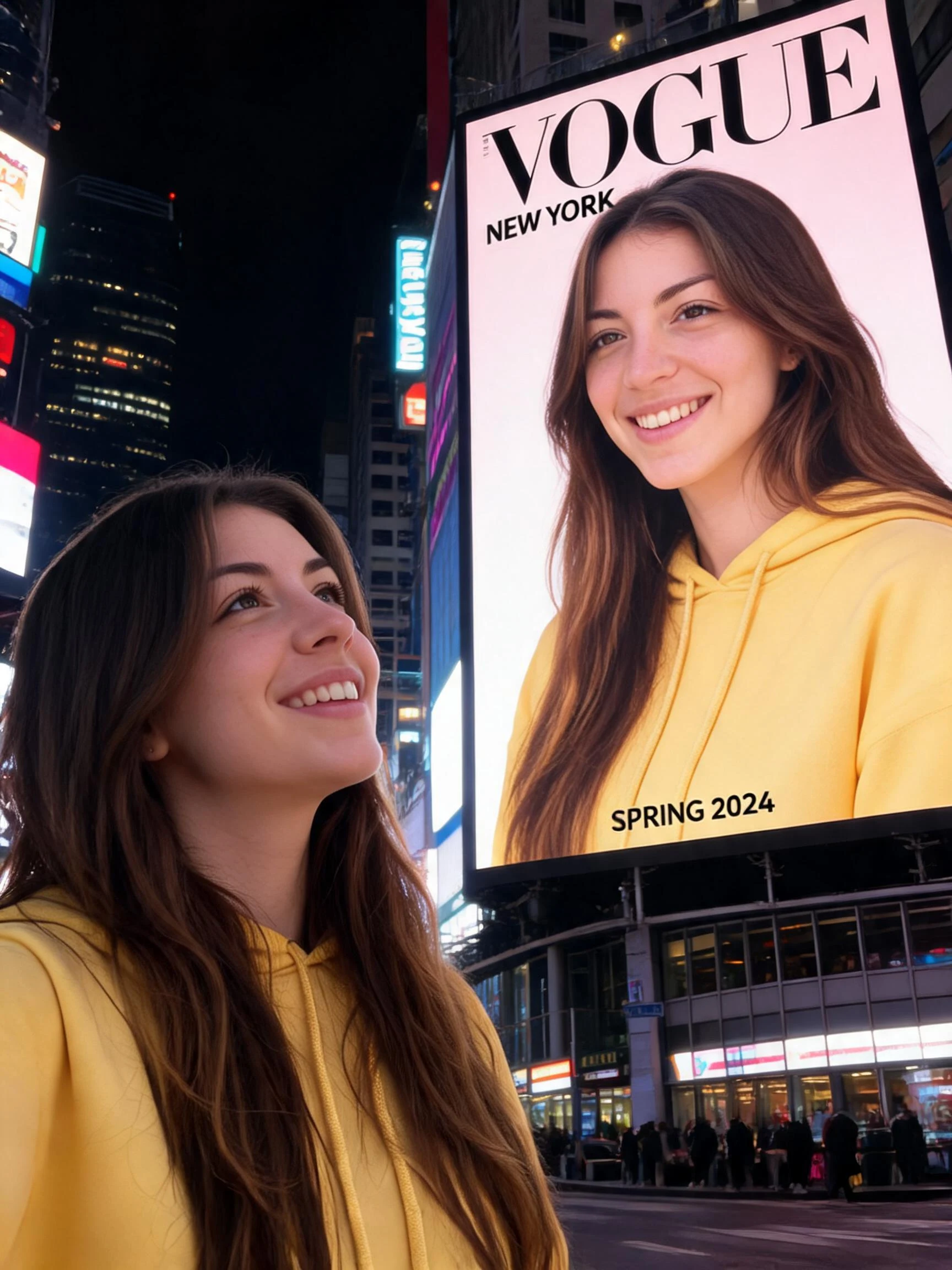
Before & after
An everyday selfie, up in lights on the big screen.
 Before
 After
After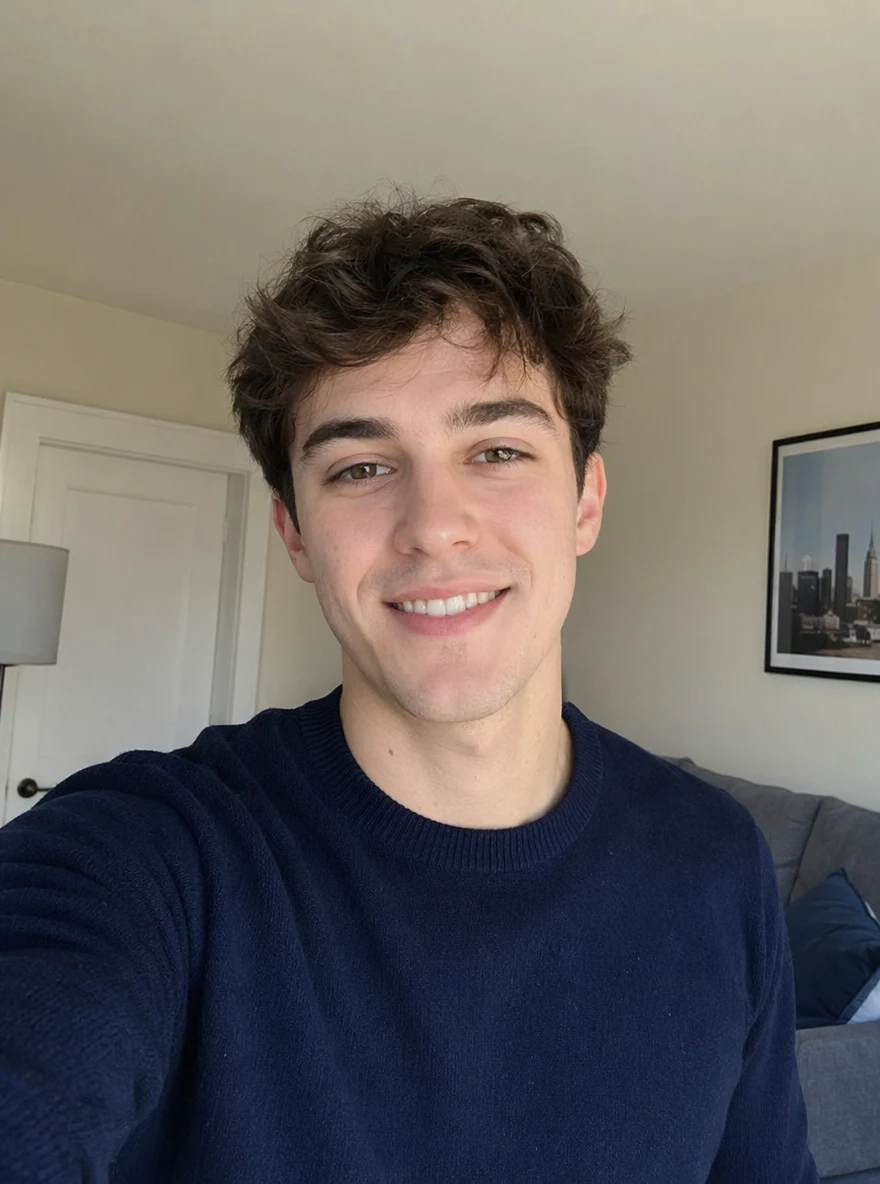 Before
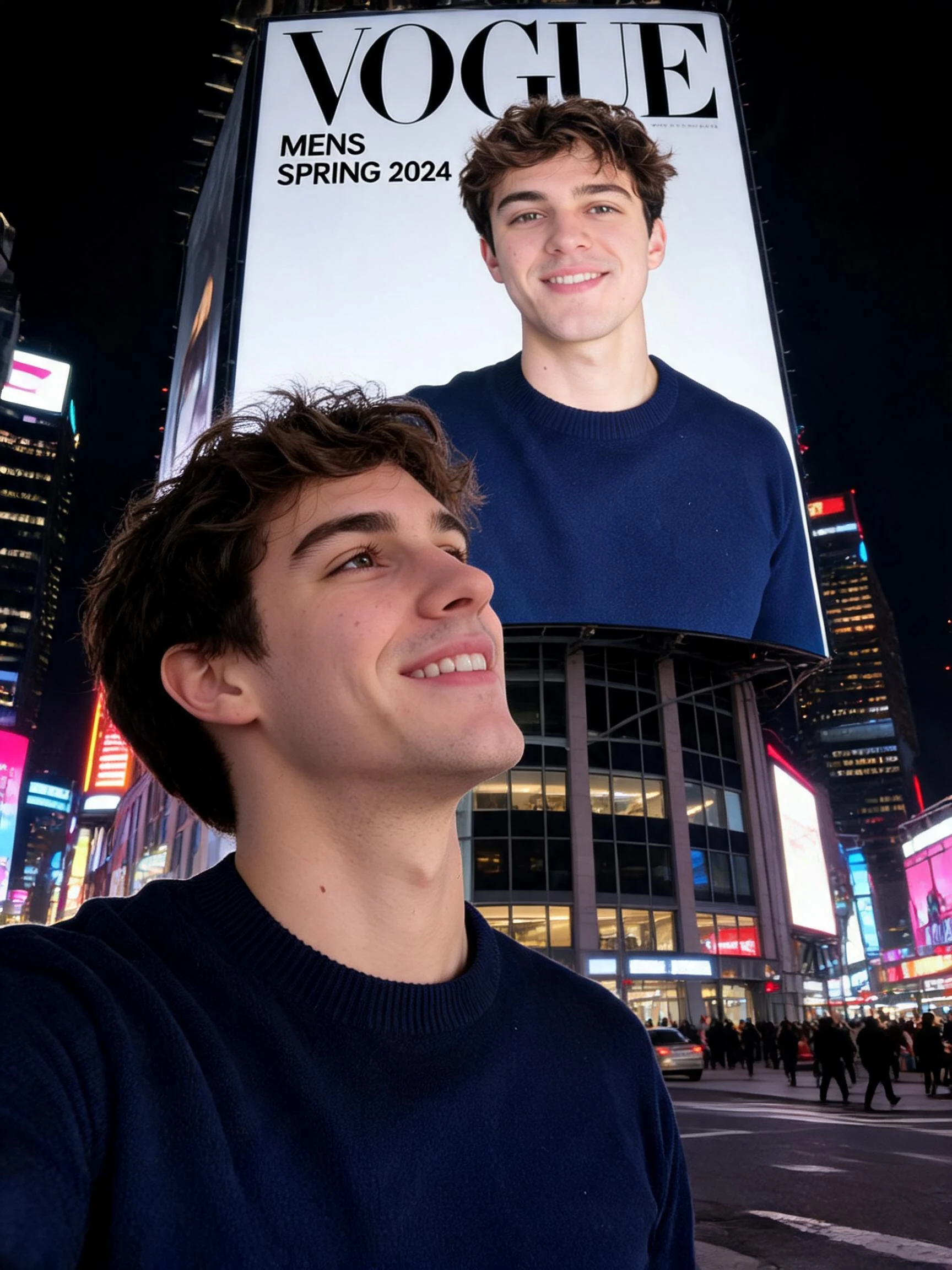 After
After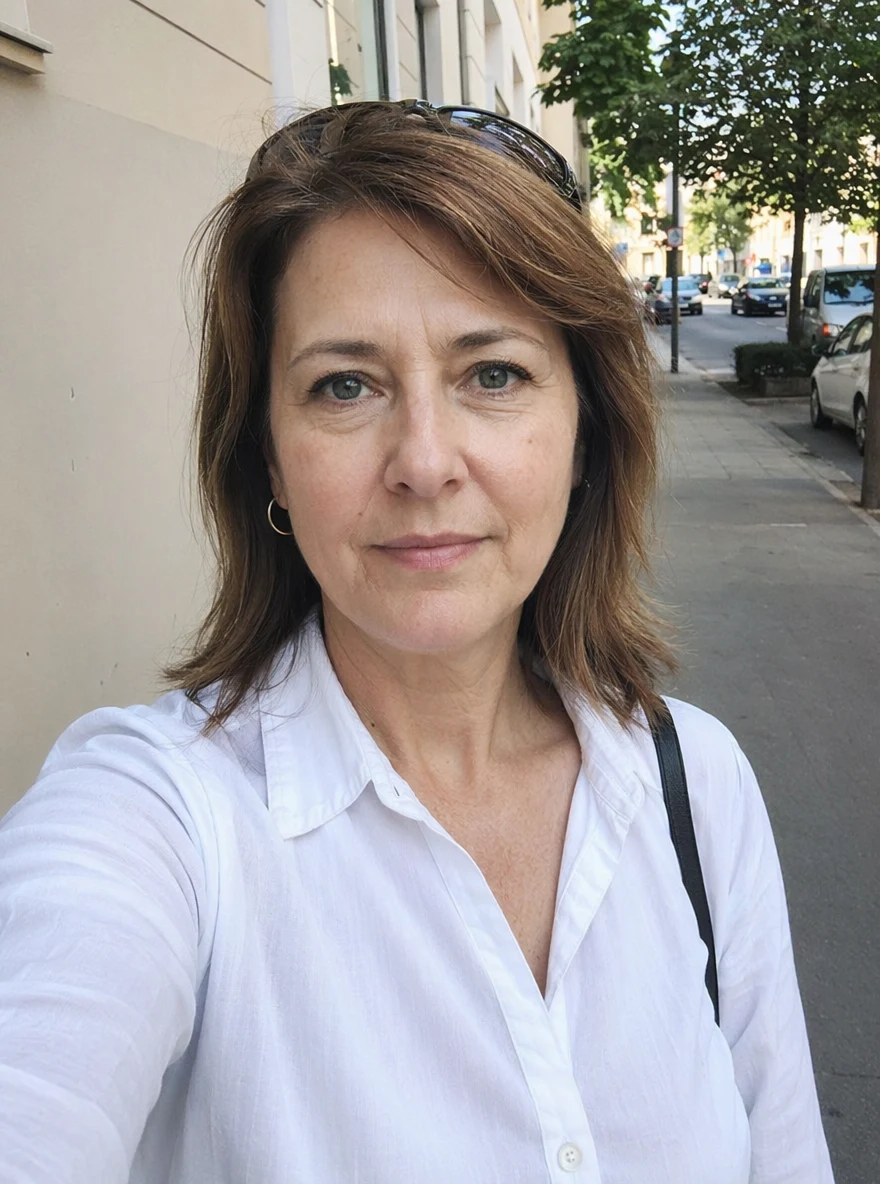 Before
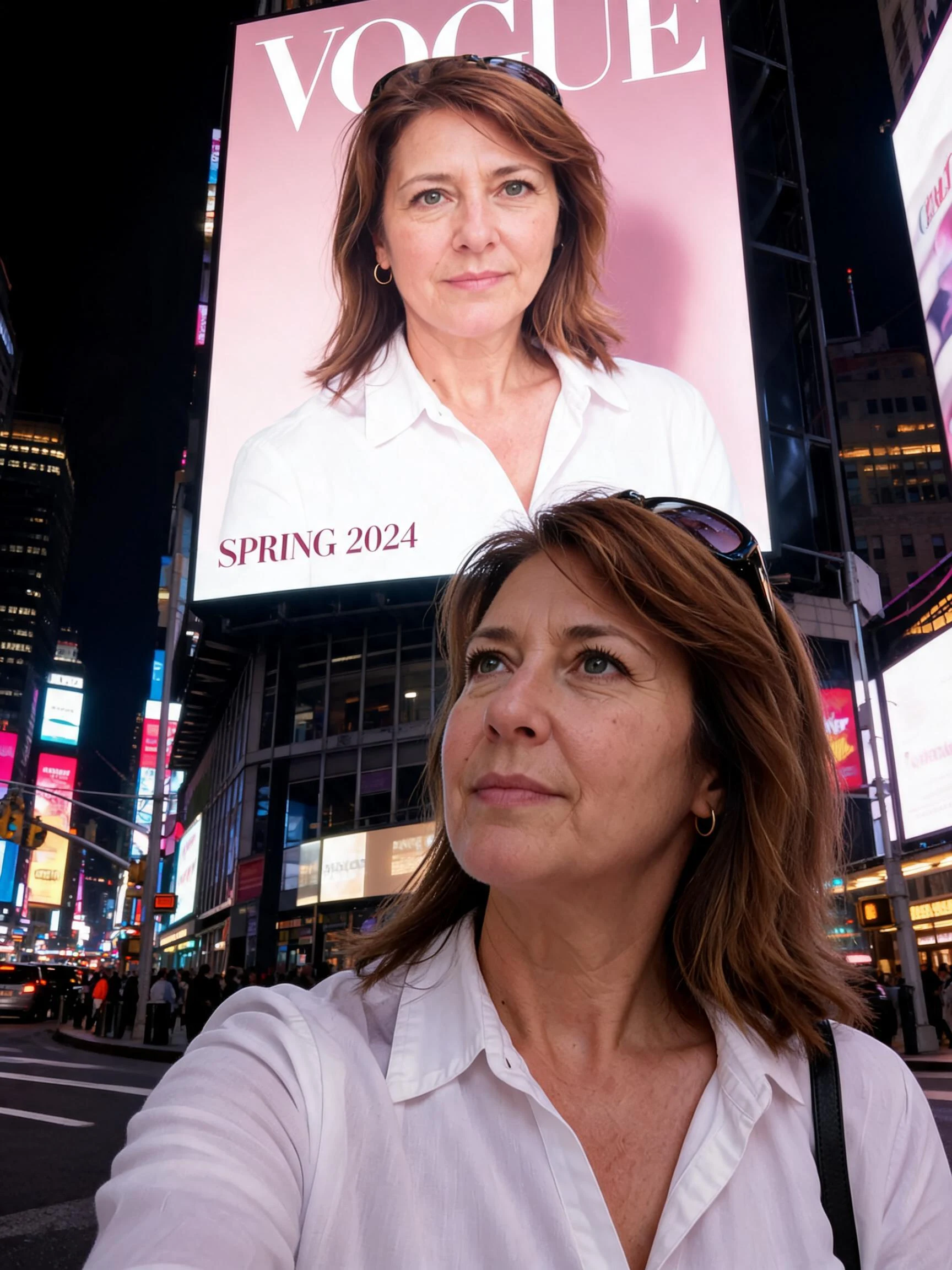 After
AfterWoman Yellow Park
How to make an AI billboard
Three steps, right in your browser.
Upload your photo
Drag in or select a clear photo of the person you want to see on the billboard. A well-lit, front-facing shot where the face is sharp gives the AI the most to work with. Your photo is used only to make your result.
Pick a billboard effect
Sign in for your 10 free credits, then choose a look — a Times Square selfie on the big screen, a full billboard ad, or a 3D naked-eye display where your image seems to leap out of the wall. The AI blends your face and lighting into the scene so it reads like a real placement.
Download and share
Preview your billboard, then download it at full resolution with no watermark — an image for the selfie style, or a short MP4 for the animated ads. Post it, text it, or use it as a fun profile shot right away.
What you can make
Popular ways people use the billboard generator.
Feel famous for a day
Drop your selfie onto a Times Square screen and share the ultimate flex — a make-believe moment of seeing your own face up in lights.
Surprise gifts & shout-outs
Put a friend, partner, or graduate on a giant billboard as a one-of-a-kind birthday, congrats, or proposal-tease reveal nobody expects.
Mock brand & ad campaigns
Prototype what your logo, product, or personal brand could look like on a real outdoor screen — a quick pitch mockup without renting the space.
Eye-catching 3D content
Turn a photo into a 3D naked-eye ad that appears to burst off the screen — the viral anamorphic look built for scroll-stopping reels.
Creators & streamers
Give a channel launch, milestone, or announcement a big-city billboard reveal to hype your community and headline a thumbnail.
Fun social posts
Make a playful 'I made it to Times Square' post for a fandom, a team win, or an inside joke that lands better on a giant screen.
Why use SharkFoto's billboard generator
Believable big-screen placement
The AI matches your face to the screen's angle, lighting, and glow so you look genuinely mounted on the billboard, not pasted on top of a stock photo of Times Square.
3D naked-eye option
Go beyond a flat poster: render an anamorphic 3D naked-eye ad where your image appears to pop out of the LED wall, matching the viral outdoor-screen trend from one photo.
Image or video output
Get a crisp still for the Times Square selfie style, or a short MP4 for the animated billboard and 3D ads — whichever fits the post you're making.
10 free credits, no watermark
Sign up free and get 10 credits to start generating billboards. Your download comes at full resolution with no watermark, so it's clean enough to post or share anywhere.
Tips for the best results
Use a clear, front-facing photo — the AI needs a sharp, well-lit face to blend convincingly onto the screen; side profiles come out flat.
Pick a photo with a strong, simple subject — one clear person or product reads far better at billboard scale than a busy group shot.
Keep the original background plain — the effect replaces the scene with the cityscape, so a clean subject cutout composites more cleanly.
Start from a higher-resolution photo — big-screen framing magnifies detail, so a sharp source keeps your face from looking soft.
Try both a still and a video effect — the Times Square selfie makes a great static flex, while the 3D naked-eye ad pops in a scrolling feed.
Frequently asked questions
Is my photo really shown on a billboard in Times Square?
Is the AI billboard generator really free?
What kind of photo works best?
Do I get an image or a video?
How long does it take to generate?
Is my photo safe and private?
Can I use my AI billboard commercially?
Can I put someone else on a billboard?
Related AI effects
More ways to put yourself in the spotlight.