AI 3D Pop Out Effect
Turn a flat photo into an eye-catching 3D pop out effect in seconds. SharkFoto's AI reimagines the subject in your picture as if it's bursting out of its own frame — one foot on the border, an arm reaching past the edge, the whole scene gaining real depth. Sign up free to get 10 credits, pick a pop-out or frame-break style, and download your result — with no watermark — ready to post or print. Most styles export a high-resolution image, and the out-of-frame style animates the moment as a short MP4.
 PopularAI 3D Pop-Out Effect
What is an AI 3D pop out effect?
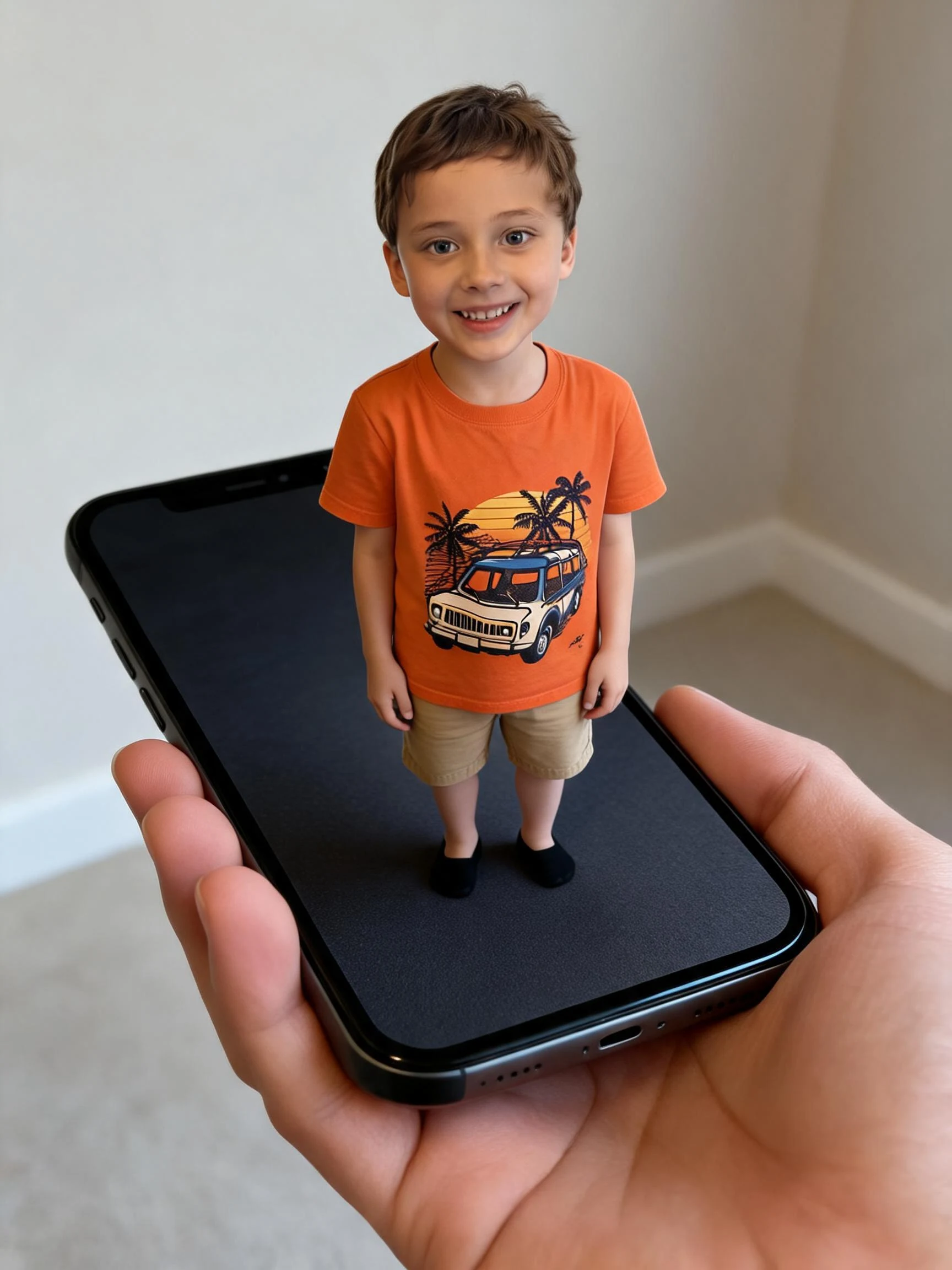
An AI 3D pop out effect is a trick of depth where the main subject of a photo appears to break out of its own frame or border, with part of them spilling into the foreground while the rest stays inside the picture. You upload a photo, pick a pop-out or frame-break style, and the AI rebuilds the scene with a 3D border, added shadows, and a foreground element that reaches past the edge.
All AI 3D Pop-Out Effects
Five ways to break the frame — a classic 3D pop-out, a shattered photo border, a festive gift-wrap burst, a trompe-l'oeil illusion, and an animated out-of-frame clip. Pick one to start generating.
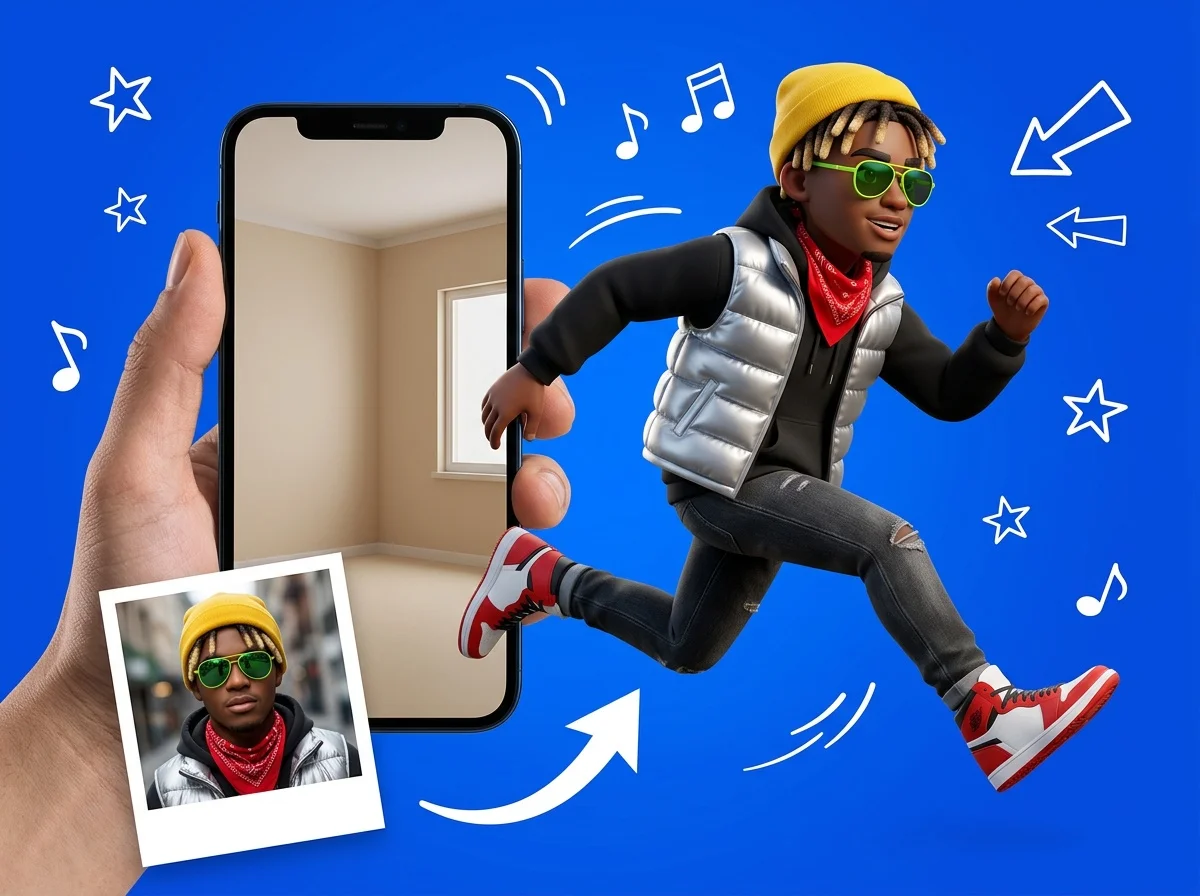

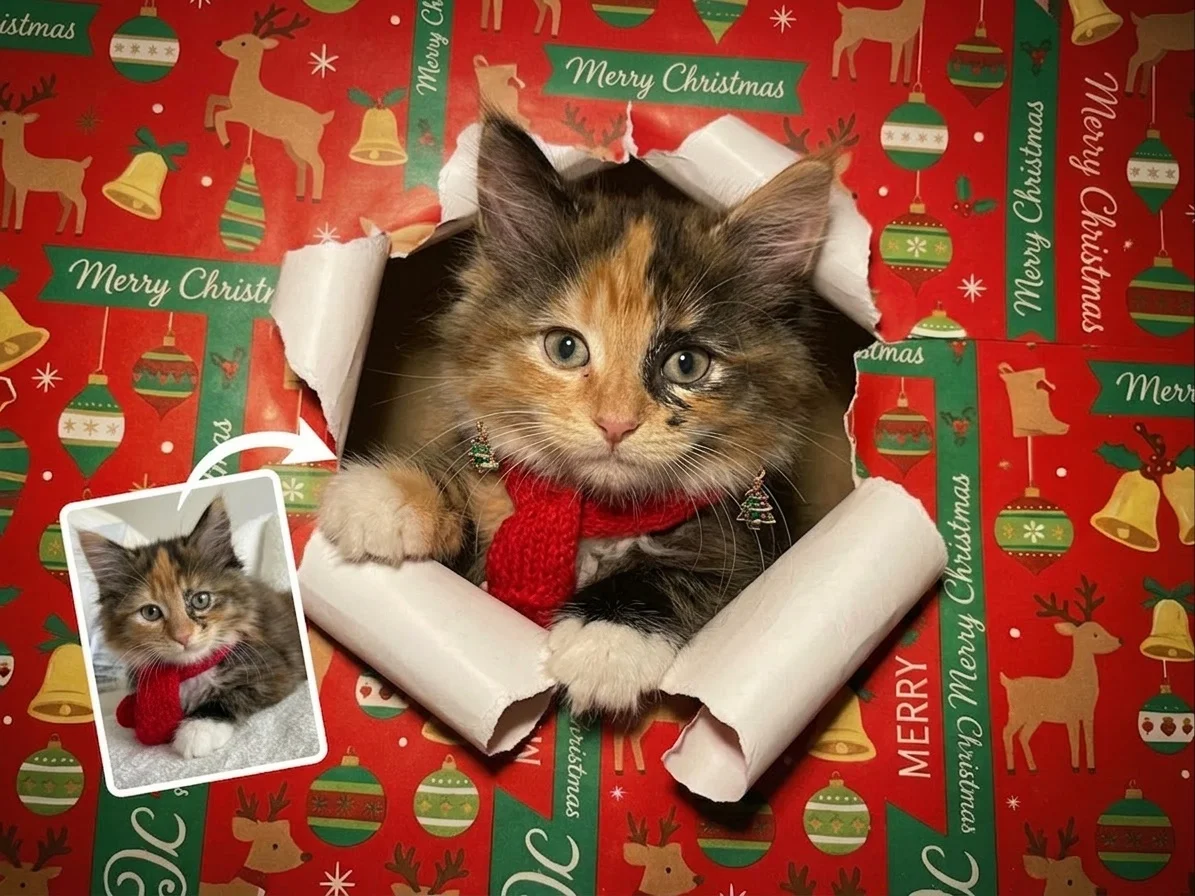
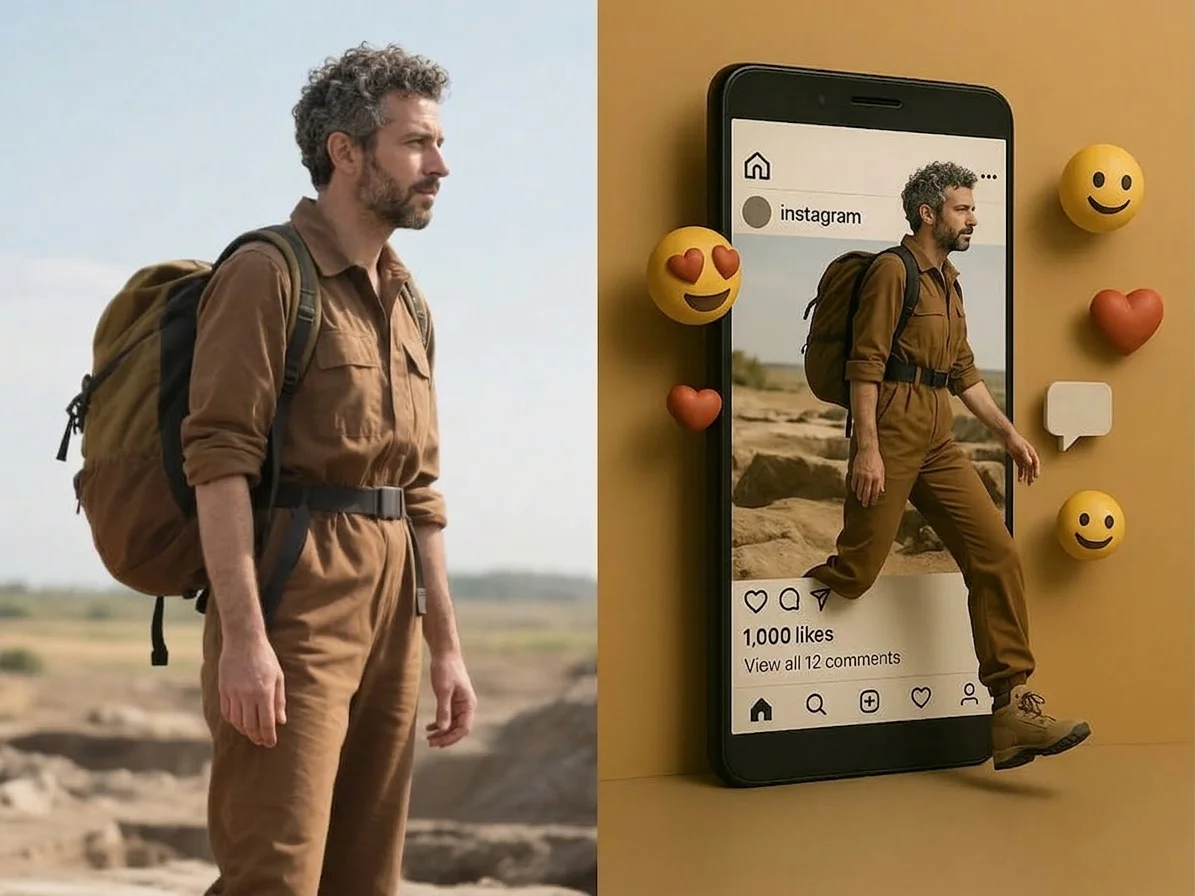

Before & after
A flat photo, bursting out of its frame.
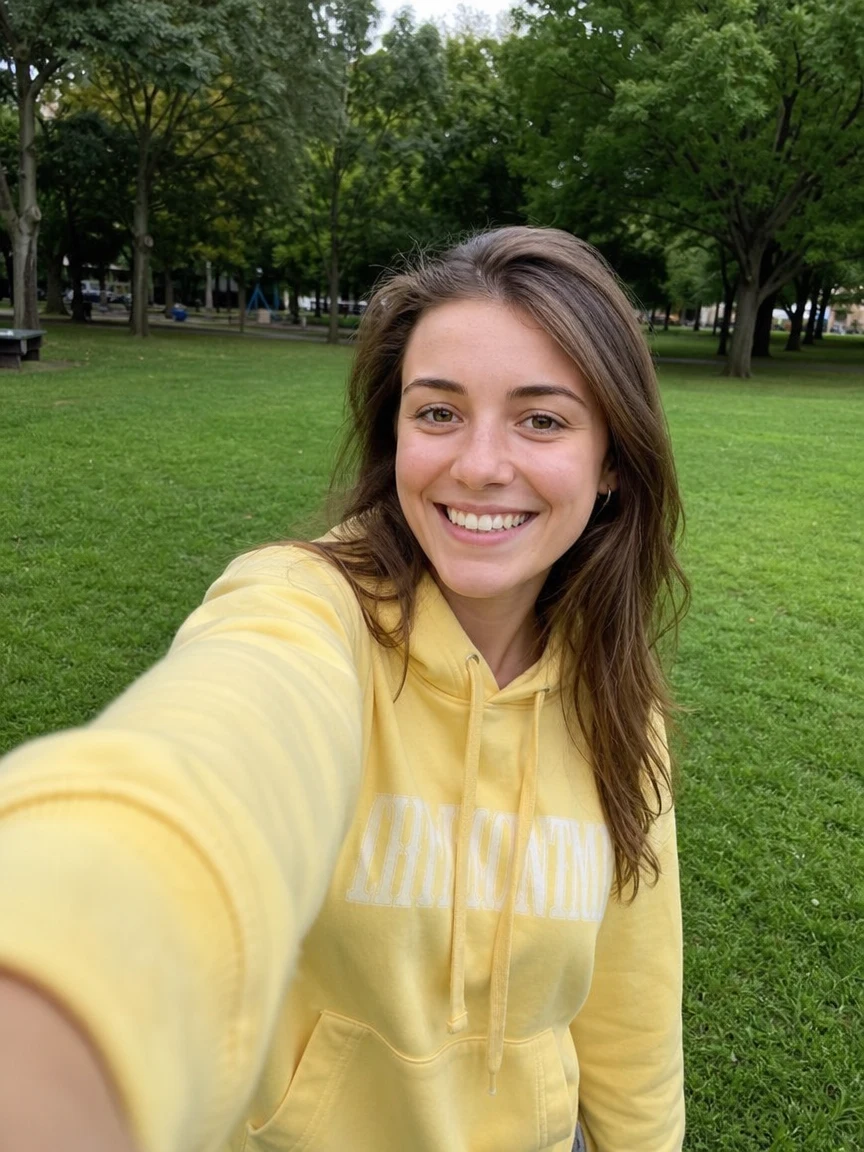 Before
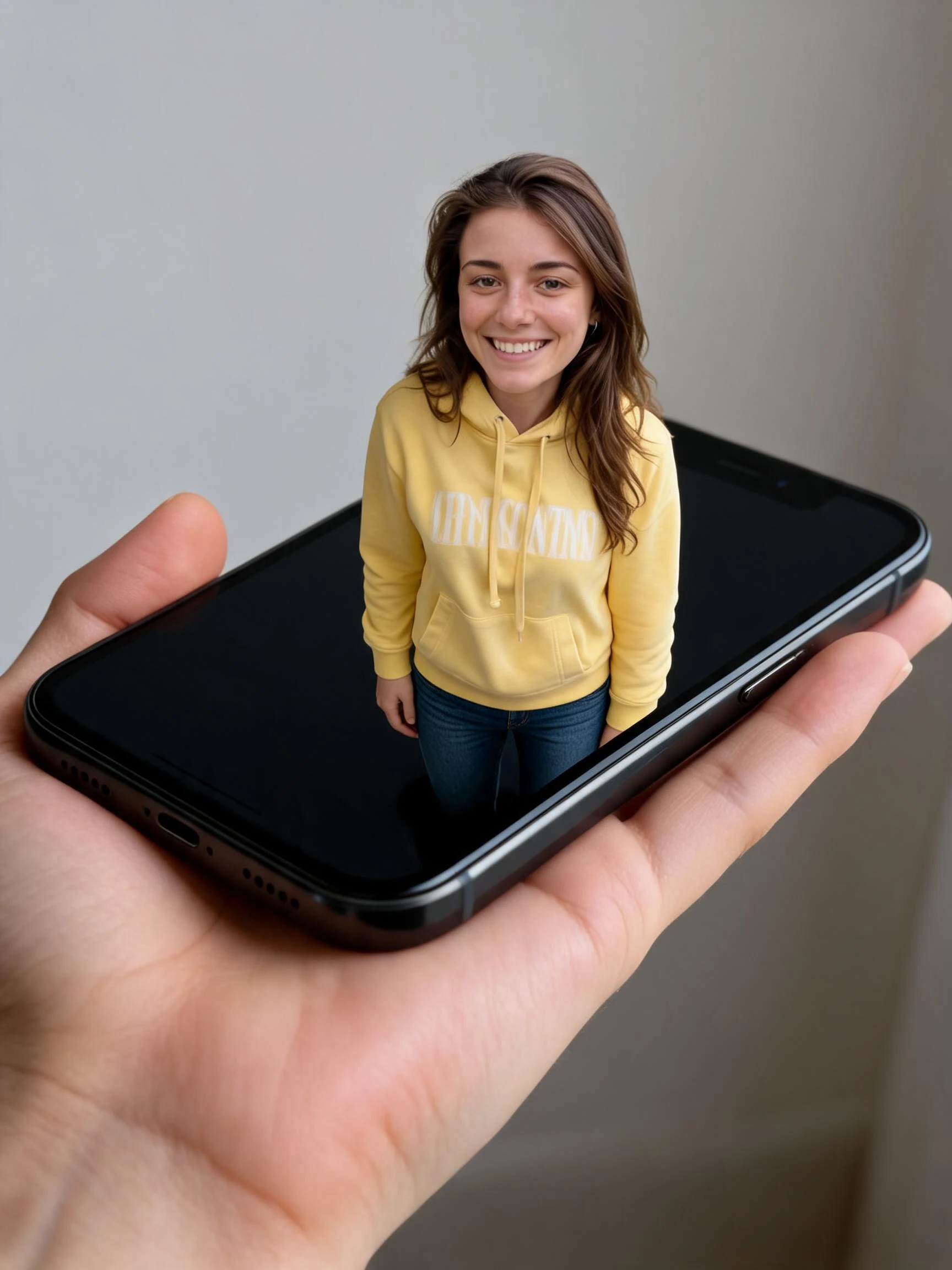 After
After Before
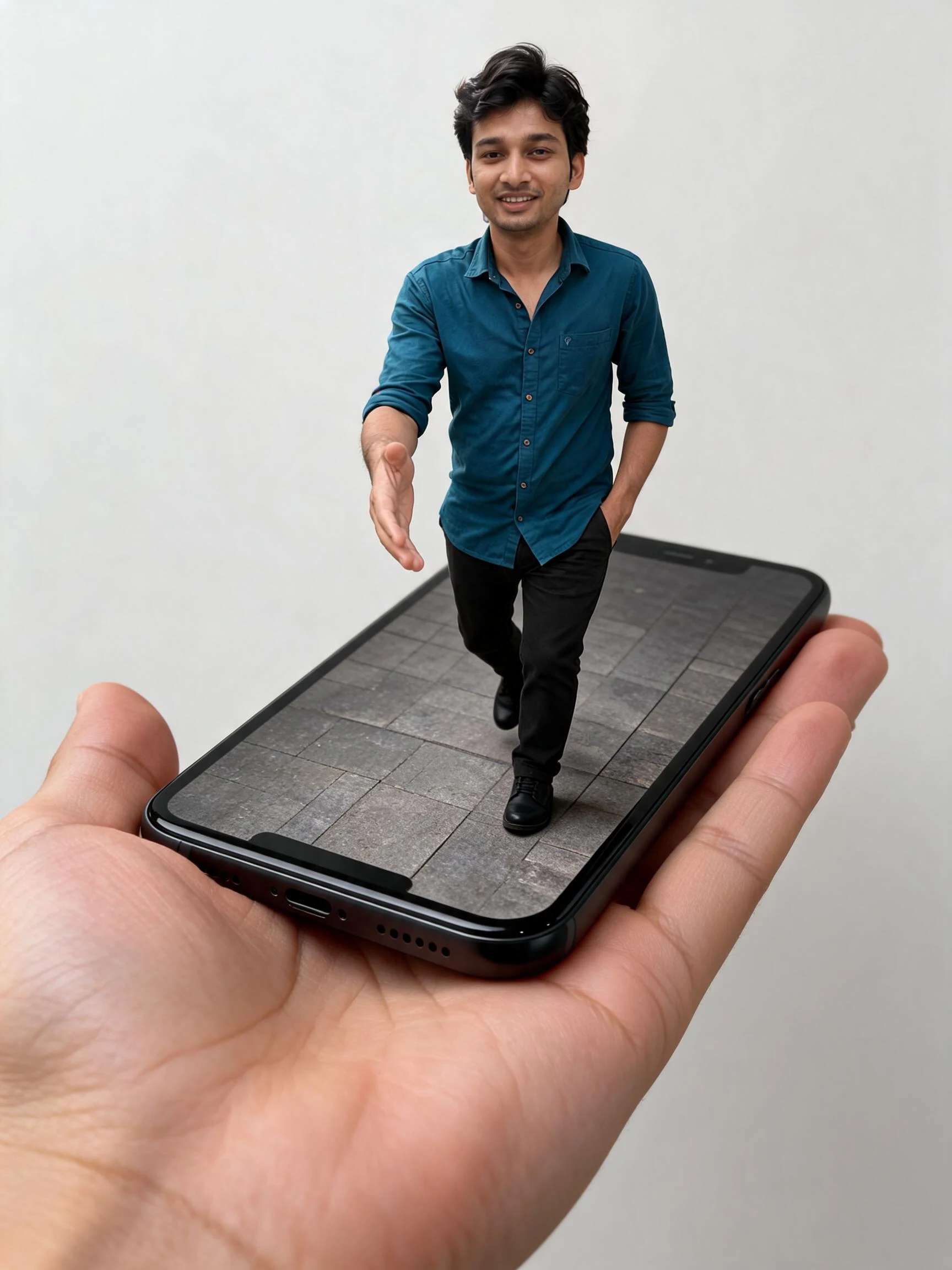 After
After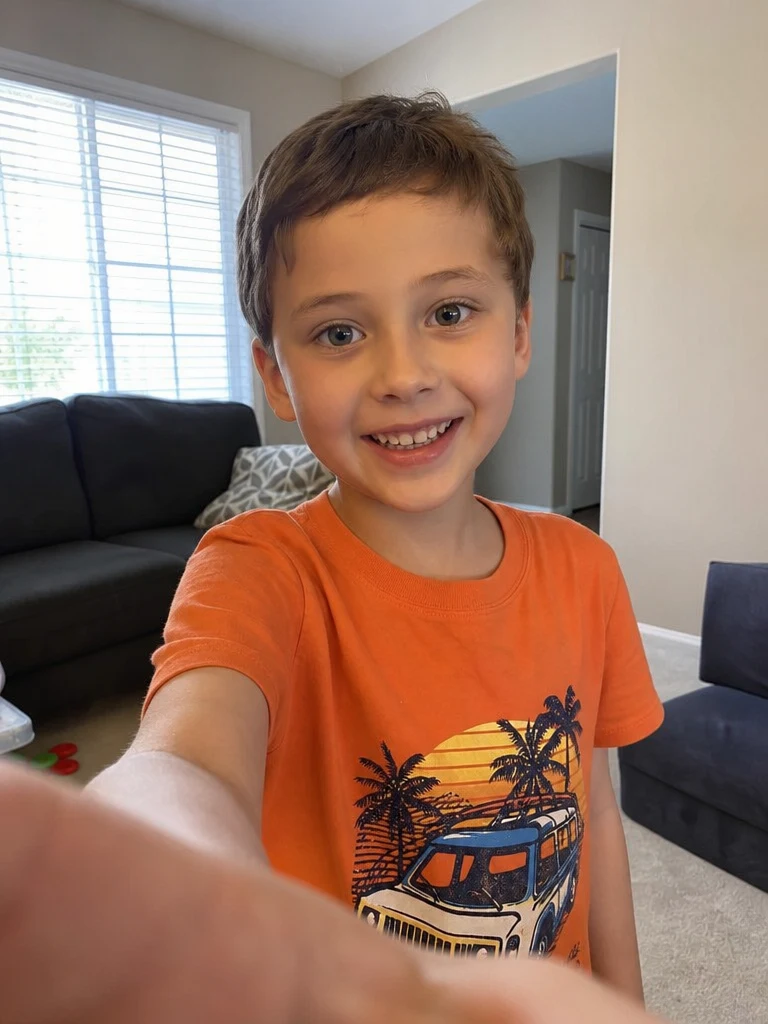 Before
 After
AfterWoman Yellow Park
How to make an AI 3D pop out effect
Three steps, right in your browser.
Upload your photo
Drag in or select a clear photo of the person, pet, or object you want to pop out. A shot with a well-defined subject and some space around it gives the AI the most room to build depth. Your photo is used only to make your result.
Pick a pop-out style
Sign in for your 10 free credits, then choose a look — a clean 3D pop-out, a shattered frame break, a festive gift-wrap burst, or a trompe-l'oeil illusion. The AI adds the border, shadows, and the foreground element that reaches past the edge.
Download and share
Preview your 3D pop out, then download it at full resolution with no watermark. Post it, print it, or use it as a profile picture — and try the out-of-frame style for a short MP4 version.
What you can make
Popular ways people use the 3D pop out effect.
Stand-out profile pictures
Turn a favorite selfie into a photo that literally leans out of the frame — an attention-grabbing avatar for social, gaming, or a portfolio header.
Pets that pop
Give a pet photo a playful 3D burst so your dog or cat looks like it's climbing out of the picture — perfect for a fun post or a printed keepsake.
Holiday & greeting cards
Use the gift-wrap burst to make a festive card where the subject tears out of the wrapping — a personal, eye-catching alternative to a flat photo.
Scroll-stopping social posts
A frame break instantly reads as 3D in a feed of flat images, so your post catches the eye and earns a second look.
Creators & thumbnails
Make a bold out-of-frame thumbnail or intro shot that gives your channel a sense of depth and motion without any editing skills.
3D art & wall prints
Use the trompe-l'oeil style to create a hyper-real depth illusion worthy of a poster or canvas print for a room or studio.
Styles to choose from
From a clean pop-out to a shattered border or a festive gift-wrap burst — pick the look that fits.
Classic 3D pop-out
The subject leans out over a clean 3D border, gaining lifelike depth and a cast shadow — the signature out-of-bounds look.
Frame break
A photo frame that cracks and splinters as the subject bursts through it into the foreground.
Xmas wrap break
The subject tears out of festive wrapping paper, like a gift coming to life for the holidays.
Trompe-l'oeil illusion
A hyper-real, painting-style depth trick that fools the eye into seeing the subject rise off a flat surface.
Why use SharkFoto's 3D pop out effect
Real out-of-bounds depth
The AI doesn't just add a border — it rebuilds your scene with a foreground element that spills past the edge, plus matching shadows and perspective, so the pop-out reads as genuine 3D instead of a sticker cutout.
Multiple frame styles
Go beyond a plain border: choose a shattered frame break, a festive gift-wrap burst, or a trompe-l'oeil illusion, each giving the same photo a completely different way to leap off the page.
Image or animated video
Most styles export a crisp high-resolution image, while the out-of-frame style animates the subject stepping out as a short MP4 — one effect, two ways to share it.
10 free credits, no watermark
Sign up free and get 10 credits to start popping photos out of frame. Your download comes at full resolution with no watermark, so it's clean enough to post, print, or gift.
Tips for the best results
Choose a photo with a clear main subject — the AI needs one obvious focal point to lift out of the frame, so a single person, pet, or object works far better than a crowded scene.
Leave some space around the subject — room at the edges gives the AI somewhere to build the border and the part that breaks past it.
Pick a photo with a dynamic pose — an outstretched arm, a step forward, or a leaning stance sells the out-of-bounds illusion much more than a flat, straight-on shot.
Use a simple or uncluttered background — busy backgrounds compete with the frame and can blur the line between what's inside and what pops out.
Start from a higher-resolution photo — low-res images limit the sharp edges and fine depth detail that make the pop-out convincing.
Frequently asked questions
Is the AI 3D pop out effect really free?
What kind of photo works best?
Do I get an image or a video?
How long does it take to generate?
Can I use it on a pet or an object instead of a person?
Is my photo safe and private?
Can I use my 3D pop out image commercially?
What if the effect doesn't look 3D enough?
Related AI effects
More ways to add depth and drama to your photos.