AI Snow Globe Generator
Turn a favorite photo into a magical snow globe you can watch come to life. SharkFoto's AI snow globe generator places the person in your picture inside a glass dome and animates gently falling snow, twinkling light, and a slow swirl, so a single still becomes a cozy, giftable keepsake. Sign up free to get 10 credits, pick a snow globe effect like Snow Globe Maker or Xmas Music Globe, and download your result — a short MP4 from the animated globe styles, or a high-resolution image from the couple's crystal ball — with no watermark, ready to share for the holidays.
 PopularSnow Globe Maker
What is an AI snow globe generator?
An AI snow globe generator turns a photo into a magical snow globe scene where your subject appears sealed inside a glass dome, complete with falling snow, soft light, and a gentle swirl. You upload a picture, pick a globe style, and download the result — a few-second MP4 for the animated globe styles, or a high-resolution still for the couple's crystal ball — no design or animation skills needed.
All AI Snow Globe Effects
Three AI snow globe effects — a classic falling-snow globe, a festive musical globe, and a couple's crystal ball. Pick one to start generating.
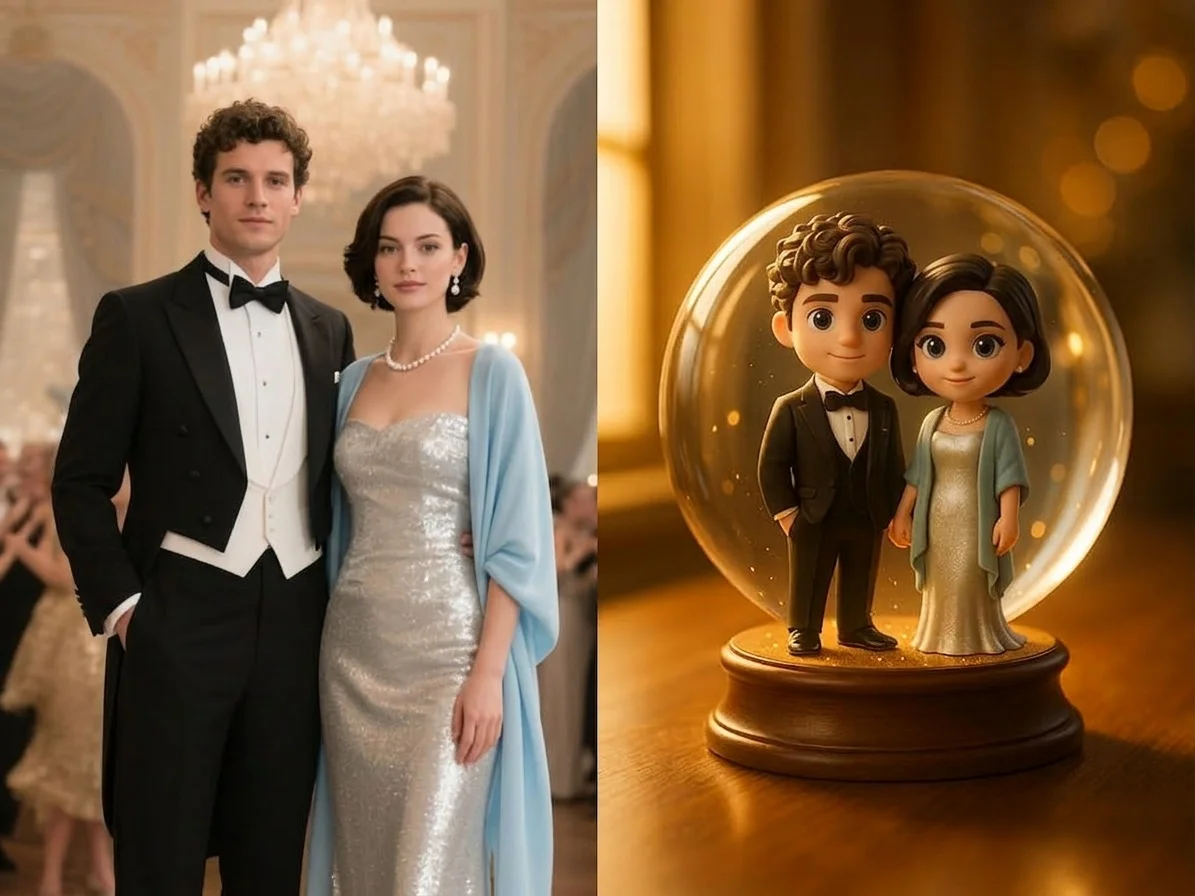

Before & after
A favorite photo, sealed inside a snowy globe.
 BeforeAfter
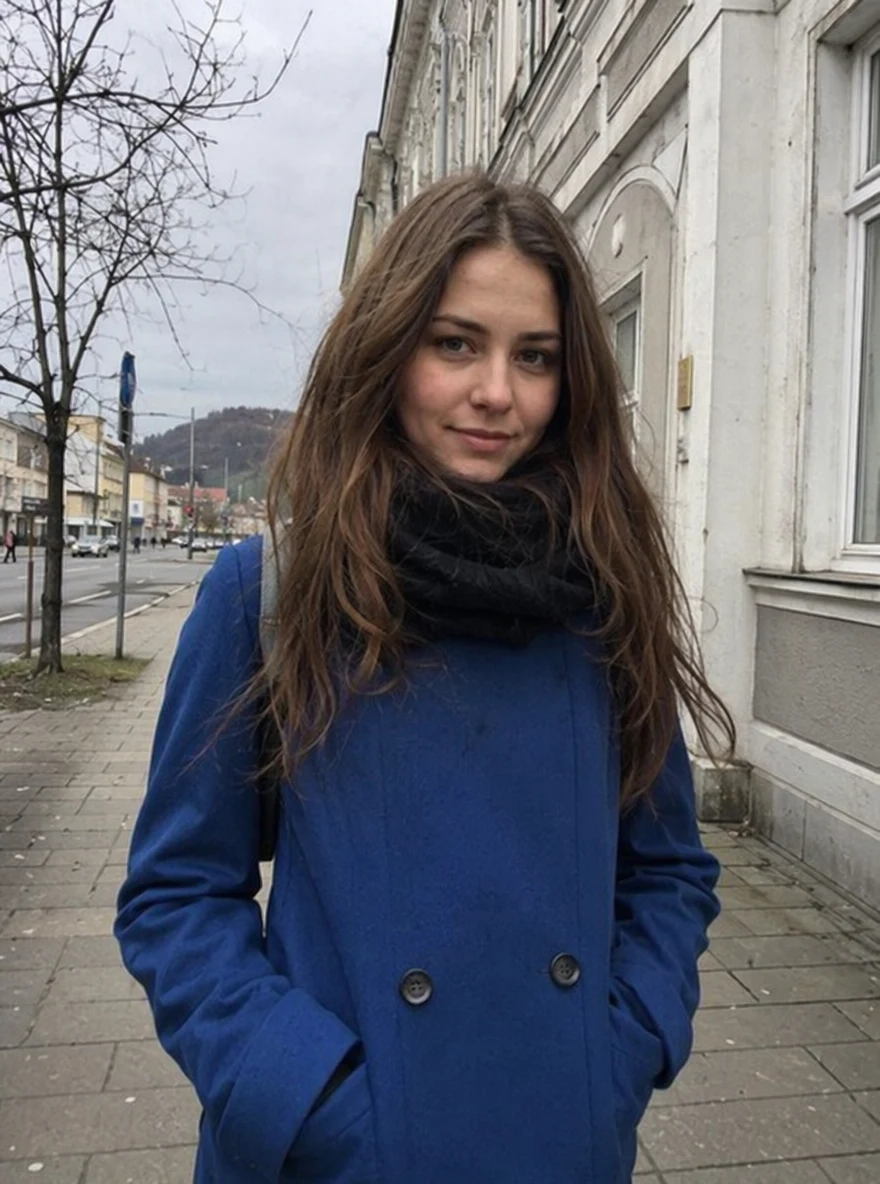 BeforeAfter
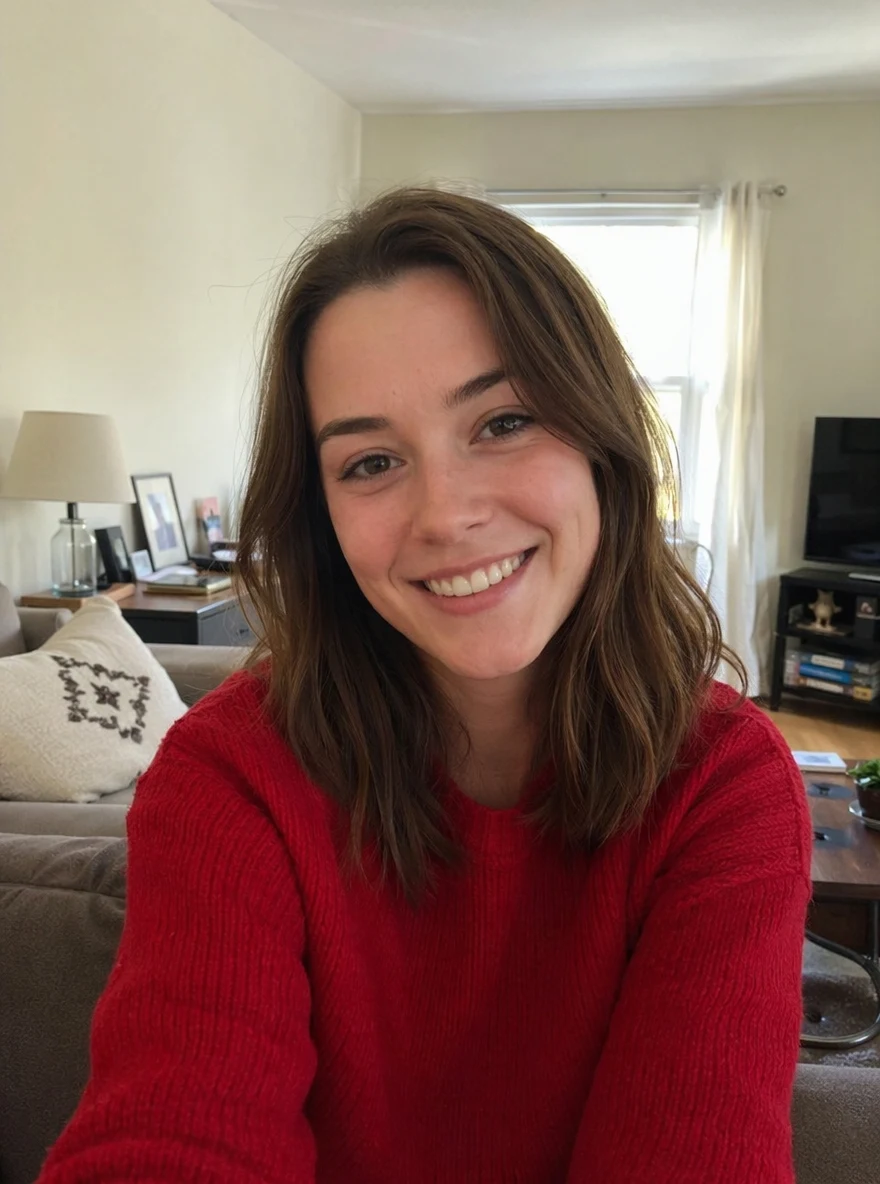 BeforeAfter
Woman Green
How to make an AI snow globe
Three steps, right in your browser.
Upload your photo
Drag in or select a clear photo of the person, couple, or pet you want to place inside the globe. A well-lit shot where the subject stands out from the background gives the AI the most to work with. Your photo is used only to make your result.
Pick a snow globe effect
Sign in for your 10 free credits, then choose a look — a classic Snow Globe Maker with falling snow, a festive Xmas Music Globe, or a romantic couple's crystal ball. The AI seals your photo inside the glass and adds gentle motion and drifting snow.
Download and share
Watch the preview, then download your snow globe at full resolution with no watermark. Text it to family, post it for the holidays, or drop it into a card or slideshow right away.
What you can make
Popular ways people use the snow globe generator.
Holiday gifts & cards
Make a personal, moving snow globe from a family photo as a Christmas card or a keepsake gift — a warmer touch than a store-bought card.
Couples & keepsakes
Seal a photo of you and your partner inside a glowing crystal ball for an anniversary, a proposal memory, or a Valentine's surprise.
Christmas & winter posts
Give your holiday feed a magical, snowy centerpiece — a swirling globe clip that stands out among the usual seasonal photos.
Family memories
Turn a treasured group photo into a cozy little world under glass to share with relatives near and far during the holidays.
Pets under glass
Place a photo of your dog or cat inside a snow globe for an adorable, giftable clip that fellow pet lovers will want to reshare.
Festive content for creators
Whip up a magical seasonal intro, thumbnail, or story sticker for your channel without props, a set, or a video shoot.
Why use SharkFoto's snow globe generator
Magical snow globe motion
The AI seals your subject inside a glass dome and animates drifting snow, soft light, and a gentle swirl, so the clip feels like a real snow globe someone just shook rather than a flat overlay.
Works from one photo
No video footage and no design skills needed. One clear picture of a person, couple, or pet is enough to generate a globe that keeps your subject recognizable.
Festive and couple styles
Go beyond a plain globe: pick a musical Christmas globe for the holidays or a romantic couple's crystal ball, matching the look to the moment you want to capture.
10 free credits, no watermark
Sign up free and get 10 credits to start generating snow globes. Your download comes at full resolution with no watermark, so it's clean enough to post, text, or drop into a card.
Tips for the best results
Use a photo where the subject stands out from the background — the AI needs a clear subject to lift into the globe, so a clean separation reads best under the glass.
Pick a half-body or full-body shot — more of the person or pet fits neatly inside the dome than a tight face crop.
Start from an evenly lit photo — harsh shadows or very dark shots make the falling-snow and glass effect look muddy.
Keep the background simple — busy or cluttered backgrounds can warp as the AI builds the globe scene around your subject.
Use the highest-resolution photo you have — low-res or heavily compressed images limit how sharp and detailed the final globe can be.
Frequently asked questions
Is the AI snow globe generator really free?
What kind of photo works best?
Do I get a video or an image?
What format is the video, and how long is it?
How long does it take to generate a snow globe?
Is my photo safe and private?
Can I use my snow globe commercially?
Related AI effects
More AI effects to try.