AI Miniature World Generator
Turn your photo into a charming miniature world in seconds. SharkFoto's AI miniature world generator shrinks the person or place in your picture into a tiny diorama-style scene — a pocket-sized figure in a handheld compact, a mini-me standing in a doll park, or a whole city rendered as a tabletop model. About half the styles export a high-resolution image, while the other half animate the tiny world into a short clip. Sign up free to get 10 credits, pick a miniature style, and download your tiny scene (an image, or a short clip for the animated styles) with no watermark, ready to share.
 PopularAI 3D Miniature Scene Generator
What is an AI miniature world generator?

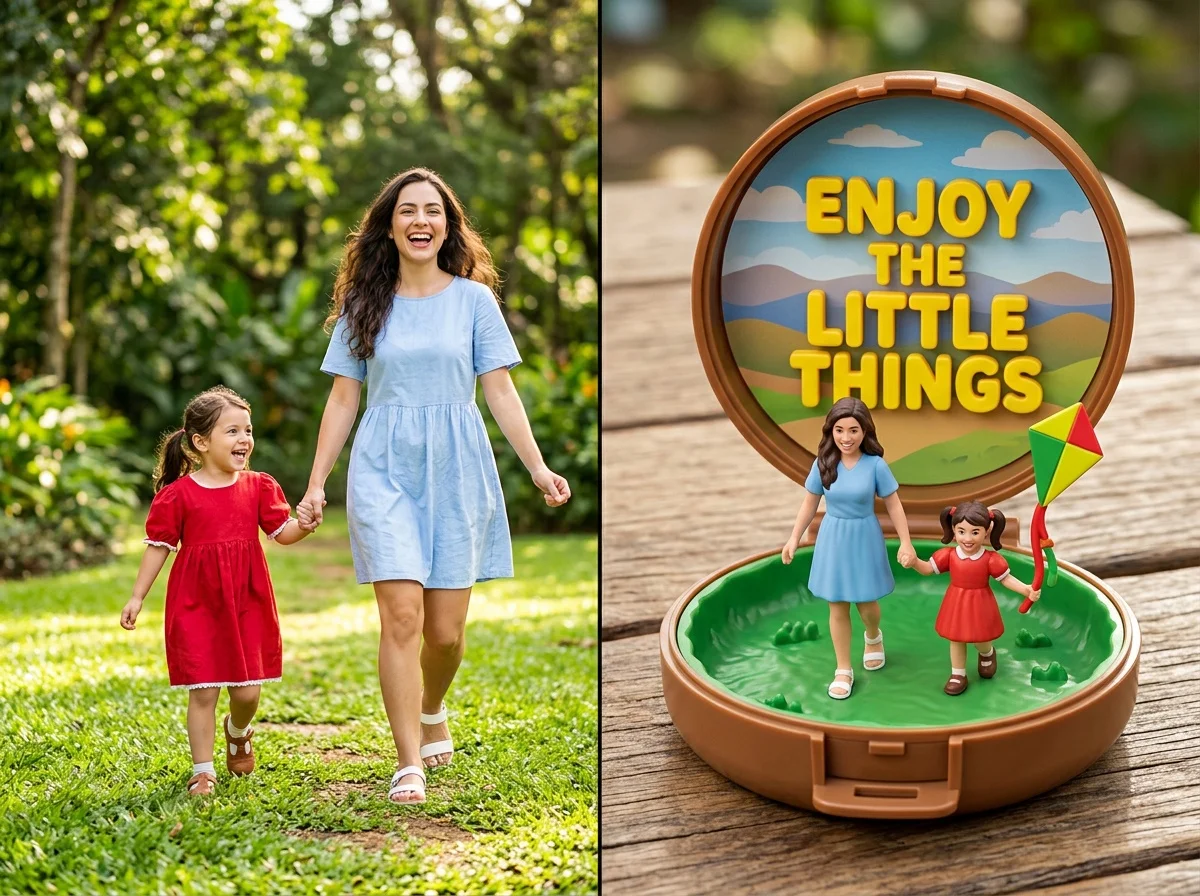
An AI miniature world generator turns a photo into a tiny, diorama-style scene — the person or place is rendered at model scale, like a figure inside a compact toy, a mini-me in a tabletop park, or a whole building shrunk to a collectible model. You upload a photo, pick a miniature style, and download your result as a high-resolution image, or a short video for the animated styles, no 3D or crafting skills needed.
All AI Miniature World Effects


Twelve miniature effects — pocket-compact toy worlds, tiny dioramas, mini-me worlds and handheld scenes. Pick one to start generating.



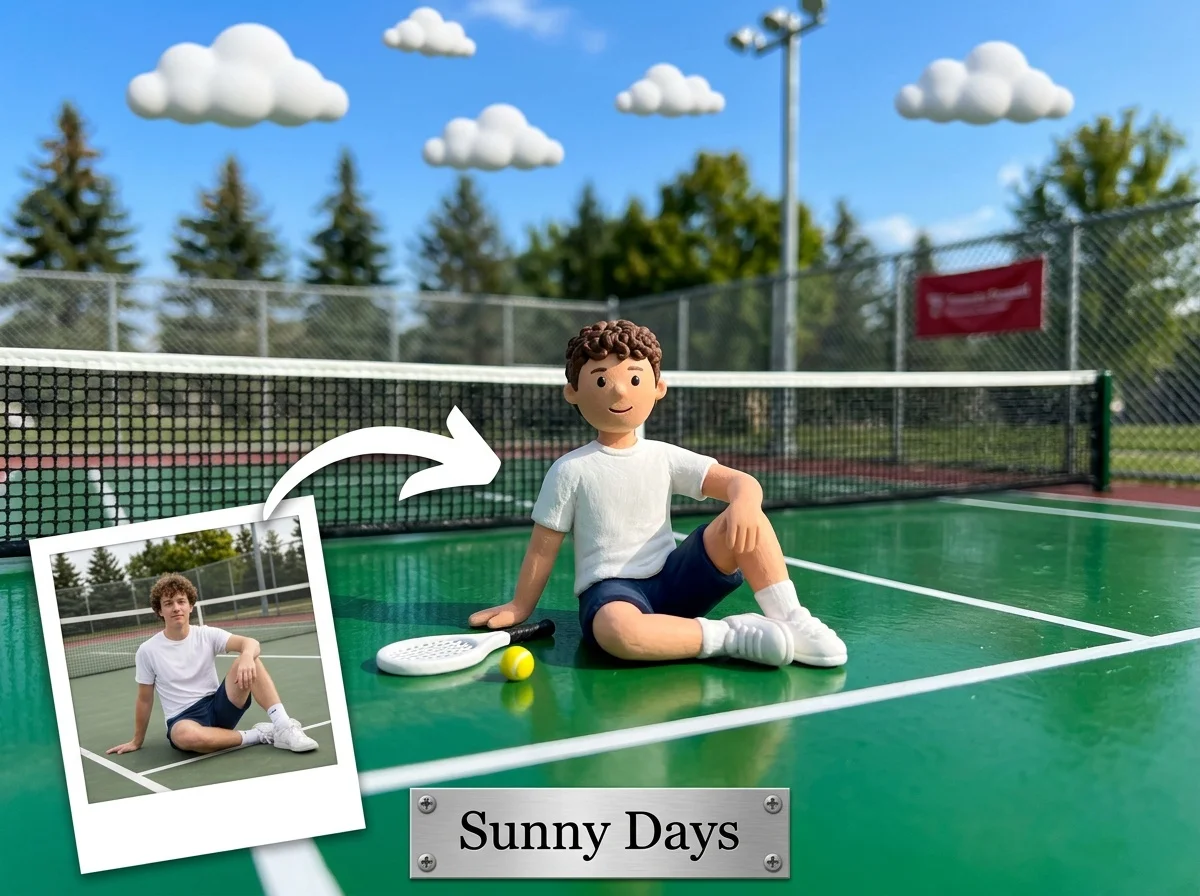




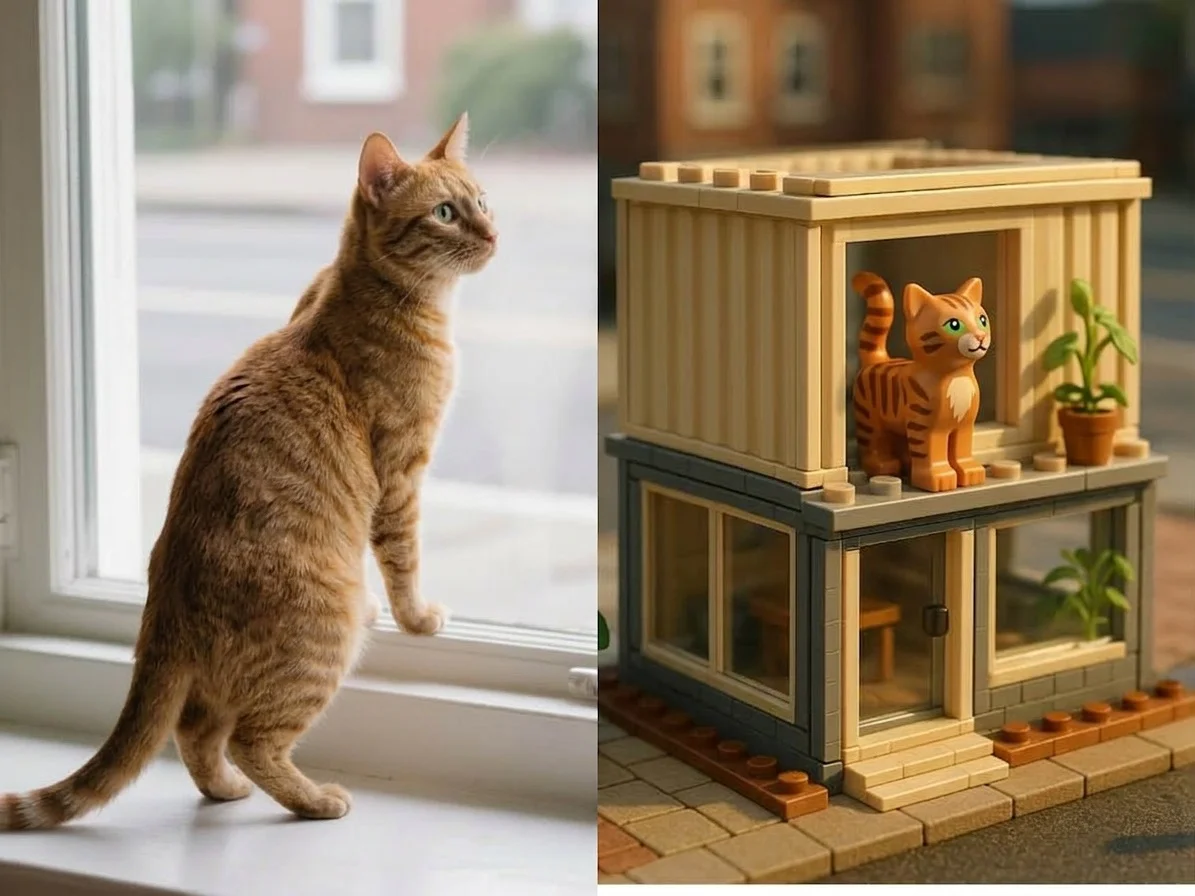









Before & after
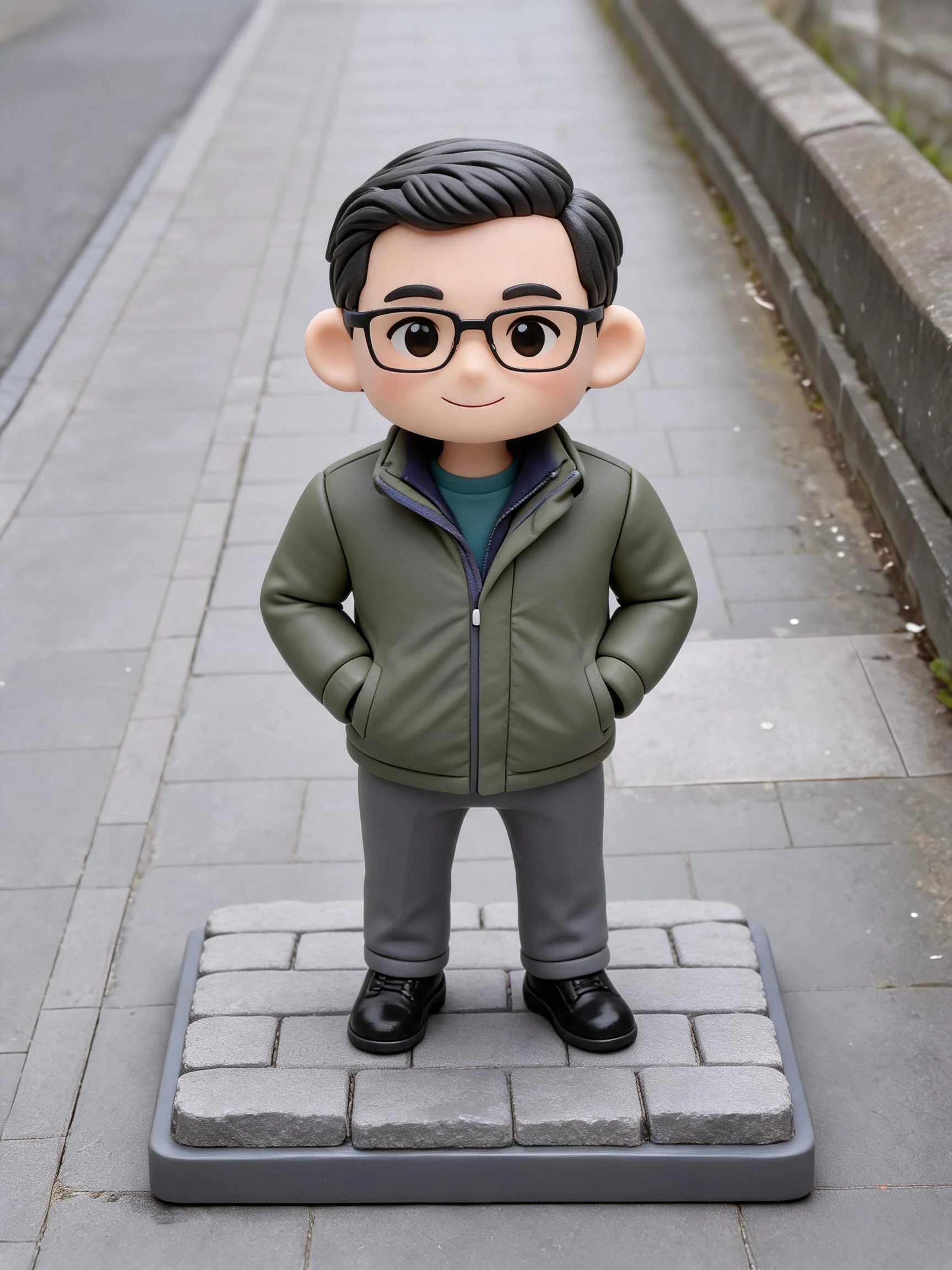
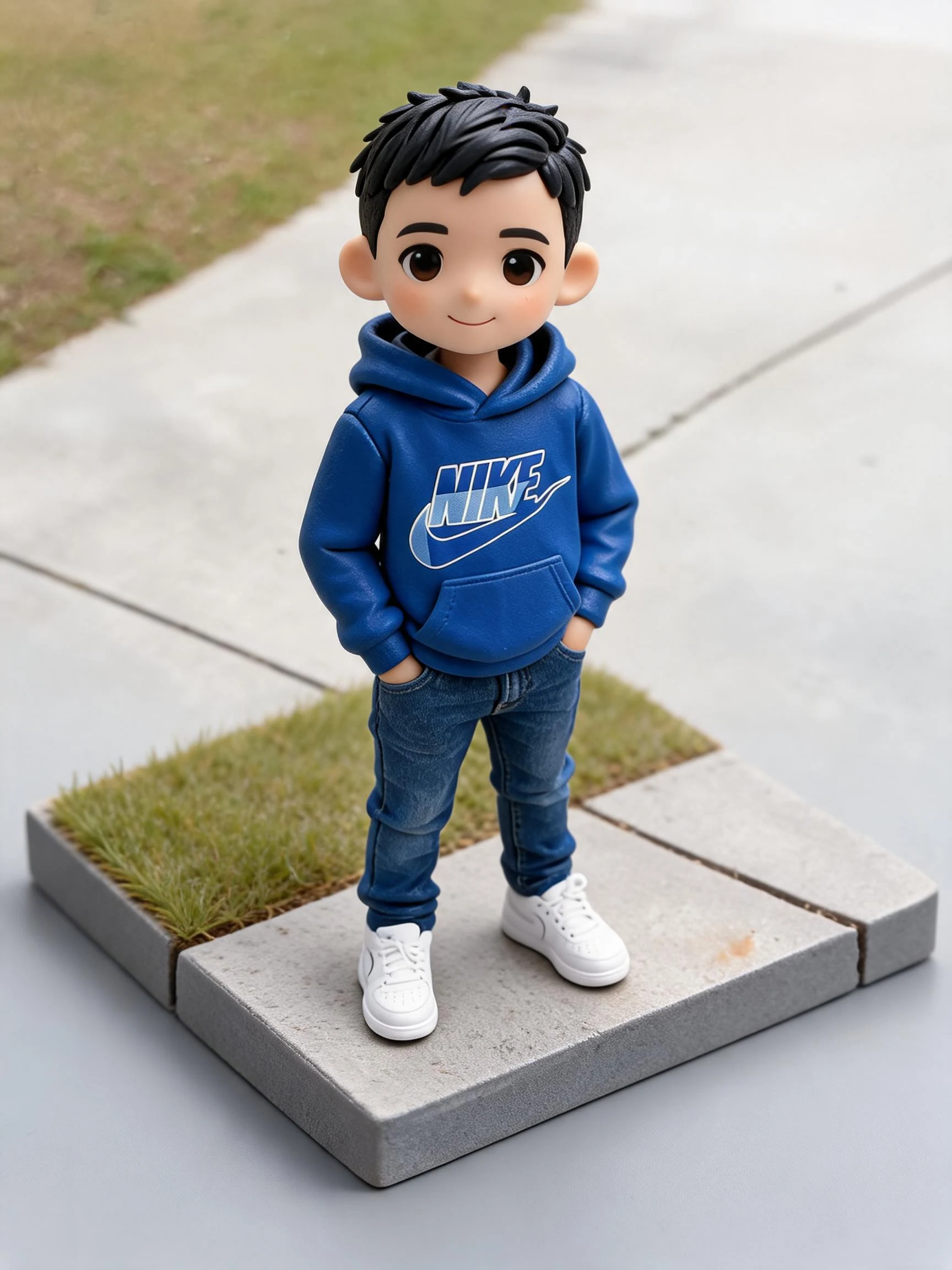
A photo, shrunk into a tiny world.
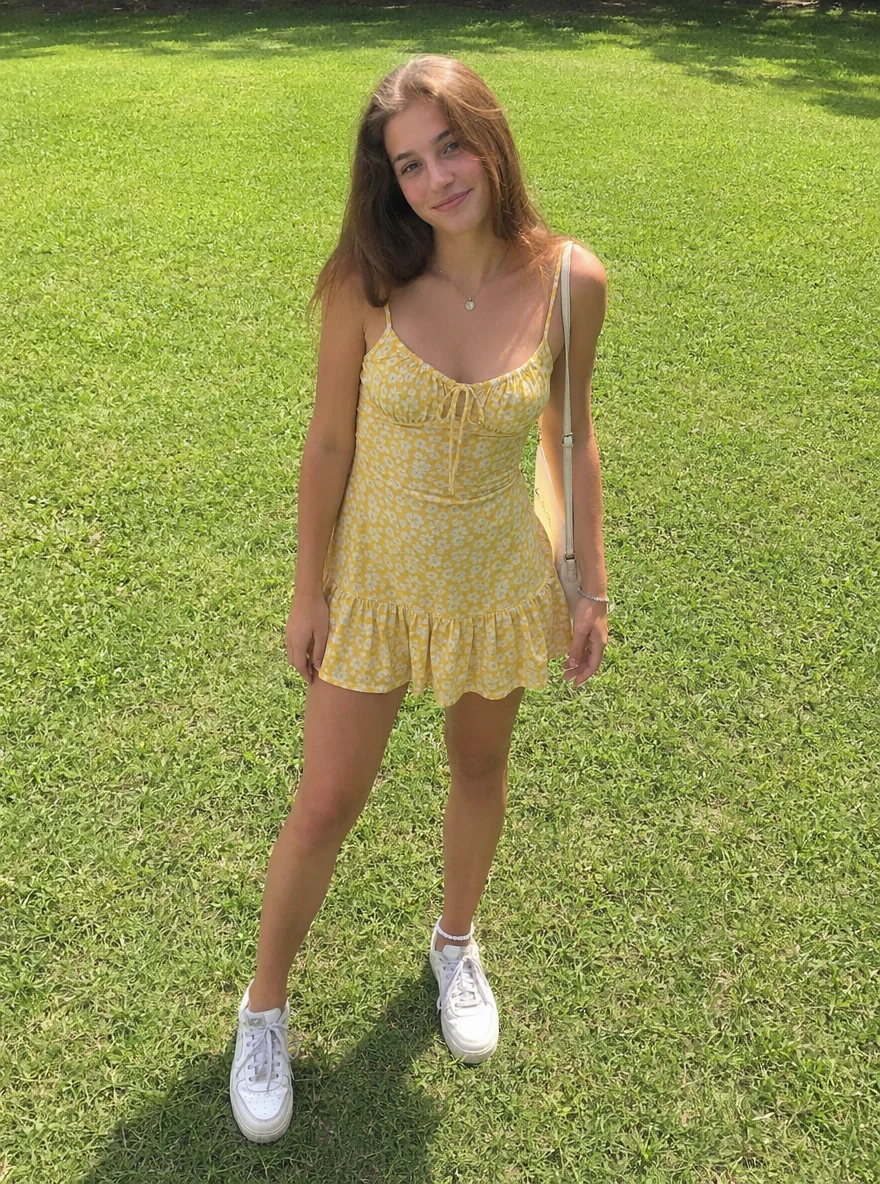 Before
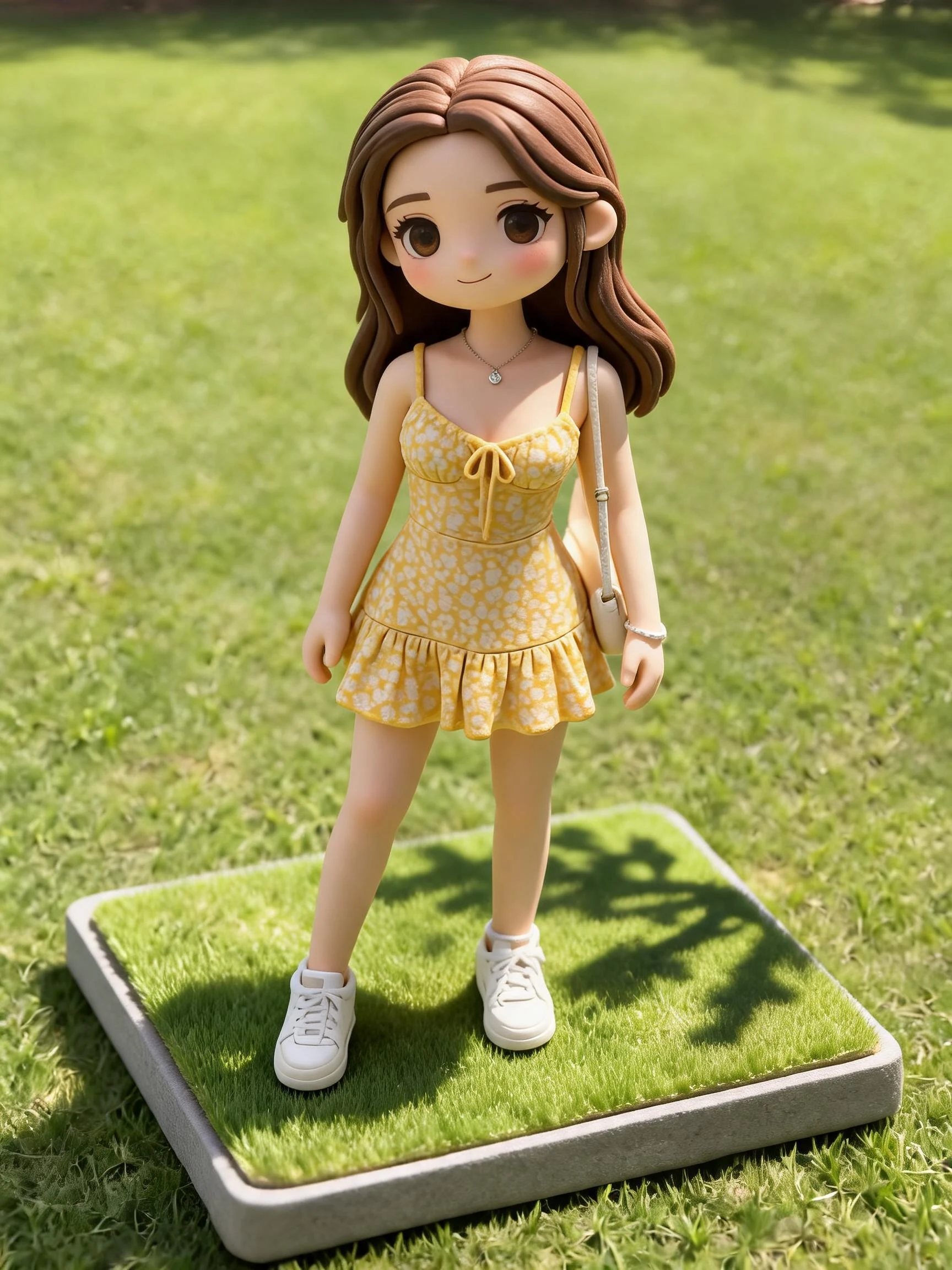 After
After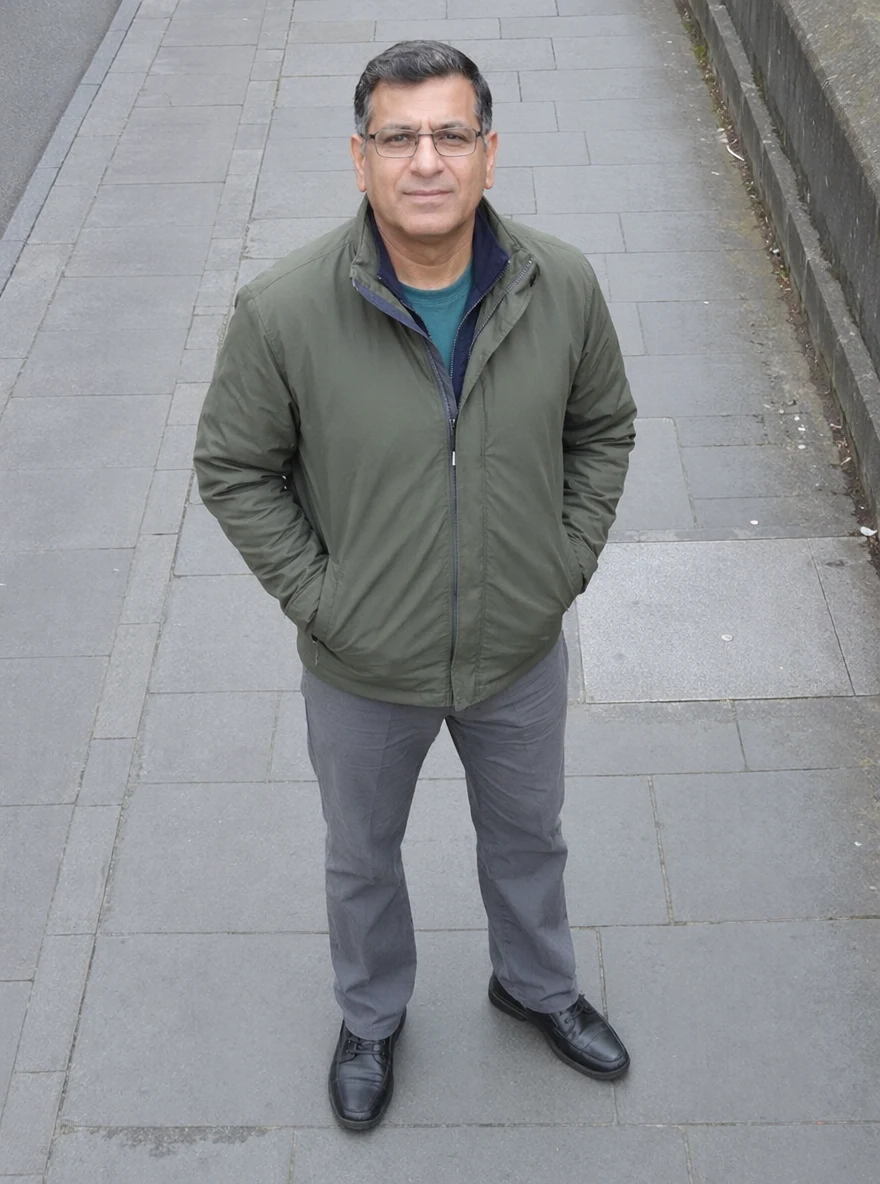 Before
 After
After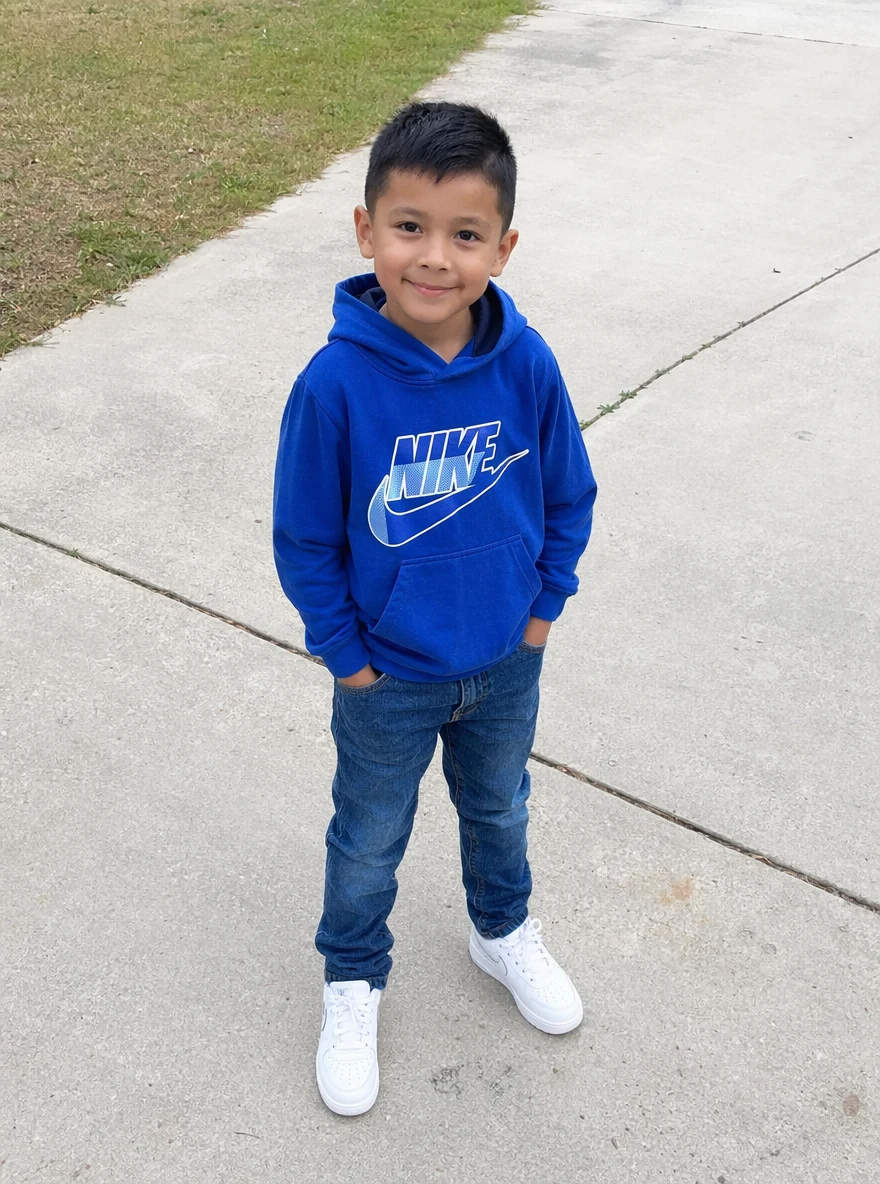 Before
 After
AfterWoman Park
How to make an AI miniature scene
Three steps, right in your browser.
Upload your photo
Drag in or select a clear photo of the person, pet, or place you want to shrink into a miniature. A well-lit, full shot where the whole subject is visible gives the AI the most to model. Your photo is used only to make your result.
Pick a miniature style
Sign in for your 10 free credits, then choose a look — a tilt-shift diorama, a Polly Pocket compact, a mini-me in a doll park, or a tiny world cupped in a hand. The AI rebuilds your photo at model scale while keeping your likeness and setting recognizable.
Download and share
Preview your miniature world, then download it at full resolution with no watermark — a high-resolution image, or a short clip for the animated styles. Post it, set an image as a wallpaper or profile picture, or send a still to a print service for a tiny keepsake.
What you can make
Popular ways people use the miniature world generator.
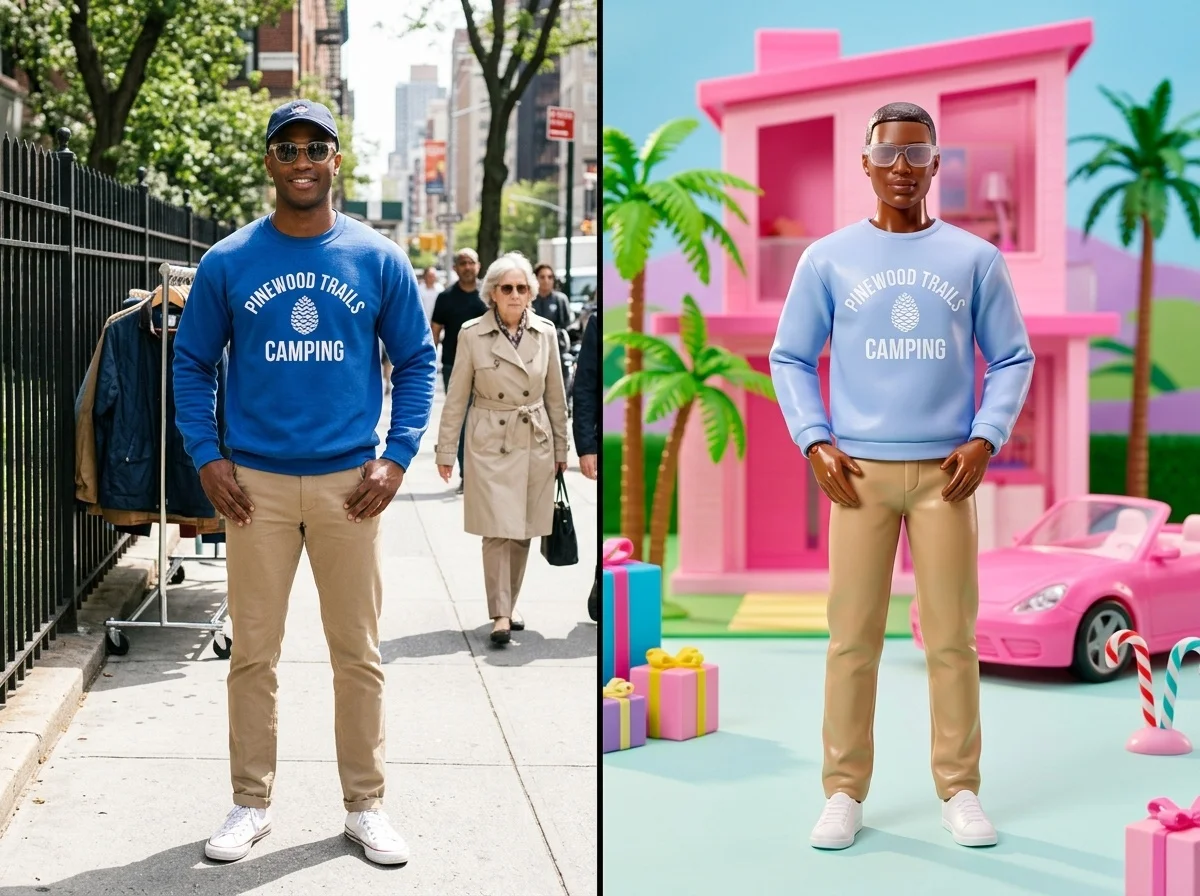
Turn yourself into a mini-me
Shrink yourself into an adorable toy-scale figure standing in a doll park or playground — a fun profile picture or keepsake from a single photo.
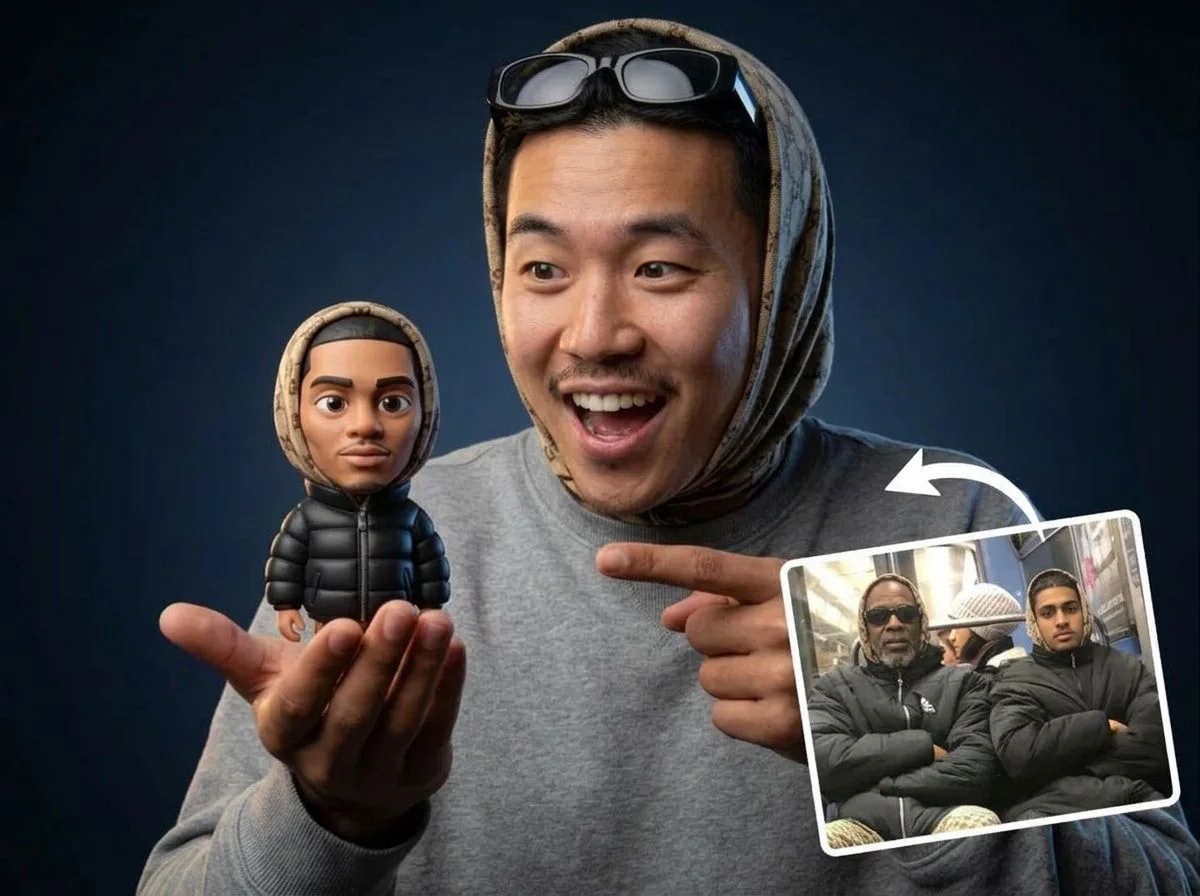
A tiny you in someone's hands
Place a palm-sized version of your scene cupped in a giant hand for a playful, scroll-stopping perspective trick.
Miniature buildings & cities
Rebuild a home, landmark, or street as a collectible tabletop model — great for real-estate posts, travel memories, or architecture fans.
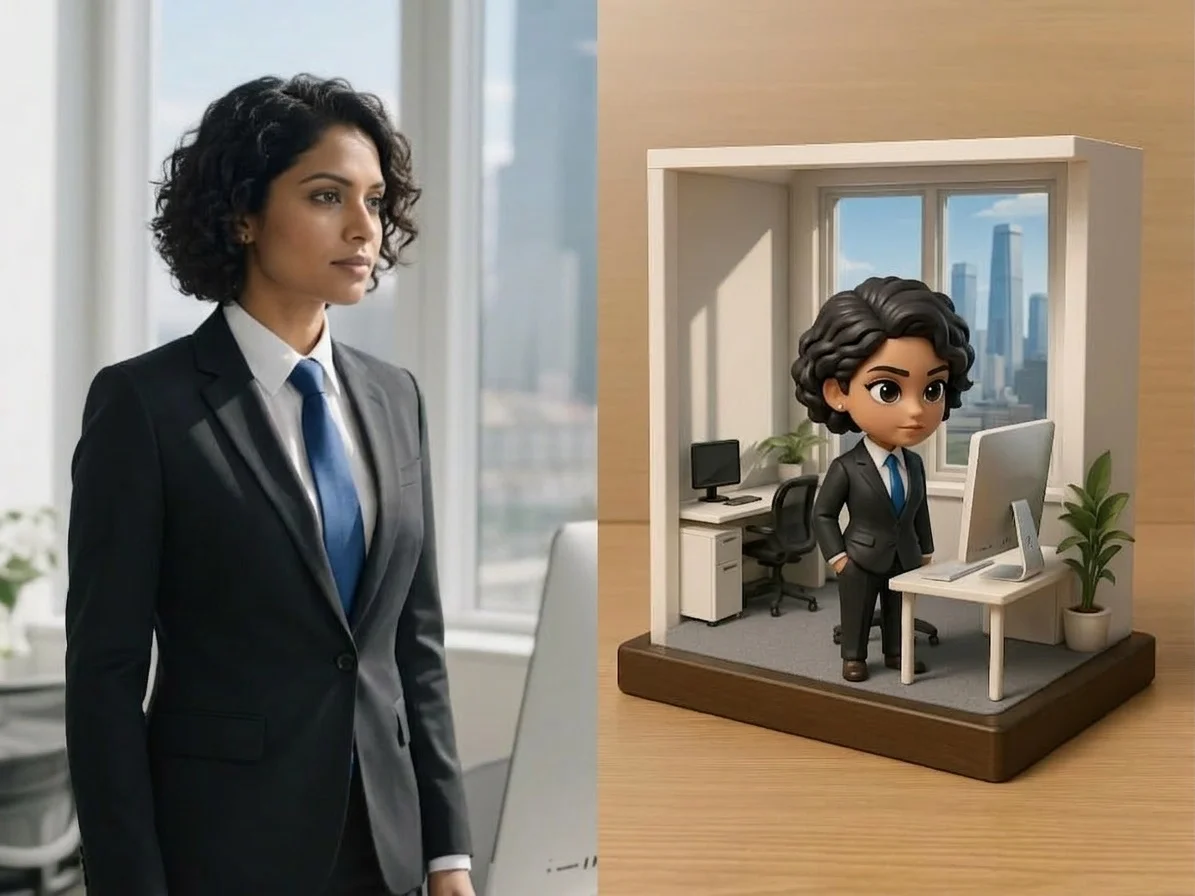
Mini office & work humor
Turn yourself into a tiny CEO running a desk-sized empire for a lighthearted LinkedIn or team-chat post.
Playful gifts & cards
Make a miniature-world version of a friend, couple, or pet as a novel birthday or holiday card nobody else will have.
Eye-catching social posts
Diorama and tilt-shift looks stand out in a feed, so a plain snapshot becomes a share-worthy tiny world.
Styles to choose from
From a tiny world in your palm to a whole city as a tabletop model — pick the look that fits.

Miniature diorama scene
A full tilt-shift diorama where your photo becomes a tiny, hyper-detailed model of the moment.
Pocket-compact world
A pastel toy-compact world that opens to reveal a pocket-sized version of your scene.
Mini-me in a doll park
A shrunken figure of you placed inside a playful, toy-scale park or playground.
Tiny world in your hands
A palm-held miniature where the whole scene sits cupped in a giant hand.
Miniature building model
A single building or landmark rebuilt as a collectible tabletop architecture model.
Why use SharkFoto's miniature world generator
Convincing tilt-shift look
The AI adds the shallow-focus blur, toy-scale lighting, and hyper-detailed textures that make a scene read as a real physical miniature rather than a filtered photo.
Keeps your subject recognizable
Whether it's you, a pet, or a building, the miniature keeps the face, outfit, or structure identifiable, so the tiny version still clearly looks like the original.
Works from one photo
No 3D modeling, dioramas, or crafting supplies needed. A single clear photo is enough to generate a full miniature world in seconds.
10 free credits, no watermark
Sign up free and get 10 credits to start generating miniatures. Your download comes at full resolution with no watermark, so it's clean enough to post, print, or gift.
Tips for the best results
Use a full-body or full-scene photo — the AI has the whole subject to shrink, so your figure or setting comes through at model scale.
Pick a shot with clear separation from the background — a well-defined subject makes the tilt-shift depth and miniature framing look convincing.
Favor bright, even lighting — toy-scale scenes read best with soft, even light, like a studio shot of a real model.
Try a slightly high or top-down angle — looking down on the scene sells the illusion that you're peering at a tiny tabletop world.
Start from a higher-resolution photo — low-res images limit the fine detail that makes a miniature look crisp and real.
Frequently asked questions
Is the AI miniature world generator really free?
What kind of photo works best?
Do I get an image or a video?
How long does it take to generate a miniature?
Is my photo safe and private?
Can I use my miniature world commercially?
What if the miniature doesn't look right?
Related AI effects
More ways to reimagine your photos.