AI Giant Person Effect
Tower over the city, get scooped up by a giant hand, or loom beside a famous landmark. SharkFoto's AI giant person effect resizes the person in your photo into a colossal, movie-scale giant, so an ordinary snapshot becomes a larger-than-life scene. Sign up free to get 10 credits, pick a giant effect, and download your result — as a high-resolution image or a short MP4 — with no watermark, ready to post or share.
 PopularAI Giant Person Effect
What is the AI giant person effect?
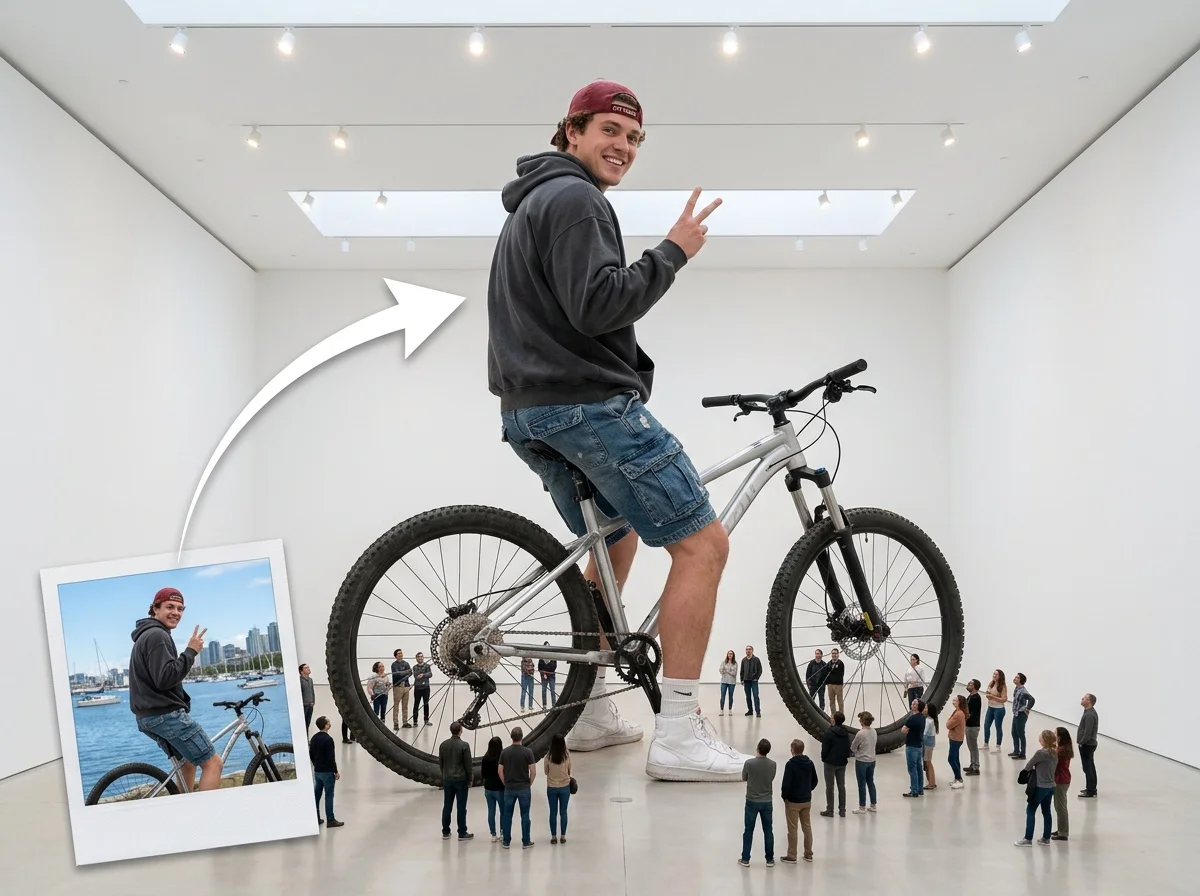
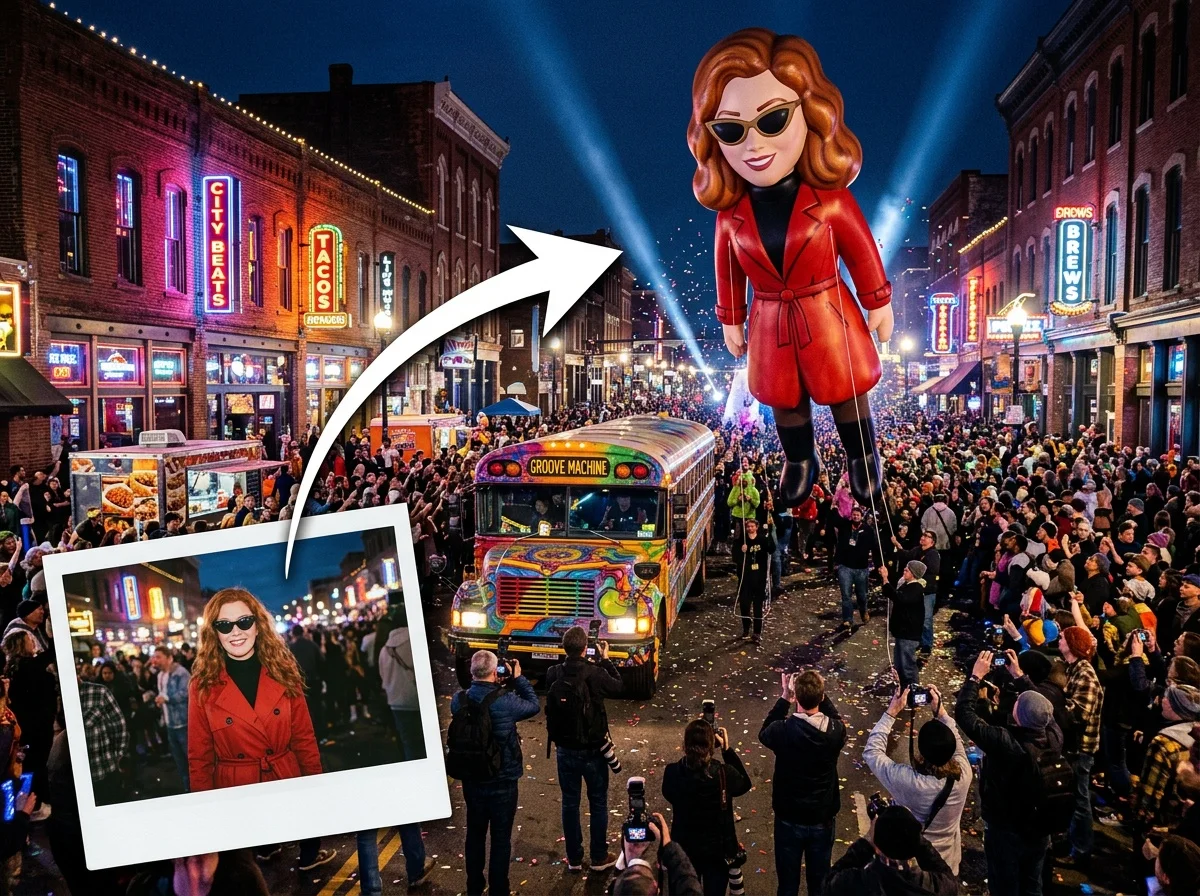

The AI giant person effect is an edit that resizes the subject of your photo into a towering giant set against a normal-scale world — looming over streets and buildings, standing beside a landmark, or held in a giant hand. You upload a photo, pick a giant scene, and download an image or a short video of the result, with the perspective, shadows, and surroundings matched so the scale looks convincing.
All giant person effects
Five ways to go giant — from towering over a skyline to being picked up by a giant hand. Pick one to start generating.




Before & after
An ordinary photo, blown up to giant scale.
 Before
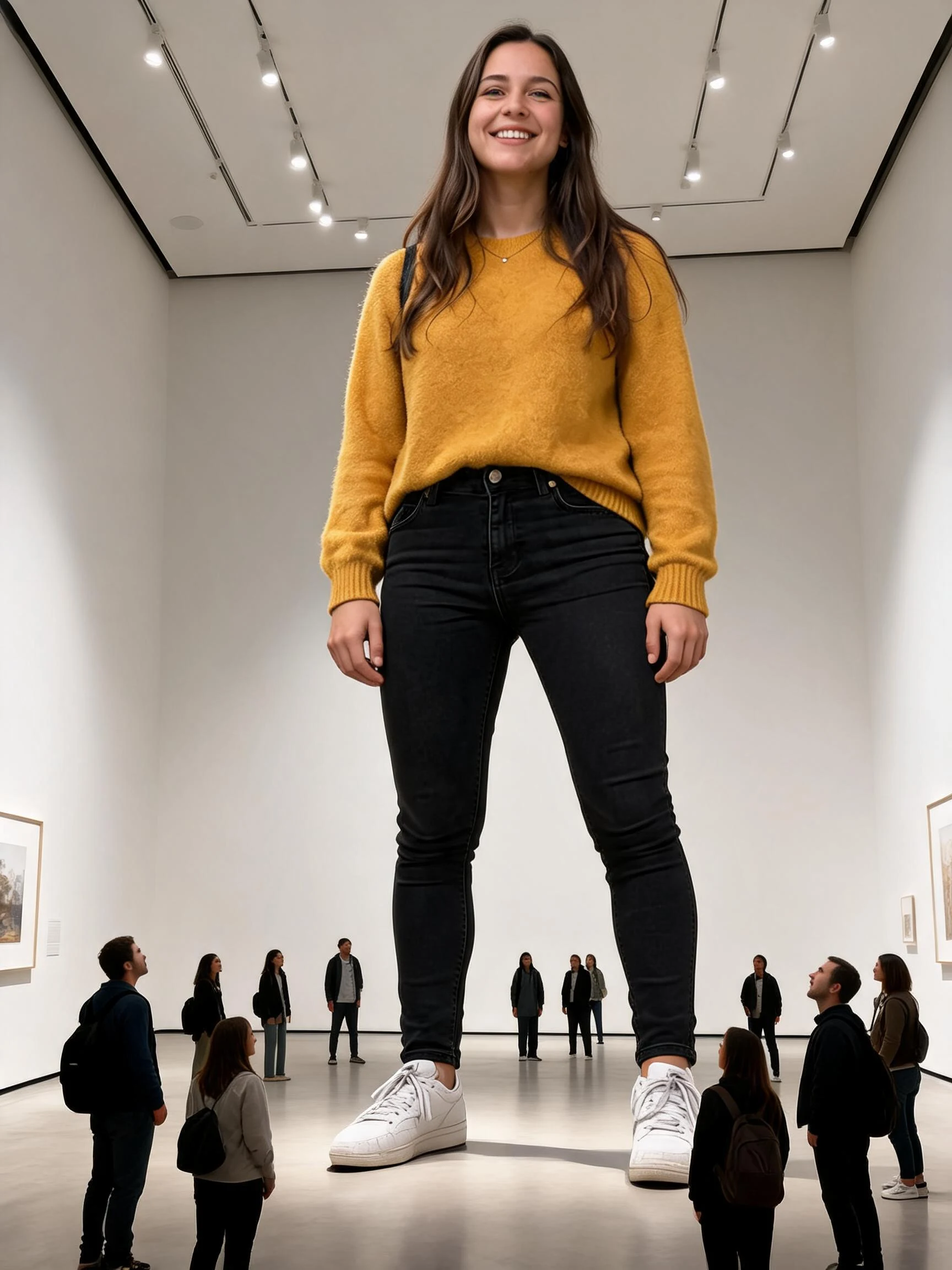 After
After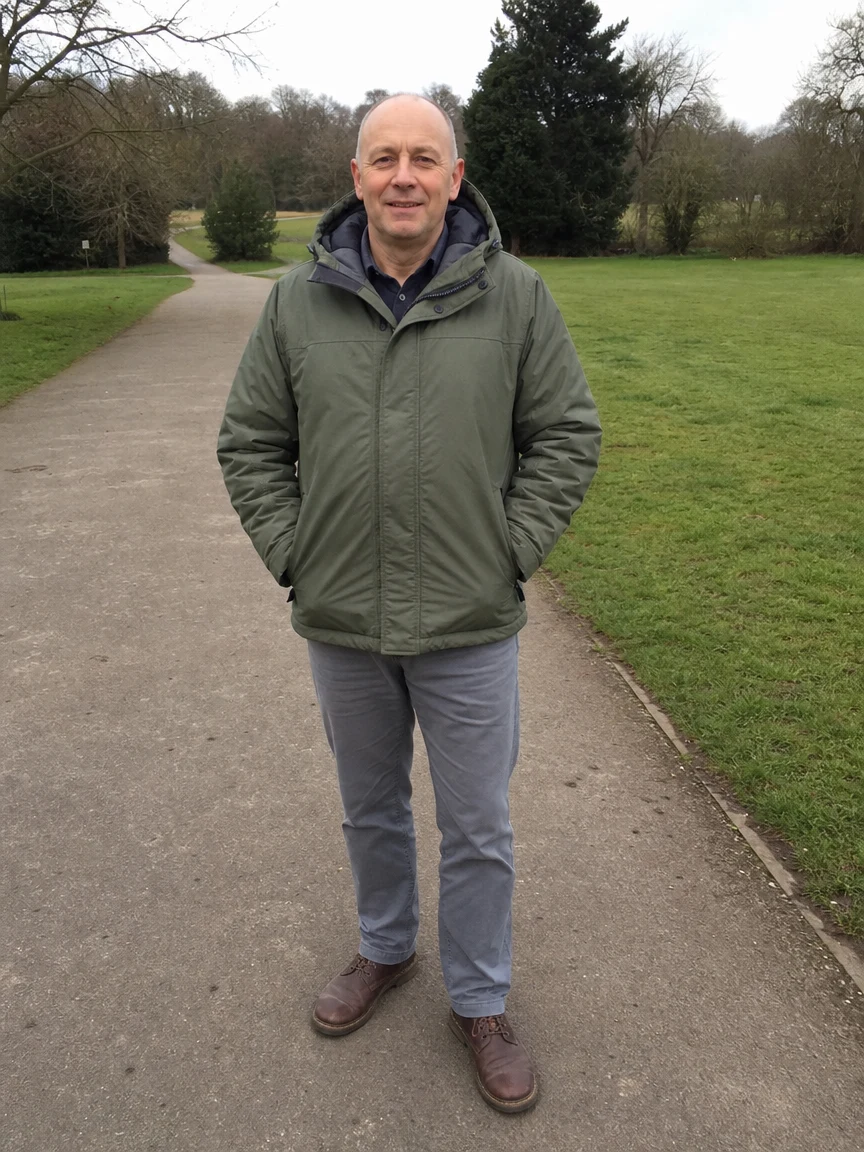 Before
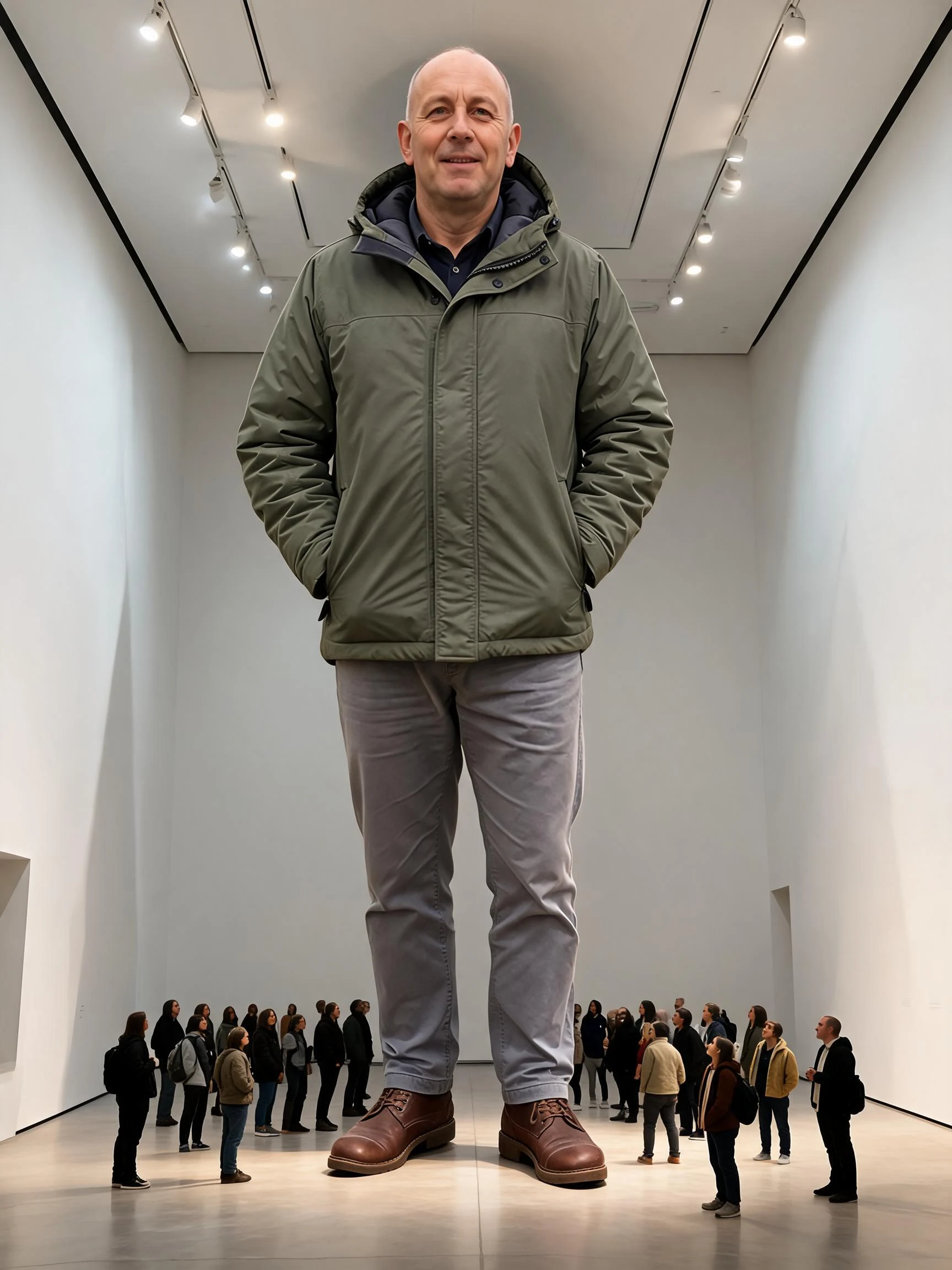 After
After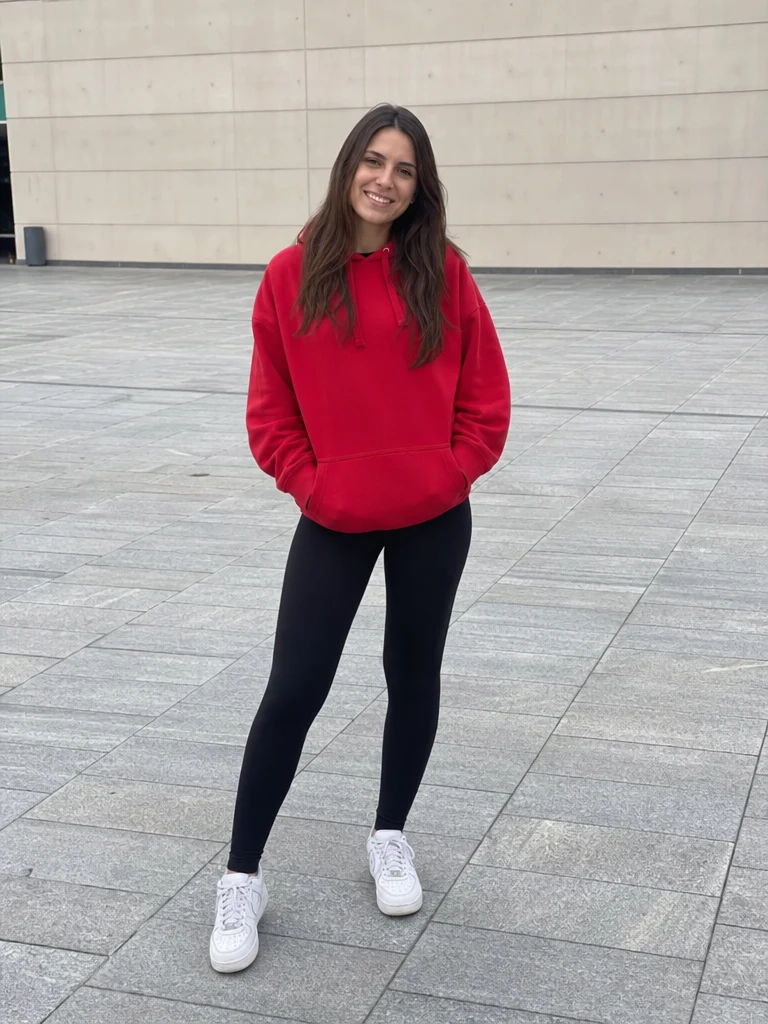 Before
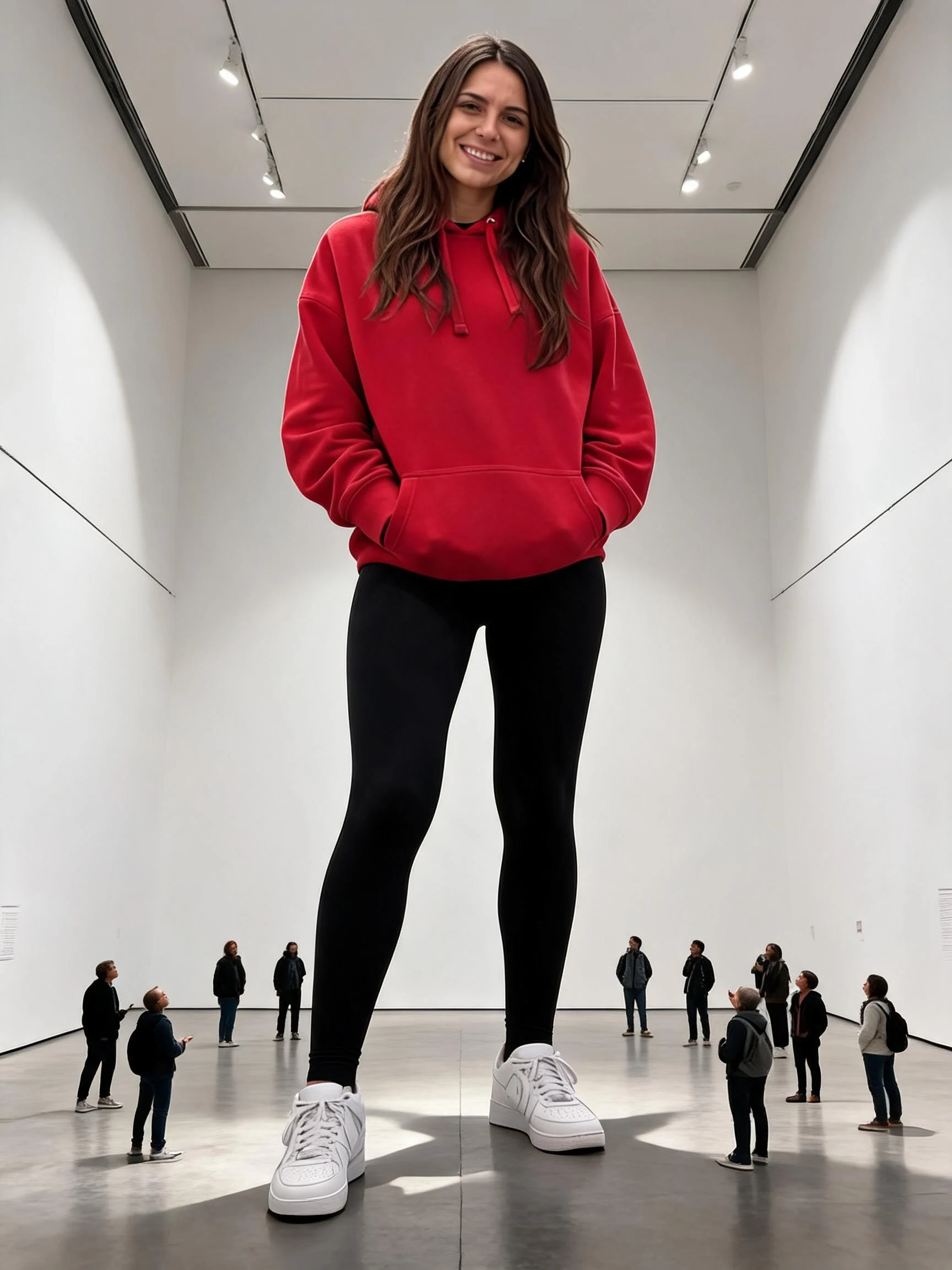 After
AfterWoman Street
How to make an AI giant person effect
Three steps, right in your browser.
Upload your photo
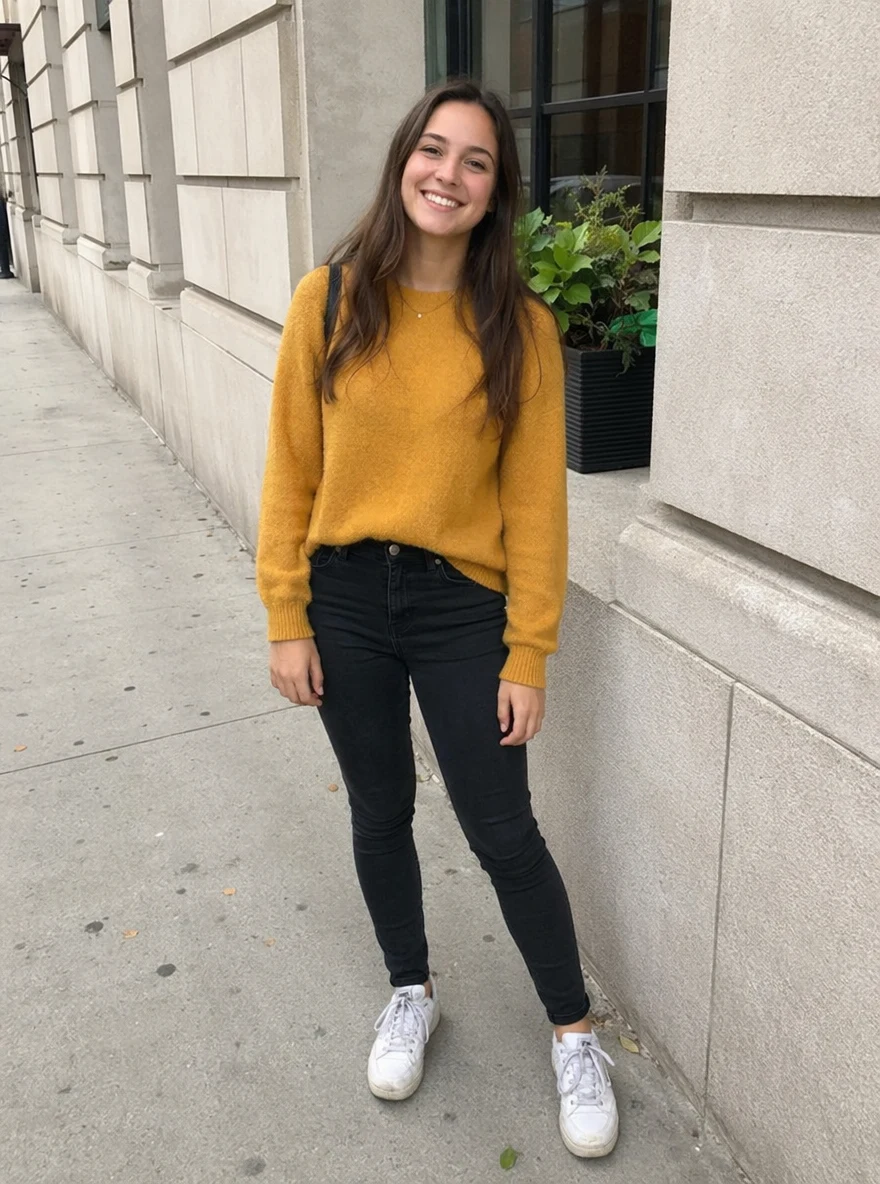
Drag in or select a clear photo of the person you want to supersize. A full-body, well-lit shot gives the AI the most to scale, so your whole figure reads as a towering giant. Your photo is used only to make your result.
Pick a giant effect
Sign in for your 10 free credits, then choose a scene — tower over a city with Giant Landmark, get scooped up by a Giant Hand Pickup, or supersize a pet with My Super Giant Cat. The AI blends your subject into the scene at giant scale, matching perspective and shadows.
Download and share
Preview your giant, then download it at full resolution with no watermark — a high-res image or a short MP4, depending on the effect. Post it to the giant trend, use it as a wallpaper, or send it to a friend.
What you can make
Popular ways people use the giant person effect.
Tower over a city
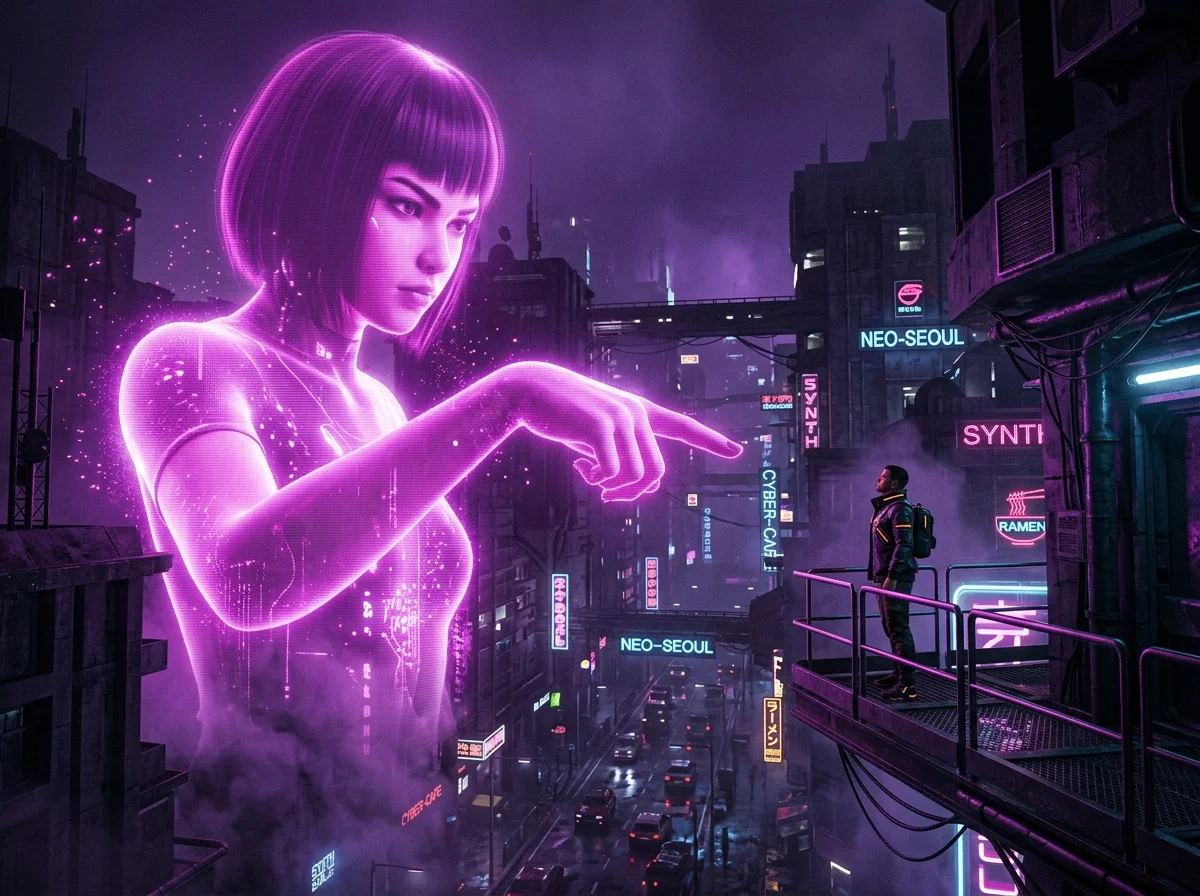

Loom over skyscrapers and streets like a kaiju-scale colossus, turning a normal photo of yourself into a jaw-dropping cityscape scene.
Held in a giant hand
Flip the scale the other way and get scooped up by an enormous hand — a playful, surreal twist that's built to stop the scroll.
Supersize a pet


Blow up a cat, dog, or any pet into a gentle giant towering over the neighborhood, for an adorable, share-worthy scene.
Viral scale videos
Ride the giant trend on TikTok and Reels with a short clip of yourself at colossal size, ready to post straight from your phone.
Concepts & storyboards
Mock up kaiju, giant-monster, or oversized-mascot scenes for a pitch, a short film, or a game concept without a VFX budget.
Playful gifts & cards
Surprise a friend by turning their photo into a bigger-than-life giant for a birthday post, a meme, or a cheeky greeting.
Why use SharkFoto's giant person effect
Believable giant scale
The AI doesn't just paste you in bigger — it matches perspective, lighting, and shadows to the scene, so you read as a real giant towering over the world instead of a floating cutout.
Image or video output
Choose a still giant scene as a high-resolution image, or an animated effect that exports a short MP4 of your giant looming and moving through the shot.
Works from one photo
No compositing or 3D skills needed. One clear photo of a person, pet, or object is enough for the AI to resize it into a convincing giant.
10 free credits, no watermark
Sign up free and get 10 credits to start generating giants. Your download comes at full resolution with no watermark, so it's clean enough to post, print, or share anywhere.
Tips for the best results
Use a full-body shot — the AI scales your whole figure into the scene, so you read as a towering giant rather than a floating head.
Try a slightly lower camera angle — a gentle upward angle exaggerates height and makes the giant effect feel taller and more dramatic.
Use a plain, uncluttered background — busy backgrounds can fight the generated city or landscape the AI places you into.
Make sure the subject is well lit — even lighting helps the AI match shadows so your giant blends convincingly into the scene.
Start from a high-resolution photo — low-res images limit the detail that shows once you're blown up to giant size.
Frequently asked questions
Is the AI giant person effect really free?
What kind of photo works best?
Do I get an image or a video?
How long does it take to generate?
Can I make a pet or an object giant too?
Is my photo safe and private?
Can I use my giant scene commercially?
Related AI effects
More surreal, scale- and perspective-bending effects to try.