AI Camera Motion Effects
Turn a still photo into a cinematic clip with moving camera work in seconds. SharkFoto's AI camera motion effects add Hollywood-style moves to your picture — a Hitchcock dolly zoom, a smooth 360-degree orbit, a punchy impact zoom, or a wide fisheye push-in — so a flat photo suddenly has depth, drama, and motion. Sign up free to get 10 credits, pick a camera move, and download your clip as a full-resolution MP4 — or a high-resolution image for the still Fisheye Lens — with no watermark. No camera rig, gimbal, or editing timeline required.
 PopularImpact Zoom
What are AI camera motion effects?
AI camera motion effects turn a single still photo into a short video by synthesizing camera movement — a dolly zoom, an orbit, a push-in, or a fisheye sweep — as if a real cinematographer had filmed the scene. You upload a photo, pick a move, and the AI builds the in-between frames and parallax, then hands you a few-second MP4 for the moving styles, or a high-resolution image for the still Fisheye Lens. No footage, rig, or editing software is needed.
All Camera Motion Effects
Twelve AI camera effects — dolly zooms, 360 orbits, fisheye push-ins, and epic zoom-outs. Pick one to transform your photo.
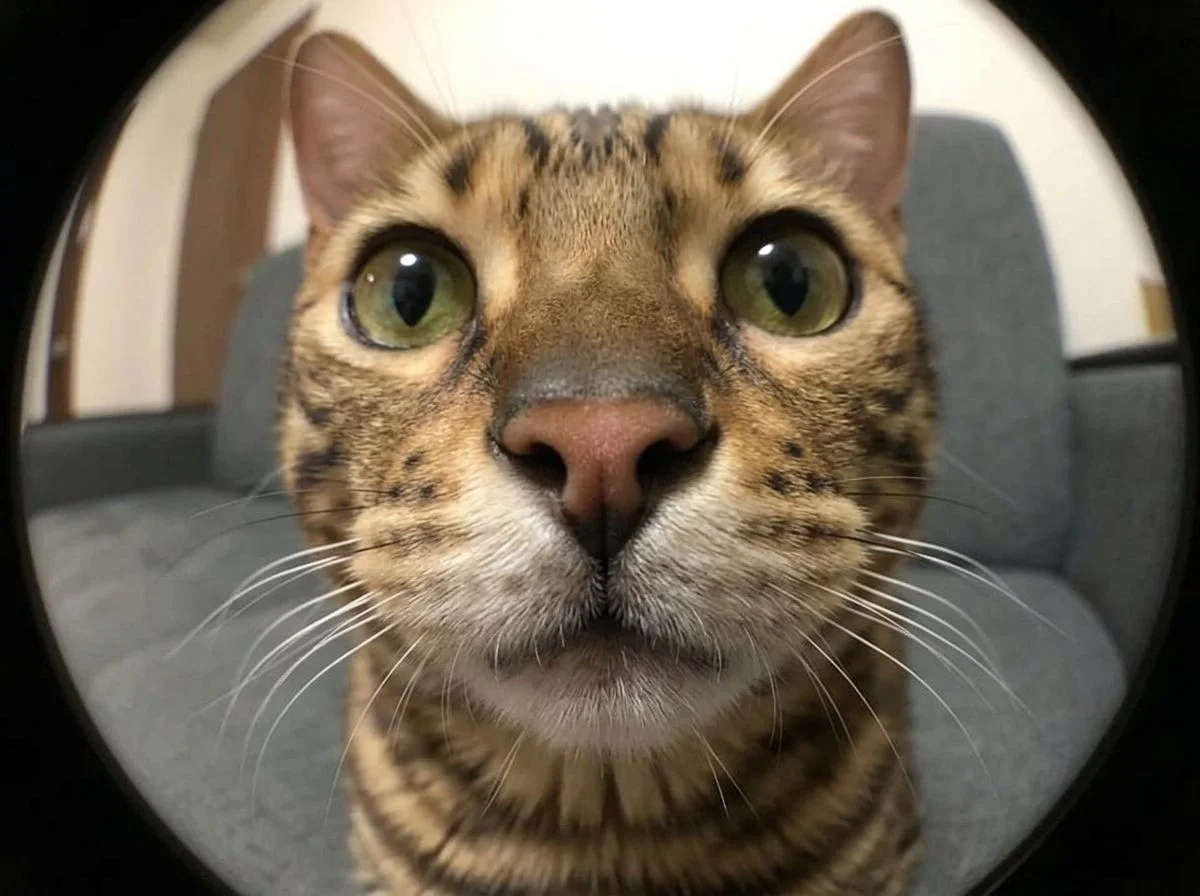












Before & after
A still photo, moved by a cinematic camera.
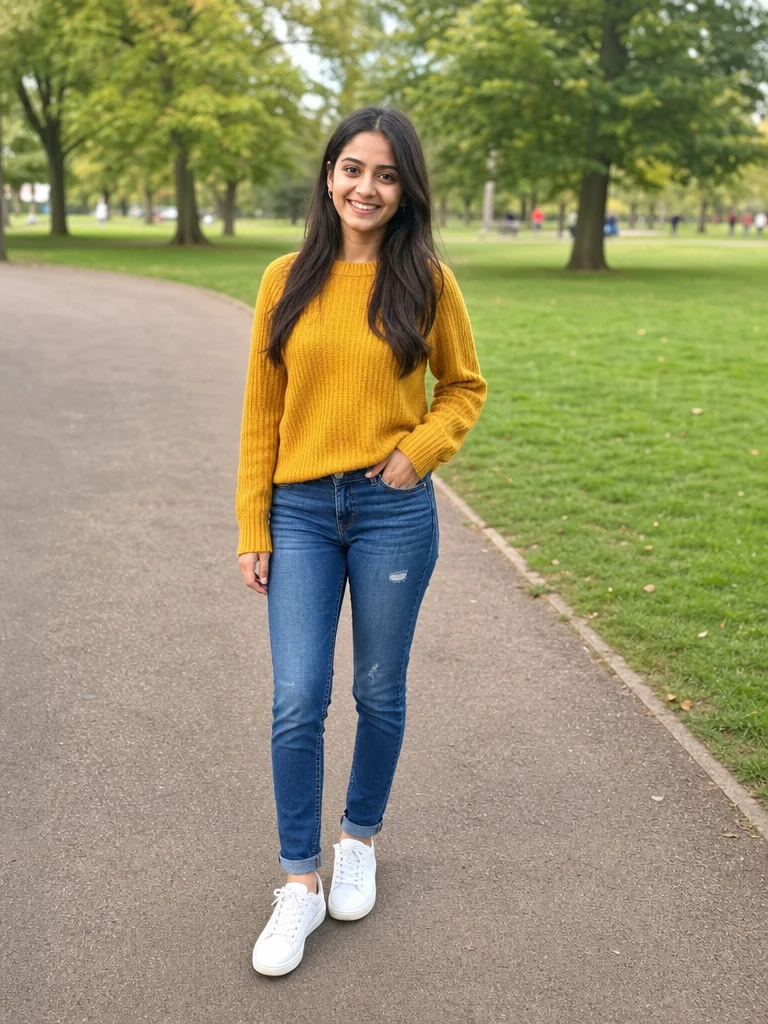 BeforeAfter
 BeforeAfter
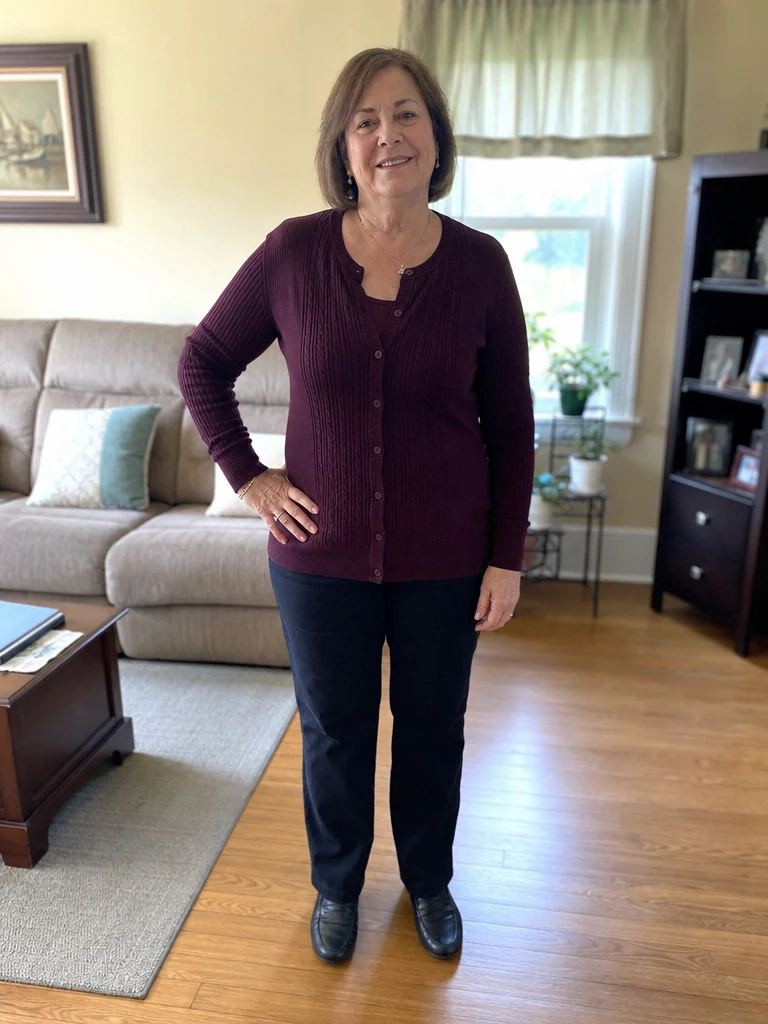 BeforeAfter
Woman Park
How to add camera motion to a photo
Three steps, right in your browser.
Upload your photo
Drag in or select the photo you want to bring to life — a portrait, a product shot, a landscape, or a scene. A sharp, well-lit image with clear depth gives the AI the most to work with. Your photo is used only to make your video.
Pick a camera move
Sign in for your 10 free credits, then choose a move — a hero push-in, a Hitchcock dolly zoom, a 360 orbit, an impact zoom, or a fisheye sweep. The AI reads the depth in your photo and animates realistic camera motion with parallax, so it looks filmed rather than pasted on.
Download and share
Watch the preview, then download your clip as a full-resolution MP4 — or a high-resolution image for the still Fisheye Lens — with no watermark. Drop it into a reel, use it as an intro shot, or post it straight to social.
What you can make
Popular ways people use AI camera motion effects.
Cinematic reels & intros
Open a reel, vlog, or video with a filmic hero push-in or dolly zoom that instantly raises the production value — all from a single photo.
Product showcases
Spin a product with a smooth 360 orbit or a punchy impact zoom to make an eye-catching ad or store clip without a studio turntable.
Travel & landscapes
Give a scenic photo an epic earth zoom-out or a sweeping move so a vacation snapshot plays like a cinematic establishing shot.
Beat-drop transitions
Sync an impact zoom or eye zoom to a music cue for a satisfying snap that hooks viewers in the first second of a short.
Gaming & FPS-style content
Jump the camera into the action with a first-person push for stream intros, montages, and gaming thumbnails that feel in-your-face.
Bold fisheye looks
Bend a portrait or scene with a wide fisheye move for a skate-video, music-video vibe that stands out in the feed.
Styles to choose from
From a slow hero push-in to a dizzying dolly zoom — pick the camera move that fits your shot.
Hero push-in
A slow, cinematic camera move toward the subject that makes an ordinary photo feel like the opening shot of a film.
Dolly zoom
The classic Hitchcock Vertigo effect: the camera pushes in while zooming out, so the background warps and stretches behind a locked subject.
360 orbit
A smooth camera rotation that circles all the way around the subject to reveal it from every angle.
Impact zoom
A fast, punchy snap-zoom onto the subject for a high-energy, beat-drop reveal.
Earth zoom-out
A dramatic pull-back that rockets the camera from your photo all the way out to a view of Earth from space.
Fisheye sweep
A wide, curved fisheye-lens look with an exaggerated push that bends the scene for a bold, immersive feel.
Why use SharkFoto's camera motion effects
Real cinematic camera moves
These aren't a pan-and-scan crop of your photo. The AI infers depth and rebuilds parallax, so a dolly zoom warps the background and an orbit reveals the sides — the moves real cameras make, from one flat image.
A dozen moves in one place
Hero push-ins, Hitchcock dolly zooms, 360 orbits, impact zooms, earth zoom-outs, and fisheye sweeps all live here, so you can match the exact camera energy your shot needs.
Works from a single photo
No rig, gimbal, drone, or editing timeline. One clear still is enough for the AI to generate a smooth, filmed-looking move in a few seconds.
10 free credits, no watermark
Sign up free and get 10 credits to start moving your photos. Clips download at full resolution as clean MP4s with no watermark burned across them, ready to post or edit.
Tips for the best results
Start from a sharp, high-resolution photo — camera motion magnifies detail, so a crisp source keeps the moving frames clean instead of soft or blocky.
Pick a photo with clear depth — a foreground and background — moves like the dolly zoom and orbit rely on separation between subject and scene to create convincing parallax.
Match the move to your subject — a hero push-in flatters a person, a 360 orbit suits a product, and an earth zoom-out fits a wide landscape.
Give the subject a little space in the frame — a push-in or zoom needs room to travel; a tightly cropped subject leaves nowhere for the camera to move.
Avoid busy or repetitive backgrounds — cluttered patterns can smear or wobble as the AI generates the in-between motion.
Frequently asked questions
Are the AI camera motion effects really free?
What kind of photo works best?
Do I get a video or an image?
How long does it take to generate?
What is a dolly zoom?
Is my photo safe and private?
Can I use my clip commercially?
Related AI effects
More AI video effects to try.