AI Product Video & Ad Generator
Turn a plain product photo into a scroll-stopping video ad in seconds. SharkFoto's AI product video generator animates your item into cinematic reveals, splashy hero shots, and ready-to-post commercials, so a single catalog image becomes marketing you can run today. Sign up free to get 10 credits, pick an ad effect like Product Hero Saga, Juice Burst, or Package Explosion, and download your clip — with no watermark — ready for TikTok, Reels, or your product page.
 PopularProduct Hero Saga
What is an AI product video generator?
An AI product video generator turns a still photo of a product into a short, animated ad — a cinematic reveal, a splash, or a hero shot — without a studio, a camera crew, or motion-graphics software. You upload a product photo, pick an ad effect, and download a few-second MP4 (or a polished still) you can post or run as a commercial.
All product video & ad effects
Twenty-plus product ad effects — hero reveals, splashy pours, package explosions, and clean studio shots. Pick one to start generating.
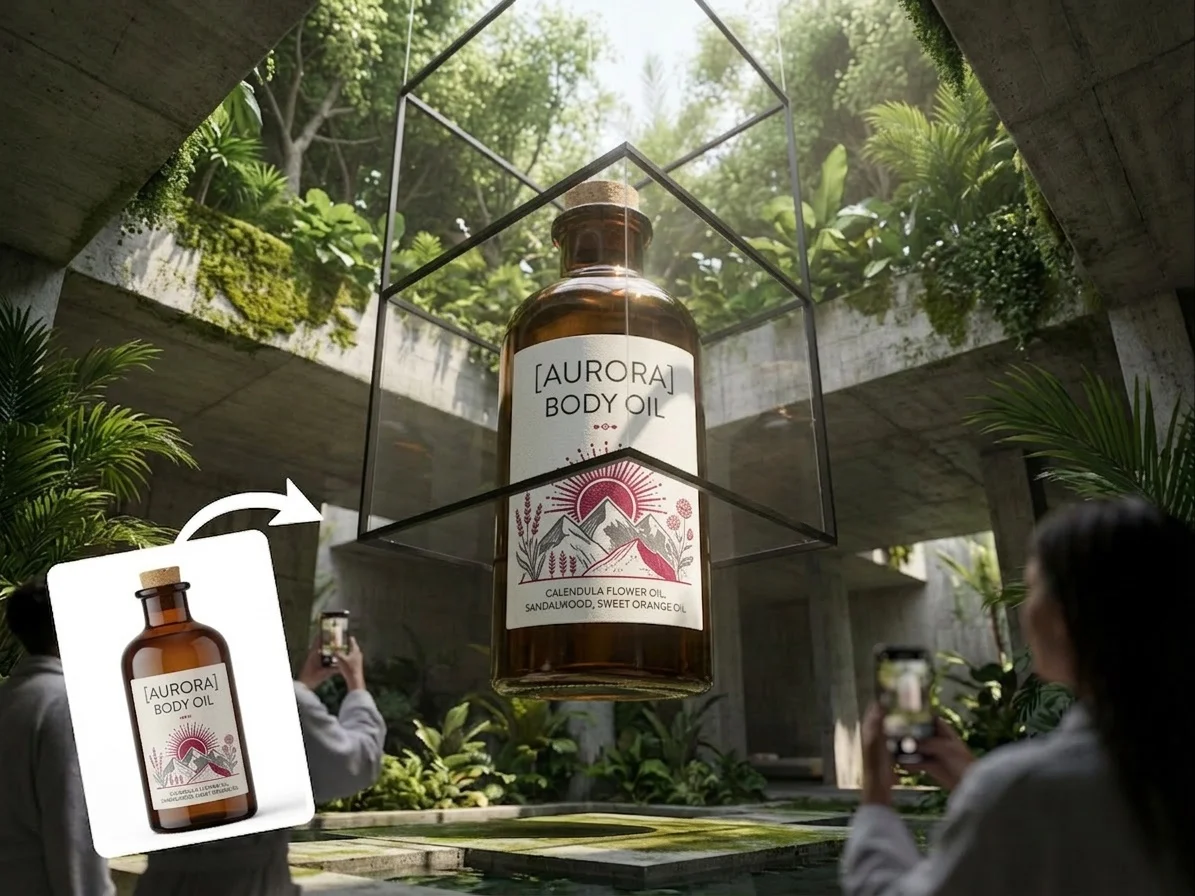







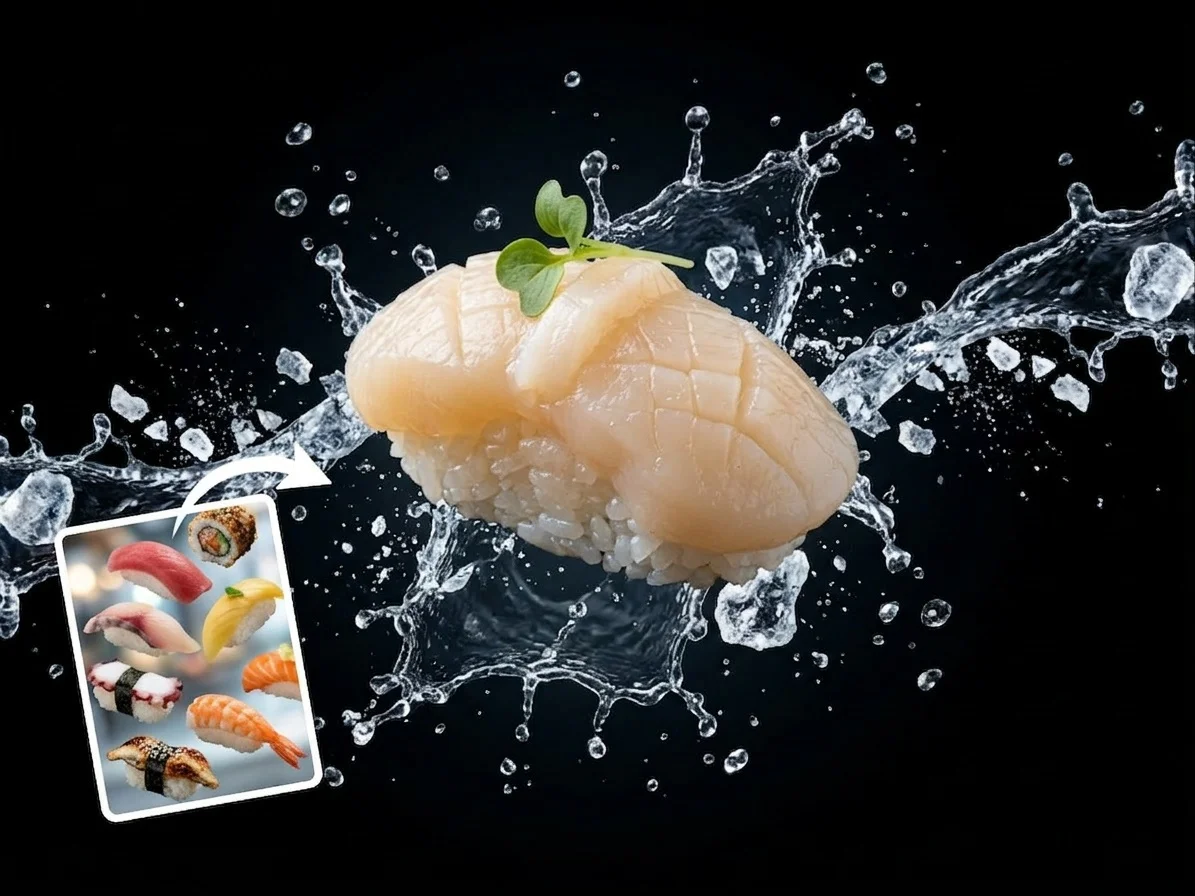






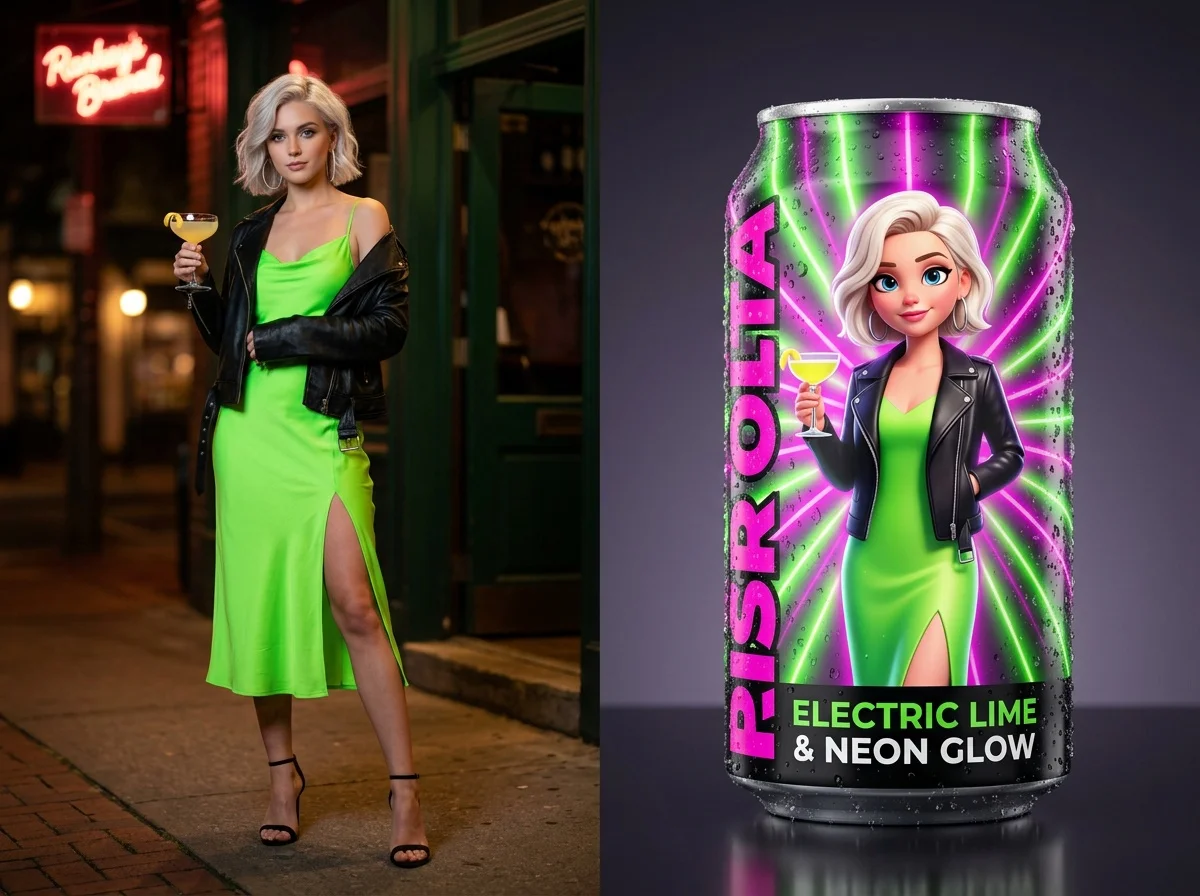
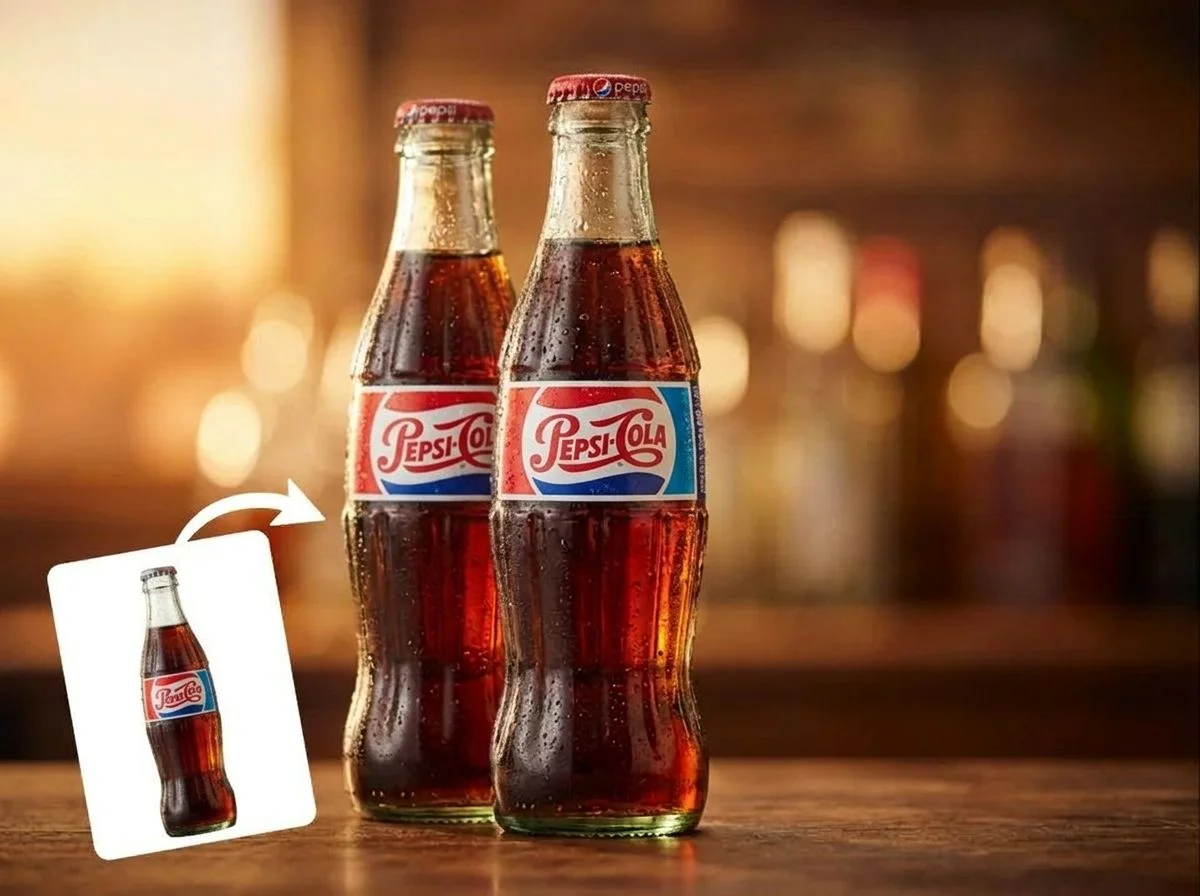






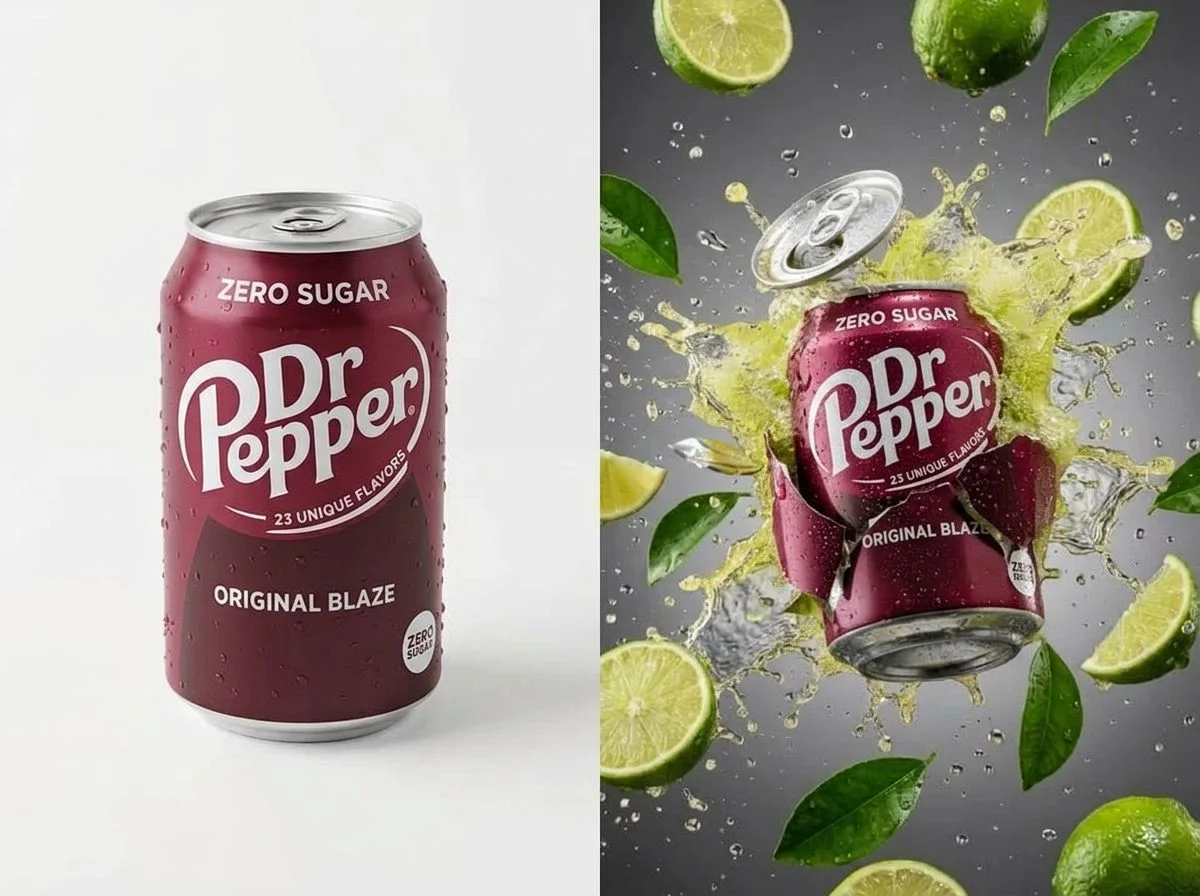







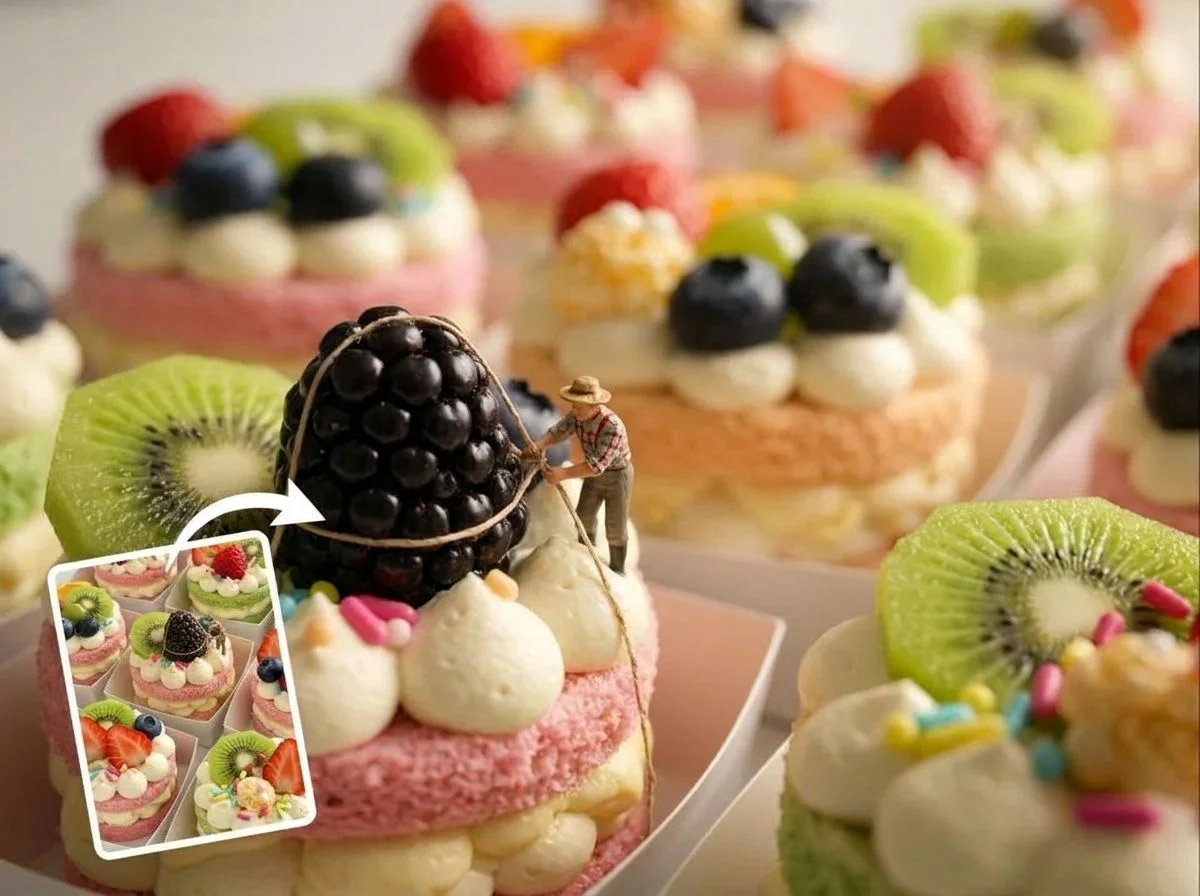






Before & after
A plain product shot becomes a hero video.
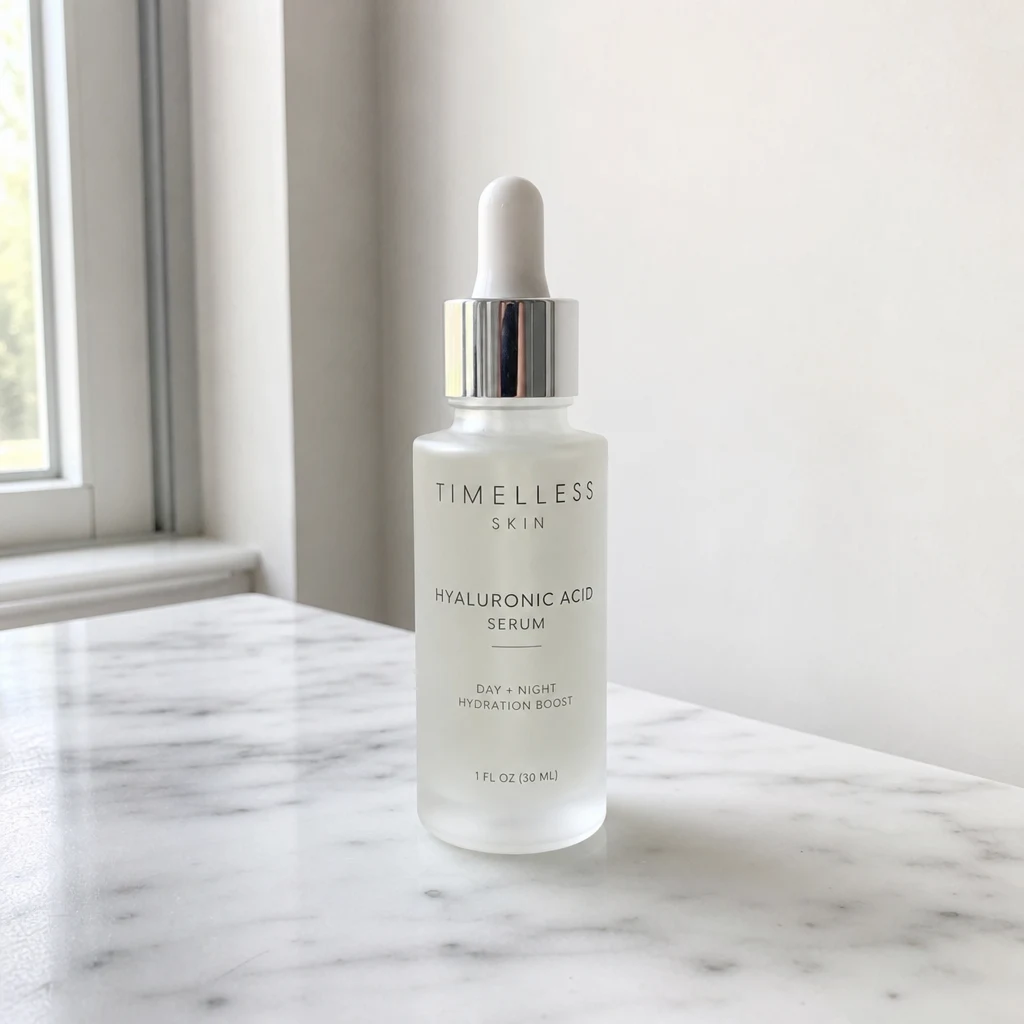 BeforeAfter
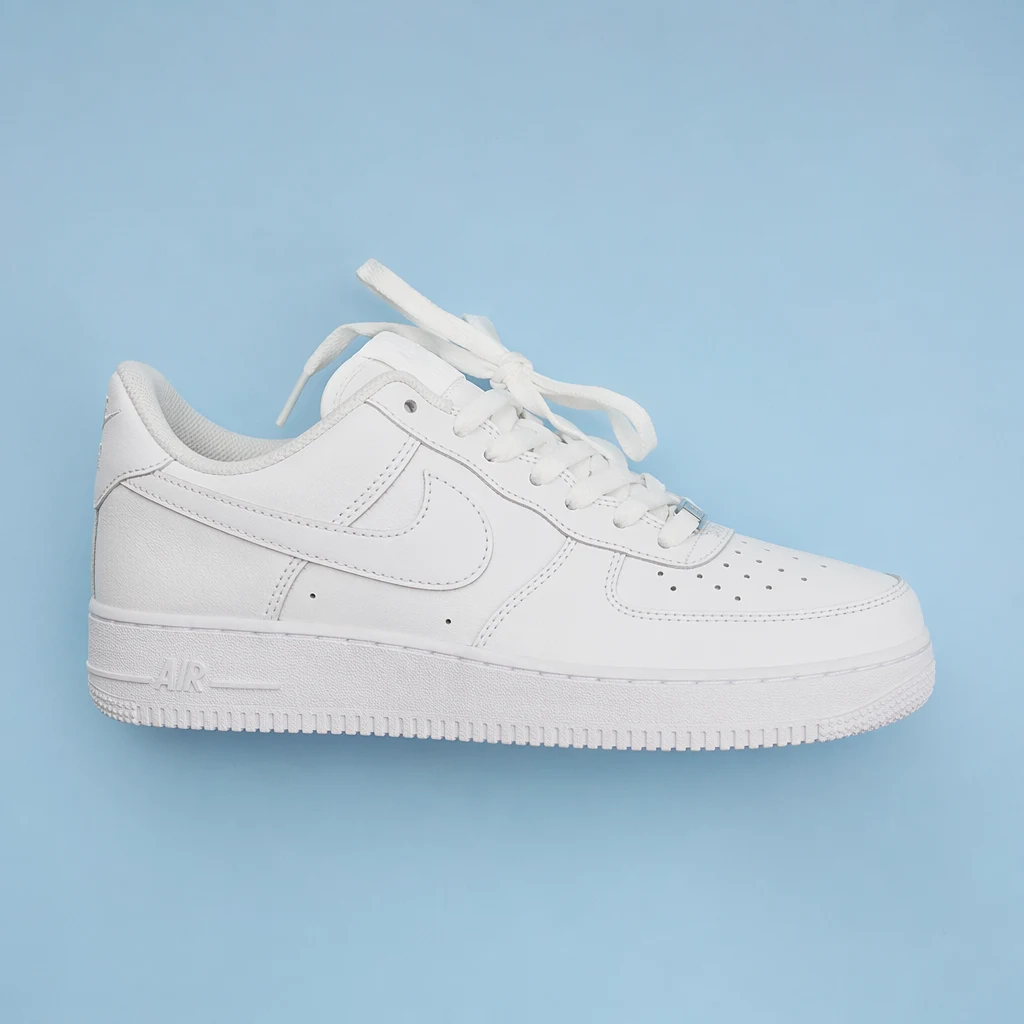 BeforeAfter
 BeforeAfter
Serum bottle
How to make an AI product video
Three steps, right in your browser.
Upload your product photo
Drag in or select a clear photo of the product you want to promote. A sharp, well-lit shot on a clean background gives the AI the most to work with and keeps your packaging and logo readable. Your photo is used only to make your result.
Pick an ad effect
Sign in for your 10 free credits, then choose a look — a cinematic Product Hero Saga, a splashy Juice Burst, a dramatic Package Explosion, or a clean Studio Product shot. The AI animates your item into a finished ad while keeping its shape, color, and branding intact.
Download and share
Preview your ad, then download it at full resolution with no watermark. Post it to TikTok or Reels, drop it into a product listing, or use it in a paid campaign right away.
What you can make
Popular ways sellers and creators use the product video generator.
E-commerce product ads
Turn a single catalog photo into a scroll-stopping hero video for your Shopify, Amazon, or Etsy listing — no studio, videographer, or editing timeline required.
Food & beverage promos
Make drinks pour, ingredients tumble, and dishes get plated in mouth-watering slow motion — perfect for cafes, restaurants, and DTC food brands.
Launch & unboxing reveals
Build hype for a new drop with a dramatic package explosion or surprise-box open that shows the product off from every angle.
Clean studio catalog shots
Skip the light tent: place your product in a polished studio scene for listing images, lookbooks, and thumbnails.
Social & paid ads
Spin up fresh creative for TikTok, Reels, and paid campaigns fast, so you can test more hooks and angles without a shoot for each one.
Small business & makers
Give handmade goods, candles, or cosmetics the same slick ad treatment big brands pay agencies for — from one phone photo.
Why use SharkFoto's product video generator
Cinematic ad motion
The AI adds real camera moves, lighting, and physics — splashes, reveals, and hero pans — so your product looks like it was shot on a professional set instead of sitting flat in a photo.
Keeps your branding intact
Your packaging, colors, and logo stay recognizable through the animation, so the finished ad still reads as your actual product rather than a generic stand-in.
Video and still options
Most effects export a short MP4 built for social feeds and product pages, while several product looks deliver a clean high-resolution image for listings and thumbnails — pick what each channel needs.
10 free credits, no watermark
Sign up free and get 10 credits to start generating ads. Downloads come at full resolution with no watermark, so your creative is clean enough to run as a real campaign.
Tips for the best results
Shoot your product on a clean, uncluttered background — a simple backdrop helps the AI isolate the item so the animation wraps around it cleanly instead of dragging in stray objects.
Use even, bright lighting — flat, well-lit product shots keep colors true and labels legible once motion and effects are added.
Frame the whole product in the shot — cropped items give the AI less to animate, so the reveal or splash looks more natural when the full product is visible.
Start from the highest-resolution photo you have — low-res or compressed images limit how sharp the final ad can be, especially for close-up and macro looks.
Match the effect to the product — pours and splashes shine for drinks and food, while explosions and hero reveals suit packaged goods and gadgets.
Frequently asked questions
Is the AI product video generator really free?
What kind of product photo works best?
Do I get a video or an image?
How long does it take to generate a product ad?
Can I use the videos for my store and paid ads?
Will it change how my product looks?
Are my photos safe and private?
What if the result doesn't look right?
Related AI effects
More AI effects to make your content stand out.