AI Hairstyle Changer
See yourself with a completely new hairstyle before you ever touch a pair of scissors. SharkFoto's AI hairstyle changer restyles the hair in your photo into a fresh cut, length, or texture — a long-hair makeover, a sharp bob, playful bangs, curls, braids, or even a buzz cut or bald look — while keeping your face and skin tone natural. Sign up free to get 10 credits, upload a clear selfie, pick the hairstyle you want, and download your new look — with no watermark — in seconds. It's the low-risk way to preview a haircut and share it with friends or your stylist.
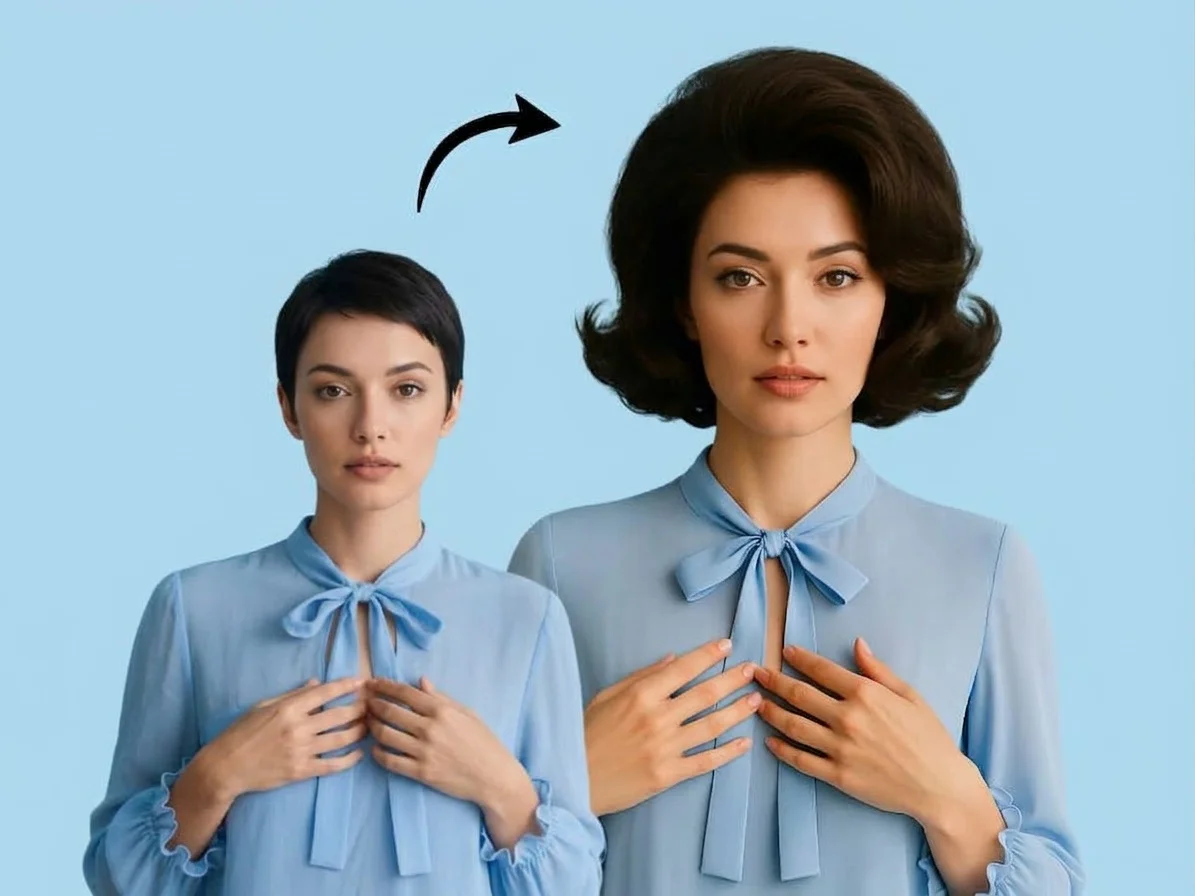 PopularAI Hairstyle Changer
What is an AI hairstyle changer?
An AI hairstyle changer is a tool that edits the hair in a photo to show you a different cut, length, texture, or color while keeping your face recognizable. You upload a selfie, choose a hairstyle like a bob, bangs, curls, or a buzz cut, and download a realistic image of yourself with the new hair.
All AI Hairstyle Changer Effects


Seventeen hairstyle effects — long and short cuts, curly and straight textures, bobs, bangs, braids, buzz cuts and more. Pick one to start.
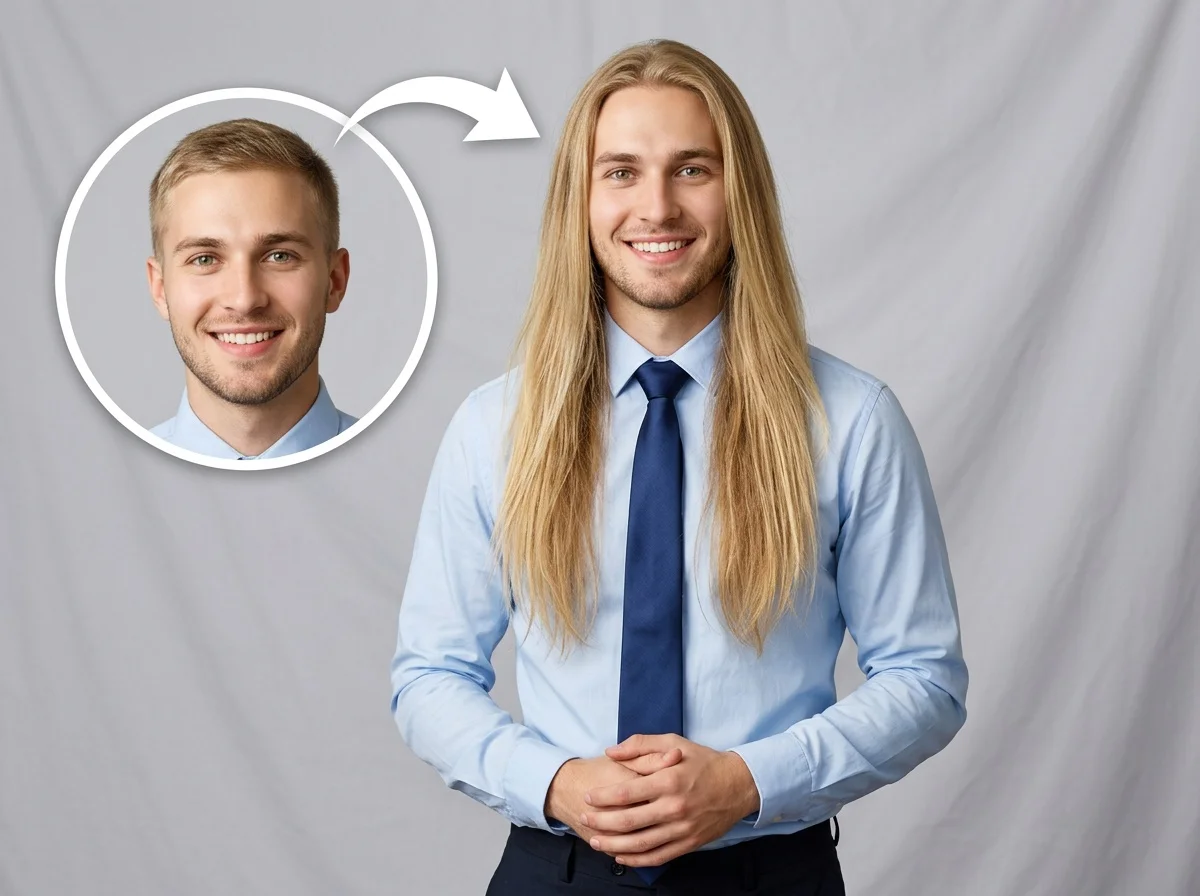
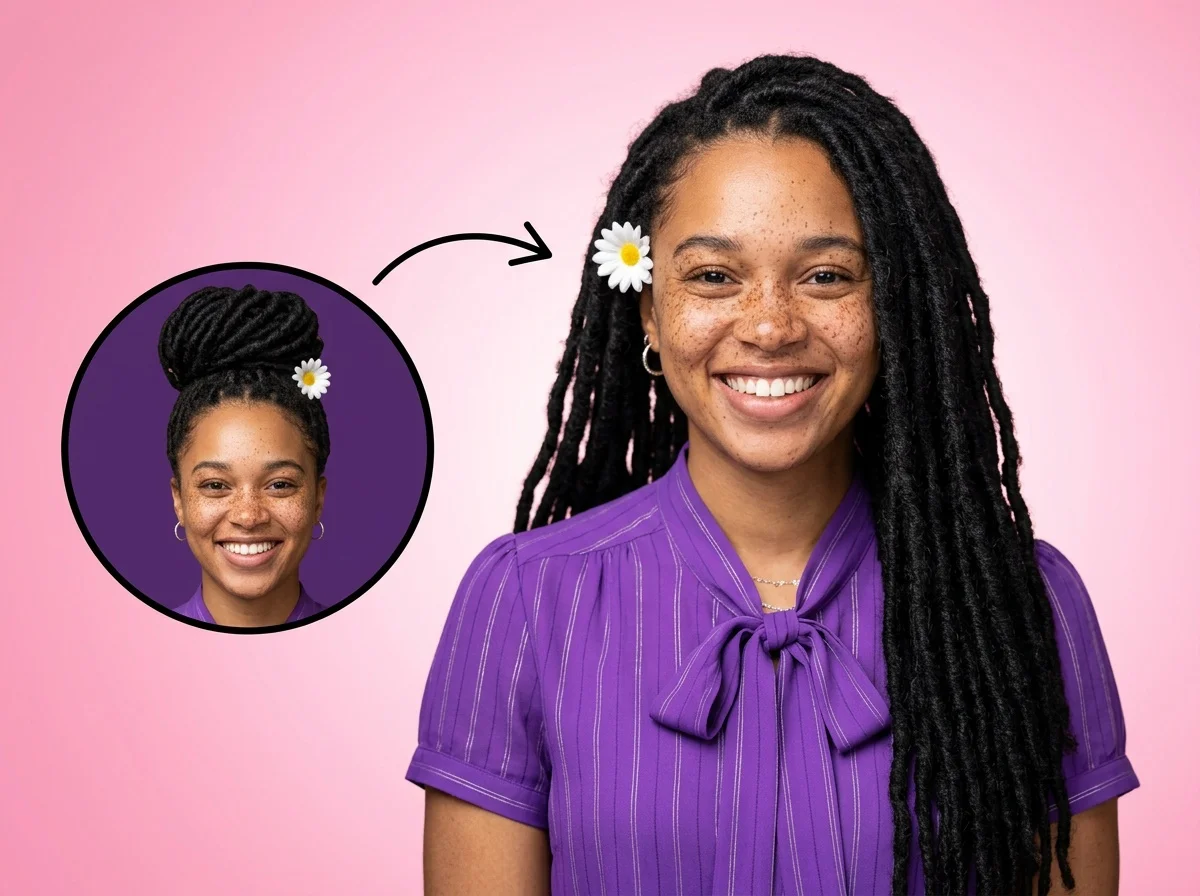
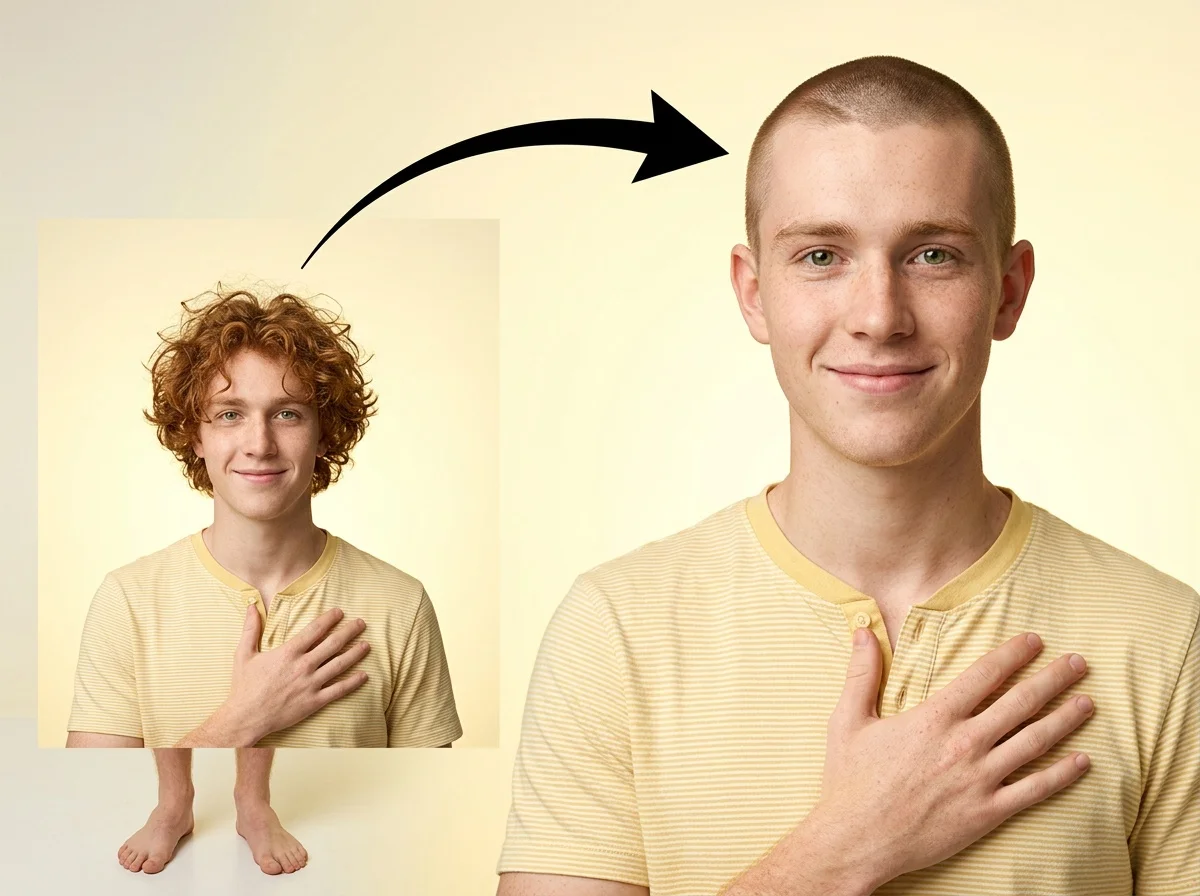


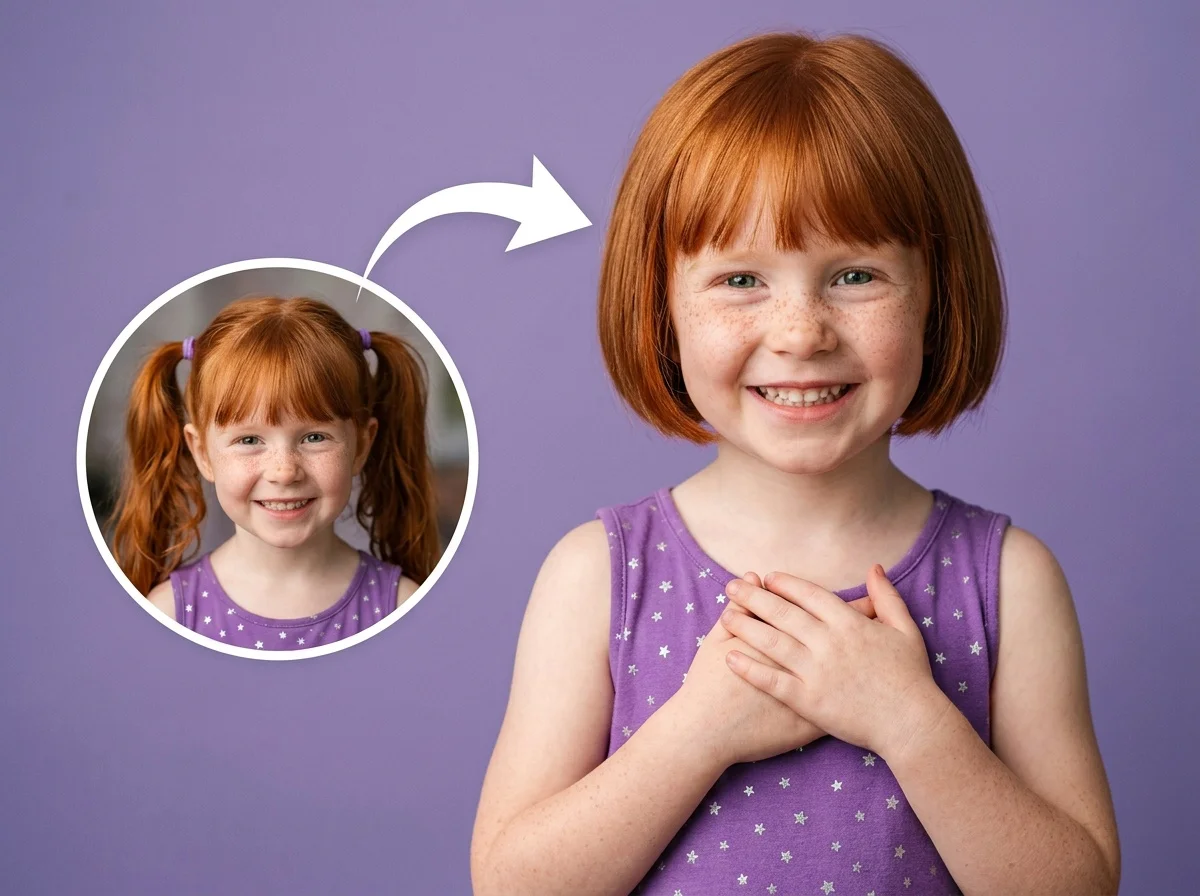
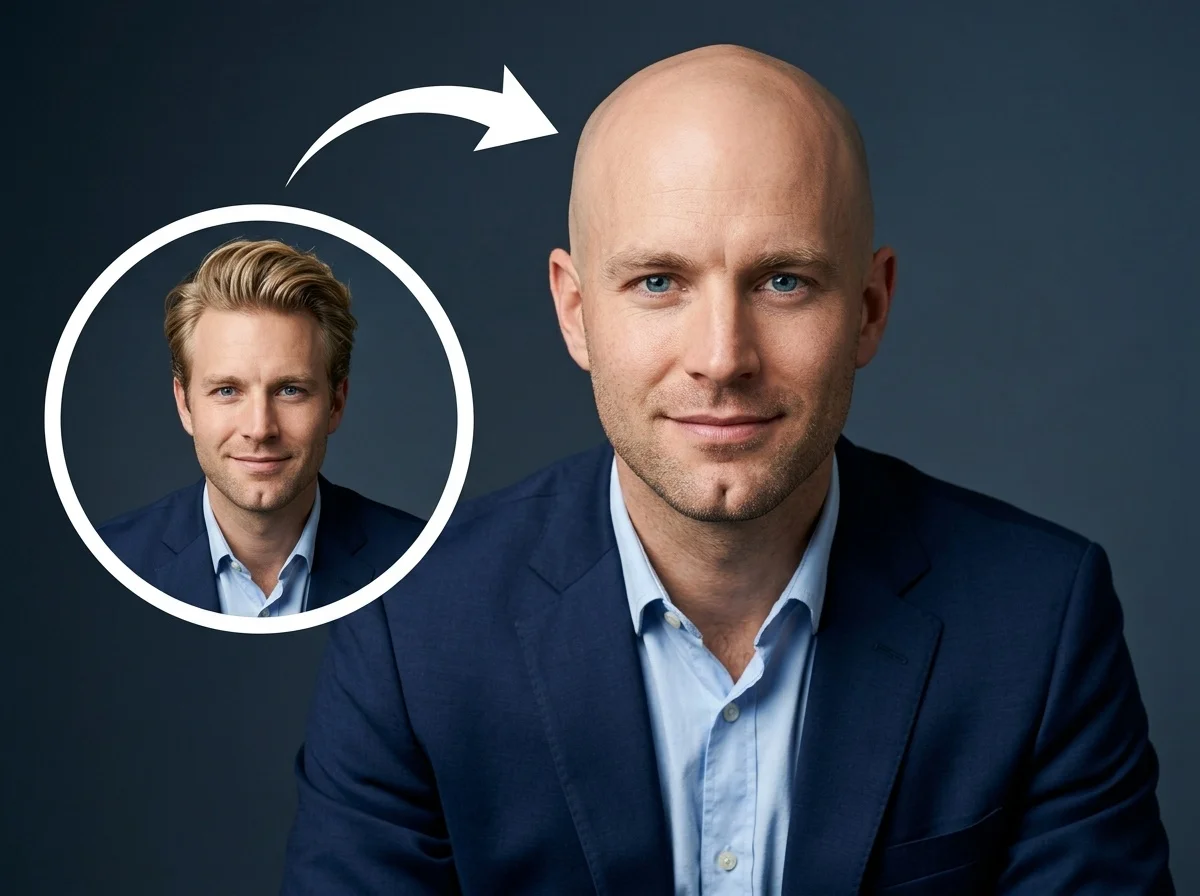
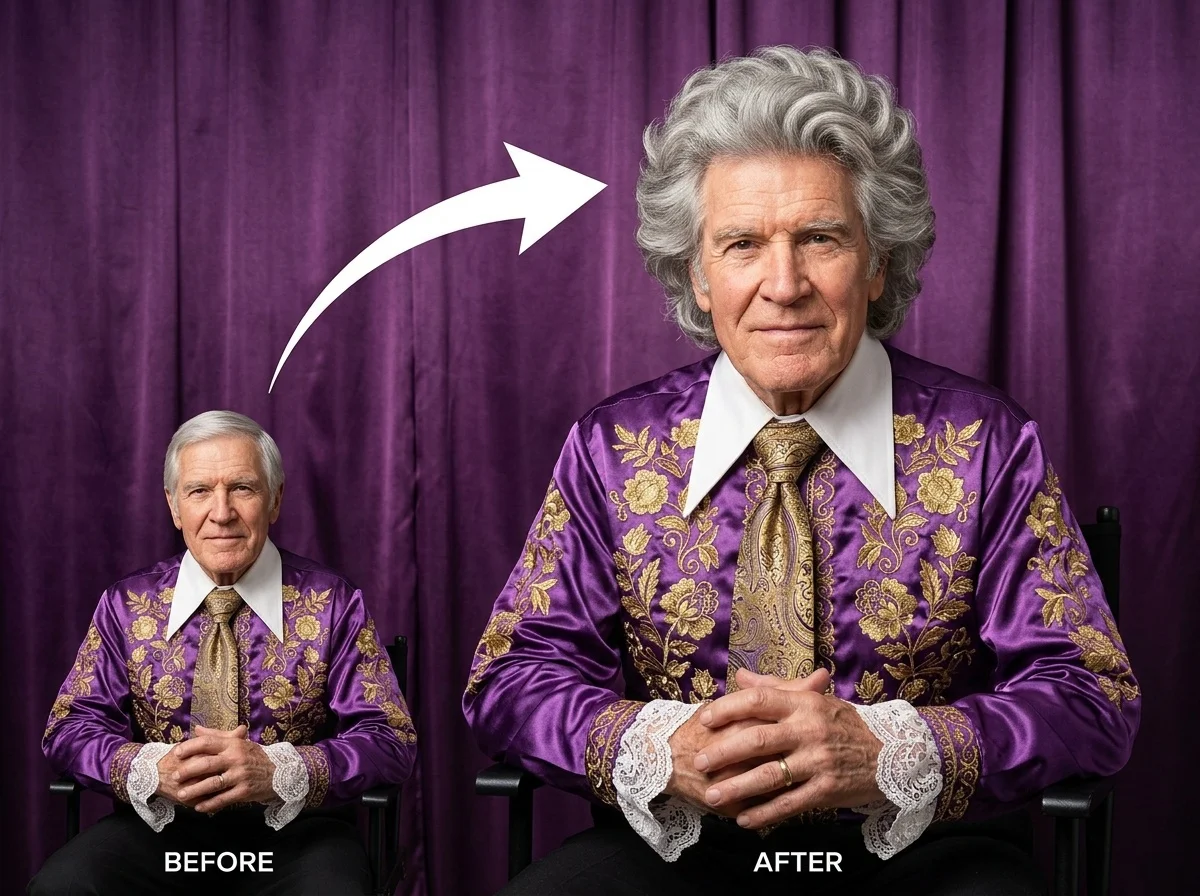


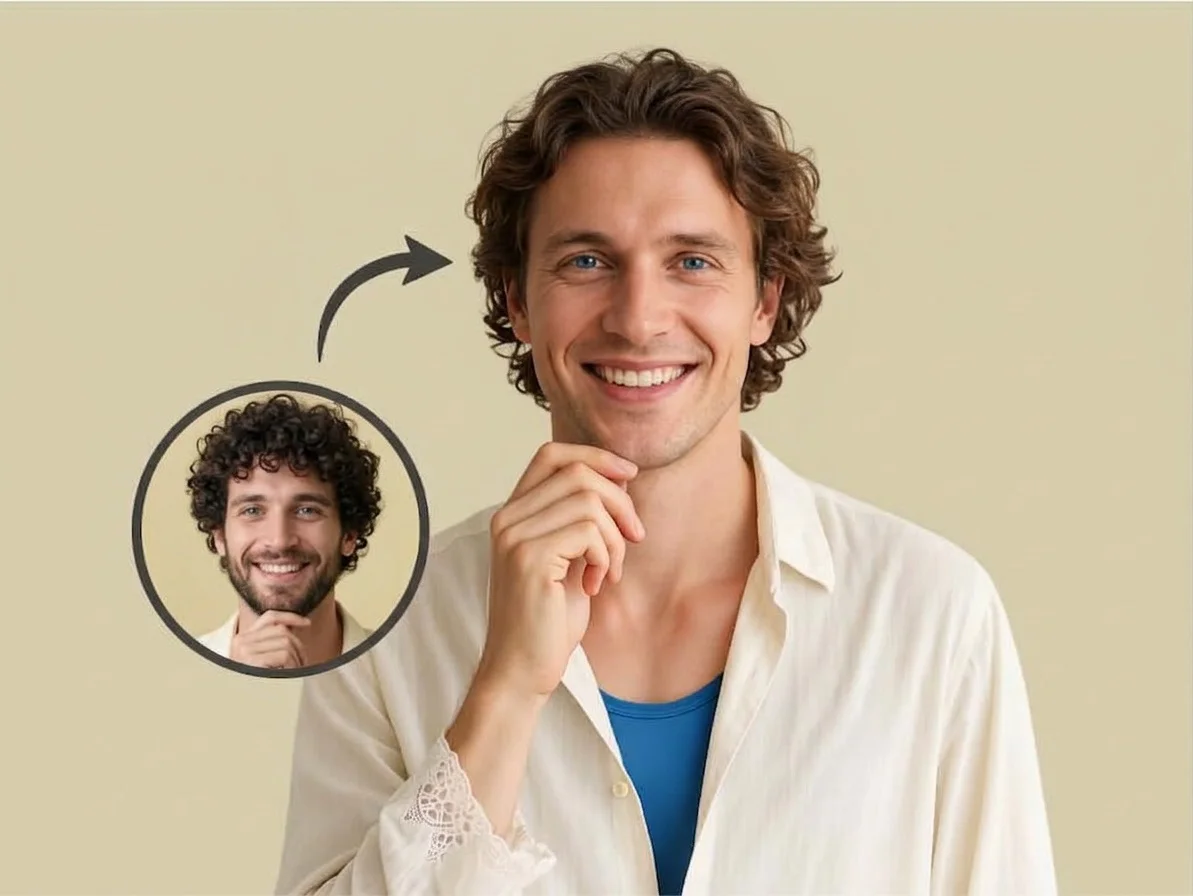
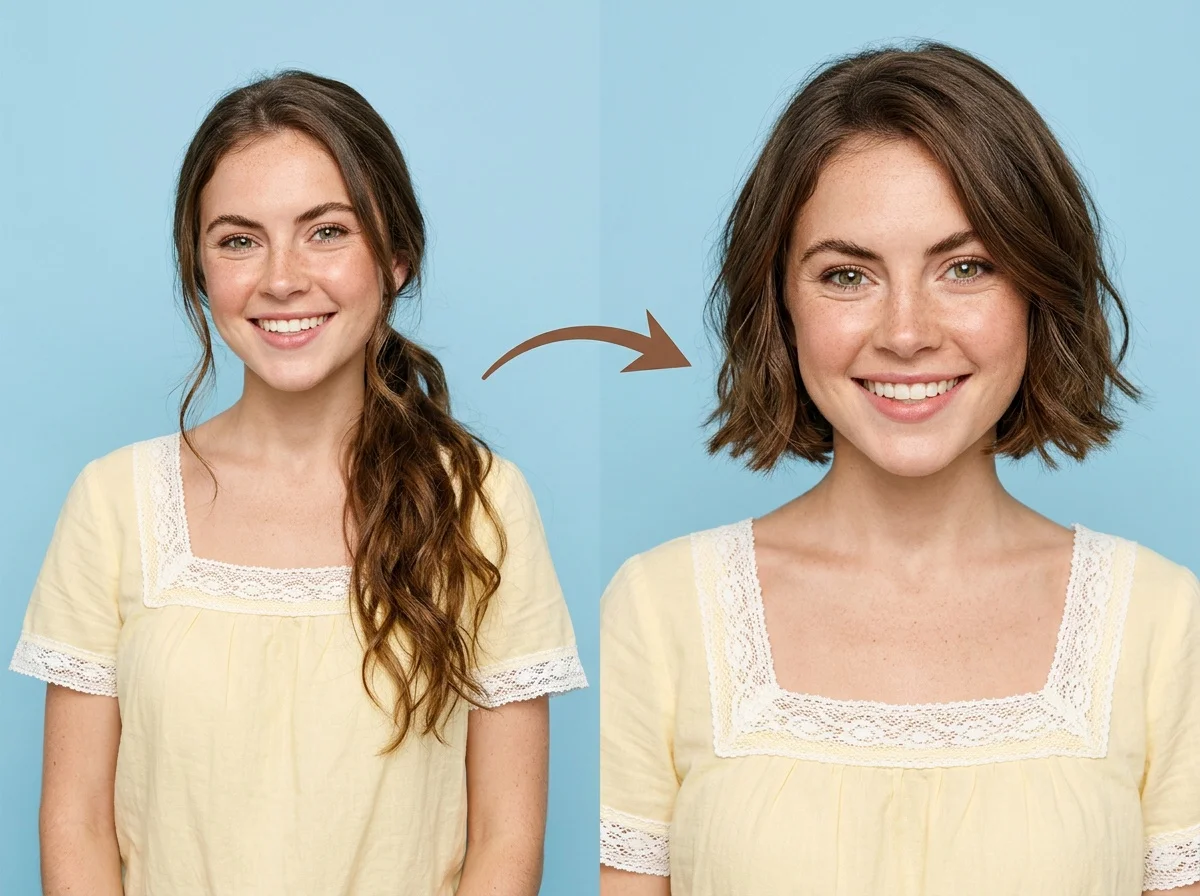


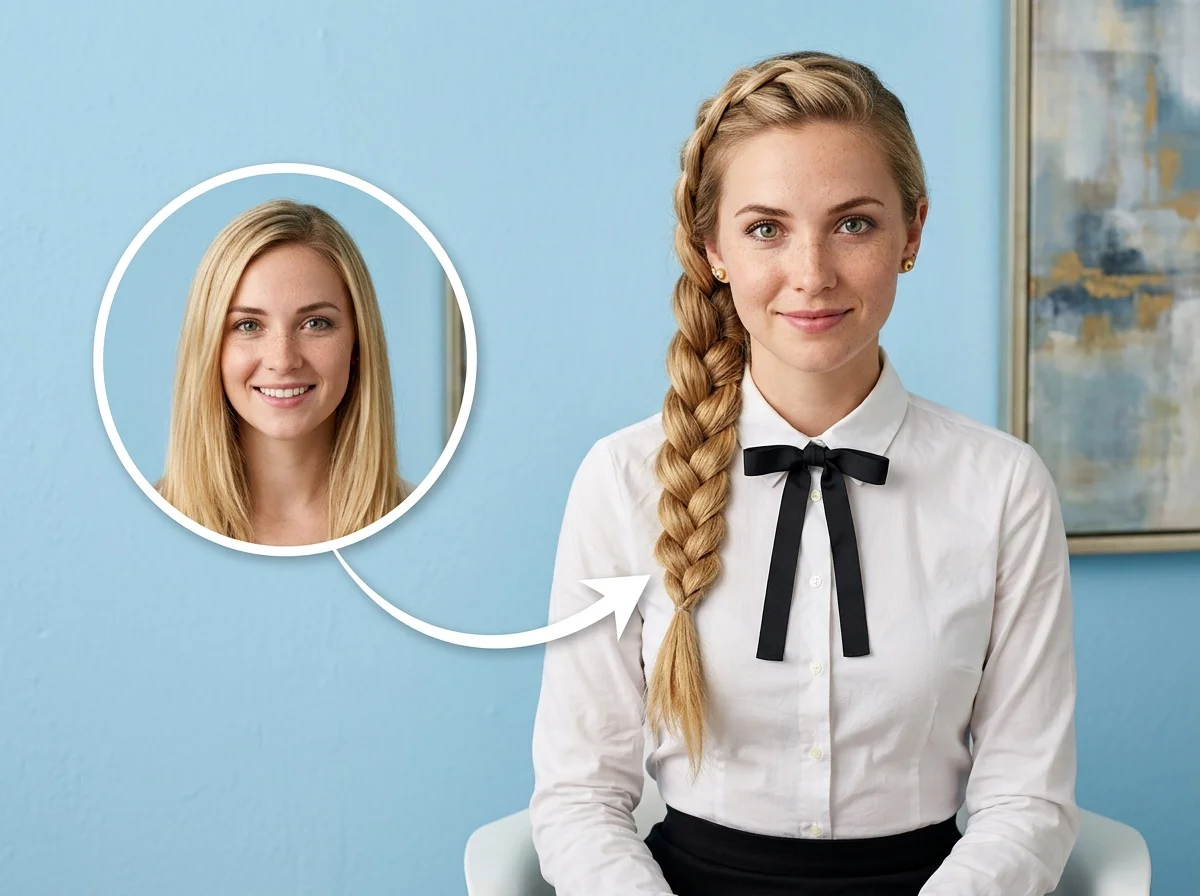
Before & after
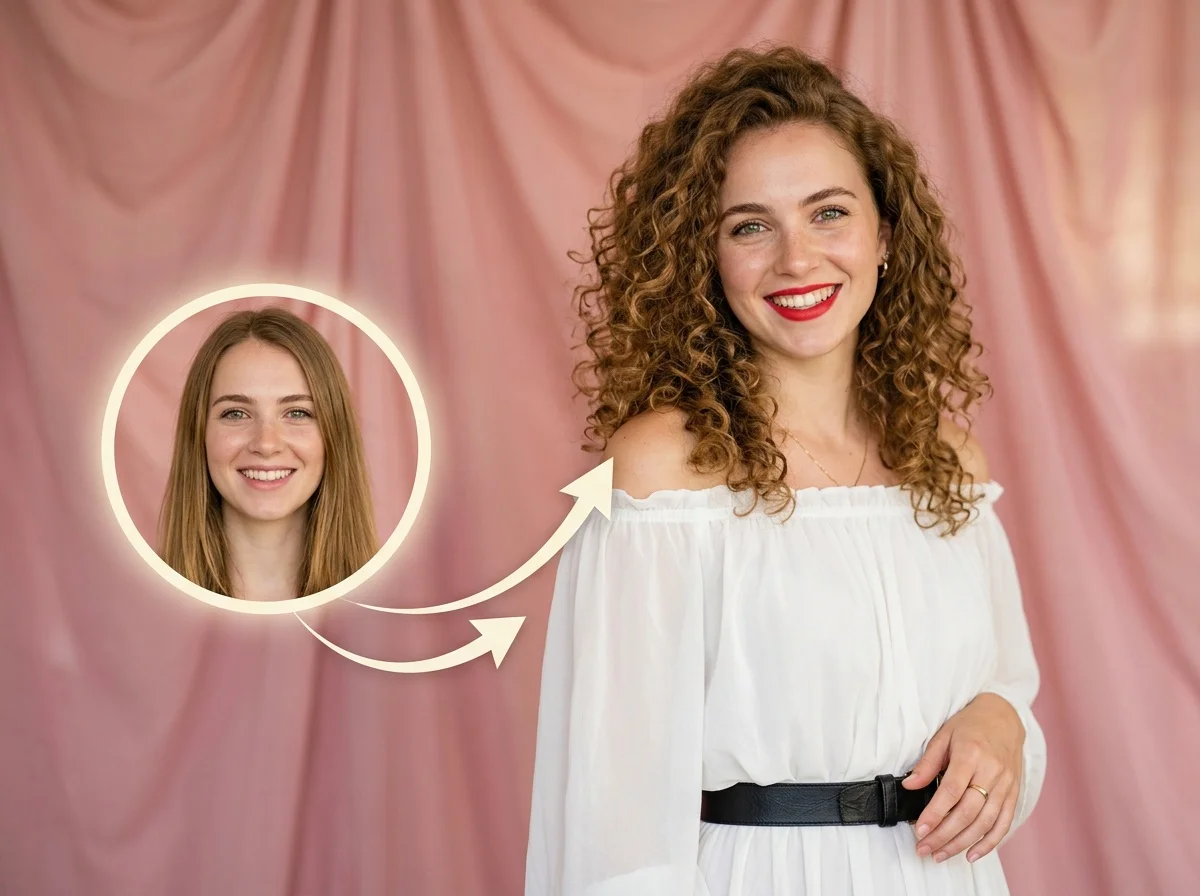
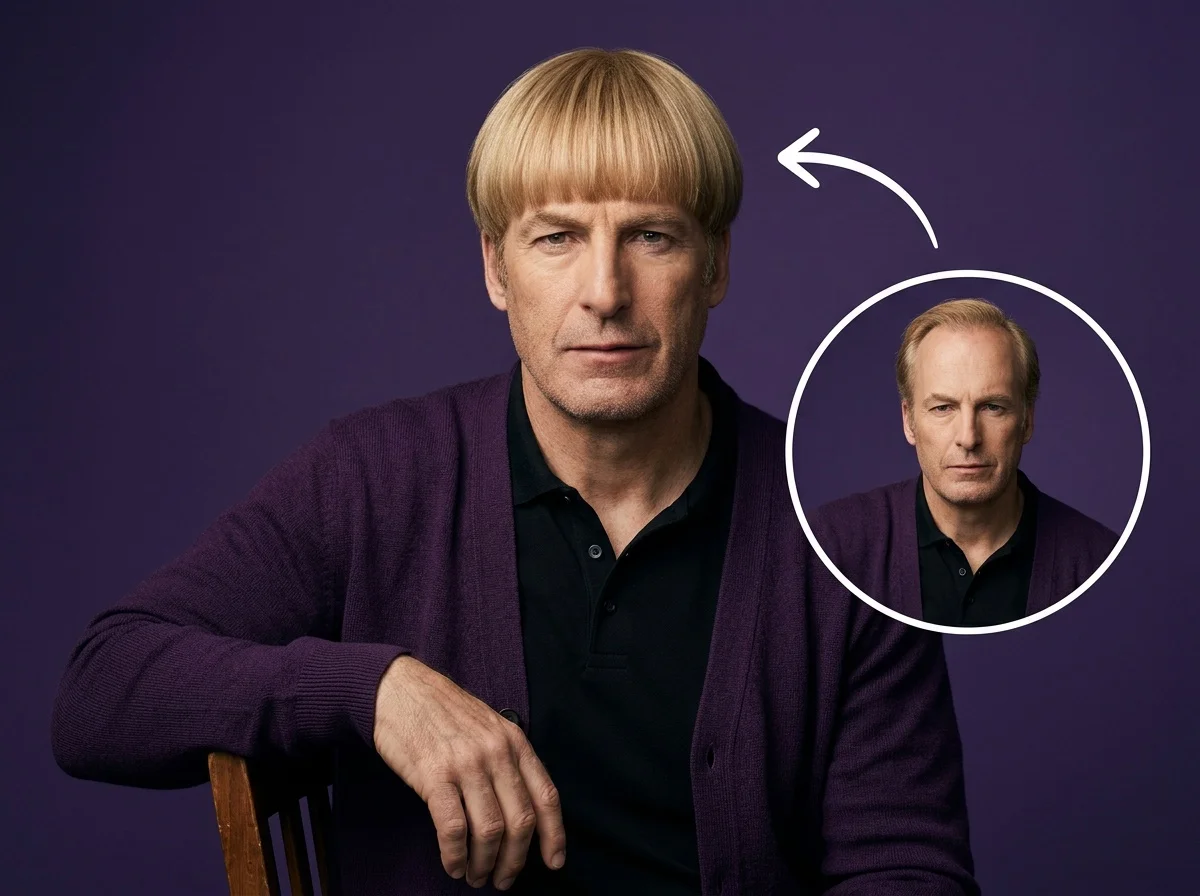
One selfie, a brand-new hairstyle.
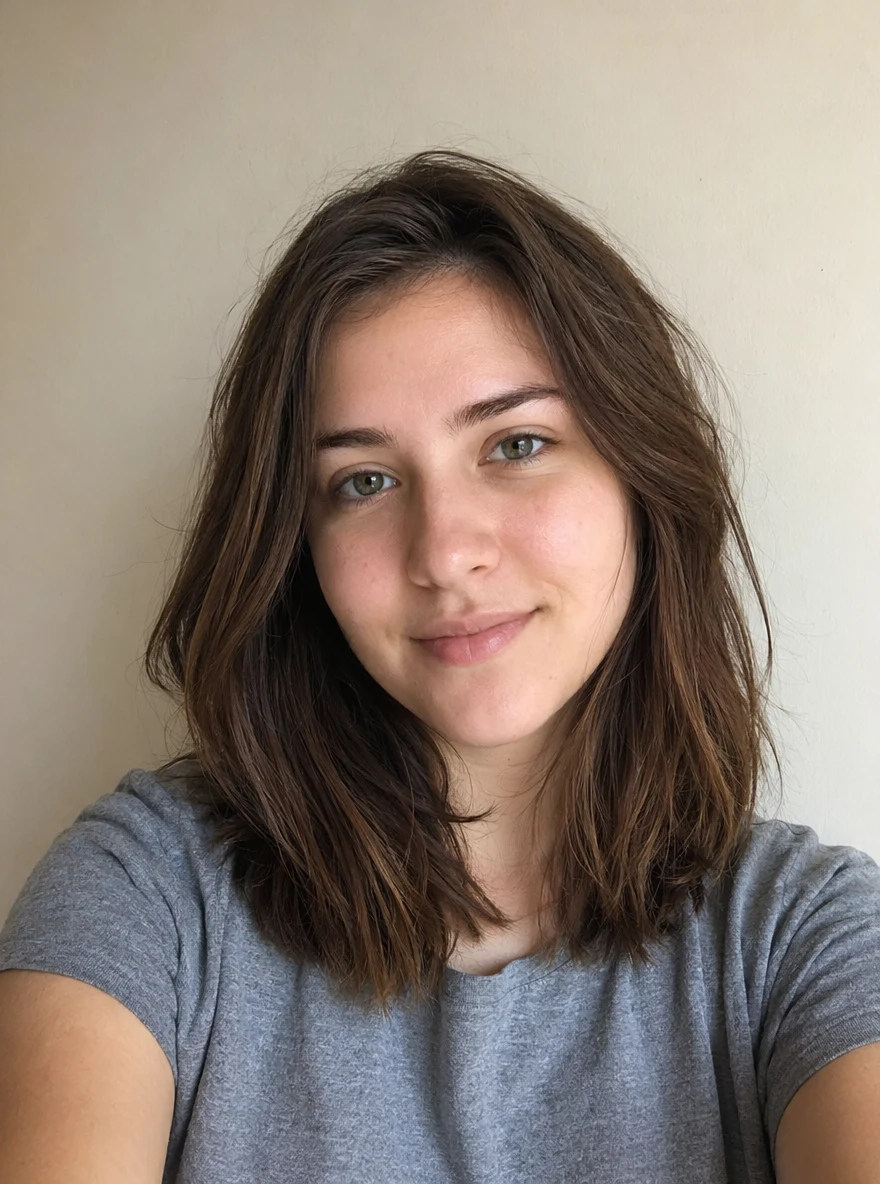 Before
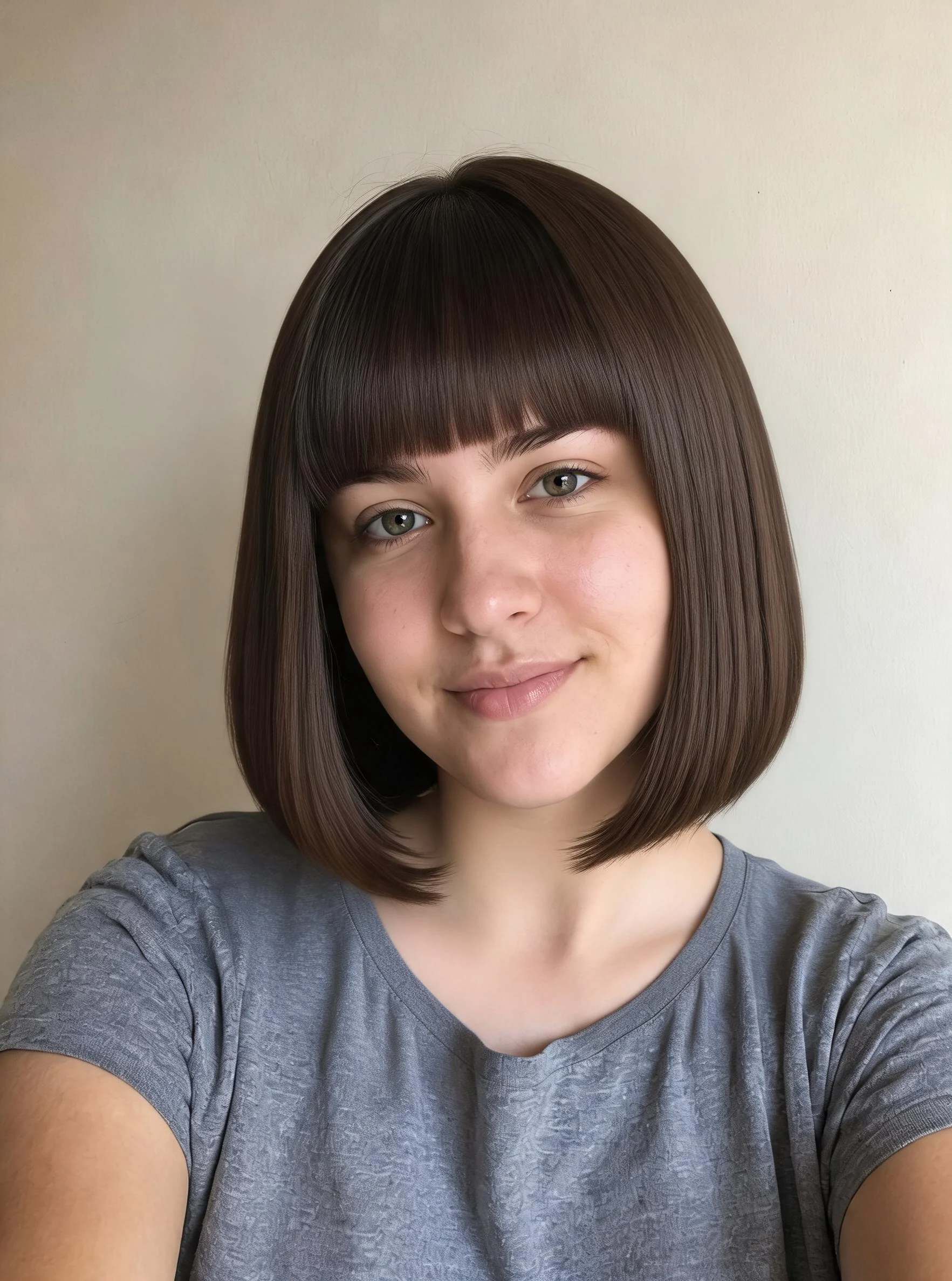 After
After Before
 After
After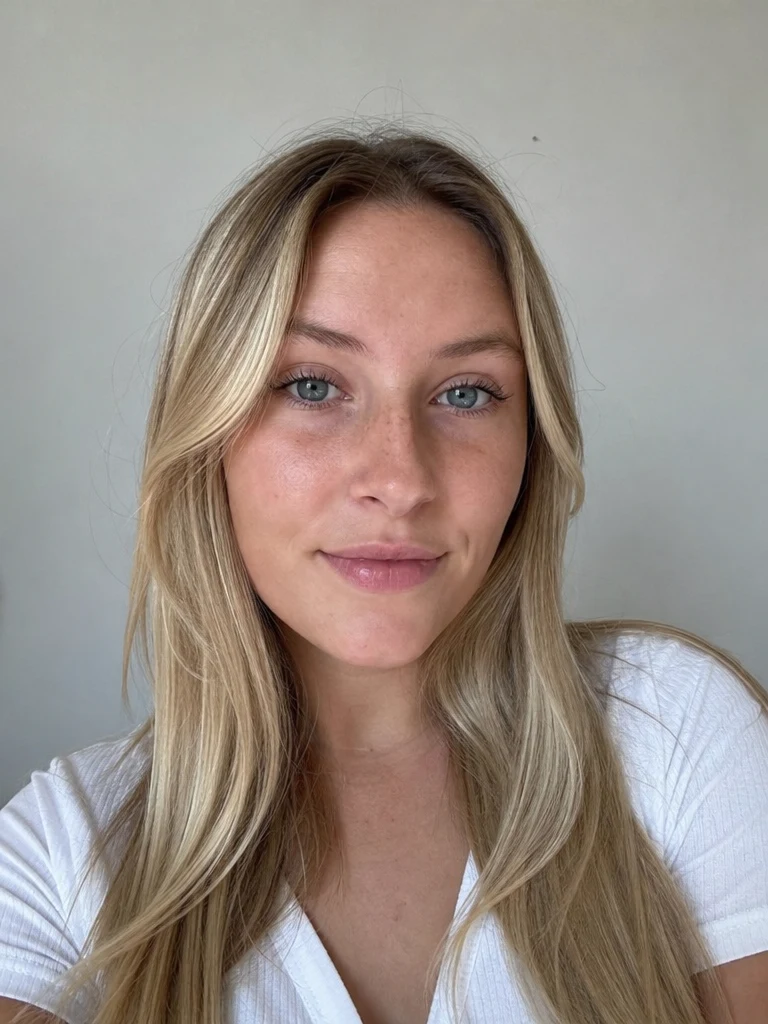 Before
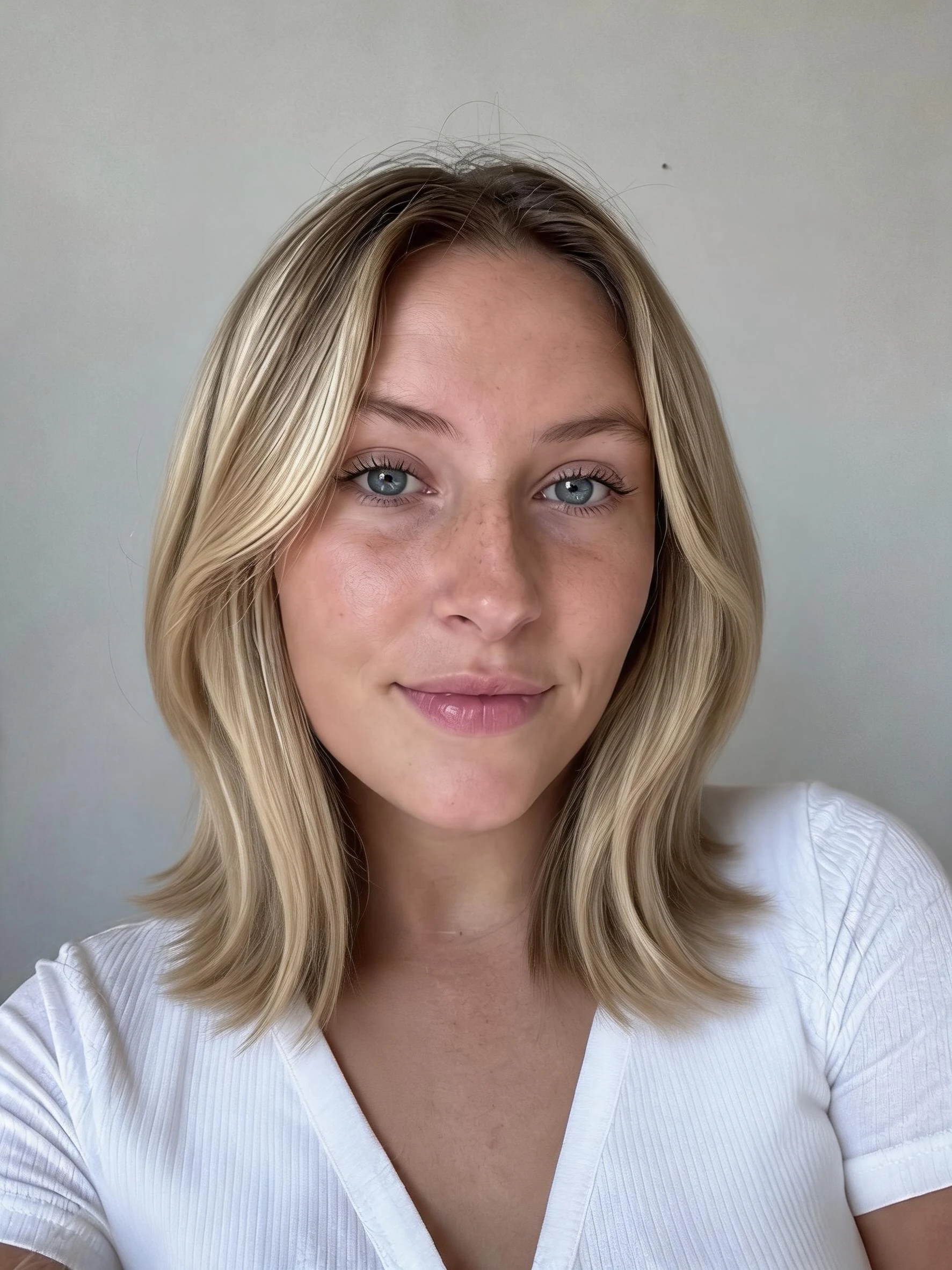 After
AfterBrown hair
How to change your hairstyle with AI
Three steps, right in your browser.
Upload your photo
Drag in or select a clear, front-facing selfie where your face and hairline are visible. Even lighting and a simple background give the AI the most to work with. Your photo is used only to make your result.
Pick a hairstyle
Sign in for your 10 free credits, then choose the look you want — long hair, a bob, bangs, curls, braids, a buzz cut, or a bald look. The AI restyles your hair while keeping your face, skin tone, and features natural.
Download and share
Preview your new hairstyle, then download it at full resolution with no watermark. Save a few options side by side, post them, or send them to your stylist as a reference.
What you can make
Popular ways people use the hairstyle changer.
Preview a haircut
See how a big chop, bangs, or a bob would look on you before you sit in the chair, so you walk into the salon confident instead of guessing.
Show your stylist
Skip the vague description — generate the exact cut you have in mind on your own face and hand it to your hairdresser as a clear reference.
Test a new texture
Curious what curls, waves, or a straight blowout would do for you? Swap your hair's texture and see the difference without heat or product.
Long or short decision
Torn between growing it out and cutting it off? Try both a long-hair makeover and a short crop side by side to make the call.
Bold looks for fun
Try a buzz cut, braids, dreads, or a full bald look you'd never risk in real life, just to see yourself completely reinvented.
Fun to share
Post a hairstyle glow-up, poll your friends on which cut wins, or drop a surprise new-hair photo in the group chat.
Styles to choose from
From a long-hair makeover to a bold buzz cut — pick the look you want to try.
Long hair
Add flowing length for a soft, dramatic makeover, even if your hair is short today.
Short cut
Preview a clean, cropped short style to see how a big chop would suit your face.
Bob
A sharp, classic bob that frames the face — one of the most-requested salon looks.
Bangs
Try face-framing fringe before committing to the cut that's hardest to grow back.
Curls
Swap straight hair for bouncy curls to test a whole new texture.
Braids
See yourself in neat braids for a protective, statement style.
Buzz cut
Preview a bold buzz cut so you know how it looks before the clippers come out.
Bald
See a fully bald look — handy for a shave decision or just for fun.
Why use SharkFoto's hairstyle changer
Keeps your face natural
The AI changes only the hair — cut, length, texture, or style — while preserving your face, skin tone, and expression, so the result looks like you with new hair, not a stranger.
A whole salon of styles
Go long or short, straight or curly, or try a bob, bangs, braids, dreads, a buzz cut, or a bald look — a full range of cuts and textures from a single selfie.
Works from one selfie
No wigs, no filters to fiddle with. One clear, front-facing photo is enough for the AI to render a realistic new hairstyle you can actually judge.
10 free credits, no watermark
Sign up free and get 10 credits to start trying styles. Your download comes at full resolution with no watermark, clean enough to post or send straight to your stylist.
Tips for the best results
Use a clear, front-facing selfie — the AI needs to see your full hairline and face to blend a new hairstyle naturally.
Pull hair back or keep your forehead visible — a visible hairline gives the AI a clean edge to build the new style from.
Shoot in even lighting — harsh shadows or a dark photo make the new hair look muddy or unrealistic.
Keep the background simple — busy backgrounds can bleed into flyaway hair and warp the edges.
Try a few styles before deciding — seeing long, short, and textured options side by side makes the real-life choice much easier.
Frequently asked questions
Is the AI hairstyle changer really free?
What kind of photo works best?
Do I get an image or a video?
How long does it take?
Will it still look like me?
Is my photo safe and private?
Can I use the results commercially?
Related AI effects
More ways to reinvent your look.