AI Hair Color Changer
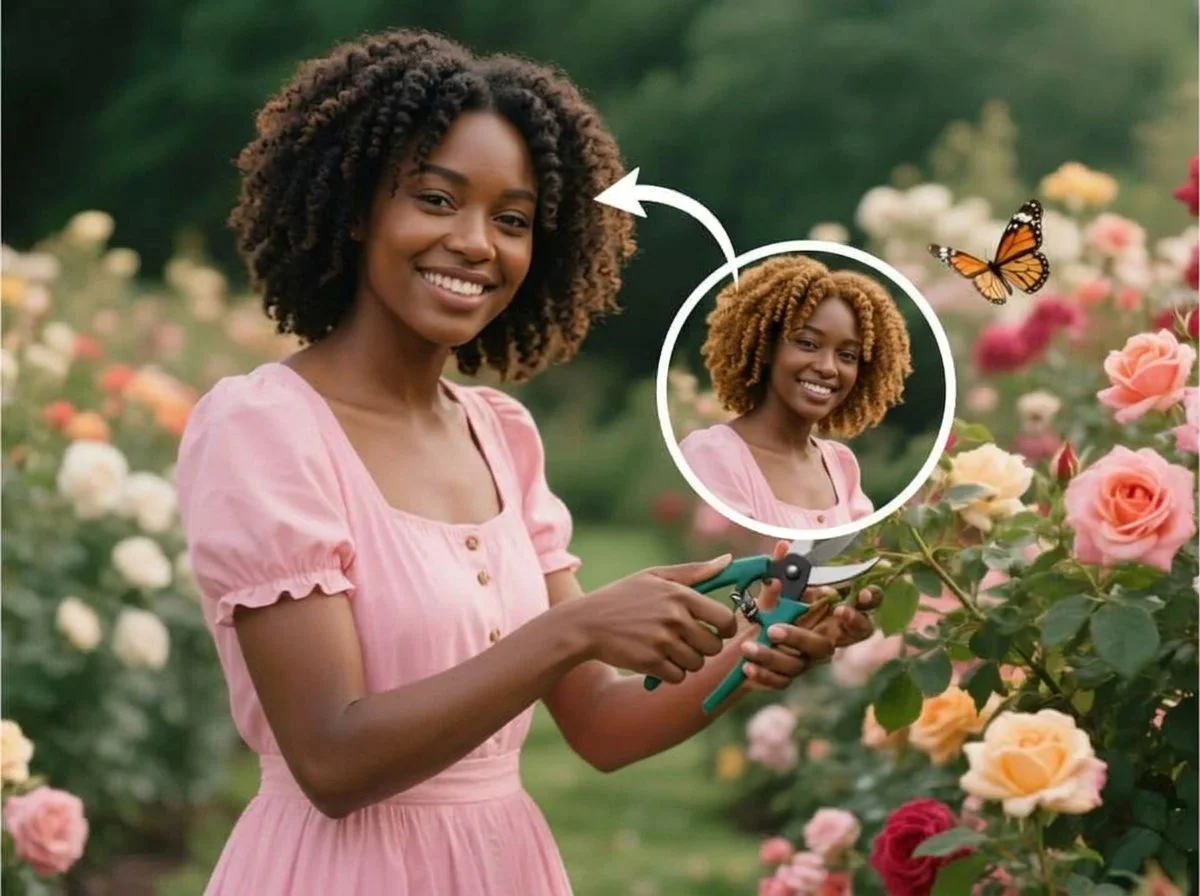
See yourself in a new hair color before you ever touch a bottle of dye. SharkFoto's AI hair color changer recolors the hair in your photo — warm blonde, rich brunette, copper red, or a bold pastel — while keeping your face, skin tone, and lighting looking natural. Sign up free to get 10 credits, upload a clear selfie, pick a shade, and download your new look — with no watermark — in seconds. It's the risk-free way to try a color before your next salon visit.
 PopularAI Hair Color Changer
What is an AI hair color changer?
An AI hair color changer is a tool that recolors only the hair in your photo to a shade you choose, while leaving your face, skin, and background untouched. You upload a picture, pick a color, and the AI blends the new tone into your hair with realistic highlights and shadows, then gives you a high-resolution image to download.
All AI Hair Color Changer Effects
Two ways to recolor your hair — a full color changer for any shade, plus a dedicated blonde filter. Pick one to start.
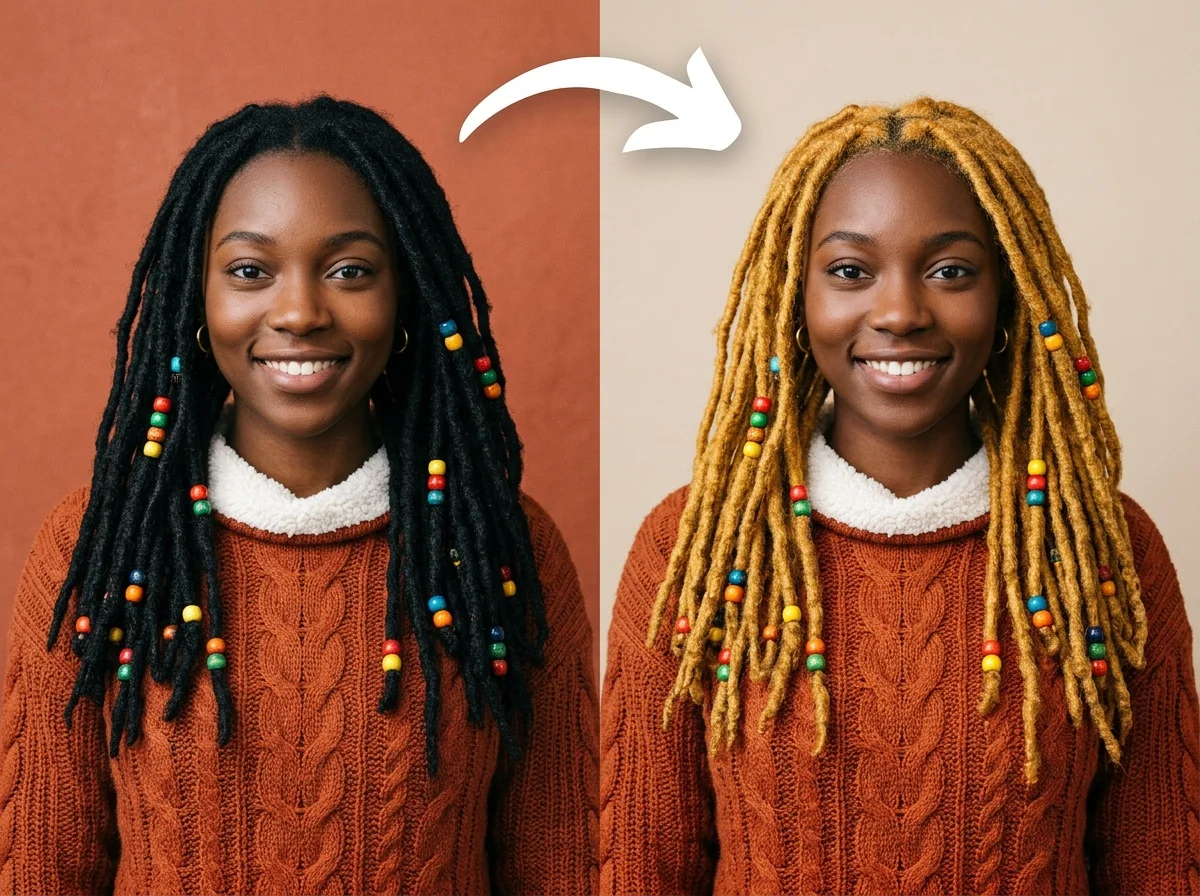

Before & after
One selfie, tried on in a brand-new hair color.
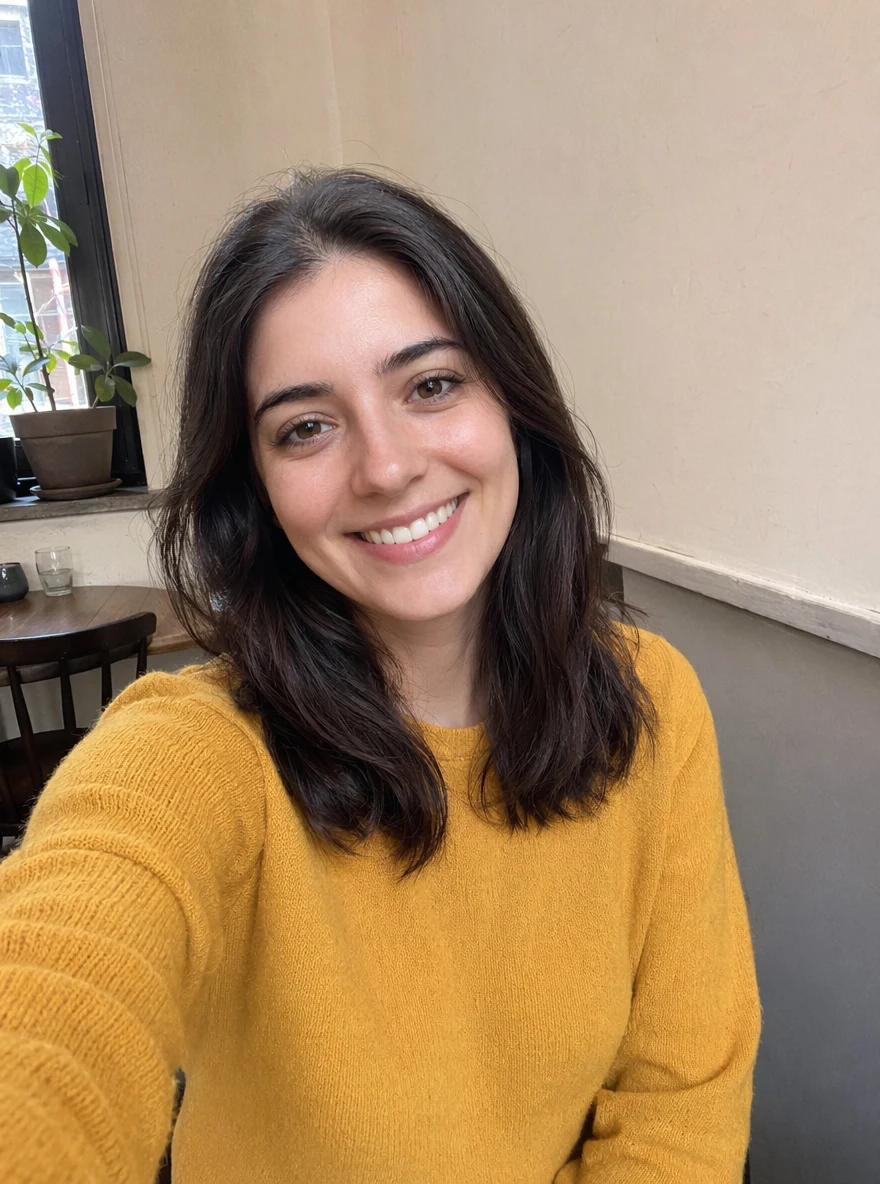 Before
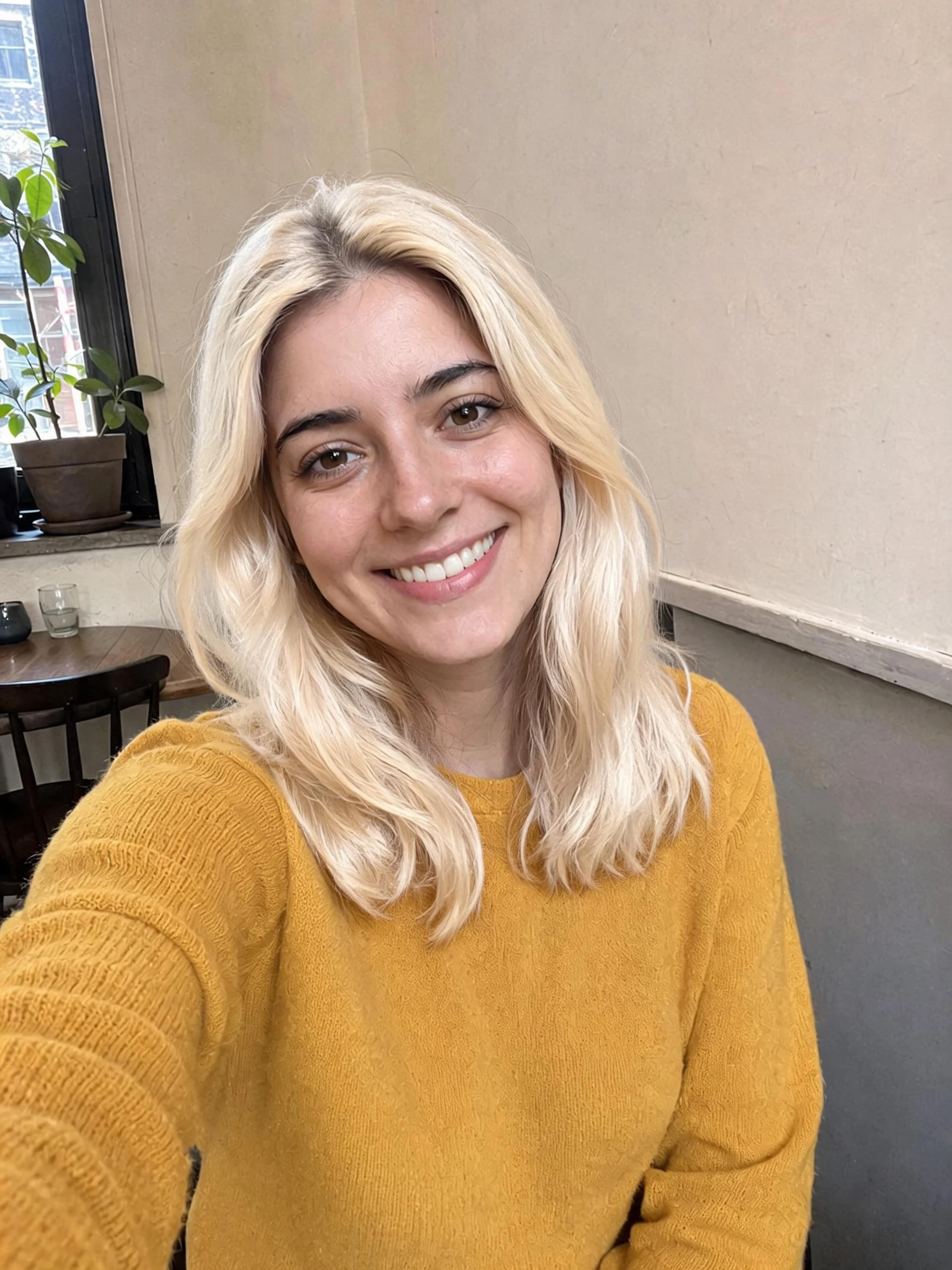 After
After Before
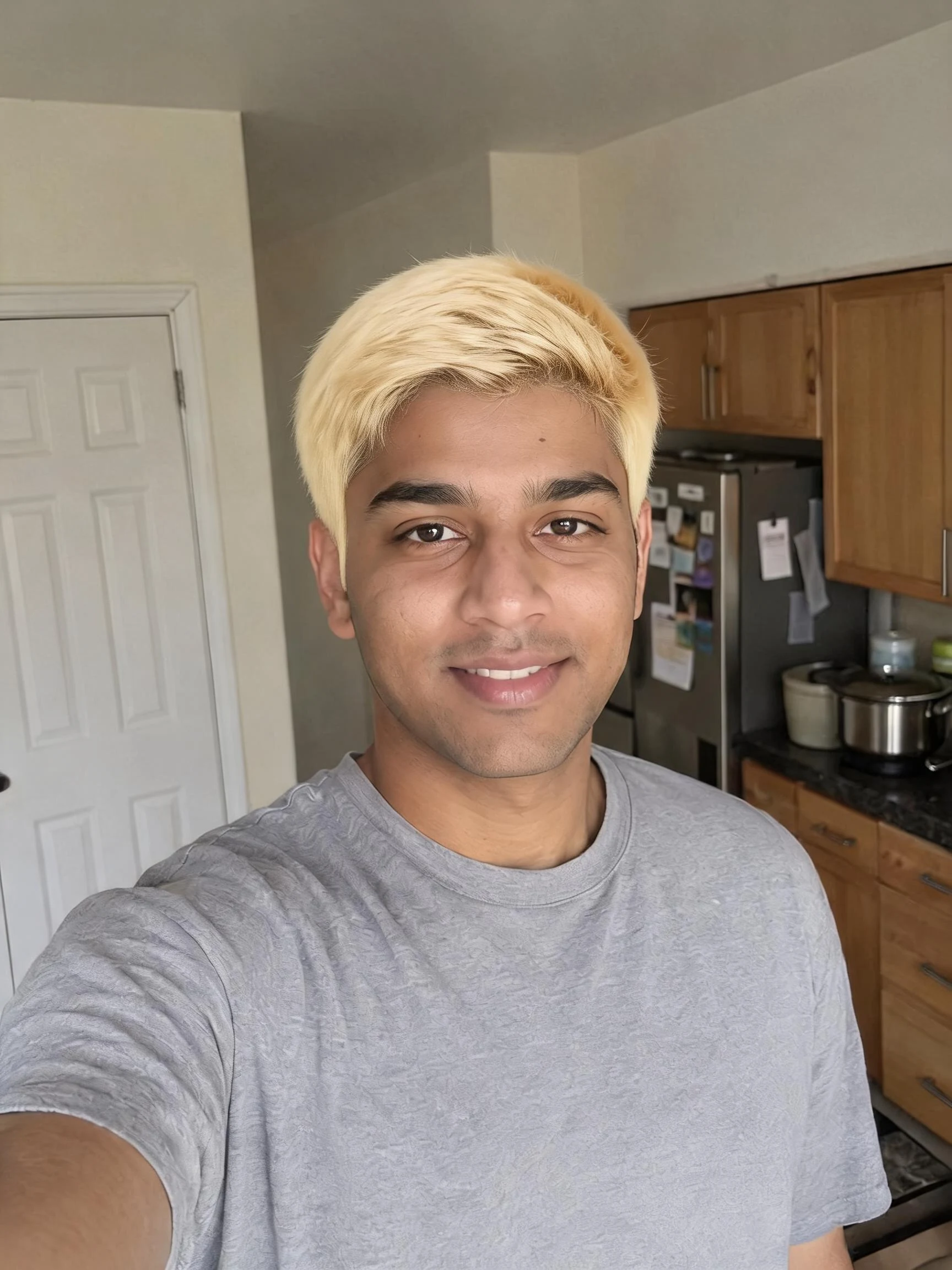 After
After Before
 After
AfterWoman Brown Cafe
How to change your hair color with AI
Three steps, right in your browser.
Upload your photo
Drag in or select a clear, front-facing photo where your hair is fully visible. Even lighting and a simple background give the AI the cleanest edges to recolor. Your photo is used only to make your result.
Pick a hair color
Sign in for your 10 free credits, then choose a shade — natural blonde, brunette, black, auburn, or a bold fashion color like pink or silver. The AI recolors just your hair, keeping your highlights, shadows, and face looking real.
Download and share
Preview your new hair color, then download the image at full resolution with no watermark. Save a few shades to compare, share them with your stylist, or post your favorite look.
What you can make
Popular ways people use the hair color changer.
Preview before the salon
Try a color on your own face before you commit to dye. Bring the result to your stylist so you both know exactly what you're going for.
Go blonde risk-free
See how you'd look as a blonde without bleach or a wig — from a subtle honey tone to a bright platinum.
Try bold fashion colors
Test out pink, blue, lavender, or silver hair for a costume, a themed party, or just to see how a daring shade suits you.
Refresh your profile picture
Give your avatar a new look for social media or dating apps by switching up your hair color in a photo you already love.
Compare shades side by side
Generate the same selfie in several colors so you can line them up and decide which one is actually you before spending on a salon.
Fun makeover with friends
Swap wild hair colors on each other's photos for a laugh, then share the makeovers in the group chat.
Why use SharkFoto's hair color changer
Recolors only your hair
The AI detects your hairline and recolors just the strands, leaving your skin tone, eyes, and background exactly as they were — so the result looks like a real dye job, not a paint bucket.
Natural highlights and shadows
Instead of flattening your hair to one color, the AI keeps the natural light and depth in your locks, so the new shade has believable highlights, roots, and dimension.
Any shade, from subtle to bold
Go for a realistic blonde, brunette, or auburn, or push into fashion colors like rose gold, teal, and silver — all from the same photo, without touching your real hair.
10 free credits, no watermark
Sign up free and get 10 credits to try different colors right away. Every download comes at full resolution with no watermark, so your new look is clean enough to post or send to your stylist.
Tips for the best results
Use a well-lit, front-facing photo — even lighting helps the AI find your hairline cleanly, so the new color stops exactly where your hair does.
Make sure your full hairline is visible — hats, hoods, or hair pushed out of frame leave the AI guessing where to apply color.
Start from a plain background — busy or hair-colored backdrops can confuse the edges and bleed color where you don't want it.
Try realistic shades first — natural tones near your own color read the most believable; save the bold fashion colors for fun once you see how it works.
Use a higher-resolution photo — sharp source images keep individual strands crisp, so the recolored hair doesn't look smudged.
Frequently asked questions
Is the AI hair color changer really free?
What kind of photo works best?
What colors can I try?
Do I get an image or a video?
How long does it take?
Will it still look like me?
Is my photo safe and private?
Can I use my new-look photo commercially?
Related AI effects
More ways to reinvent your look.