AI Clone Video Generator
Turn a single photo into a mind-bending AI clone video in seconds. SharkFoto's AI clone video generator multiplies the person in your picture into a squad of identical copies that walk, pose, and move together in one seamless shot, so an ordinary selfie becomes a scroll-stopping clip. Sign up free to get 10 credits, pick a clone effect like Walking with My Clones or Ninja Shadow Clone, and download your video — or a high-resolution image for the Top View Clone formation — with no watermark, ready to post. No green screen, no video editing, and no re-shooting the same move over and over.
 PopularWalking with My Clones
What is an AI clone video?
An AI clone video is a short clip generated from a single photo in which AI duplicates the person into several synchronized copies that share the same frame and move together. You upload one photo, the model builds and animates the clones, and you download a few-second MP4 — or a high-resolution still for the overhead Top View Clone formation — where several versions of you appear side by side. No multi-take filming or masking is required.
All AI Clone Video Effects
Five AI clone effects — a squad walking in sync, a ninja shadow-clone burst, a top-down clone formation. Pick one to start generating.
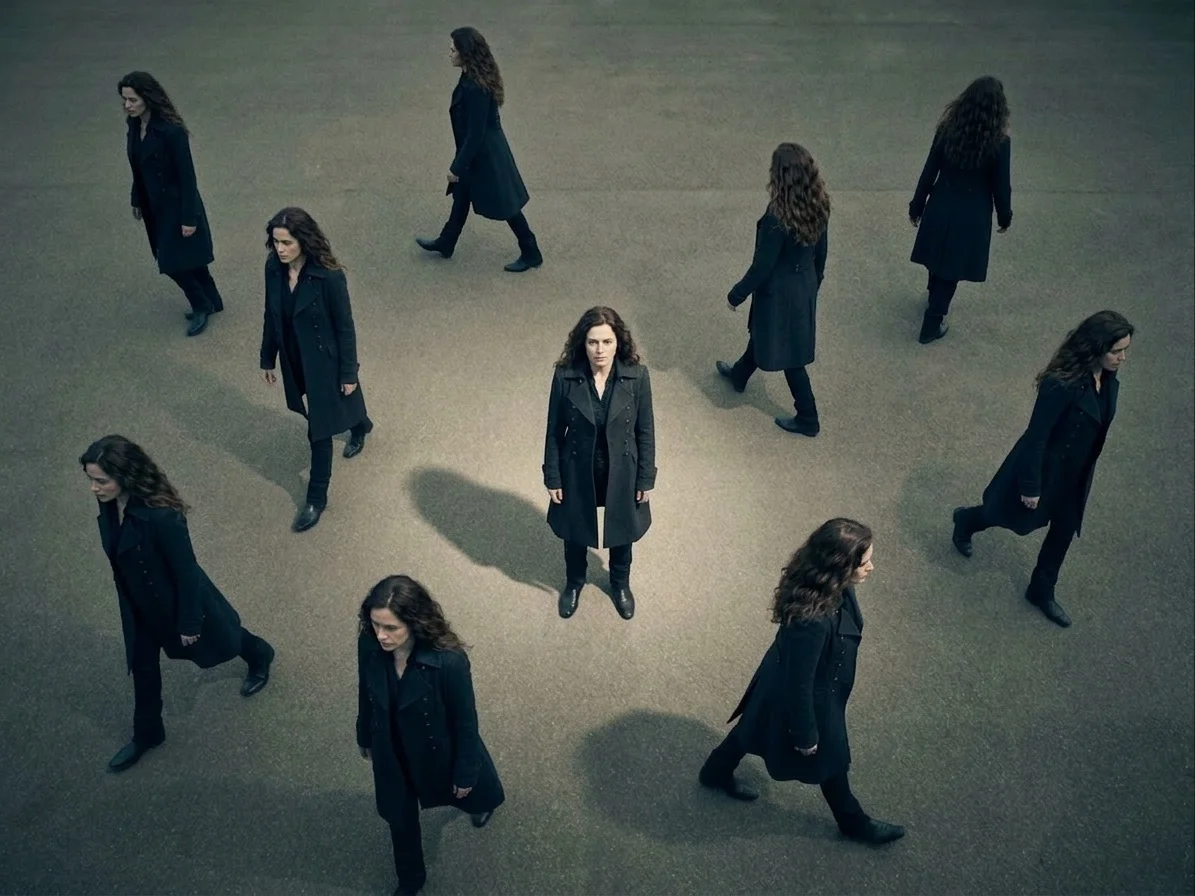






Before & after
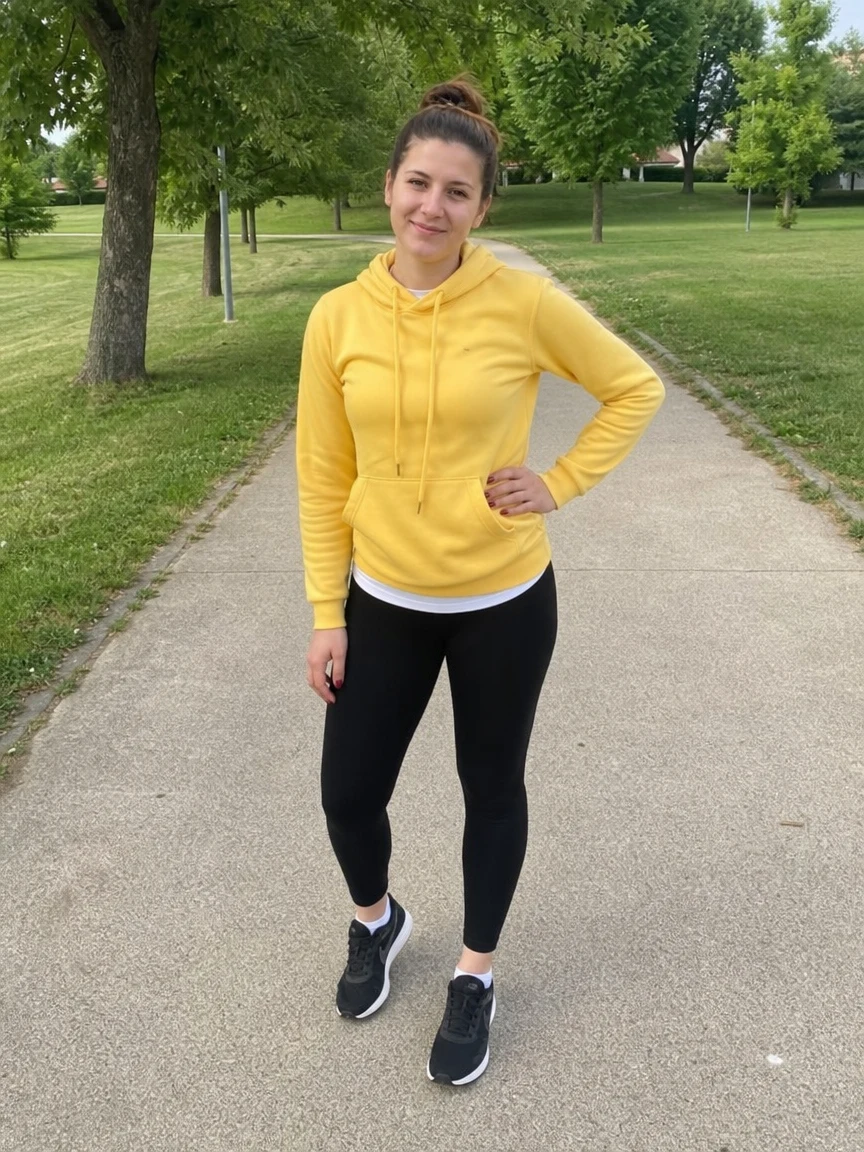
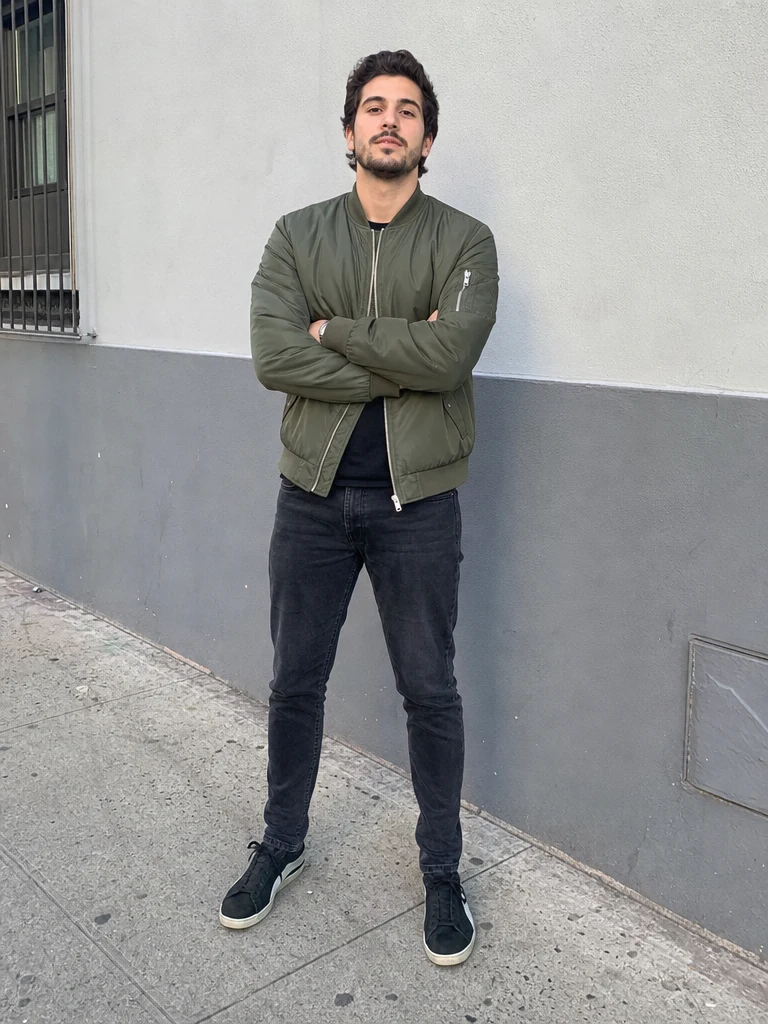
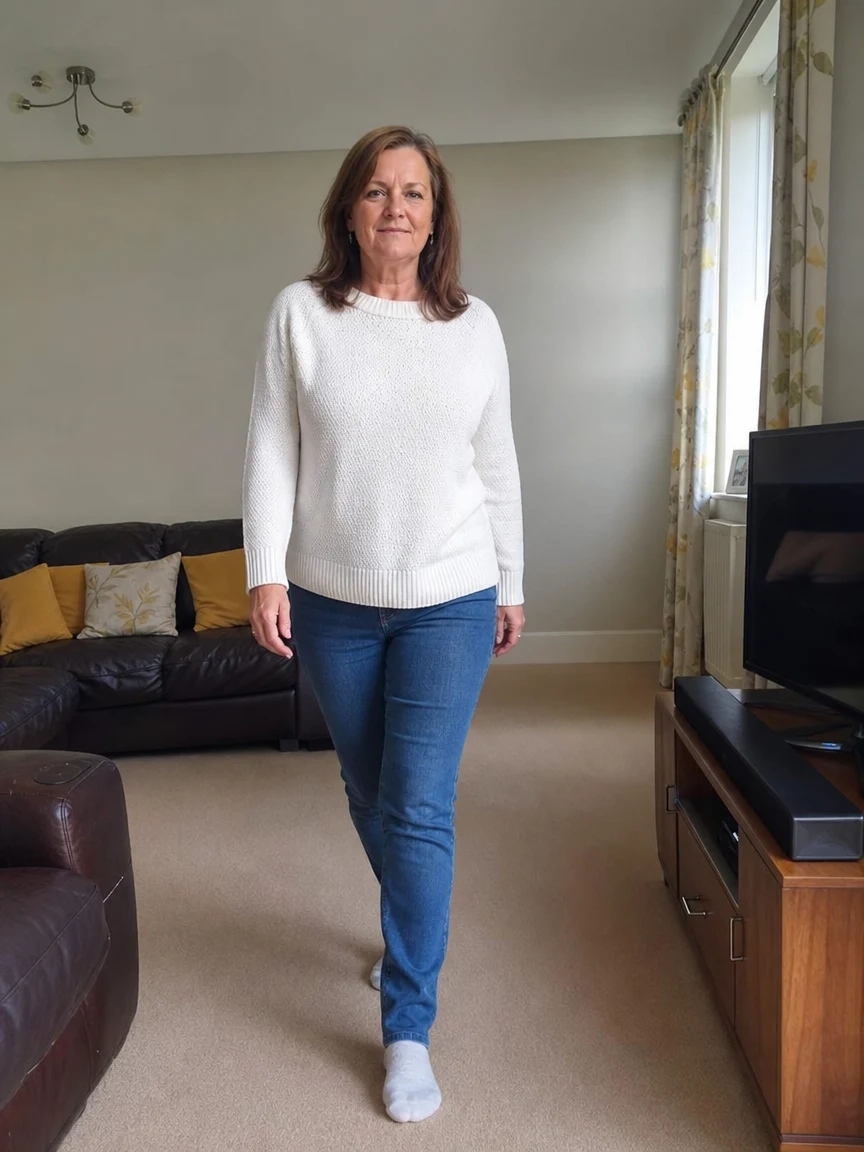
One photo, turned into a squad of you.
 BeforeAfter
 BeforeAfter
 BeforeAfter
Woman Yellow Park
How to make an AI clone video
Three steps, right in your browser.
Upload your photo
Drag in or select a clear photo of the person you want to clone. A full-body or half-body shot with a visible pose gives the AI the most to duplicate. Your photo is used only to make your video.
Pick a clone effect
Sign in for your 10 free credits, then choose a look — Walking with My Clones for a squad striding in sync, Ninja Shadow Clone for an anime-style burst of copies, or Top View Clone for an overhead formation. The AI multiplies you and animates every copy so the movement stays in step.
Download and share
Watch the preview, then download your result — a full-resolution MP4 for the animated clone effects, or a high-resolution image for the Top View Clone formation — with no watermark. Post it to the clone trend, drop it in a reel, or send it to friends who'll do a double take.
What you can make
Popular ways people use the clone video generator.
Join the clone trend
Recreate the viral "one of me isn't enough" clip where a whole squad of you walks or dances in sync — straight from a single selfie.
Anime & gaming edits
Pull off a ninja shadow-clone moment for an anime cosplay post, a gaming montage intro, or a cinematic character reveal.
Creators & reels
Give your channel a scroll-stopping opener: a formation of clones is an eye-catching hook for shorts, reels, and thumbnails without any editing suite.
Overhead formation shots
Turn one photo into a top-down grid of copies for a striking, symmetrical frame you can use as a poster or profile banner.
Fun posts & memes
Make a playful 'clone army' clip to caption and share — a novel way to answer 'what did you do this weekend?' or to prank your group chat.
Ads & brand hooks
Multiply a spokesperson or mascot into a coordinated crew for a punchy social ad opener that stands out in the feed.
Why use SharkFoto's clone video generator
Seamless multi-clone motion
The AI duplicates you and choreographs each copy so they walk, turn, and move in sync within one continuous shot, instead of looking like flat cut-and-paste layers.
Works from one photo
No green screen, no tripod, and no filming the same move several times. A single clear photo is enough for the AI to build and animate a whole squad of you.
Trend-ready effects
Go beyond a plain duplicate with styled looks like an anime shadow-clone burst or a top-down clone formation, matching the clone clips blowing up on social feeds.
10 free credits, no watermark
Sign up free and get 10 credits to start generating clone videos. Clips download at full resolution with no watermark burned across them, so what you make is clean enough to post anywhere.
Tips for the best results
Use a full-body or half-body photo — the AI has a complete figure to duplicate, so the walking clones and their poses come out convincing.
Pick a photo with a clear, distinct pose — a defined stance gives the clones a strong shape to copy and keeps the motion readable.
Keep the background simple and uncluttered — busy scenes can warp or ghost as the AI multiplies the subject across the frame.
Make sure the person is well lit — even lighting helps every clone match in color and detail instead of looking pasted in.
Start from the highest-resolution photo you have — low-res or heavily compressed images limit how sharp the final clip can be.
Frequently asked questions
Is the AI clone video generator really free?
What kind of photo works best?
Do I get a video or an image?
How long does it take to generate a clone video?
How long is the finished clip?
Is my photo safe and private?
Can I use my AI clone video commercially?
What if the clones look unnatural?
Related AI effects
More AI video effects to try.