AI Beard Filter
See how you'd look with a beard — or without one — in seconds. SharkFoto's AI beard filter adds a realistic beard to your selfie, blending natural hair color, texture, and shape onto your jaw, and it can just as easily shave one off for a clean-shaven preview. Sign up free to get 10 credits, upload a clear face photo, pick the beard or beardless effect, and download your new look — with no watermark — ready to share or use as a reference for your next trip to the barber.
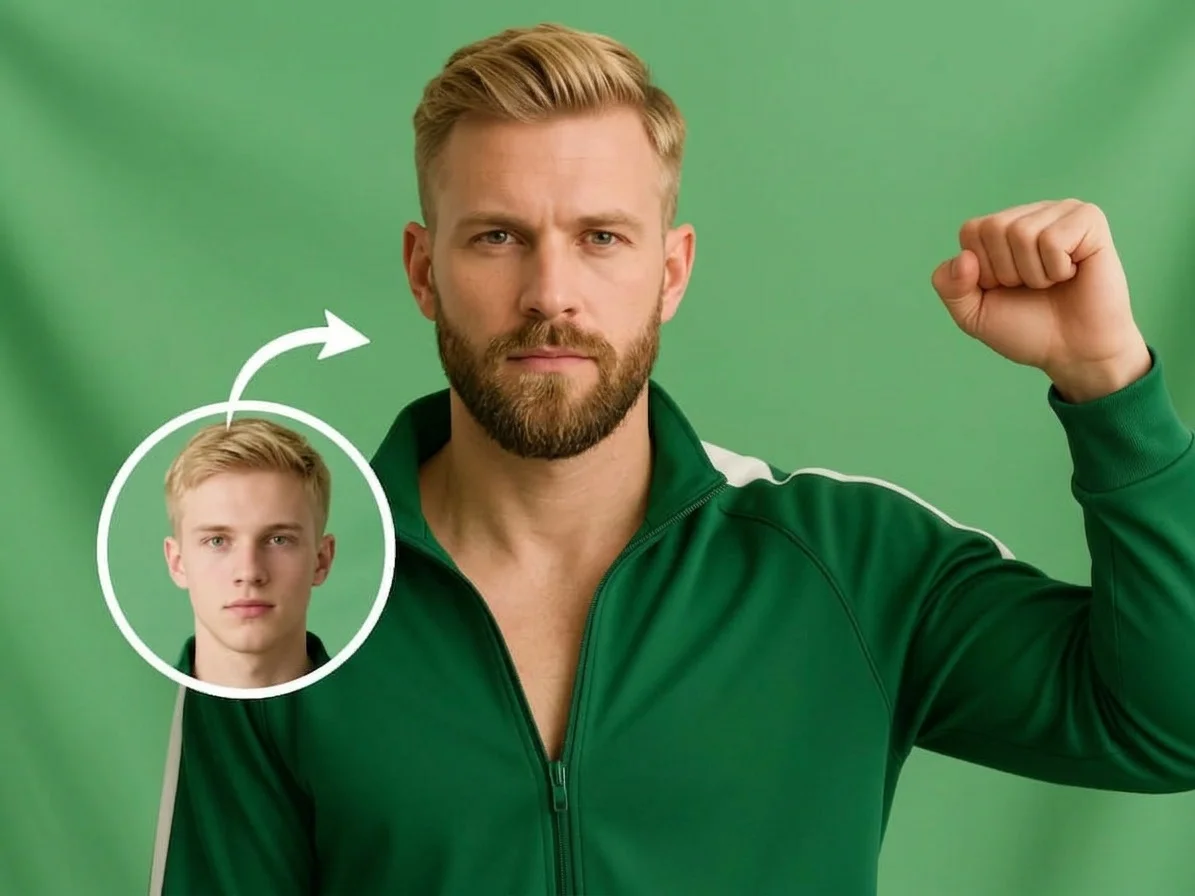 PopularAI Beard Filter
What is an AI beard filter?
An AI beard filter is a photo tool that adds a realistic beard to a face — or removes an existing one — so you can preview a new look without waiting weeks to grow it or picking up a razor. You upload a selfie, the AI reads your face shape, skin tone, and hair color, and it renders matching facial hair (or a clean-shaven jaw) that blends into your photo.
All AI Beard Filter Effects
Two beard effects — grow a natural, full beard or go clean-shaven. Pick one to start.
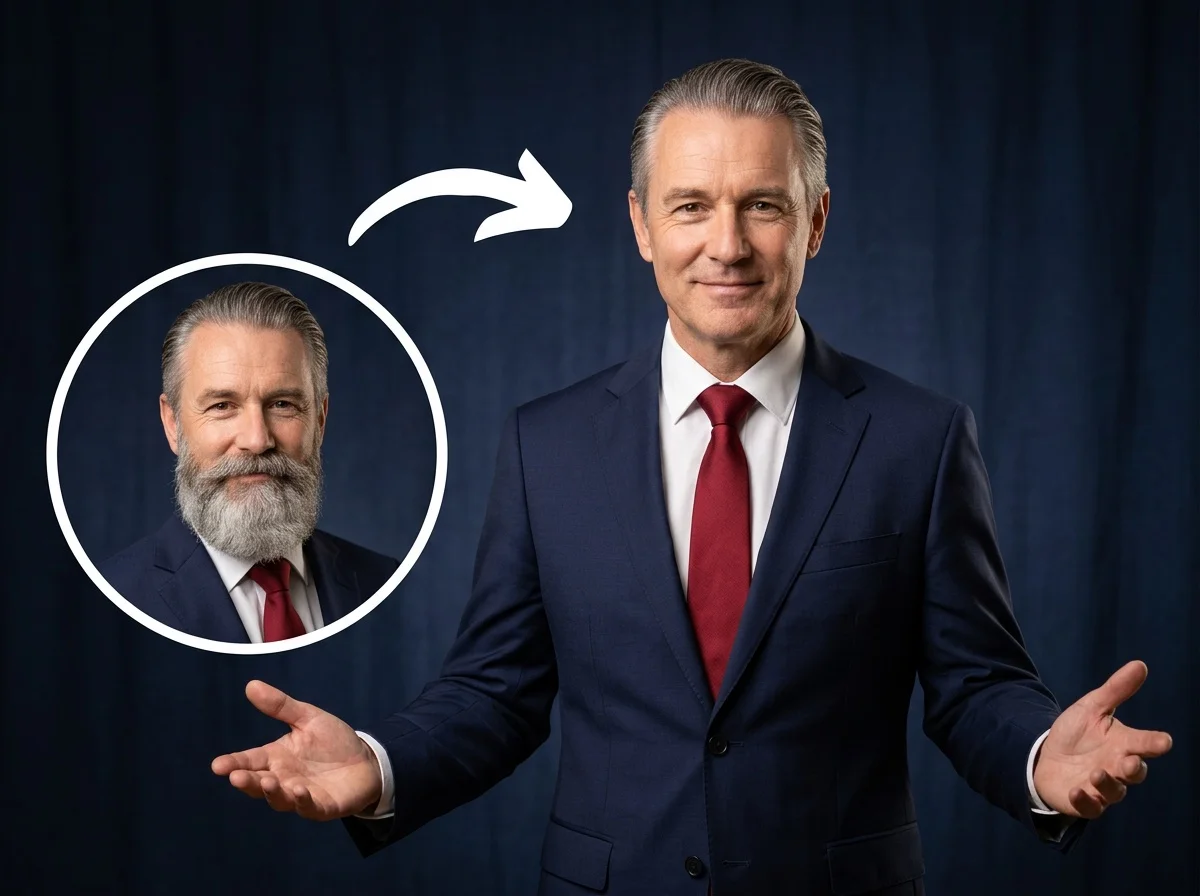
Before & after
A bare-faced selfie, given a natural beard.
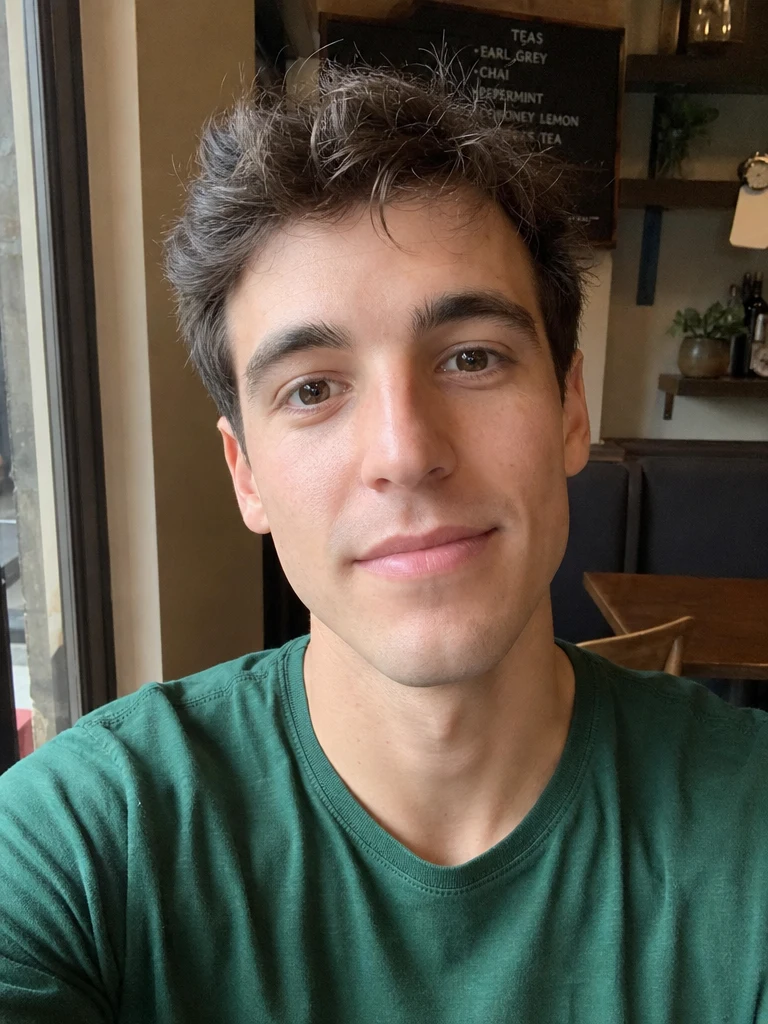 Before
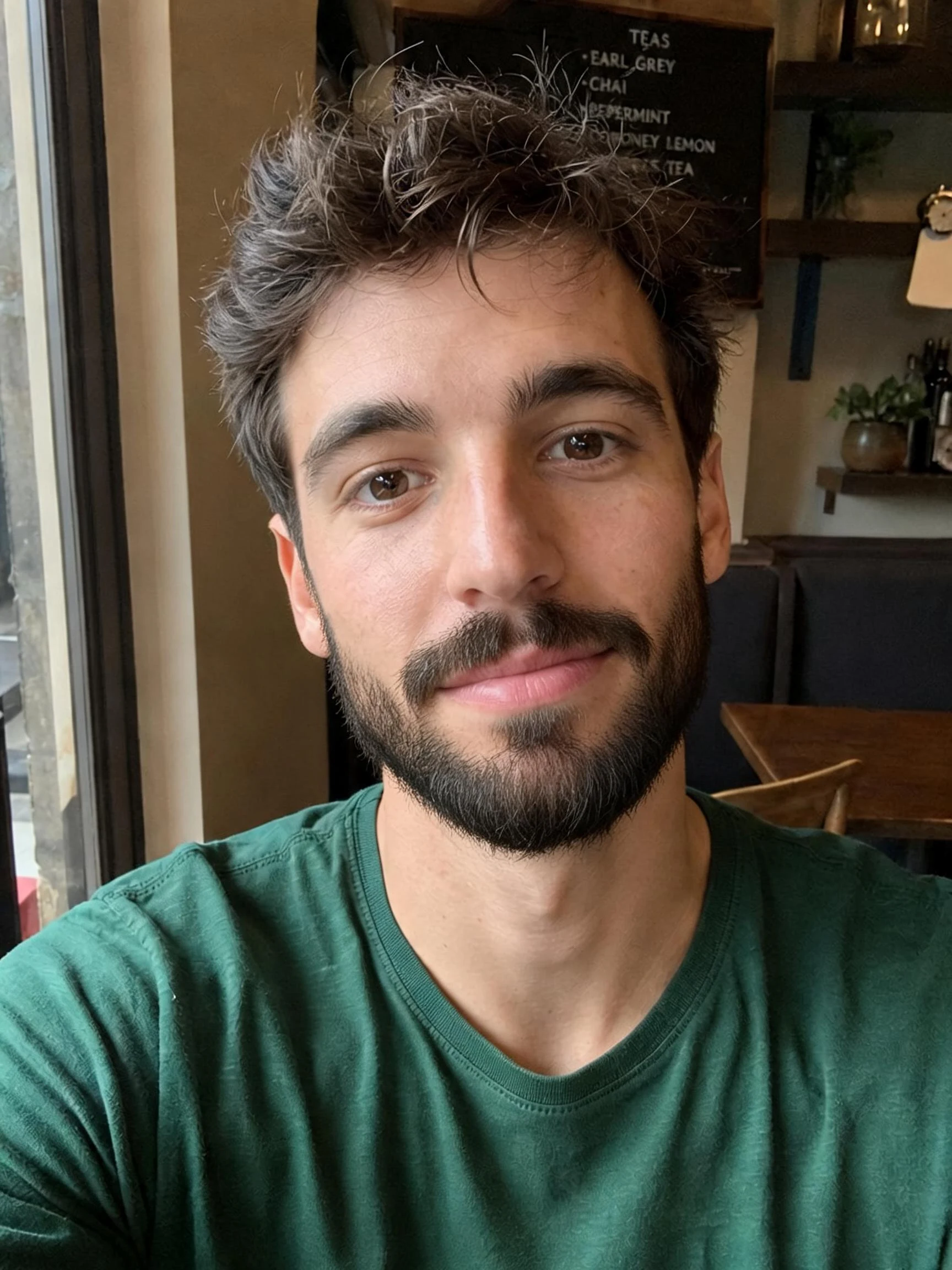 After
After Before
 After
After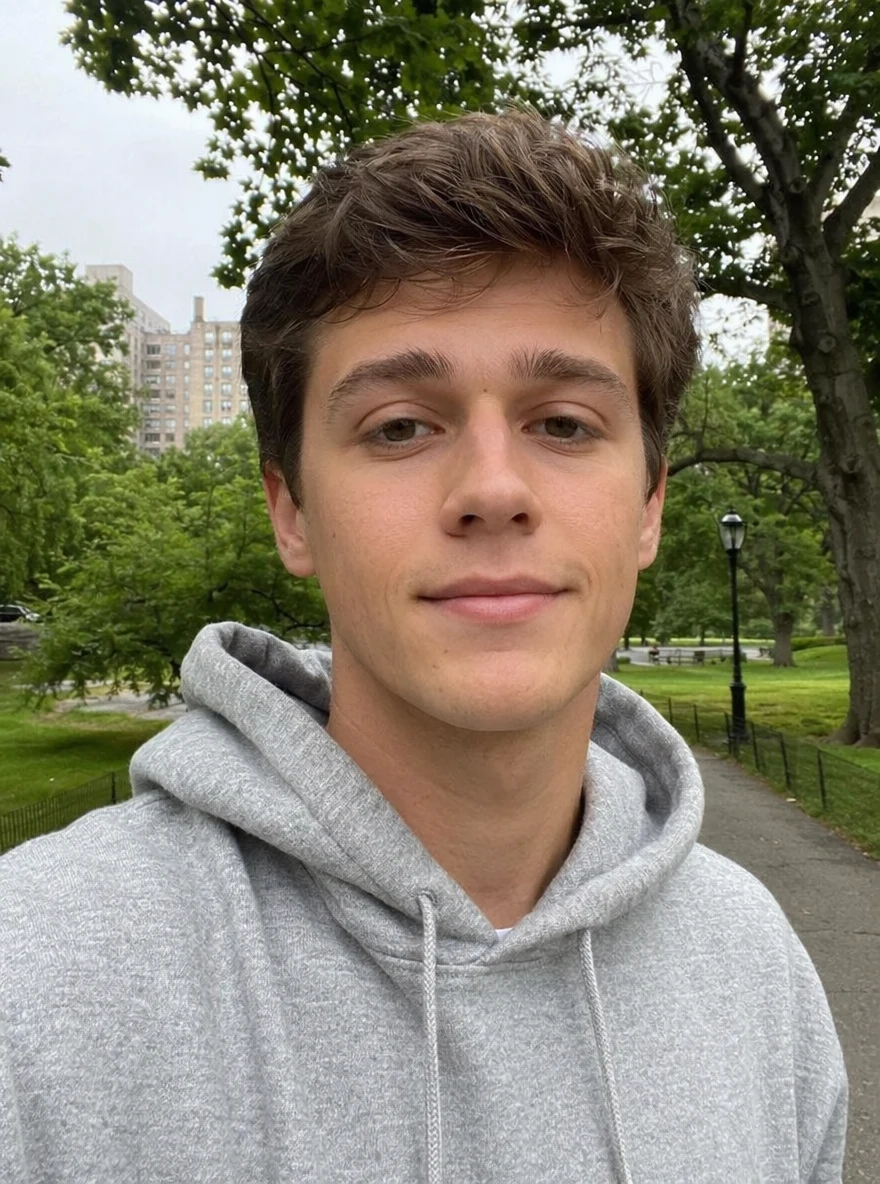 Before
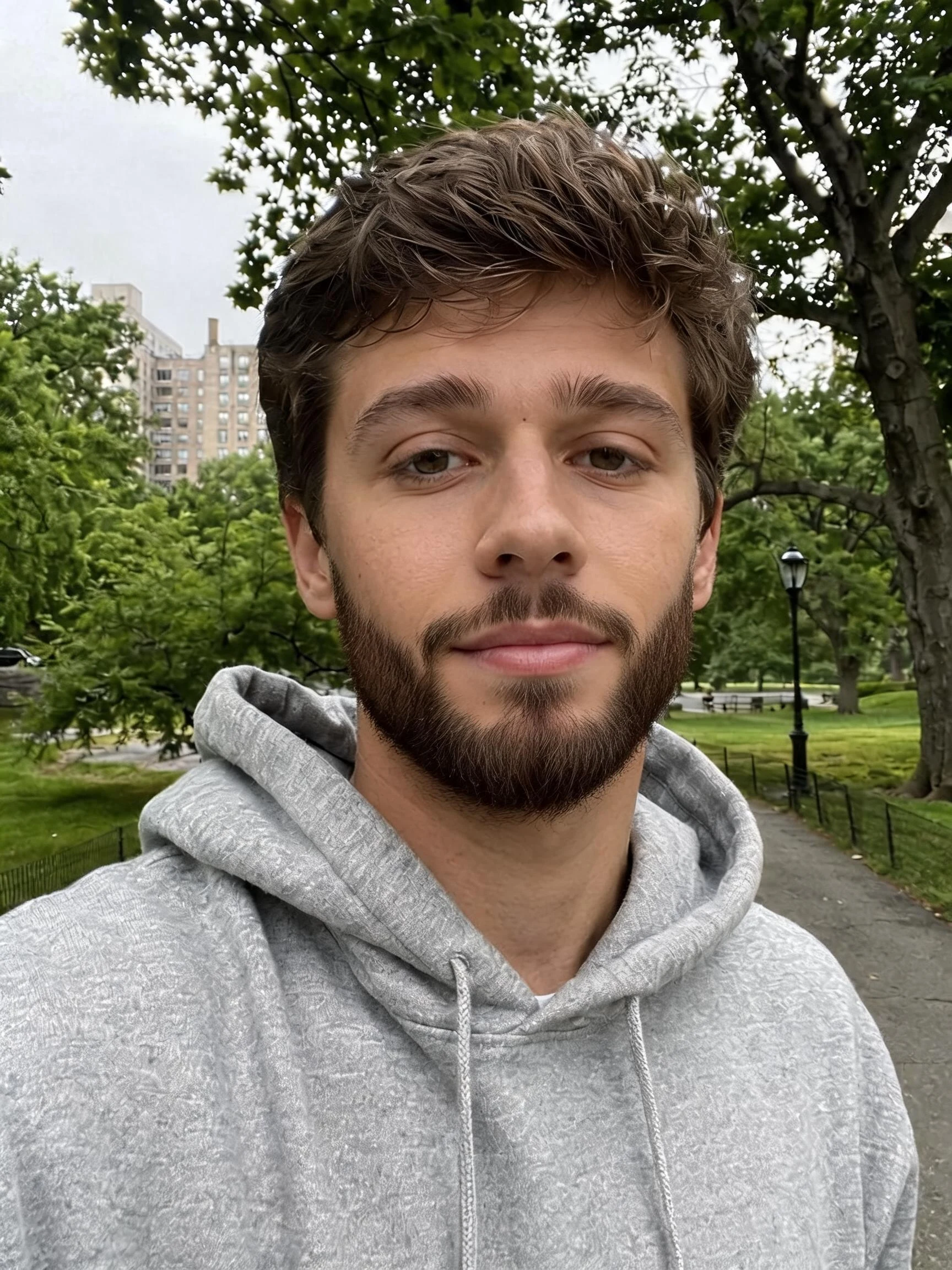 After
AfterMan Clean Cafe
How to use the AI beard filter
Three steps, right in your browser.
Upload your photo
Drag in or select a clear, front-facing photo where your jaw and chin are visible. Even lighting and a straight-on angle give the AI the most to work with. Your photo is used only to make your result.
Pick beard or beardless
Sign in for your 10 free credits, then choose the AI Beard Filter to grow a natural, full beard, or the AI Beardless Filter to go clean-shaven. The AI matches your hair color and skin tone so the result blends into your face instead of looking pasted on.
Download and share
Preview your new look, then download it at full resolution with no watermark. Post it, send it to friends, or take it to your barber as a reference for the style you want.
What you can make
Popular ways people use the beard filter.
Preview before you commit
Wondering if a beard suits you? Grow a full one in a photo first, so you know how it looks before spending weeks waiting for it to fill in.
See yourself clean-shaven
Already bearded and thinking of shaving? Use the beardless filter to preview a clean-shaven face before you touch a razor.
Fun selfies & pranks
Give yourself an instant beard for a laugh, surprise friends with a whole new face, or share a clean-shaven throwback that nobody will believe.
A reference for your barber
Turn 'I want something like this' into an actual picture of your own face with the beard you're after, so your barber knows exactly what you mean.
Profile pictures & dating photos
Test whether a beard or a clean shave gives you a sharper look for a profile picture before you decide on your real-life grooming.
Style experiments
Try a rugged full beard on one selfie and a smooth look on another to compare the two side by side and settle the debate.
Why use SharkFoto's beard filter
Natural, blended facial hair
The AI matches the beard's color, texture, and growth pattern to your own hair and skin tone, and shapes it to your jaw, so it reads like real facial hair rather than a sticker slapped on your chin.
Adds or removes a beard
Go both ways from one tool: grow a full beard on a bare face, or cleanly shave an existing beard off for a smooth, clean-shaven preview.
Works from one selfie
No app to install and no grooming required. A single clear, front-facing photo is enough for the AI to render a convincing new look.
10 free credits, no watermark
Sign up free and get 10 credits to start trying looks. Your download comes at full resolution with no watermark, so it's clean enough to post, send, or save as a reference.
Tips for the best results
Use a clear, front-facing photo — the AI needs to see your jaw and chin straight on to place a beard that follows your face; steep angles come out uneven.
Make sure the lower face is unobstructed — hands, scarves, or masks over your chin block the AI from rendering facial hair cleanly.
Start from an evenly lit photo — harsh shadows around the jaw can muddy how the beard blends into your skin.
Keep your expression relaxed — a neutral, closed-mouth look gives the most natural beard shape along the jawline.
Use the highest-resolution photo you have — low-res or heavily compressed images limit how sharp and realistic the facial-hair detail can be.
Frequently asked questions
Is the AI beard filter really free?
What kind of photo works best?
Do I get an image or a video?
Can it remove a beard too?
How long does it take?
Is my photo safe and private?
Can I use the result commercially?
Will the beard actually look like me?
Related AI effects
More ways to reimagine your look.