AI Video Transitions
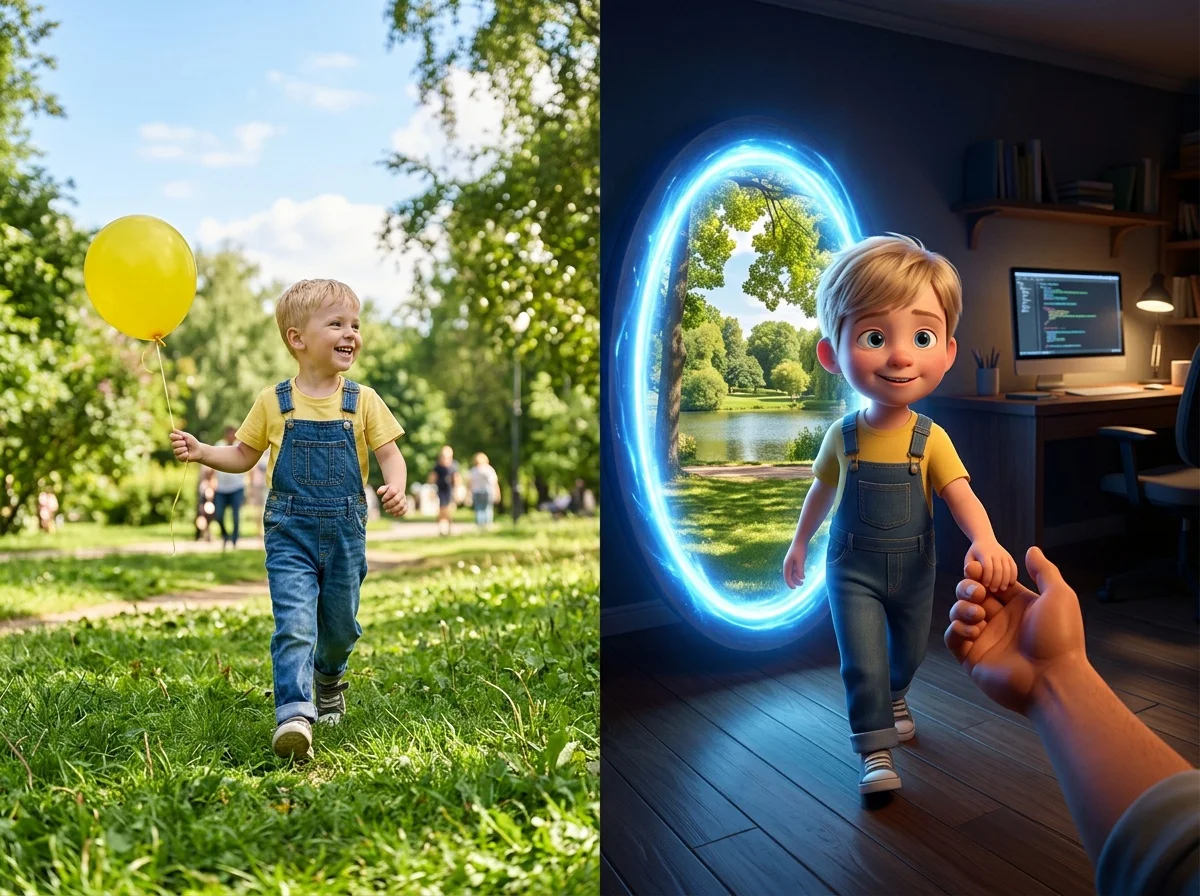
Turn a still photo into a scroll-stopping transition clip in seconds. SharkFoto's AI video transitions animate your picture with cinematic reveals — an umbrella sweeps across the frame, the scene tears open like fabric, or you step through a glowing portal into a new look. Sign up free to get 10 credits, pick a transition effect like Umbrella Transition, Tear in the Fabric, or Movie Shuffle Reel, and download your result — with no watermark — as a share-ready MP4, or a high-res image for still styles like the Character Portal Travel effect.
 PopularTransition
What is an AI video transition?
An AI video transition is a short clip generated from a still photo in which AI synthesizes a cinematic reveal — a wipe, tear, or portal jump — that carries your image from one look or scene into another. You upload a photo, pick a transition style, and download a few-second MP4 with the motion already built in, no video editor required.
All AI Transition Effects



Five AI transition effects — an umbrella wipe, a tear-open reveal, a portal jump, and more. Pick one to start generating.


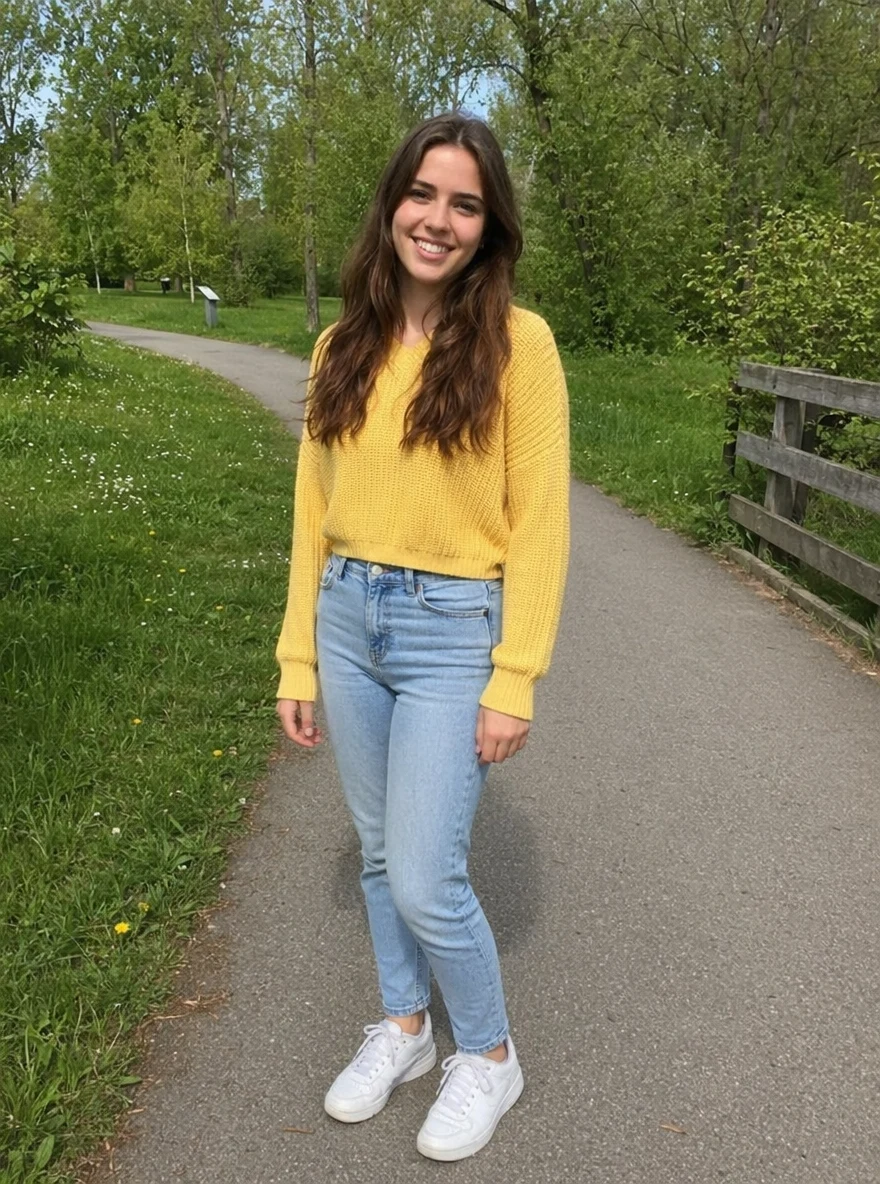
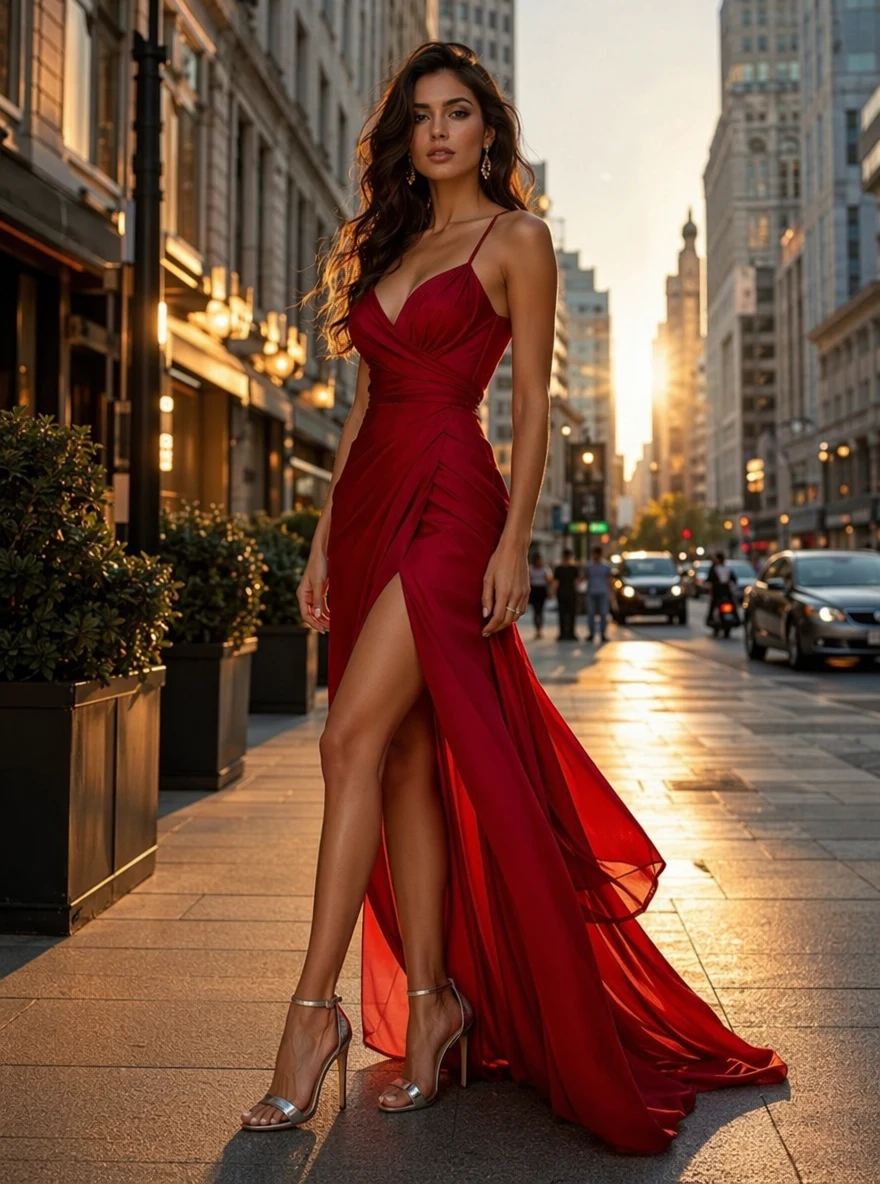
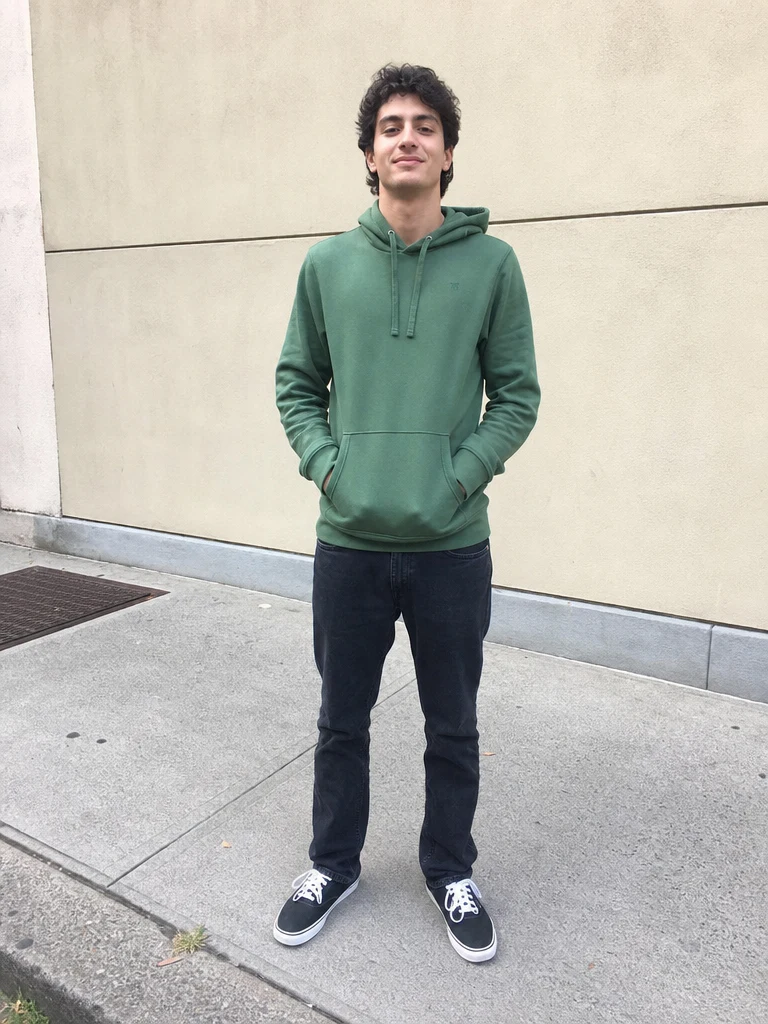
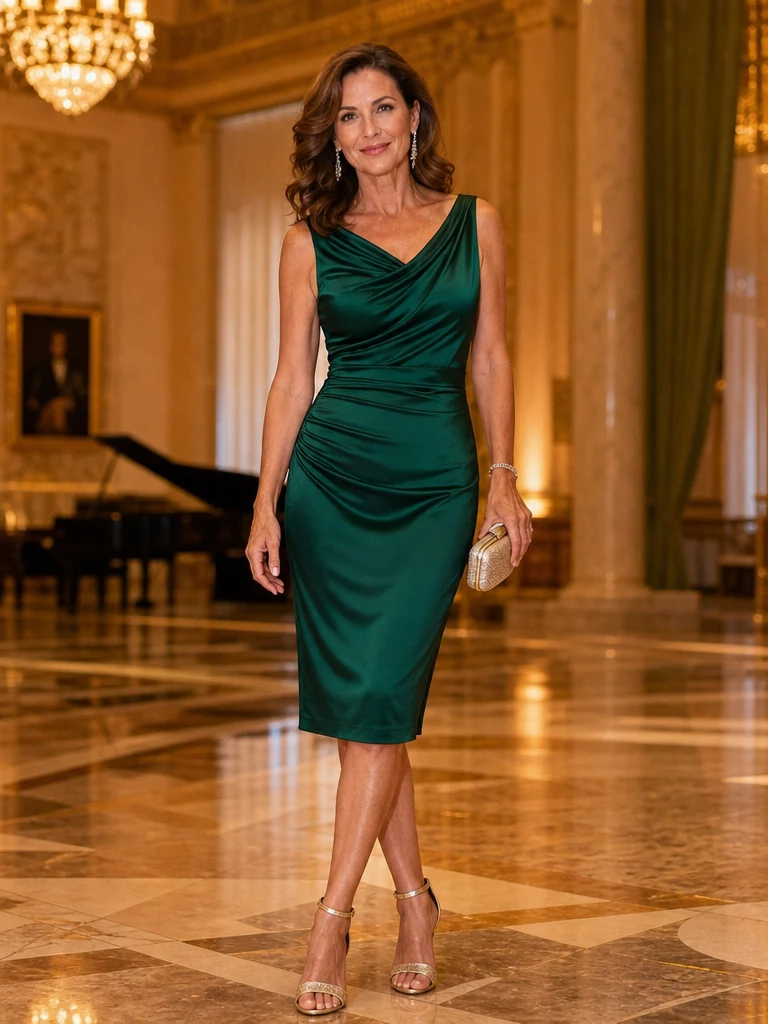
Before & after
A single photo, swept into a cinematic transition.
 +
+ BeforeAfter
 +
+ BeforeAfter
 +
+ BeforeAfter
Woman Park Yellow
How to make an AI transition video
Three steps, right in your browser.
Upload your photo
Drag in or select a clear photo of the person or scene you want the transition to animate. A well-lit shot with your subject clearly framed gives the AI the most to work with. Your photo is used only to make your video.
Pick a transition effect
Sign in for your 10 free credits, then choose a look — an Umbrella Transition wipe, a Tear in the Fabric reveal, a Movie Shuffle Reel, or a portal-travel jump. The AI builds the in-between motion so the reveal feels smooth and cinematic, not pasted on.
Download and share
Watch the preview, then download your result — a full-resolution MP4 for most transitions, or a high-res image for styles like the Character Portal Travel effect — with no watermark. Drop it into a reel, use it as a scene change in an edit, or post it straight to your feed.
What you can make
Popular ways people use the AI transitions generator.
Reels & short-form hooks
Open a TikTok, Reel, or Short with a transition that grabs attention in the first second — an umbrella wipe or a tear-open reveal makes an ordinary clip feel produced.
Outfit & look changes
Turn a portal-jump image that swaps your style between two versions of you into a slick way to show a before-and-after or a glow-up.
Scene changes for edits
Bridge two shots in a vlog or montage with a clean AI transition instead of a hard cut, no keyframing or editing timeline required.
Product & brand reveals
Reveal a product, launch, or announcement with a cinematic tear or wipe that makes a single photo feel like a teaser.
Portal & travel effects
Step through a glowing portal into a new backdrop or theme — a fun way to teleport yourself somewhere else in a single generated image.
Event & holiday posts
Announce a birthday, trip, or holiday with a transition that turns a plain photo into a moving, share-worthy moment.
Why use SharkFoto's AI transitions
Cinematic, smooth motion
The AI synthesizes the in-between frames so each reveal flows naturally — an umbrella sweeps, fabric tears, a portal opens — instead of a stiff cut or a canned overlay slapped on top.
Works from a single photo
You don't need footage or an editing timeline. One clear still is enough for the AI to build a full transition clip around your subject.
Several transition styles
Pick from distinct looks — an umbrella wipe, a tear-in-the-fabric reveal, a movie-shuffle reel, or a character portal jump — so your clip matches the mood you're after.
10 free credits, no watermark
Sign up free and get 10 credits to start generating transitions. Clips download at full resolution with no watermark burned across them, so they're clean enough to post or drop into an edit.
Tips for the best results
Use a clear, well-lit photo of your subject — the AI needs to see your subject clearly to carry it through the transition; dark or blurry shots come out muddy.
Keep the subject well-framed, not cropped too tight — a little room around your subject gives the wipe or reveal space to move naturally.
Choose a photo with a clean background — busy or cluttered backgrounds can warp as the AI adds the transition motion.
Match the transition to your vibe — an umbrella wipe suits a playful reel, while a fabric tear or portal jump fits a dramatic reveal.
Start from the highest-resolution photo you have — low-res or heavily compressed images limit how sharp and smooth the final clip can be.
Frequently asked questions
Is the AI transitions generator really free?
What kind of photo works best?
Do I get an image or a video?
How long does it take to generate a transition?
Is my photo safe and private?
Can I use my AI transition video commercially?
What if the transition looks unnatural?
Related AI effects
More AI video effects to try.