AI Mugshot Generator
Turn a selfie into a hilarious fake mugshot in seconds. SharkFoto's AI mugshot generator drops the person in your photo into a classic booking-photo setup — height chart, front-and-side lineup, holding a placard — and can even animate a Who's Arrested? or FBI escort clip for the full gag. It's a novelty costume-photo effect meant for laughs, not a real arrest record. Sign up free to get 10 credits, pick a mugshot style, and download your photo or MP4 — with no watermark — ready to post or send.
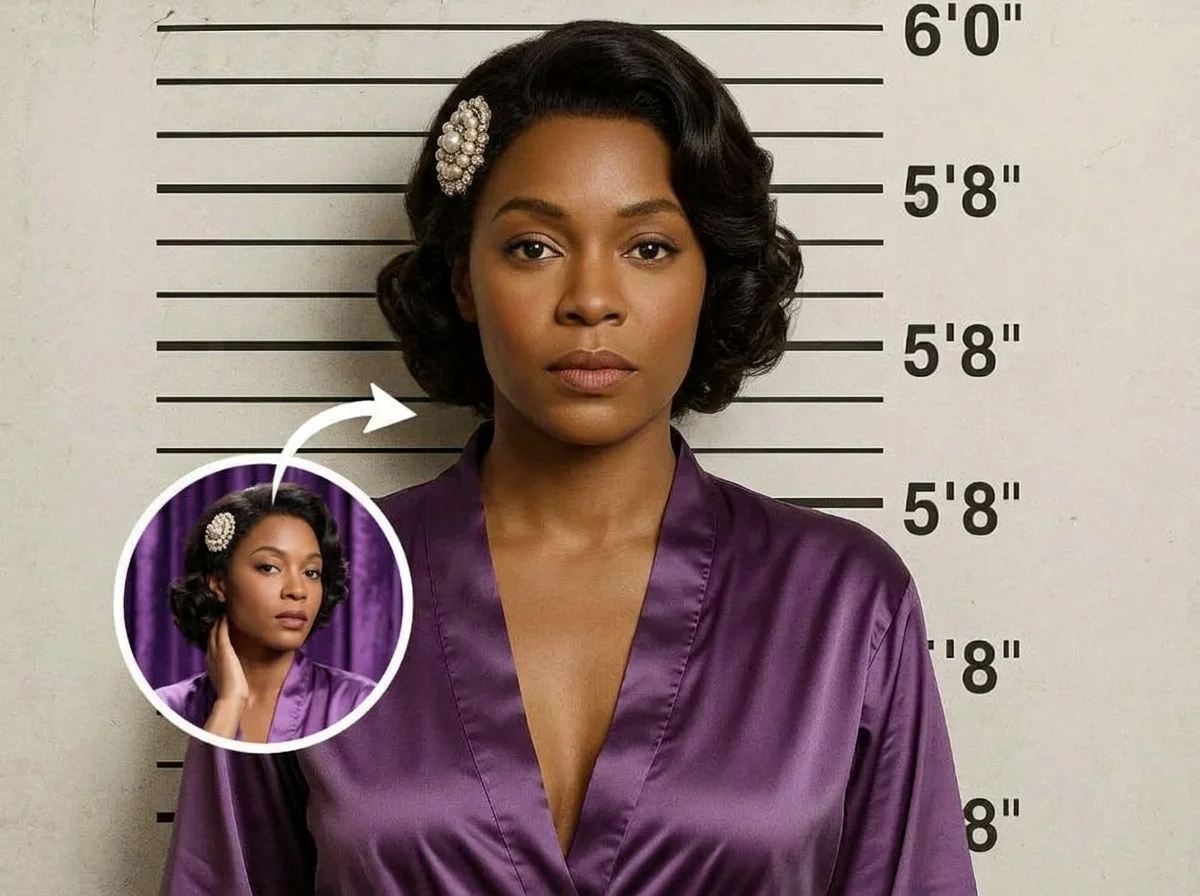 PopularAI Mugshot Maker
What is an AI mugshot generator?
An AI mugshot generator turns a photo of a person into a novelty booking-style portrait — the classic front-facing shot against a height chart, often with a name placard and case number — purely for fun. You upload a photo, pick a mugshot style, and download a high-resolution image or a short animated clip. It's a themed costume effect, not a real police record.
All AI Mugshot Effects
Five ways to get booked — a classic mugshot photo, a wanted poster, or an animated arrest clip. Pick one to start generating.
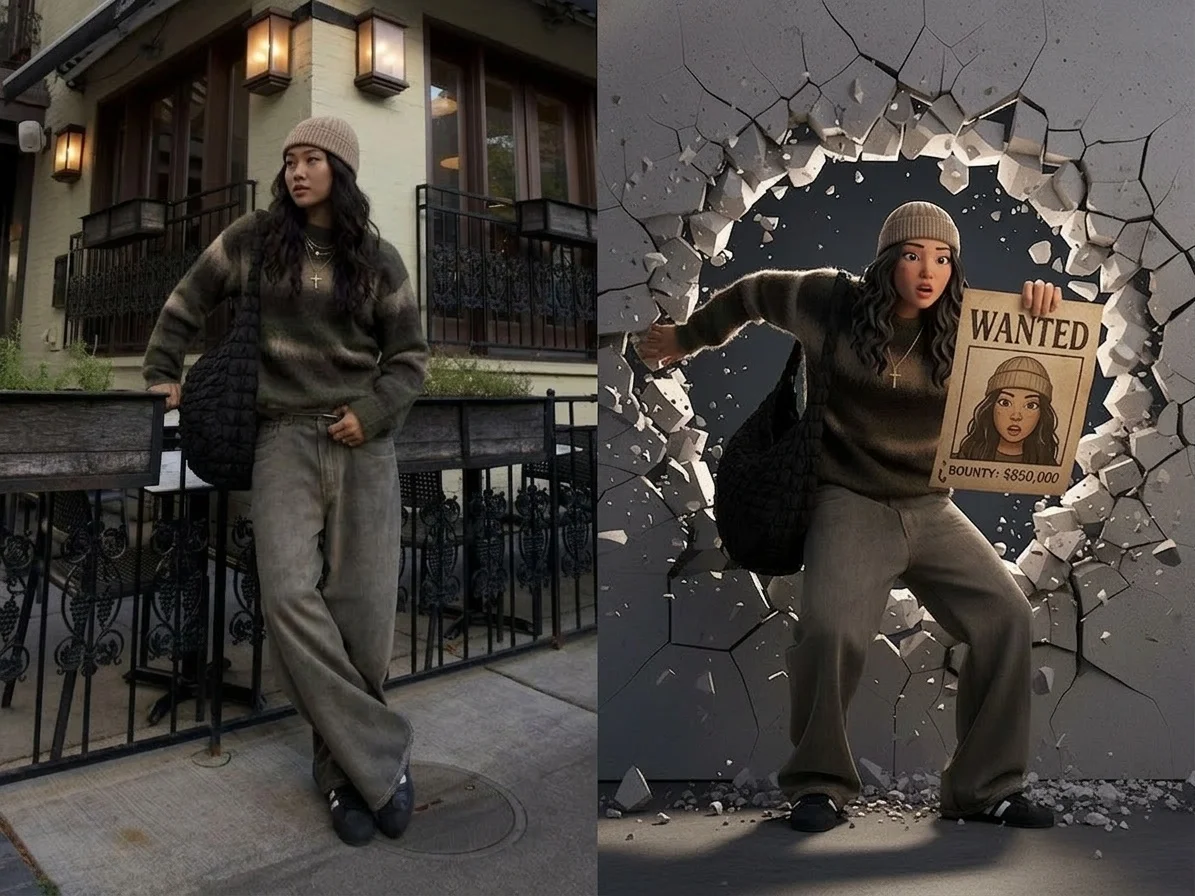




Before & after
A selfie, booked into a novelty mugshot.
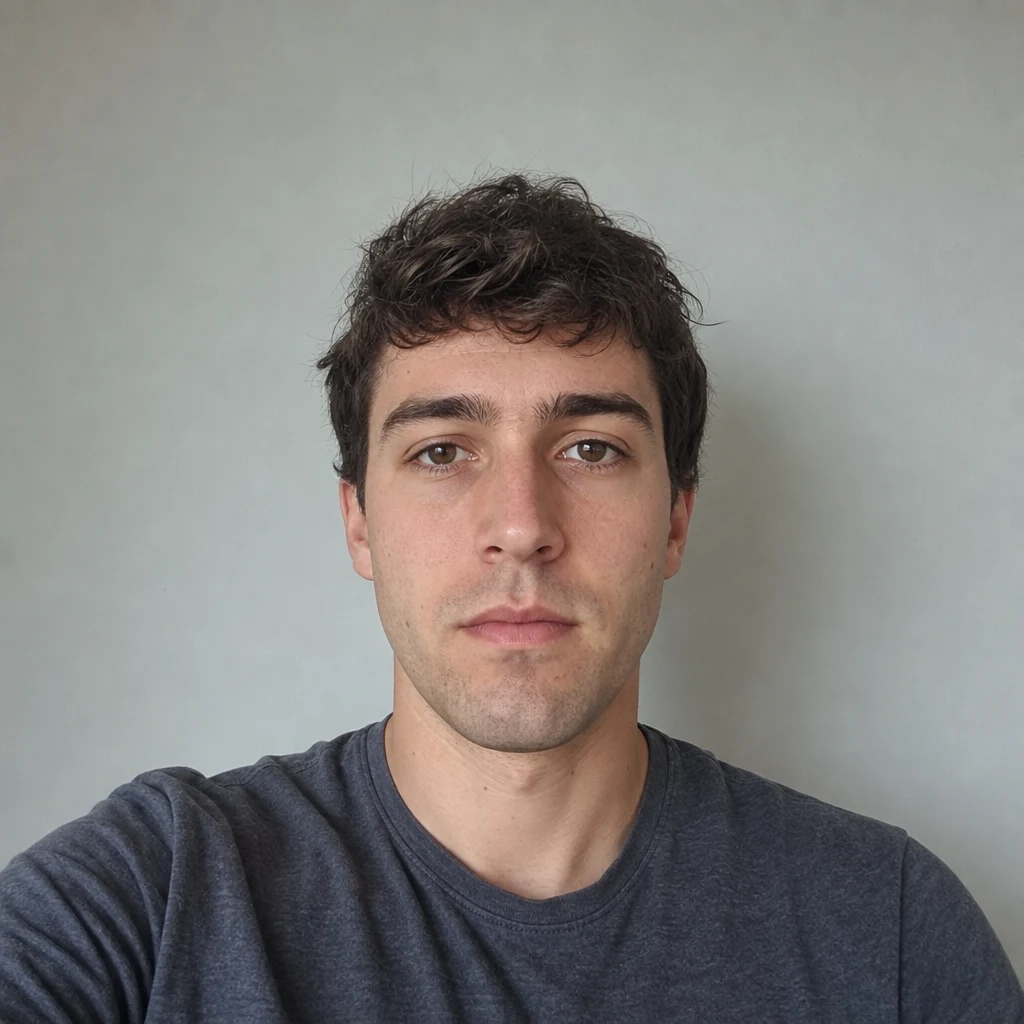 Before
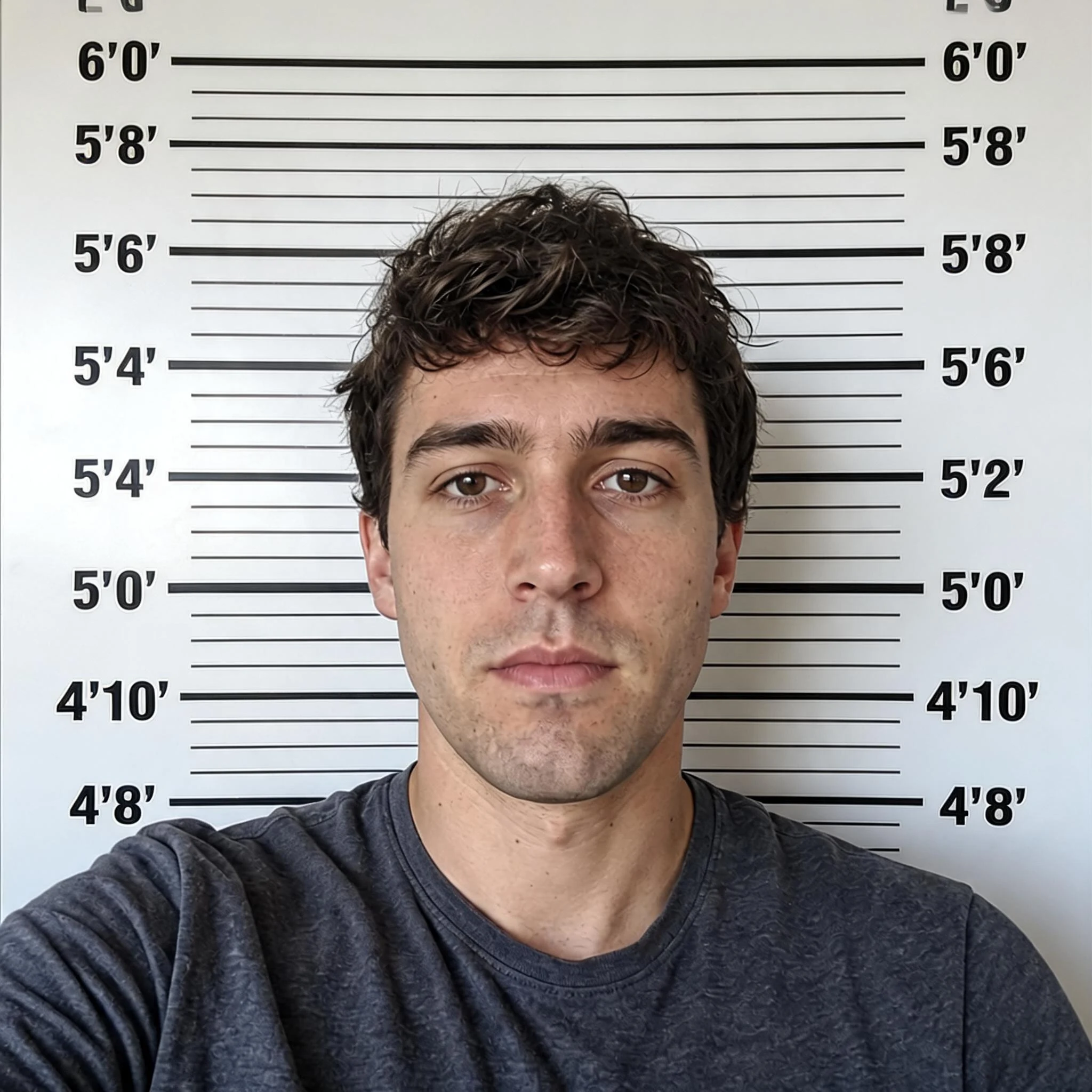 After
After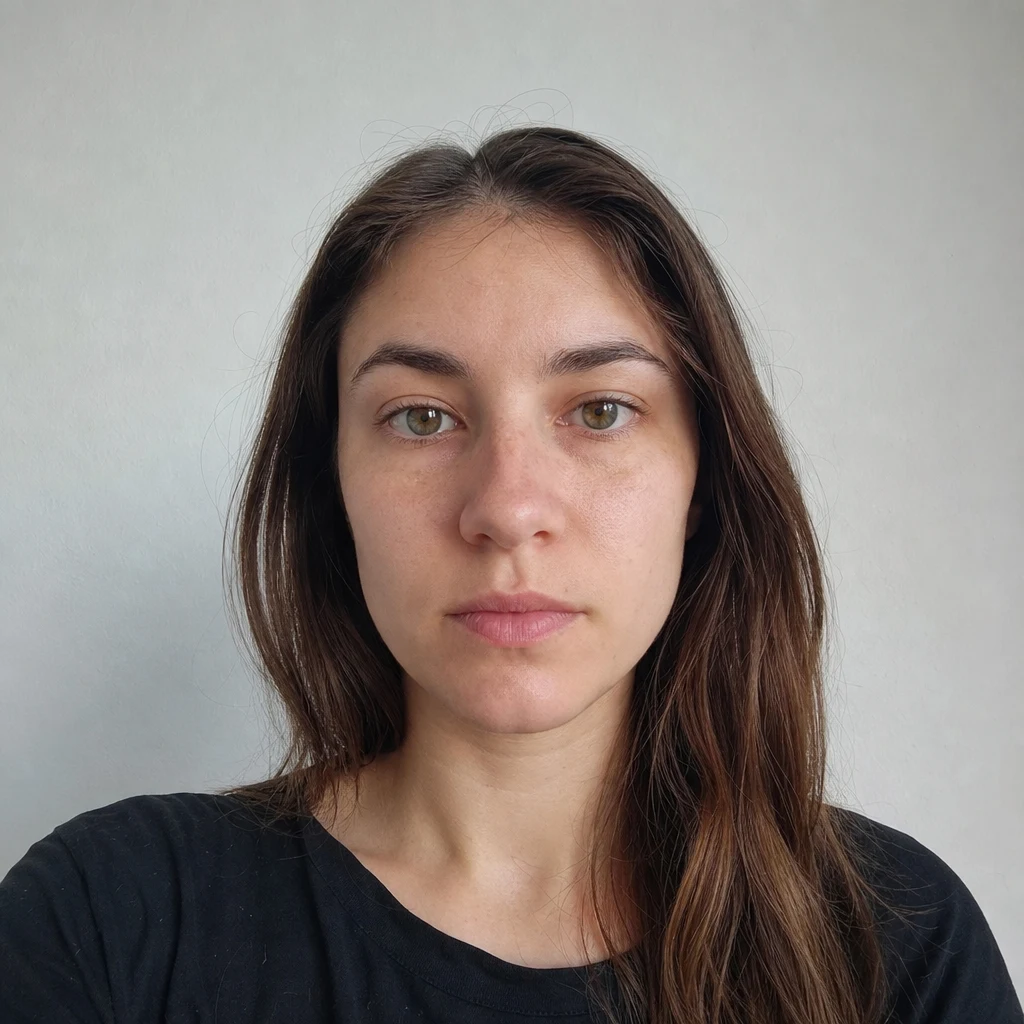 Before
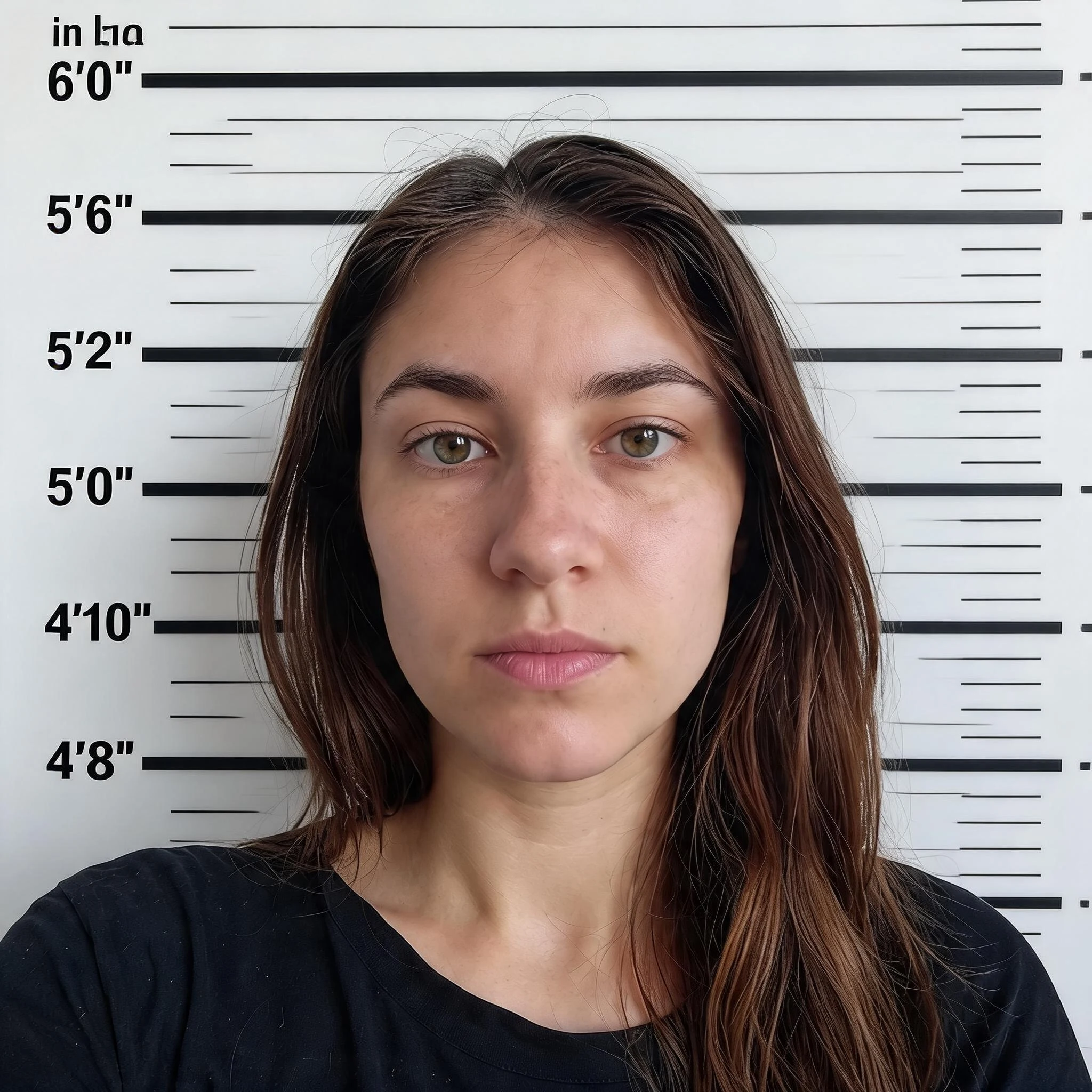 After
After Before
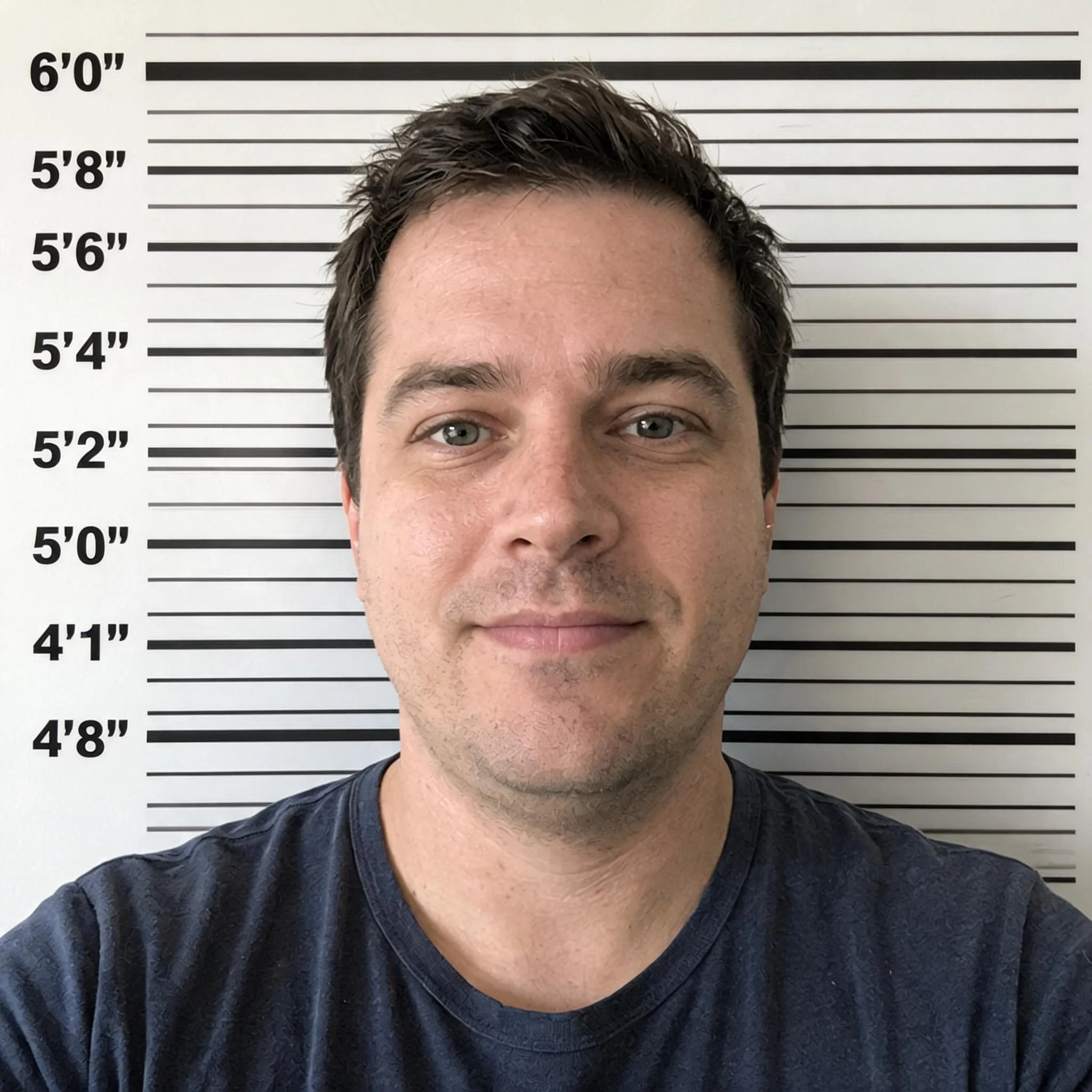 After
AfterHis mugshot
How to make an AI mugshot
Three steps, right in your browser.
Upload your photo
Drag in or select a clear photo of the person you want to book. A well-lit, front-facing shot where the face is fully visible gives the AI the most to work with. Your photo is used only to make your result.
Pick a mugshot style
Sign in for your 10 free credits, then choose a look — a classic AI Mugshot Maker photo, a vintage Wanted Poster, or an animated Who's Arrested? or FBI Escort Walk clip. The AI keeps your likeness while adding the booking backdrop, height chart, and placard.
Download and share
Preview your mugshot, then download it at full resolution with no watermark — a high-res image or a short MP4. Post it to a group chat, drop it in a birthday roast, or use it as a joke profile picture.
What you can make
Popular ways people use the mugshot generator.
Prank your friends
Book a friend for a made-up crime like 'stealing the last slice' and send it to the group chat — an instant gag nobody will see coming.
Birthday & roast gifts
Make a 'Most Wanted' poster of the birthday person charged with turning another year older — a personal, funny keepsake for the party.
Party & theme nights
Set up a detective, western, or crime-night theme with matching booking photos for everyone who shows up.
Creators & skits
Add a dramatic arrest moment to a video or meme with an animated escort walk, no green screen or editing required.
Join the trend
Hop on the viral fake-mugshot challenge with a clean, high-res result you can post straight to your feed or stories.
Team & group jokes
Round up the whole crew as a wanted gang for a sports team, club, or office in-joke everyone will want a copy of.
Why use SharkFoto's mugshot generator
Authentic booking-photo look
The AI recreates the real details that sell the joke — the height-chart backdrop, flat lighting, front-facing angle, and a name placard or case number — so it reads like a genuine booking shot at a glance.
Photo or animated clip
Grab a still mugshot or a wanted poster, or go further with a moving Who's Arrested? or FBI Escort Walk clip that plays out the whole arrest gag in a few seconds.
Keeps your likeness
One clear selfie is enough. The effect holds onto your face, hair, and expression while swapping in the booking setup, so the person is instantly recognizable.
10 free credits, no watermark
Sign up free and get 10 credits to start booking. Your download comes at full resolution with no watermark, clean enough to post, print, or send as a gag gift.
Tips for the best results
Use a clear, front-facing photo — mugshots are shot head-on, so a straight-on face gives the most convincing and recognizable result.
Keep a neutral or deadpan expression — a flat, unimpressed look sells the booking-photo joke far better than a big smile.
Use an evenly lit photo — harsh shadows fight the flat, front-lit look of a real booking shot and can distort the face.
Start from a plain background — a busy background can bleed into the height chart and booking backdrop the AI adds.
Use a higher-resolution photo — low-res or blurry images limit how sharp and believable the final mugshot or clip looks.
Frequently asked questions
Is the AI mugshot generator really free?
Is this a real mugshot or arrest record?
What kind of photo works best?
Do I get an image or a video?
How long does it take to generate?
Is my photo safe and private?
Can I use my AI mugshot commercially?
Related AI effects
More fun AI effects to try.