AI Minecraft Generator
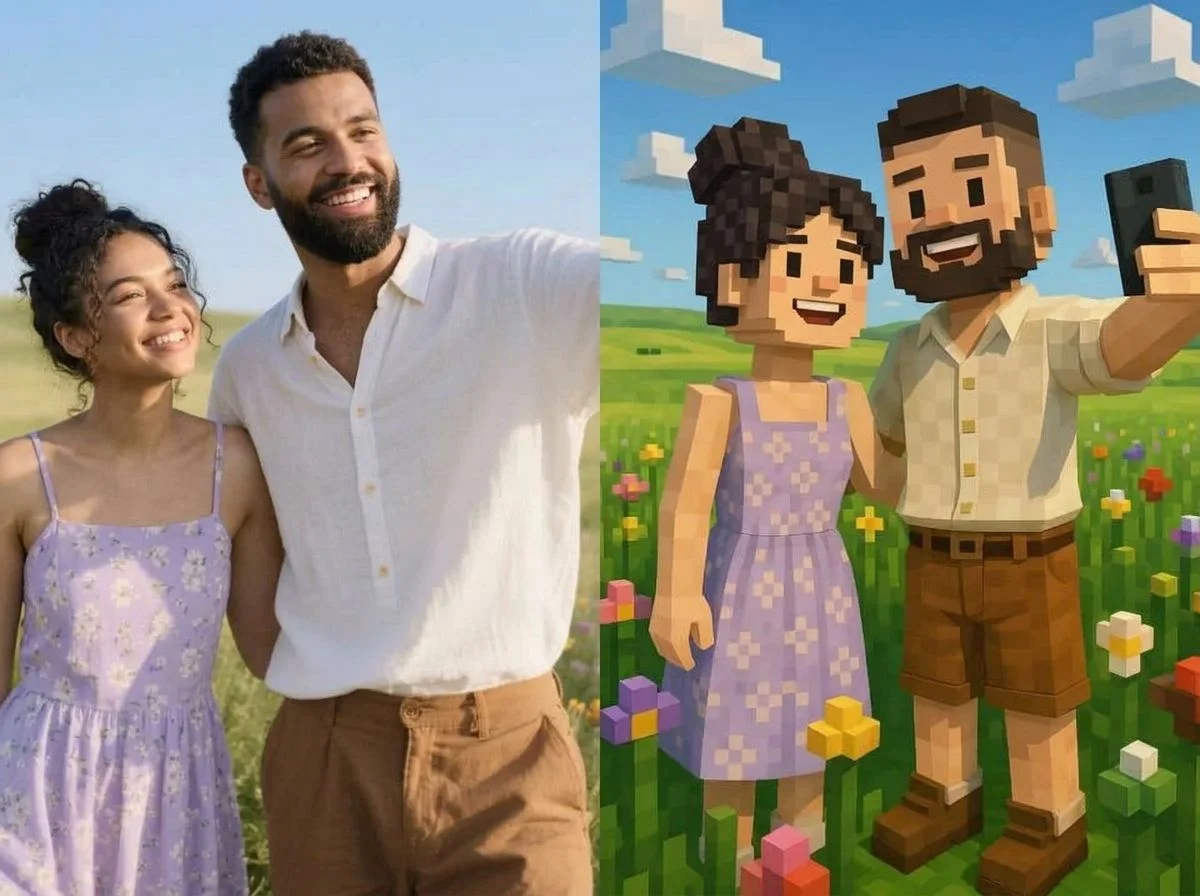
Turn your photo into blocky, pixel-cube Minecraft art in seconds. SharkFoto's AI Minecraft generator rebuilds the person or scene in your picture out of familiar Minecraft-style blocks, so a plain selfie becomes a crafted character or a whole voxel world. Sign up free to get 10 credits, pick a Minecraft effect, and download your creation — with no watermark — ready to post, use as a skin reference, or share with your server. It works from a single photo, no game screenshots or mods needed.
 PopularAI Minecraft Generator
What is an AI Minecraft generator?
An AI Minecraft generator turns a photo into art styled after Minecraft — reconstructing the person or scene from blocky, cubic voxels with the game's signature pixel textures and lighting. You upload a photo, pick a Minecraft effect, and download a high-resolution image of the blocky result, no game or mods required.
All AI Minecraft Effects
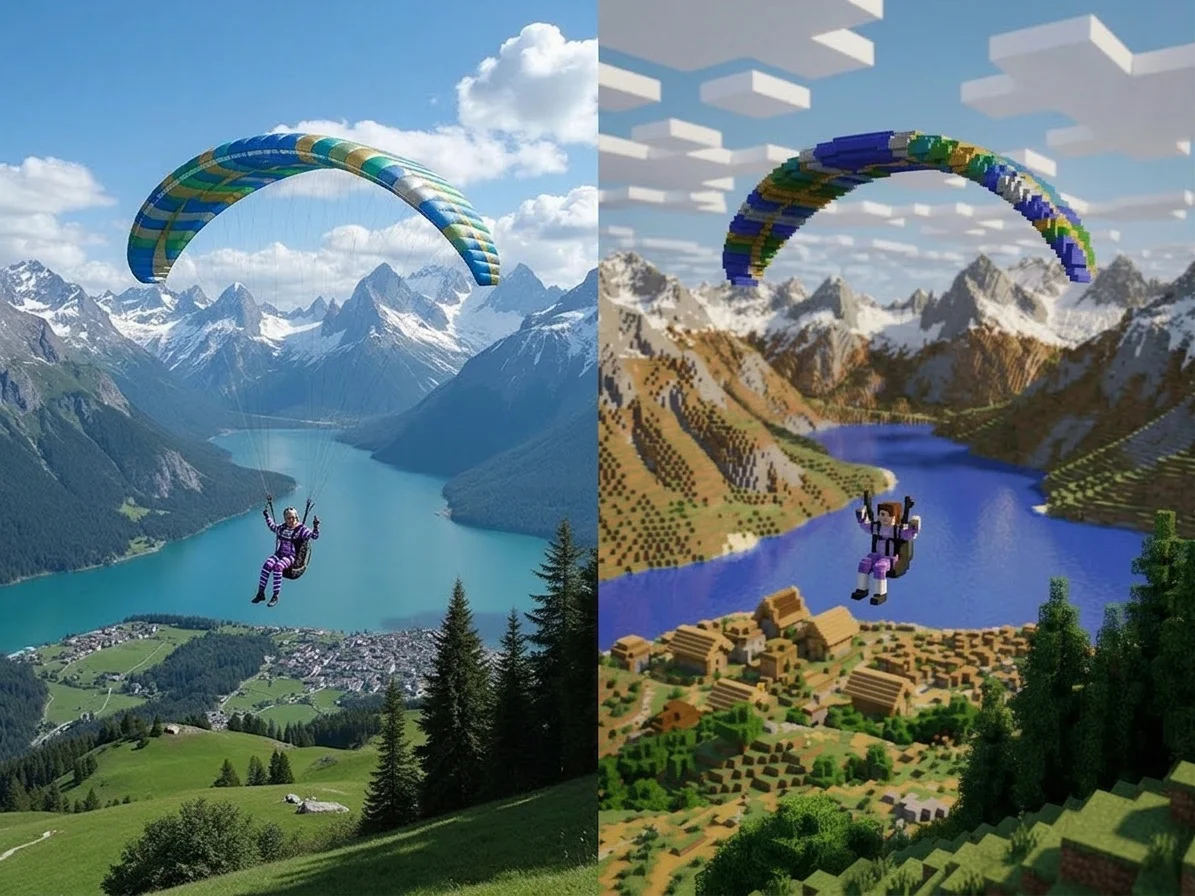
Two AI Minecraft effects — turn yourself into a blocky character, or rebuild your whole scene as a cube world. Pick one to start generating.
Before & after
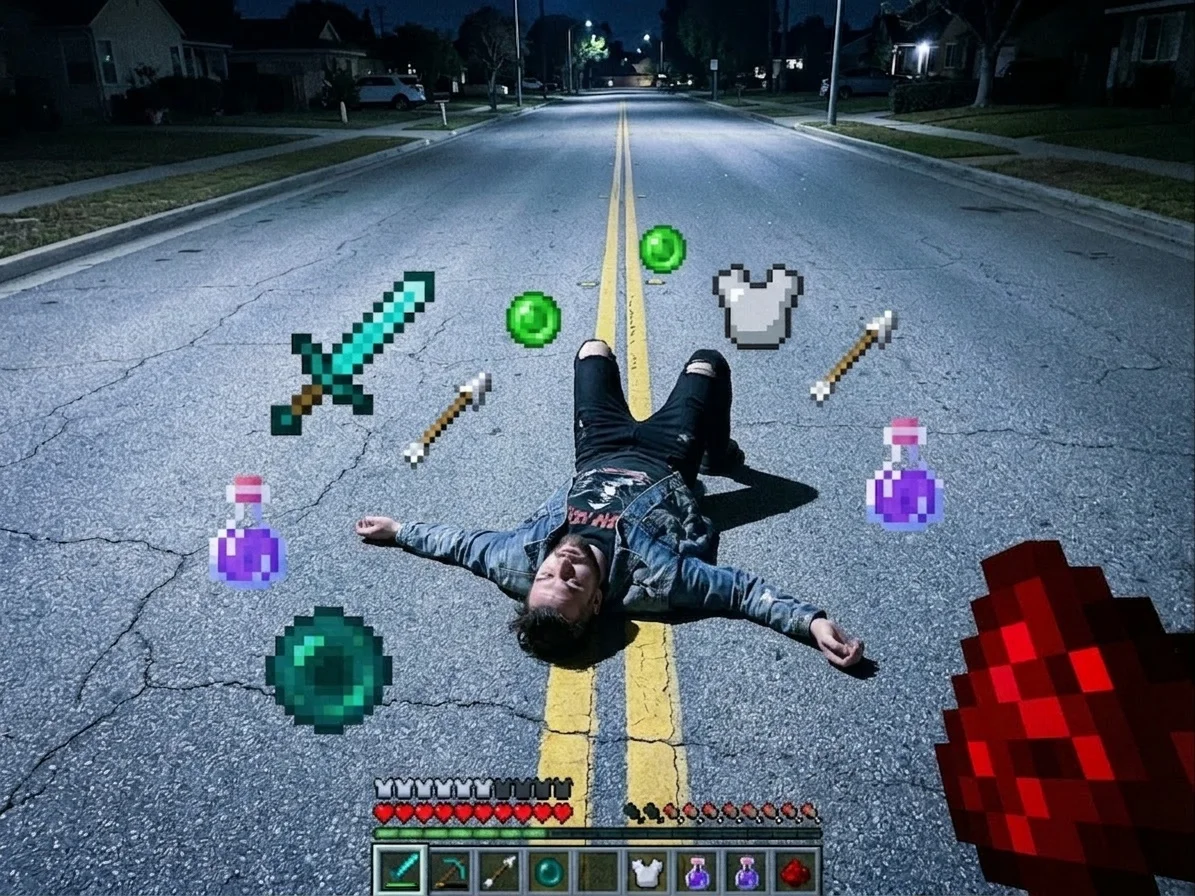
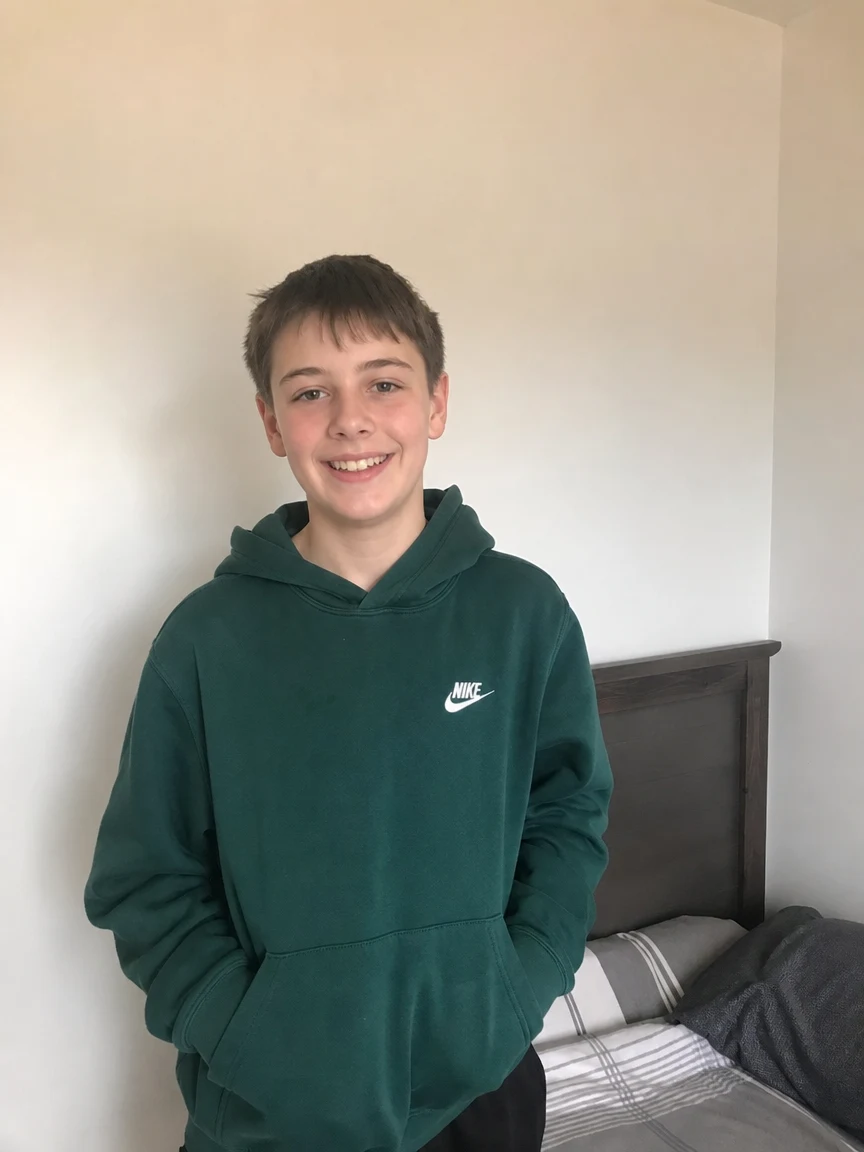
A regular photo, rebuilt out of blocks.
 Before
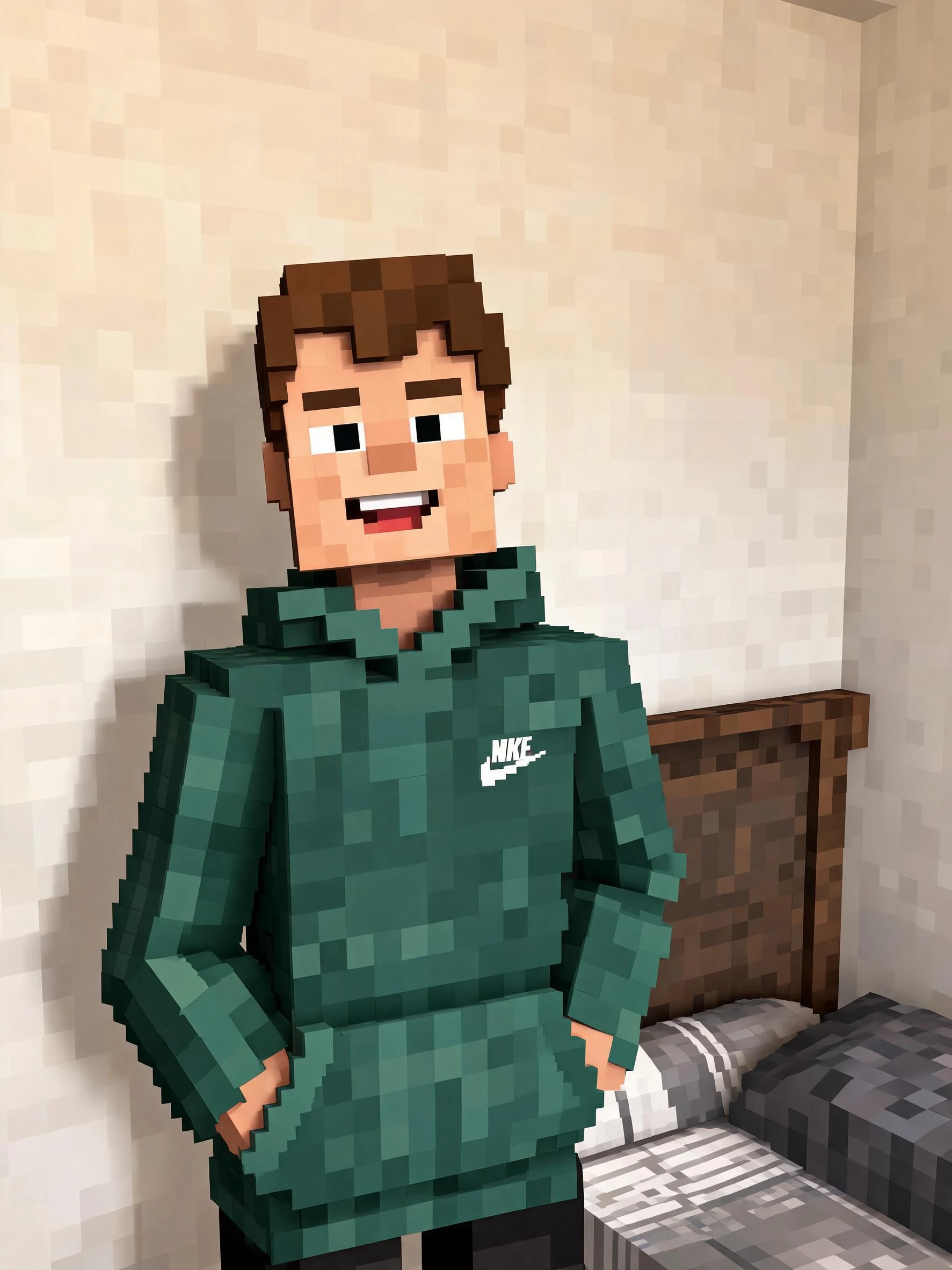 After
After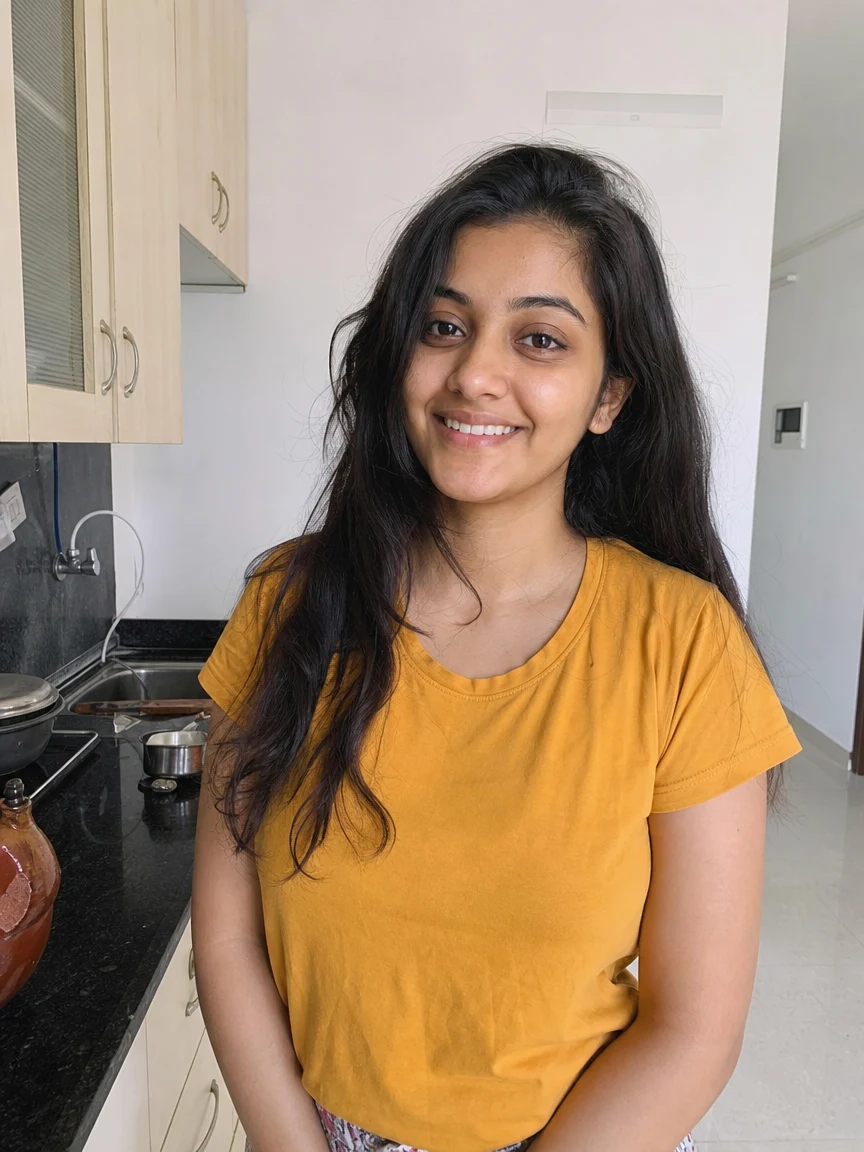 Before
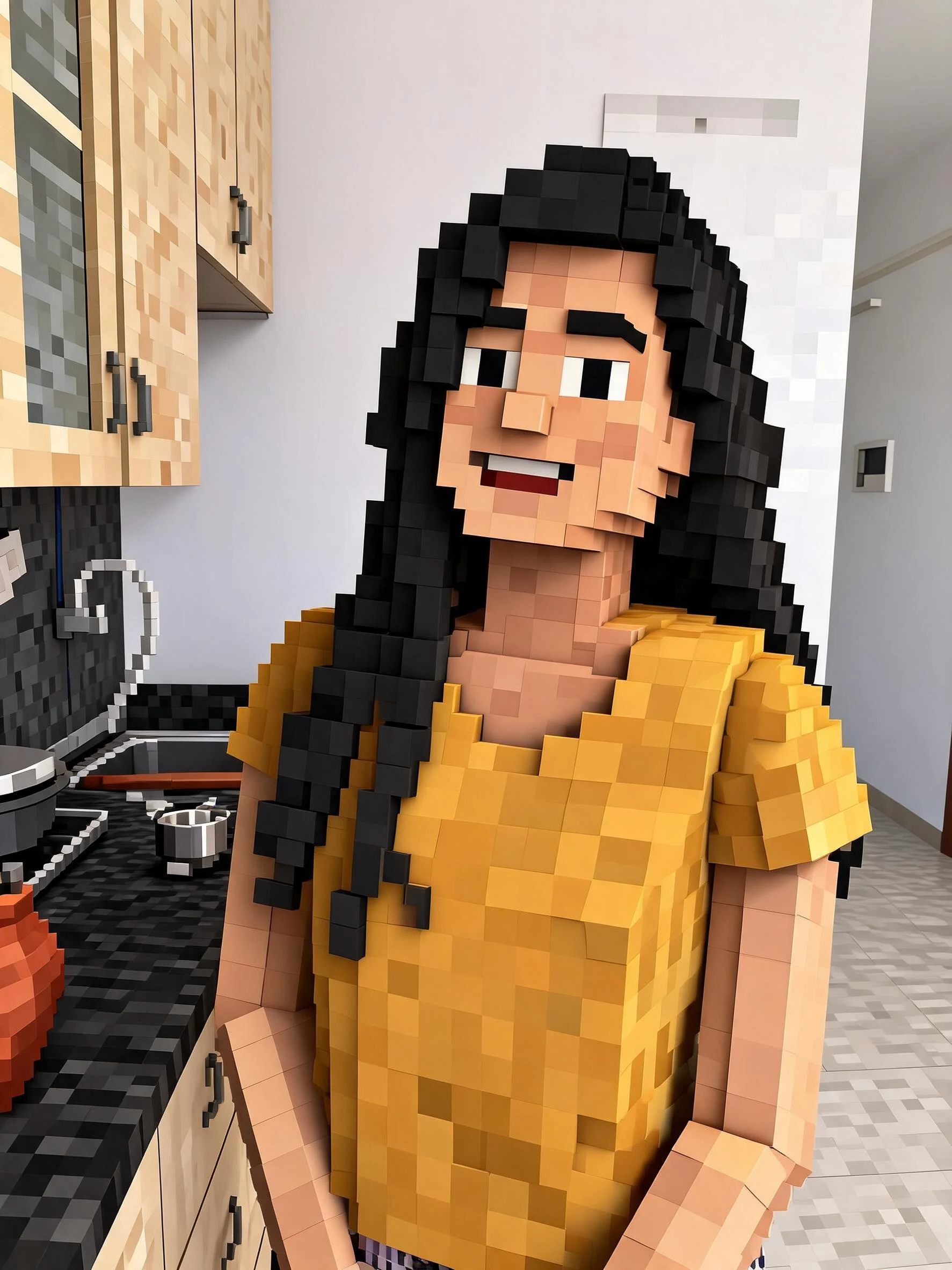 After
After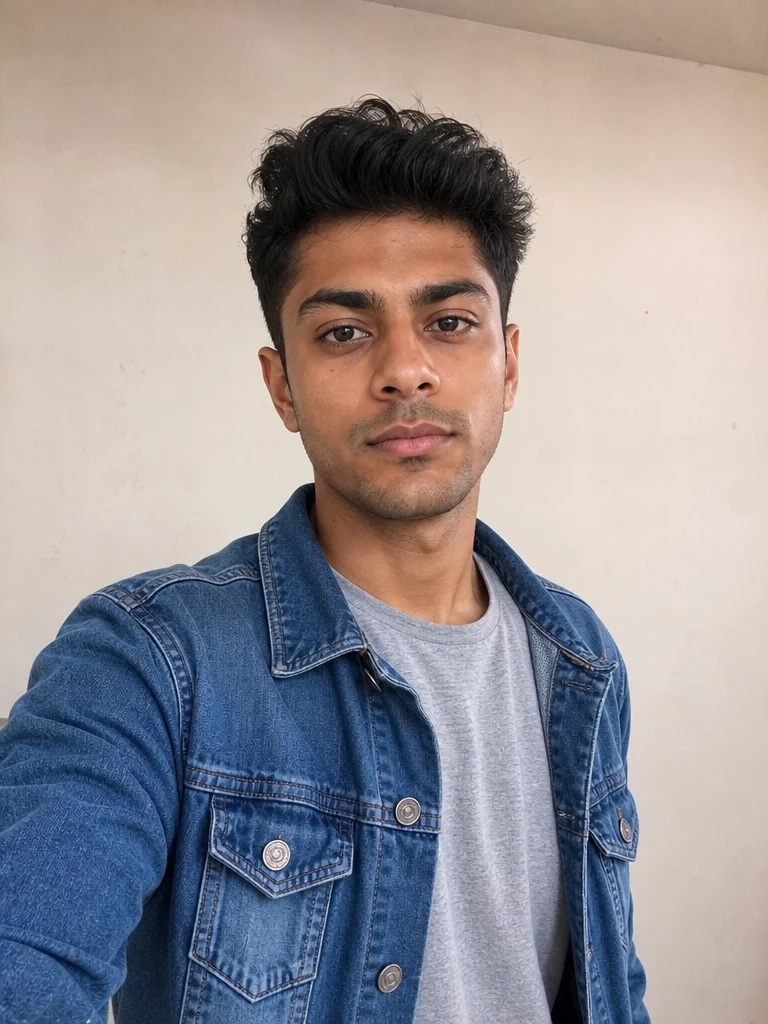 Before
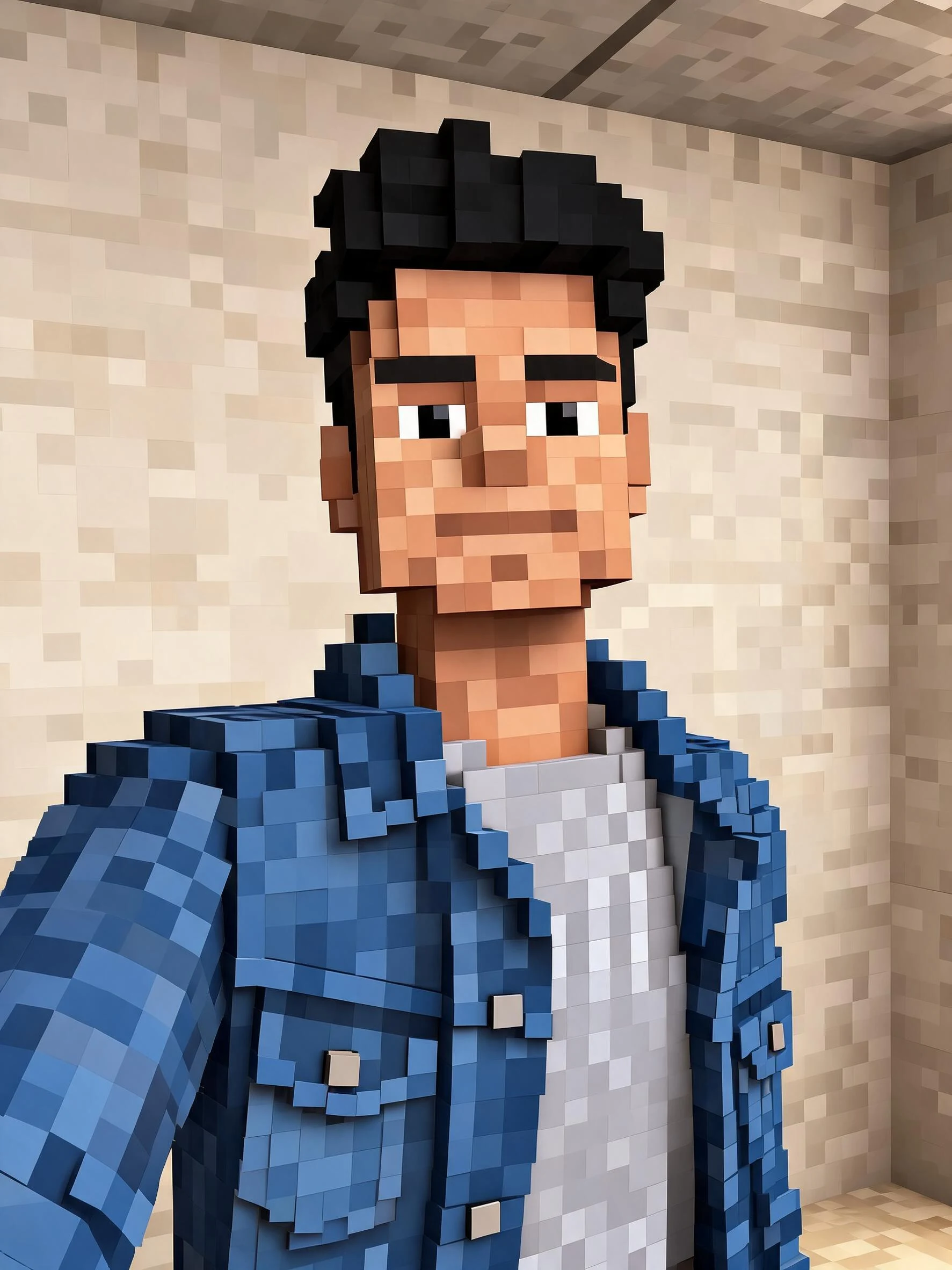 After
AfterBoy Green Bedroom
How to make AI Minecraft art
Three steps, right in your browser.
Upload your photo
Drag in or select a clear photo of the person or scene you want to blockify. A well-lit shot with the subject clearly visible gives the AI the most to rebuild into blocks. Your photo is used only to make your result.
Pick a Minecraft effect
Sign in for your 10 free credits, then choose a look — AI Minecraft Generator to turn yourself into a blocky character, or Block World to rebuild your whole scene as a cube world. The AI recreates your subject in Minecraft-style voxels while keeping your pose and outfit recognizable.
Download and share
Preview your blocky art, then download it at full resolution with no watermark. Post it, use it as a profile picture, share it with your Minecraft server, or keep it as a reference for a custom skin or build.
What you can make
Popular ways people use the Minecraft generator.
Blockify yourself
Turn a selfie into your own Minecraft-style character for a profile picture, avatar, or just to see what you'd look like in the game — all from one photo.
Rebuild a whole scene
Recreate a room, a landscape, or a favorite photo as a full cube world, blocks and all, without placing a single block by hand.
Gamers & server communities
Give your Discord, server, or clan a blocky avatar, banner, or announcement image that instantly reads as Minecraft.
Kids' parties & themes
Make Minecraft-themed art from a child's photo for a birthday invite, poster, or party favor without any design skills.
Creators & thumbnails
Turn your face or persona into a blocky character for gaming thumbnails, channel art, and posts that match your Minecraft content.
Fun gifts for fans
Surprise a Minecraft-loving friend or sibling with a personalized blocky portrait of themselves — a novel keepsake nobody else will have.
Why use SharkFoto's Minecraft generator
True blocky Minecraft look
The AI rebuilds your photo from cubic voxels with pixelated textures and boxy shading, so the result reads like it belongs in the game rather than a simple pixel filter slapped on top.
Character or whole world
Blockify just the person into a Minecraft-style character, or use Block World to turn the entire scene into a cube-built environment — two takes on the trend from one upload.
Works from one photo
No game screenshots, skins, or mods needed. A single clear photo is enough to generate blocky art that keeps your face, hair, and outfit recognizable.
10 free credits, no watermark
Sign up free and get 10 credits to start blockifying. Your download comes at full resolution with no watermark, so it's clean enough to post, print, or gift.
Tips for the best results
Use a clear, well-lit photo — even lighting helps the AI map your shapes and colors onto blocks accurately.
Pick a photo with a distinct outfit or pose — recognizable clothing and stance make the blocky character clearly look like you.
Use a simple background for a character — busy backgrounds can turn into messy blocks that distract from the subject.
Try a wide scene for Block World — landscapes and rooms give the cube-world effect more to rebuild into a full environment.
Start from a higher-resolution photo — low-res images limit how crisp the block textures come out.
Frequently asked questions
Is the AI Minecraft generator really free?
What kind of photo works best?
Do I get an image or a video?
How long does it take to generate?
Is my photo safe and private?
Is this made by or affiliated with Minecraft?
Can I use my Minecraft art commercially?
What if the result doesn't look like me?
Related AI effects
More game and pixel-art effects to try.