AI Pixel Art Generator
Turn your photo into retro pixel art in seconds. SharkFoto's AI pixel art generator restyles the person in your picture into a crisp 16-bit sprite, so a single selfie becomes a character that looks straight out of a classic video game. Sign up free to get 10 credits, pick a pixel effect, and download your result — a high-resolution pixel image, or a short animated pixel-world clip — with no watermark, ready to post, use as an avatar, or drop into a game project.
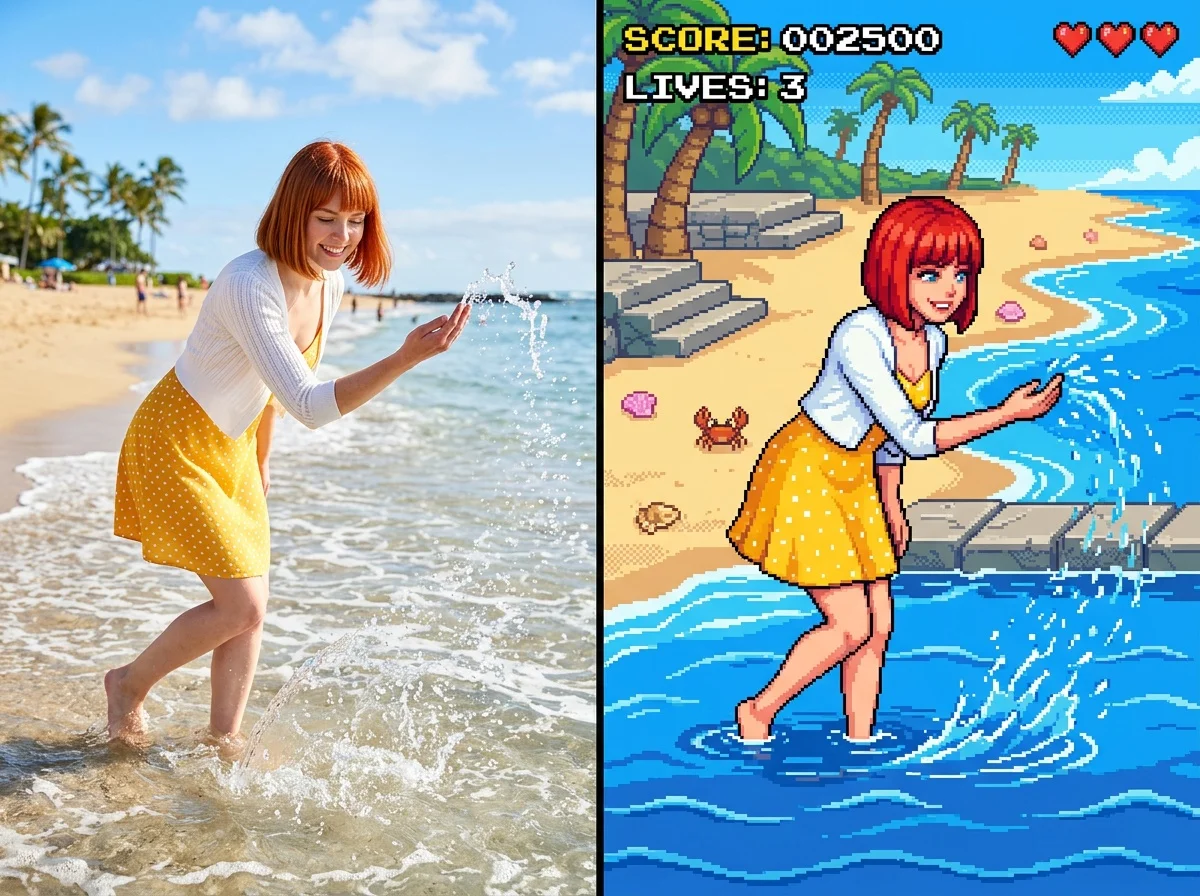 PopularAI 16-Bit Character Generator
What is an AI pixel art generator?
An AI pixel art generator turns a photo into retro, low-resolution pixel graphics — the blocky, 8-bit and 16-bit look of classic video games — without any pixel-pushing by hand. You upload a photo, pick a pixel style, and download your result rendered as crisp, deliberate pixels — a high-resolution image for the character and dissolve styles, or a short animated clip for the pixel-world style.
All AI Pixel Art Effects
Three pixel art effects — a 16-bit sprite of you, a pixel-dissolve still, and an animated pixel world. Pick one to start generating.


Before & after
A photo, pixelated into a retro game sprite.
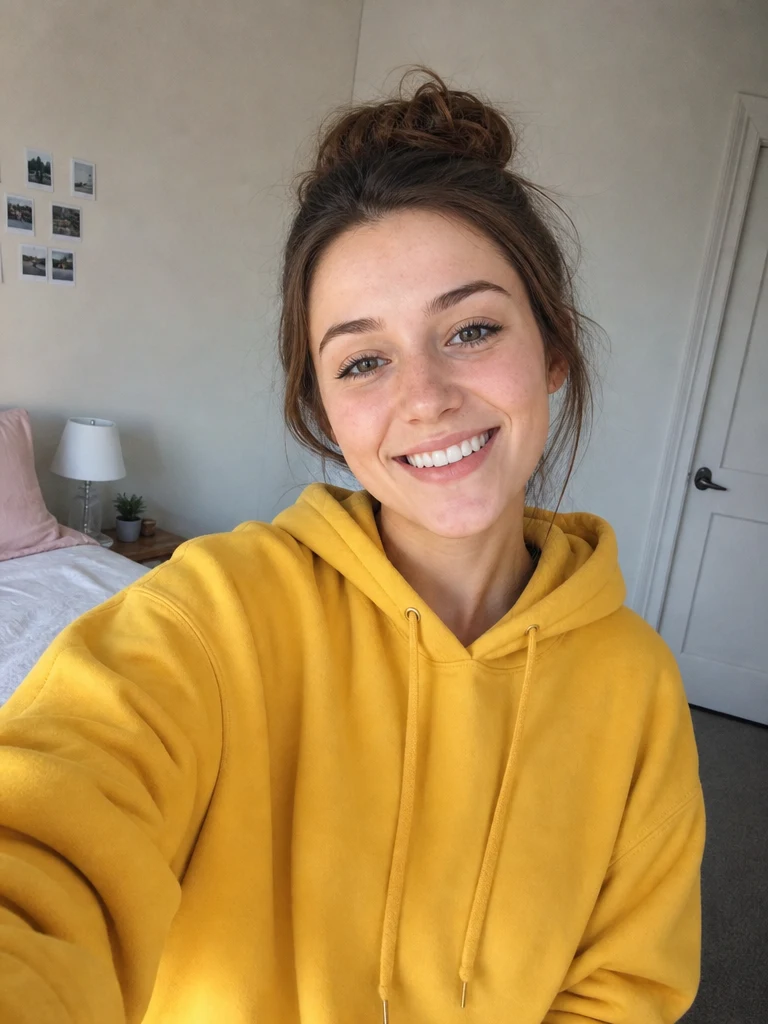 Before
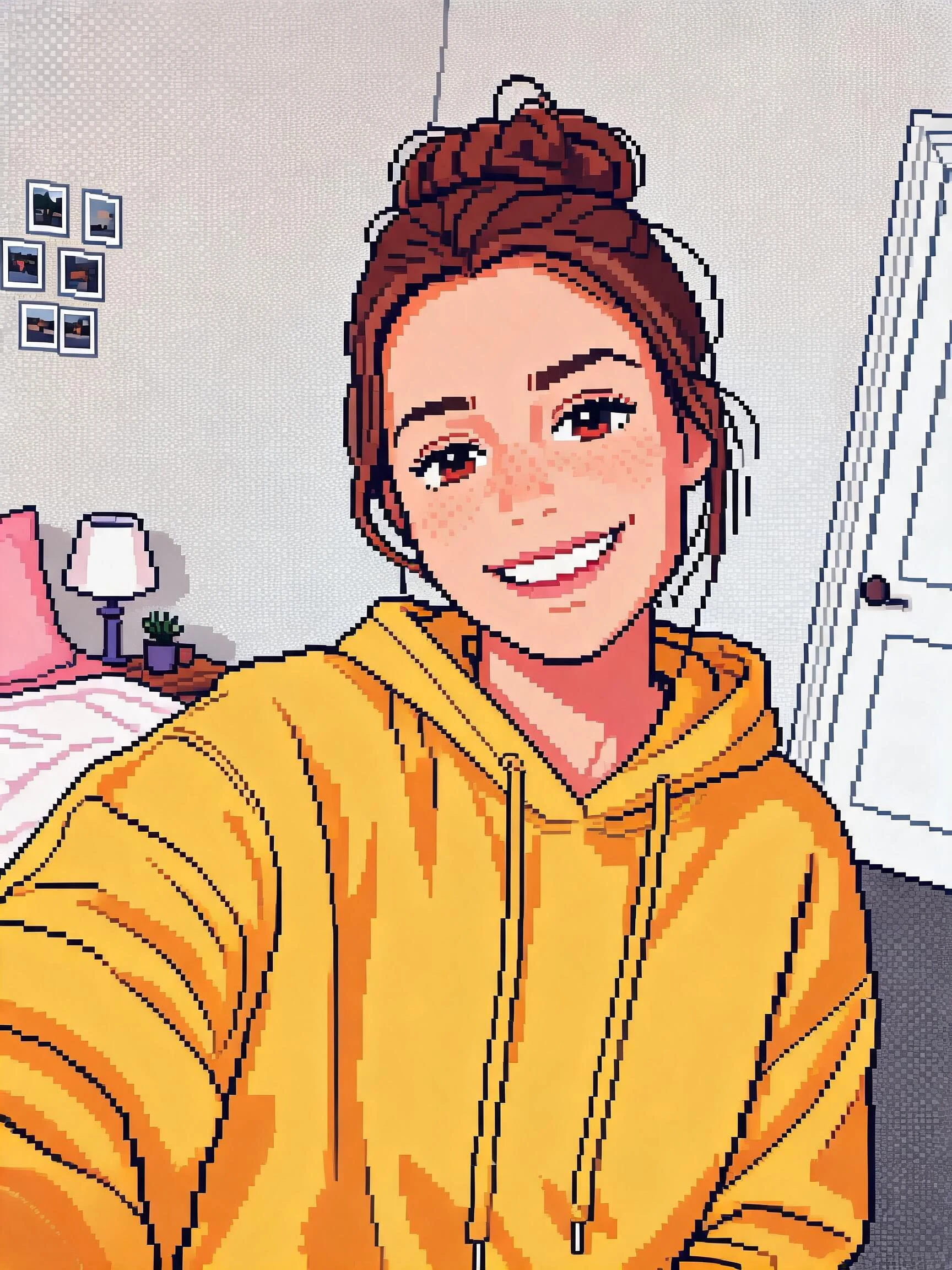 After
After Before
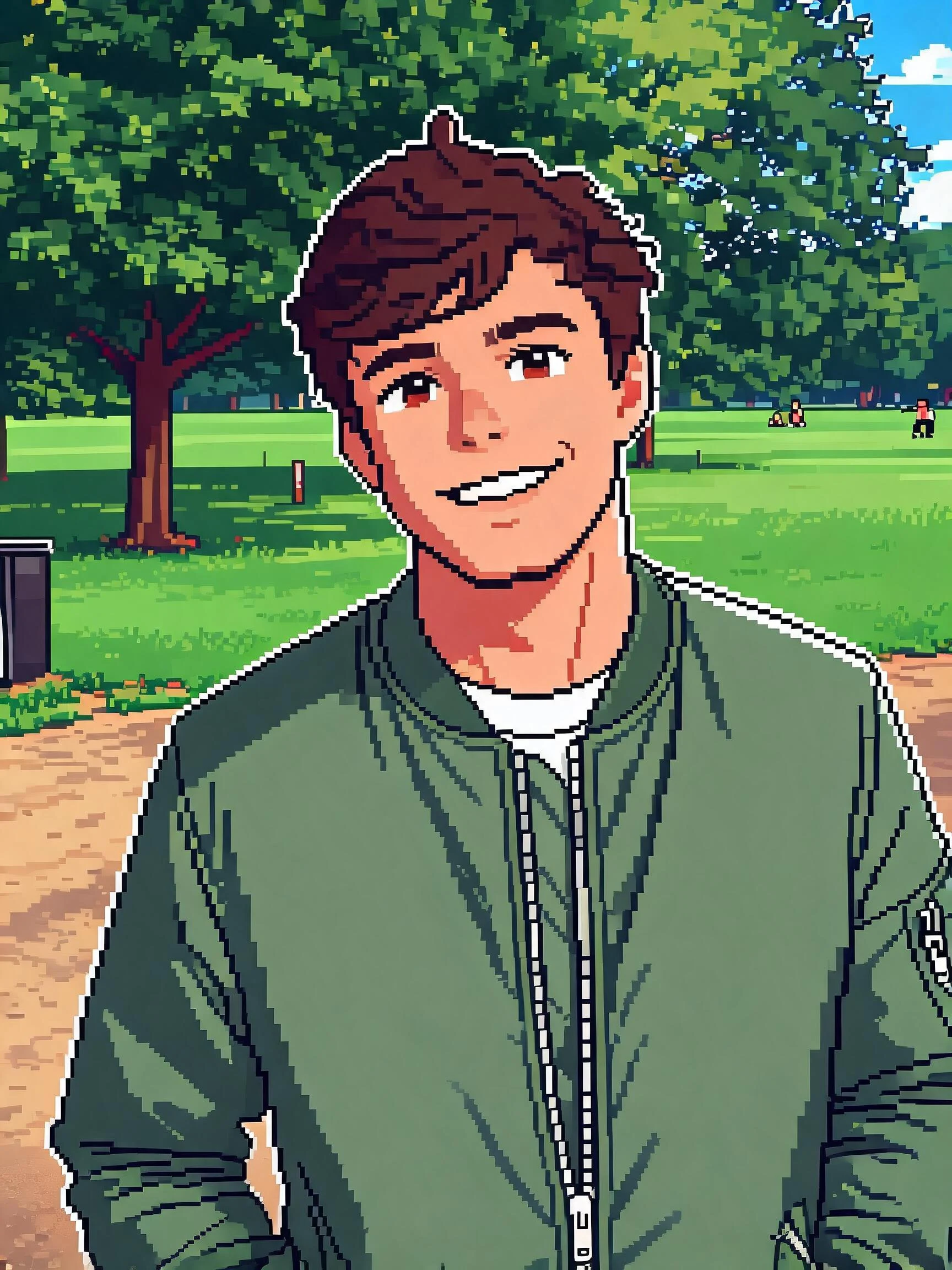 After
After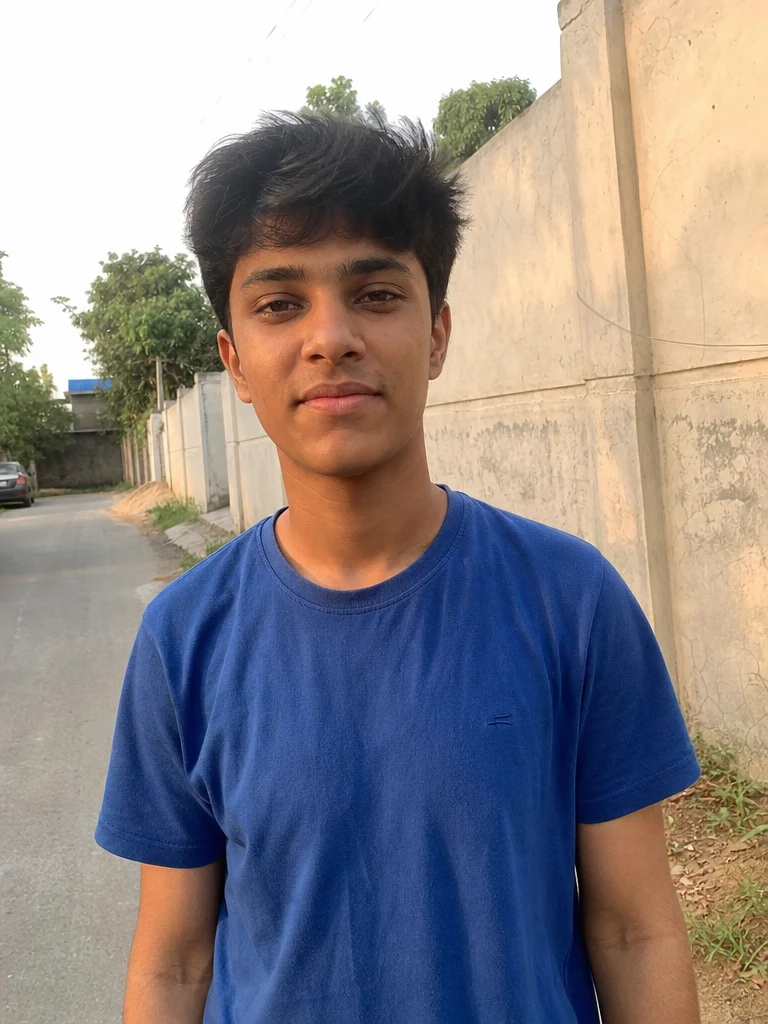 Before
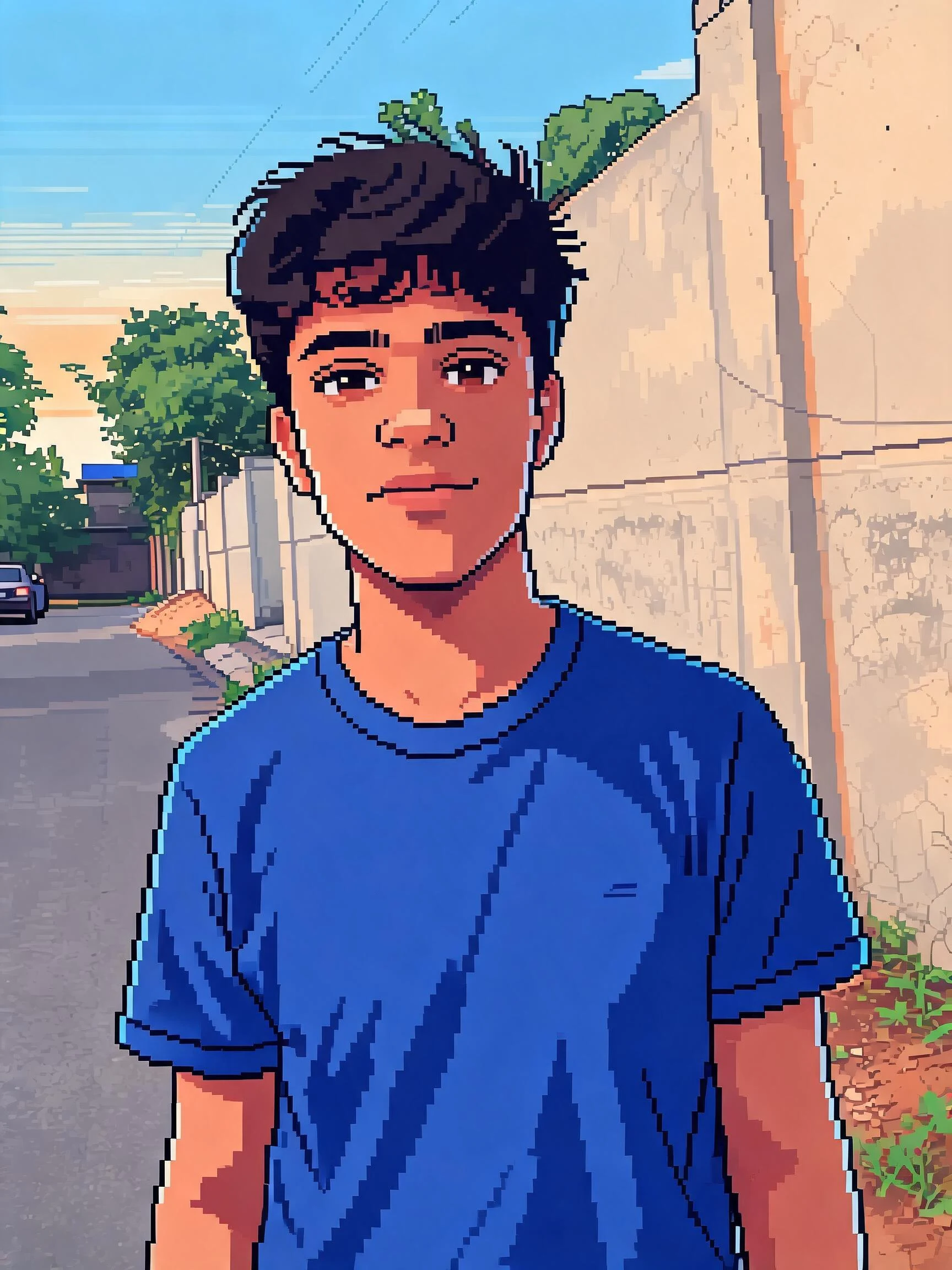 After
AfterWoman Yellow Bedroom
How to make AI pixel art
Three steps, right in your browser.
Upload your photo
Drag in or select a clear photo of the person you want to pixelate. A well-lit shot where the face and pose are visible gives the AI the most to work with. Your photo is used only to make your result.
Pick a pixel effect
Sign in for your 10 free credits, then choose a look — a 16-bit game character, a pixel-dissolve still, or an animated pixel world. The AI rebuilds your photo out of clean, retro pixels while keeping your likeness and outfit recognizable.
Download and share
Preview your pixel art, then download it at full resolution with no watermark. Use it as a gaming avatar, post it to the retro trend, or bring it into a game or sprite project.
What you can make
Popular ways people use the pixel art generator.
Gaming avatars & profiles
Turn a selfie into a 16-bit sprite for your Discord, Twitch, or Steam profile — an instant retro avatar that stands out from the usual photos.
Indie game & sprite assets
Prototype a player character or NPC from a real photo, giving your indie or hobby game a placeholder sprite without hand-drawing every pixel.
Retro social posts
Join the pixel-art trend with a nostalgic 8-bit version of yourself, your friends, or your pet for stories, memes, and throwback posts.
Pixel-dissolve art
Use the pixel-dissolve effect to freeze a photo mid-scatter into pixels — a striking still frame for a thumbnail, poster, or profile banner.
Emotes, stickers & pins
Design pixel emotes, chat stickers, or enamel-pin mockups from a face photo, ready for a print-on-demand or channel-reward set.
Pixel worlds & scenes
Turn a photo into an animated retro pixel world clip, great for a game-style teaser or a playful animated background.
Why use SharkFoto's pixel art generator
True retro pixel look
The AI doesn't just downscale your photo — it rebuilds it with deliberate, clean pixels and a limited retro palette, so the result reads like an authentic 8-bit or 16-bit sprite rather than a blurry, shrunk image.
Keeps your likeness
Even at chunky pixel resolution, the generator preserves your face, hair, and outfit so the character is clearly you — recognizable but unmistakably retro.
Sprites, dissolves & worlds
Go beyond a static portrait: make a 16-bit character, scatter a photo into a pixel-dissolve still, or generate a short animated pixel world from one image.
10 free credits, no watermark
Sign up free and get 10 credits to start generating pixel art. Your download comes at full resolution with no watermark, so it's clean enough to use as an avatar, post, or game asset.
Tips for the best results
Use a photo with a clear subject and simple background — clean edges pixelate into a readable sprite, while busy backgrounds turn into noisy pixel mush.
Pick a shot with bold colors and a distinct outfit — a limited retro palette reads best when the original has strong, separated colors.
Make sure the face is well lit and unobstructed — even lighting keeps facial features recognizable once they're reduced to pixels.
Try a half-body or full-body pose for a character sprite — more of the body gives you a fuller game-character look instead of just a face.
Start from a higher-resolution photo — the AI has more detail to translate into deliberate pixels, keeping the sprite sharp.
Frequently asked questions
What is AI pixel art?
Is the pixel art generator really free?
What kind of photo works best?
Do I get an image or a video?
How long does it take to generate?
Can I use the pixel art in my game?
Is my photo safe and private?
Can I use my pixel art commercially?
Related AI effects
More ways to reimagine your photos.