AI Vector Art Generator
Turn any photo into clean, flat vector illustration in seconds. SharkFoto's ai vector art generator strips away photographic noise and rebuilds your image as bold shapes and solid, flat colors — the modern graphic-design look you'd expect from a hand-drawn illustration or a sharp brand asset. Sign up free to get 10 credits, upload a photo, pick a vector style, and download your artwork — with no watermark — ready for a poster, an avatar, or a print.
 PopularVector Art
What is AI vector art?
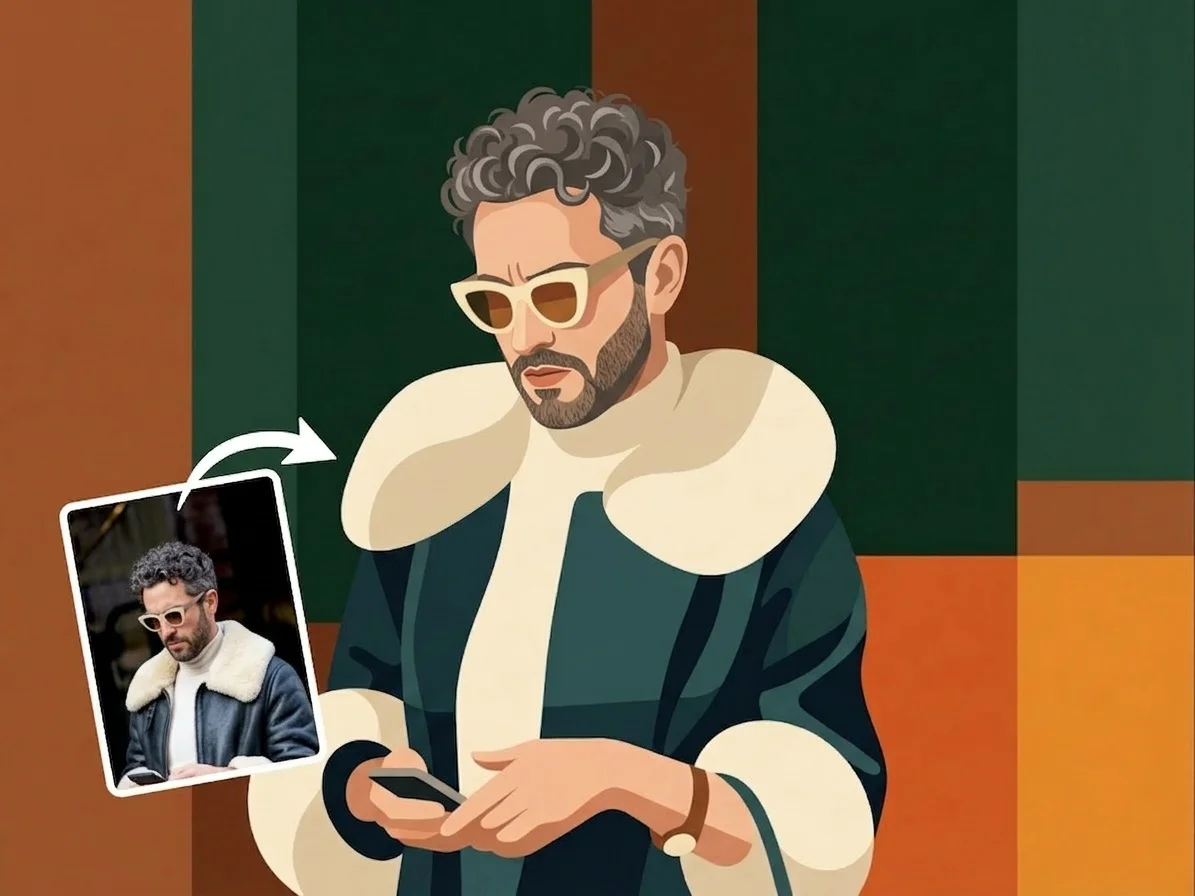
AI vector art is a style that redraws a photo as a flat illustration — simplifying it into clean shapes, smooth edges, and bold blocks of solid color instead of realistic gradients and texture. You upload an image, the AI reads its main forms and colors, and it rebuilds them as a minimalist, graphic-design-style illustration you can use as artwork, an icon, or a poster.
All AI Vector Art Effects
Several flat, vector-style looks — clean illustration, minimal design, or a bold Bauhaus poster. Pick one to start.
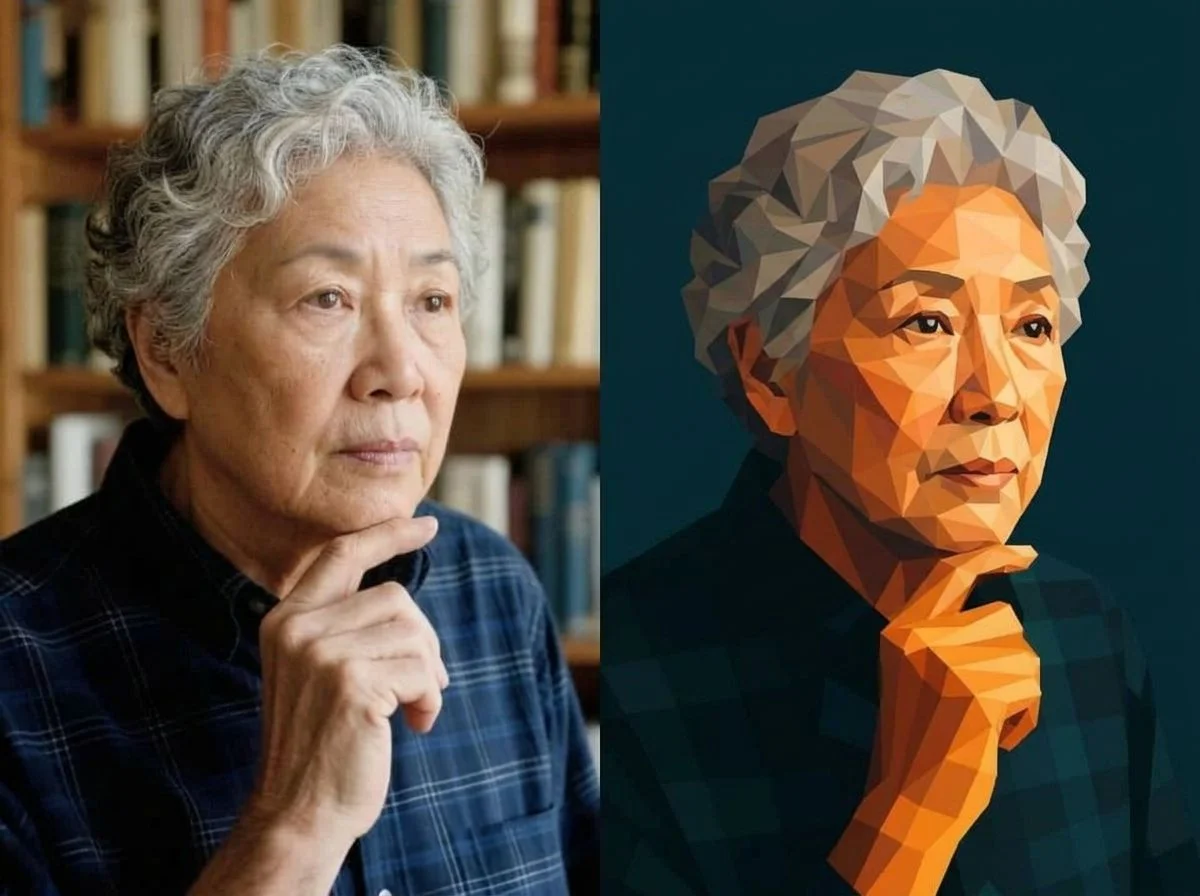
Before & after
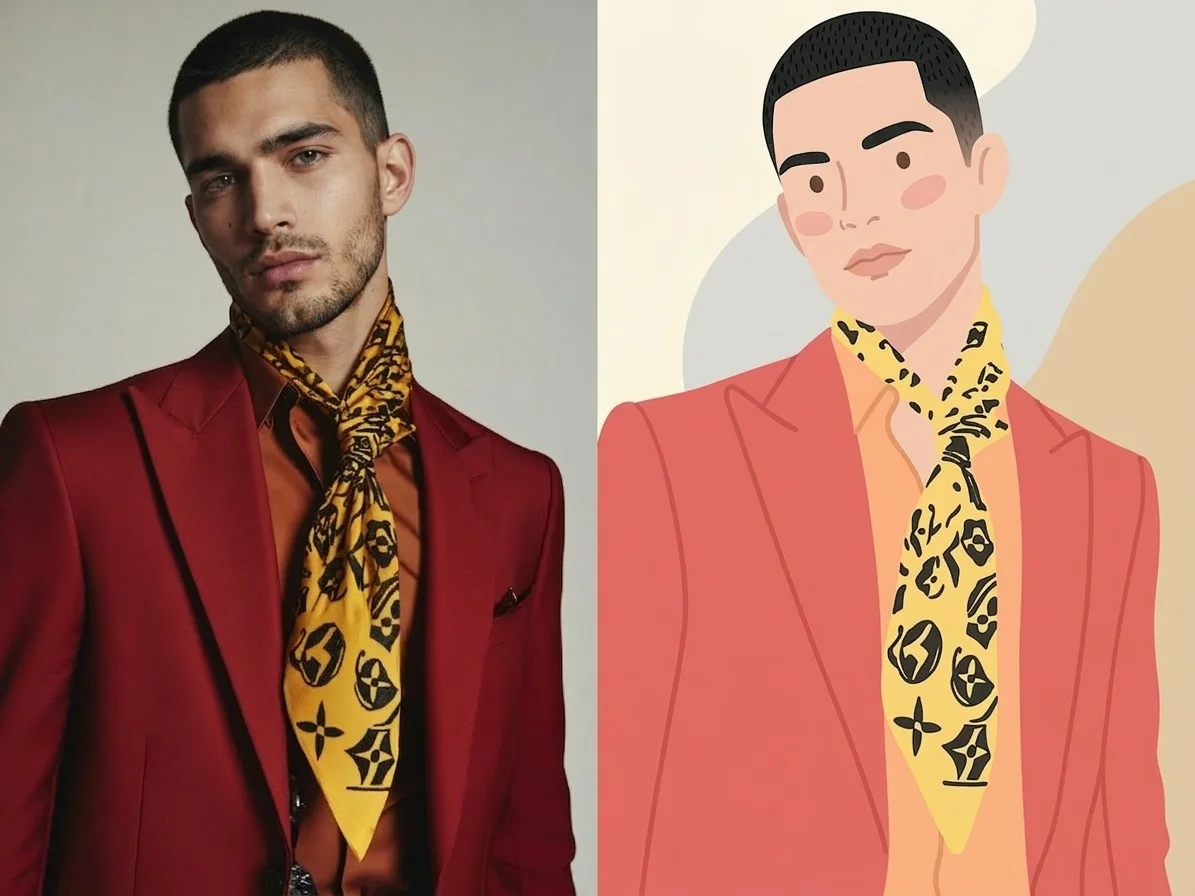
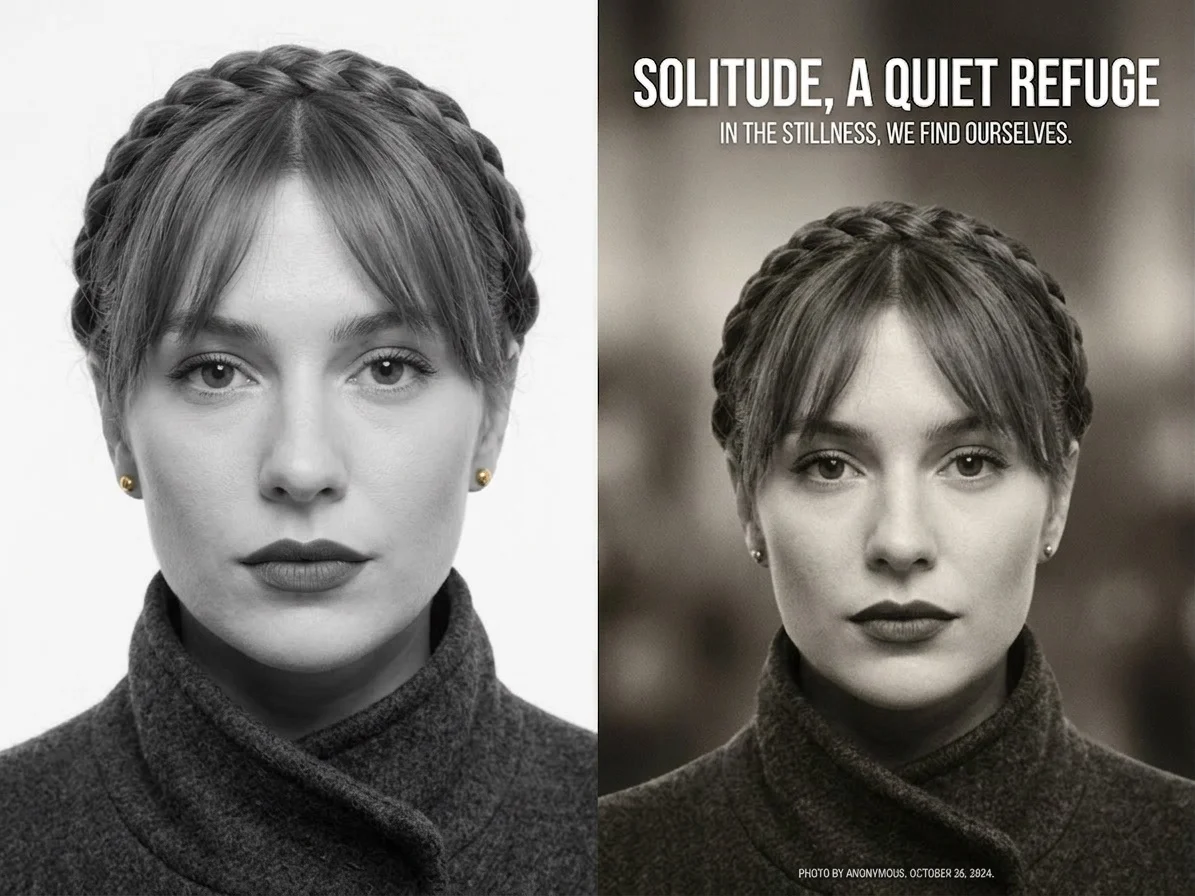
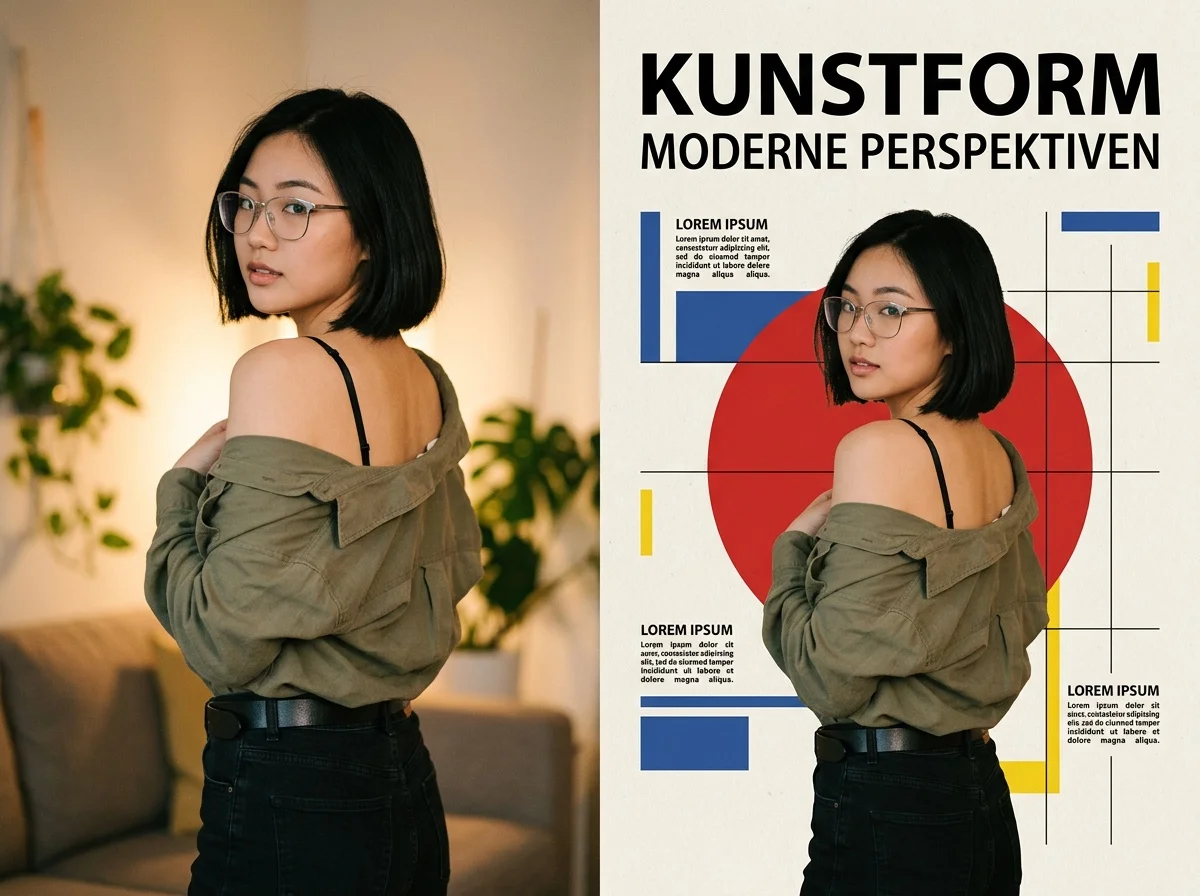
A photo, redrawn as flat, minimalist vector art.
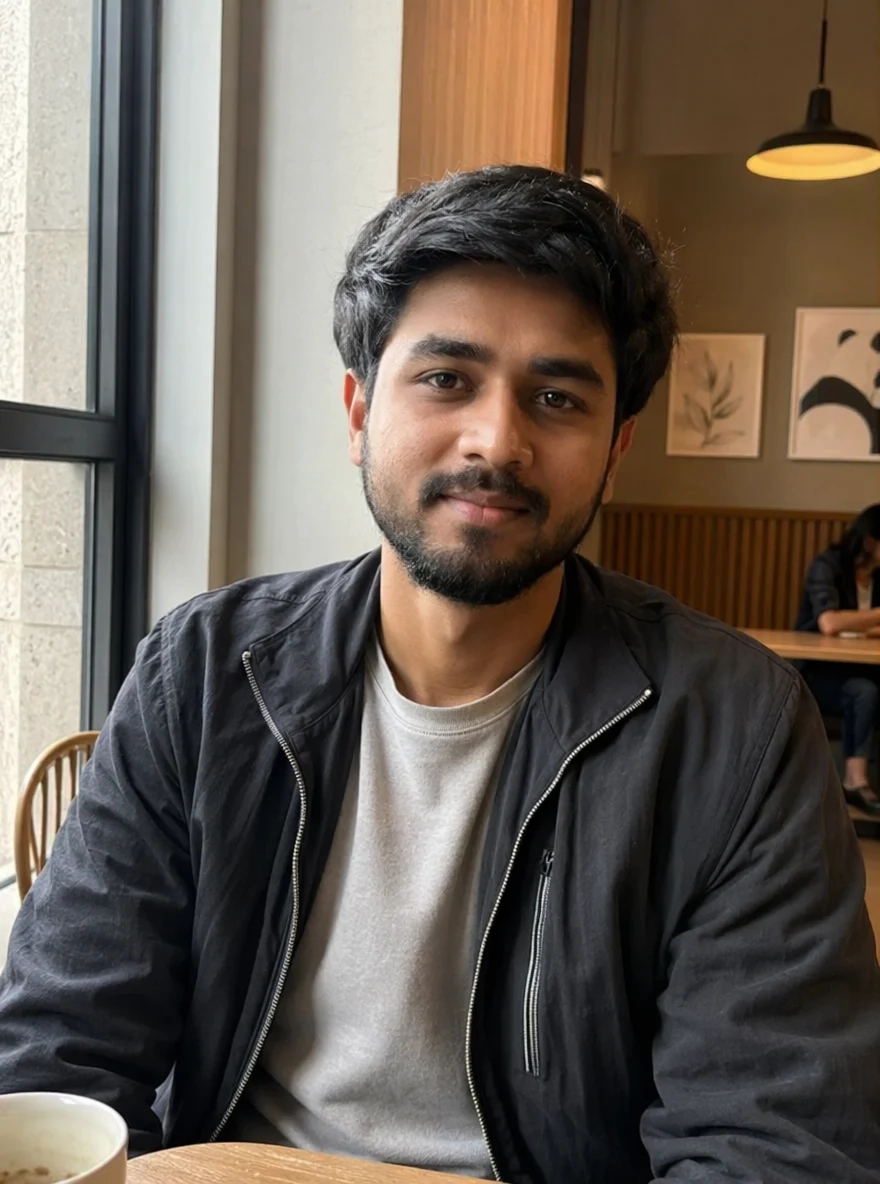 Before
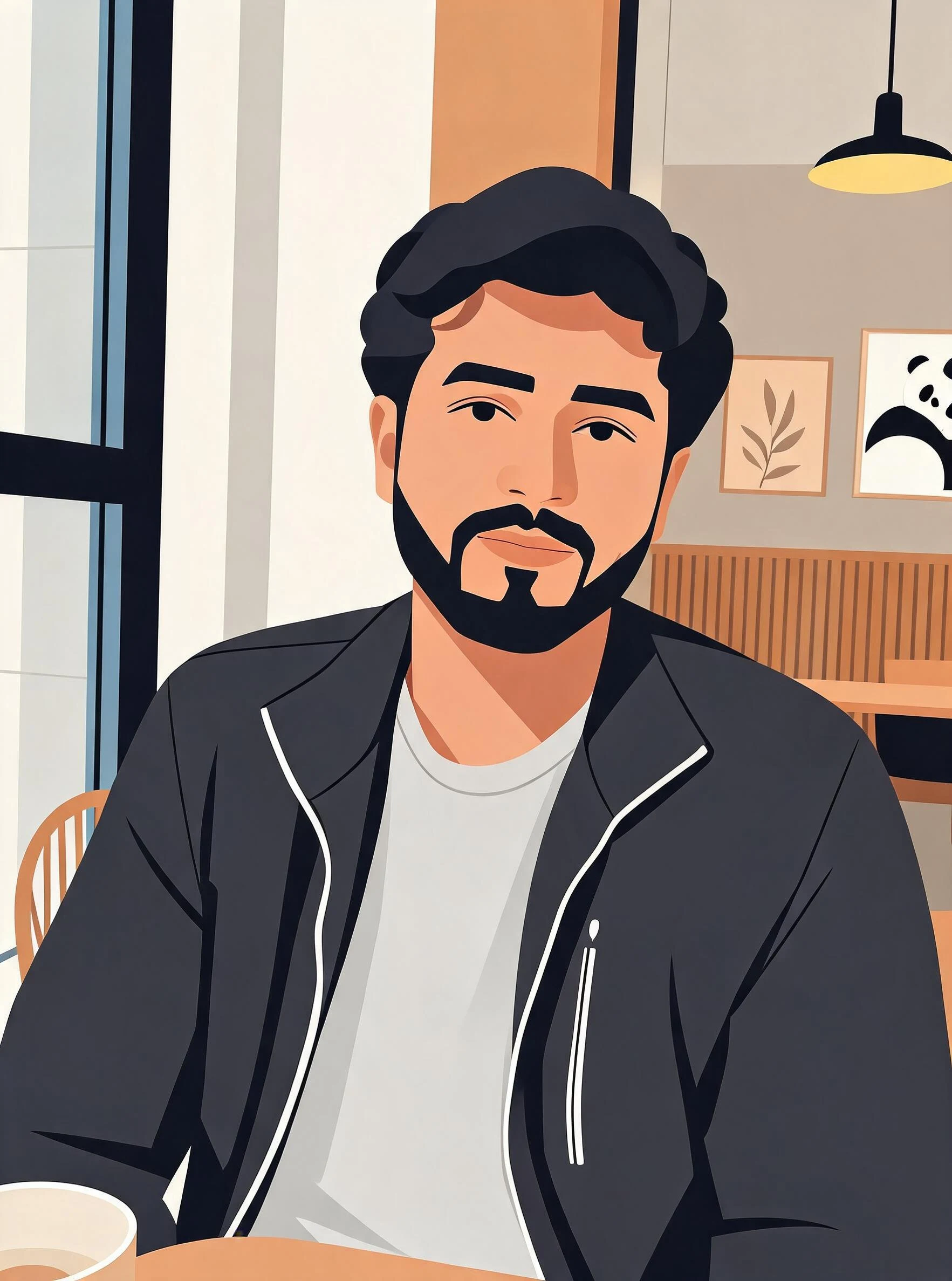 After
After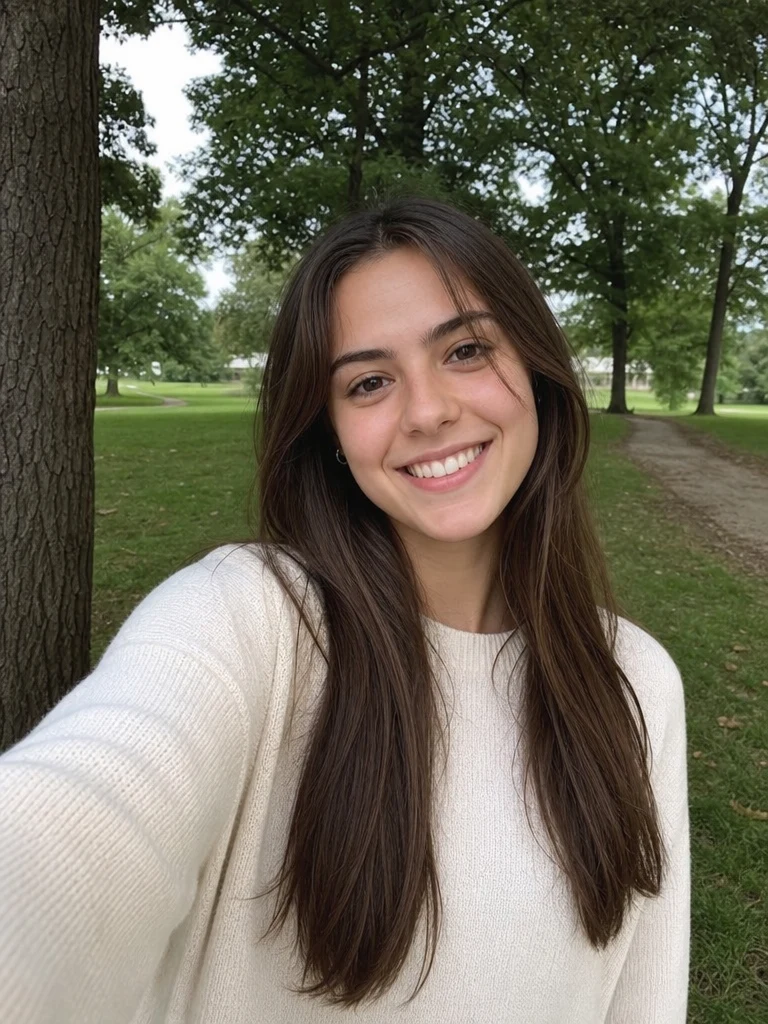 Before
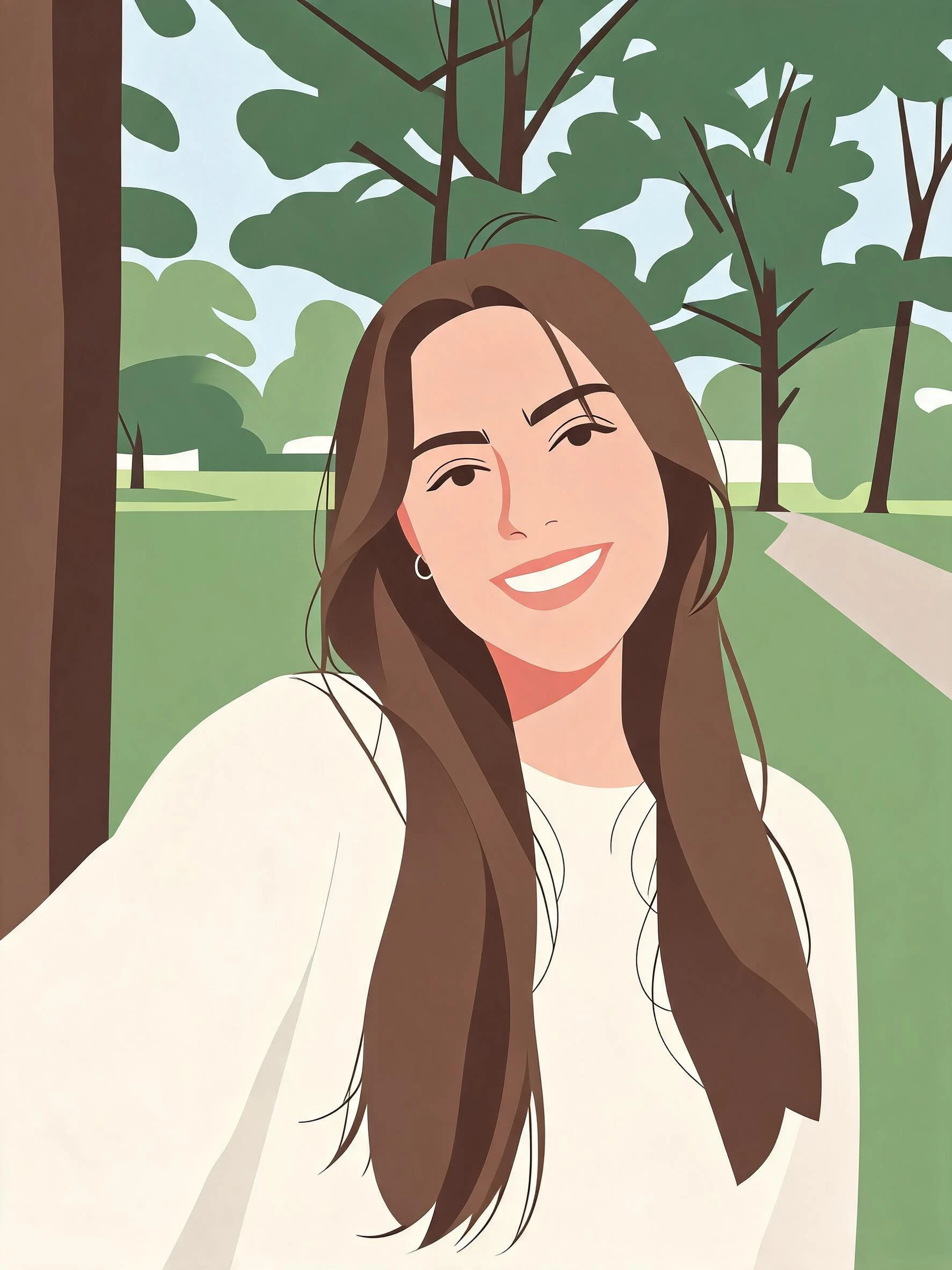 After
After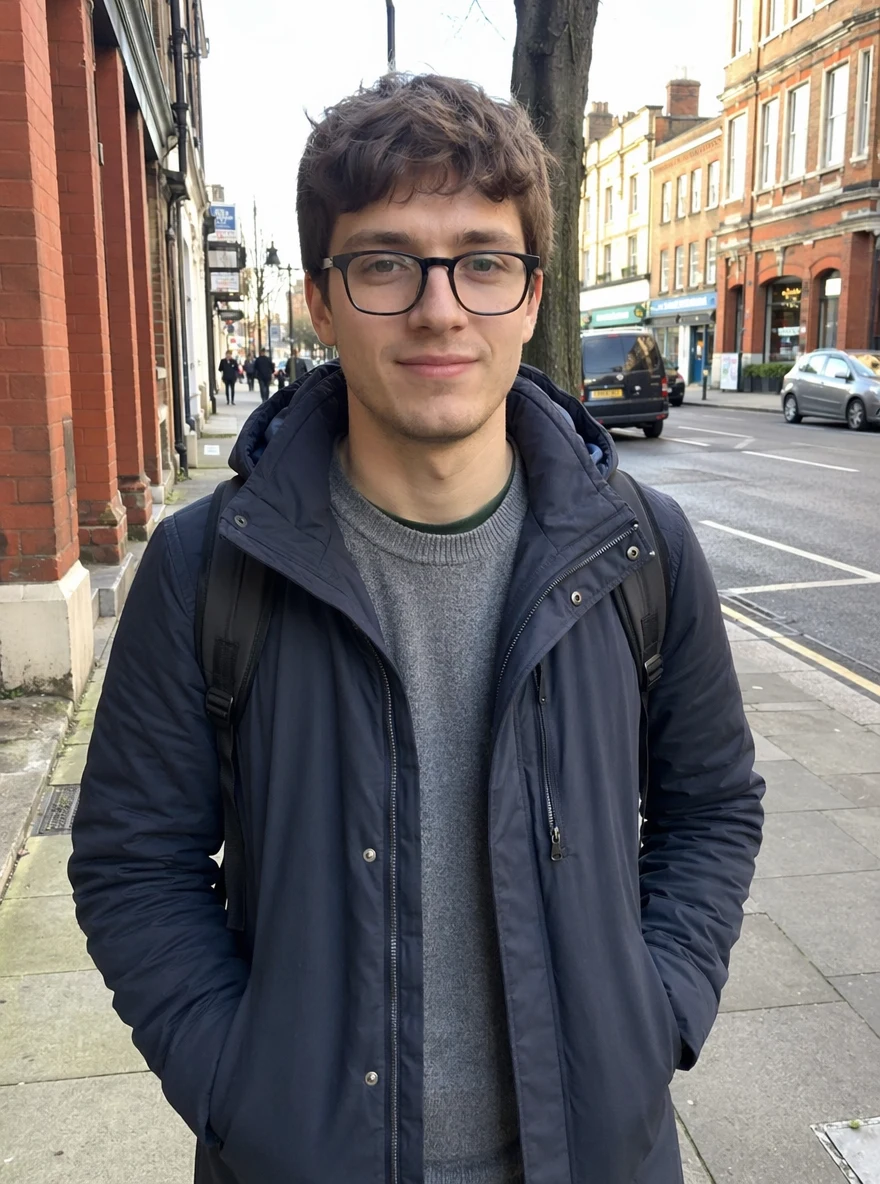 Before
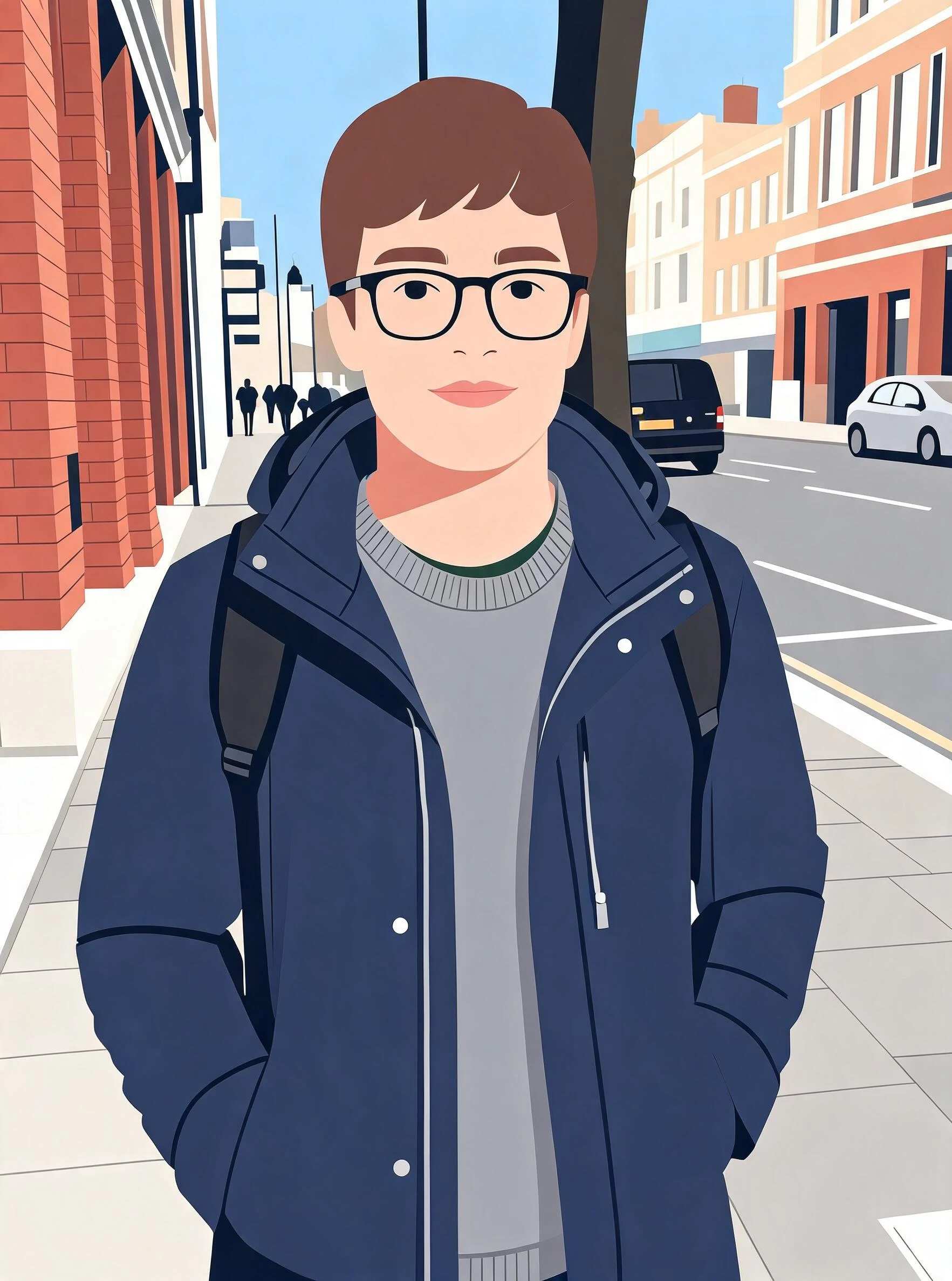 After
AfterMan Beard Cafe
How to make AI vector art
Three steps, right in your browser.
Upload your photo
Drag in or select the image you want to restyle — a portrait, a pet, a landmark, or a product. Photos with a clear subject and good contrast convert into the cleanest shapes. Your photo is used only to make your result.
Pick a vector style
Sign in for your 10 free credits, then choose a look: flat vector art for clean illustration, minimal design for a stripped-back graphic, or a Bauhaus poster for bold geometric shapes. The AI simplifies your image into flat color blocks and smooth edges that read like a real illustration.
Download and use it
Preview your artwork, then download it at full resolution with no watermark. Drop it into a poster, use it as a profile picture, print it, or hand it off as a graphic asset for your project.
What you can make
Popular ways people use the vector art generator.
Posters & wall prints
Turn a favorite photo into flat, graphic art with bold shapes and clean color, then print it as a poster or framed piece that looks designed rather than snapshotted.
Avatars & profile pictures
Redraw a portrait as a minimalist illustration for a profile picture that stands out from the crowd of photos and reads clearly even at a small size.
Bold Bauhaus posters
Rebuild an image with strong geometric shapes and flat, primary-leaning color for a striking Bauhaus-style poster with real graphic punch.
Social & brand graphics
Convert product shots or portraits into clean flat-color illustrations that fit a consistent brand look across posts, banners, and headers.
Merch & sticker designs
Flat vector art with solid shapes reproduces cleanly on t-shirts, stickers, and mugs, so a photo becomes a print-ready graphic without the messy detail.
Style experiments
Run one photo through flat minimal, minimal design, and a Bauhaus poster to compare the looks side by side and pick the one that fits your project.
Why use SharkFoto's vector art generator
Clean flat shapes and color
The AI rebuilds your photo as smooth edges and solid blocks of flat color, dropping the photographic noise and gradients so the result reads like a deliberate illustration, not a filtered snapshot.
Multiple vector-style looks
Choose flat vector art, a stripped-back minimal design, or a bold geometric Bauhaus poster — a range of modern graphic-design styles from one tool, all from a single image.
Works from one photo
No design software and no drawing skills required. A single clear image is enough for the AI to render a polished, illustration-style graphic.
10 free credits, no watermark
Sign up free and get 10 credits to start creating. Your download comes at full resolution with no watermark, so it's clean enough to print, post, or use in a project.
Tips for the best results
Start from a photo with a clear subject — vector art works by simplifying, so an image with one strong subject converts into cleaner shapes than a cluttered, busy scene.
Pick photos with good contrast — distinct light and dark areas help the AI separate forms into crisp color blocks instead of muddy, blended shapes.
Avoid overly detailed backgrounds — fine background texture competes with the subject and can clutter the flat, minimalist look you're after.
Use even, natural lighting — harsh shadows and blown-out highlights flatten detail unevenly and can distort how the shapes are drawn.
Use the highest-resolution photo you have — low-res or heavily compressed images limit how clean and sharp the final vector edges can be.
Frequently asked questions
Is the AI vector art generator really free?
What kind of photo works best?
Do I get an image or a video?
Is the download an editable vector file like SVG?
How long does it take?
Is my photo safe and private?
Can I use the result commercially?
Related AI effects
More ways to restyle your photos.