AI Comic Book Filter
Turn any photo into comic book art in seconds. SharkFoto's AI comic book filter redraws the person in your picture with bold ink outlines, cel shading, and Ben-Day halftone dots, so a single selfie becomes a page straight out of a graphic novel. Pick a look — classic color comic, gritty black-and-white ink, pop-art halftone, or a four-panel strip. Sign up free to get 10 credits, choose your comic style, and download the result — with no watermark — ready to post or print.
 PopularAI Comic Book Filter
What is an AI comic book filter?
An AI comic book filter is a photo effect that redraws your picture in the style of a printed comic — bold black ink outlines, flat cel shading, and dotted halftone shading in place of smooth gradients. You upload a photo, pick a comic look, and download a high-resolution image that reads like a hand-inked panel rather than a snapshot.
All AI Comic Book Filter Effects
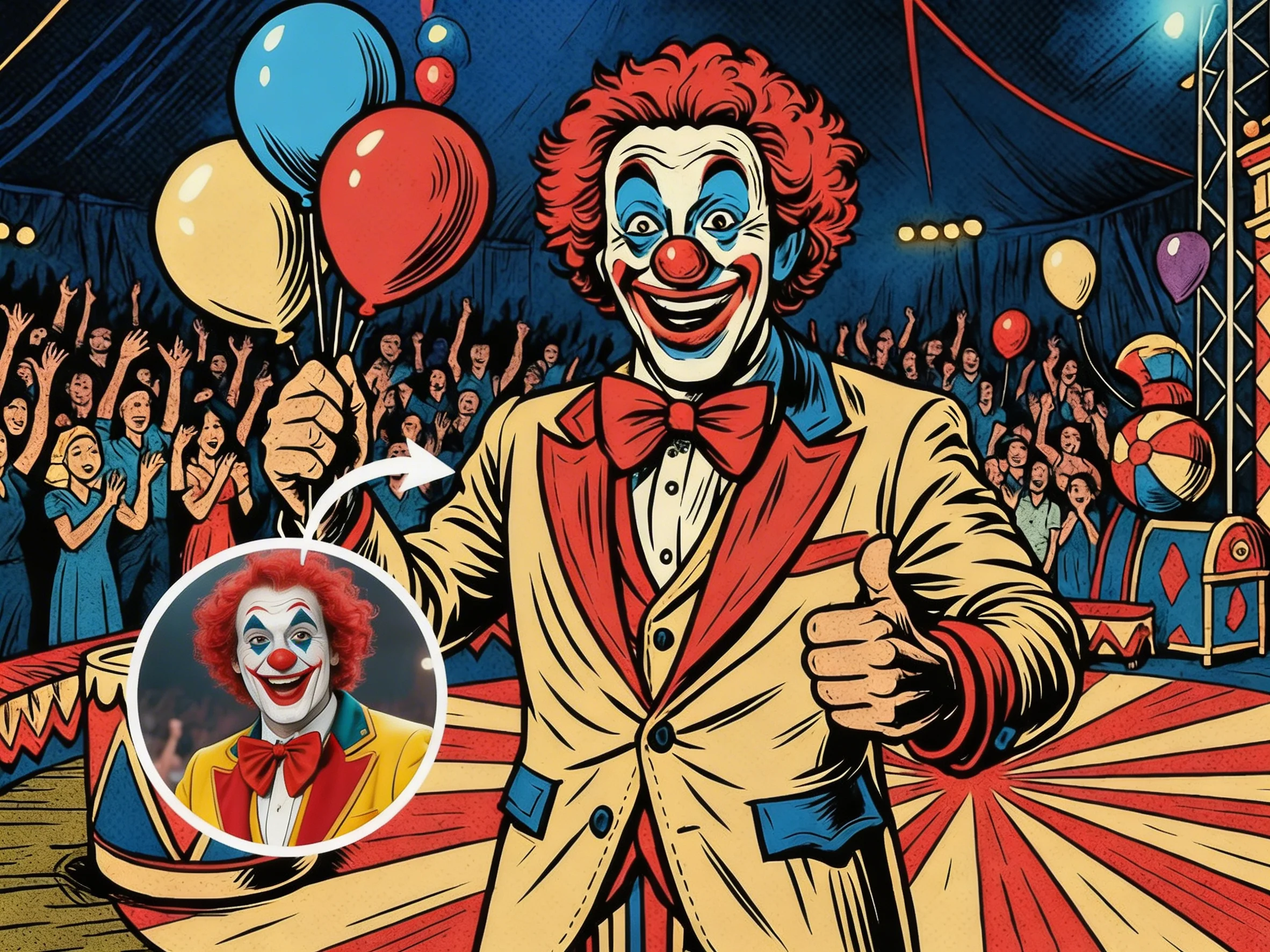
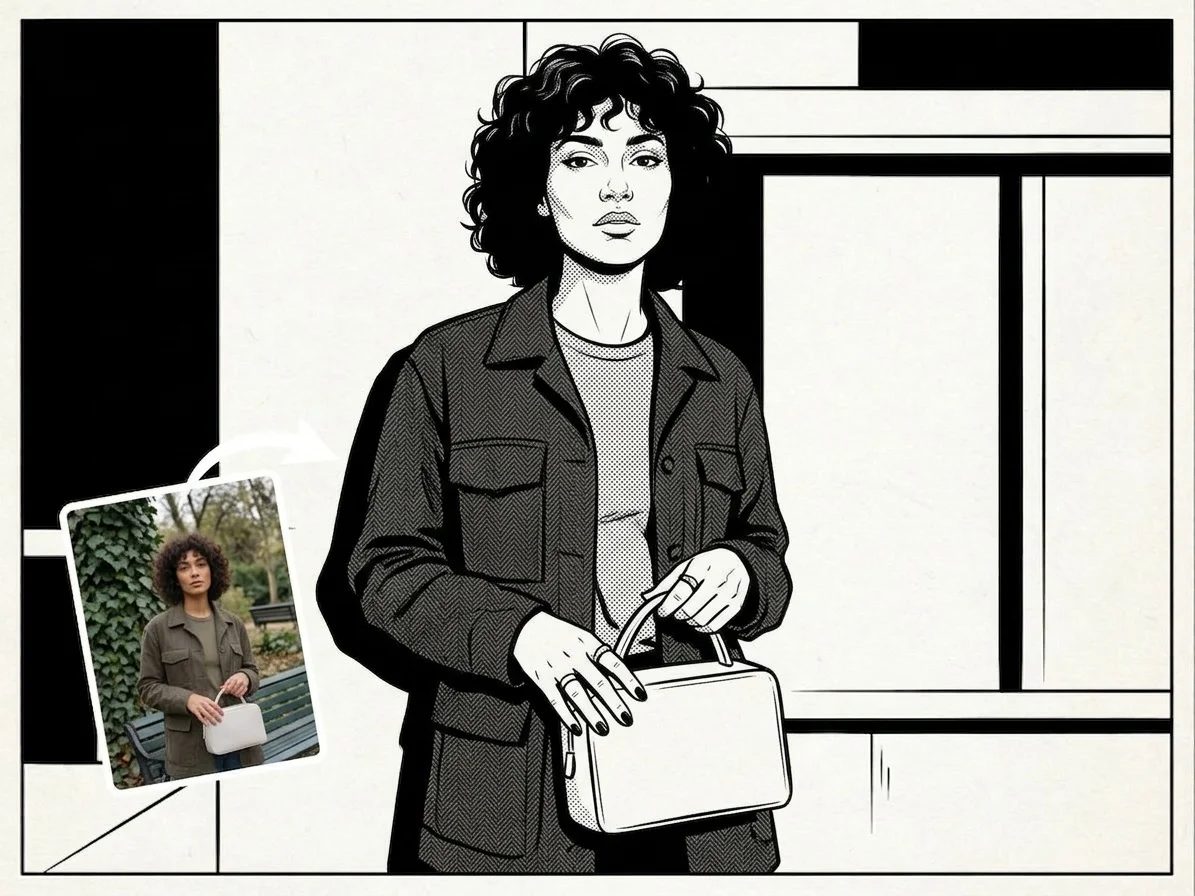
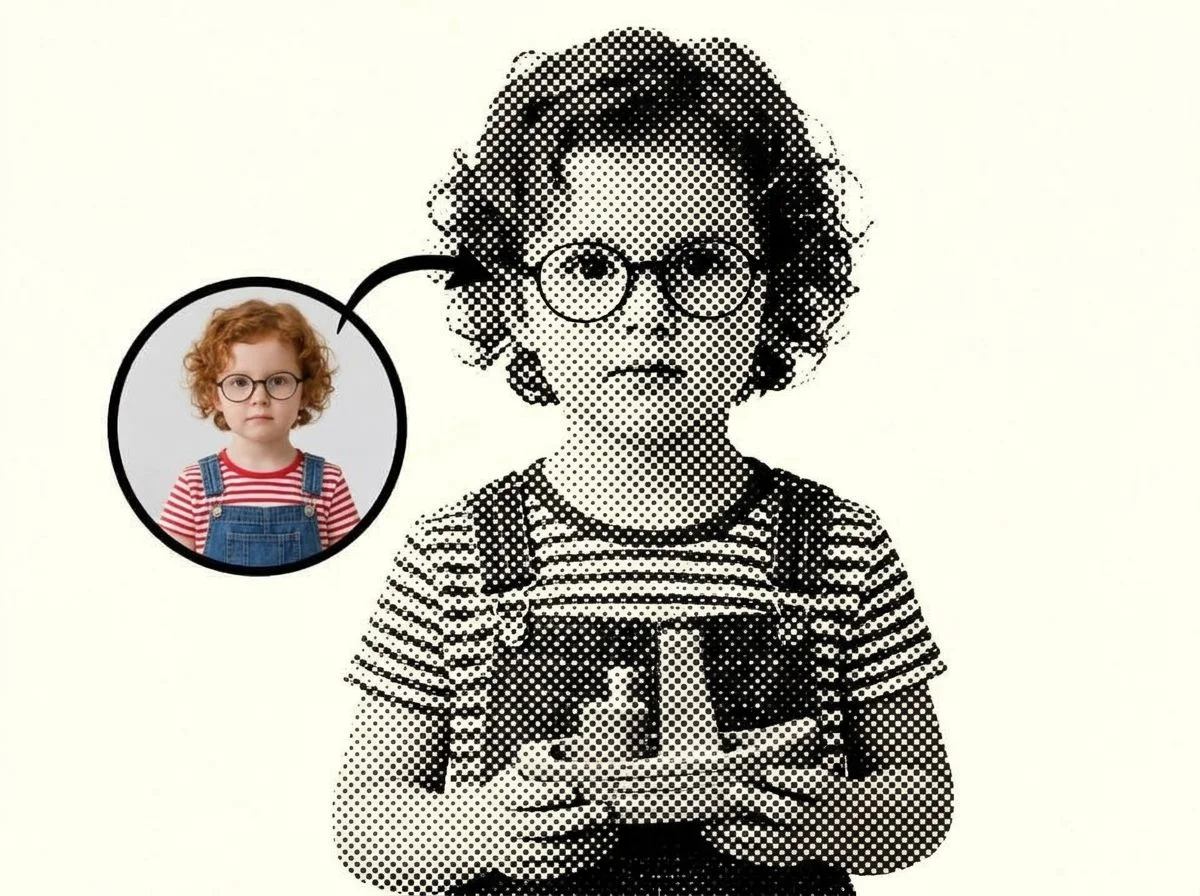
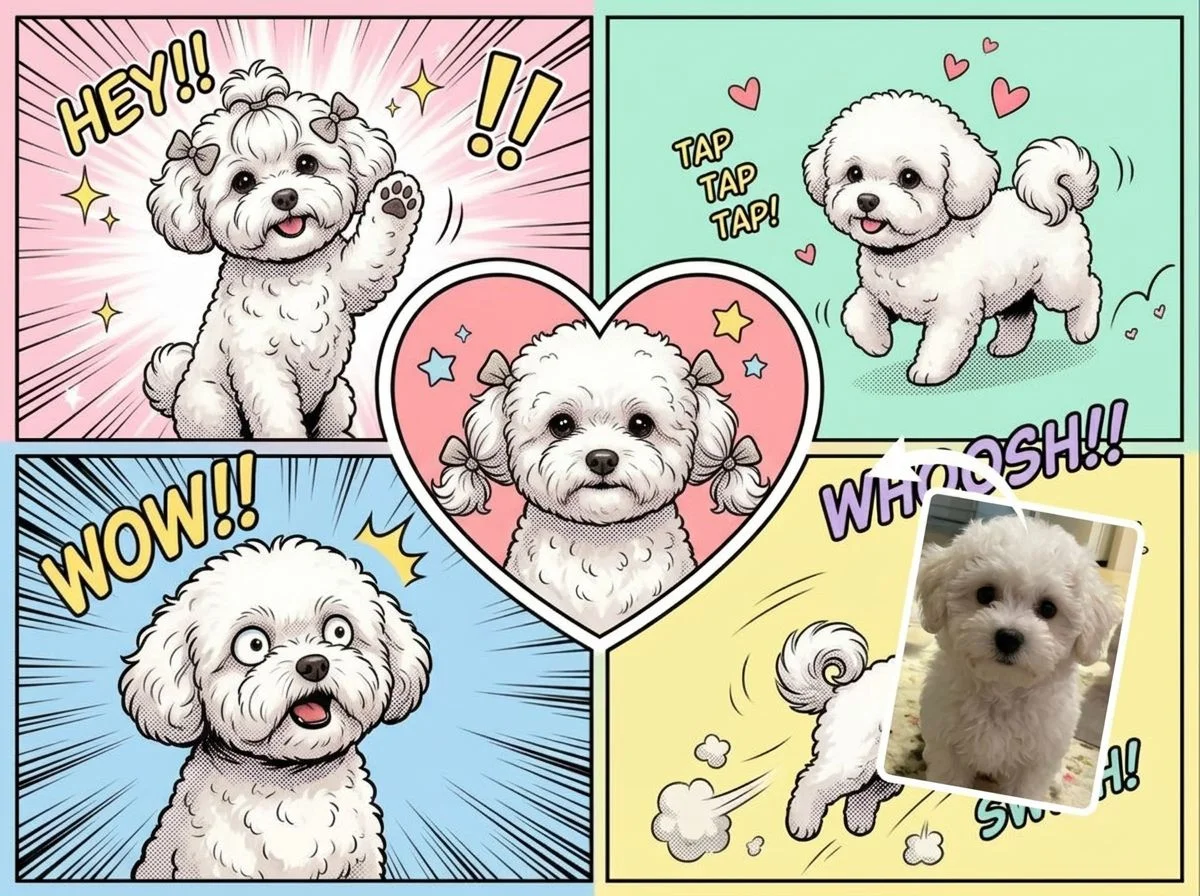
Four comic book styles — full-color panels, black-and-white ink, pop-art halftone, and a four-panel strip. Pick one to start.
Before & after
An everyday photo, turned into a comic-book panel.
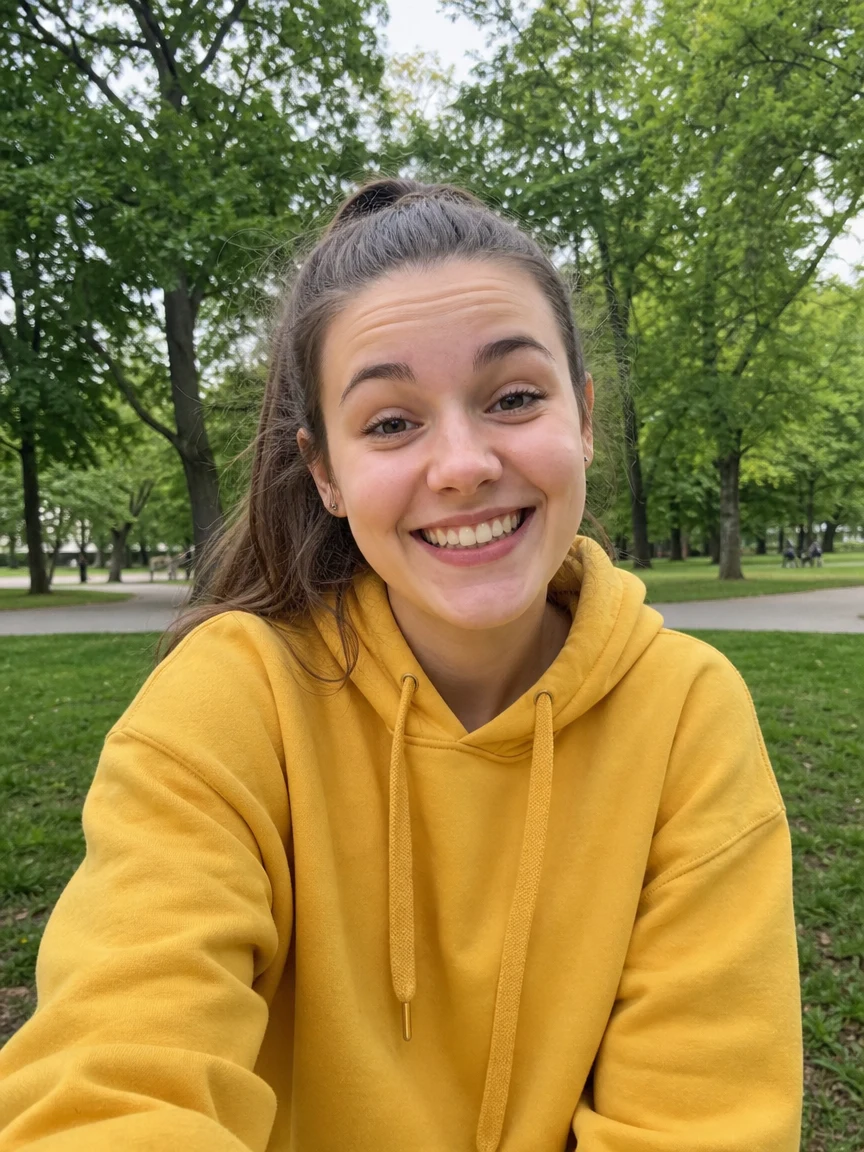 Before
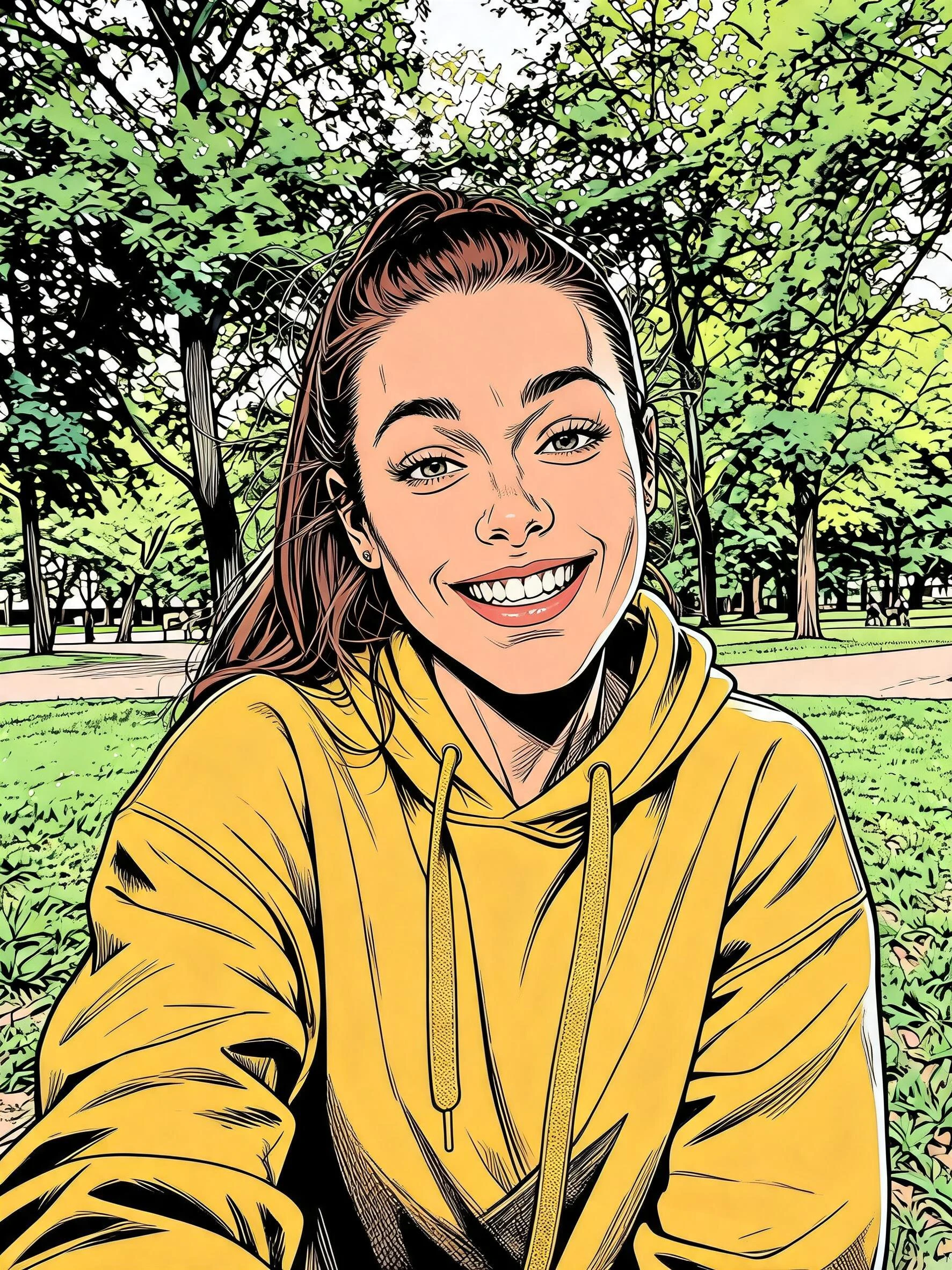 After
After Before
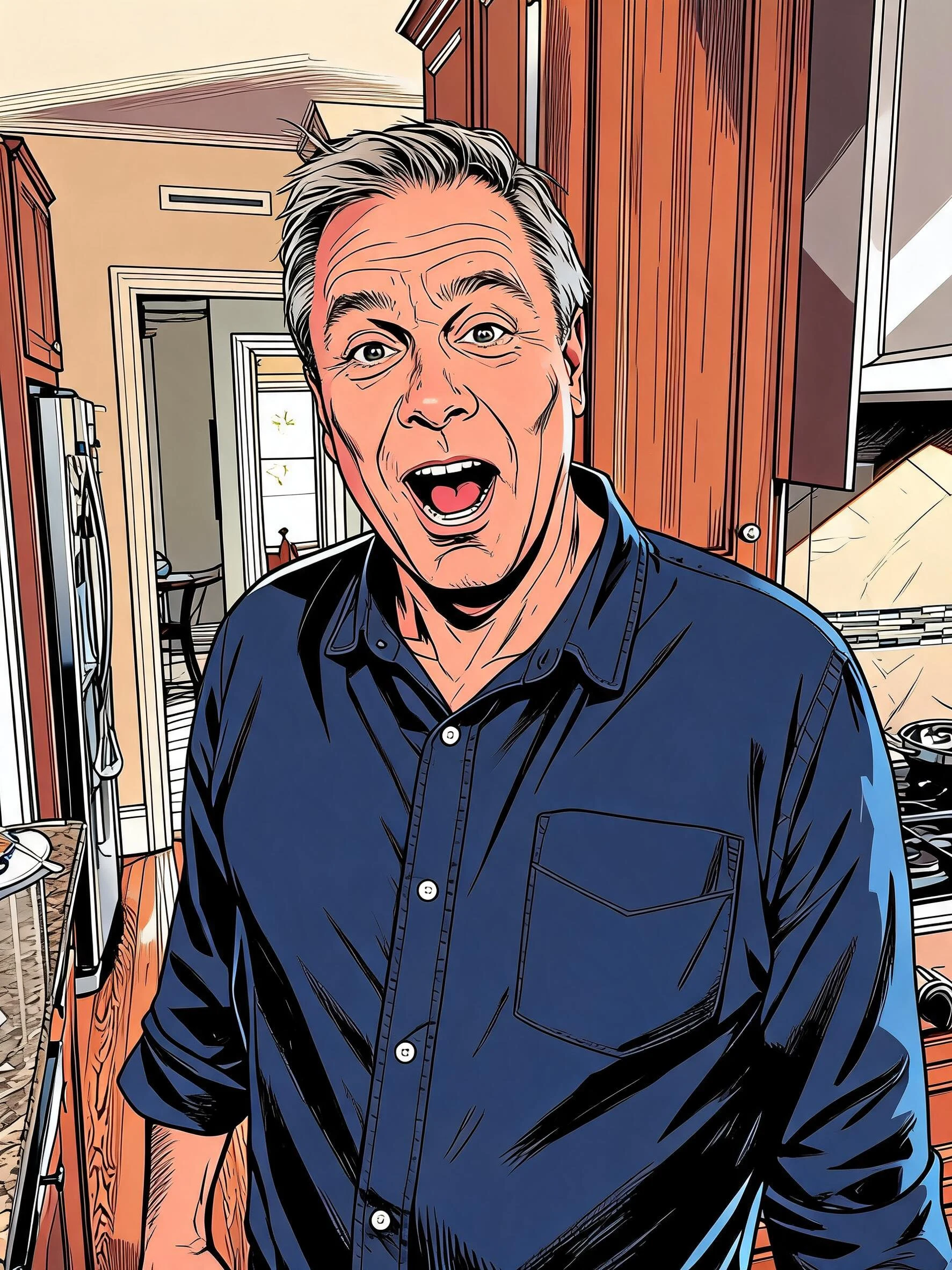 After
After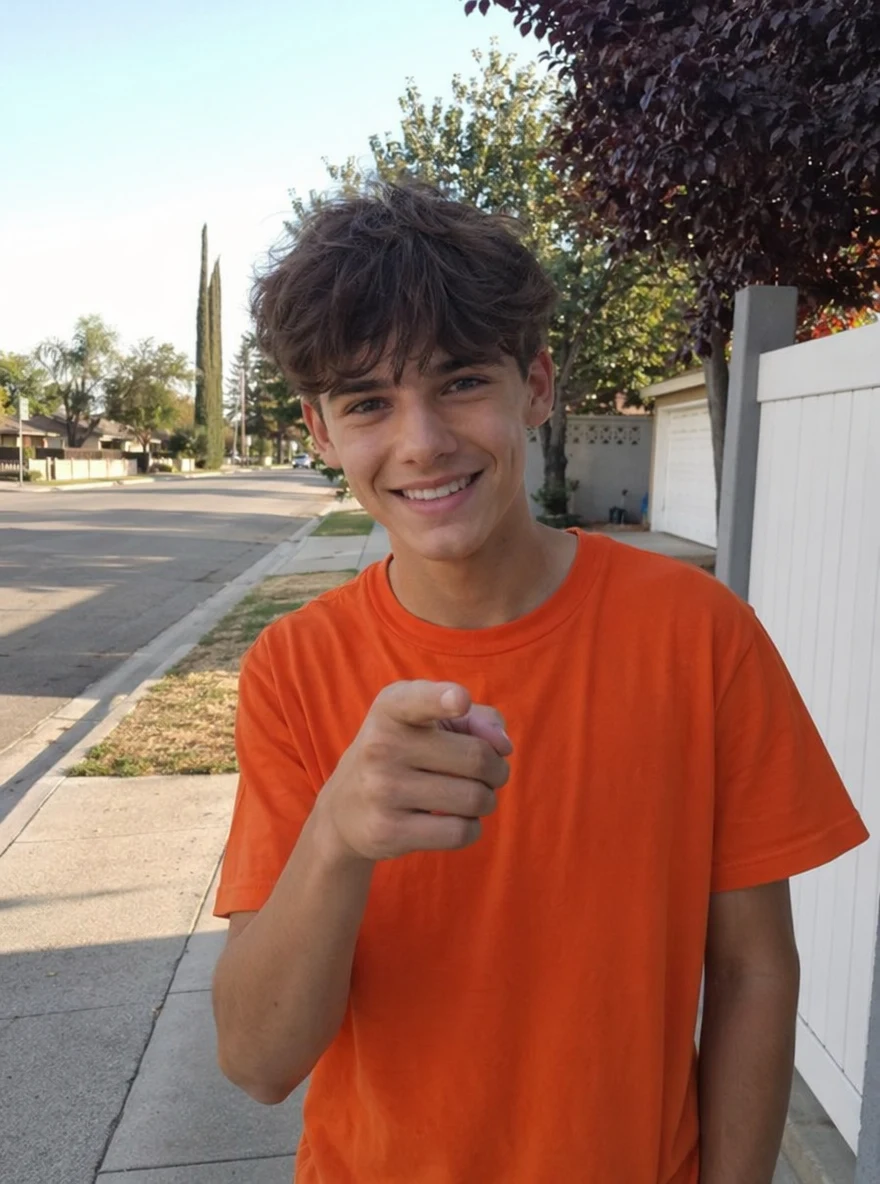 Before
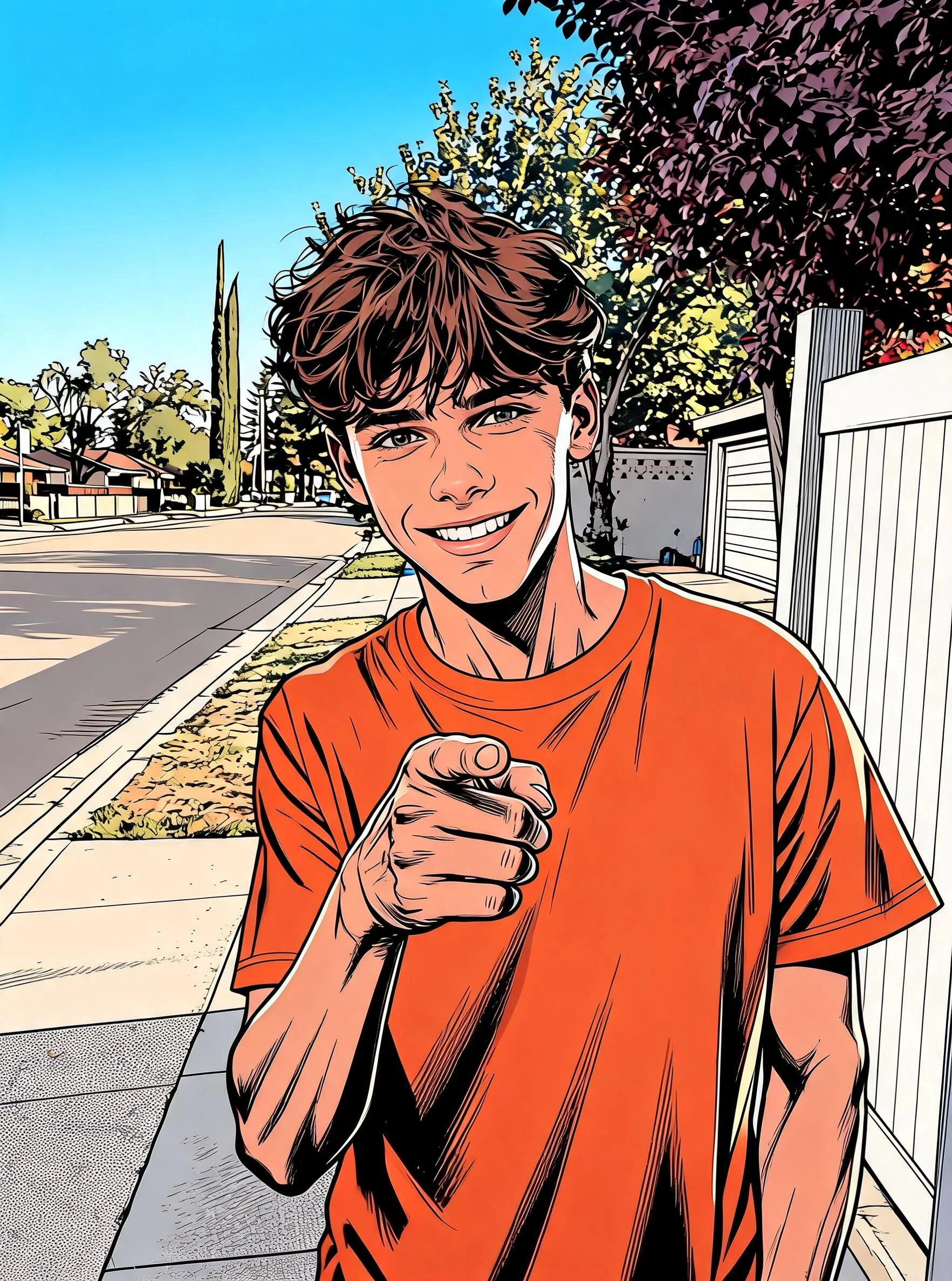 After
AfterWoman Yellow Park
How to make an AI comic book filter photo
Three steps, right in your browser.
Upload your photo
Drag in or select a clear photo of the person you want to comic-ify. A well-lit shot where the face and expression are visible gives the AI the most to ink. Your photo is used only to make your result.
Pick a comic style
Sign in for your 10 free credits, then choose a look — classic color comic, black-and-white ink, pop-art halftone, or a four-panel strip. The AI redraws your photo with comic outlines and shading while keeping your likeness and outfit.
Download and share
Preview your comic panel, then download it at full resolution with no watermark. Post it, set it as a profile picture, or print it as a poster, card, or sticker.
What you can make
Popular ways people use the comic book filter.
Comic-style profile pictures
Turn a selfie into a bold comic panel for a standout avatar on social, gaming, or chat apps — instantly recognizable and one of a kind.
Gifts & greeting cards
Make a comic version of a friend or family member for a birthday card, poster, or keepsake print they won't have seen before.
Fan art & original characters
Give yourself or your OC the graphic-novel treatment for fan projects, zines, or a character reference sheet.
Pop-art prints & posters
Use the halftone style to make retro pop-art wall art from a favorite photo, ready to print big.
Multi-panel storytelling
Lay a photo out as a four-panel strip to tell a quick visual story for a post, newsletter, or class project.
Creators & thumbnails
Give your channel or brand a comic-book identity for eye-catching thumbnails, banners, and merch mockups.
Styles to choose from
From full-color panels to inky black-and-white — pick the comic look that fits.
Classic color comic
Bold outlines and flat cel-shaded color, the everyday superhero-comic look.
Black-and-white ink
High-contrast ink and hatching for a gritty graphic-novel or manga feel.
Pop-art halftone
Retro Ben-Day dot shading and punchy color in the retro pop-art comic tradition.
Four-panel strip
Your photo laid out as a multi-panel comic strip, like a page from a book.
Why use SharkFoto's comic book filter
Authentic comic inking
The AI adds real comic craft — bold black outlines, flat cel shading, and dotted halftone tones — so the result reads like a hand-inked panel, not a one-click photo filter slapped over your picture.
Multiple comic styles
Switch between full-color superhero comics, gritty black-and-white ink, retro pop-art halftone, and a four-panel strip layout, so you can match the mood of any post or print.
Keeps your likeness
One clear photo is enough. The filter restyles your face, hair, and outfit into comic linework while keeping you recognizable, so it still looks like you on the page.
10 free credits, no watermark
Sign up free and get 10 credits to start comic-ifying photos. Your download comes at full resolution with no watermark, clean enough to post, print, or gift.
Tips for the best results
Use a clear, front-facing photo — the AI inks facial features from what it can see, so a visible face gives the sharpest outlines.
Pick a photo with a strong expression or pose — comics thrive on drama, and a bold expression translates into a more dynamic panel.
Start from good, even lighting — clear light-and-shadow separation helps the filter place ink lines and halftone shading well.
Keep the background simple — busy backdrops turn into cluttered linework; a clean background keeps the focus on the subject.
Use the highest-resolution photo you have — sharp source images keep the outlines and halftone dots crisp when you print large.
Frequently asked questions
Is the AI comic book filter really free?
What kind of photo works best?
Do I get an image or a video?
What comic styles can I choose from?
How long does it take?
Is my photo safe and private?
Can I use my comic image commercially?
What if it doesn't look like me?
Related AI effects
More AI photo styles to try.